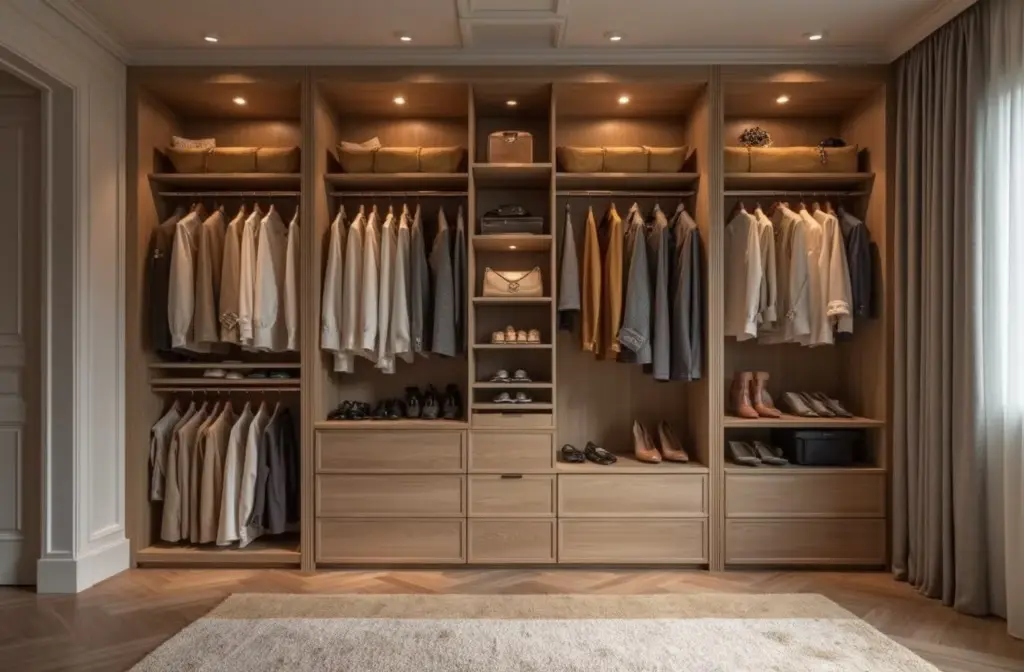
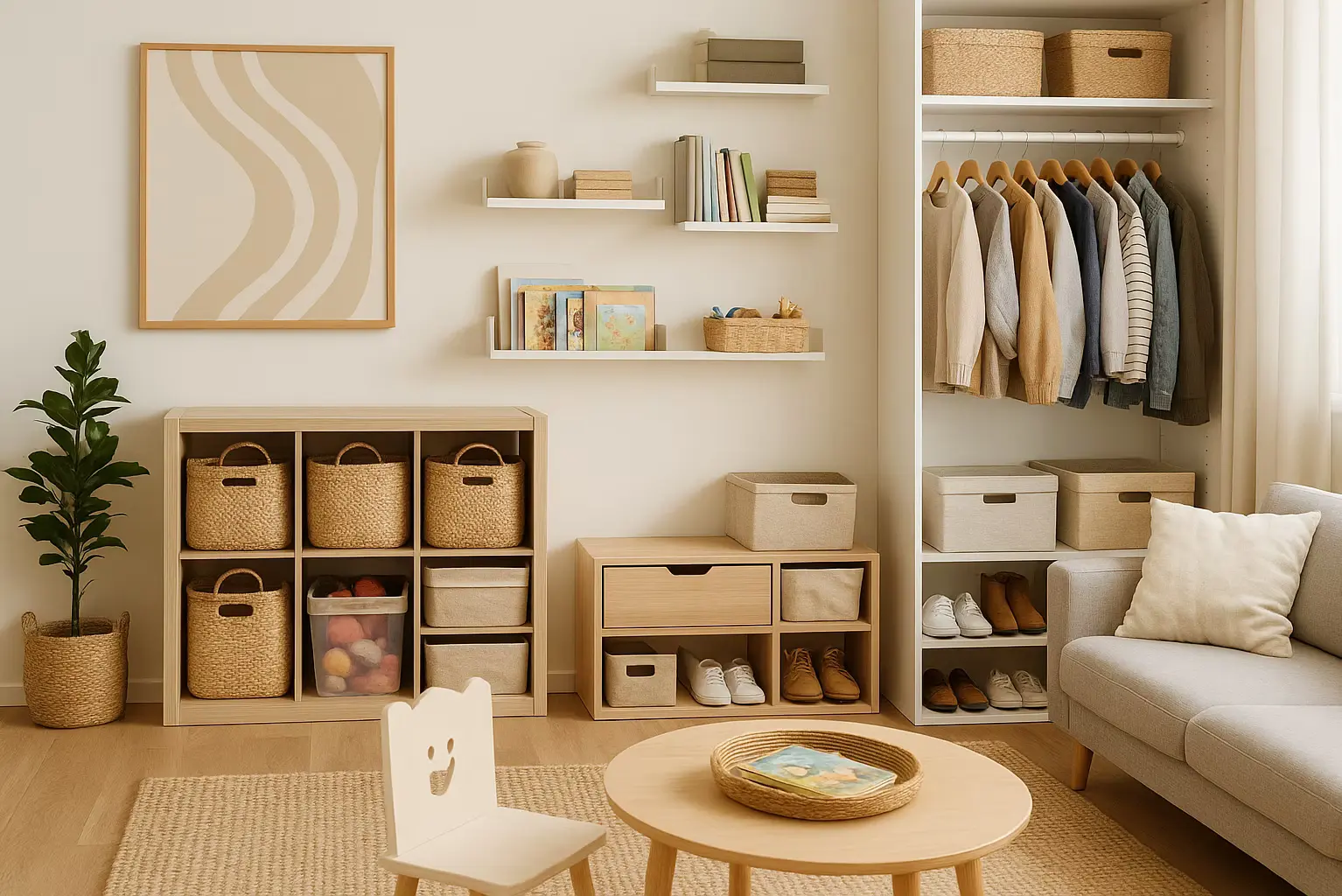
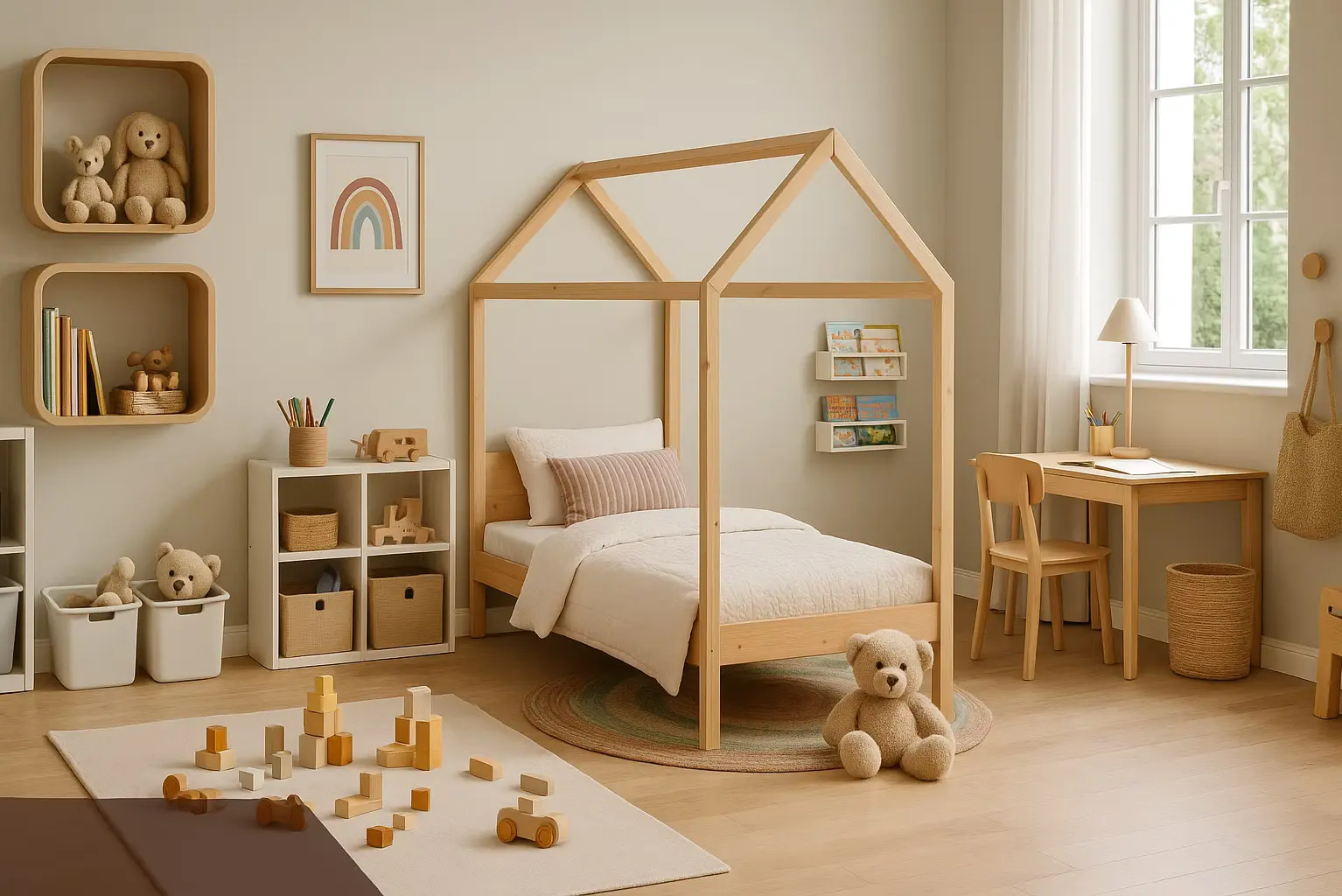
Perfect Layout = Perfect Life? These 8 Steps Say Yes

From zoning and ergonomics to furniture fit, storage, circulation, and lighting — we break down every step for designing a home that feels as good as it looks. Learn how to test your ideas in Home Planner and export a full layout package with 2D plans, 3D views, and a shopping list. Avoid awkward layouts and design a space that truly works for you and your family.
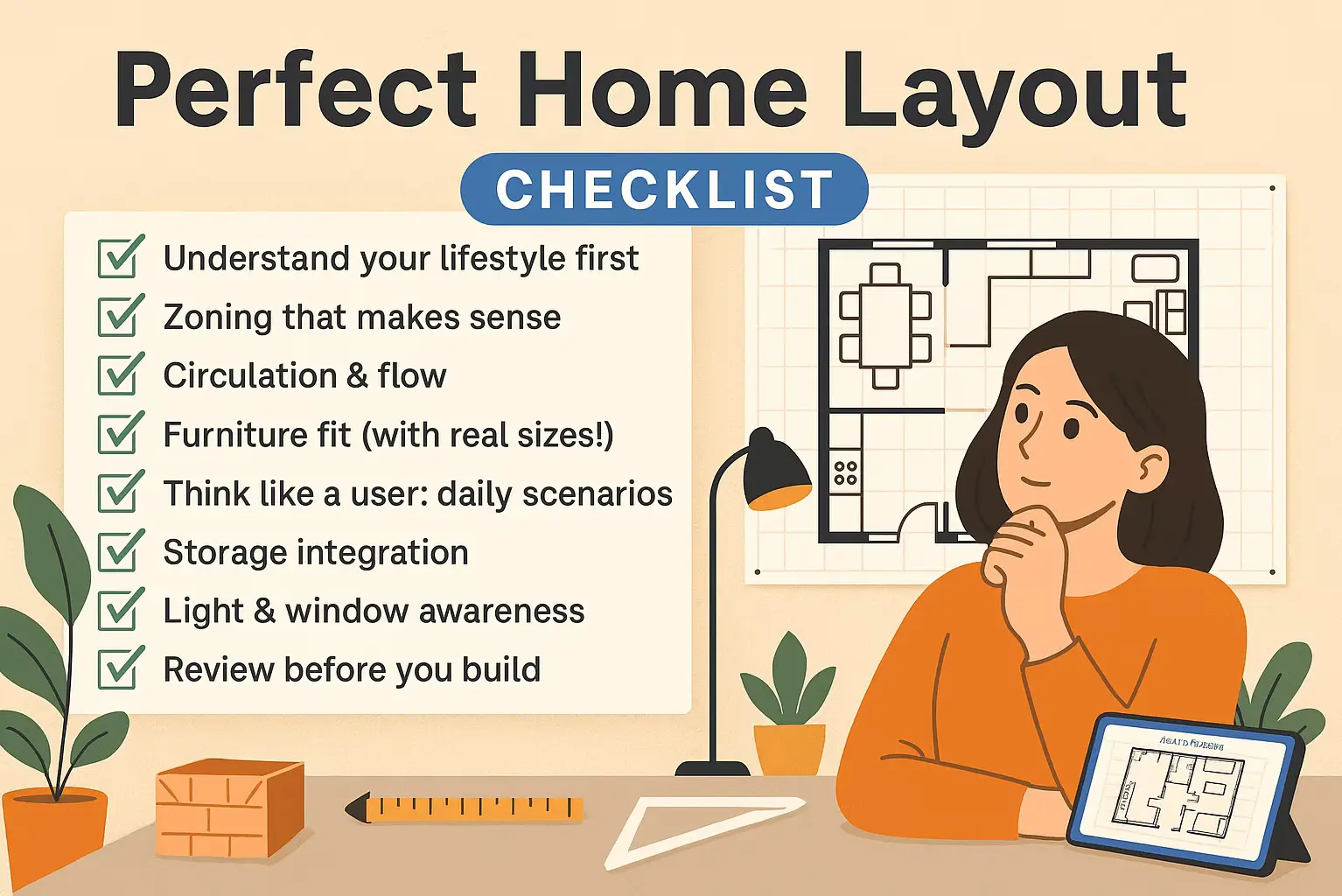
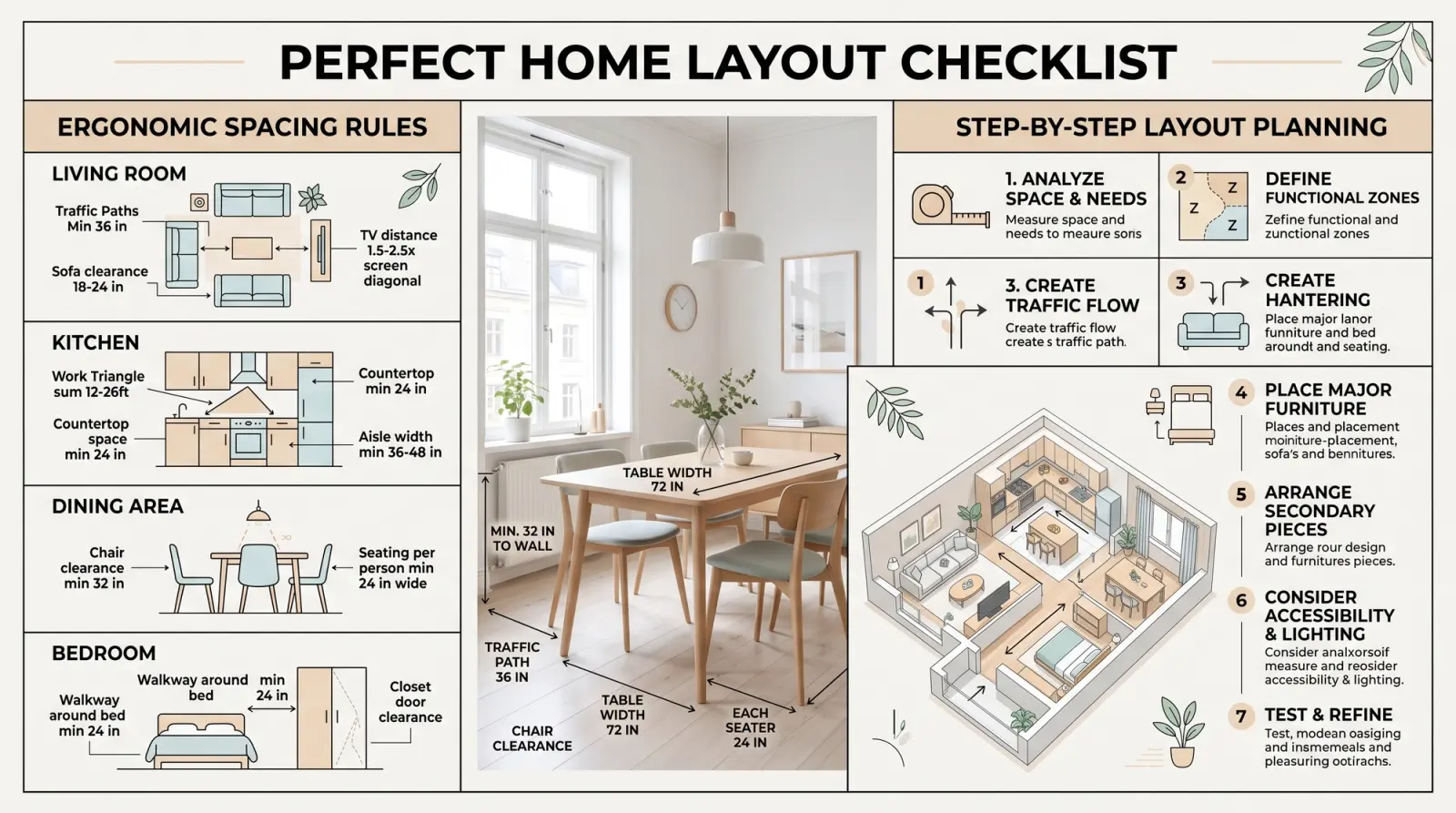
Perfect Home Layout Checklist
Want a home that just feels right? This expert-approved checklist helps you create a smart, functional floor plan tailored to real-life routines.
1. Understand Your Lifestyle First
Before you draw a single wall — ask:
- How many people will live here? Are there kids, pets, guests?
- What’s your daily rhythm? Do you cook often? Work from home? Host friends?
- Do you need noise separation between zones (e.g. bedroom and living)?
- How much storage do you realistically need?
- What kind of furniture do you already own (and plan to keep)?
2. Zoning That Makes Sense
- Private zone (bedrooms, bathrooms) — quiet, separate from entrance
- Public zone (living room, kitchen, dining) — social and open
- Buffer zones: hallways, entry, utility — transition spaces
- Place rooms by logic:
- Kitchen near entrance (for groceries)
- Bathroom near bedrooms (but not facing kitchen)
- Home office away from noise
- Use Home Planner to try and test zoning in 2D/3D
3. Circulation & Flow — Ergonomic Rules
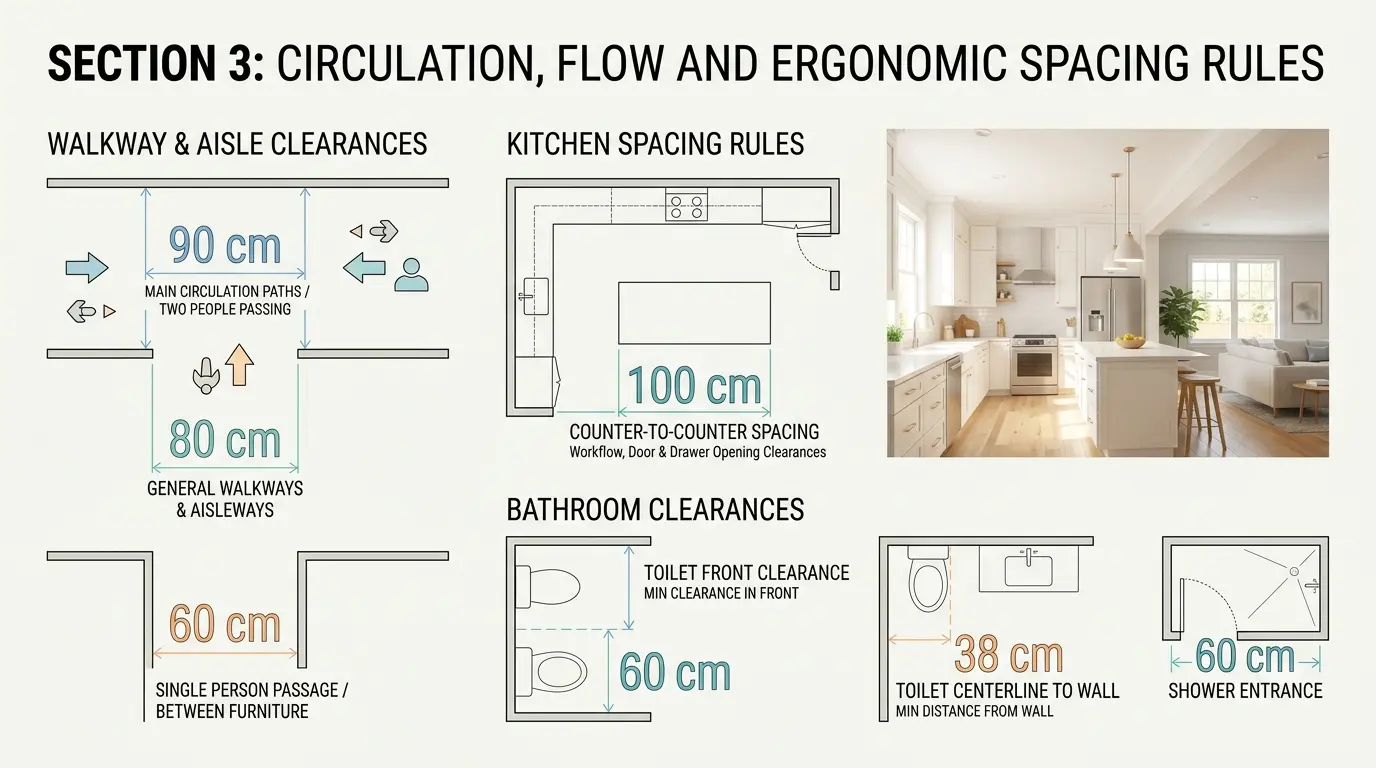
Proper flow = fewer frustrations. Use these space standards:
Doorways & Walkways
- Interior door width: ≥ 80 cm (32 in)
- Hallway or passage width: 90–100 cm (35–40 in)
- Between furniture and walls: ≥ 60 cm (24 in)
- Between dining table and wall: ≥ 90 cm (35 in) for chairs
- Between bed and wall: ≥ 70–90 cm (28–35 in) on each side
Kitchen Layout
- Distance between countertops: ≥ 100 cm (40 in)
- Space in front of oven or dishwasher: ≥ 100 cm
- Sink ↔ stove ↔ fridge triangle = efficient movement
Bathroom Ergonomics
- Space in front of toilet: ≥ 60 cm
- Between sink and wall: ≥ 20 cm
- Around shower/bathtub: ≥ 70–90 cm for movement
4. Furniture Fit (With Real Sizes!)
- Place furniture with actual dimensions — avoid guessing
- Test full door swing and drawer opening in Home Planner
- Avoid placing furniture too close to windows or radiators
- Don’t overcrowd — leave “breathing space” between zones
5. Think Like a User: Daily Scenarios
Ask: what’s the path from waking up to leaving for work?
- Entry: bench or surface to drop keys and bags
- Morning routine: bathroom flow without bumping into family
- Cooking: pantry, fridge, and counter flow logically
- Laundry: dirty to washer to dry to fold to closet = smooth path
- Evening: relaxation zone, lighting, screens, quiet corners
Home Planner tip: Use “bird’s eye” and walk mode to test these flows
6. Storage Integration
- Built-ins > bulky furniture (where possible)
- Vertical storage = use wall height
- Add utility/storage zones near:
- Entry (coats, shoes)
- Kitchen (pantry)
- Bedroom (seasonal clothes, linens)
- Cleaning closet (vacuum, mop)
7. Light & Window Awareness
- Plan room functions based on sunlight (e.g., morning sun in kitchen, soft light in bedroom)
- Avoid blocking windows with furniture
- Add mirrors where natural light is weak
- Use translucent partitions to keep privacy without losing brightness
8. Review Before You Build
- Is your layout aligned with how you live — not just what looks good?
- Are passageways and rooms comfortably sized?
- Are noisy and quiet zones separated?
- Can every room be easily furnished — no awkward shapes?
- Do you love it on both the plan and in 3D preview?
Bonus Tip:
In Home Planner, you can create and test your layout in detail — walk through rooms in 3D mode to see how your home will feel in real life. Visualize room proportions, furniture placement, and zoning, and even generate 360° Photos for a more realistic experience. Perfect for fine-tuning your design before any work begins.
Try it on your own project
Free room planner and interior design app