Bathroom Planner: see your new bathroom in 3D before you remodel
Home Planner is a bathroom planner that helps you catch the wrong size on the plan, not when the tiles arrive: draw your room, place a real tub or shower, toilet and vanity, and try new tile on every wall in 3D.
4.6App Store · 300K+ ratings
On your phone too
Point the phone camera here to install, then scan your rooms
Downloads across all stores; countries where the App Store carries the app.
Plan your bathroom in four steps
1.
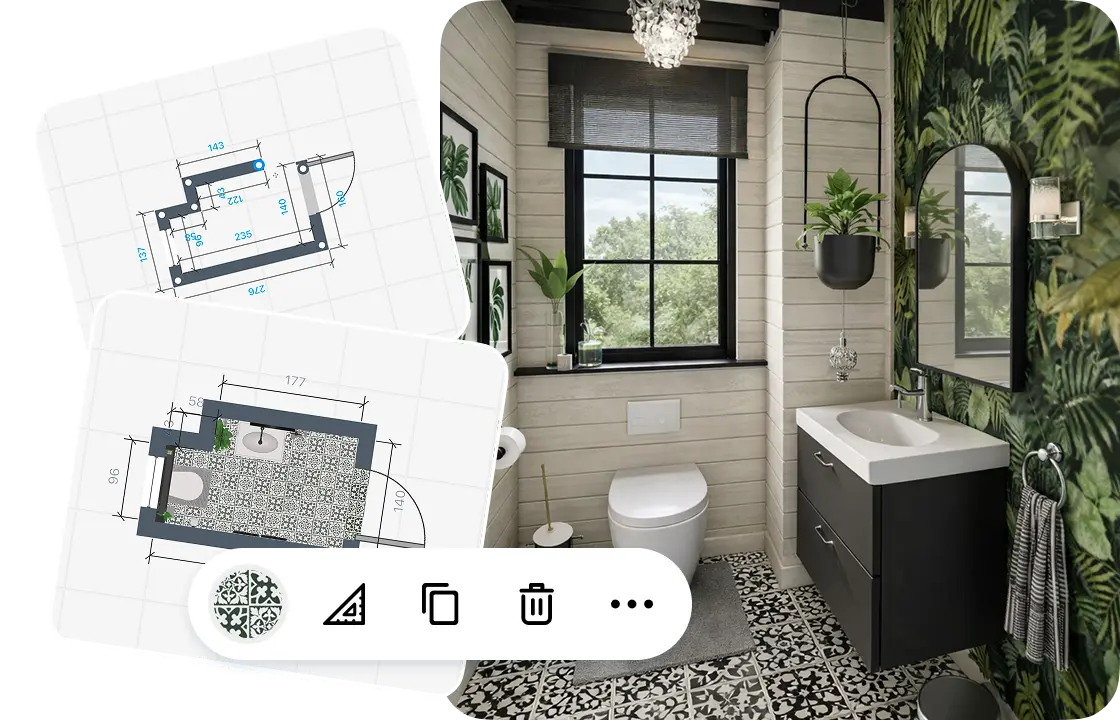
Draw or scan your bathroom
Draw the walls on a grid, or scan the room to see it in 3D. Add the door, the window and the ceiling height.
2.
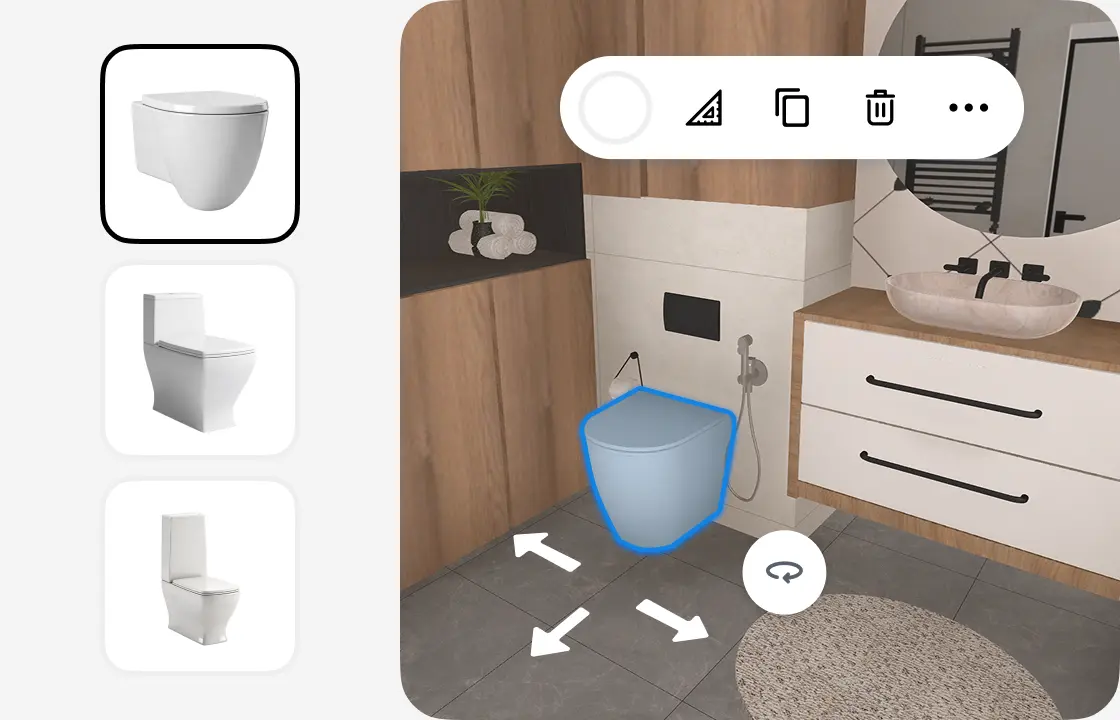
Add fixtures and storage
Place a tub or shower, a toilet and a vanity, then add mirrors, towel warmers and decor. Each item keeps its real size.
3.
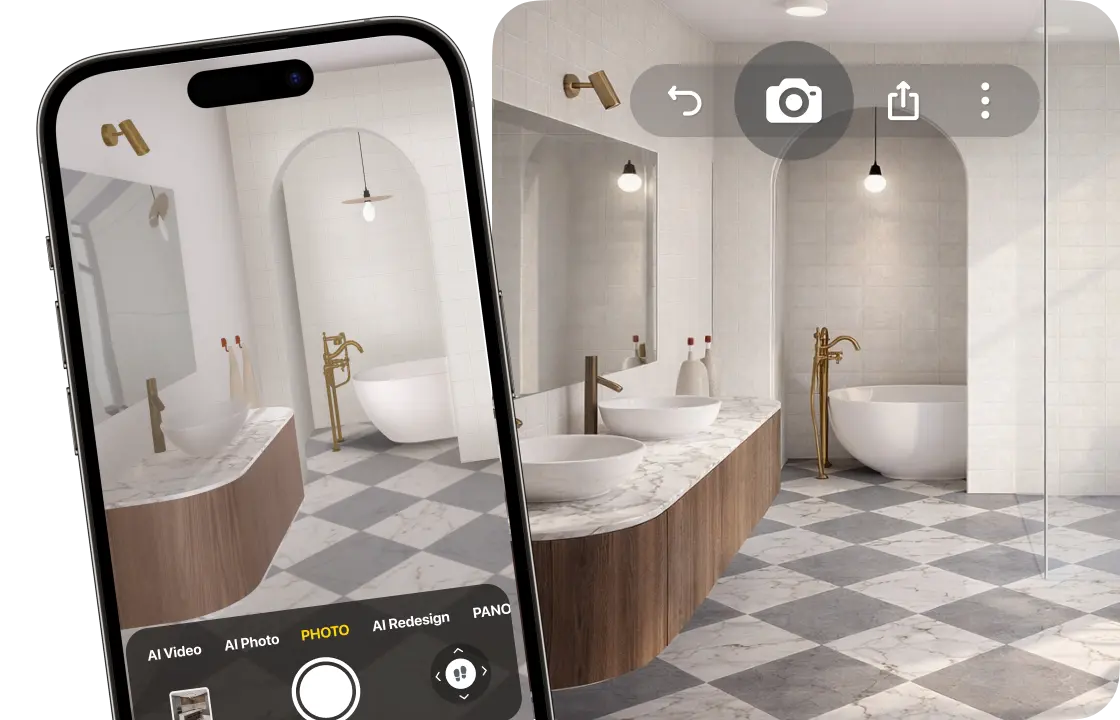
See it in 3D
Walk through your bathroom and make realistic renders, so you see how it will look before you buy.
4.
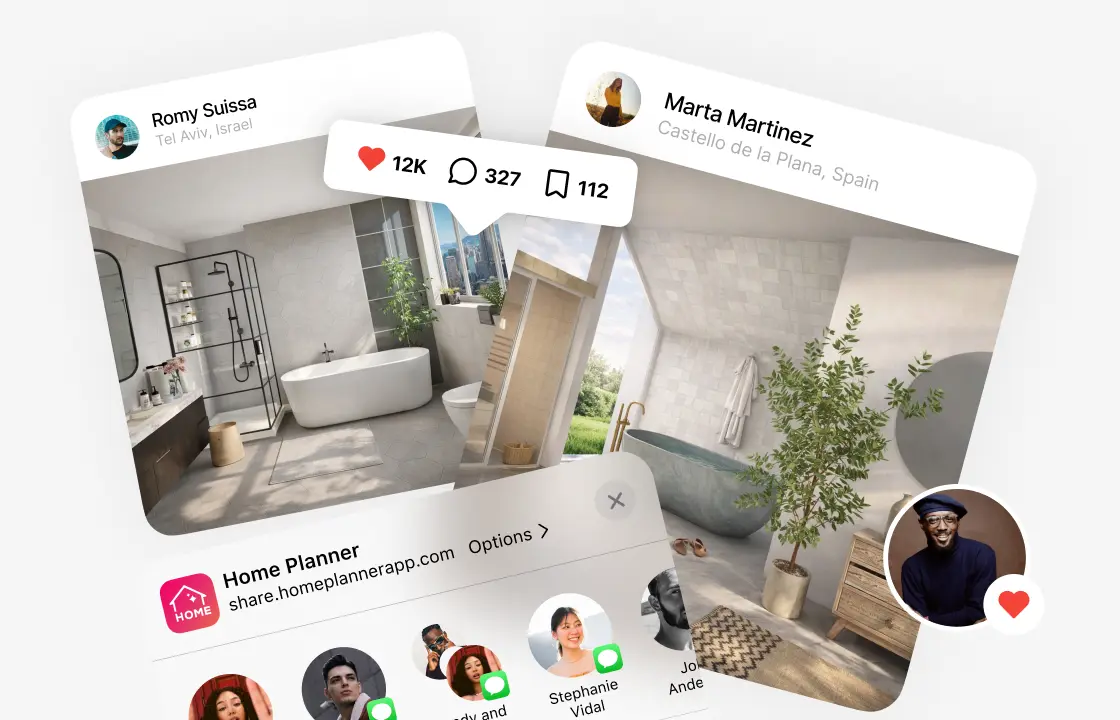
Share your plan
Send a link to your family or your contractor, or download a PDF with the plan, wall-by-wall views and a shopping list (free with a watermark).
1.
Draw or scan your bathroom
Draw the walls on a grid, or scan the room to see it in 3D. Add the door, the window and the ceiling height.
2.
Add fixtures and storage
Place a tub or shower, a toilet and a vanity, then add mirrors, towel warmers and decor. Each item keeps its real size.
3.
See it in 3D
Walk through your bathroom and make realistic renders, so you see how it will look before you buy.
4.
Share your plan
Send a link to your family or your contractor, or download a PDF with the plan, wall-by-wall views and a shopping list (free with a watermark).
Start from your real bathroom size
In a small bathroom every centimeter counts. Draw the room on the grid and furnish it, or scan it to see it in 3D at its real size.
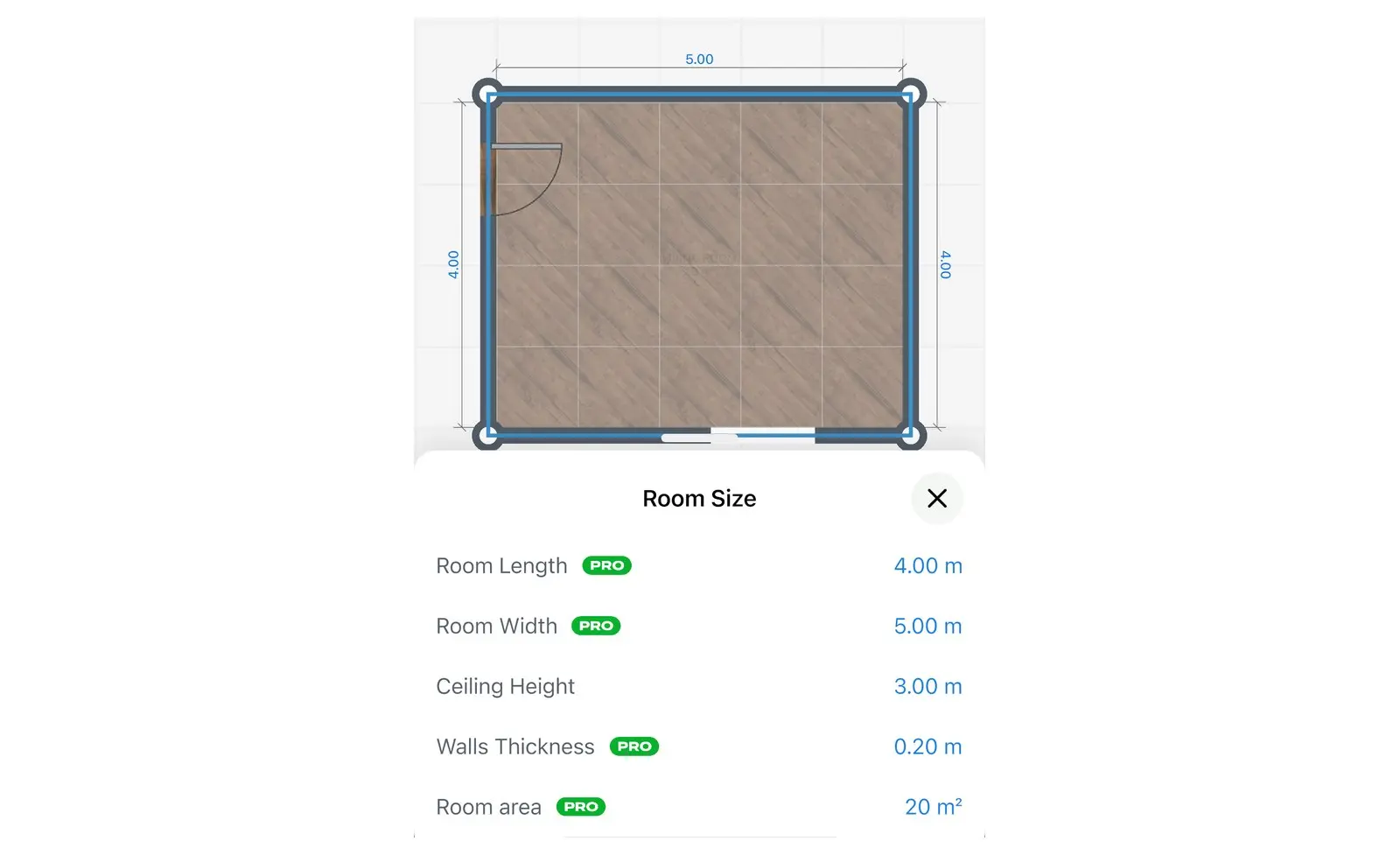
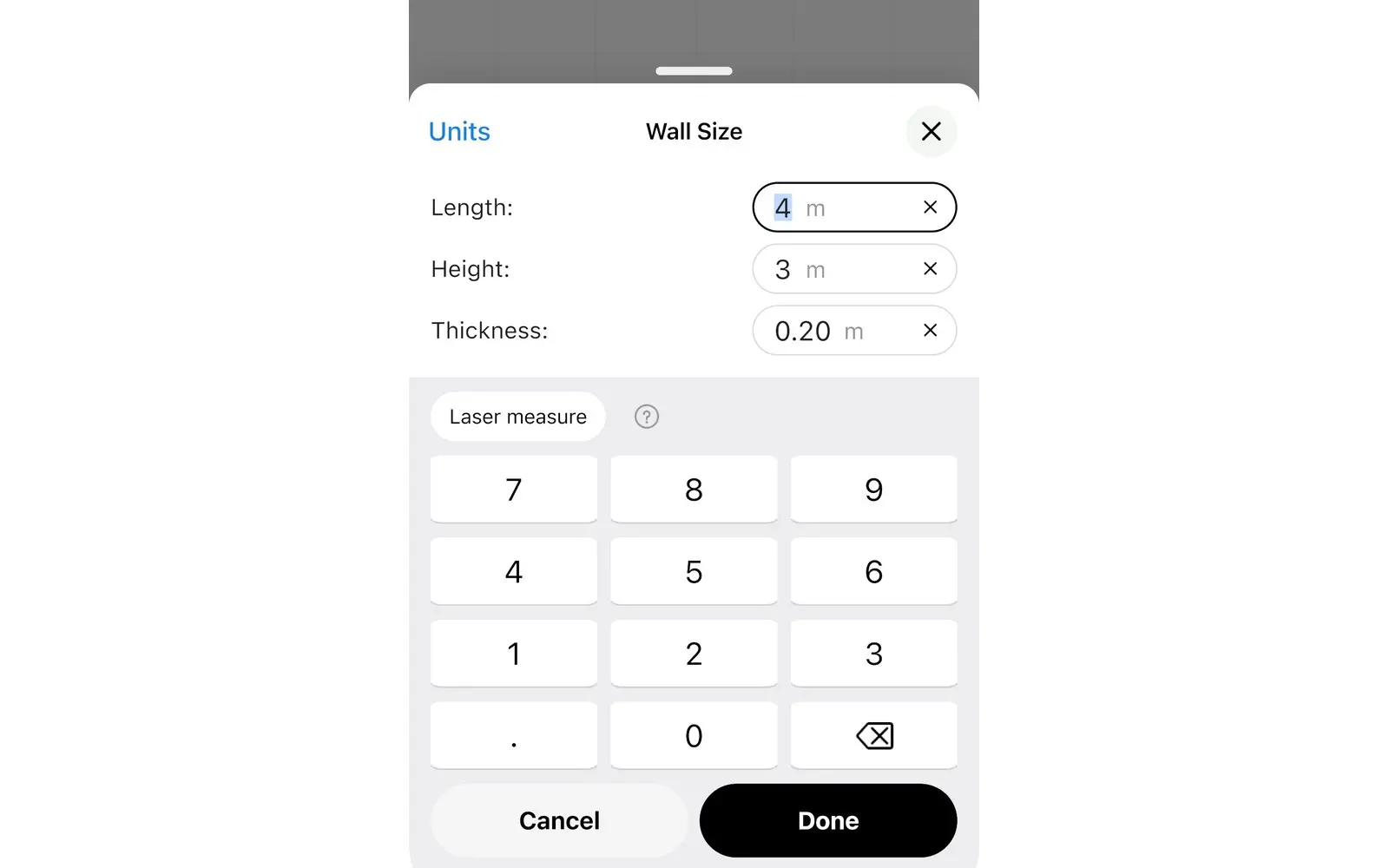
- Scan the room with your iPhone, iPad or AR-ready Android phone.
- Set the ceiling height on any plan.
- Read wall lengths from a laser distance meter.
- Scan and view in 3D
- Furnish a scanned room: PRO
- Laser meter: PRO
Bathroom layout planner: start from the layout you want
Home Planner is a bathroom layout planner. Pick the layout closest to your plans, then fit it to your walls. Swap a tub for a walk-in shower and compare the two in seconds.
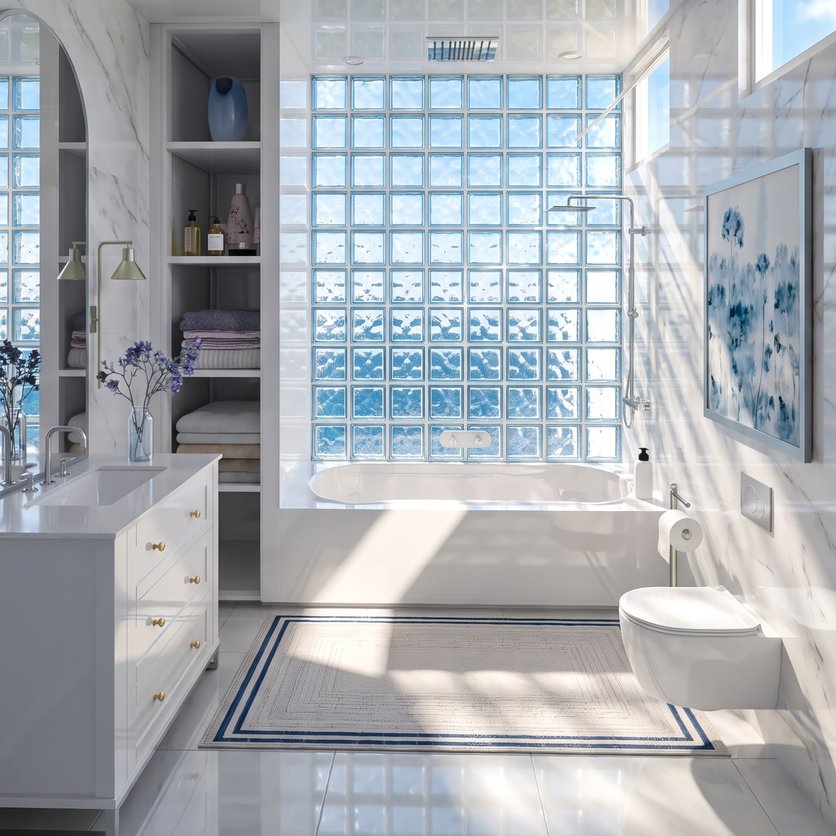
Full bath
A tub, a toilet and a sink: the classic family bathroom.
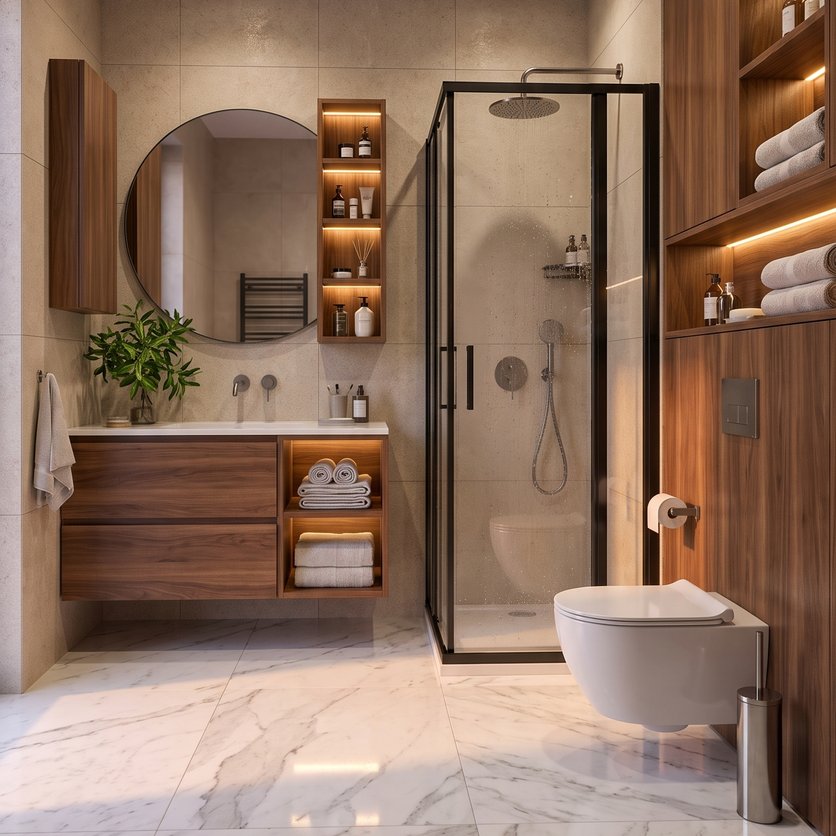
Shower room
A walk-in shower instead of a tub frees up floor space.
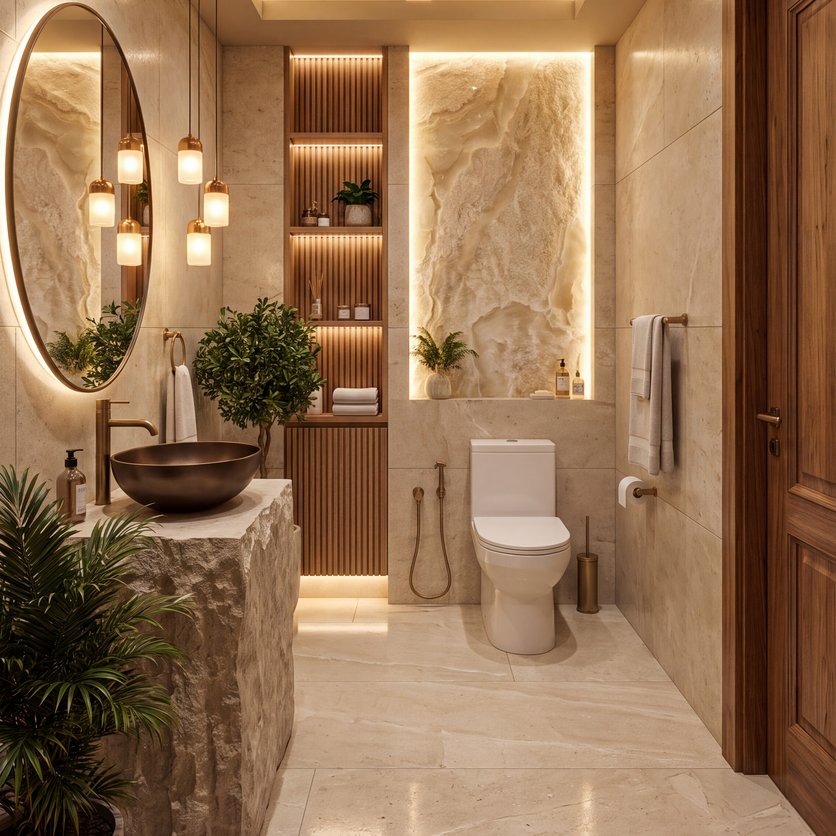
Powder room
Just a toilet and a small sink. Good for guests.
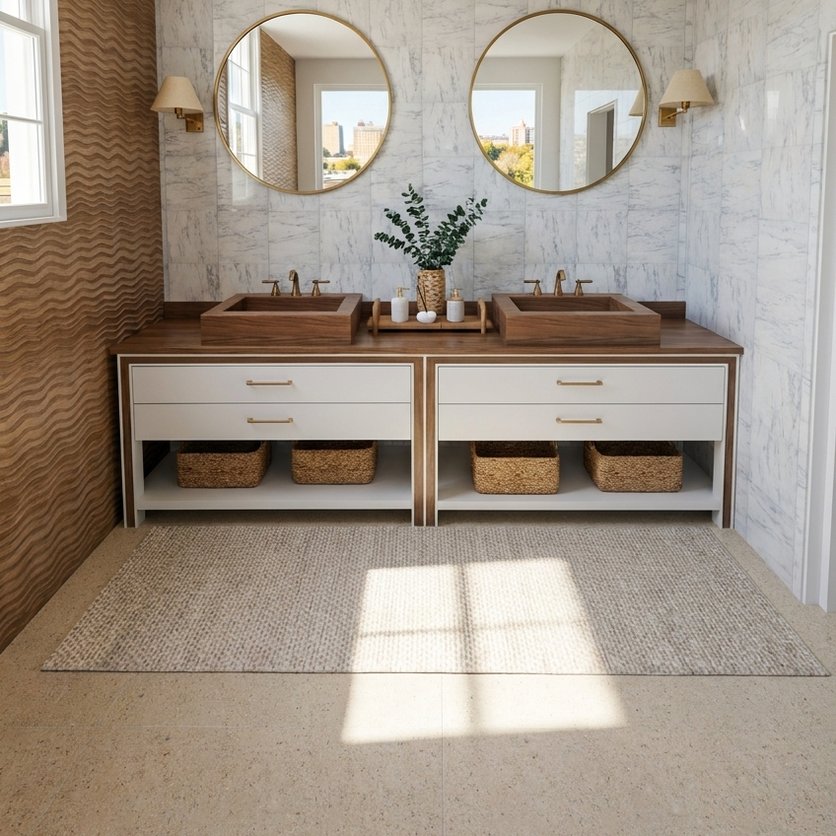
Double vanity
Two sinks side by side for a shared bathroom.
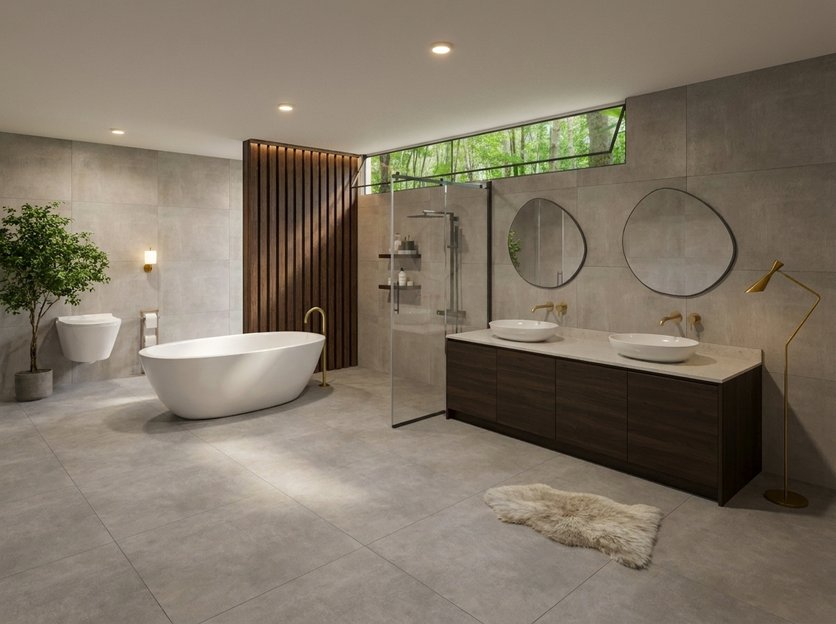
Tub and shower
A freestanding tub and a separate shower in a larger room.
Real tubs, toilets and vanities at their real sizes
Fill the plan from a catalog of 560,000+ products from 2,000+ brands. Each one has its real size, so you see what fits before you order.
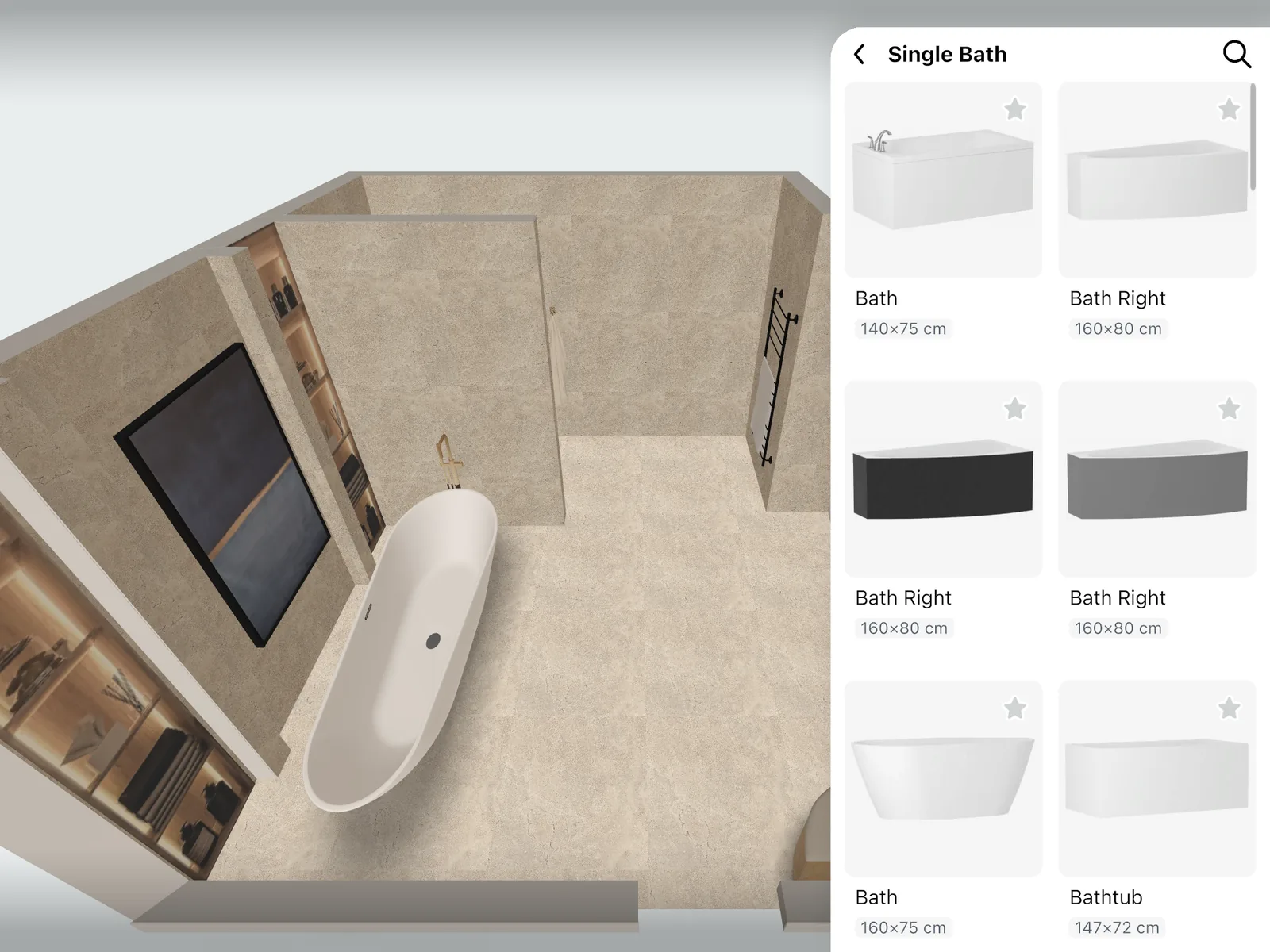
Bathtubs, walk-in showers and screens, wall-hung and floor toilets, bidets, sinks and vanities, mirrors, mixers and towel warmers.
- A free part of every catalog category
- The full catalog: PRO
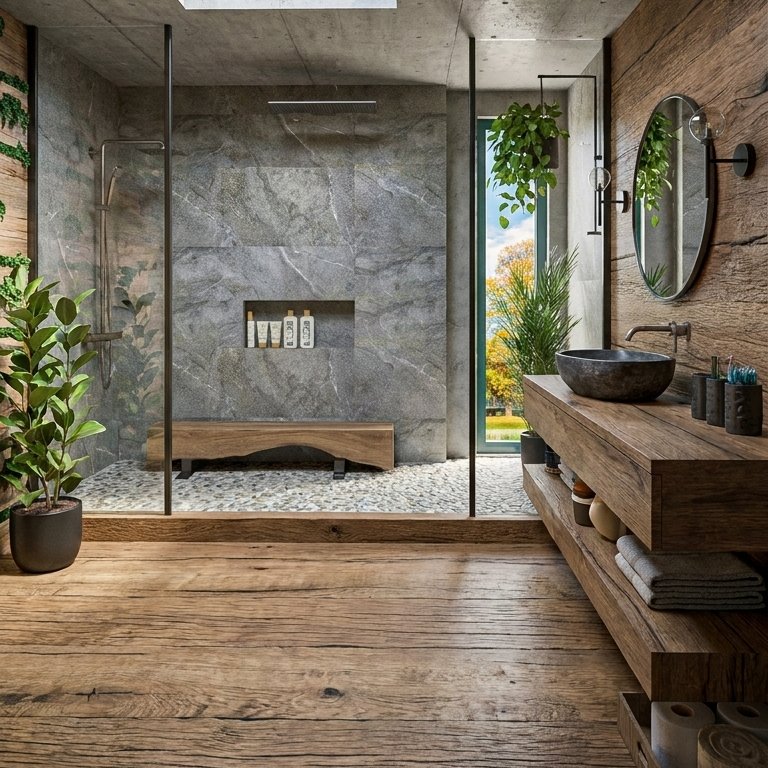
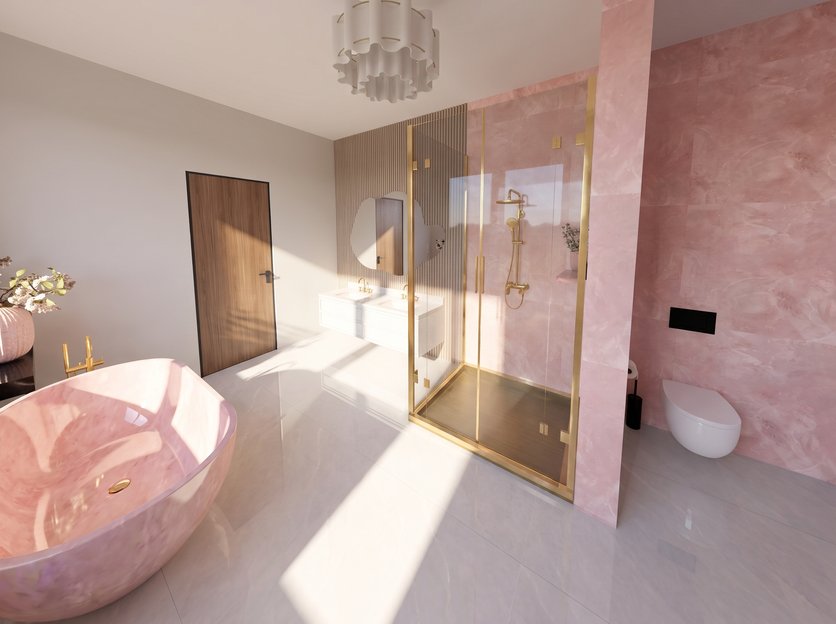
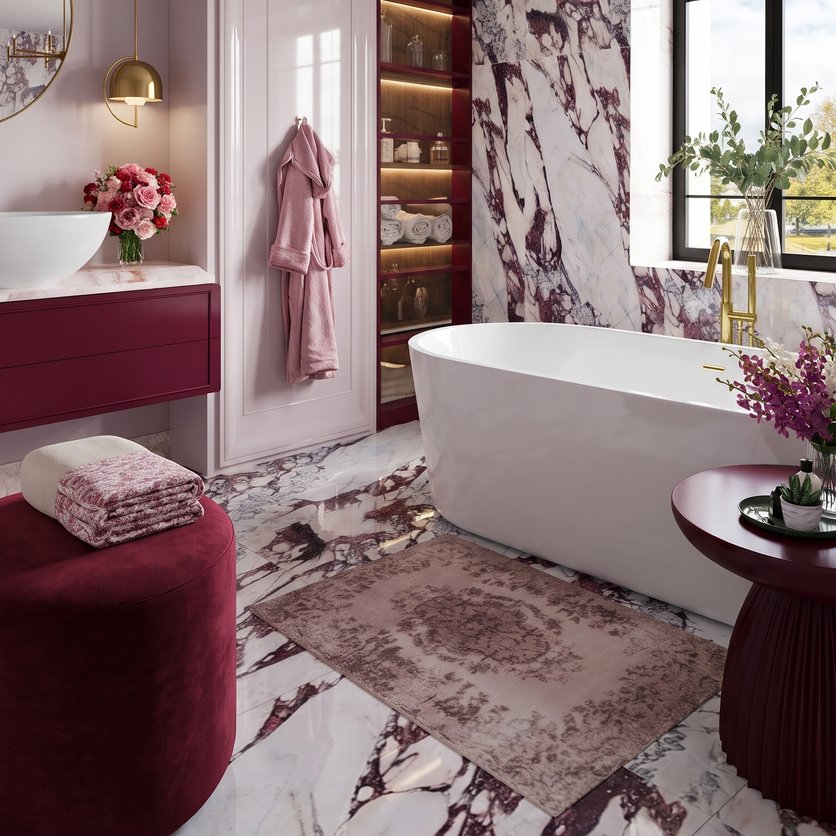
Bathroom designs made in Home Planner
Ideas to start your own.
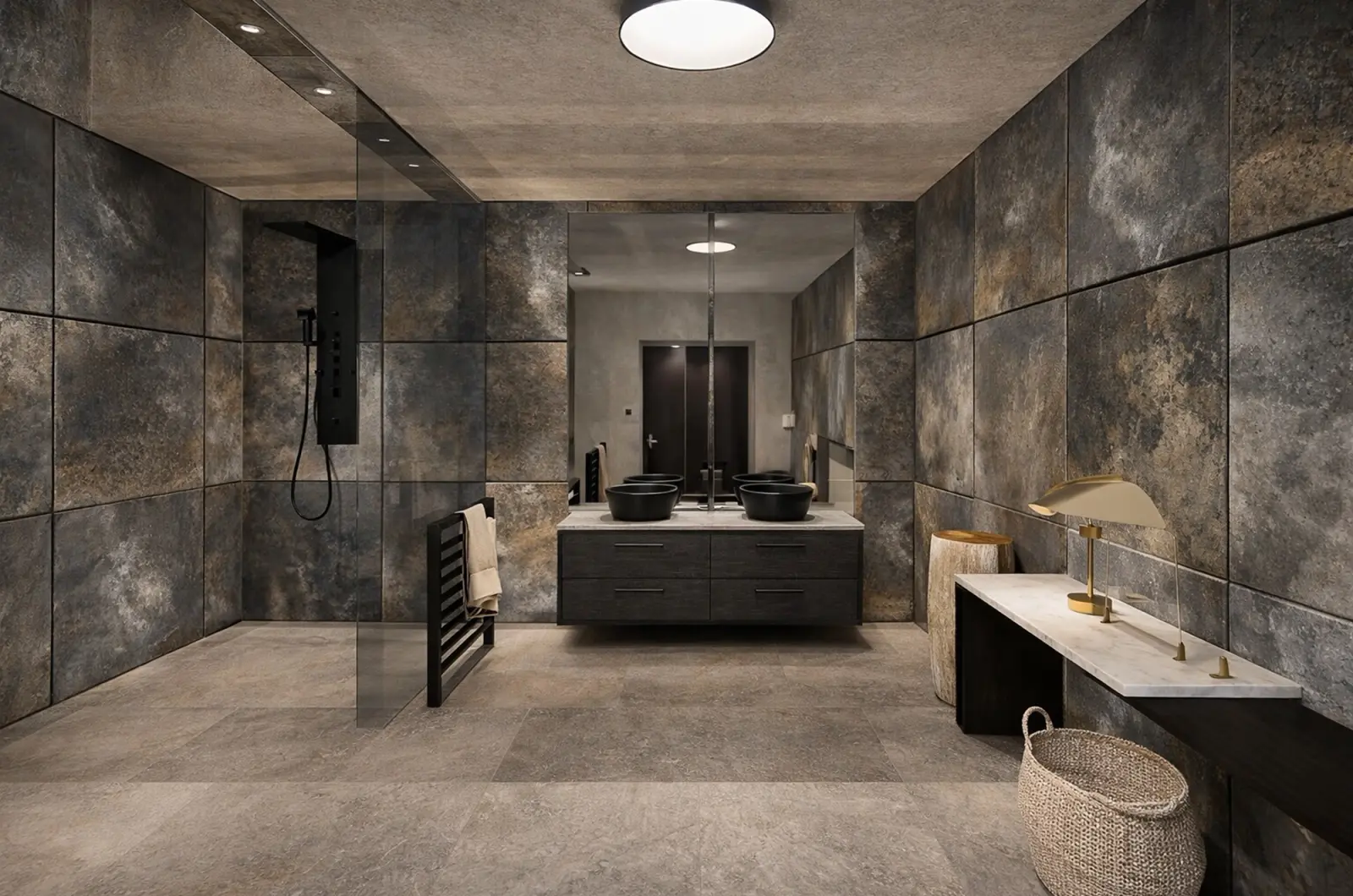
Created in Home Planner
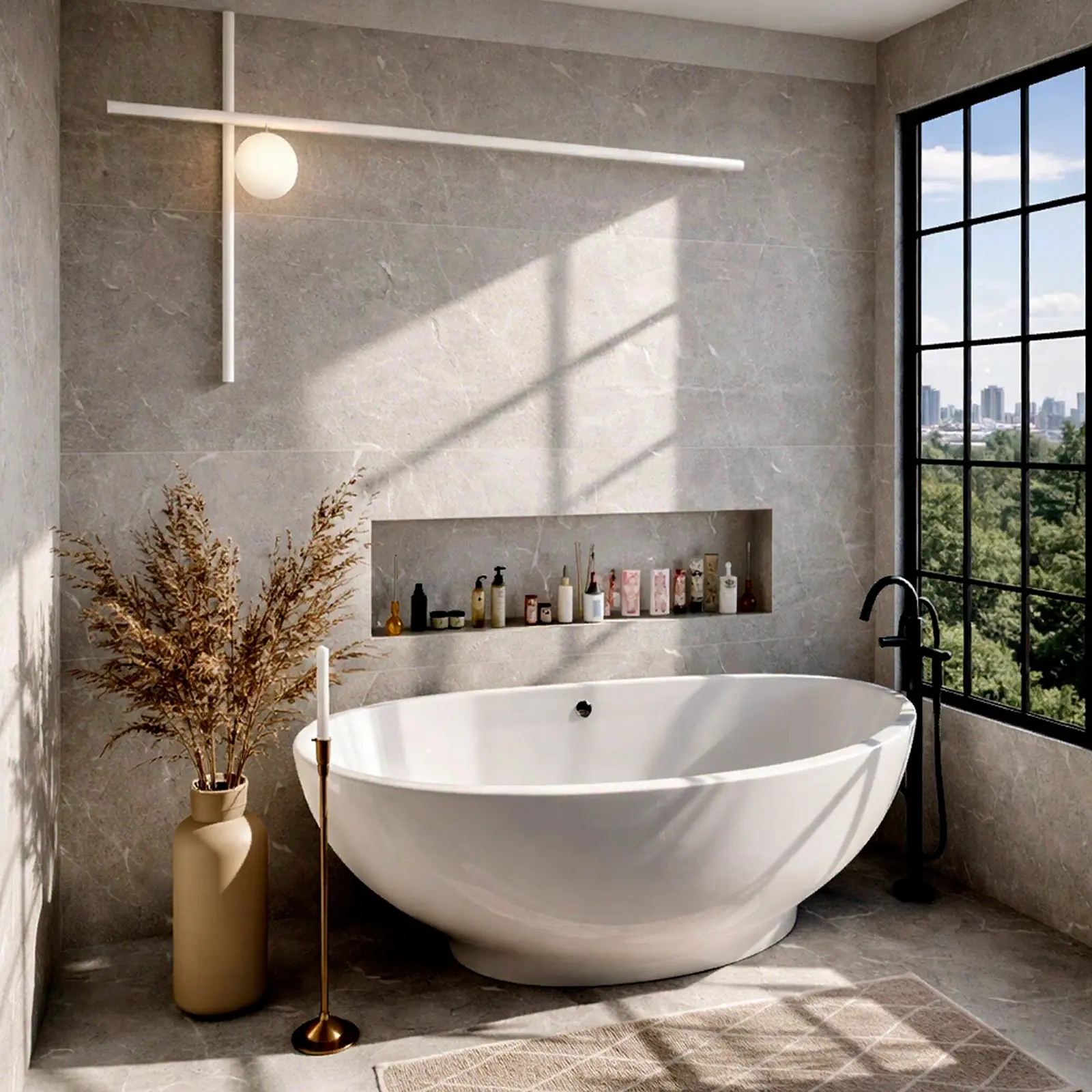
Created in Home Planner
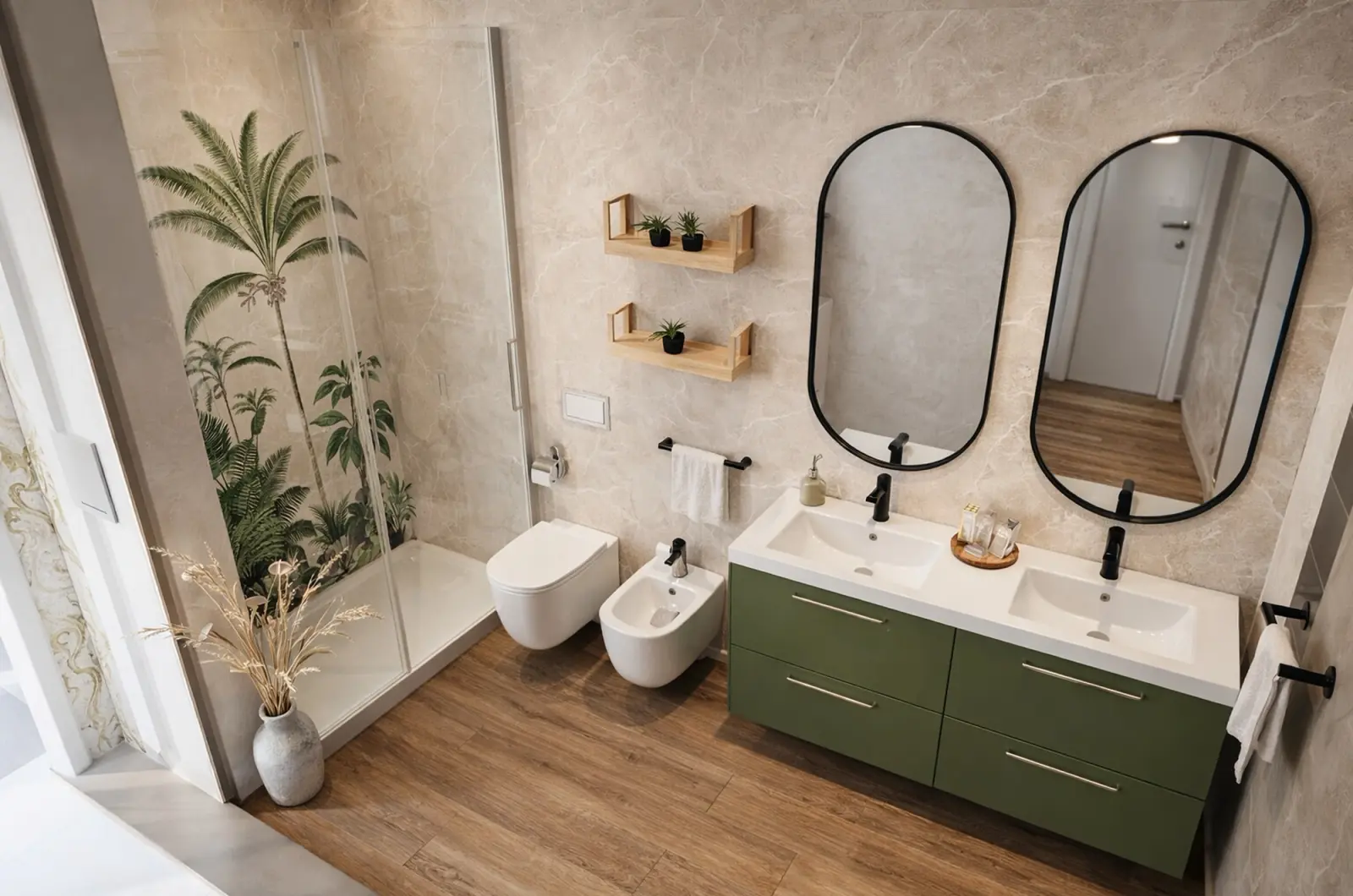
Created in Home Planner
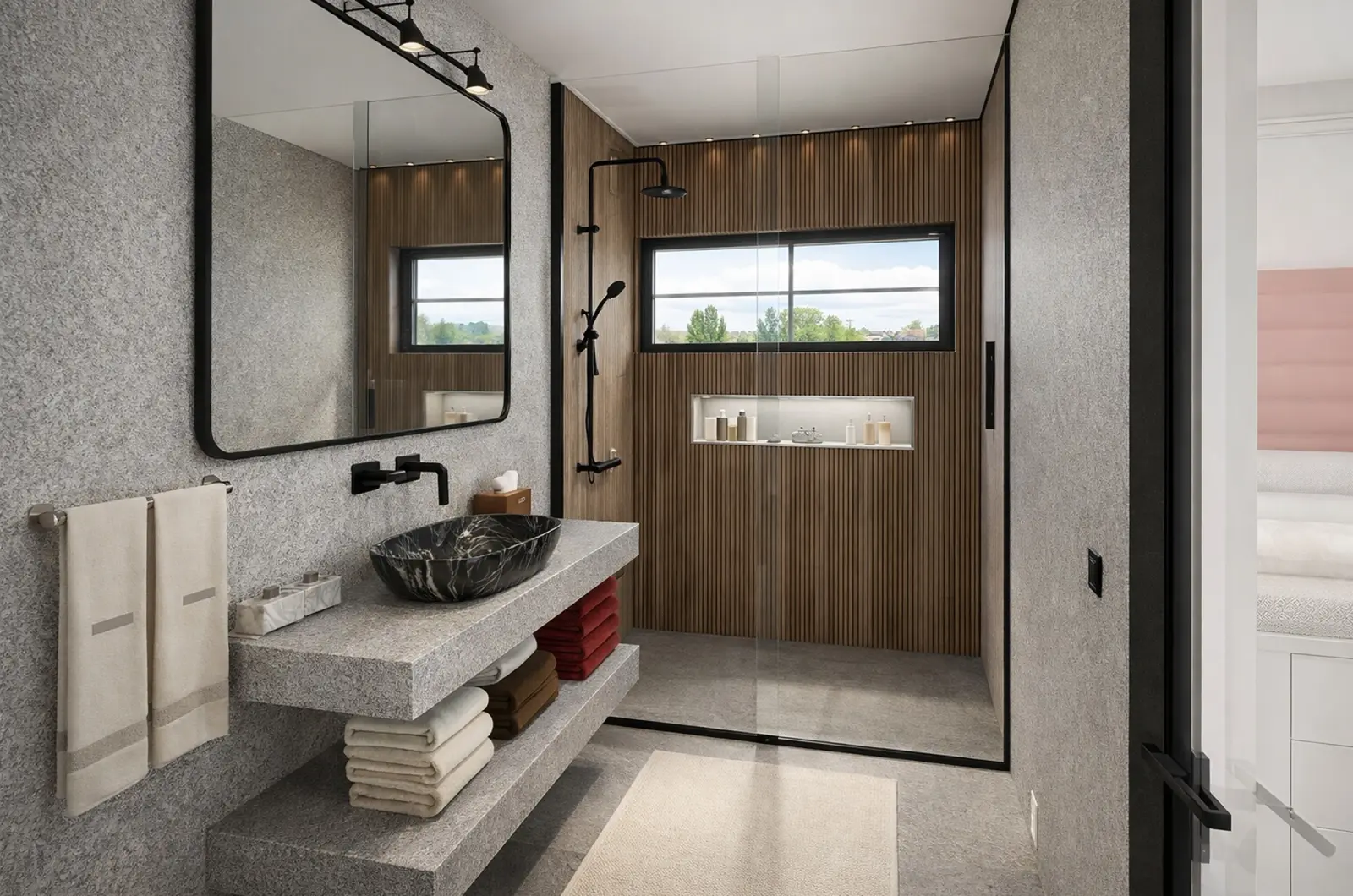
Created in Home Planner
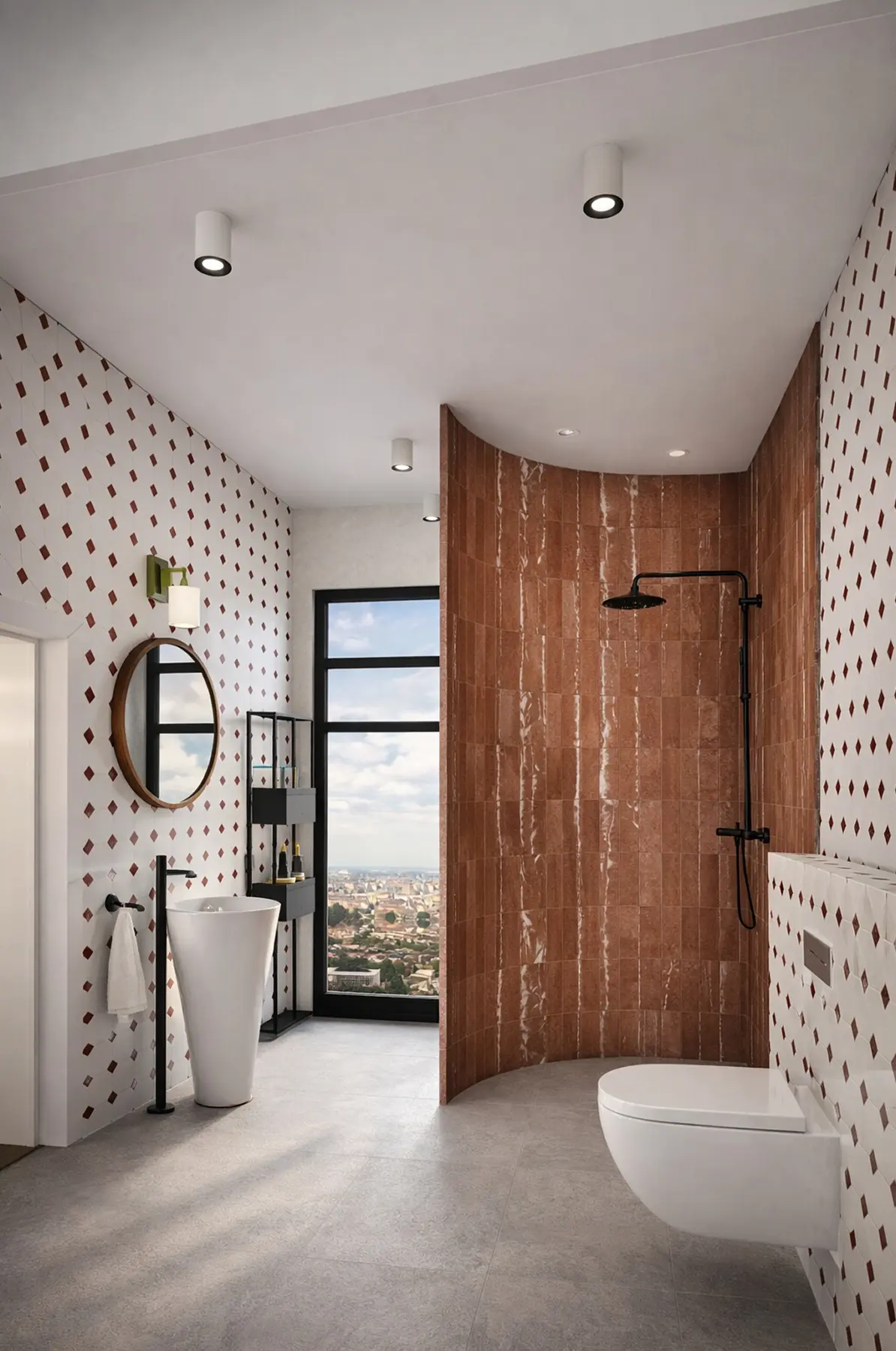
Created in Home Planner
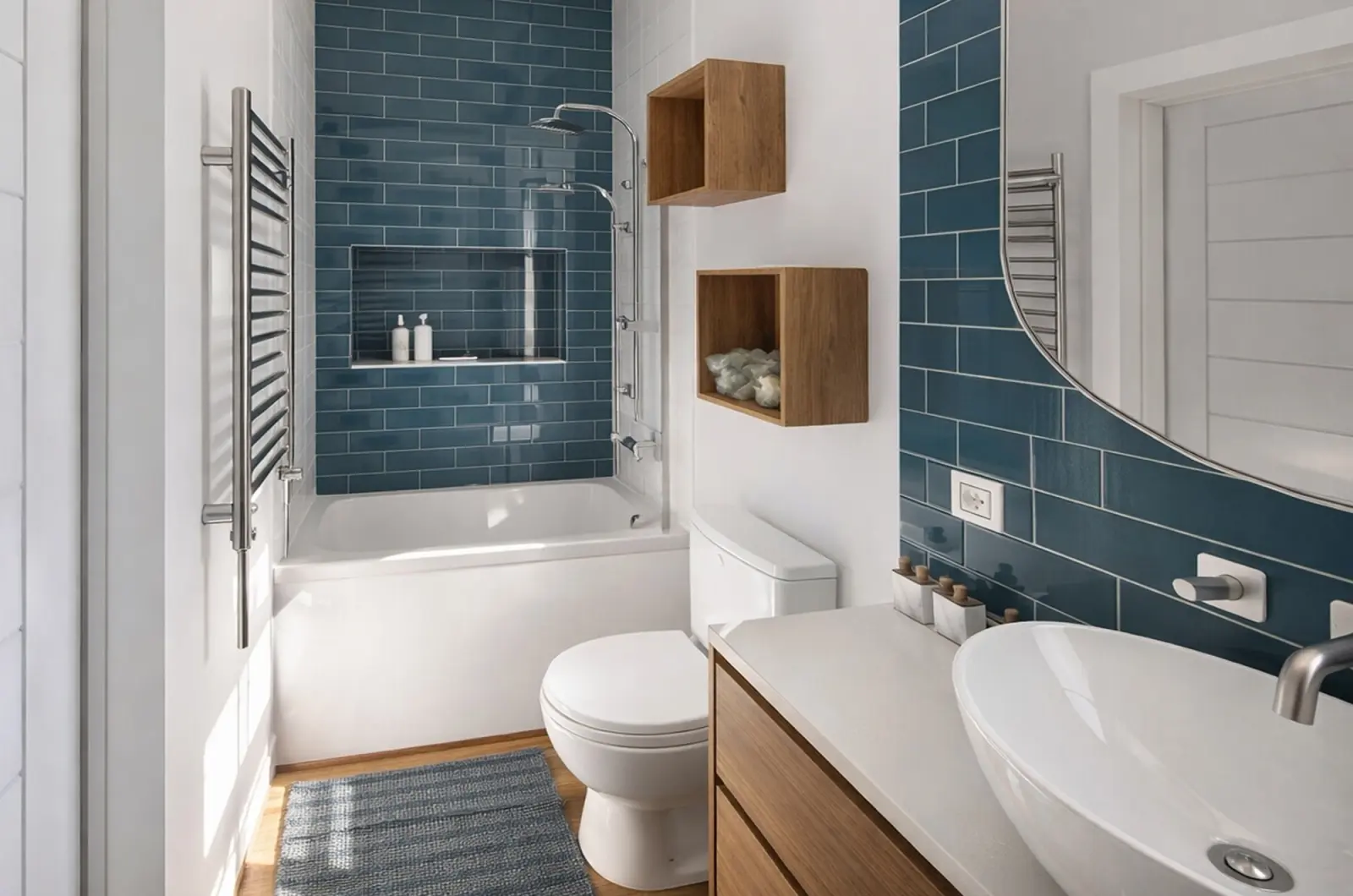
Created in Home Planner
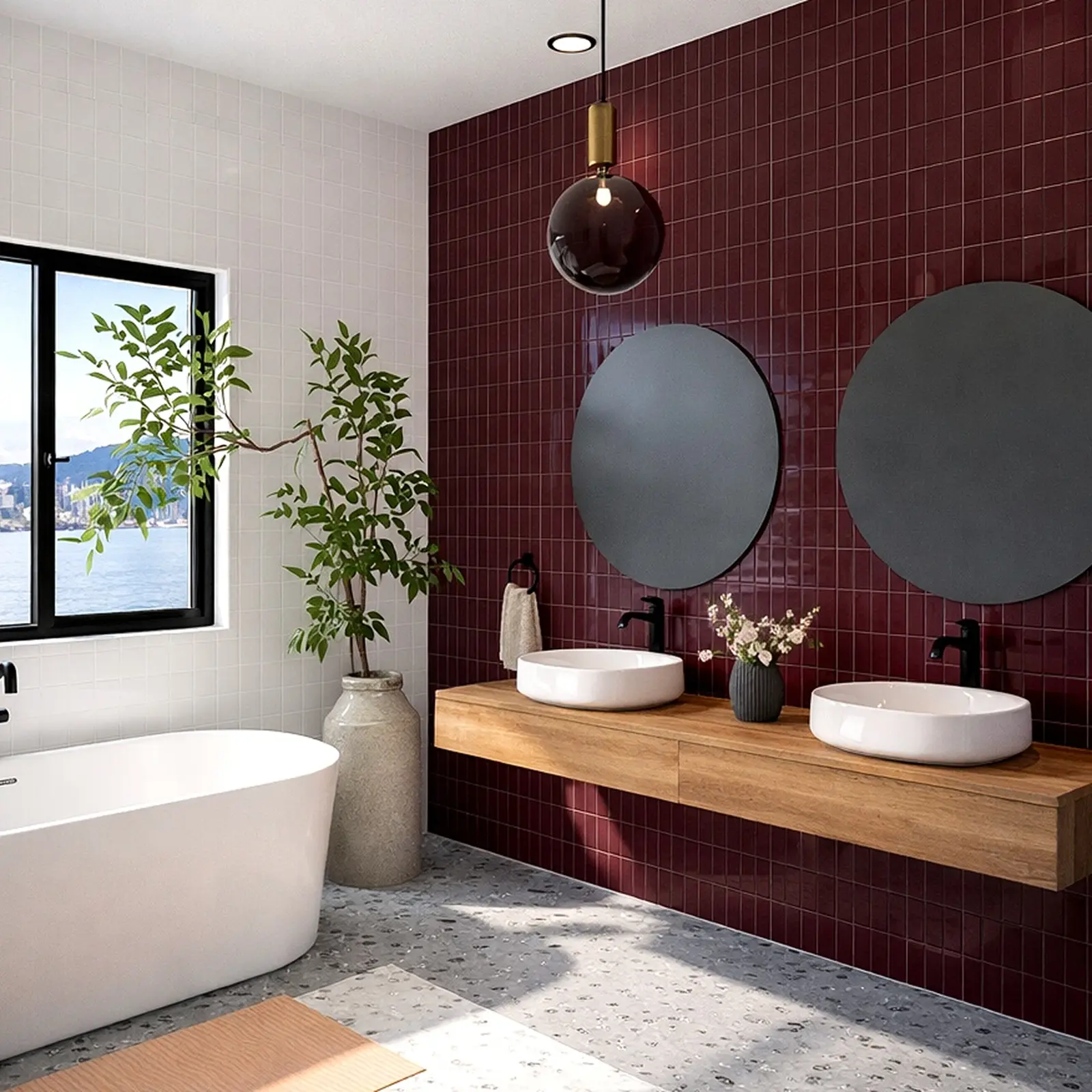
Created in Home Planner
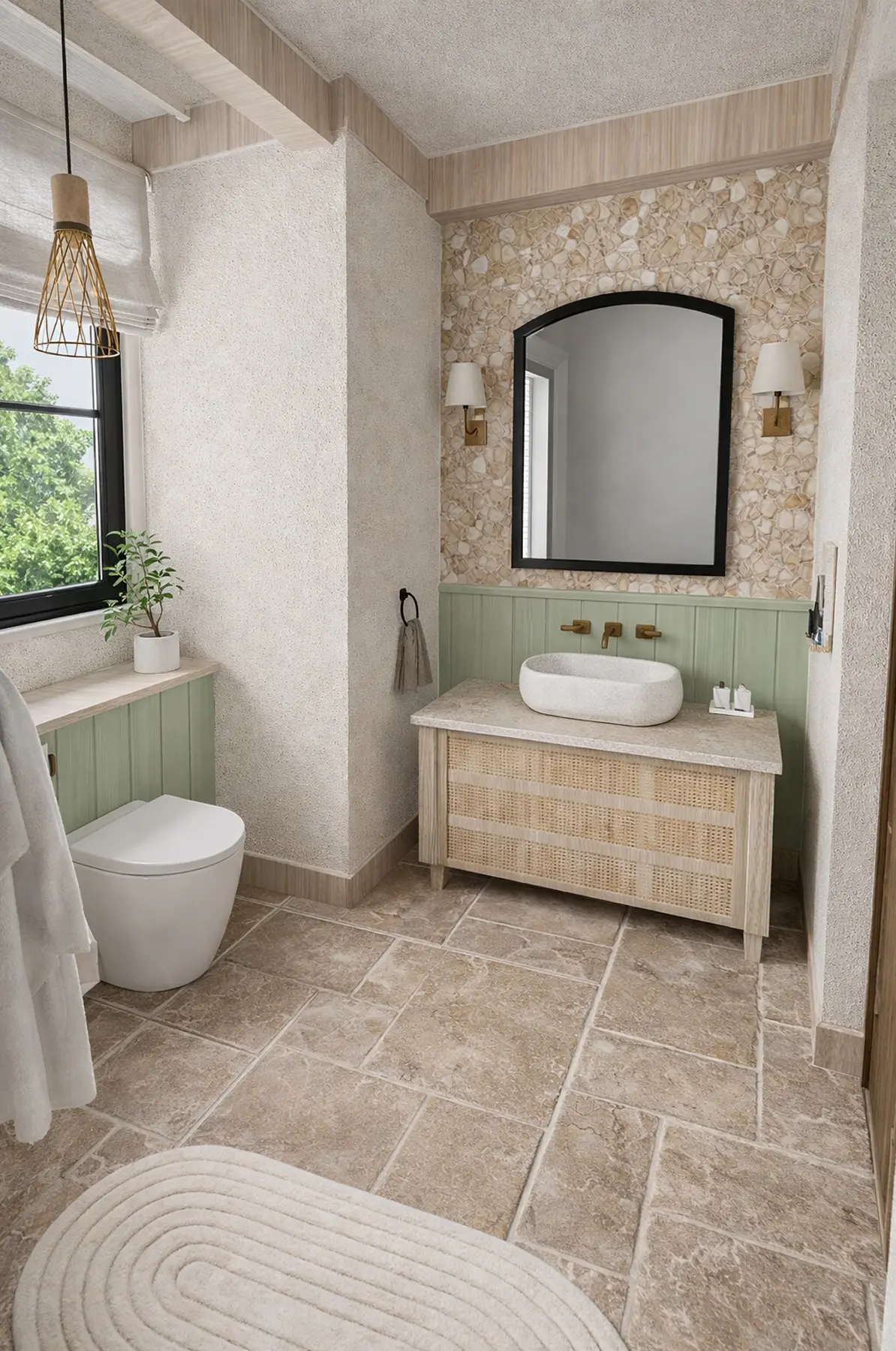
Created in Home Planner
Created in Home Planner
Created in Home Planner
Created in Home Planner
Created in Home Planner
Created in Home Planner
Created in Home Planner
Created in Home Planner
Created in Home Planner
Check the space around the bath, the toilet and the vanity
A door that hits the toilet, or a vanity you squeeze past, is hard to fix once the tiles are on. Check it on the plan first.
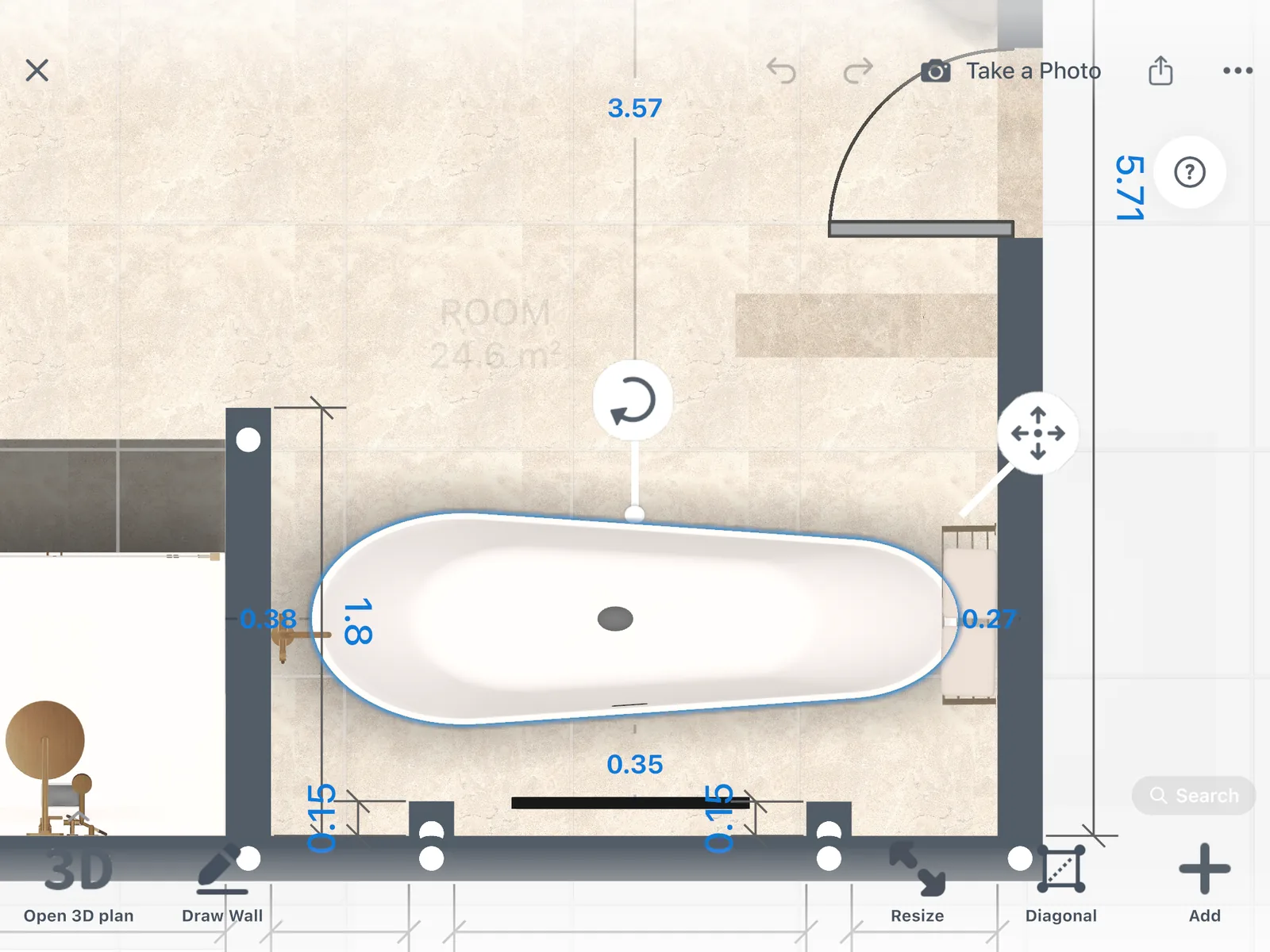
On the 2D plan, select the toilet, the vanity or the tub to see its distance to the nearest wall or object. Then walk through the room in 3D.
Try tile, stone and paint on every wall and floor
Change the floor, one wall or every wall at once, and see the new bathroom in 3D before you buy a single tile.
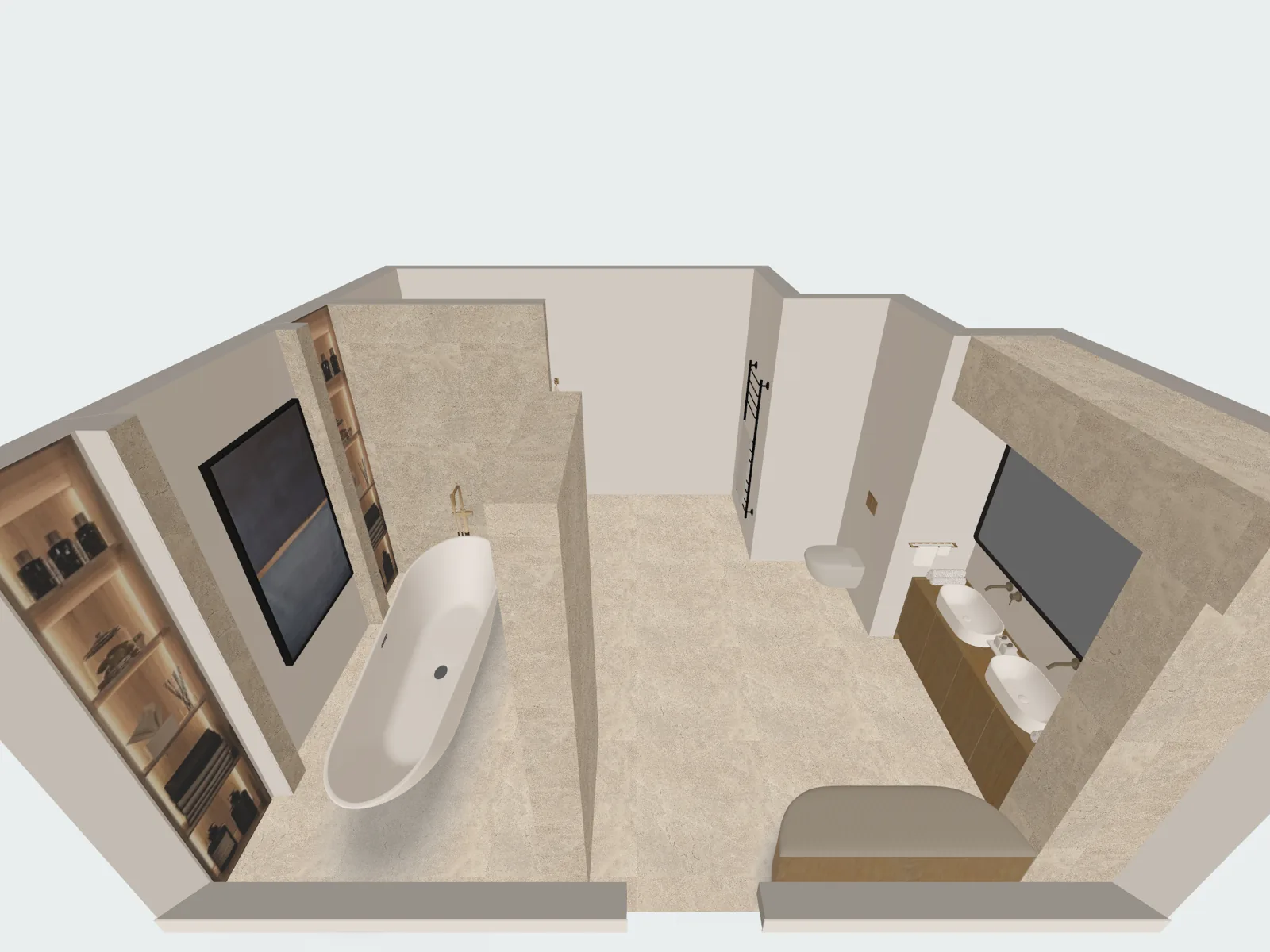 Light walls
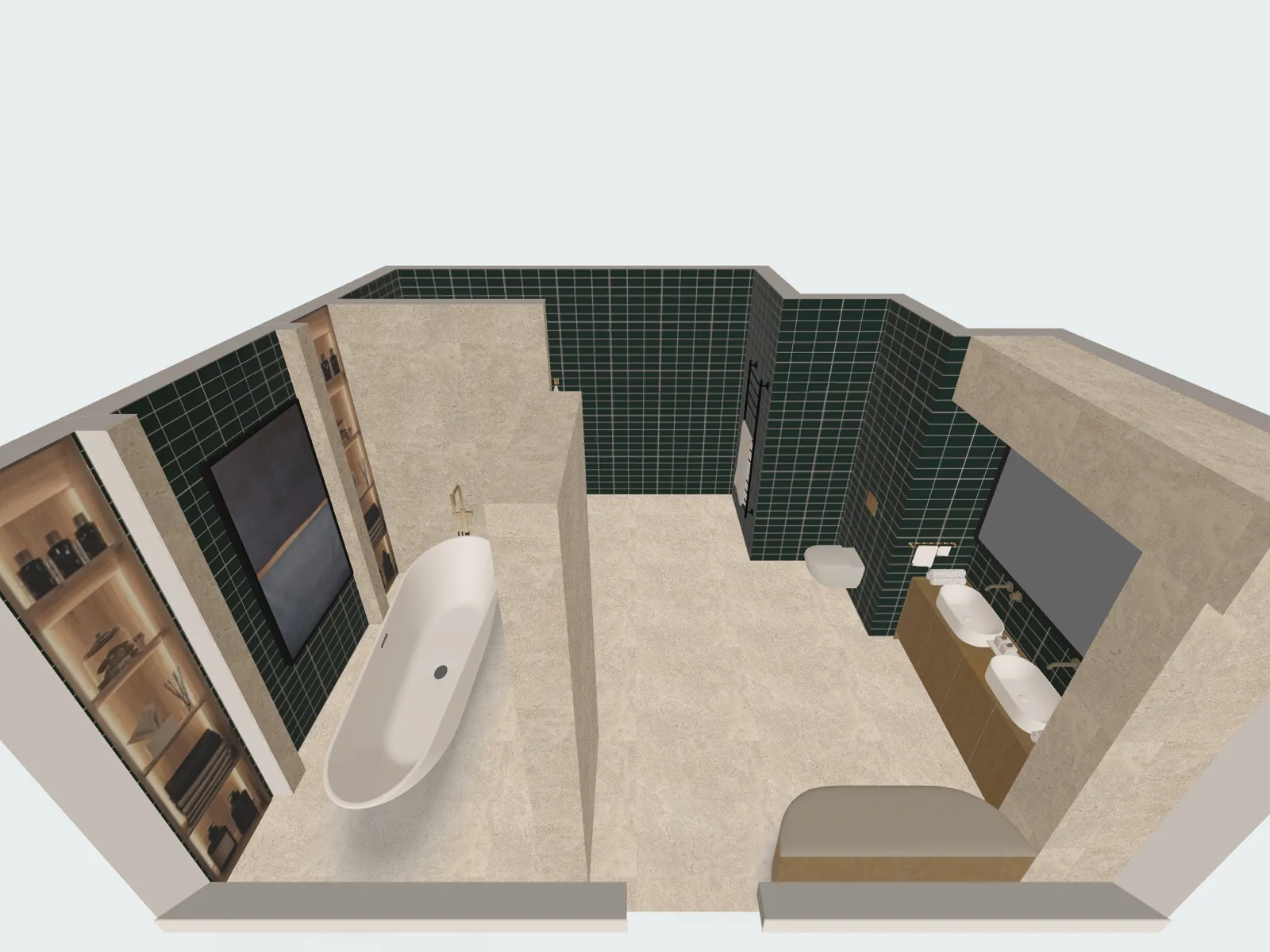 Green tile
- More tiles and colors, and your own textures: PRO
Recolor a photo of your bathroom with AI on our website after you sign in. The full planner is the app.
See your own bathroom in a new style
Take a photo of your bathroom and pick a style, or change only the floor, the walls or the ceiling. AI keeps the shape of the room.
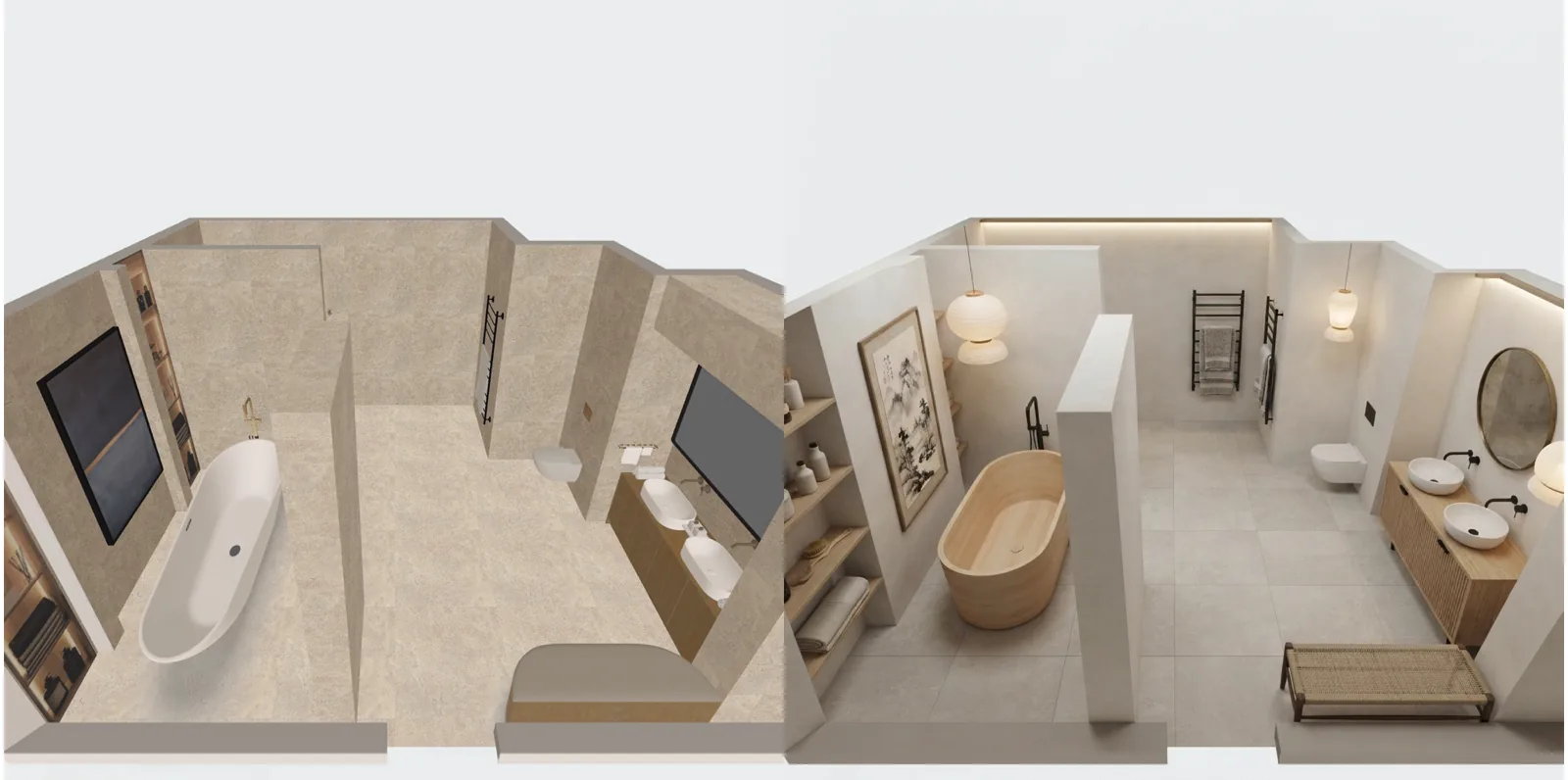
- Up to 4 AI redesigns to try: free
- 45 AI redesigns and photos a day: PRO
Ideas for bathroom
See all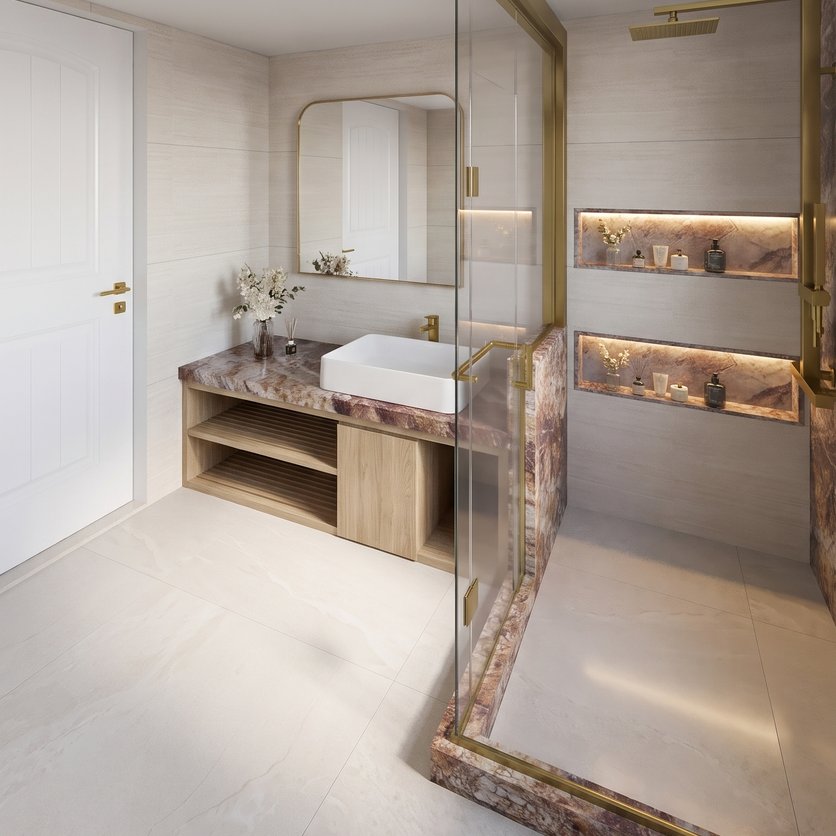
Know how much tile you need before you buy
The app counts the area of every wall and floor finish, minus the openings, and lists each material with its area. With PRO, the cost estimate adds the price of every product you placed.
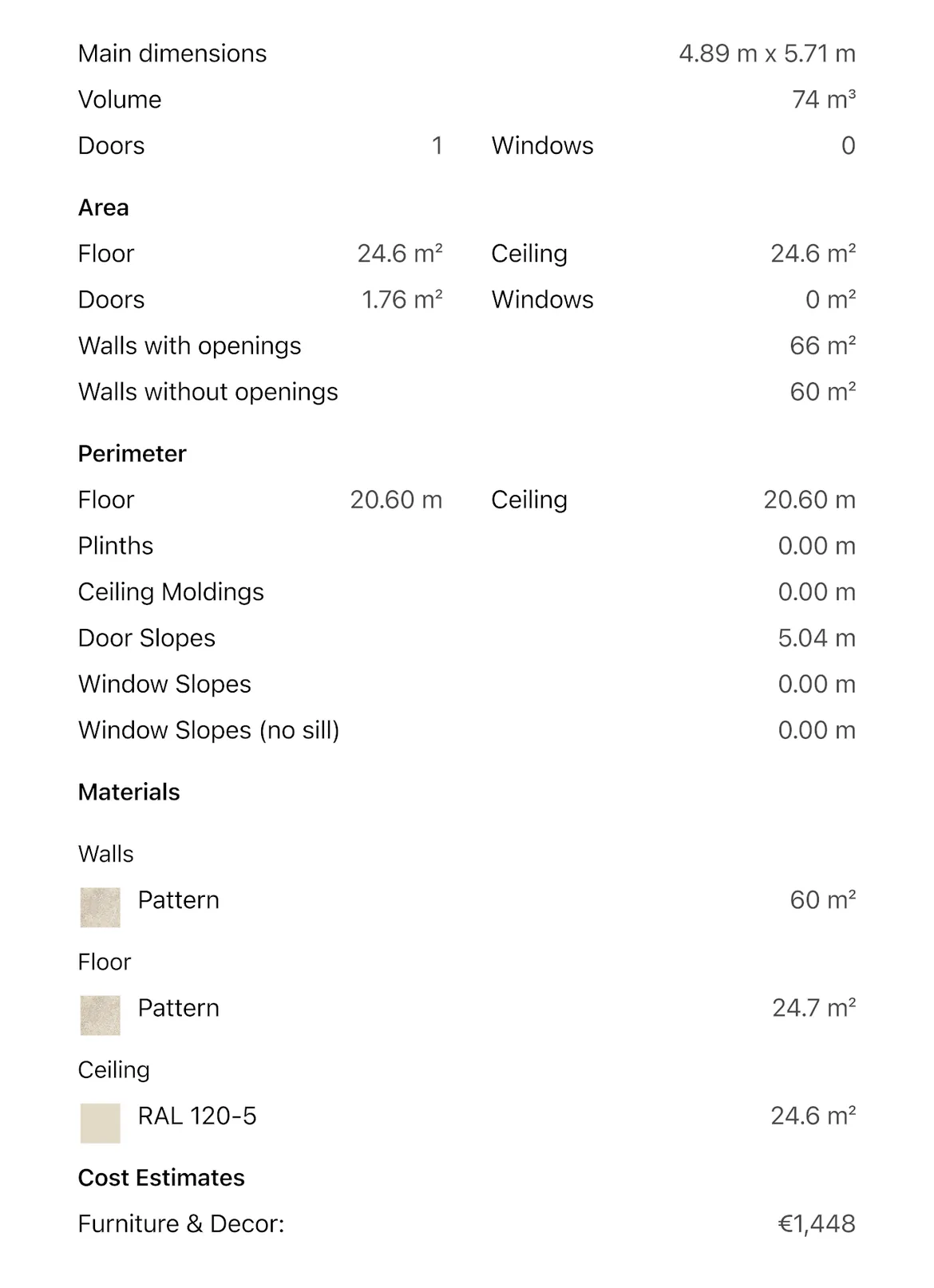
Change a tile and the materials list shows it with its area. Swap a vanity and the cost estimate updates. Give the numbers to your contractor and compare their quote line by line.
Treat the numbers as a guide: confirm the final price with the shop or your contractor.
- Area of every finish: free
- Renovation cost estimate: PRO
Give your contractor a plan, not a sketch
The PDF has the plan with sizes, a view of every wall and the shopping list. It opens on any phone or computer, with no app.
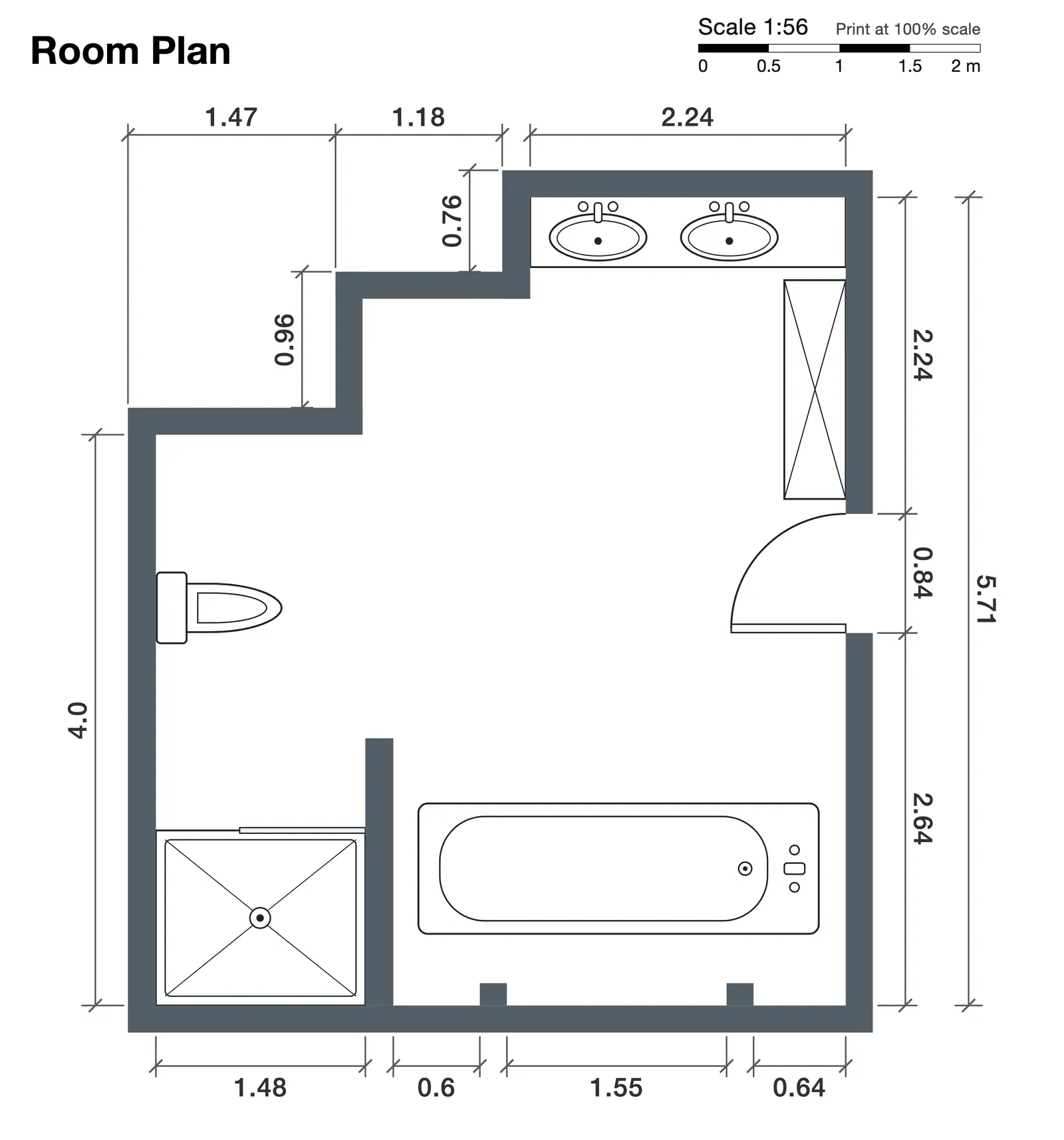
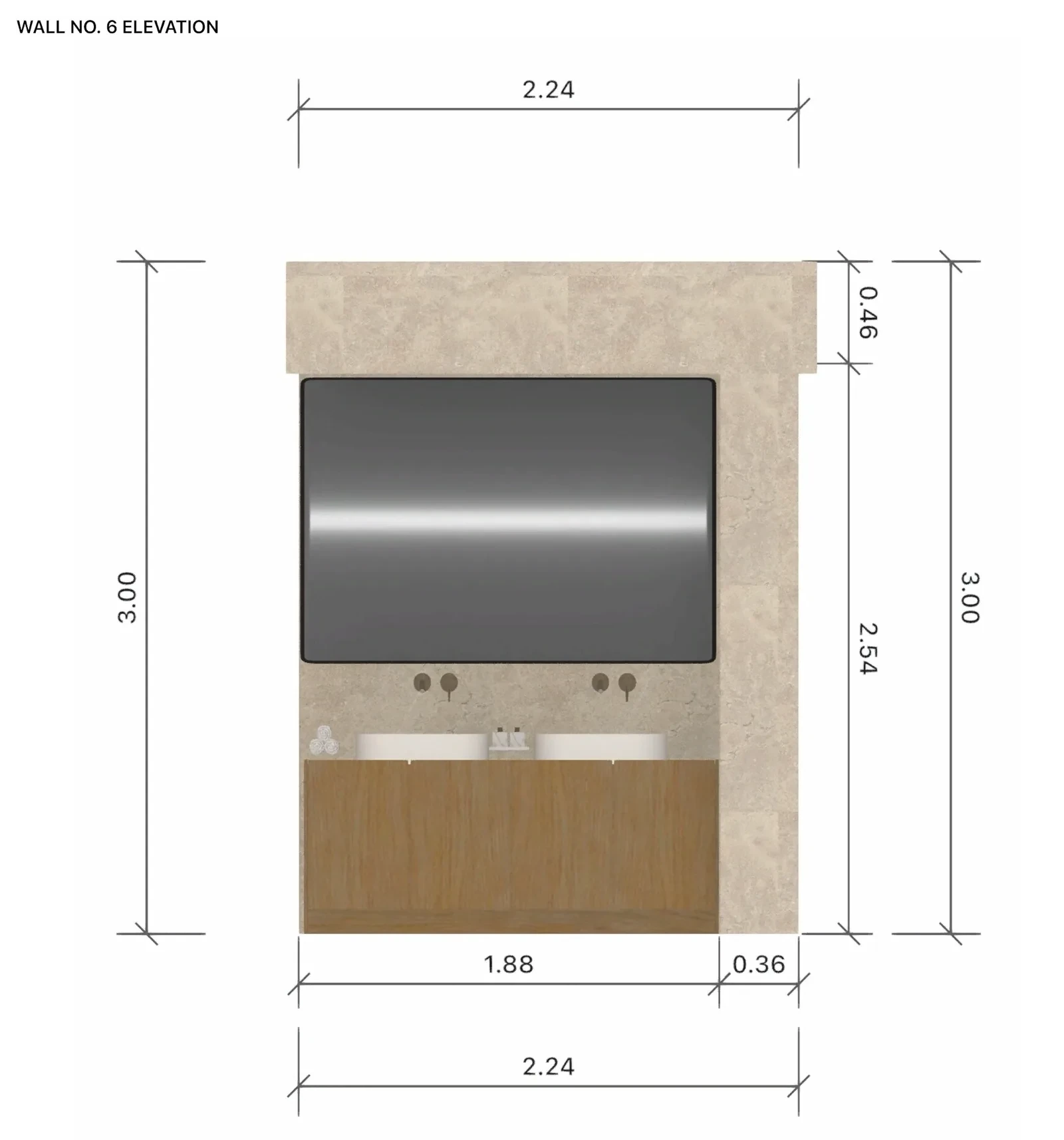
- A link shows your design in a browser.
- To edit together, your family or contractor need Home Planner on their device and a sign-in.
- PDF with a watermark, a link and editing together: free
- PDF without a watermark: PRO+
First bathroom remodel? Plan it before anyone picks up a tool
Three doubts people have before a bathroom remodel.
"I have never designed anything"
Draw the room on the grid, drag in a vanity, a toilet and a shower, and see the result in 3D right away. No CAD or design experience needed.
"I already have a plumber or a bathroom showroom"
Bring them the PDF of your plan (see "Give your contractor a plan"). Decide the layout and check the sizes first, then compare their drawing and their quote with yours.
"My bathroom is tiny"
A small room gains the most from a plan. Try a wall-hung toilet or a shower instead of a tub, and check the space before you buy.
From a quick scan to a finished renovation
Home Planner has 30M+ downloads and 300,000+ ratings. One user scanned a room in minutes; another planned a whole renovation before buying anything.
"I was honestly terrified to start my renovation. I had no idea how everything would look together. With this app, I created my whole apartment in 3D and tested different layouts before buying anything. It saved me money, time, and so many mistakes. My renovation is finally done — and I love it."
"The room scanning feature blew my mind. I scanned my living room in minutes and instantly started redesigning it. No manual measurements, no stress. Everything was accurate and ready to use. It made the whole process feel effortless."
Reviews as shown on our pricing page.
Plan the bathroom free. Add PRO before you order the tile.
Free: draw the room on the grid, place fixtures, try finishes and see the area of each one. PRO adds the full catalog and the cost of every finish and fixture.
Free
Nothing to pay to start
- Draw the plan on a grid and see it in 3D
- A free part of every catalog category, and up to 10 designs
- Scan a room with your phone and view it in 3D
- Share a link or a PDF with a watermark, and edit together with family or your contractor
- Up to 4 AI redesigns to try
PRO
For your own bathroom, when you are ready to order
- Everything in Free
- Exact room and wall sizes, laser meter, editing of scanned rooms
- The full catalog of 560,000+ products
- Renovation cost estimate
- More tiles and colors, and your own textures
- Sync between your devices
PRO renews automatically each billing period unless you cancel. You can turn off auto-renew in your account settings, and PRO stays active until the end of the period you paid for.
Frequently Asked Questions
Yes. The free plan saves up to 10 designs, each one a whole home plan, with a free part of every catalog category and up to 4 AI redesigns to try. PRO adds the full catalog of 560,000+ items, higher AI limits and a renovation cost estimate. PRO+ adds 4K renders, 360° photos and offline mode. See plans and prices
Measure the walls and mark the door and the window. Pick the layout closest to your plans: full bath, shower room, powder room or double vanity. Then place the tub or shower, the toilet and the vanity, check the space in front of each one and look at the result in 3D. How to measure a room for a floor plan
Yes. Set the ceiling height on any plan, free included. With PRO, type the exact length of every wall or read wall lengths from a supported laser meter on iPhone, iPad, Android or Mac. On the free plan you draw walls on a grid. Follow your device maker's safety instructions and never point a laser at anyone's eyes.
Draw your bathroom and, on the 2D plan, select the toilet, the vanity or the tub to read its distance to the nearest wall or object. Move it and read the distance again until the space works for everyone who uses the room. Your local building code sets the minimum.
Yes. Take or upload a photo, pick a style, or change only the floor, the walls or the ceiling. AI shows your bathroom with new tile, fixtures and colors and is set to keep the shape of the room. How to redesign your room with AI
Yes. Select a wall or the floor and choose a tile, stone, wood or paint; put one finish on every wall of the room in one step. More tiles and colors, and your own textures, come with PRO.
The app shows the area of every wall and floor finish in the room, minus the openings. With PRO, the cost estimate adds the price of every product you placed. Order a little extra for cuts and breakage, and confirm the amount with your tiler. How to estimate renovation costs
Yes, on phones that support AR; iPhones with LiDAR make a detailed scan. On the free plan you can scan the room and view it in 3D; editing the scanned room needs PRO. Scanning isn't available on Mac or Windows.
Yes. Home Planner runs on iPhone, iPad, Android, Mac and Windows, and with PRO your designs sync between devices. Scanning works on iPhone, iPad and AR-ready Android phones, not on Mac or Windows.
No. Pick a room shape, drag in a vanity, a toilet and a shower, and see the result in 3D right away.
Yes. Cancel at any time and keep using PRO until the end of your current billing period; your designs stay in your account. Refund requests are handled by the platform where you bought your subscription, such as the App Store, Google Play or Steam, under their refund policies. Bought on our website? Contact support and we'll help with a refund.
You do. Your designs stay in your account, and you can share them by link or export them as a PDF at any time.
Do you remodel bathrooms for clients?
PRO is for your own home. For client work, PRO+ adds commercial use, no watermark, 4K renders and a client PDF with an estimate and your logo.
- PRO+
Plan your bathroom before you remodel it
Draw the room, fit a real tub, toilet and vanity, try the tile, check the space and the cost, and give your contractor a plan instead of a sketch.

Try it on your own project
Free room planner and interior design app
P.S. Draw your bathroom and try two tiles on the walls before you visit the showroom. PRO is there when you are ready to order: the full catalog and the cost of every finish.
More guides:Bathroom Remodel Guide: Where to Save and Where to SplurgeBath or Shower? 3 Ideas to Have BothHow to Mix and Match Bathroom TilesLaser Measure App: Measure a Room with Your Laser Meter
Home Planner is not affiliated with, endorsed or sponsored by Apple, Google, Microsoft or Valve; their names and marks belong to their owners. Android is a trademark of Google LLC. iPhone, iPad and Mac are trademarks of Apple Inc., registered in the U.S. and other countries. Steam and the Steam logo are trademarks and/or registered trademarks of Valve Corporation in the U.S. and/or other countries. Windows is a trademark of the Microsoft group of companies. Other trademarks are the property of their respective owners.