Restaurant Floor Plan Maker
Cafe Planner: design your cafe in 3D
Draw your cafe, coffee shop or small bar to scale, then place the counter, tables, sofas and bar stools with a clear path to the register. The cafe planner shows it all in 3D before you buy furniture or start the fit-out.
4.6App Store · 300K+ ratings
On your phone too
Point the phone camera here to install, then scan your rooms
Downloads across all stores; countries where the App Store carries the app.
Why Home Planner for cafe design
A room type for cafes
Choose Cafe & Bar when you add a room, then find cafe items, cafe seating and bar furniture in the catalog.
Counter and bar
Build the counter from cabinets and countertops, then add a coffee machine, a POS terminal, display cases and a beverage fridge.
Seating that fits
Mix cafe sets, sofas, bar tables and stools. Everything is to scale, so you see how many tables really fit. Exact wall measurements come with PRO.
A clear path
Keep the way from the door to the counter open and leave room to work behind the bar, then walk through it in 3D.
Lights, signs and finishes
Hang pendant lamps and neon lights, add signboards, and try tile, wood or marble floors and new wall colors.
Redesign from a photo
Take a photo of your space and see it in a new style, with new colors, floors and decor. AI keeps the shape of the room.
How it works
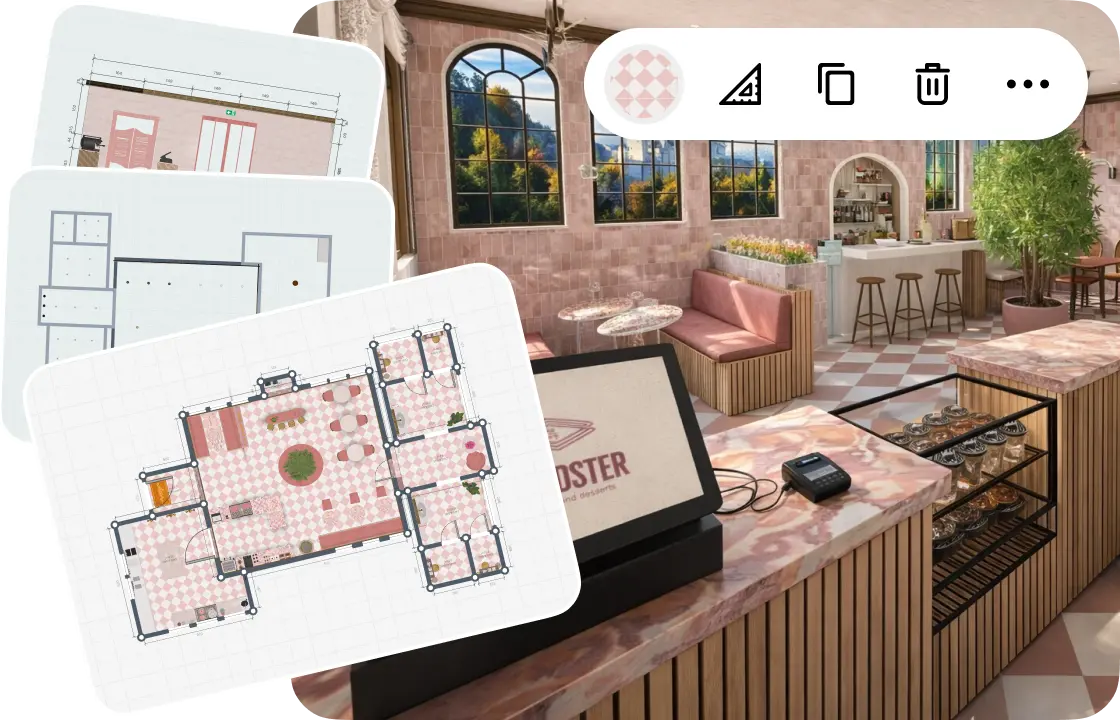
1.
Draw or scan your cafe
Draw the walls to scale or scan the space with your phone. Add the entrance and windows, and split off the kitchen and restrooms.
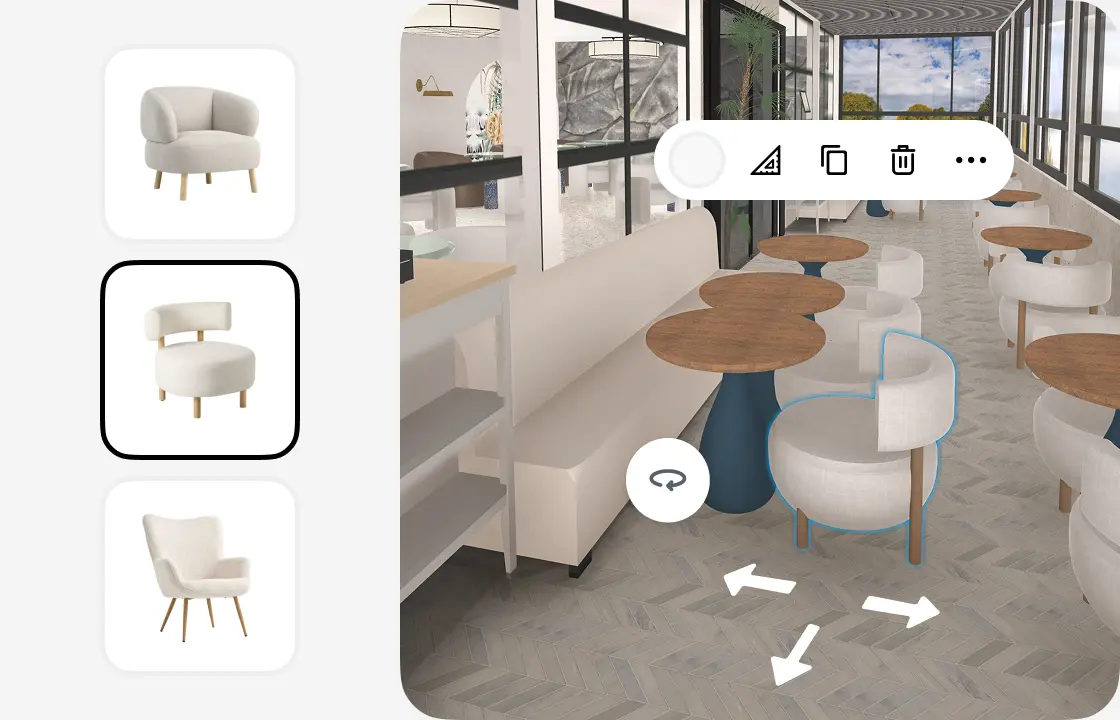
2.
Furnish the room
Pick tables, chairs, sofas and bar stools from the catalog, then move, rotate and swap them until the layout works.
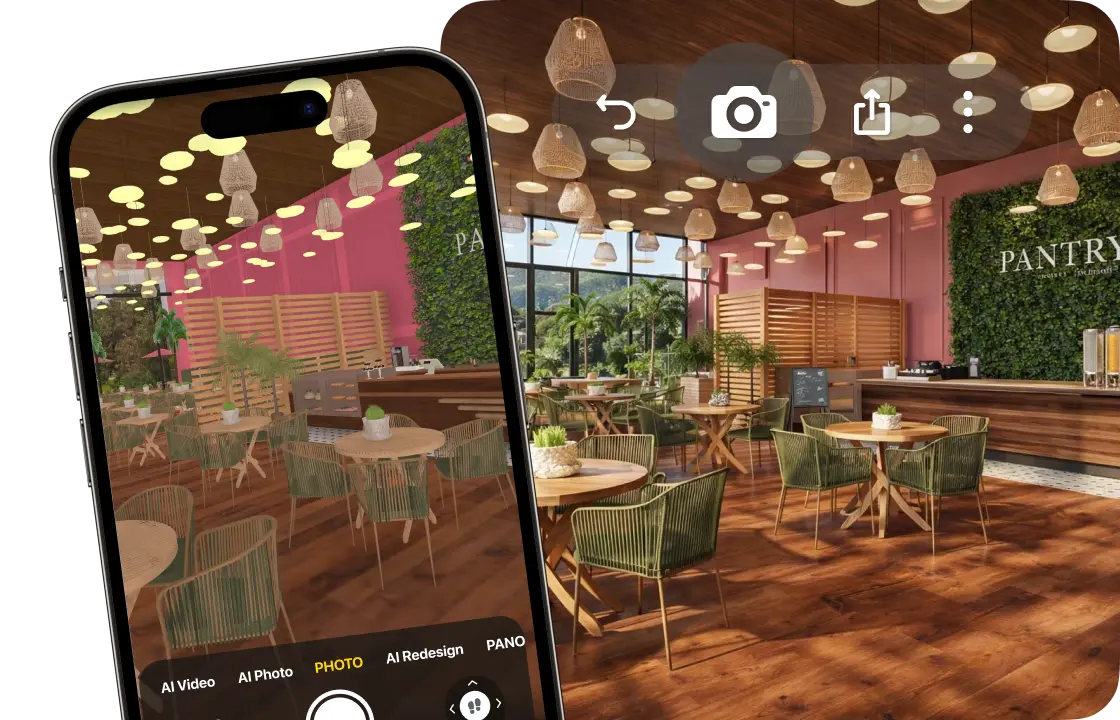
3.
See it in 3D
Walk through your cafe and create photo-realistic renders from any angle. 4K and 360° photos come with PRO+.
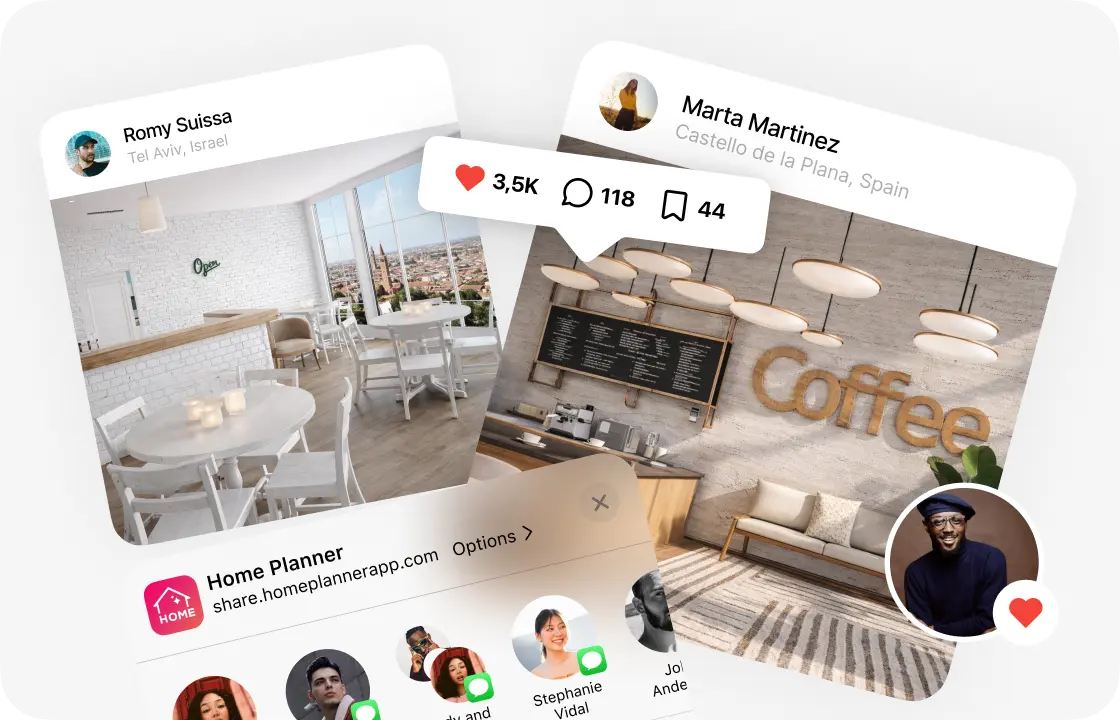
4.
Share your cafe design
Send a link to your partners, staff or contractor, so everyone works from the same plan.
1.
Draw or scan your cafe
Draw the walls to scale or scan the space with your phone. Add the entrance and windows, and split off the kitchen and restrooms.
2.
Furnish the room
Pick tables, chairs, sofas and bar stools from the catalog, then move, rotate and swap them until the layout works.
3.
See it in 3D
Walk through your cafe and create photo-realistic renders from any angle. 4K and 360° photos come with PRO+.
4.
Share your cafe design
Send a link to your partners, staff or contractor, so everyone works from the same plan.
Cafe and coffee shop layouts to try
Coffee to go
A long counter near the door, a pickup spot and a few stools along the window.
Sit-down cafe
Tables for two and four in the middle, sofas along the walls and the counter in view from the door.
Cafe with a bar
A bar counter with stools, high tables and shelves for bottles behind it.
Bakery cafe
Display cases by the counter and small tables for a coffee and a pastry.
Cafe with a terrace
Outdoor tables, chairs and umbrellas outside, a cozy room inside.
Cafes designed in Home Planner
Cafe and bar ideas to start your own.
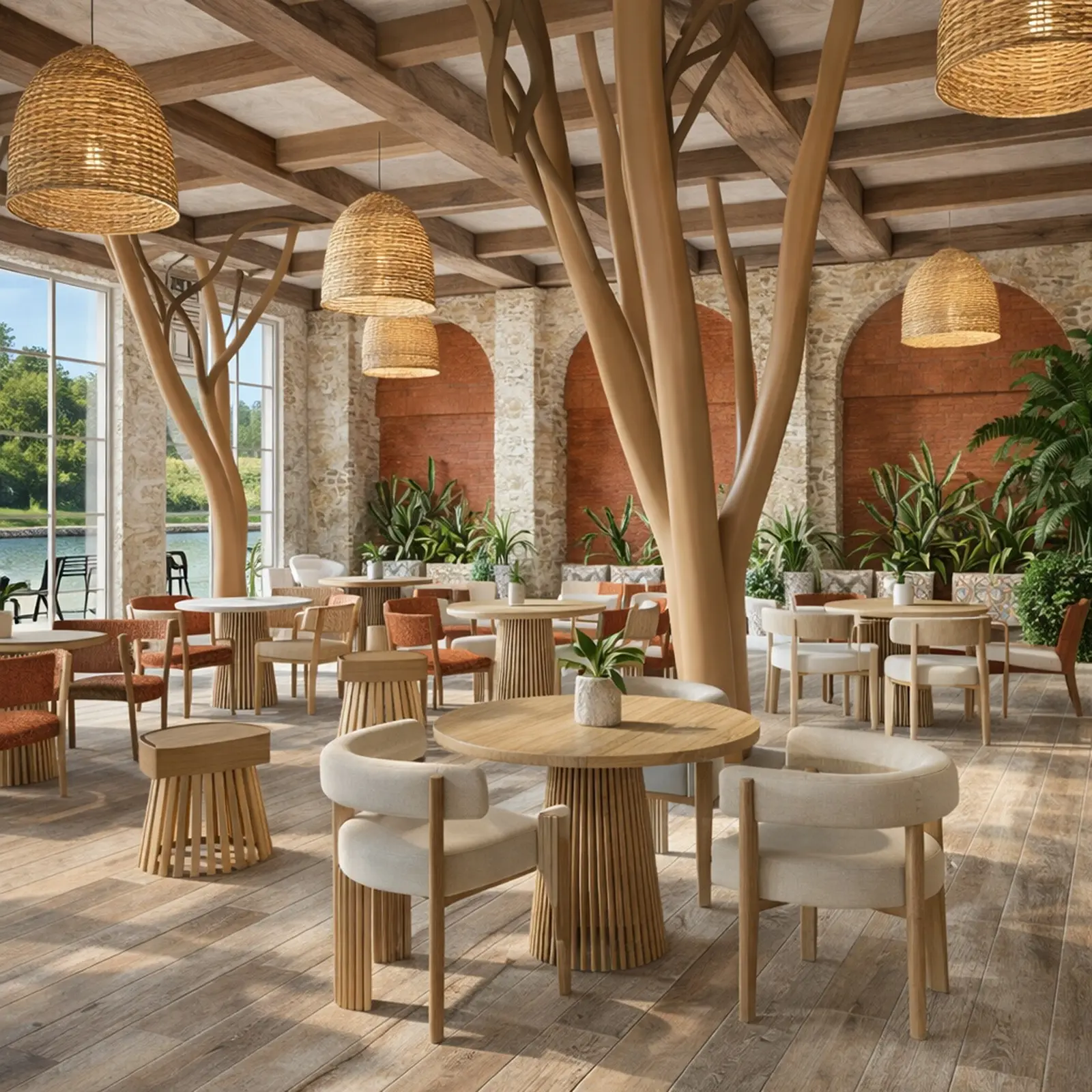
Created in Home Planner
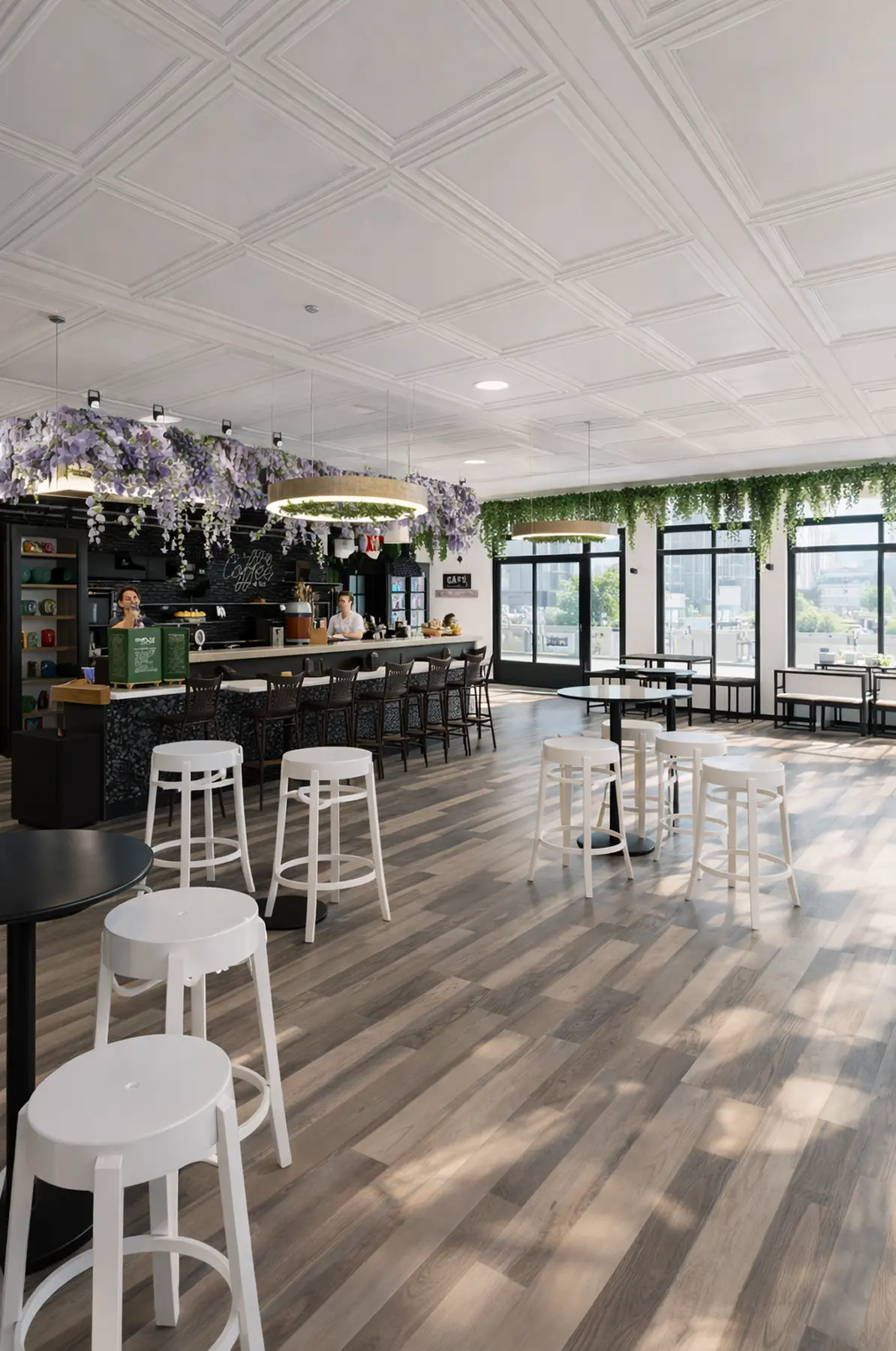
Created in Home Planner
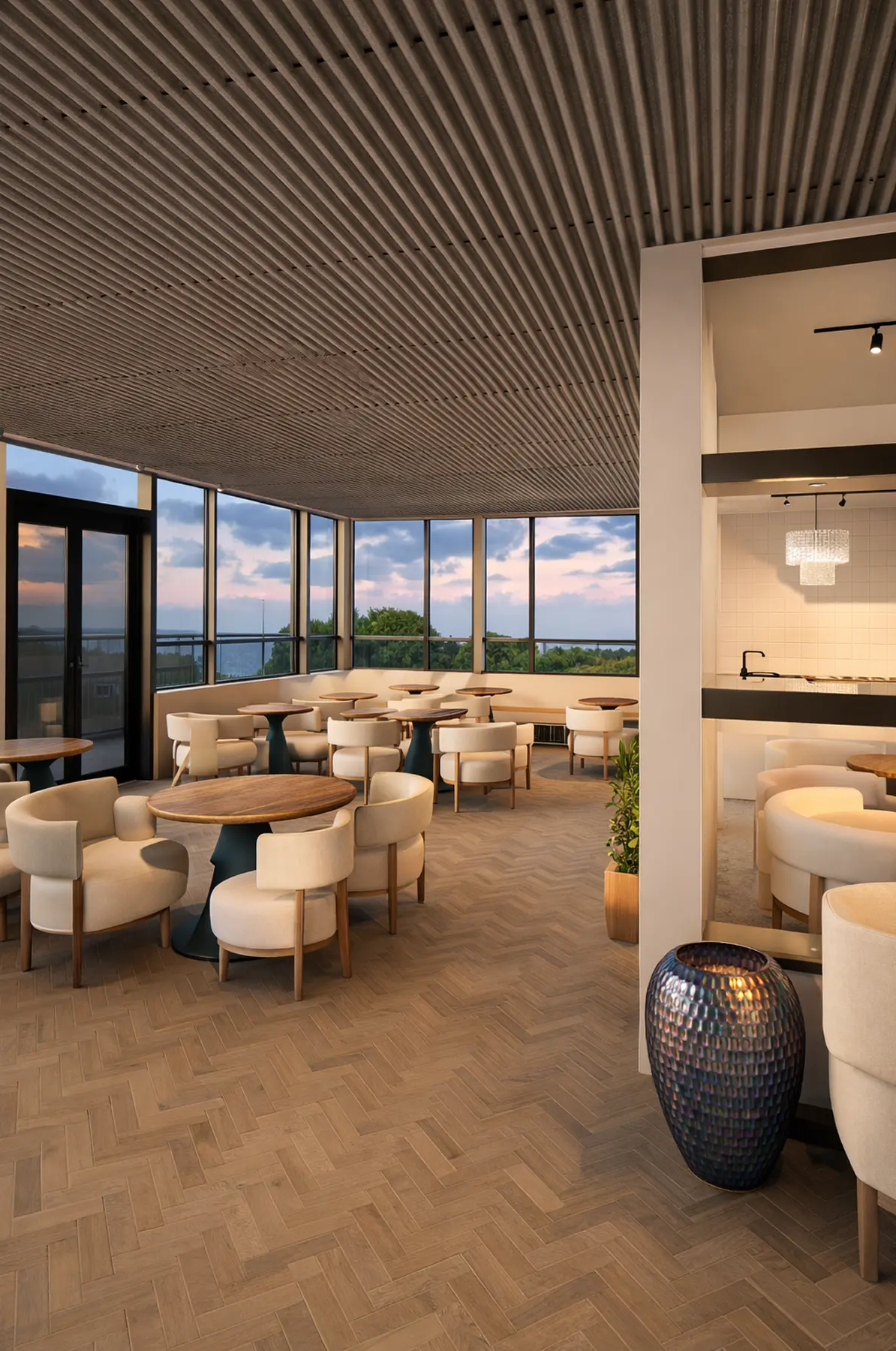
Created in Home Planner
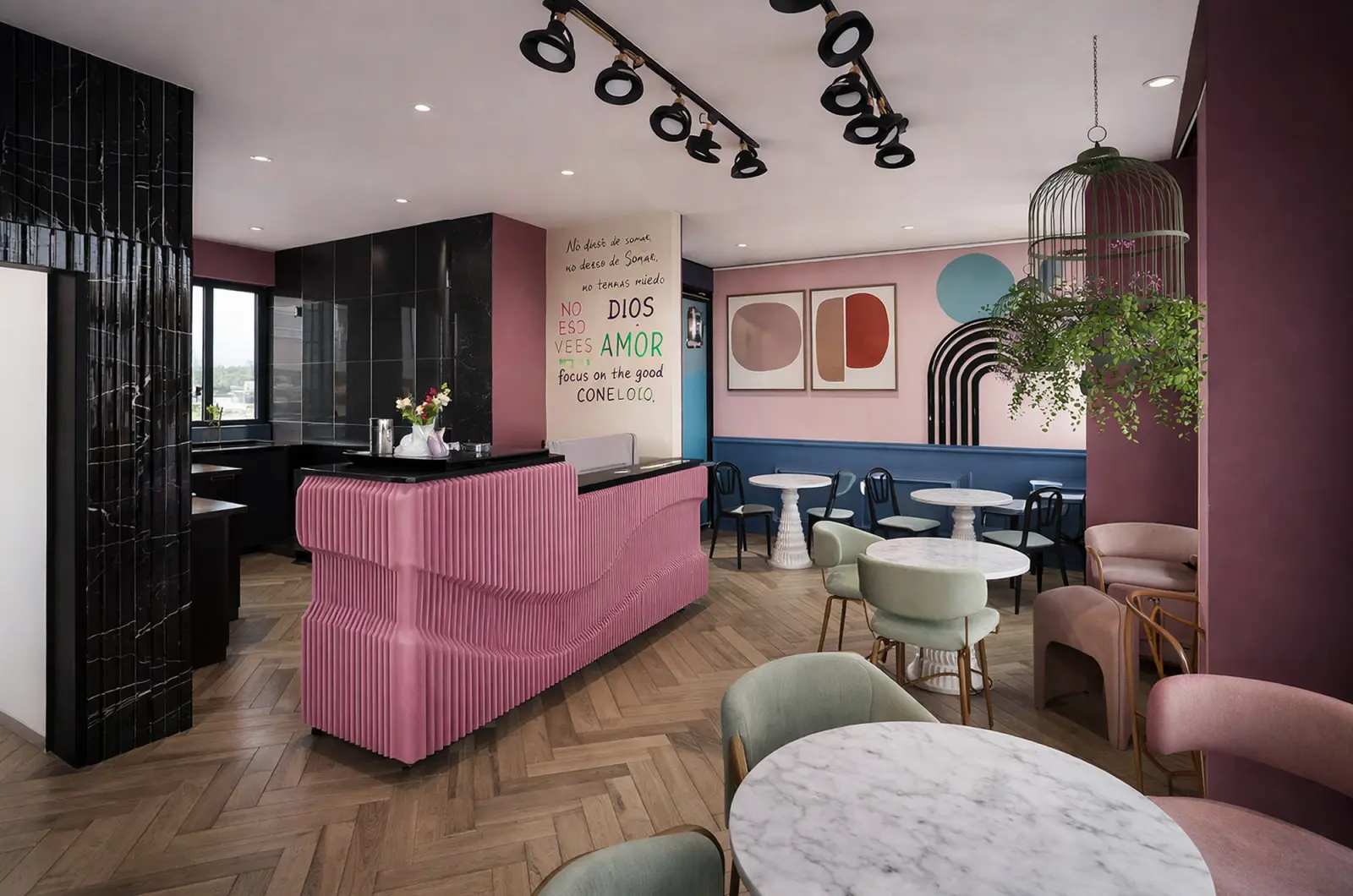
Created in Home Planner
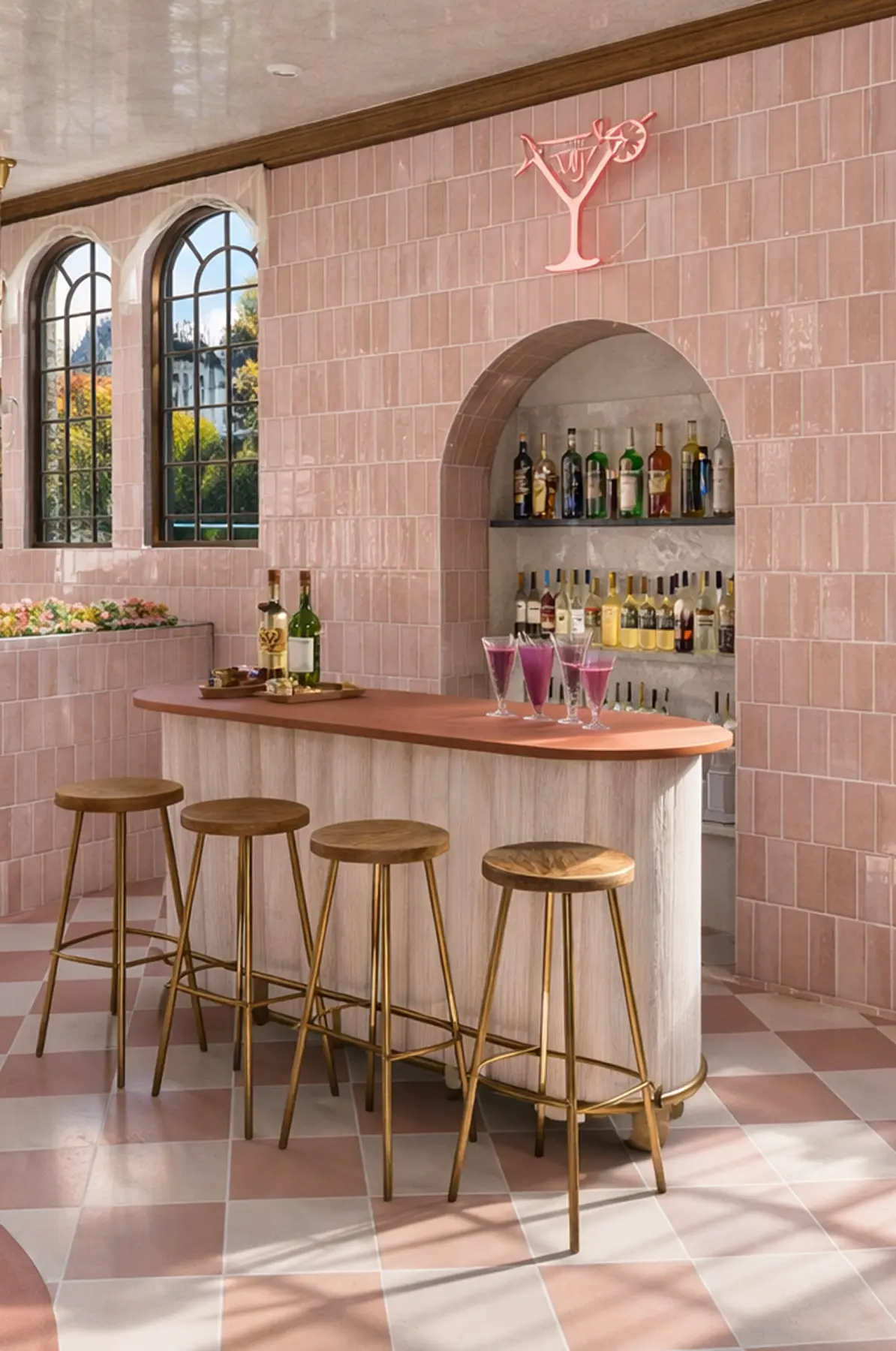
Created in Home Planner
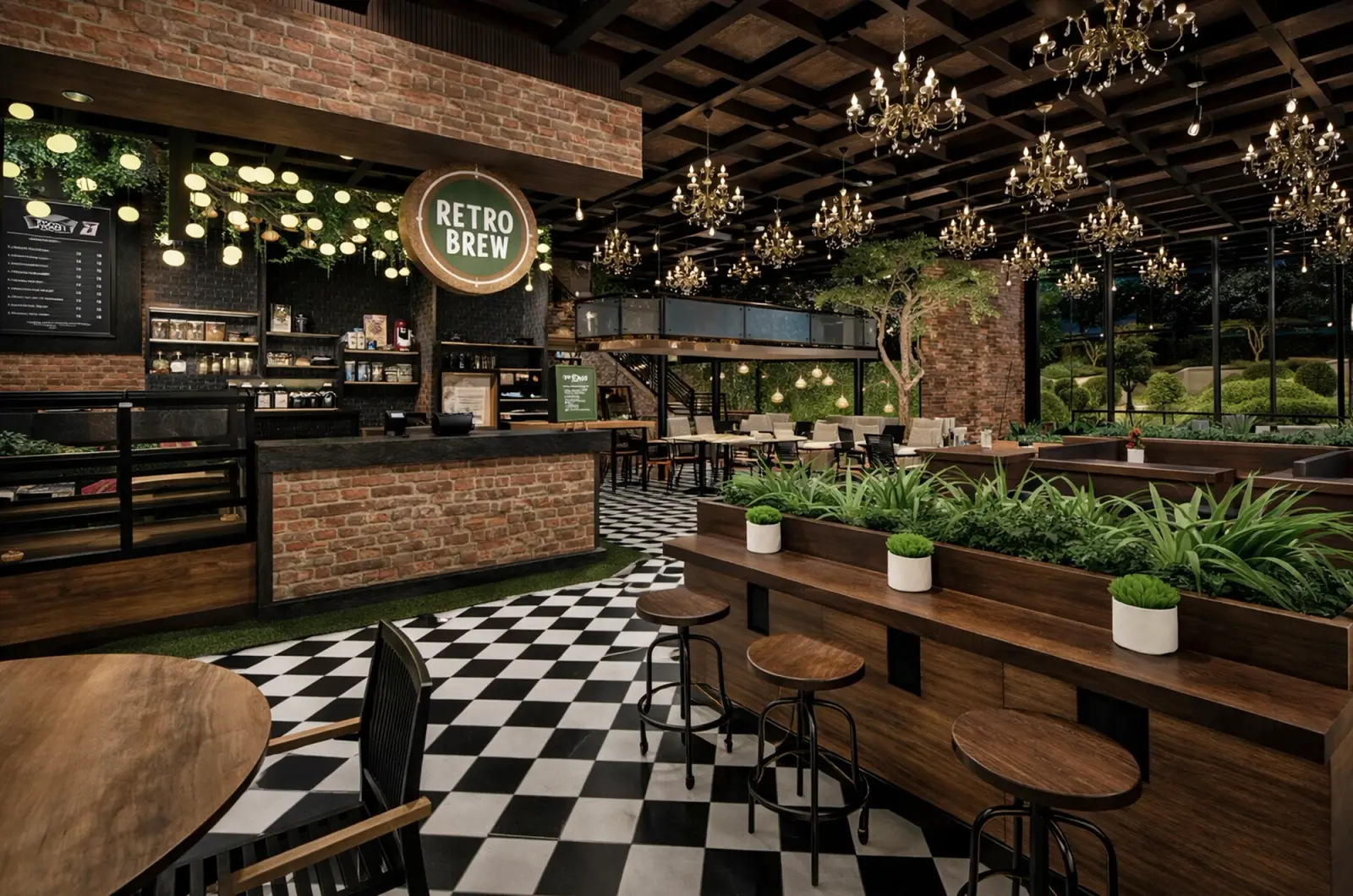
Created in Home Planner
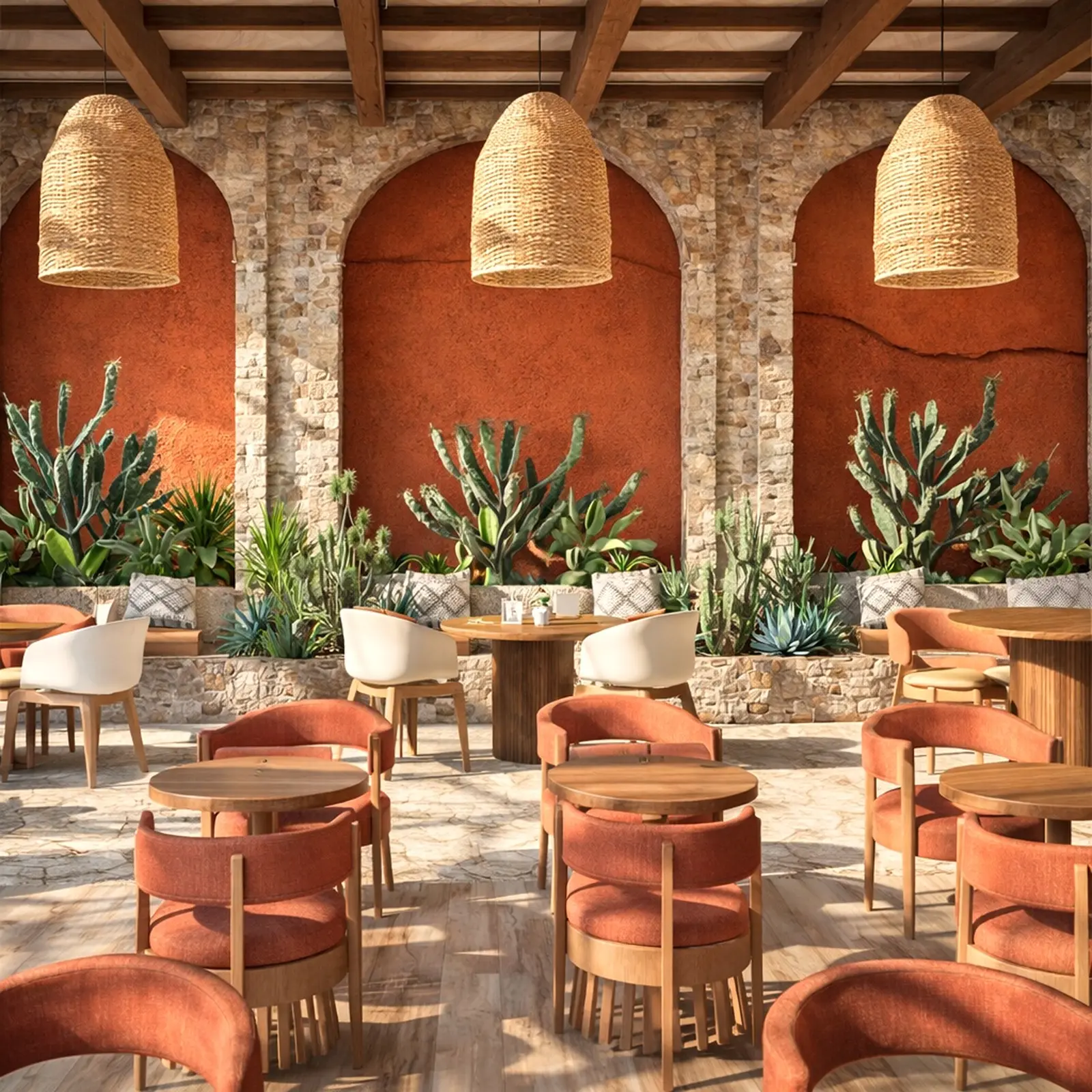
Created in Home Planner
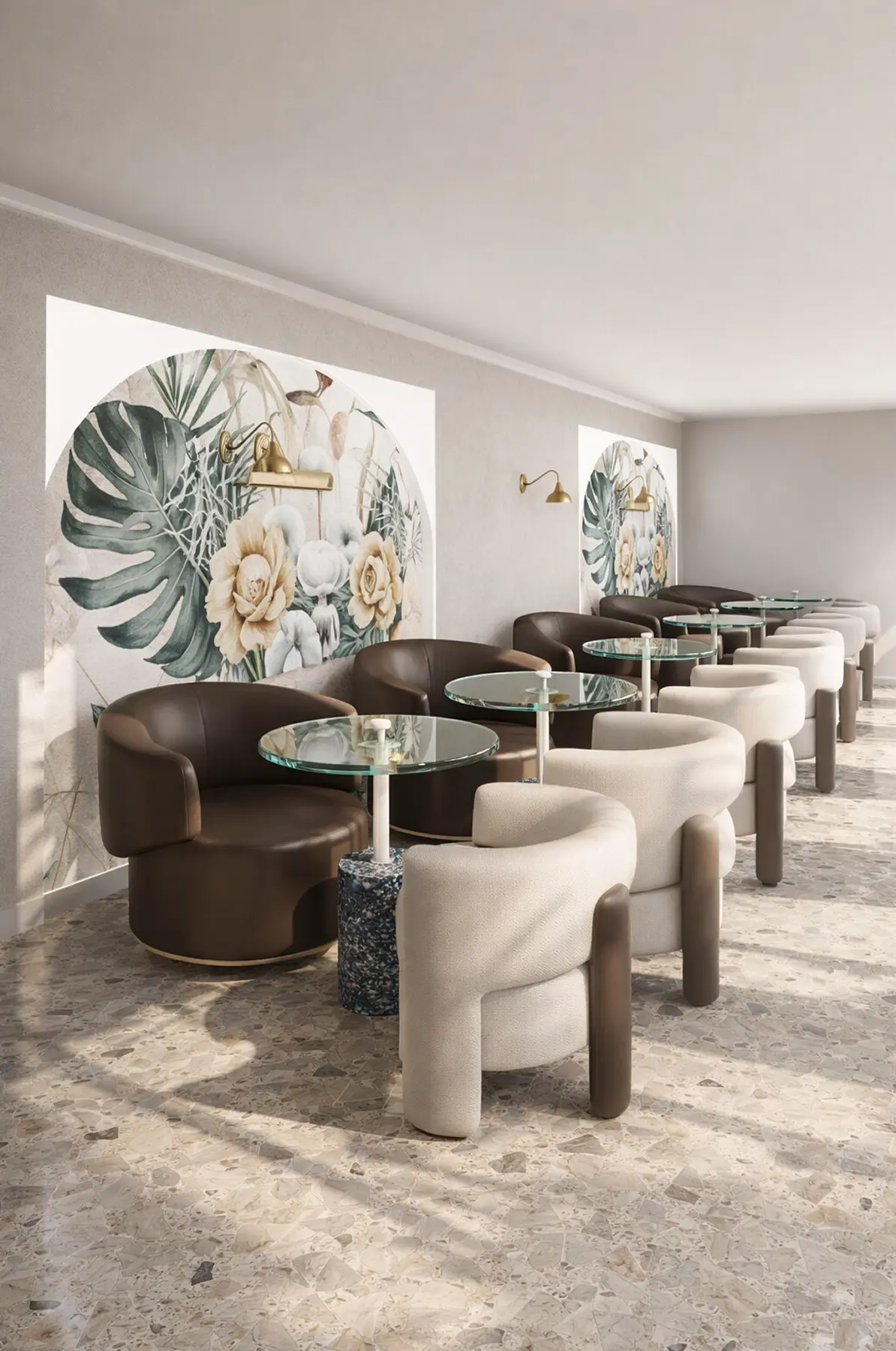
Created in Home Planner
Created in Home Planner
Created in Home Planner
Created in Home Planner
Created in Home Planner
Created in Home Planner
Created in Home Planner
Created in Home Planner
Created in Home Planner
Frequently Asked Questions
Yes. The free plan lets you save up to 10 designs, each one a whole home plan, and try photo renders and AI redesign. PRO adds exact wall measurements, the full catalog, unlimited renders and renovation cost estimates; PRO+ adds 4K, 360° photos and offline access. Compare plans
The free plan is for personal use. Commercial use comes with PRO+, together with 4K renders, 360° photos and offline access.
Yes. Choose the Cafe & Bar room type, draw the dining room, counter and kitchen, and furnish them with tables, bar stools, kitchen appliances and decor.
Yes, with PRO: type the exact length of every wall and the ceiling height. On the free plan you draw walls on a grid.
Yes. Take or upload a photo, pick a style, and AI shows your cafe with new colors, floors and decor, keeping the shape of the room.
Yes, on phones that support AR; iPhones with LiDAR make a detailed scan. Scanning is free, editing the scanned room needs PRO. Scanning isn't available on Mac or Windows.
No. Home Planner is a visual planner: it shows how your cafe will look and whether the furniture fits. Check codes, exits and seating limits with a licensed professional.
Plan your cafe today
Free to start. Try counters, seating and finishes in your own space before you order anything.