Living Room Planner: see your new living room in 3D before you buy
Home Planner is a living room planner that shows you if the new sofa fits before you buy it: draw your room, place real furniture at real sizes, and walk around it in 3D.
4.6App Store · 300K+ ratings
On your phone too
Point the phone camera here to install, then scan your rooms
Downloads across all stores; countries where the App Store carries the app.
Plan your living room in four steps
1.
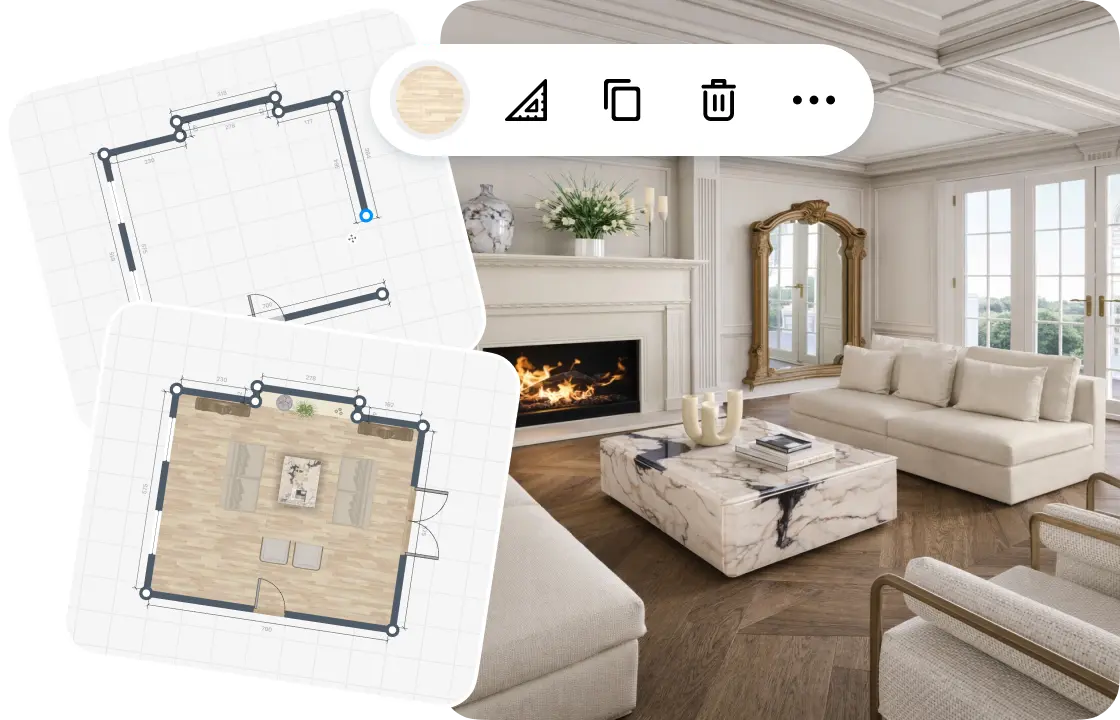
Draw or scan your living room
Draw the walls on a grid, or scan the room to see it in 3D. Add doors, windows and the ceiling height.
2.
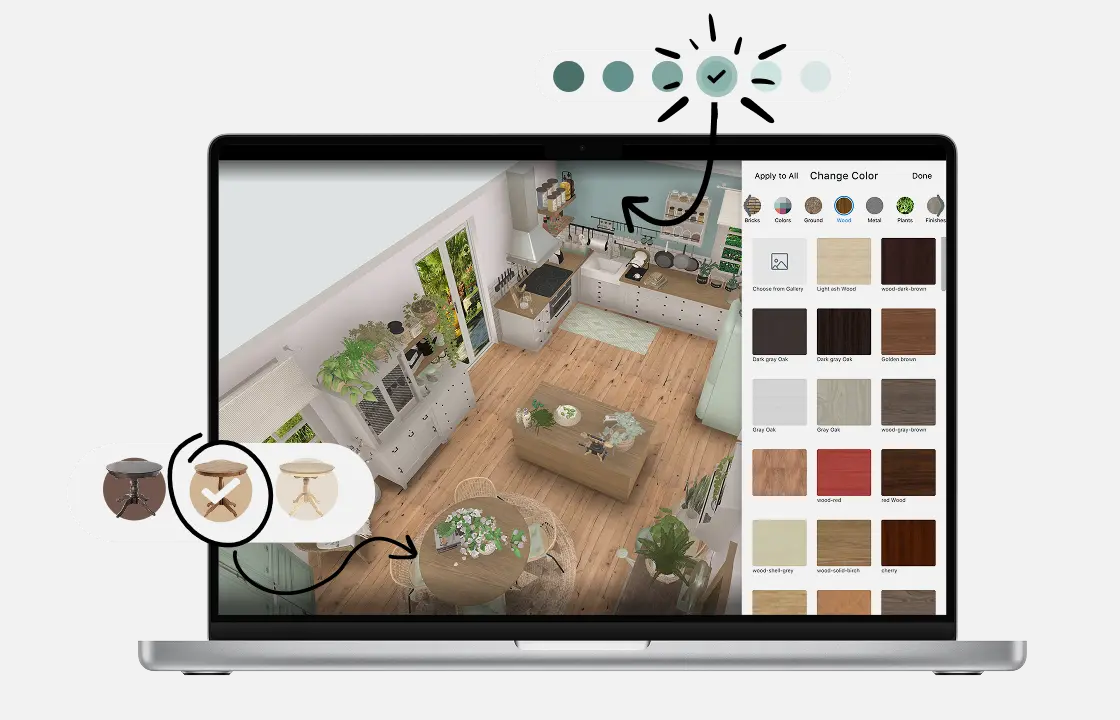
Add furniture and decor
Place a sofa, chairs, a coffee table and a rug, then add lamps and plants. Each piece keeps its real size.
3.
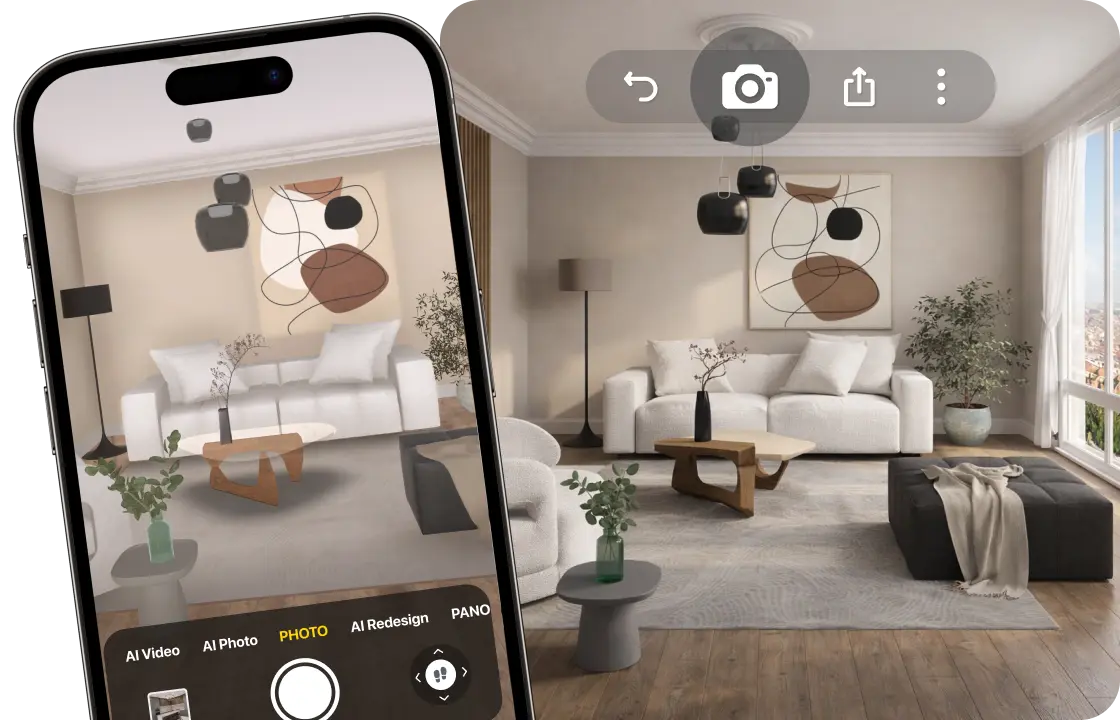
See it in 3D
Walk around your living room and make realistic renders, so you see how it will look before you buy.
4.
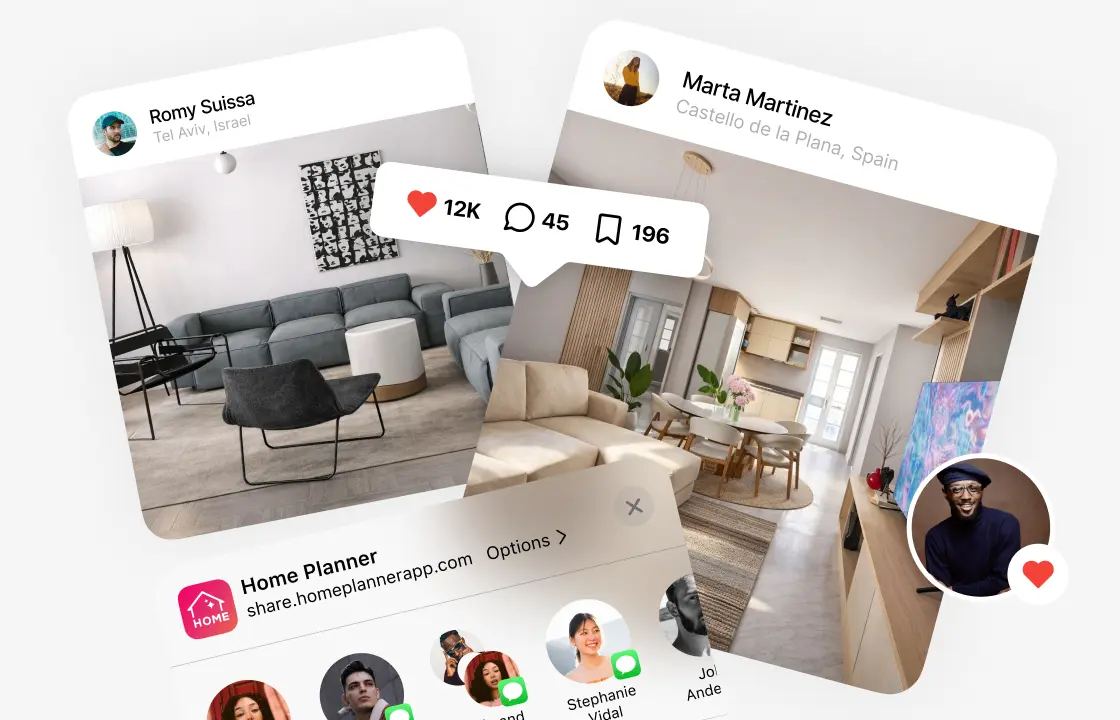
Share your plan
Send a link to your family, or download a PDF with the plan and a shopping list (free with a watermark).
1.
Draw or scan your living room
Draw the walls on a grid, or scan the room to see it in 3D. Add doors, windows and the ceiling height.
2.
Add furniture and decor
Place a sofa, chairs, a coffee table and a rug, then add lamps and plants. Each piece keeps its real size.
3.
See it in 3D
Walk around your living room and make realistic renders, so you see how it will look before you buy.
4.
Share your plan
Send a link to your family, or download a PDF with the plan and a shopping list (free with a watermark).
Start from your real room size
On the free plan, draw the room on the grid and furnish it, before a sofa that is 10 cm too long blocks a door. Sending one back can cost a delivery fee and weeks of waiting. Or scan the room with your phone to see it in 3D at its real size.
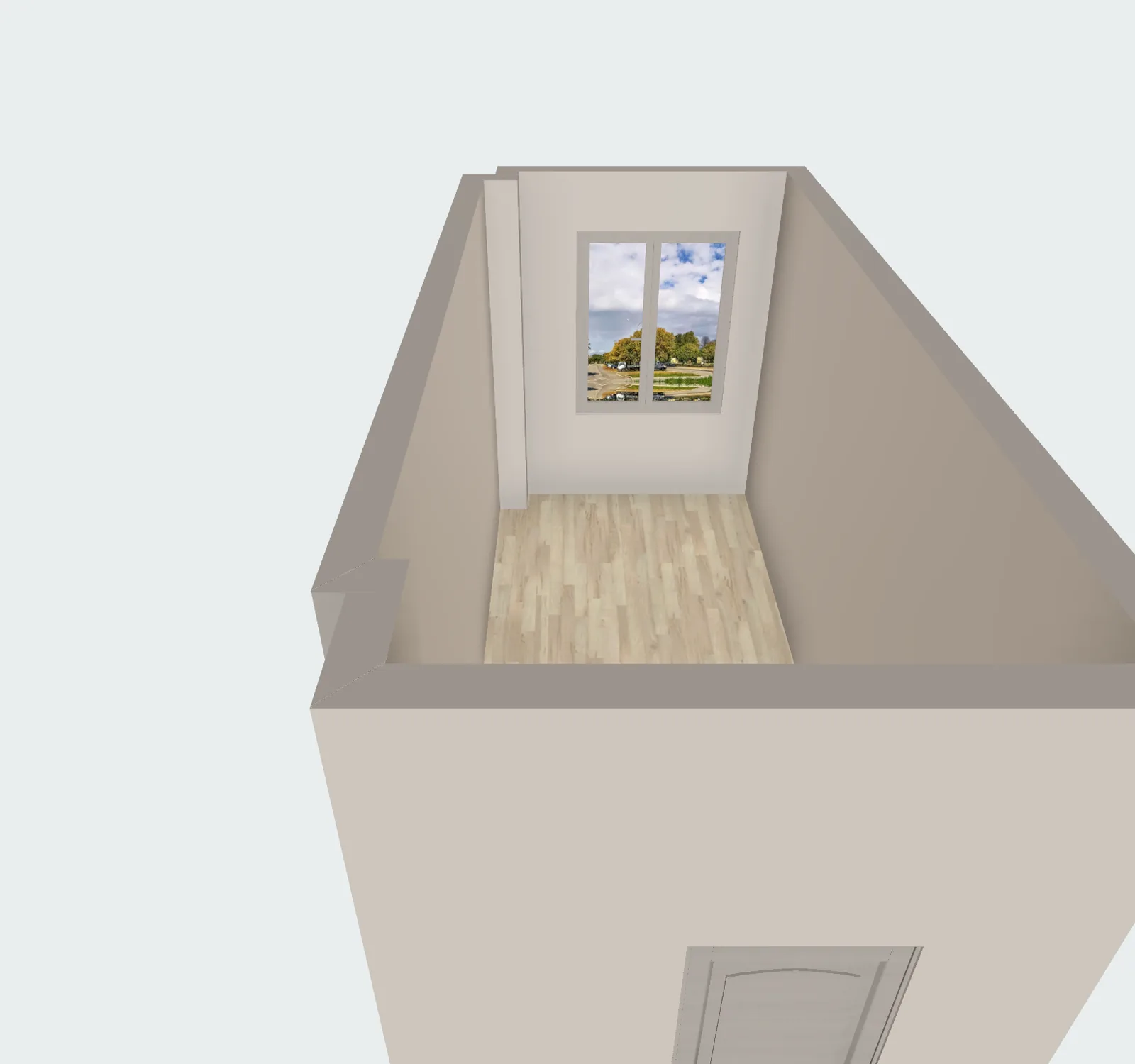
- Walk around the room with your iPhone, iPad or AR-ready Android phone.
- The walls, doors and windows appear in 3D.
- Scan and view in 3D
- Furnish a scanned room: PRO
Living room layout planner: arrange seating around what matters
Every living room has a focal point. Pick the layout that fits yours, then try another one in seconds.

TV wall
A sofa facing the TV, with side tables and a rug in between.

Fireplace
Seating grouped around the fireplace.

L-shaped sectional
A corner sofa that anchors the room around a coffee table.
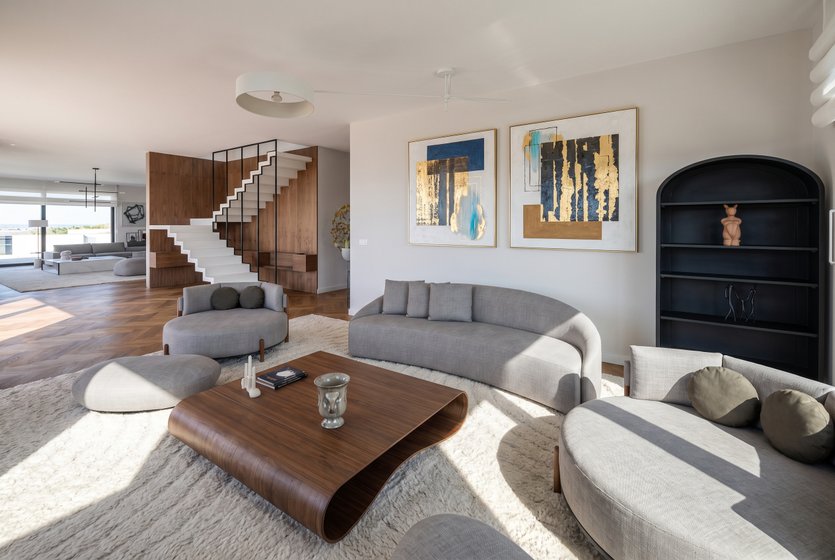
Conversation
Two sofas, or a sofa and armchairs, facing each other.
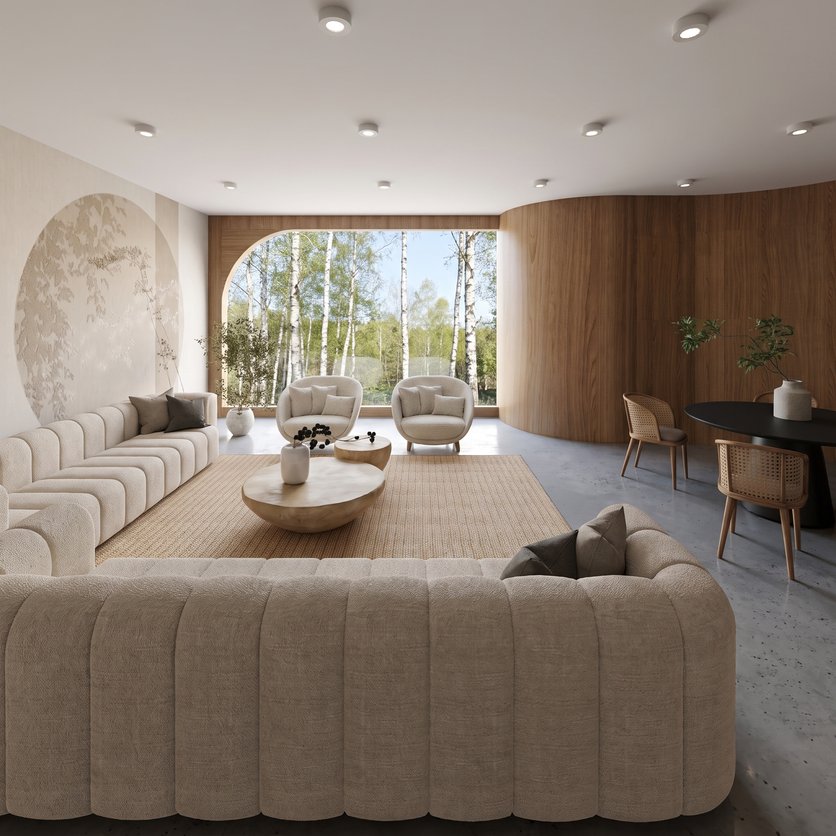
Open plan
Living and dining in one space, divided by a rug or a console.
TV units, fireplaces, corner sofas, rugs and consoles are all in the catalog.
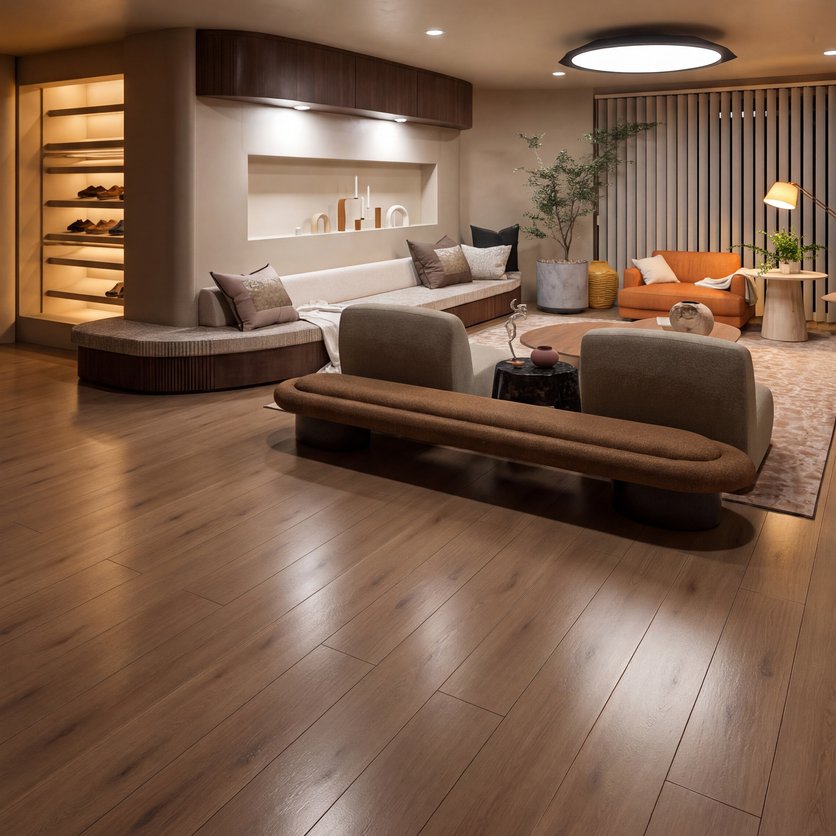
Living room designs made in Home Planner
Ideas to start your own.

Created in Home Planner

Created in Home Planner
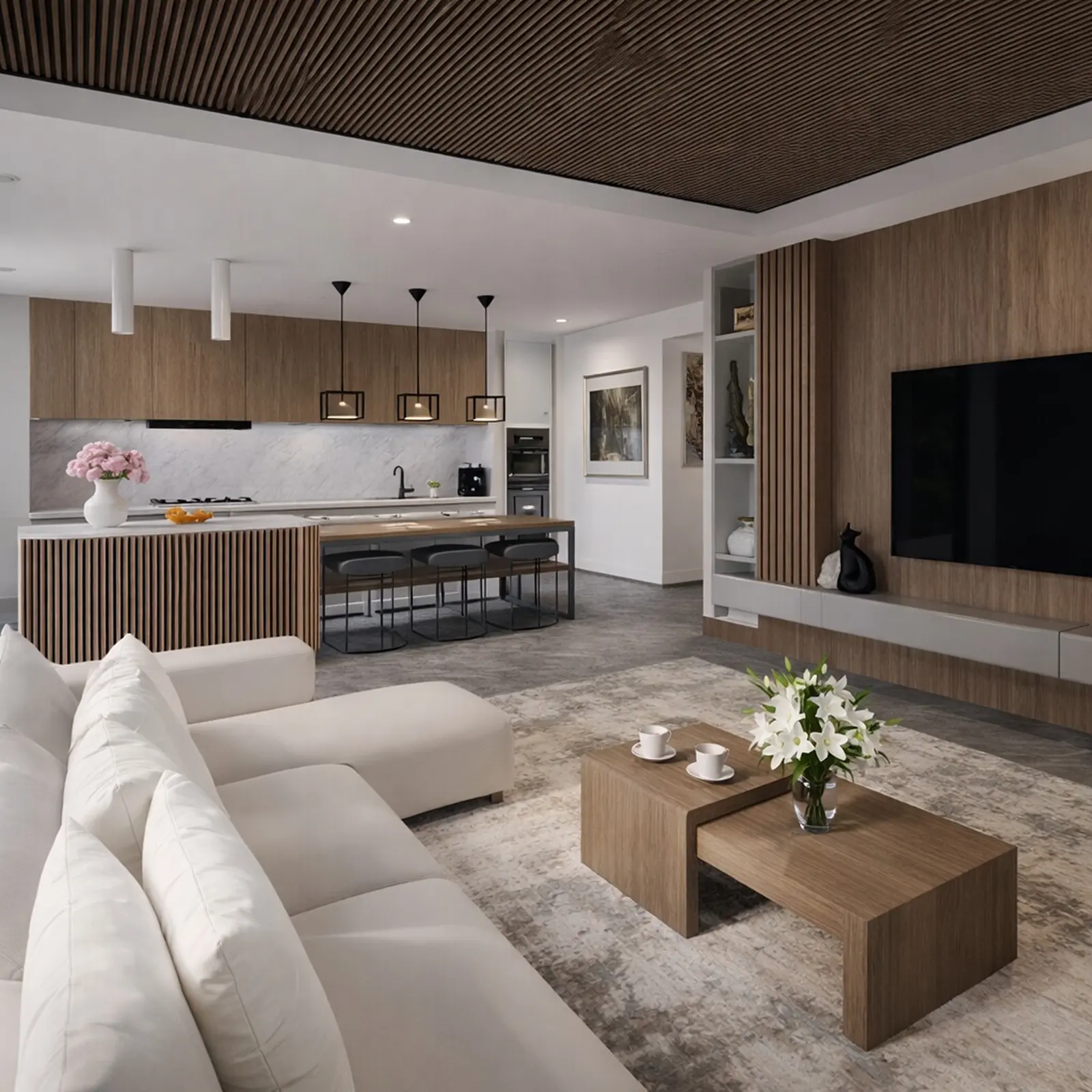
Created in Home Planner
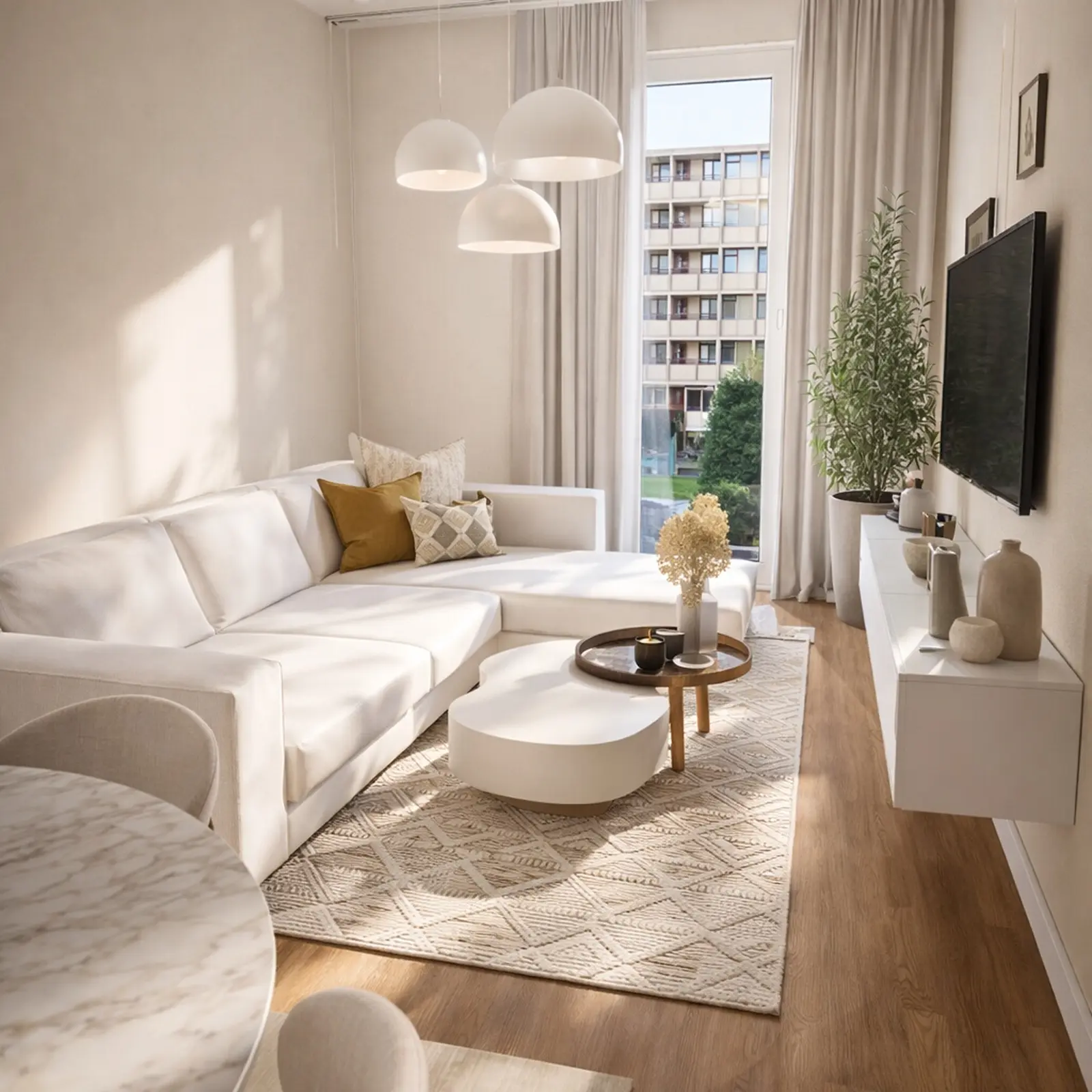
Created in Home Planner

Created in Home Planner

Created in Home Planner

Created in Home Planner

Created in Home Planner
Created in Home Planner
Created in Home Planner
Created in Home Planner
Created in Home Planner
Created in Home Planner
Created in Home Planner
Created in Home Planner
Created in Home Planner
Renders of designs made in Home Planner.
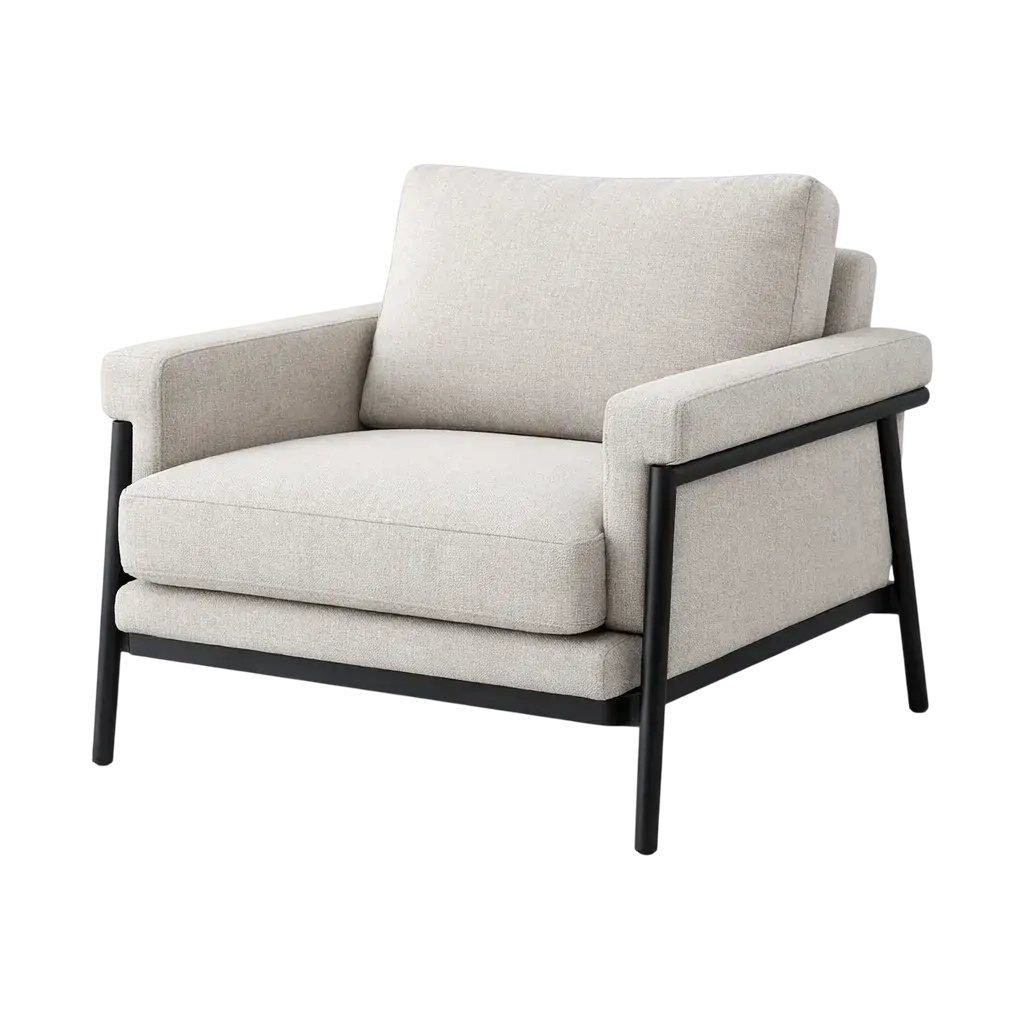
Real sofas, rugs and lamps at their real sizes
Fill the plan from a catalog of 560,000+ products. Each one has its real size, so you see what fits before you order.
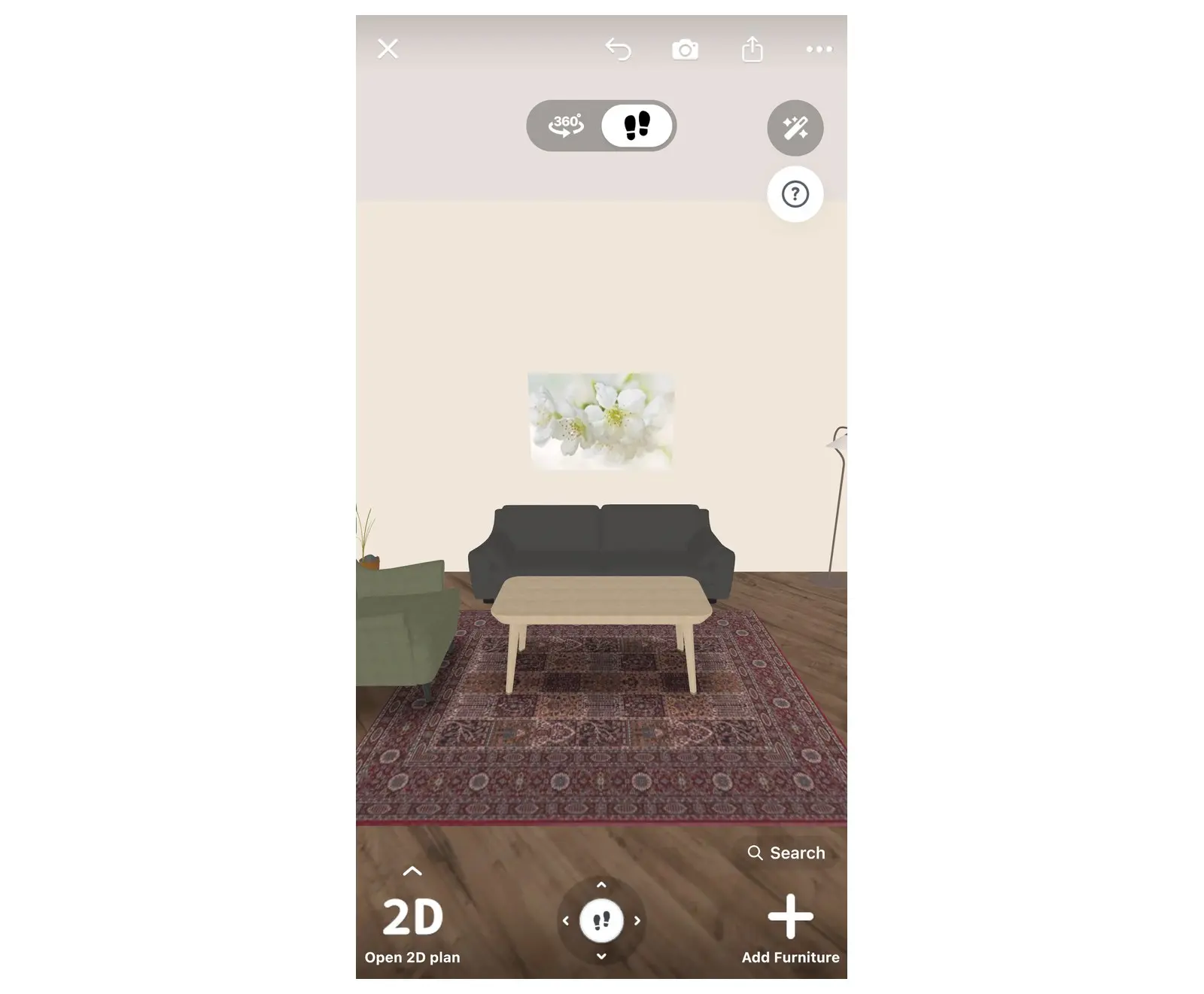
- Sofas and sectionals, armchairs, coffee and side tables, TV units, bookcases, rugs, curtains and lamps.
- Filter by brand, price, size, color and style.
- A free part of every catalog category: free
- The full catalog: PRO
Saw a chair you love? Find one like it
Upload a photo of a piece you like. Home Planner finds similar items in the catalog, and you place one in your room to see how it fits.
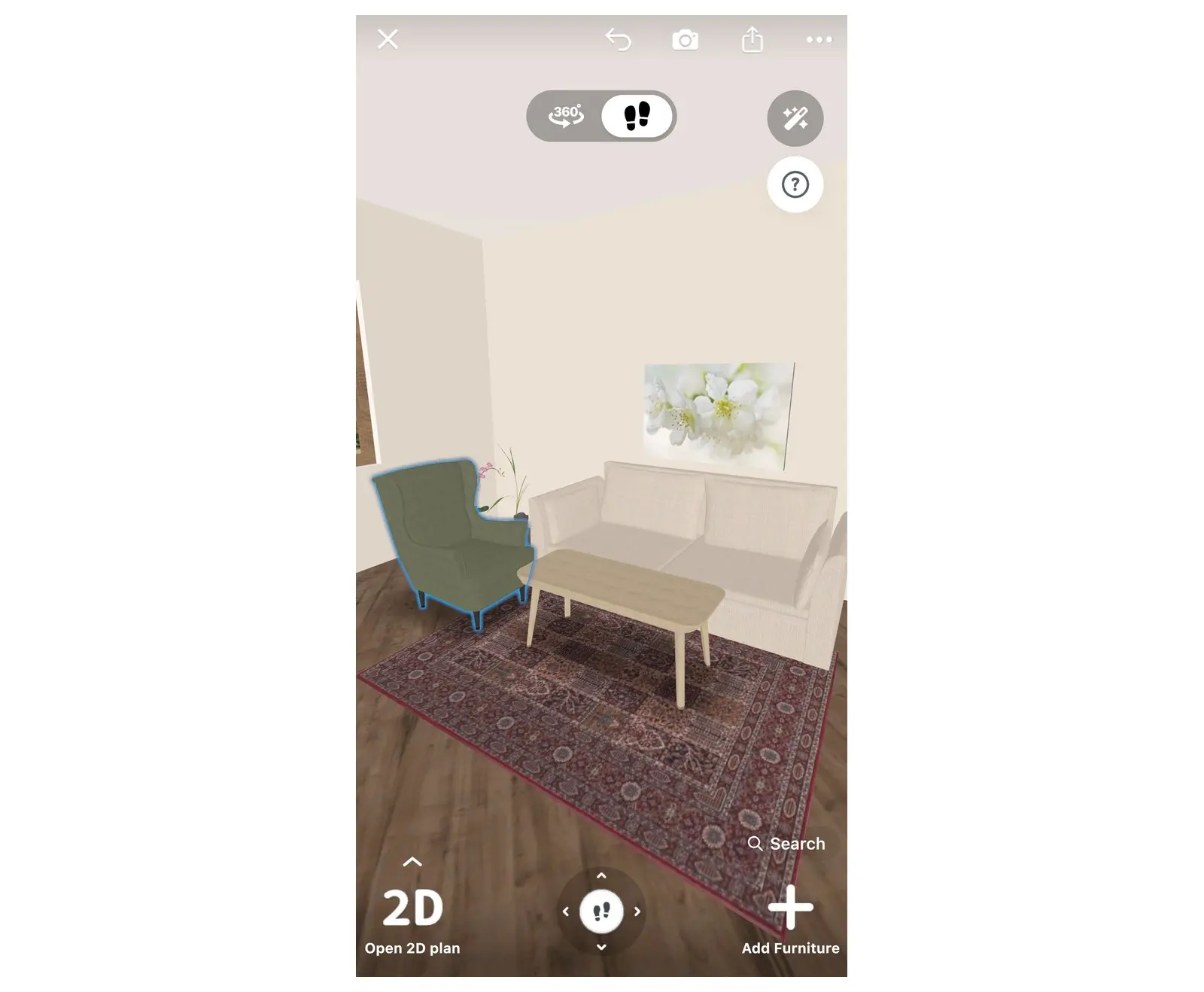
Leave room to walk around the coffee table
A living room feels small when you cannot walk through it. Check the gaps on the plan, not in the room.
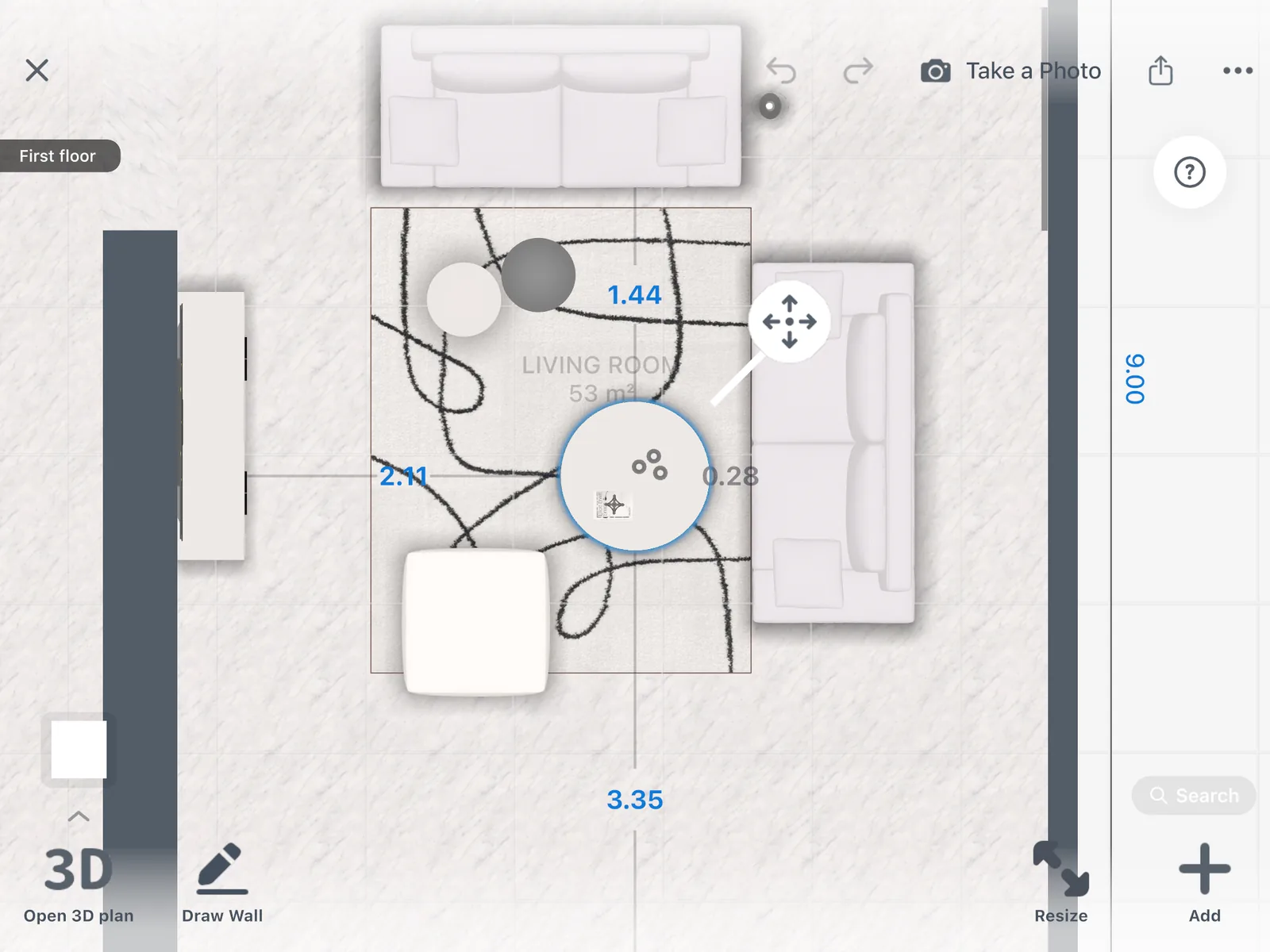
Select the sofa, the coffee table or a chair to read its distance to the walls and the furniture around it, in 2D and in 3D.
See a new style before you repaint
Try paint colors, wallpaper, floors and curtains on your plan in 3D. Or take a photo of your living room and let AI Redesign show it in a new style.
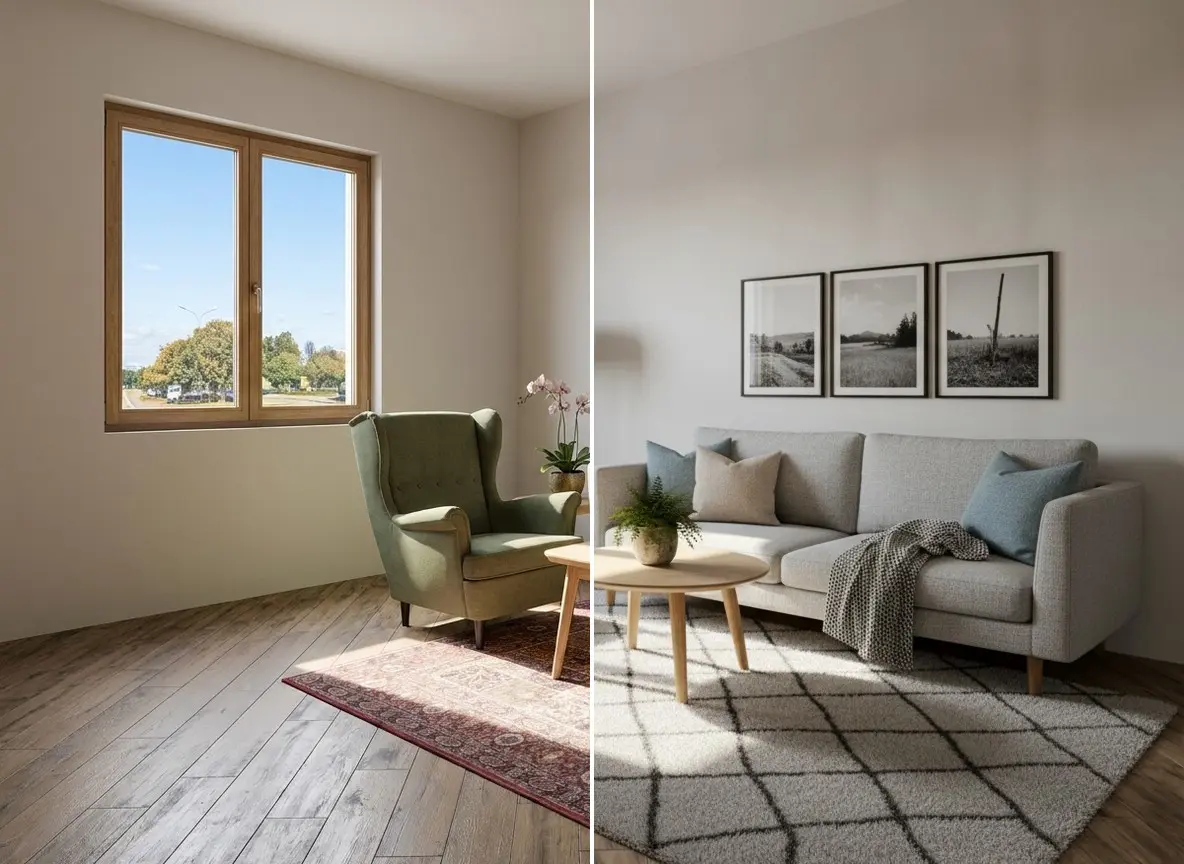
- Up to 4 AI redesigns: free
- More colors and your own textures: PRO
Show your family how it will look
Make photo-realistic pictures of your living room from any angle, and keep them all in one gallery.
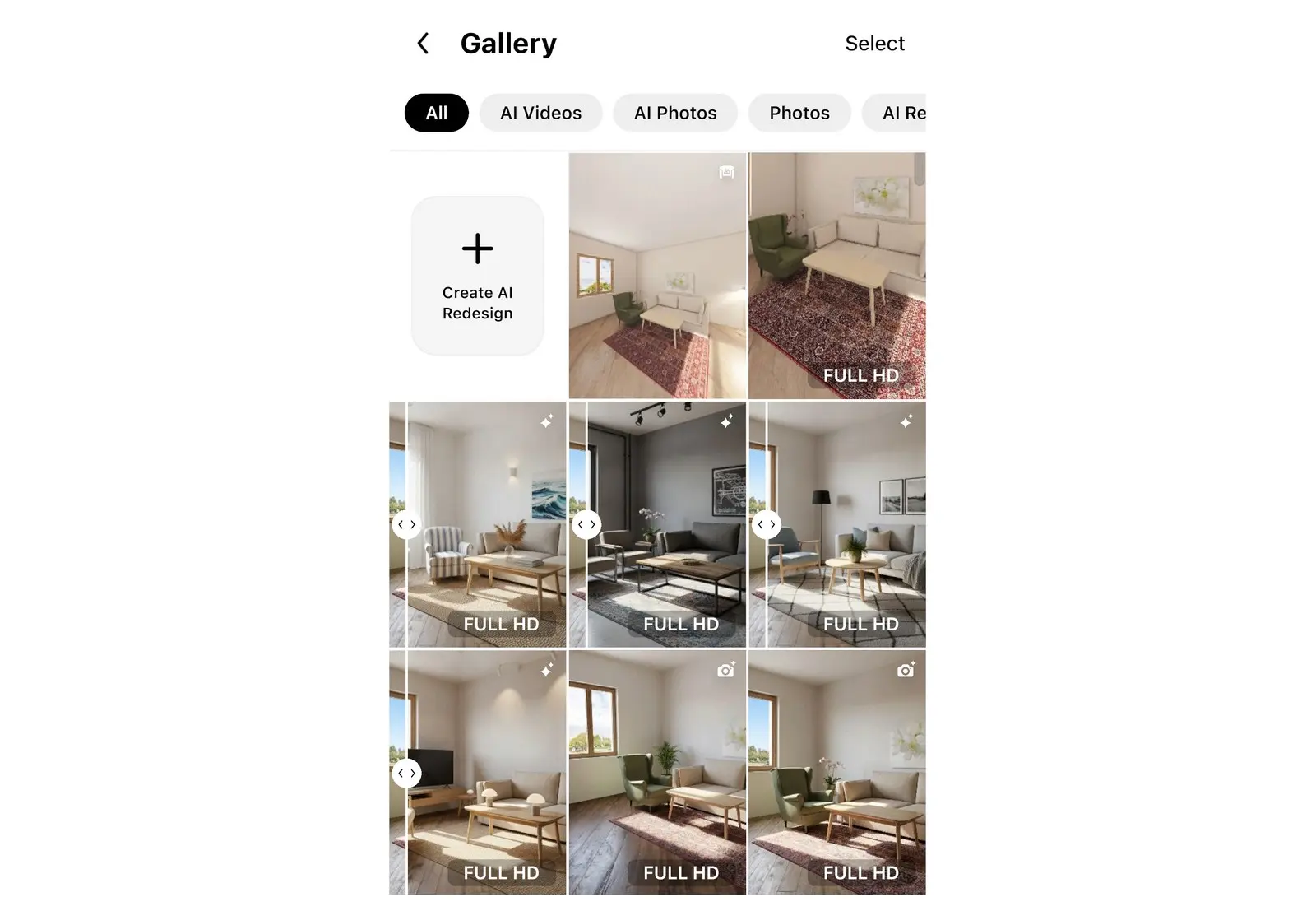
- Try renders: free
- 4K renders and 360° photos: PRO+
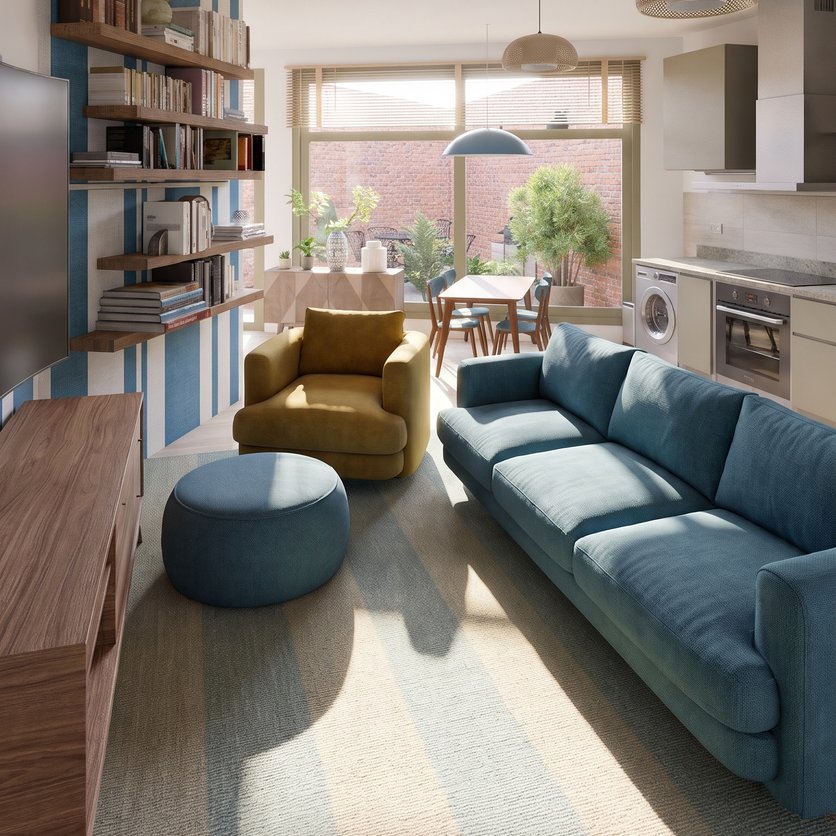
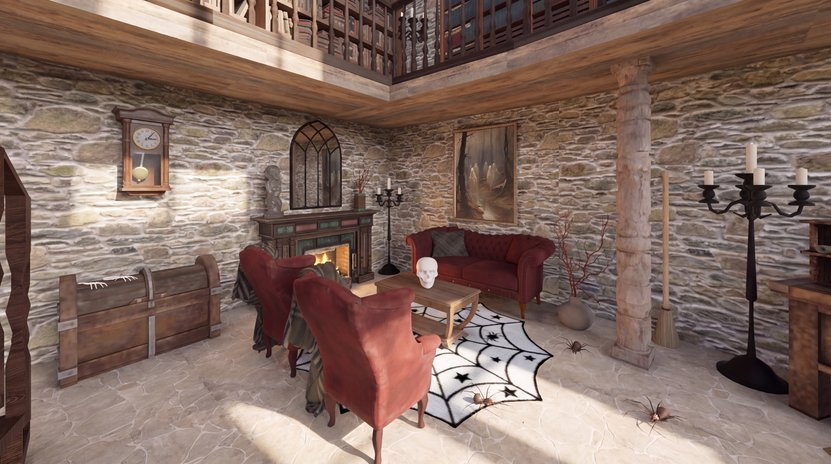
Ideas for living room
See all
Know what the new living room costs before you buy
Every item you place goes into a shopping list with its price, and the total follows your plan.
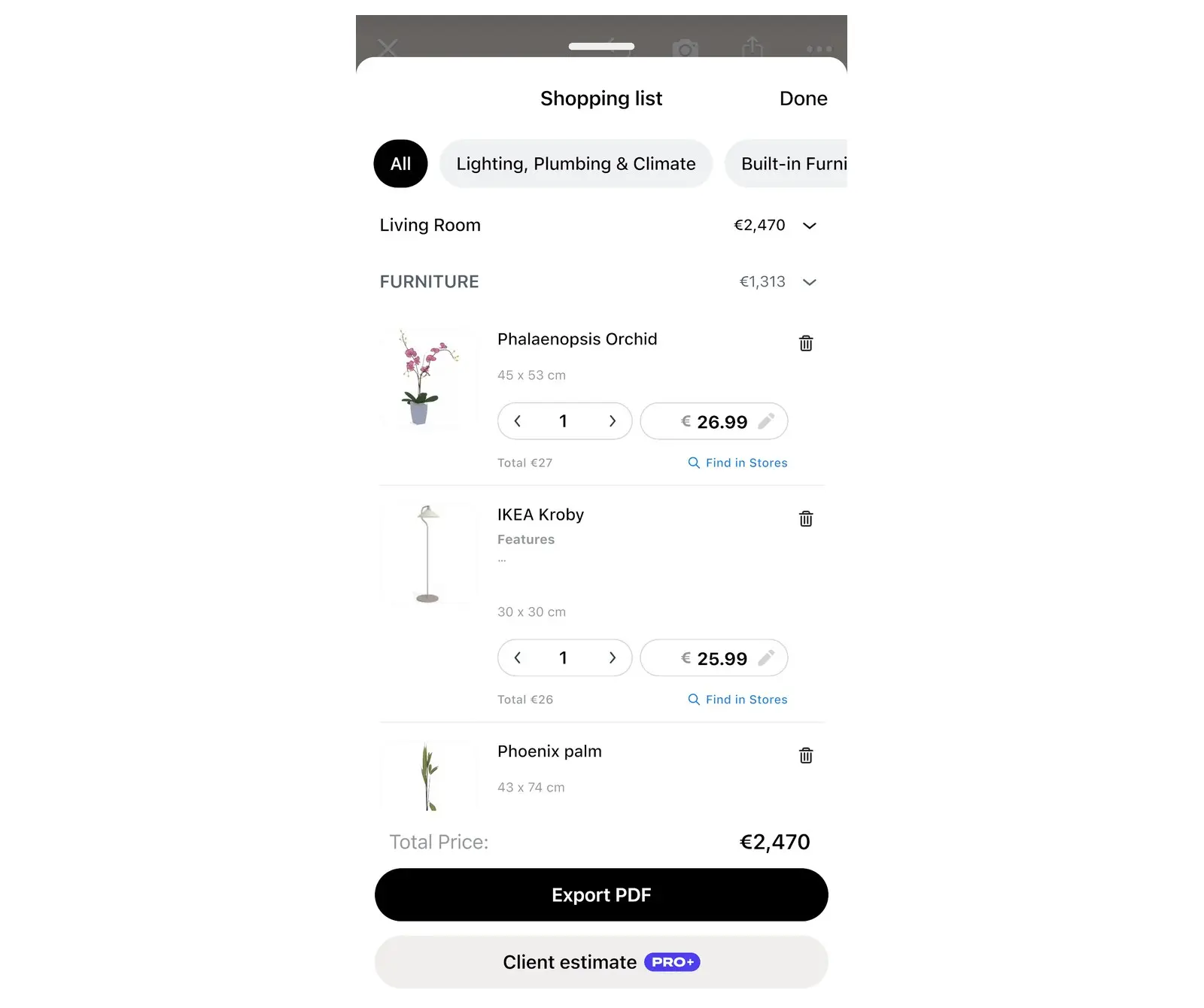
Swap the sofa for a cheaper one and the total updates. Select an item in the list to look it up in shops.
Treat the numbers as a guide: confirm the final price with the shop.
- Renovation cost estimate: PRO
One plan for the whole family
Agree on the sofa before anyone orders it. Share a link that opens in any browser, or invite people to edit the design with you.
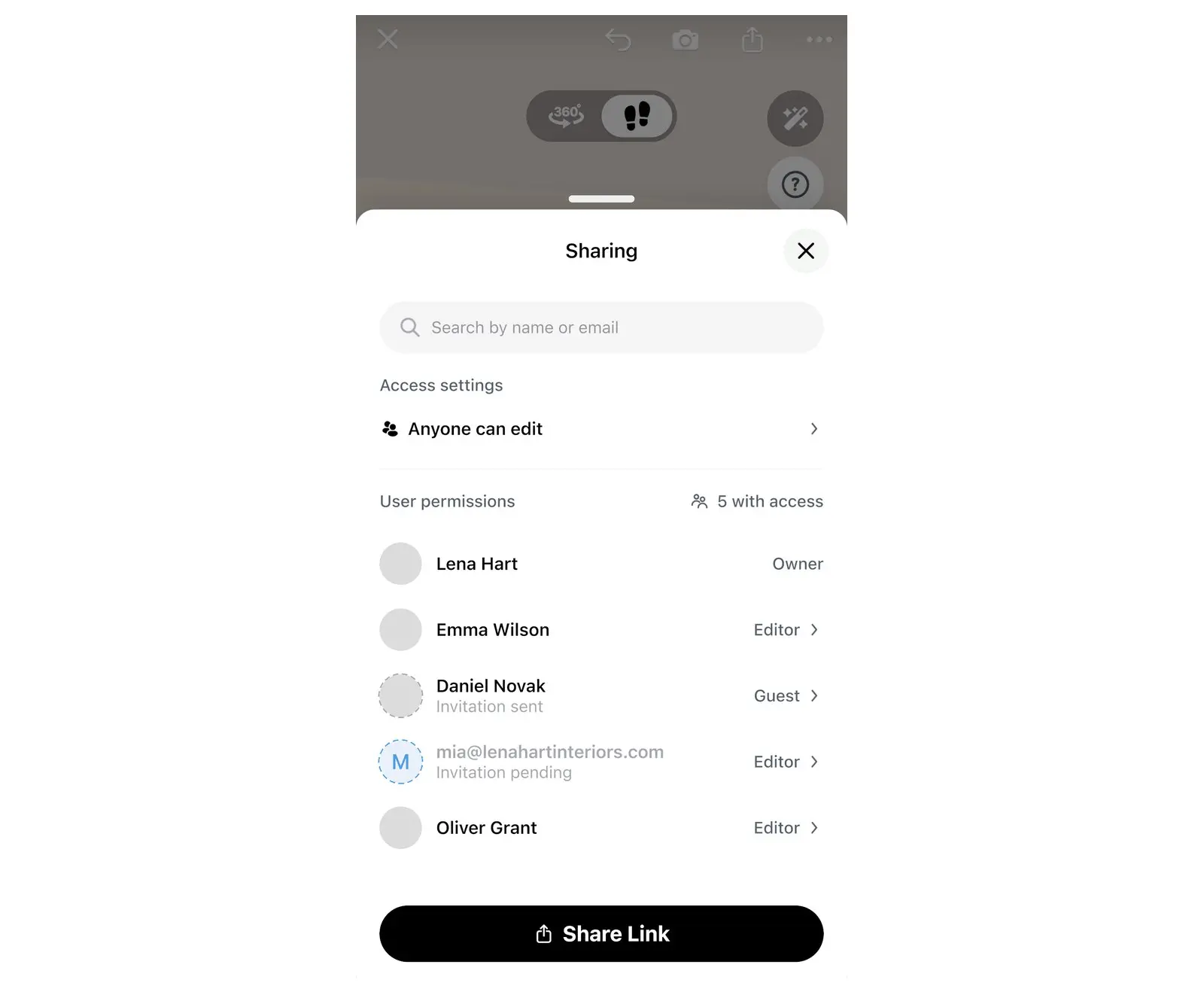
- A link shows your design in a browser, with no app.
- To edit together, each person needs Home Planner and a sign-in.
- A PDF has the plan with sizes and the shopping list.
- Link, PDF with a watermark and editing together: free
- PDF without a watermark: PRO+
Only here for a new sofa? Start with that
You do not need a full redesign to use a living room planner.
"I just need to know if the sofa fits"
Draw the room on the grid once, place the sofa you like, and see it next to the furniture you already have.
"My living room is small"
Every piece keeps its real size, so the plan shows what really fits. Compare a loveseat and a corner sofa in the same spot.
"We can't agree on the layout"
Make two versions of the room and walk through both in 3D before anyone moves a thing.
"I wasn't sure if it would fit." Then Michaela tried it on the plan.
Home Planner has 30M+ downloads. Michaela used it to check a sofa before buying it.
"I really wanted that big green sofa in my living room, but I wasn't sure if it would fit or look right. After trying out different layouts, I could finally see how everything worked together. The room feels bright, spacious, and just how I imagined it."
Review as shown on our pricing page.
Furnish the room free. Add PRO for the full catalog.
Free: draw the room on the grid, place sofas, tables and rugs, and see it in 3D. PRO opens all 560,000+ products and the cost of the whole room.
Free
Nothing to pay to start
- Draw the plan on a grid and see it in 3D
- A free part of every catalog category
- Scan a room with your phone and see it in 3D
- Share a link or a PDF with a watermark, and edit together
- Up to 4 AI redesigns to try
- Up to 10 designs
PRO
For your own home, when every piece has to be right
- Everything in Free
- Typed room and wall sizes, laser meter, editing of scanned rooms
- The full catalog of 560,000+ products
- Renovation cost estimate
- More colors and your own textures
- Sync between your devices
PRO renews automatically each billing period unless you cancel. You can turn off auto-renew in your account settings, and PRO stays active until the end of the period you paid for.
Frequently Asked Questions
Yes. The free plan saves up to 10 designs, each one a whole home plan, with a free part of every catalog category and up to 4 AI redesigns to try. PRO adds the full catalog of 560,000+ products, higher AI limits, a renovation cost estimate and sync between devices. PRO+ adds 4K renders, 360° photos and offline mode. See plans and prices
Yes. Home Planner runs on iPhone, iPad, Android, Mac and Windows, and with PRO your designs sync between devices. Scanning works on iPhone, iPad and AR-ready Android phones, not on Mac or Windows. Restyle a photo with AI on our website after you sign in. The full planner is the app. Try AI Redesign
Measure the walls and mark the doors, windows and the TV or fireplace. Place the sofa facing that focal point, add chairs, a coffee table and a rug, and keep a clear path to the doors. Then check the gaps and look at the room in 3D. Small living room layout ideas
Yes. Set the ceiling height on any plan, free included. With PRO, type the exact length of every wall in feet, inches, meters or centimeters, or read wall lengths from a supported laser distance meter on iPhone, iPad, Android or Mac. On the free plan you draw walls on a grid. Follow your device maker's safety instructions, and never point a laser at anyone's eyes.
Place it on your plan and see. On the free plan, draw the room on the grid and furnish it; every catalog item has its real size. Select the sofa to read its distance to the walls and the furniture around it.
Yes. Take or upload a photo, pick a style, and AI Redesign shows your living room with new furniture, colors and finishes. It is set to keep the shape of the room. Try AI Redesign
Yes, on phones that support AR; iPhones with LiDAR make a detailed scan. Scan a room and see it in 3D at its real size. To furnish or edit a scanned room, add PRO. On the free plan, draw the room on the grid and furnish it. Scanning isn't available on Mac or Windows.
No. Place a sofa, chairs and a rug, move them around, and see the result in 3D right away.
Yes. Cancel at any time, and PRO stays active until the end of the period you paid for; your designs stay in your account. Refunds for App Store, Google Play or Steam purchases follow that store's refund policy. Bought on our website? Contact support and we'll help with a refund.
You do. Your designs stay in your account, and you can share them by link or export them as a PDF at any time.
Do you design or furnish living rooms for clients?
PRO is for your own home. For client work, PRO+ adds commercial use, no watermark, 4K renders and a client PDF with an estimate and your logo.
- PRO+
Plan your living room before you buy
Draw the room, place real furniture, check the space and the cost, and agree on the look with your family.

Try it on your own project
Free room planner and interior design app
P.S. Looking at a sofa in a shop tab right now? Put it on your plan first: draw the room, drop in the sofa, and see it in 3D in a few minutes.
More guides:How to Visualize Furniture in Your Room Before You BuyTV Placement in Living Room: Height, Distance and SoundTypes of Sofas: 10 Sofa Styles and How to Tell Them ApartHow to Choose Living Room Colors: Rules and Combinations
Home Planner is not affiliated with, endorsed or sponsored by Apple, Google, Microsoft or Valve; their names and marks belong to their owners. Android is a trademark of Google LLC. iPhone, iPad and Mac are trademarks of Apple Inc., registered in the U.S. and other countries. Steam and the Steam logo are trademarks and/or registered trademarks of Valve Corporation in the U.S. and/or other countries. Windows is a trademark of the Microsoft group of companies. Other trademarks are the property of their respective owners.