Outdoor Space Planner: see your new yard in 3D before work starts
Home Planner is an outdoor space planner that shows your backyard before you build or plant: draw your plot and the house on it, add a pool, plants, paths and real outdoor furniture, and walk through it in 3D.
4.6App Store · 300K+ ratings
On your phone too
Point the phone camera here to install, then scan your rooms
Downloads across all stores; countries where the App Store carries the app.
Plan your yard in four steps
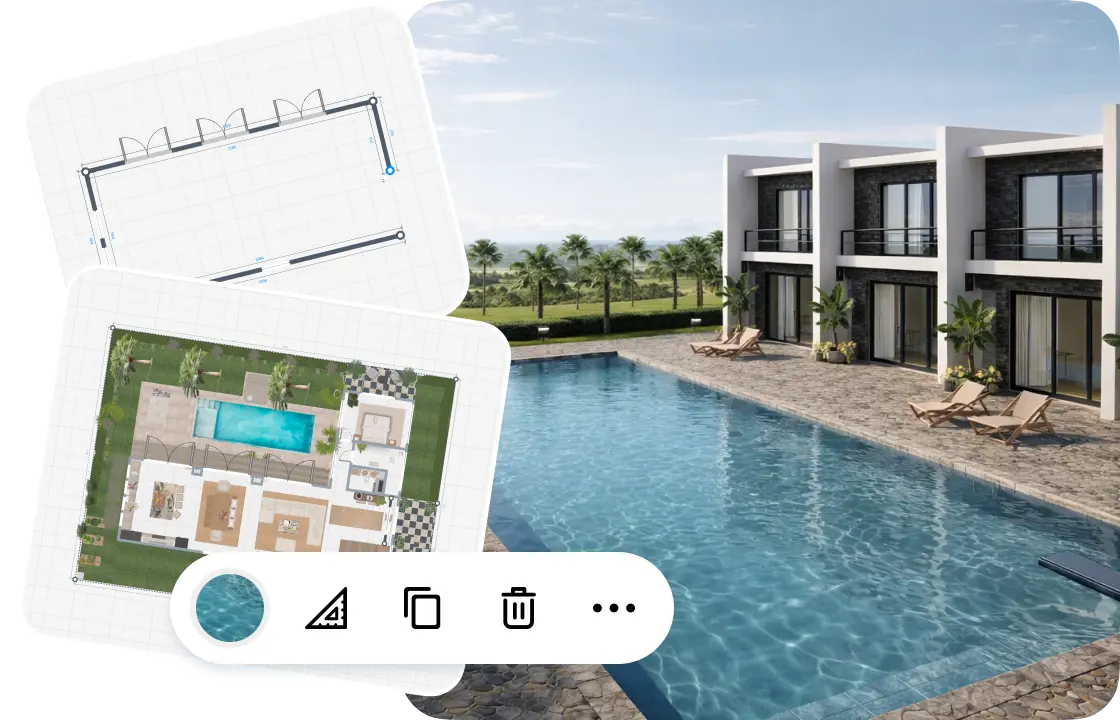
1.
Draw your outdoor space
Draw the outline of your plot and the house on it, then add the drive and the lawn.
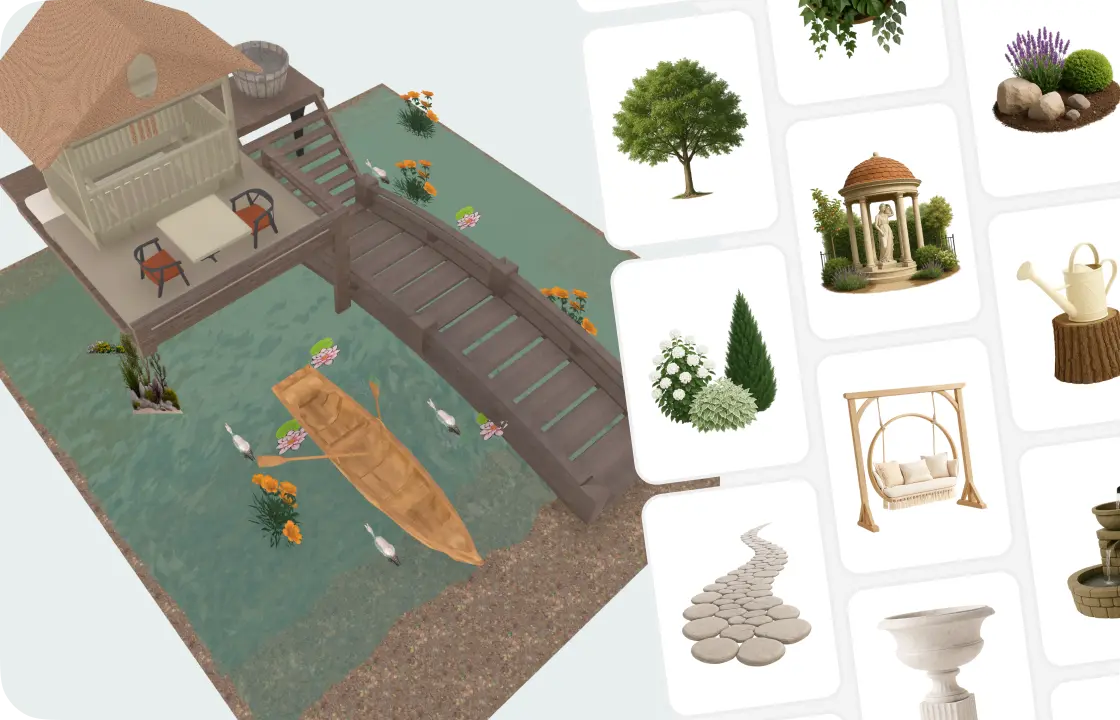
2.
Add plants, paths and furniture
Plant trees, bushes and flowers, lay paths and water, then add a pool, sunbeds and a gazebo.
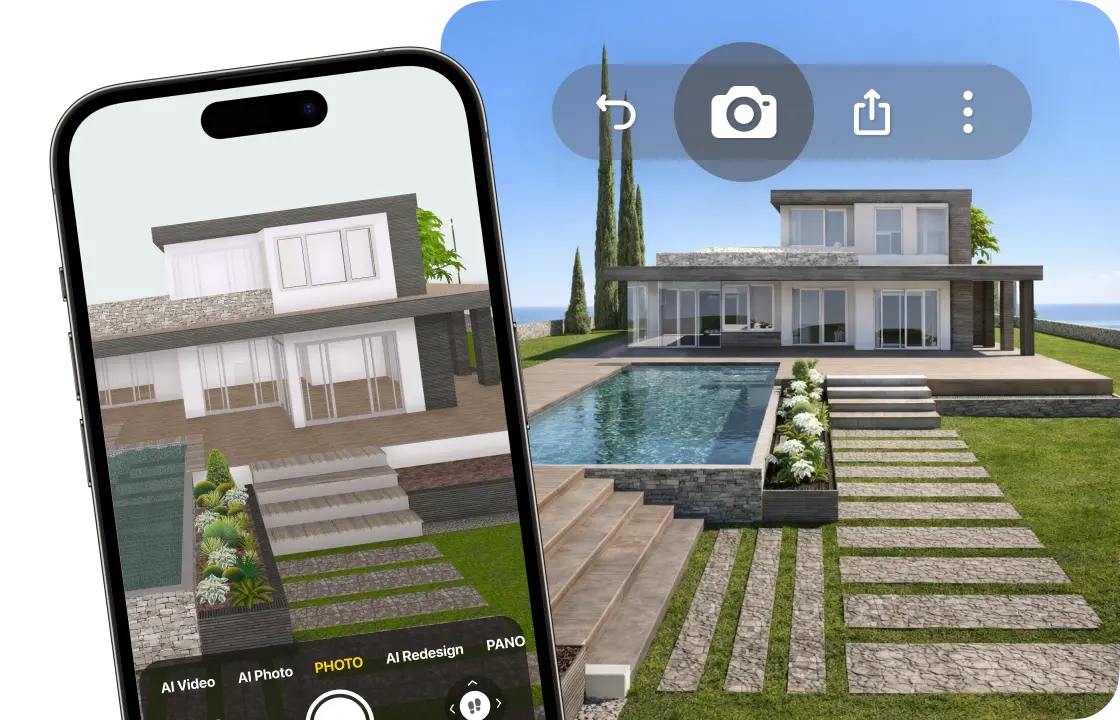
3.
See it in 3D
Walk through your garden and make photo-realistic pictures, so you see it before you build.

4.
Share your plan
Send a link to your family or your landscaper, and keep one design as the plan for the work.
1.
Draw your outdoor space
Draw the outline of your plot and the house on it, then add the drive and the lawn.
2.
Add plants, paths and furniture
Plant trees, bushes and flowers, lay paths and water, then add a pool, sunbeds and a gazebo.
3.
See it in 3D
Walk through your garden and make photo-realistic pictures, so you see it before you build.
4.
Share your plan
Send a link to your family or your landscaper, and keep one design as the plan for the work.
The whole yard on one plan
The pool, the lawn and the beds all compete for the same ground. Put them on one plan and see how they fit together and connect to the house.
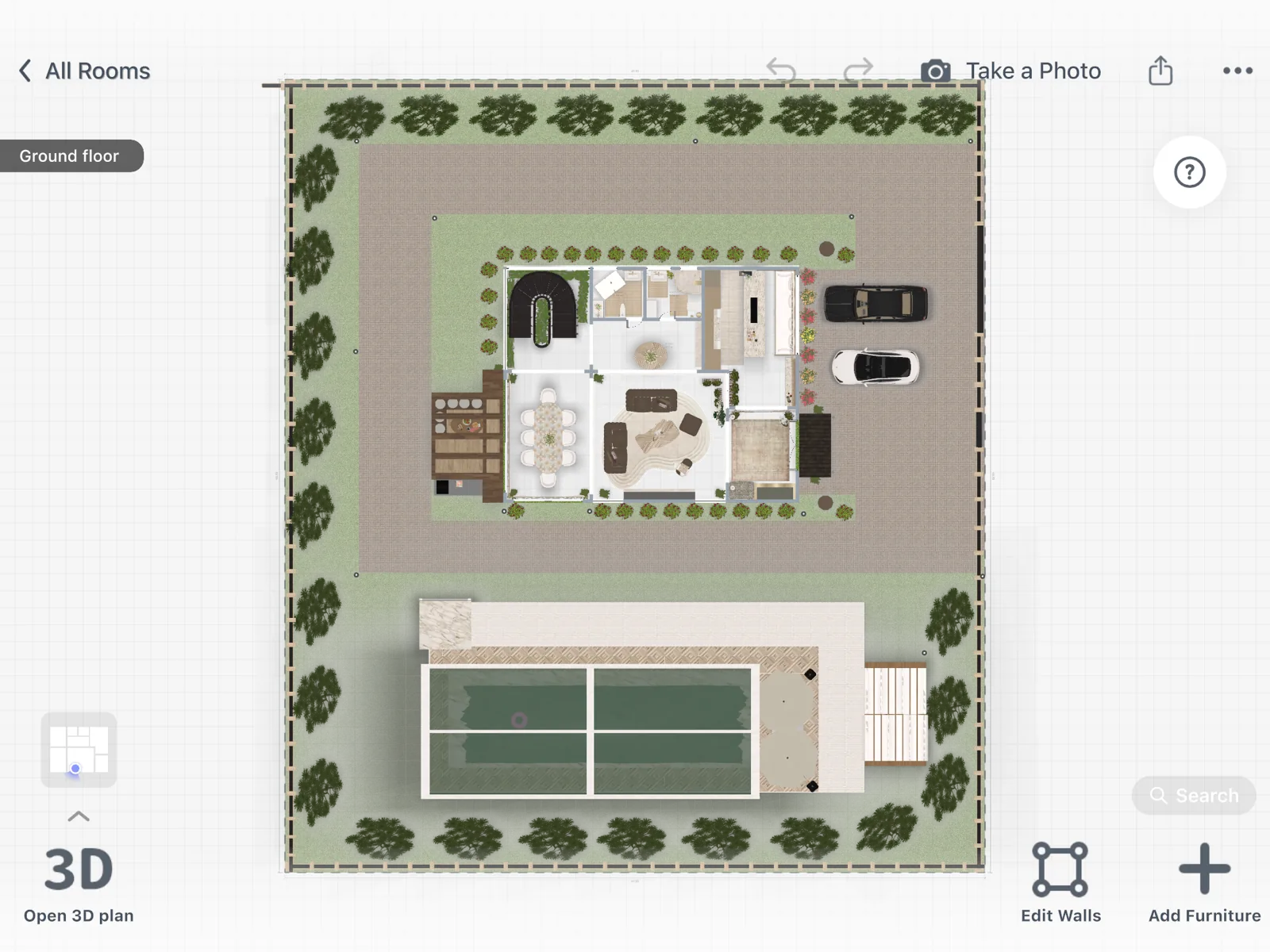
- Start a «Yard or Patio» design and draw the outline one side at a time.
- Draw the house on the plot, then add the drive, the pool and the lawn.
- Draw on a grid and see it in 3D: free
- Type exact sizes in feet or meters: PRO
Backyard design ideas to try
Most yards mix two or three of these zones. Try one layout, then move the zones around in seconds.
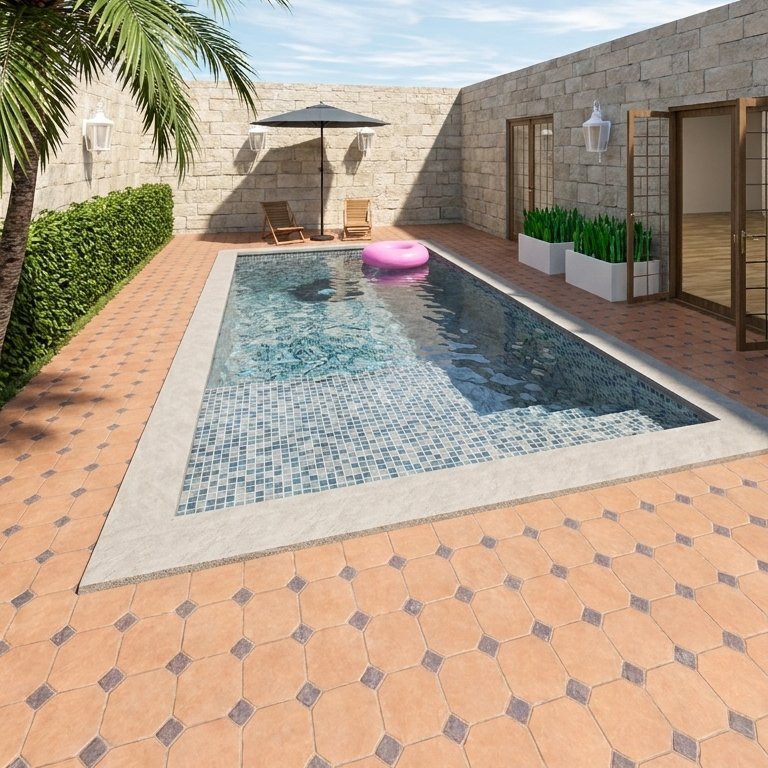
Pool area
A pool with sunbeds and umbrellas, framed by paving and plants.

Garden
Pick a garden style, from English cottage to Zen, and plant trees, bushes and flowers.
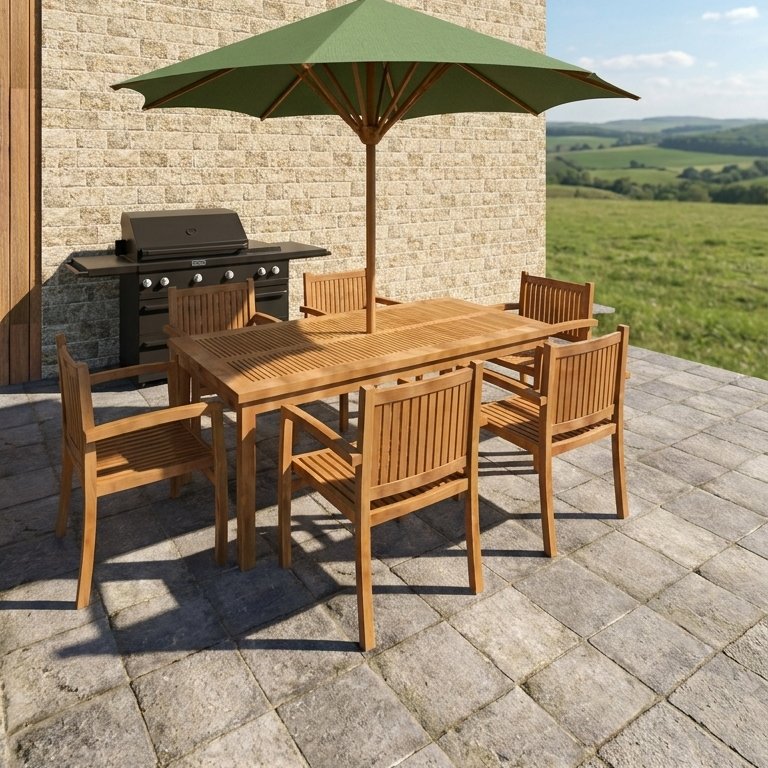
Outdoor dining
A table, a grill and an umbrella or a canopy for summer evenings.
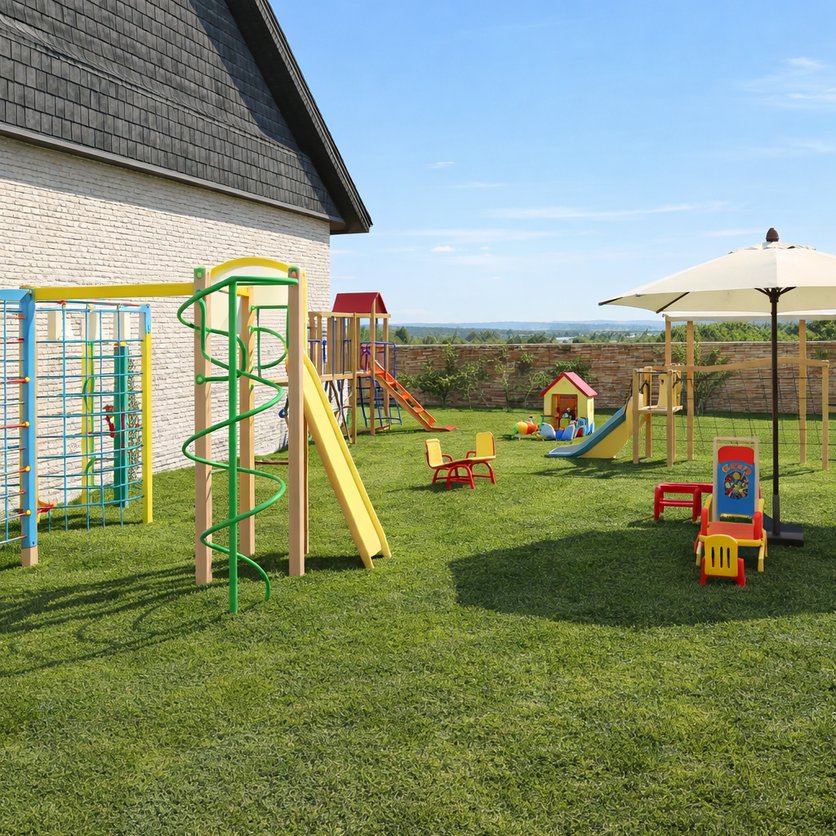
Play area
A climbing frame, slides and a playhouse on a soft lawn.
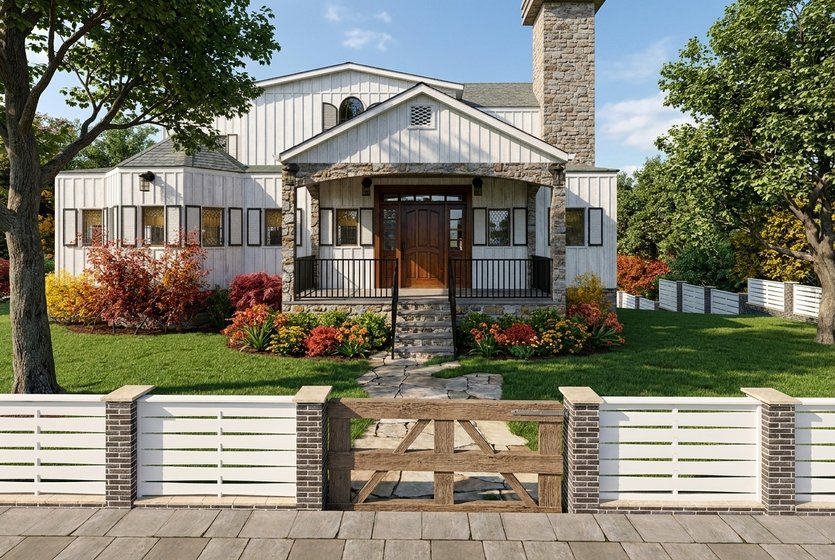
Front yard
A path to the door, a fence and a gate.
Planning only a patio or a balcony?See the Patio Planner
A planting and hardscape plan?See Landscape Design Software
Outdoor spaces designed in Home Planner
Home Planner has 30M+ downloads. These yards were designed in it.
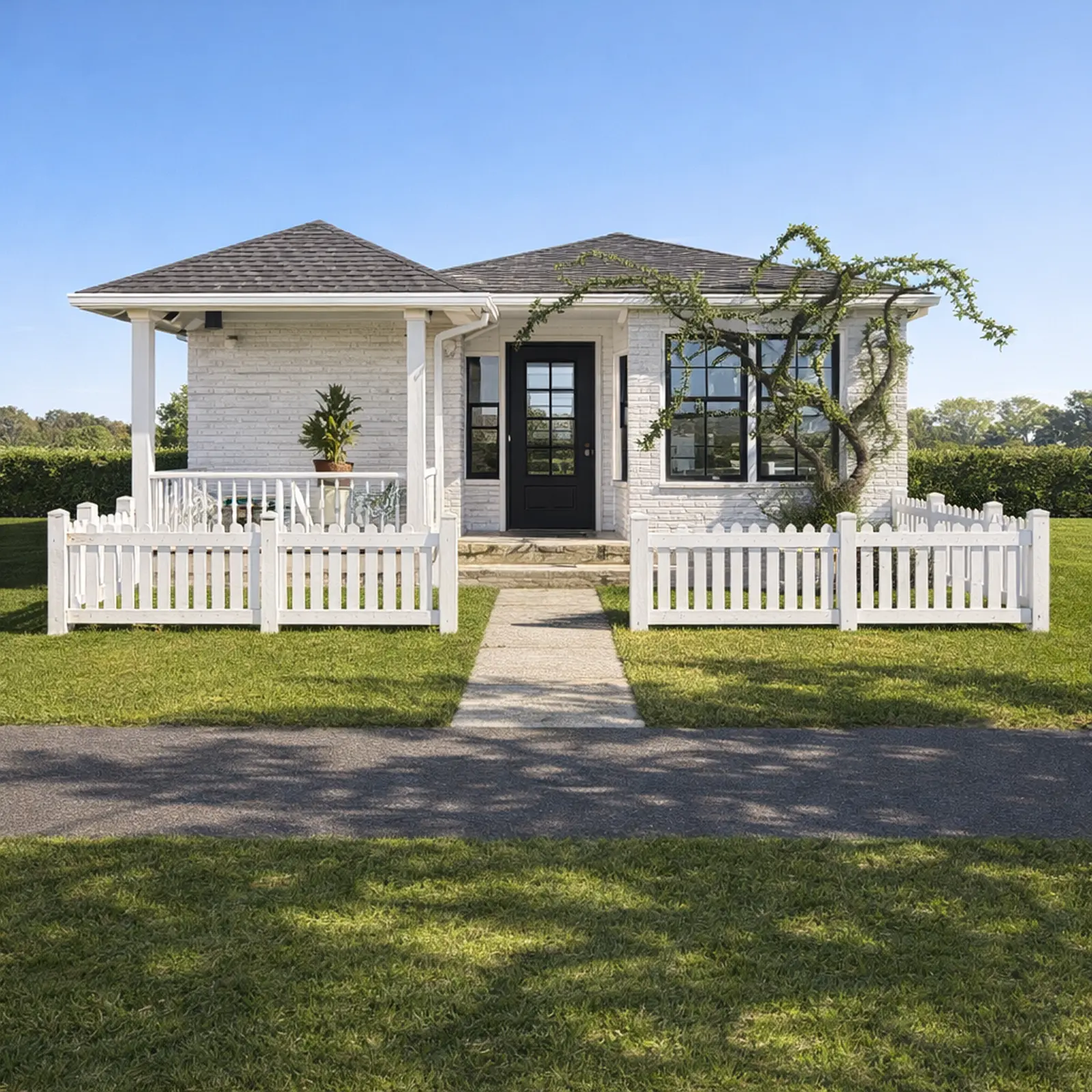
Created in Home Planner
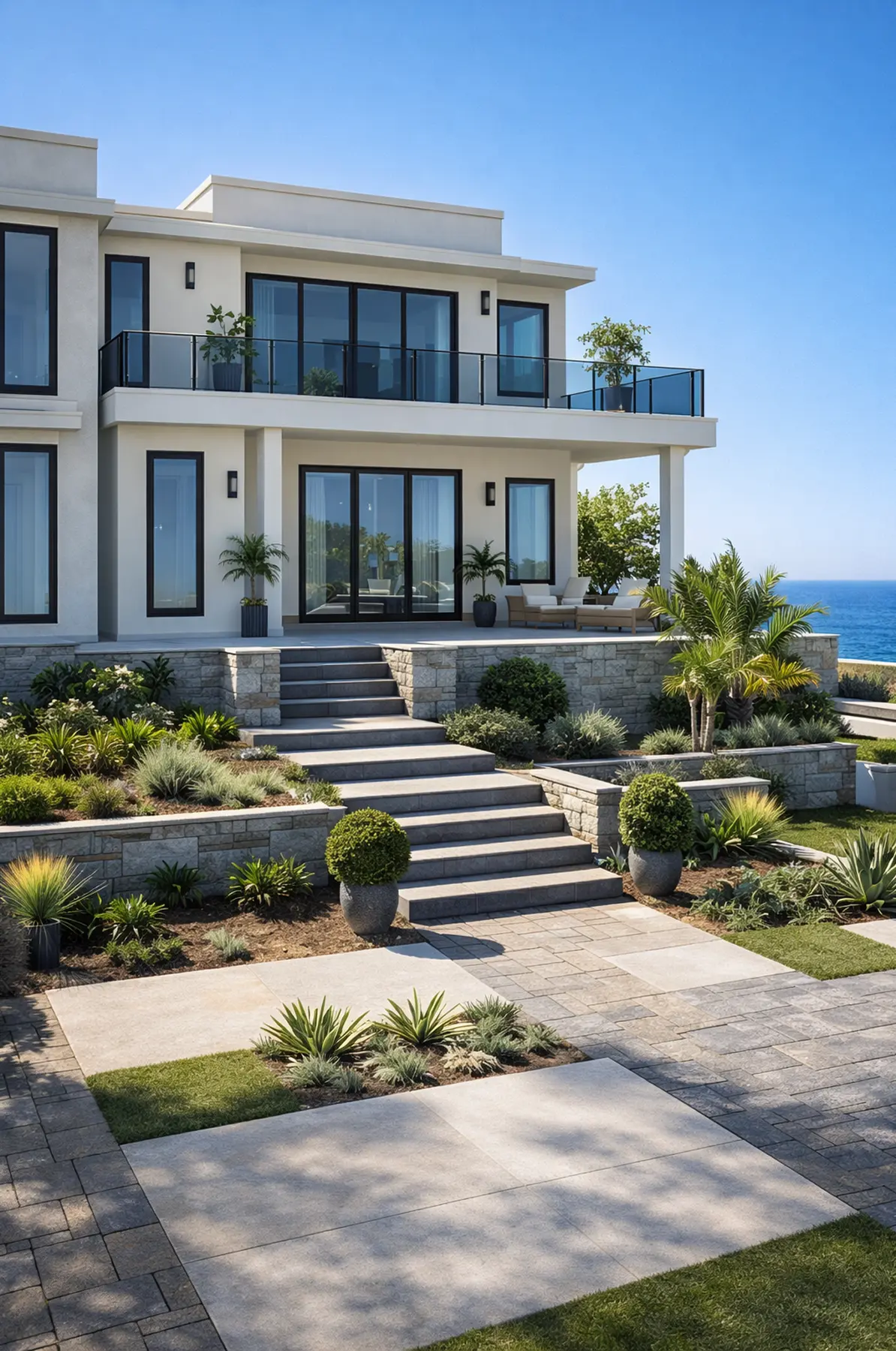
Created in Home Planner

Created in Home Planner
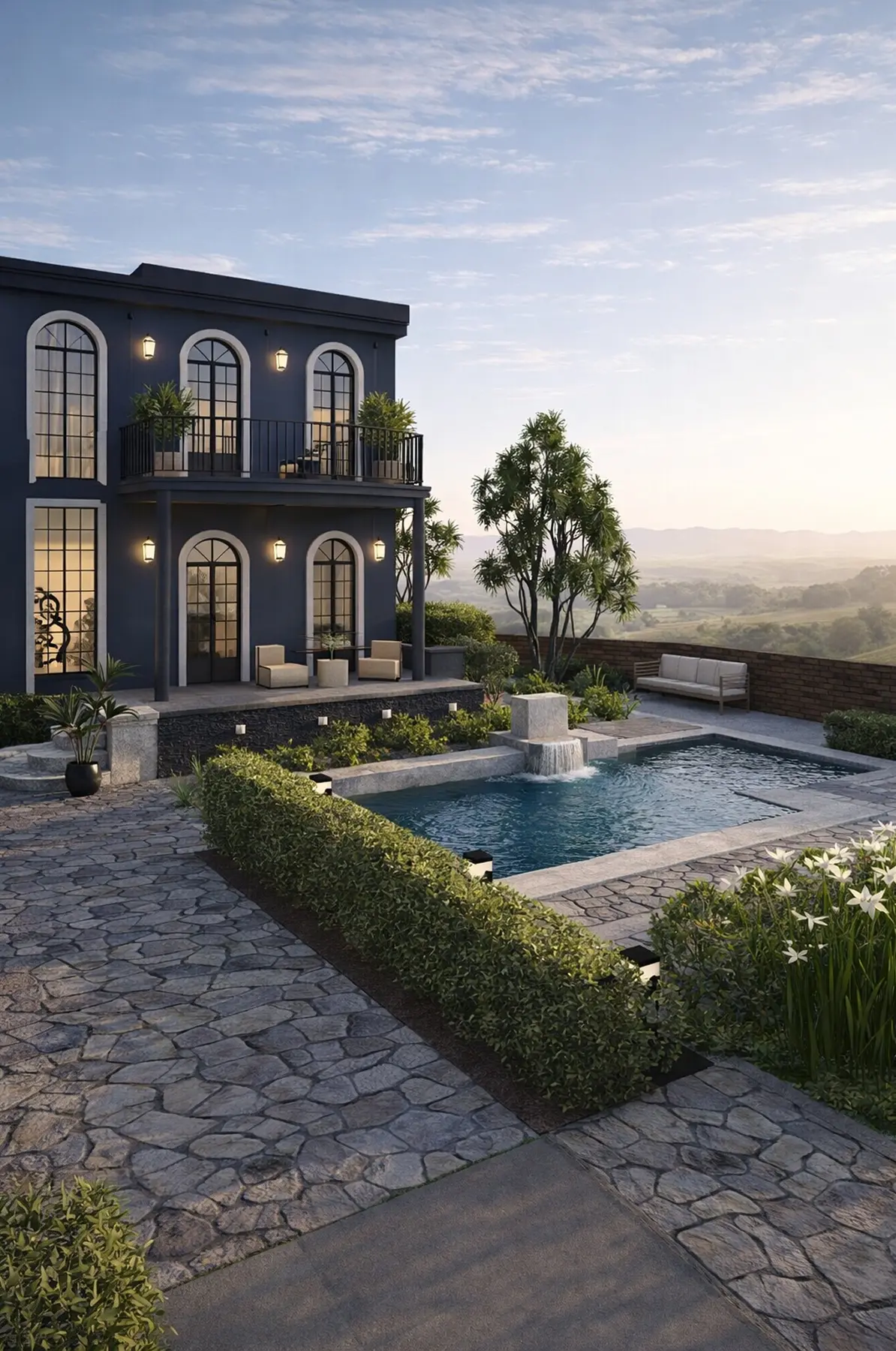
Created in Home Planner
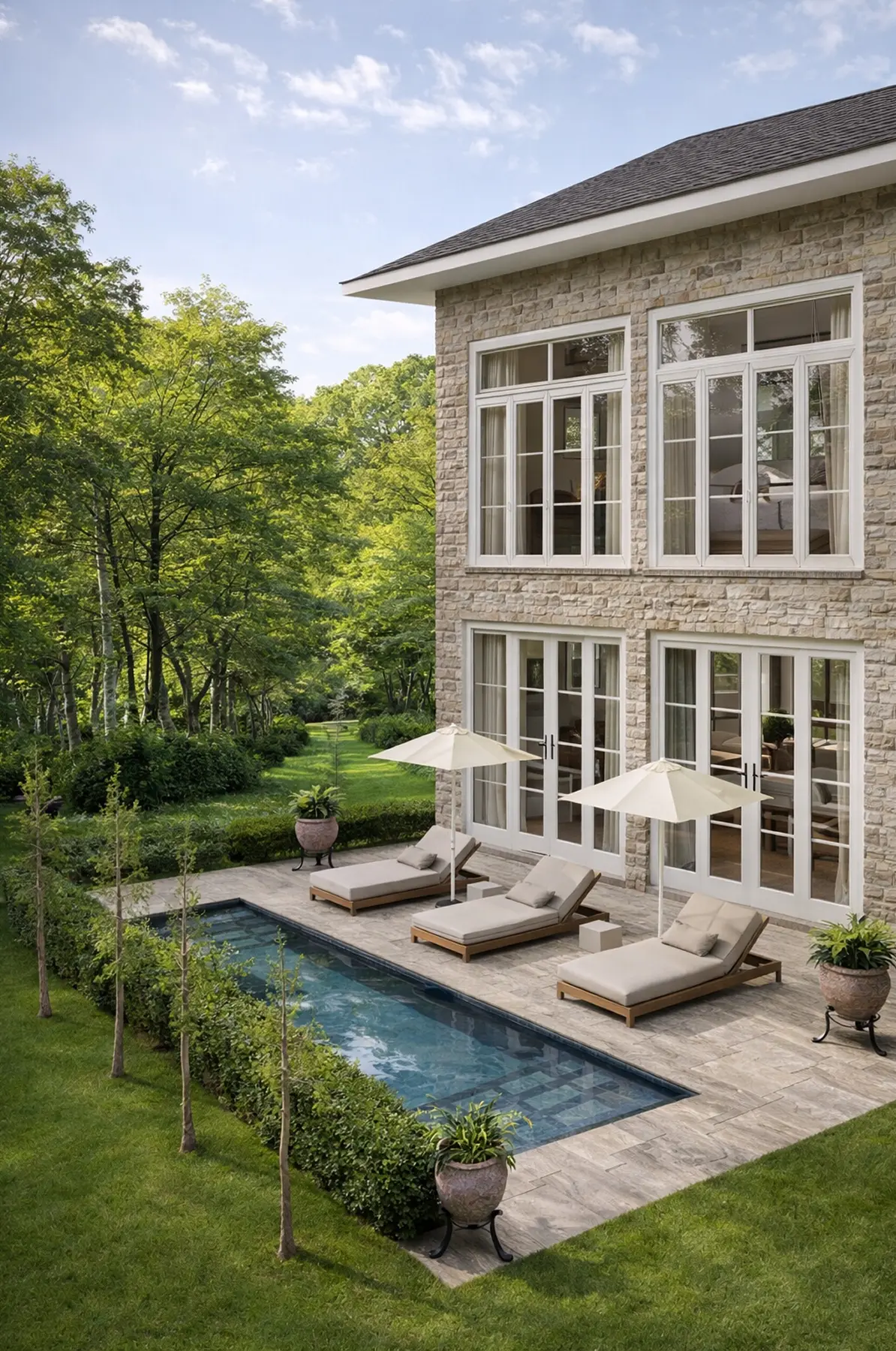
Created in Home Planner

Created in Home Planner

Created in Home Planner
Created in Home Planner
Created in Home Planner
Created in Home Planner
Created in Home Planner
Created in Home Planner
Created in Home Planner
Created in Home Planner
Created in Home Planner
Created in Home Planner
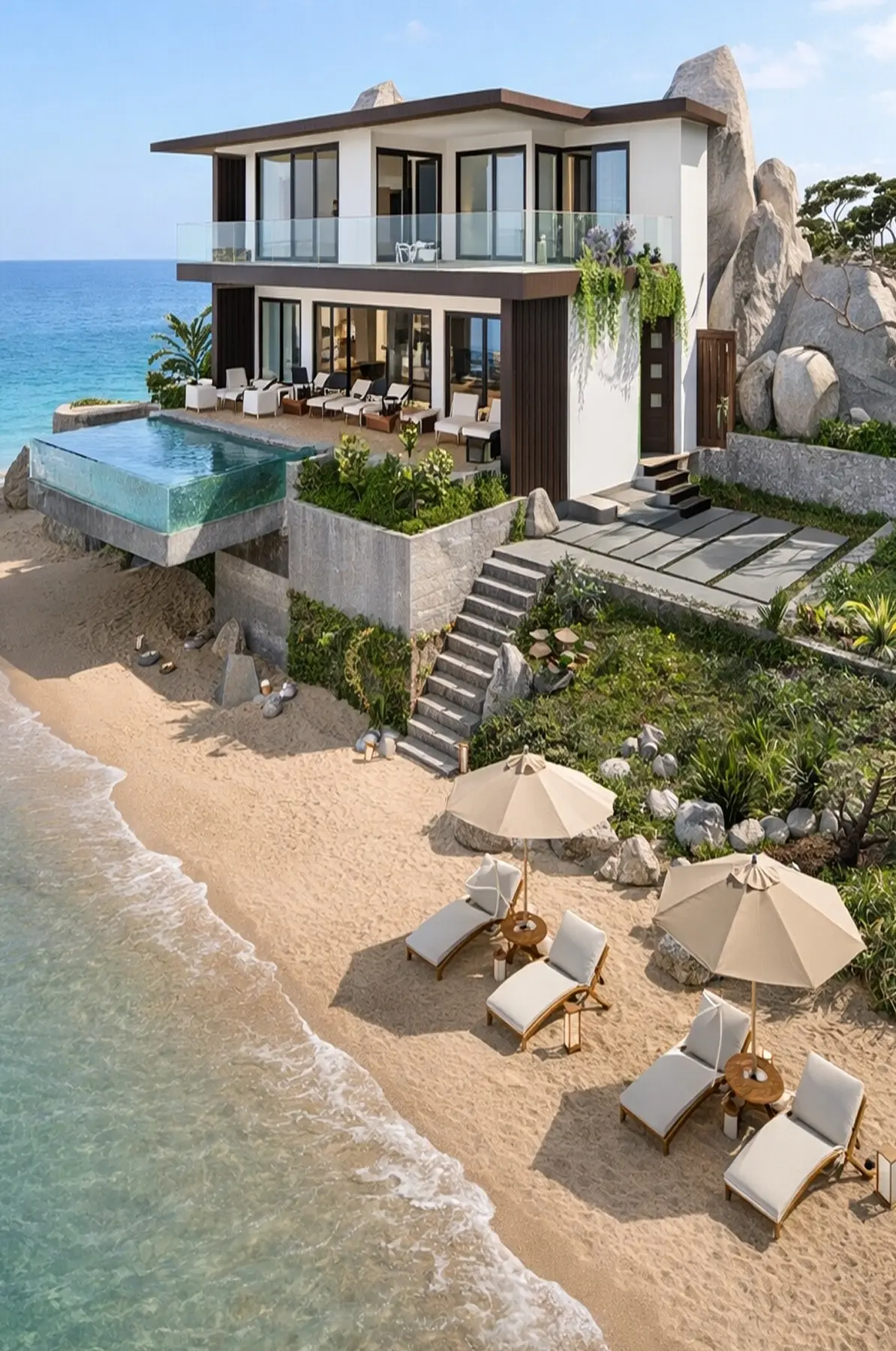
Renders of designs made in Home Planner.
A garden planner with plants grouped by style
Not sure which plants go together? Pick a garden style and the catalog shows trees, bushes and flowers that suit it.
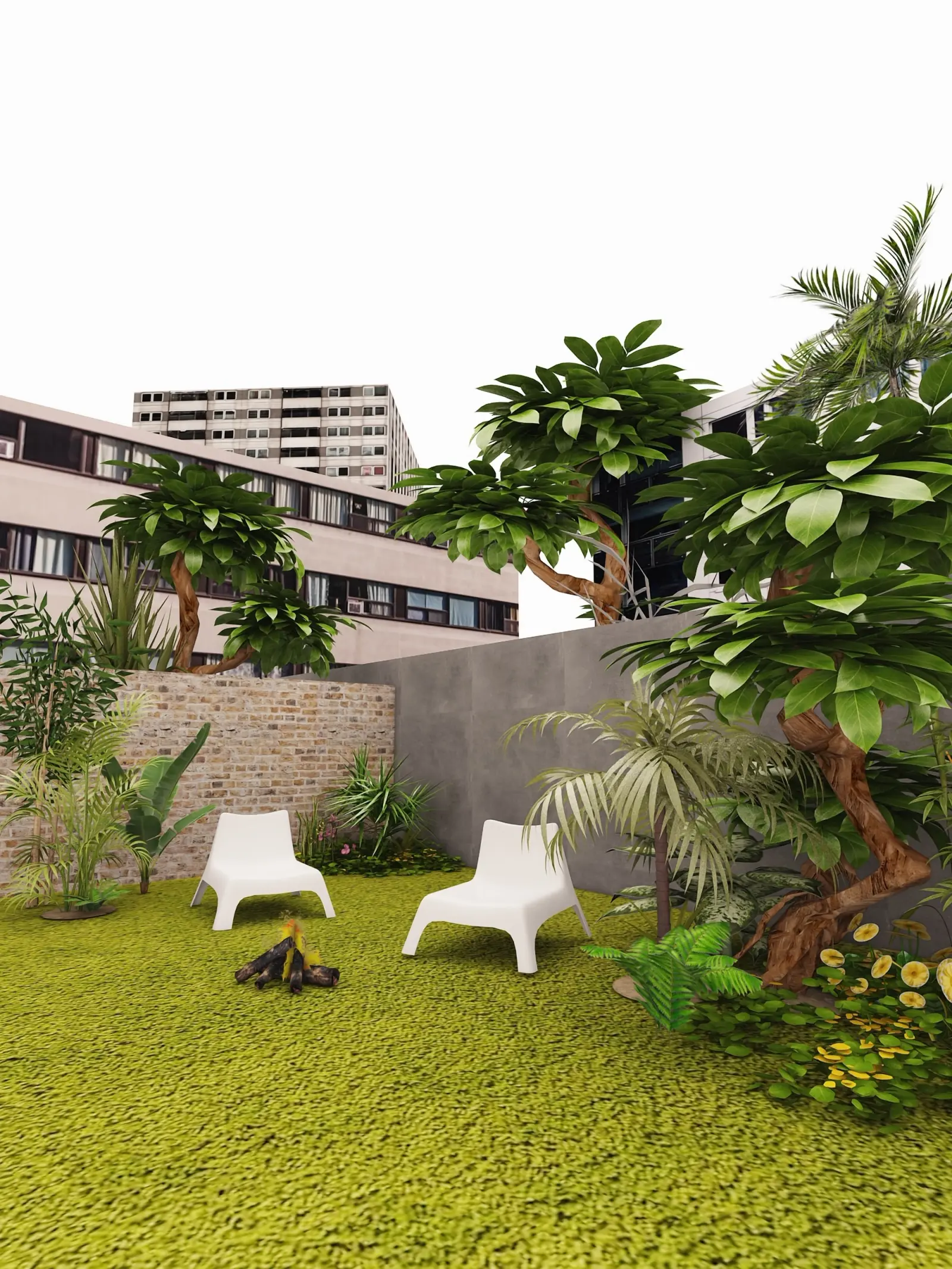
- 12 planting styles in the catalog, from English cottage and Mediterranean to tropical, Zen and desert.
- Trees, bushes, flowers, a green wall, stones, vases and garden decor.
- A free part of every catalog category: free
- The full catalog: PRO
Leave room around the pool
Sunbeds, umbrellas and a path all need space next to the water. Check it on the plan, not after the concrete is poured.
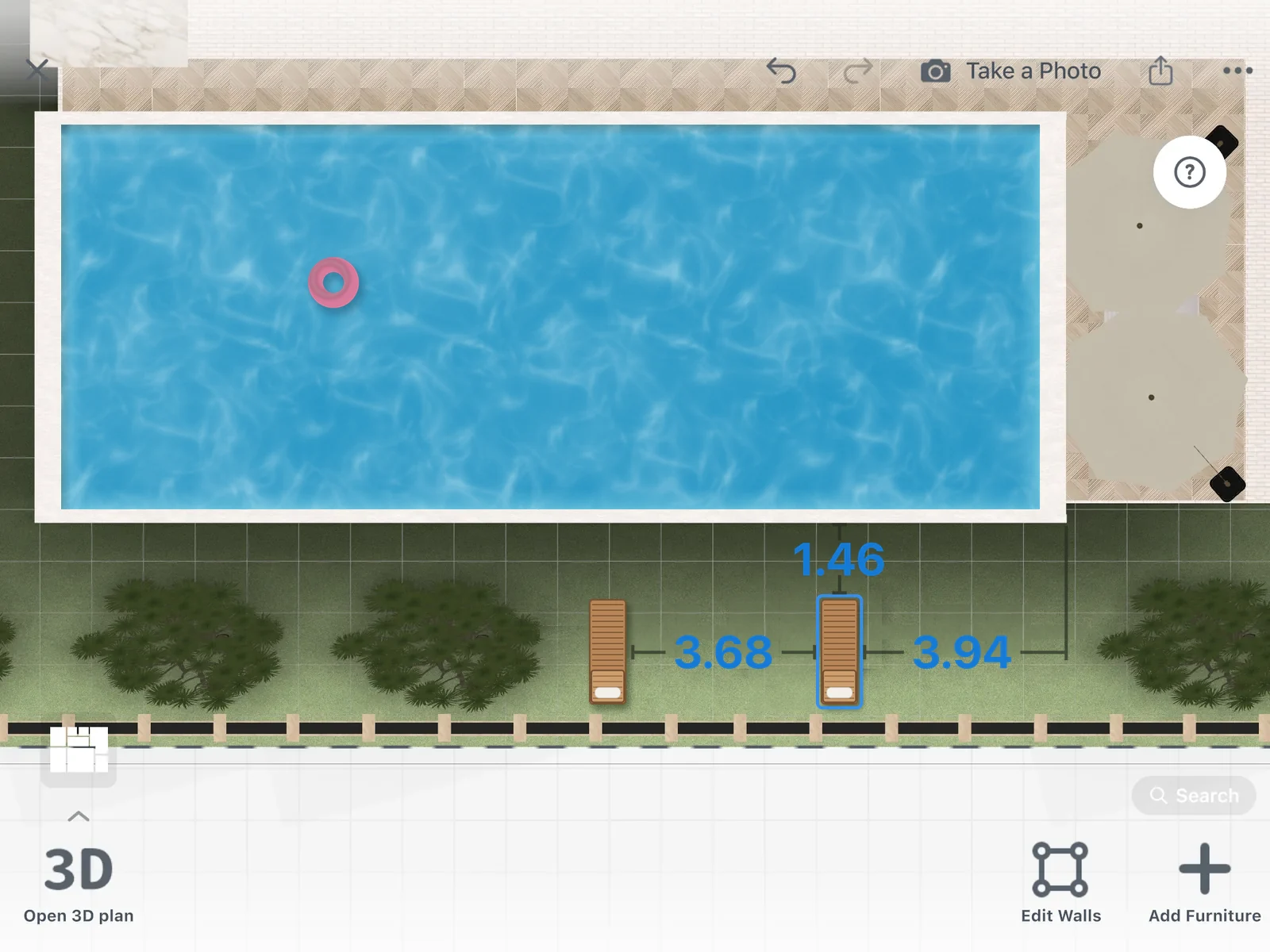
Place a pool, then cover the ground with grass, stone, tiles or water. Select a sunbed to see its distance to the pool edge and to the things around it, in 2D and in 3D.
Real outdoor furniture at its real size
Fill the yard from a catalog of 560,000+ products. Each one has its real size, so you see what fits before you order.
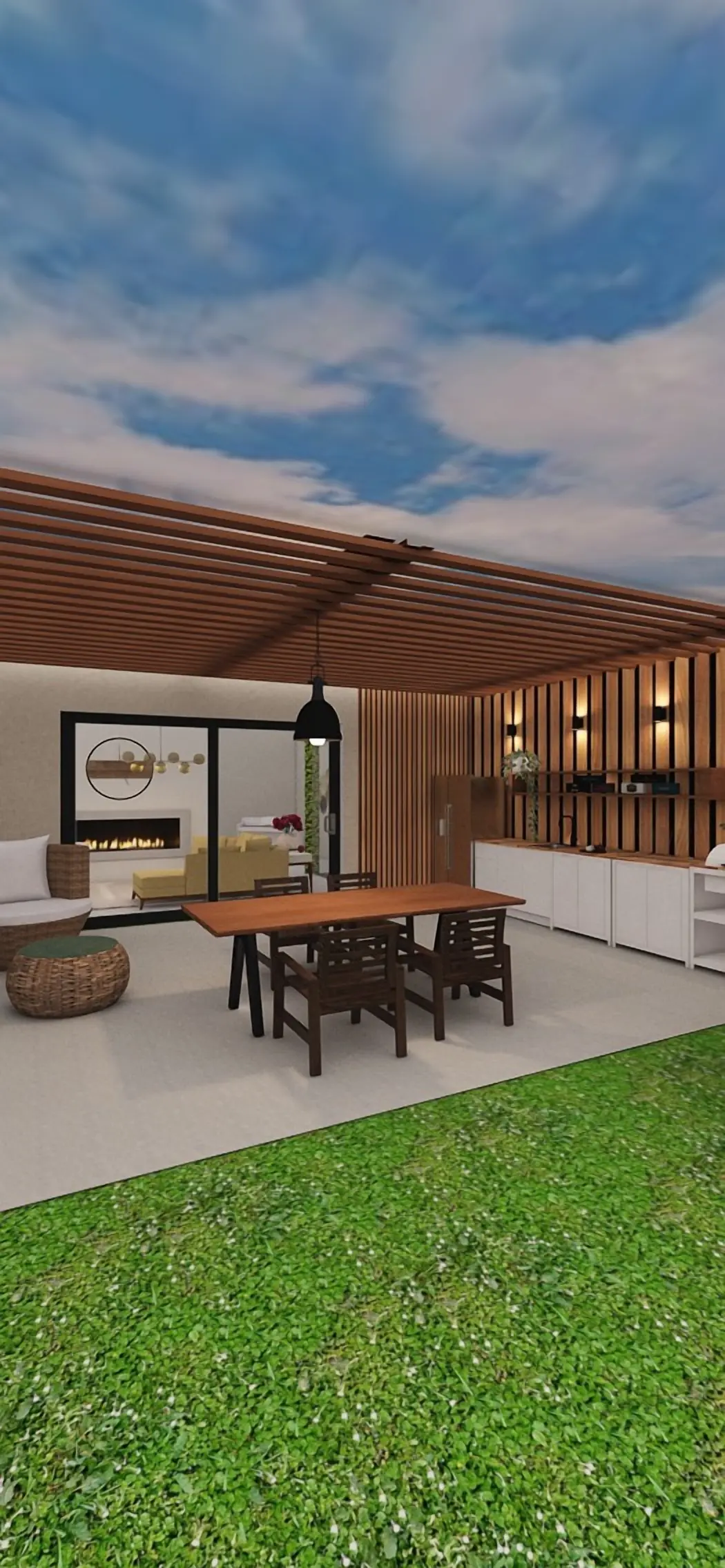
- Sunbeds, umbrellas, outdoor sofas, dining sets, a grill, swings and hammocks.
- Gazebos, canopies, porches, fences, gates and outdoor lights.
- A free part of every catalog category: free
- The full catalog: PRO
See your own yard in a new style
Take a photo of your garden or the front of your house. AI Redesign shows it in a new style, with new plants, paving and furniture, and keeps the shape of the space.
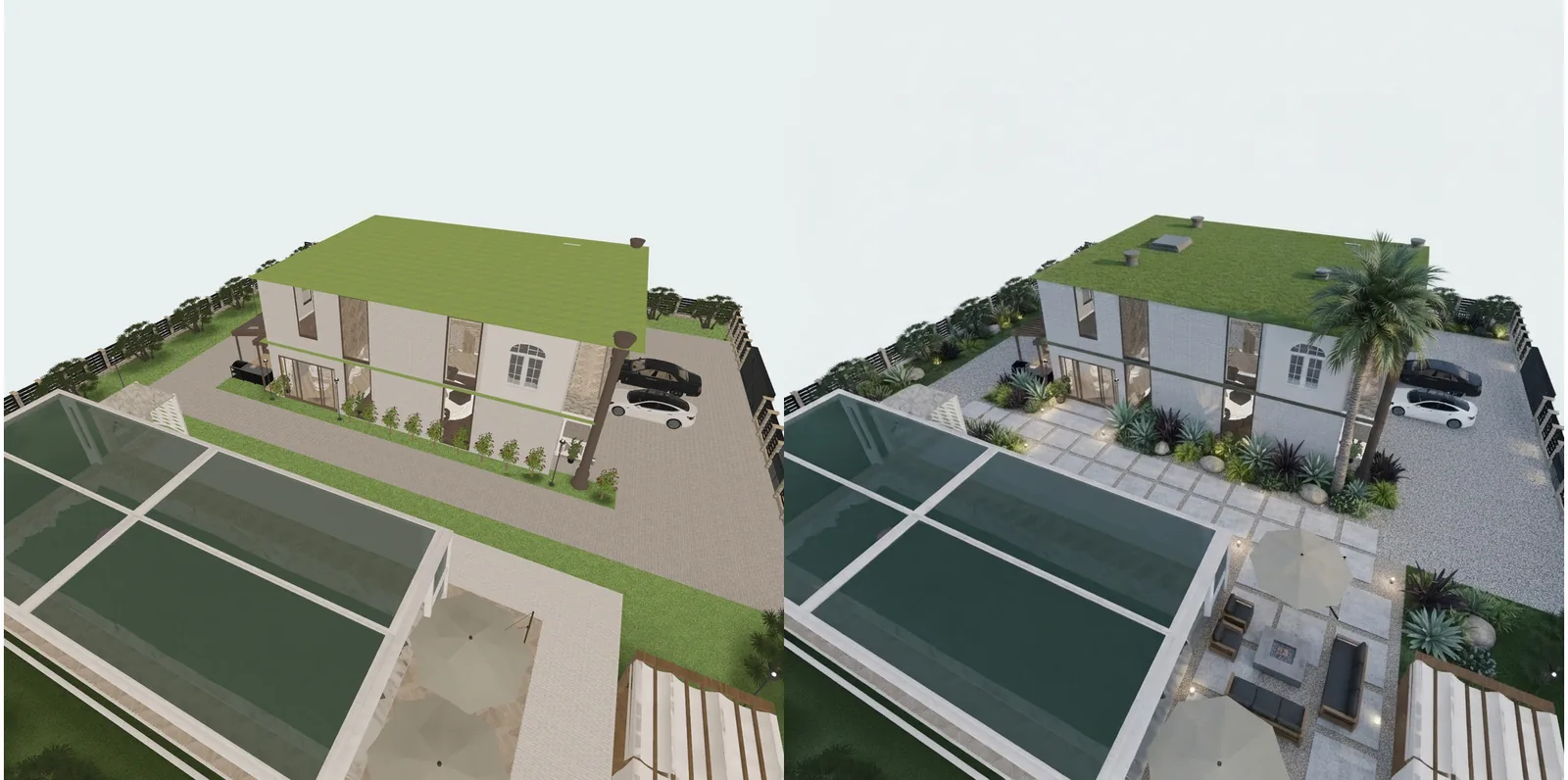
- 13 AI garden styles, from English and Mediterranean to Zen and desert.
- 15 AI house front styles, from Scandinavian to Victorian and Tudor.
- Up to 4 AI redesigns: free
- More AI redesigns every day: PRO
Show your family the finished garden
Make photo-realistic pictures of your yard from any angle, or bring the design to life in a short AI video.
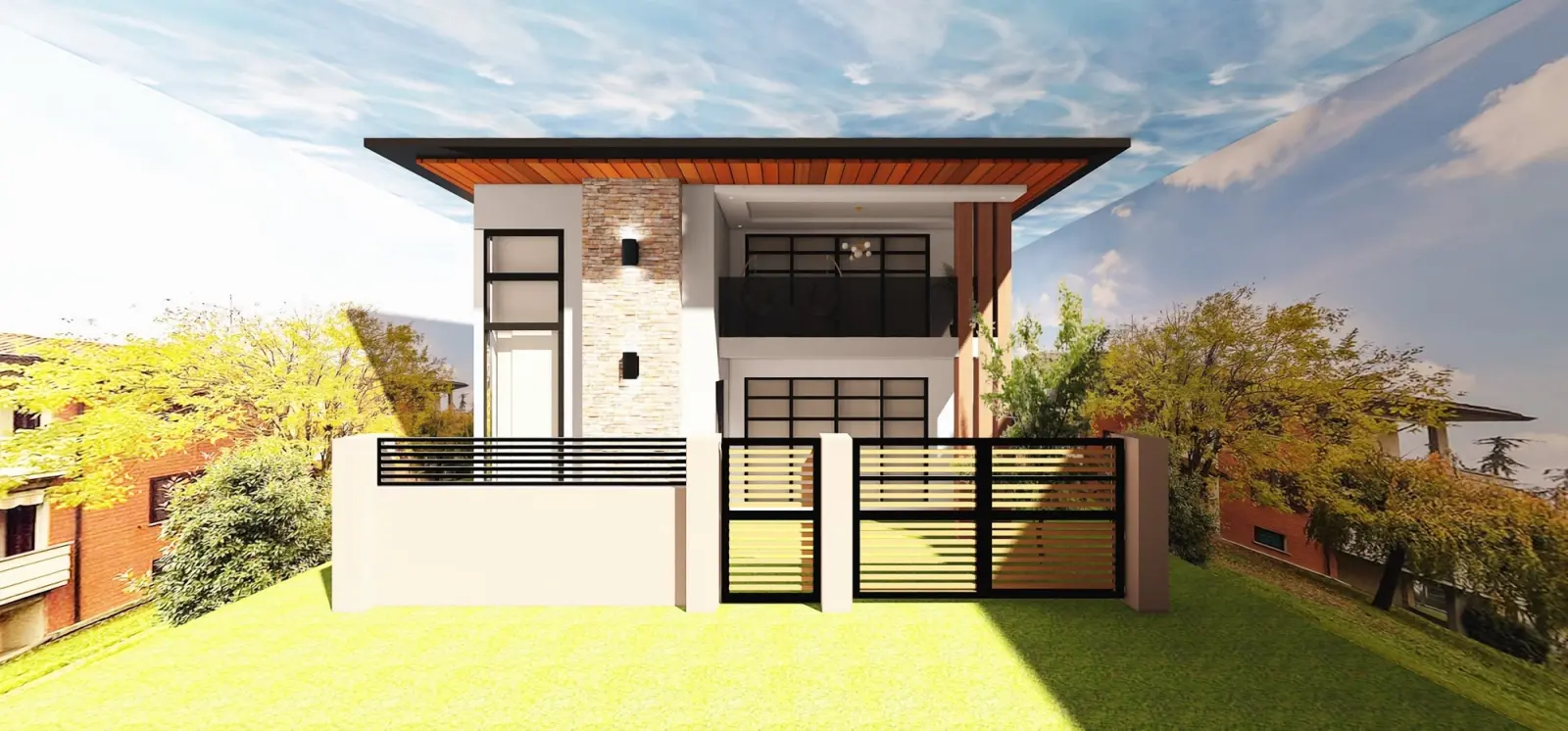
- Try renders: free
- AI videos: PRO
- 4K renders and 360° photos: PRO+
Know what the new yard costs before you buy
Every item you place goes into a shopping list with its price, and the total follows your plan.
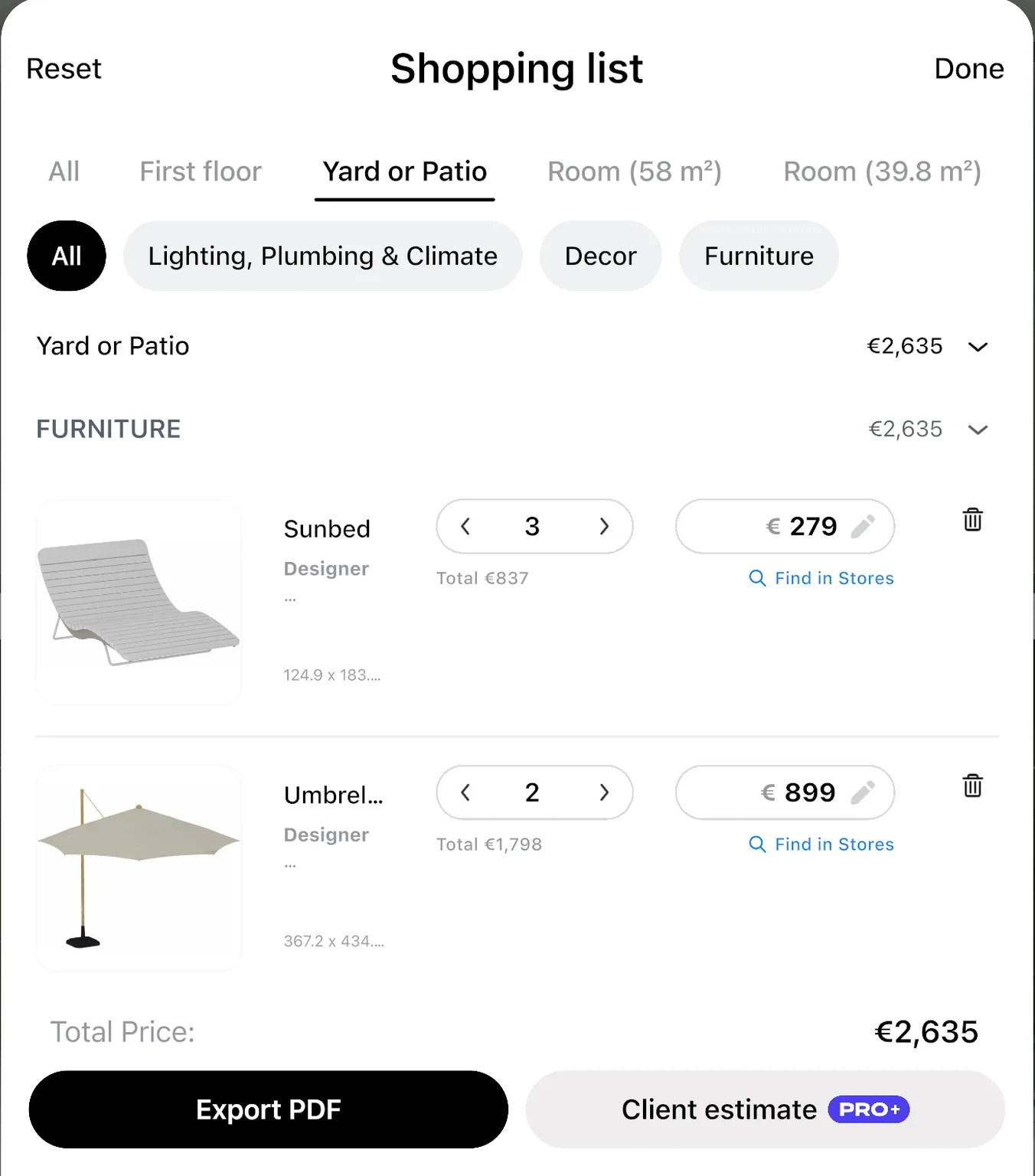
Change the quantity or the price of any item, from the sunbeds to the umbrellas, and the total updates. Look any item up in shops right from the list.
Treat the numbers as a guide: confirm the final price with the shop or your contractor.
- Renovation cost estimate: PRO
One plan for your family and your landscaper
Agree on the layout before work starts. Share a link that opens in any browser, or invite people to edit the design with you.
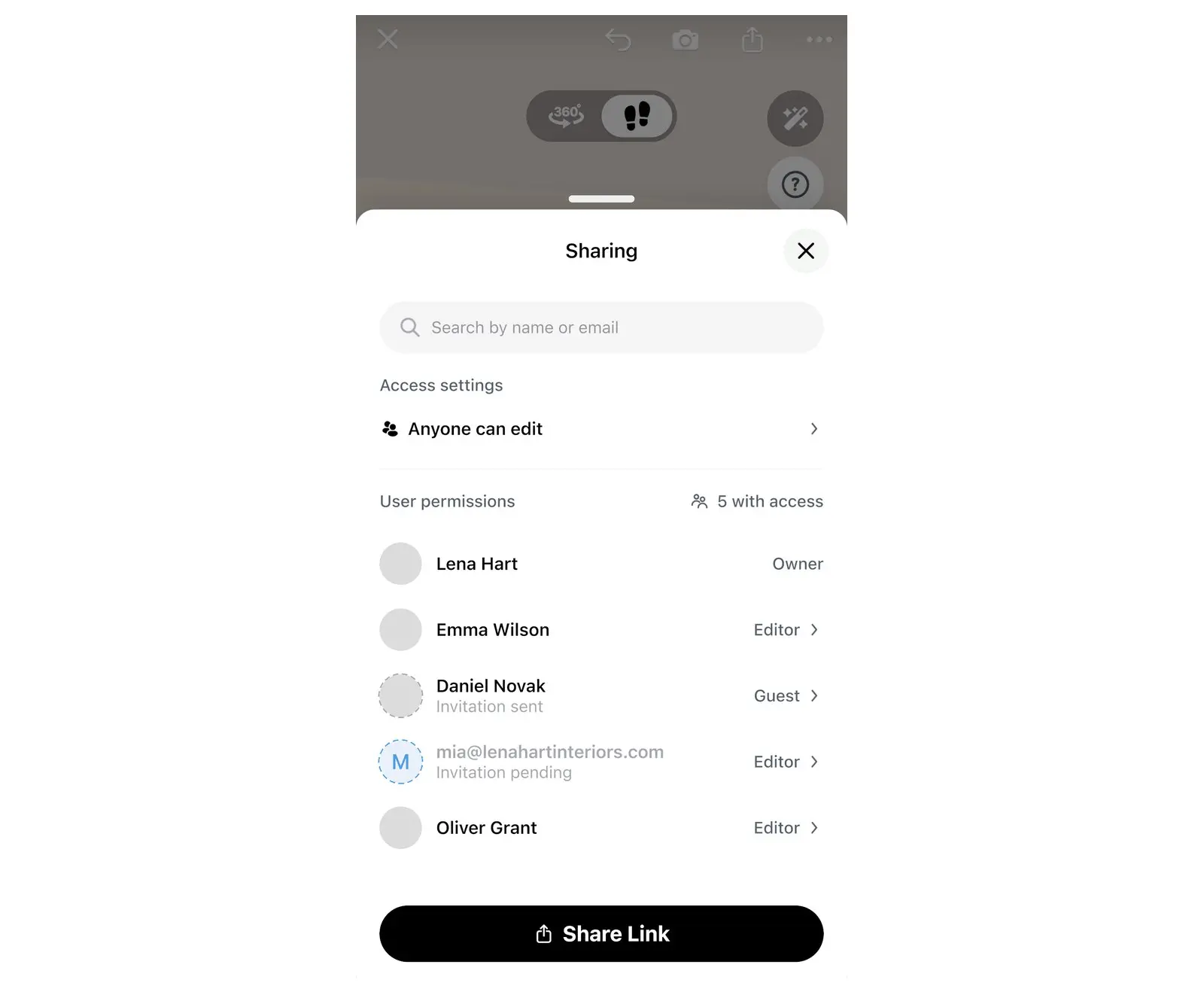
- A link shows your design in a browser, with no app.
- To edit together, each person needs Home Planner and a sign-in.
- A PDF has the plan with sizes and the shopping list.
- Link, PDF with a watermark and editing together: free
- PDF without a watermark: PRO+
Never planned a garden? Start from a style
Three common doubts about planning a yard, answered.
"I have never designed a garden"
Pick a garden style, drag in trees, a pool and furniture, and see the result in 3D right away. No design or CAD experience needed.
"I already have a landscaper"
Good. Show them a plan and pictures of the result you want, instead of a sketch on paper.
"My yard is not a neat rectangle"
Measure each side with a tape and draw the outline one side at a time, at any angle, then place the house on the plot. Every product keeps its real size, so the plan stays honest.
Plan the yard free. Add PRO for the full catalog and the cost of the yard.
Free: draw the yard, place plants and furniture, and walk through it in 3D. Add PRO when you are ready to buy: every product, and what the yard will cost.
Free
Nothing to pay to start
- Draw the plan on a grid and see it in 3D
- A free part of every catalog category
- Up to 4 AI redesigns to try
- Share a link or a PDF with a watermark, and edit together
- Up to 10 designs
PRO
For your own yard, when you are ready to buy
- Everything in Free
- Exact sizes for every side of the yard and every wall
- The full catalog of 560,000+ products
- Renovation cost estimate
- More AI redesigns, and AI videos
- Sync between your devices
PRO renews automatically each billing period unless you cancel. You can turn off auto-renew in your account settings, and PRO stays active until the end of the period you paid for.
Frequently Asked Questions
Yes. The free plan saves up to 10 designs, each one a whole home plan. On the free plan you draw the yard on a grid, use a free part of every catalog category and try up to 4 AI redesigns. PRO adds the full catalog of 560,000+ products, more AI redesigns and a renovation cost estimate. PRO+ adds 4K renders, 360° photos and offline mode. See plans and prices
Yes. Draw the house on the plot, then put the pool, patio, lawn, garden beds and paths around it on one plan to see how the yard connects to your home.
Plants are grouped into 12 planting styles: traditional formal, English cottage, Mediterranean, tropical, modern minimalist, xeriscape, coastal, woodland, Southwestern desert, native prairie, Asian Zen and potager. AI Redesign has its own 13 garden styles for a photo of your yard.
Yes. Take or upload a photo of your garden or the front of your house, pick a style, and AI Redesign shows it with new plants, paving and furniture. It is set to keep the shape of the space. Restyle a photo with AI on our website after you sign in
Place the pool and the sunbeds on your plan. Every catalog item has its real size. Select a sunbed to see its distance to the pool edge and to the things around it, then move it until the path feels right.
Yes. Home Planner runs on iPhone, iPad, Android, Mac and Windows, and with PRO your designs sync between devices. Restyle a photo with AI on our website after you sign in. The full planner is the app.
Yes. Send a link that opens in any browser, or download a PDF with the plan, the sizes and the shopping list. The PDF has a watermark on the free plan; PRO+ removes it. How to make a floor plan PDF
Yes. Start a «Yard or Patio» design and draw only the patio. For patio layouts and ideas, see the Patio Planner. Patio Planner
Yes. Cancel at any time, and PRO stays on until the end of the period you paid for; your designs stay in your account. Refunds go through the store where you bought PRO (App Store, Google Play or Steam) under its rules. Bought on our website? Contact support.
You do. They stay in your account, and you can share them by link or export a PDF for your landscaper at any time.
Do you design or build gardens for clients?
PRO is for your own home. For client work, PRO+ adds commercial use, no watermark, 4K renders and a client PDF with an estimate and your logo.
- PRO+
Plan your yard before work starts
Draw the yard, place the pool, plants and furniture, check the space and the cost, and agree on the look with your family.

Try it on your own project
Free room planner and interior design app
P.S. Start with the corner you use most: the terrace, the pool or the play lawn. Draw it, plant it and walk through it in 3D, then grow the plan to the whole yard.
More guides:How to Redesign Your Room with AI from a PhotoHow to Make a 3D Render and 360° Virtual TourTypes of Decking Material: Wood, Thermo Wood, CompositeHow to Share a 3D Floor Plan
Home Planner is not affiliated with, endorsed or sponsored by Apple, Google, Microsoft or Valve; their names and marks belong to their owners. Android is a trademark of Google LLC. iPhone, iPad and Mac are trademarks of Apple Inc., registered in the U.S. and other countries. Steam and the Steam logo are trademarks and/or registered trademarks of Valve Corporation in the U.S. and/or other countries. Windows is a trademark of the Microsoft group of companies. Other trademarks are the property of their respective owners.