Bedroom Planner: see your new bedroom in 3D before you buy
Home Planner is a bedroom planner that shows what fits before you buy it: draw your room, try the bed on every wall, add a wardrobe, nightstands and a dresser at their real sizes, and see the result in 3D.
4.6App Store · 300K+ ratings
On your phone too
Point the phone camera here to install, then scan your rooms
Downloads across all stores; countries where the App Store carries the app.
Plan your bedroom in four steps
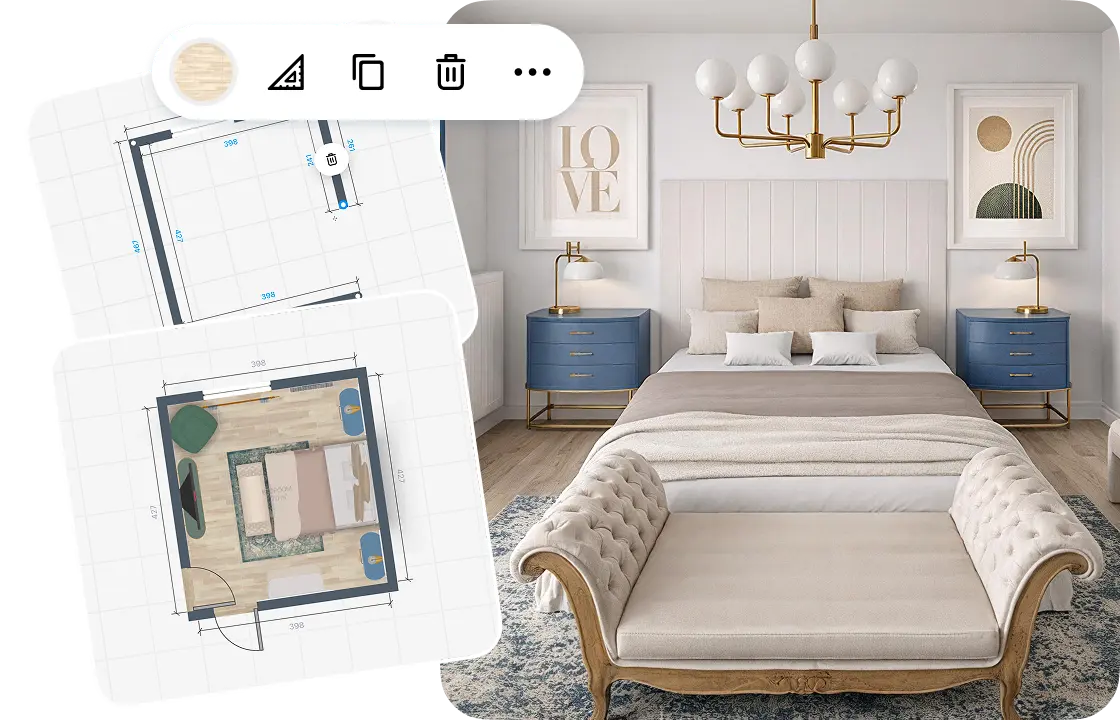
1.
Draw or scan your bedroom
Draw the walls on a grid, or scan the room to see it in 3D. Add the doors, the windows and the ceiling height.
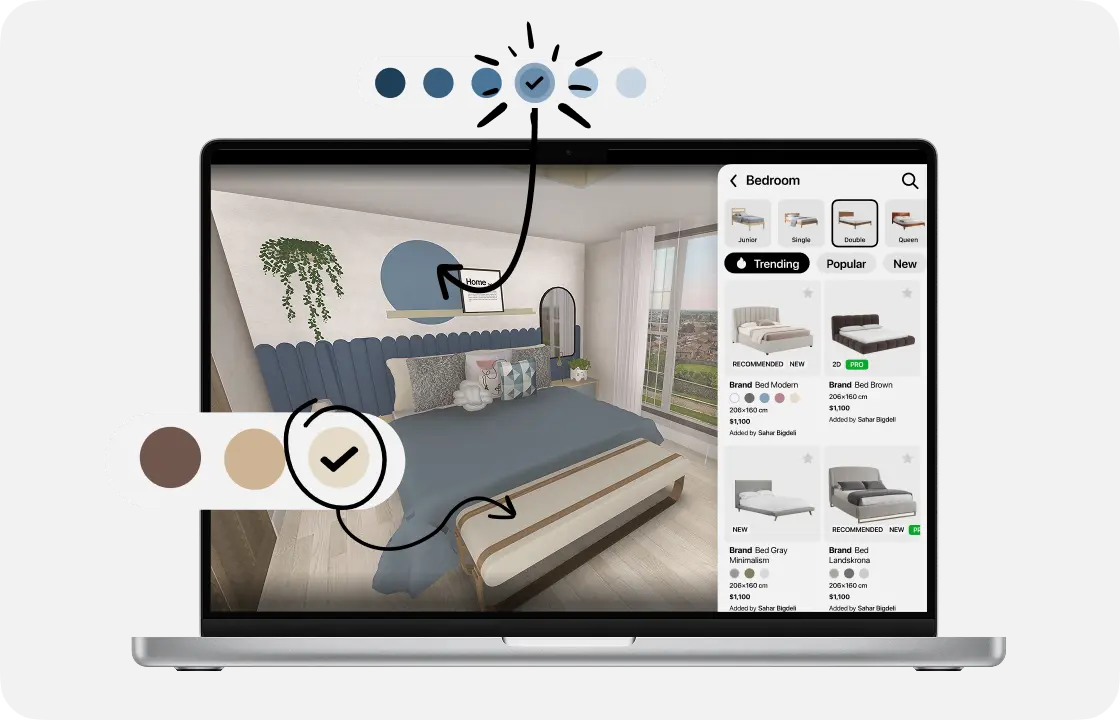
2.
Add the bed and furniture
Pick a bed, nightstands and a wardrobe from the catalog. Move them on the grid; each piece keeps its real size.
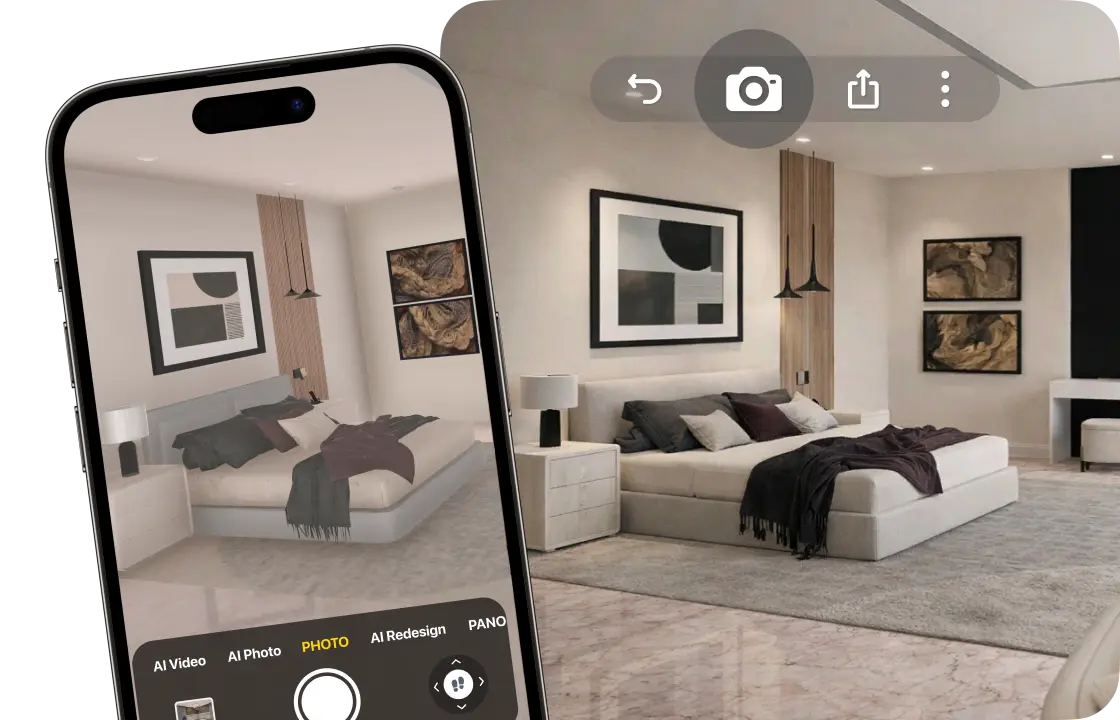
3.
See it in 3D
Walk through your bedroom and make realistic photos, so you see how it will look before you buy.
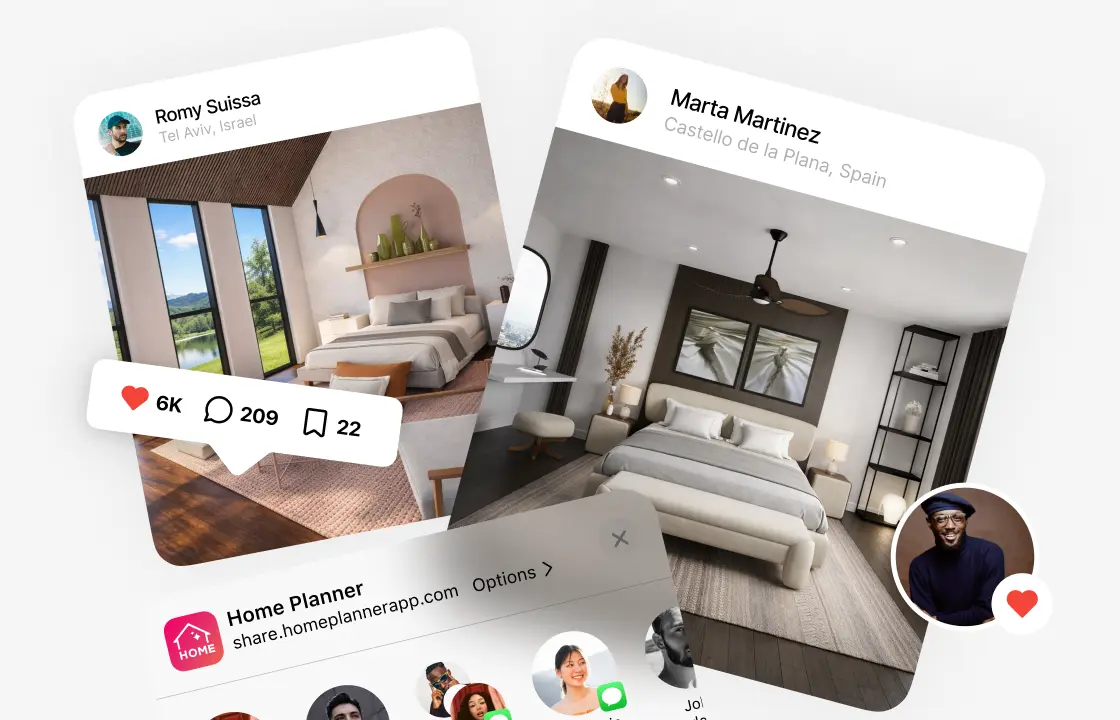
4.
Share your plan
Send a link to your partner or family, or download a PDF with the plan and the sizes (free with a watermark).
1.
Draw or scan your bedroom
Draw the walls on a grid, or scan the room to see it in 3D. Add the doors, the windows and the ceiling height.
2.
Add the bed and furniture
Pick a bed, nightstands and a wardrobe from the catalog. Move them on the grid; each piece keeps its real size.
3.
See it in 3D
Walk through your bedroom and make realistic photos, so you see how it will look before you buy.
4.
Share your plan
Send a link to your partner or family, or download a PDF with the plan and the sizes (free with a watermark).
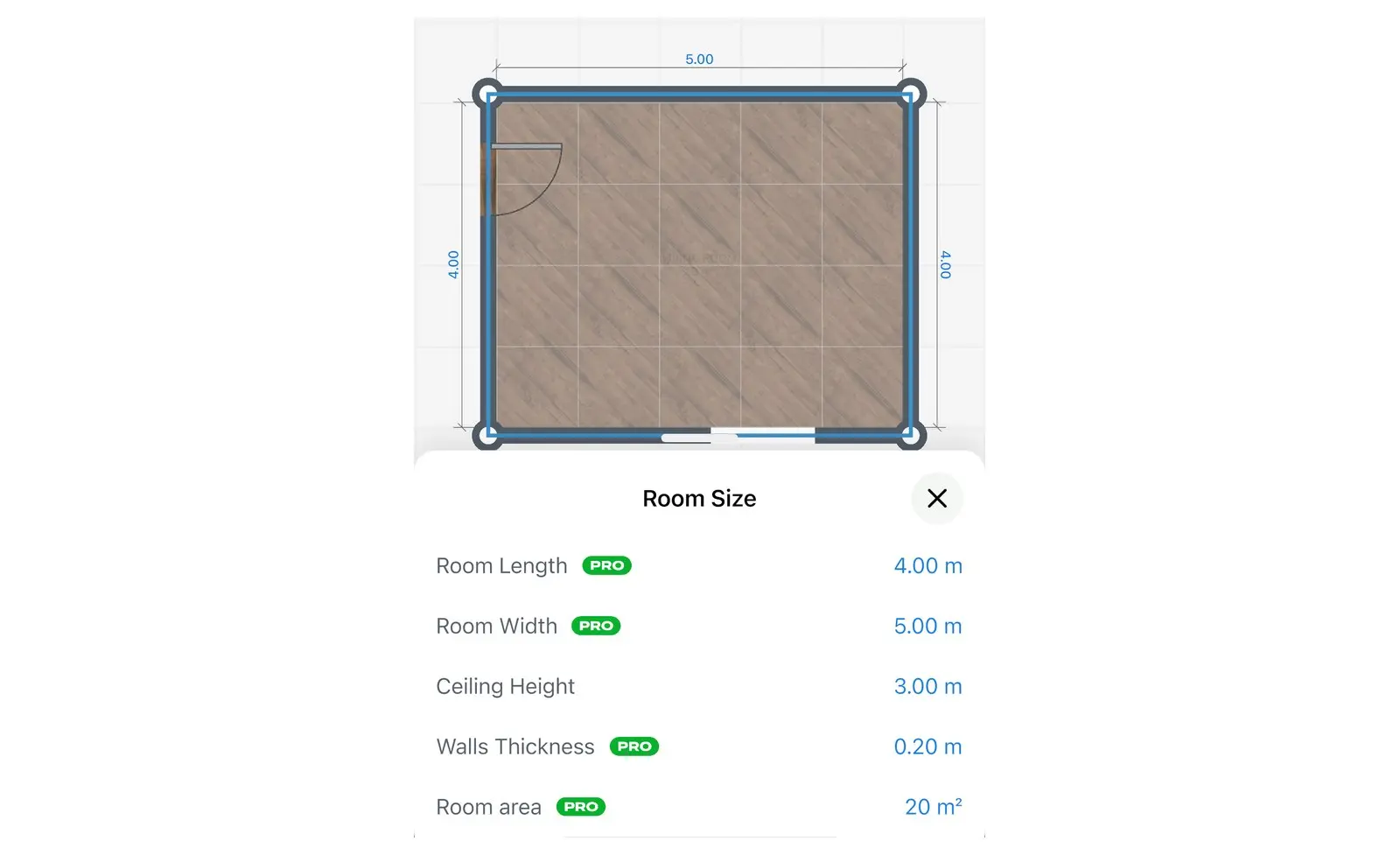
Start from your real room size
A bed that is too big blocks the wardrobe door, and you find out on delivery day. Draw the room on the grid, furnish it and see every size before you buy, or scan the room to see it in 3D at its real size.
- Scan the room with your iPhone, iPad or AR-ready Android phone.
- Type the length of every wall in feet, inches, meters or centimeters.
- Bring in sizes from a laser distance meter.
- Scan and view in 3D
- Furnish a scanned room, typed sizes, laser meter: PRO
Find the right wall for the bed
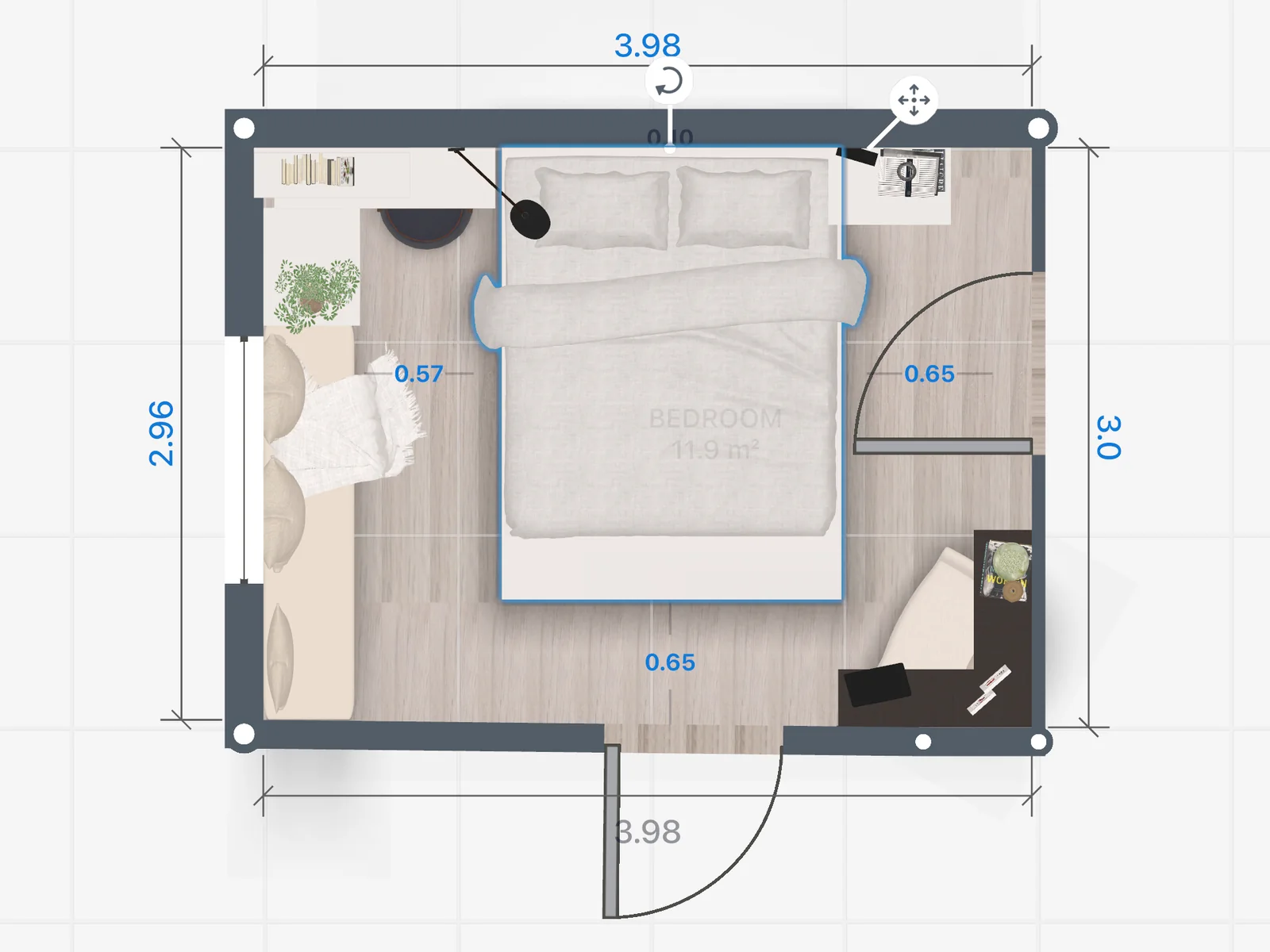
Try the bed on each wall before you move it. Select the bed on the plan to see how far it is from the walls and the furniture around it.
- See if the door and the windows stay clear.
- Check the room left for nightstands on both sides.
- Move it as often as you like: nothing to lift.
Bedroom layout planner: start from the bedroom you have
A master bedroom, a kids room and a guest room each start from a different bed. Pick the layout closest to yours, then try another one in seconds.
Master bedroom
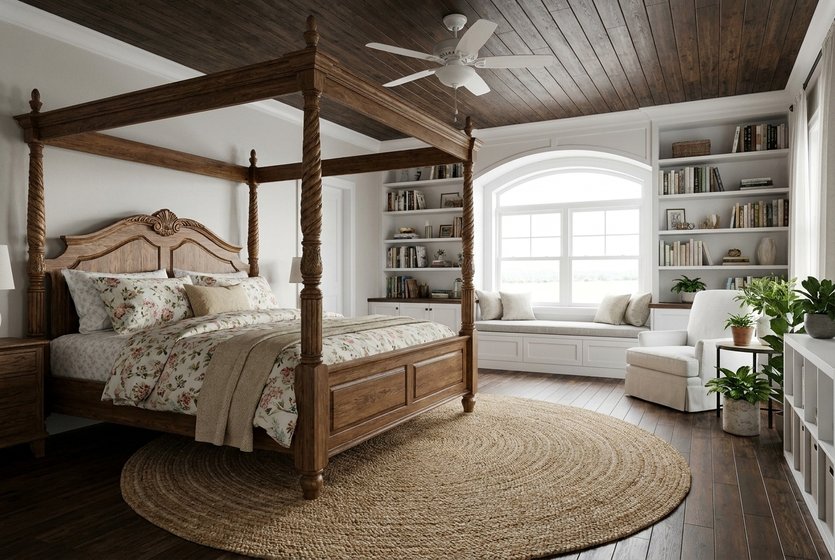
A large bed with room around it for nightstands, an armchair or a window seat.

Small bedroom
A bed, a desk and storage that still leave a path to the window.
Kids room
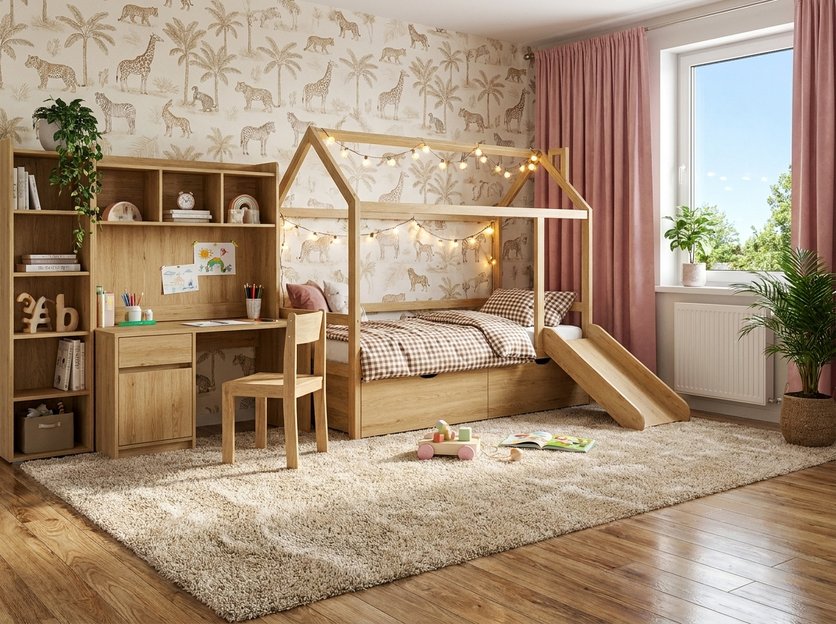
A bed, a desk and space on the floor to play.
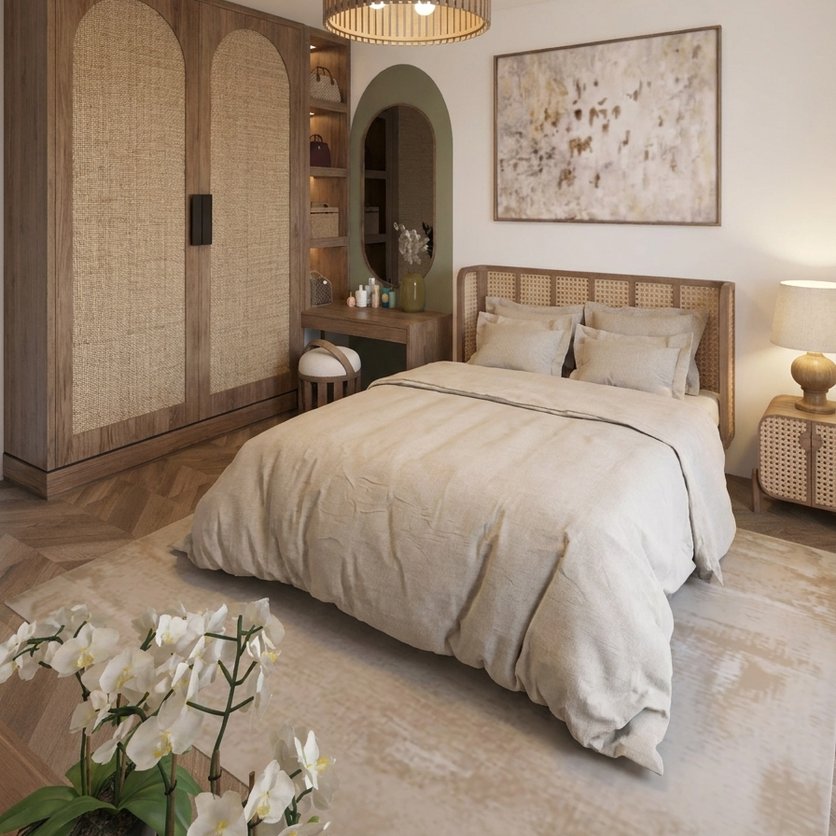
Guest room
A double bed and a wardrobe, ready for visitors.
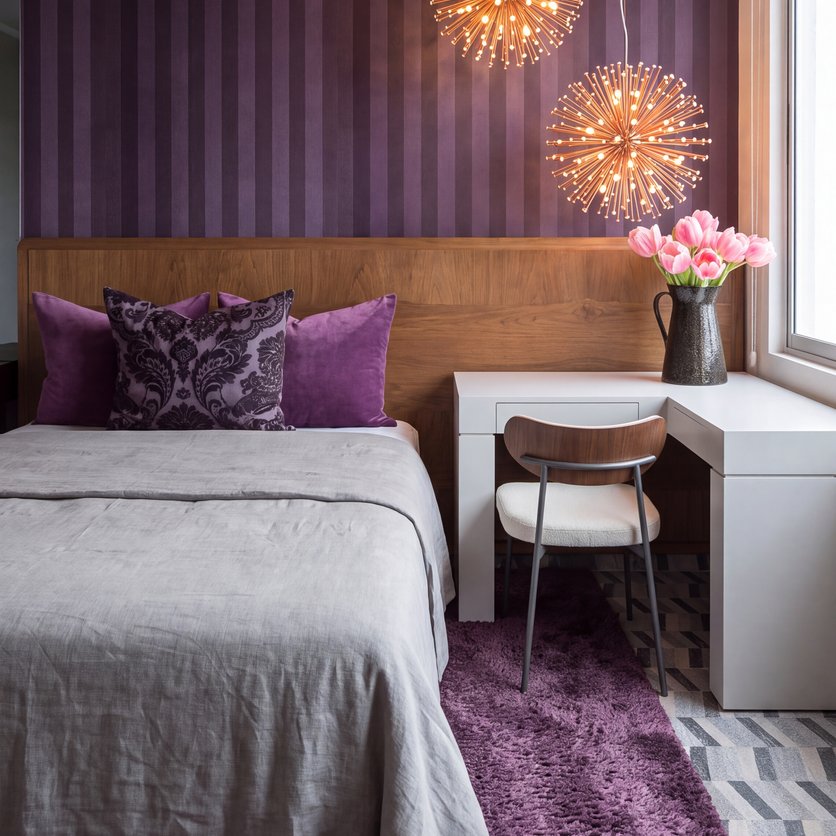
Bedroom with workspace
A bed and a desk in one room, the desk by the window.
Beds, nightstands, wardrobes and desks are all in the catalog.
Bedroom designs made in Home Planner
Ideas to start your own.

Created in Home Planner
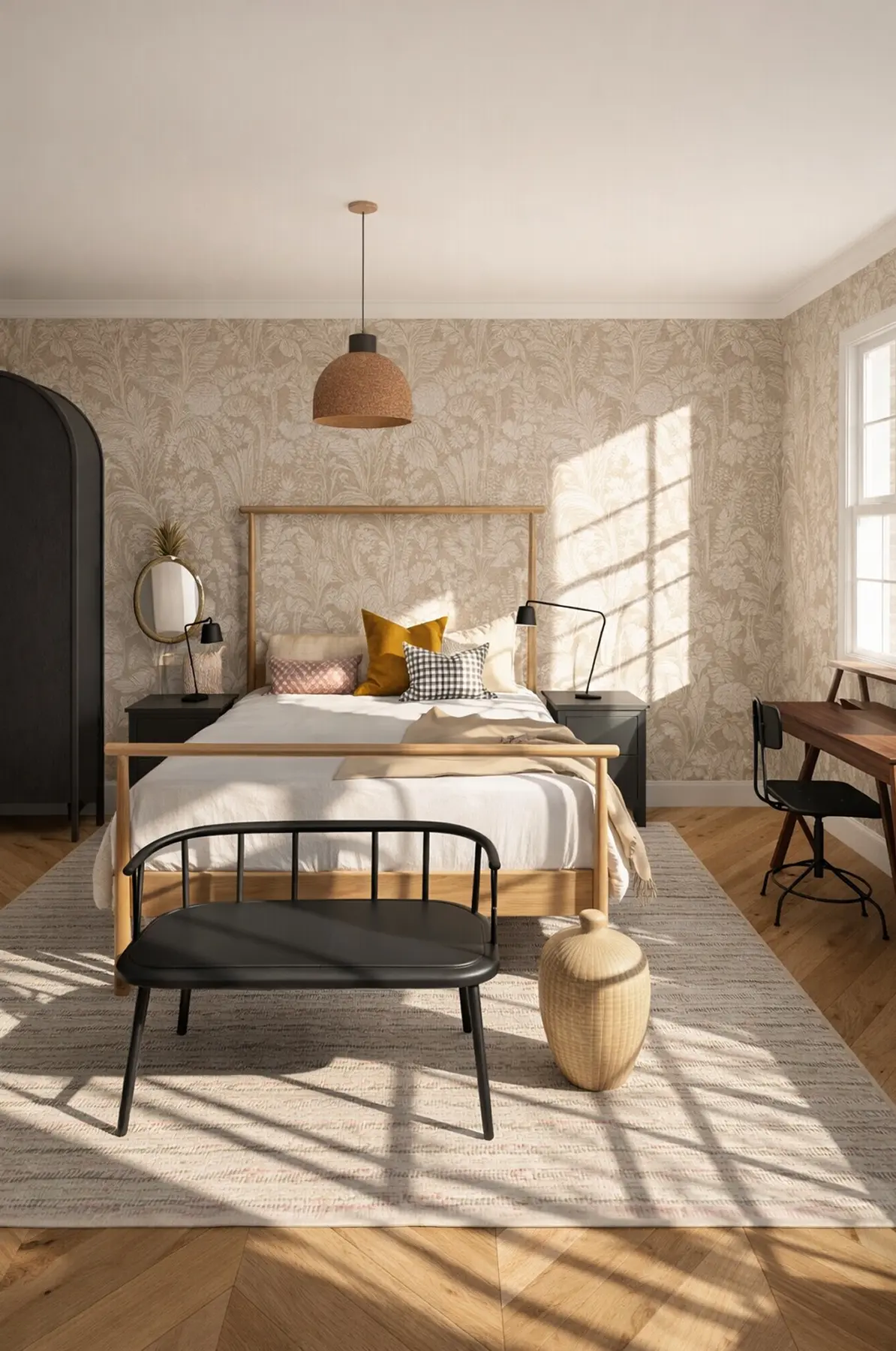
Created in Home Planner

Created in Home Planner

Created in Home Planner
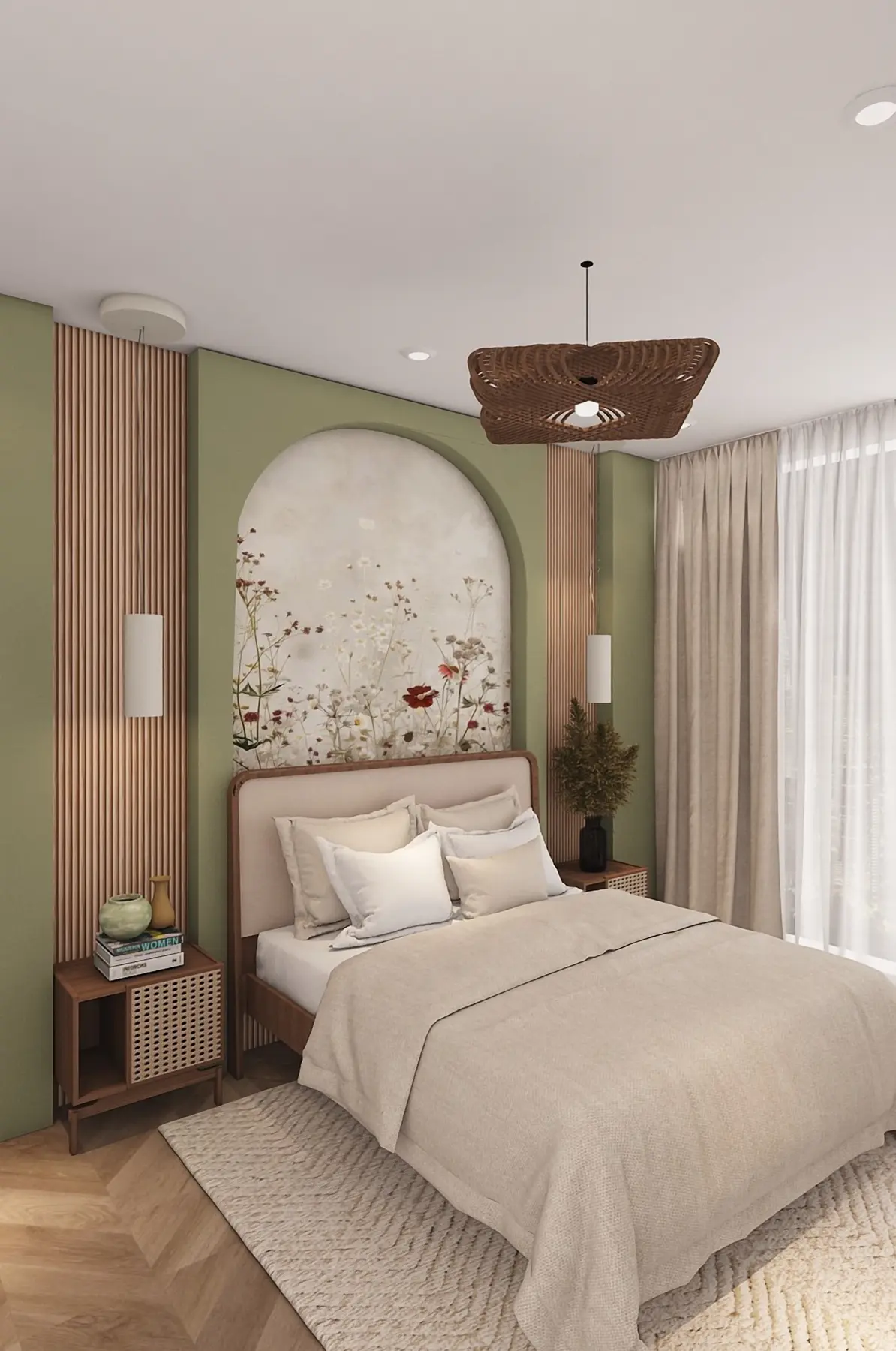
Created in Home Planner
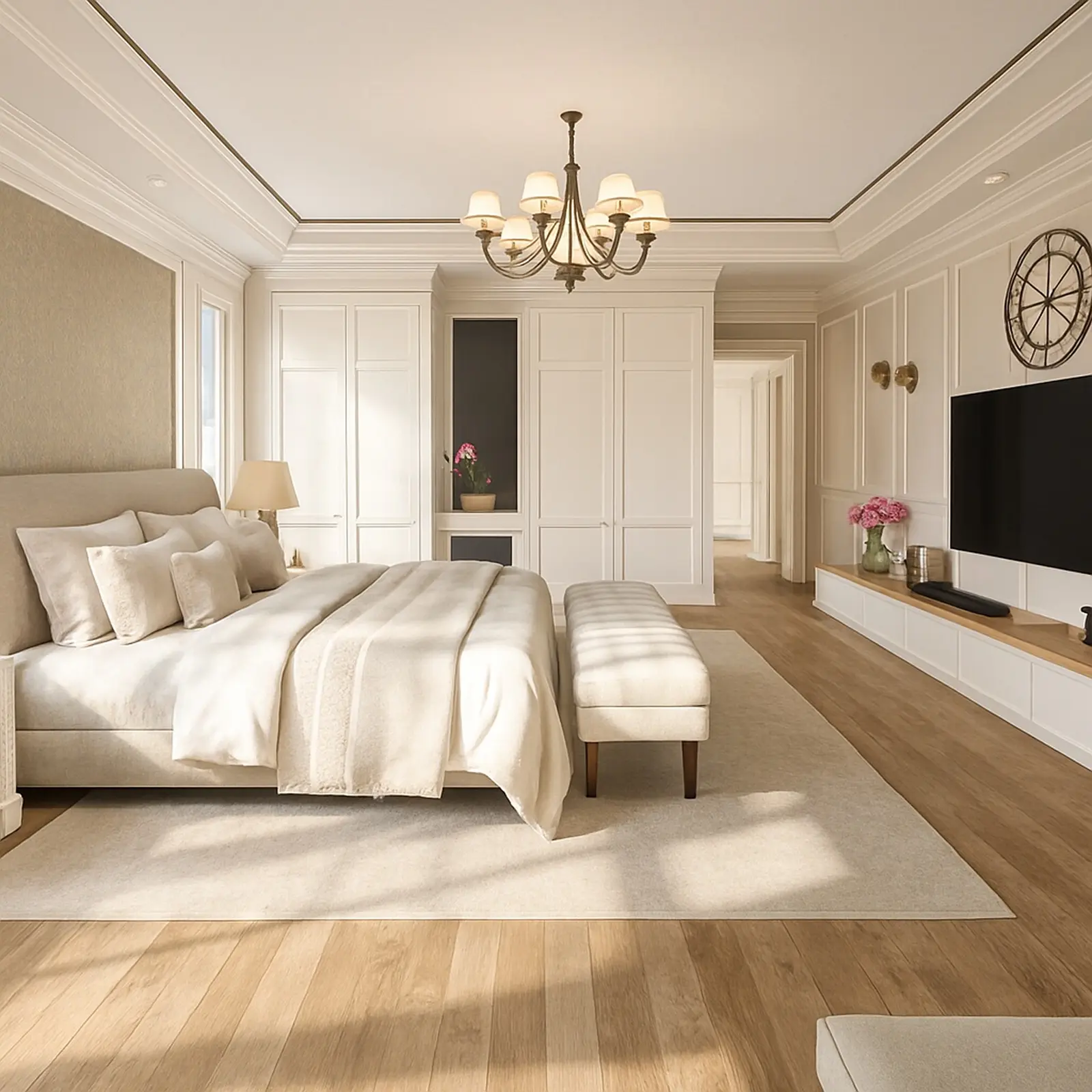
Created in Home Planner

Created in Home Planner

Created in Home Planner
Created in Home Planner
Created in Home Planner
Created in Home Planner
Created in Home Planner
Created in Home Planner
Created in Home Planner
Created in Home Planner
Created in Home Planner
Beds, nightstands and wardrobes at their real sizes
Fill the plan from a catalog of 560,000+ products. Each one has its real size, so you know it fits before you order.
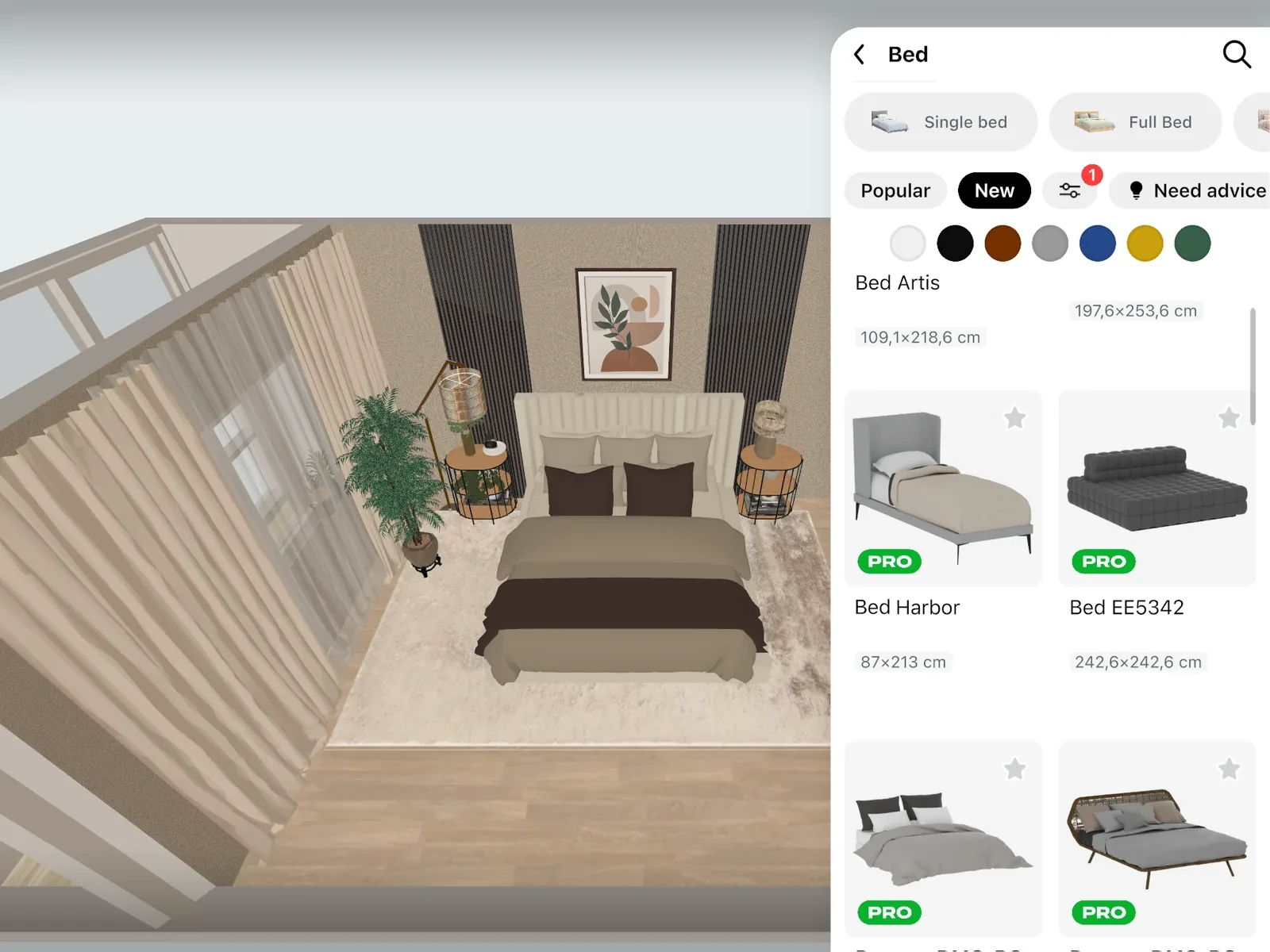
- Single, queen, king and super king beds, plus bunk, loft and storage beds, with headboards and bedding.
- Nightstands, dressers, chests of drawers and dressing tables.
- Rugs, curtains and bedside lamps to finish the room.
- A free part of every catalog category: free
- The full catalog: PRO
Plan storage that fits the wall
Sliding-door wardrobes, wardrobe systems and dressers come at their real sizes. Fit them to the wall and see how much floor is left.
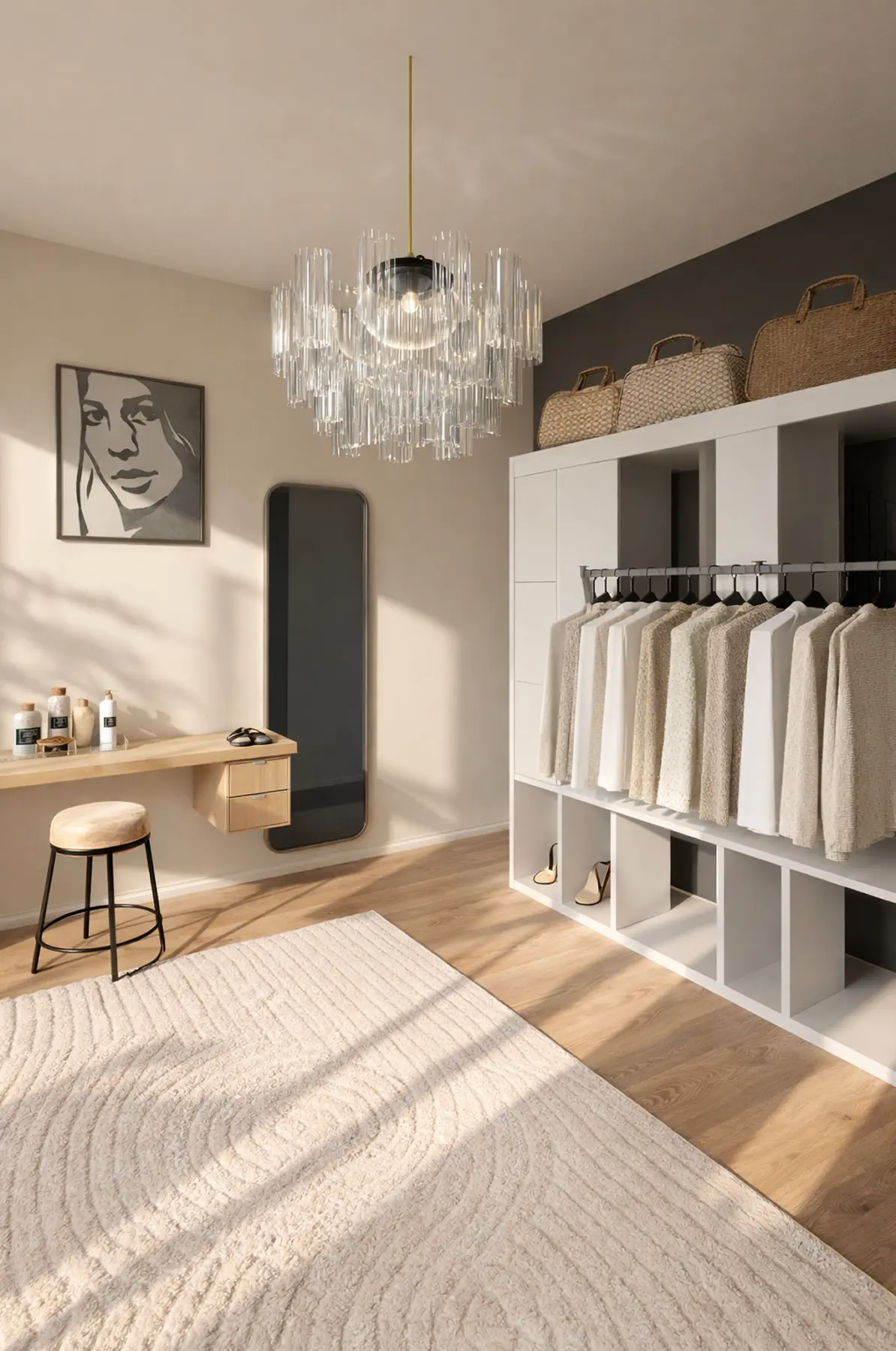
Try colors, wallpaper and floors in 3D
Paint the walls, try a wallpaper or a photo mural, change the floor and the bedding colors, and see the whole room in 3D before you buy a can of paint.
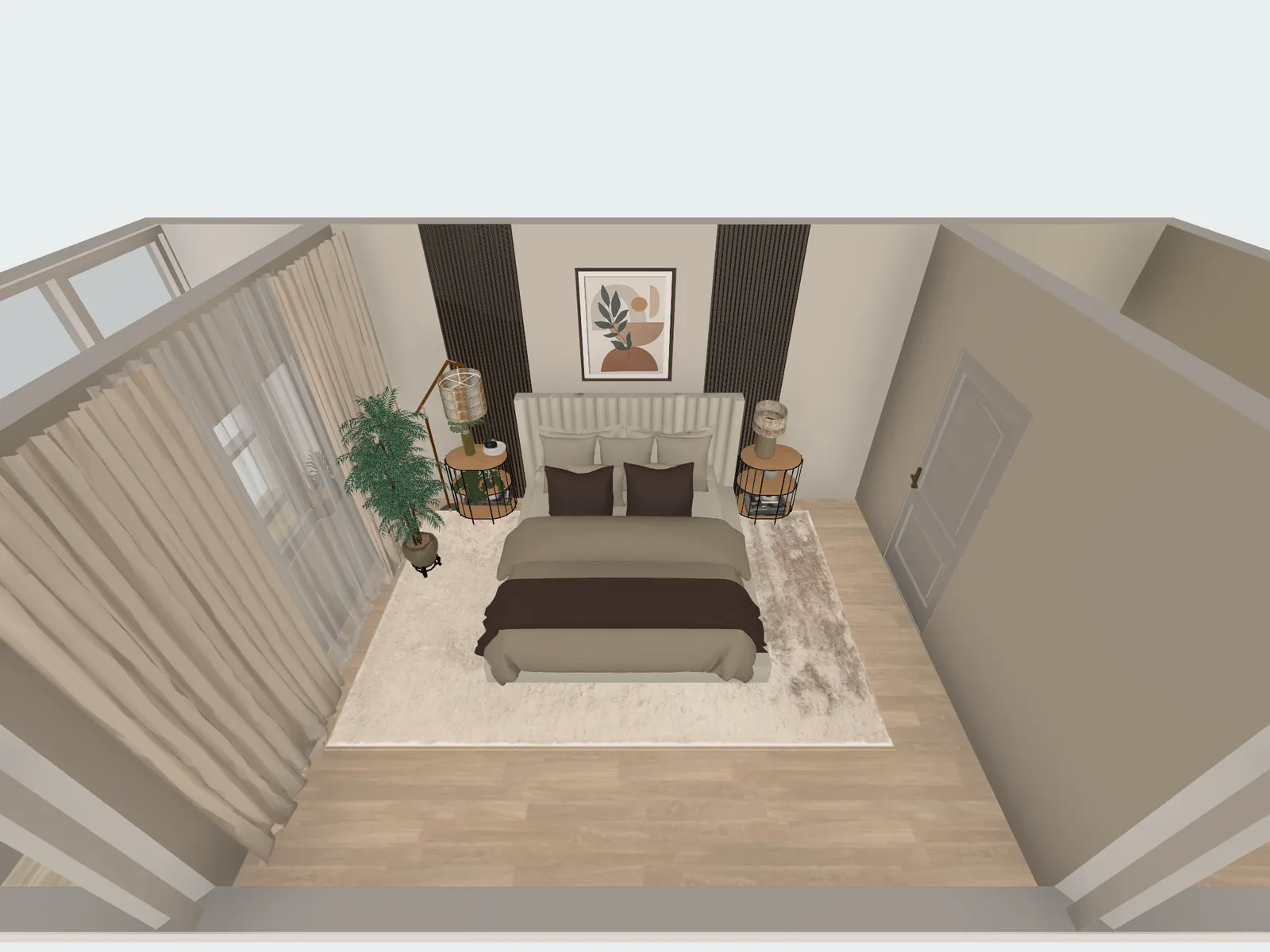 Before
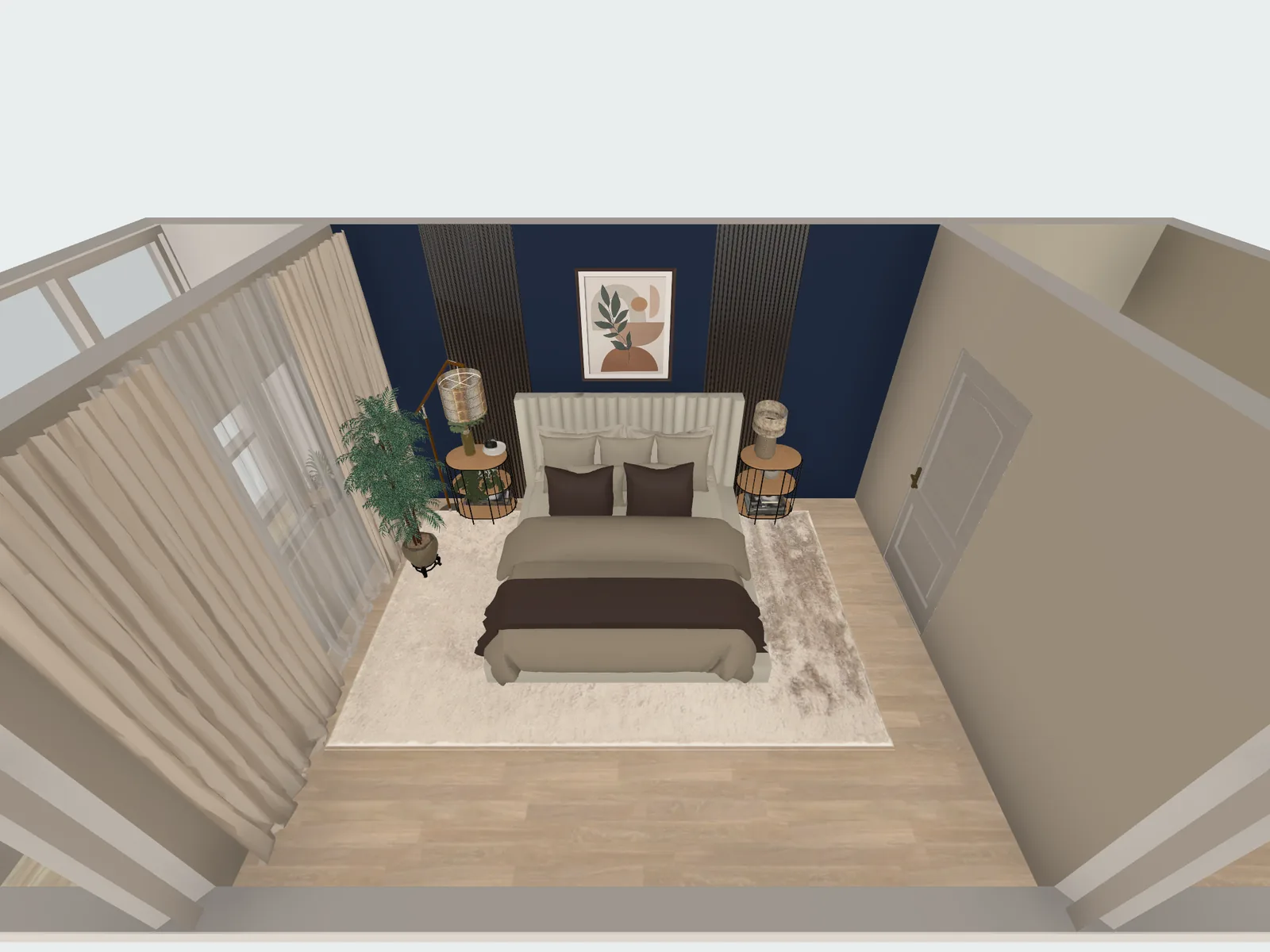 After
After
- More colors and your own textures: PRO
See your own bedroom in a new style
Take a photo of your bedroom and pick one of 40+ styles. AI shows the same room with new furniture, colors and finishes, and is set to keep its shape.
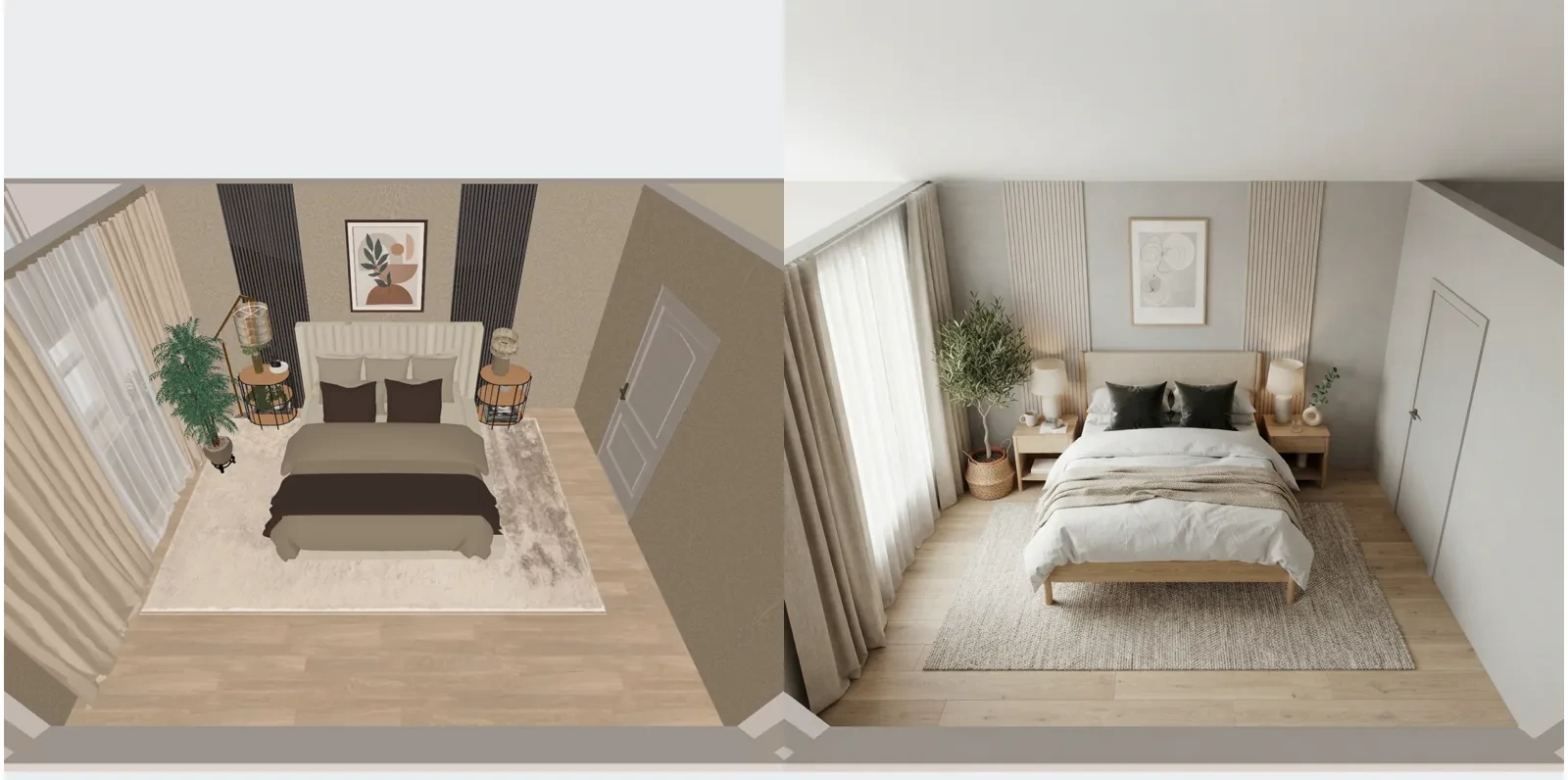
- Up to 4 AI redesigns to try: free
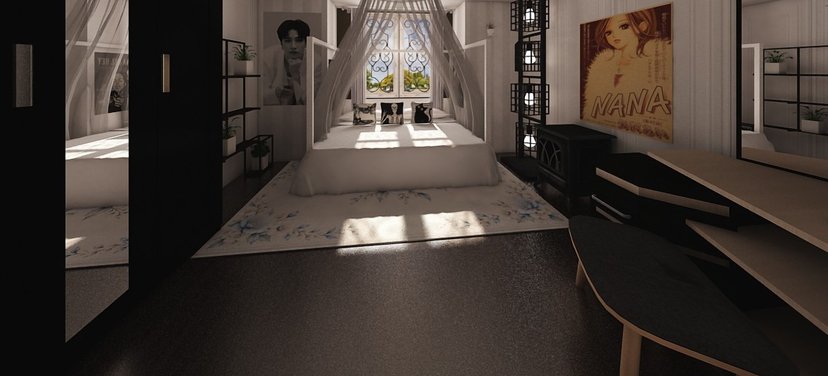
Ideas for bedroom
See all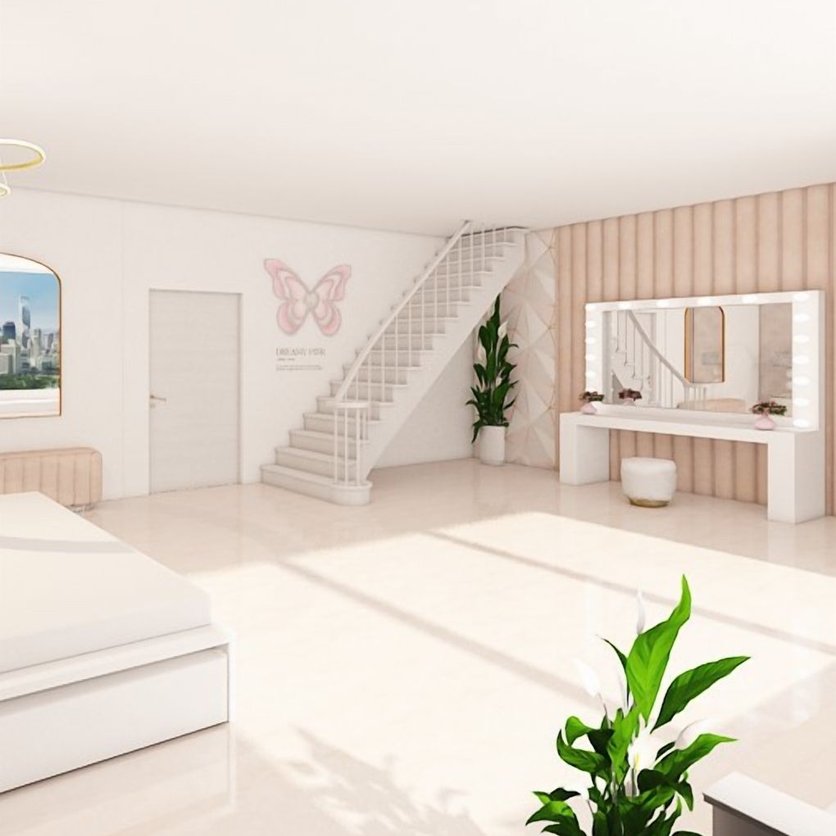

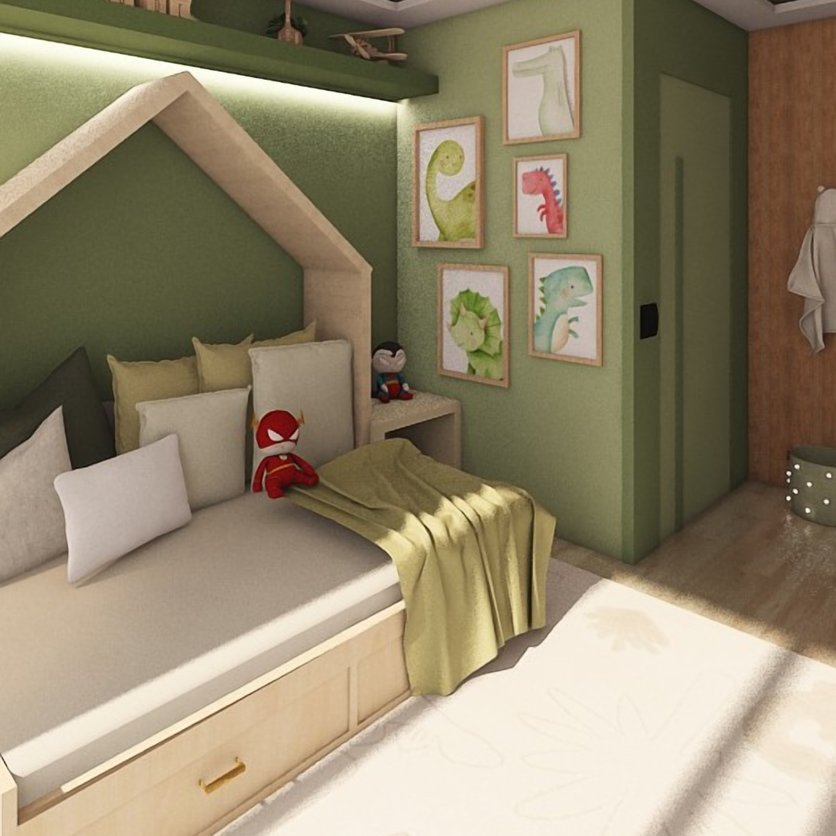
Agree on the bedroom before you buy
Share the design with your partner and decide together. A link opens in any browser, with no app.
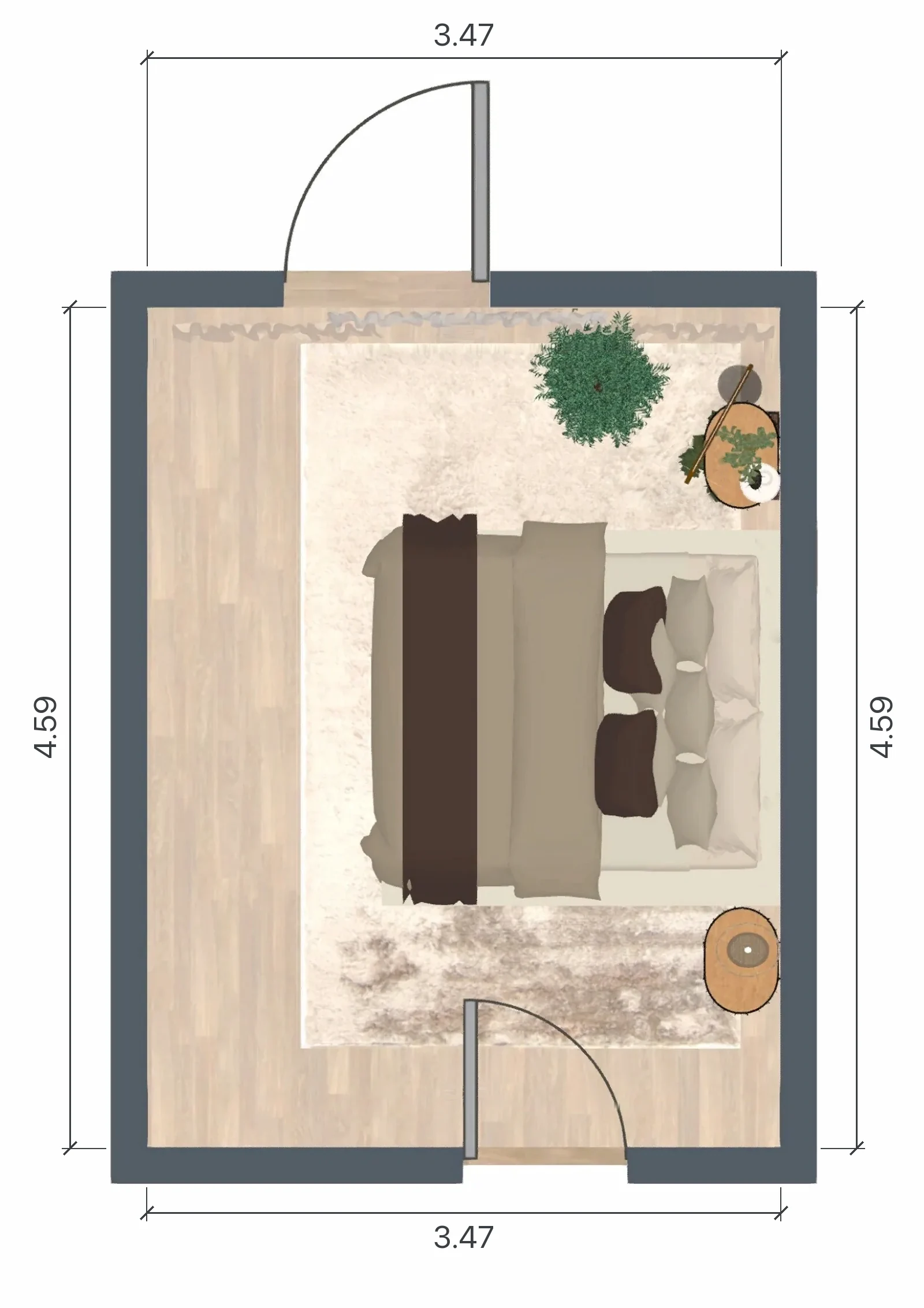
- Edit one design together in real time; each person needs the app and a sign-in.
- Download a PDF with the plan and the sizes.
- Link, PDF with a watermark and editing together: free
- PDF without a watermark: PRO+
Know what the new bedroom costs
Products you place go into a shopping list with their prices, and the total follows your plan. Swap a nightstand or the rug, and the total updates.
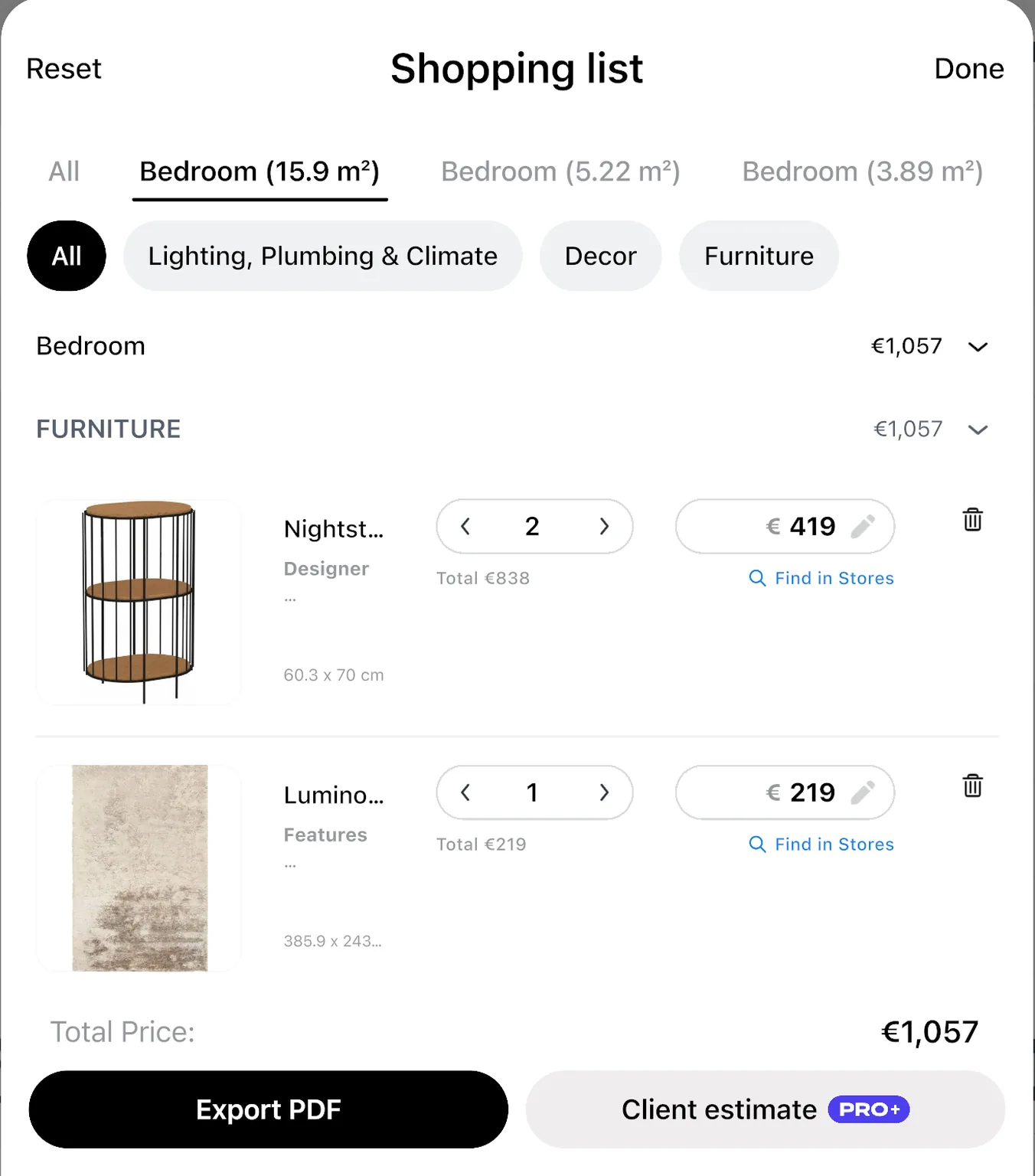
Treat the numbers as a guide: confirm the final price with the shop.
- Renovation cost estimate: PRO
Never planned a room? Start with the bed
Three things people ask before their first bedroom plan.
“I don’t know where to start”
Place the bed first, then add what fits around it. Or open a real bedroom design from our ideas and edit a copy.
See bedroom ideas →“My bedroom is small”
Small rooms gain the most from a plan. Try a smaller bed, a sliding-door wardrobe or a bed with storage, and see what leaves you room to walk.
Small bedroom layout: 4 ideas →“Will the wardrobe doors still open?”
Every wardrobe and dresser has its real size. Place it on the plan and look at the floor left in front of it before you order.
Try the layout before you lift the bed
Home Planner has 30M+ downloads and 300,000+ ratings. One reviewer on testing the furniture first.
“I live in a small apartment, and every centimeter matters. With the Home Planner, I tested different furniture arrangements before moving anything in real life. I finally found the perfect layout. The space feels bigger and more functional now.”
A review as shown on our pricing page.
Plan the bedroom for free. Add PRO for the whole catalog.
Free: draw the room on the grid, try the bed on every wall and see your bedroom in 3D. PRO opens all 560,000+ products and shows what the new bedroom costs.
Free
Nothing to pay to start
- Draw the room on the grid, furnish it and see it in 3D
- Scan a room and see it in 3D at its real size
- A free part of every catalog category, and up to 10 designs
- Share a link or a PDF with a watermark, and edit together
- Up to 4 AI redesigns to try
PRO
For your own home
- Everything in Free
- Exact room and wall sizes, laser meter
- The full catalog of 560,000+ products
- More colors and your own textures
- More AI redesigns and photos every day
- Renovation cost estimate and sync between your devices
PRO renews automatically each billing period unless you cancel. You can turn off auto-renew in your account settings, and PRO stays active until the end of the period you paid for.
Frequently Asked Questions
Yes. The free plan saves up to 10 designs, each one a whole home plan, with a free part of every catalog category and up to 4 AI redesigns to try. PRO adds the full catalog of 560,000+ items, more AI every day, sync and a renovation cost estimate. PRO+ adds 4K renders, 360° photos and offline mode. See plans and prices
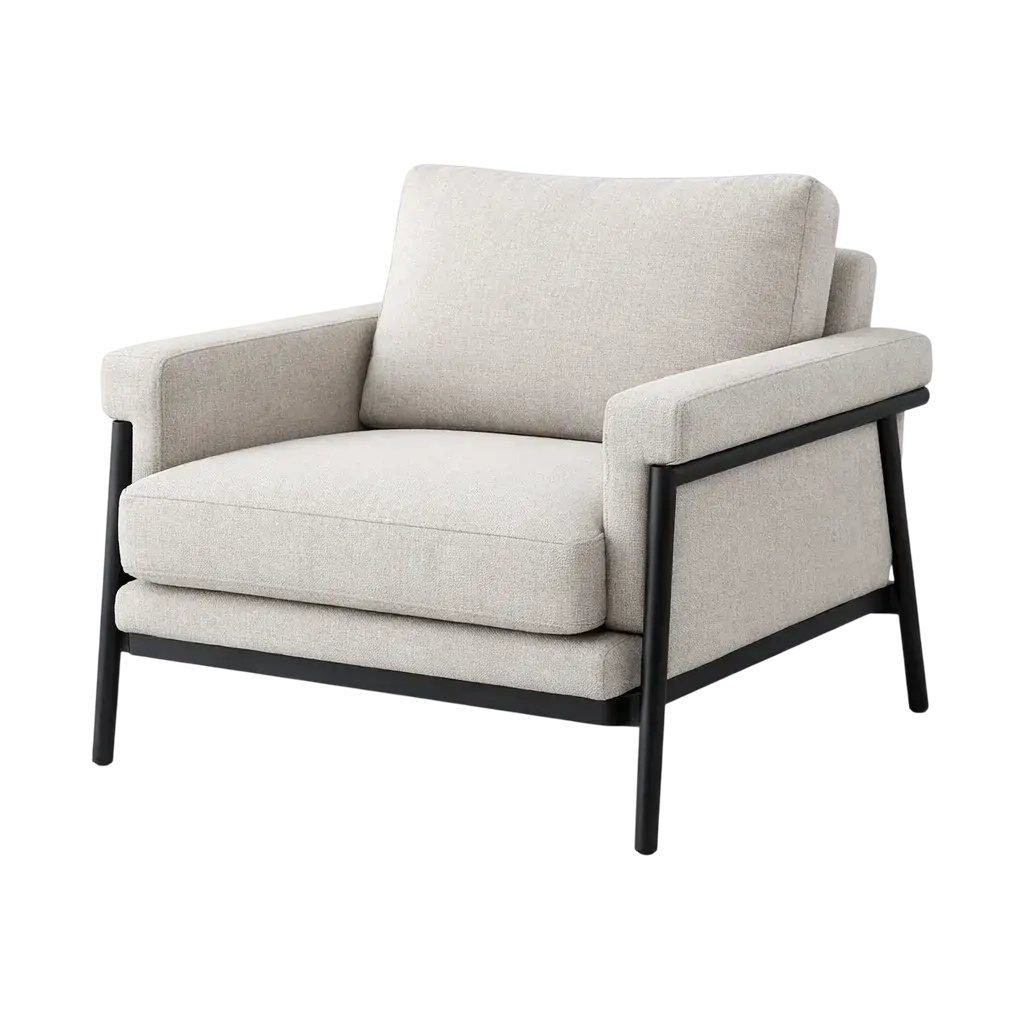
Yes. The catalog has queen, king and super king beds at their real sizes, and your plan is to scale. Place the bed you want and see the floor left around it and in front of the wardrobe.
Yes. Select the bed on the plan to read its distance to the walls and the furniture on each side. Leave enough room to walk past it and to open every door and drawer fully. Small bedroom layout: 4 ideas
Measure the walls and mark the door and the windows. Place the bed first, then the nightstands, the wardrobe and the dresser. Then look at the result in 3D. How to measure a room for a floor plan
Yes. Take or upload a photo, pick one of 40+ styles, and AI shows your bedroom with new furniture, colors and finishes. AI is set to keep the shape of the room. In the browser, restyle a photo with AI on our website after you sign in. The full planner is the app. Try AI Redesign →
55+ selected laser meter models from 14 brands, on iPhone, iPad, Android and Mac. Follow your device maker’s safety instructions, and never point a laser at anyone’s eyes. Laser measure guide
No. Start with the bed, add a few pieces and see the result in 3D right away.
iPhone, iPad, Android, Mac and Windows. Start on your phone, then finish on a big screen; with PRO, your designs sync between devices. Room scanning works on iPhone, iPad and AR-ready Android phones, not on Mac or Windows; a scan opens in 3D, and to furnish a scanned room, add PRO.
Cancel at any time; PRO stays active until the end of the period you paid for. A refund goes through the store you paid in, such as the App Store, Google Play or Steam, under its rules. Paid on our website? Contact support.
You do. Your designs stay in your account, and you can share them by link or export them as a PDF at any time.
With PRO+ you can keep designing without a connection. AI features need the internet.
Do you design or sell bedrooms for clients?
PRO is for your own home. For client work, PRO+ adds commercial use, no watermark, 4K renders and a client PDF with an estimate and your logo.
- PRO+
Plan your bedroom before you buy
Draw the room, try the bed on every wall, fit the wardrobe and the colors, and buy only what fits.

Try it on your own project
Free room planner and interior design app
P.S. Try the bed on every wall tonight, before you move a single piece. PRO is there when you want every bed in the catalog and the cost of the new bedroom.
More guides:Small Bedroom Layout: 4 Ideas for a Bed, Storage and a DeskCalming Bedroom Colors: 6 Color IdeasHow to Redesign Your Room with AI from a PhotoLaser Measure App: Measure a Room with Your Laser Meter
Home Planner is not affiliated with, endorsed or sponsored by Apple, Google, Microsoft or Valve; their names and marks belong to their owners. Android is a trademark of Google LLC. iPhone, iPad and Mac are trademarks of Apple Inc., registered in the U.S. and other countries. Steam and the Steam logo are trademarks and/or registered trademarks of Valve Corporation in the U.S. and/or other countries. Windows is a trademark of the Microsoft group of companies. Other trademarks are the property of their respective owners.