Interior design · Architecture · Design colleges
Home Planner is free for design students and educators
Plan rooms in 2D and 3D, furnish them with real brand furniture and render them in 4K. Free until you graduate, and for up to 5 years if you teach. No student ID, no paperwork.

Plan. Furnish. Present.
Take a class project from the first floor plan to the final crit.
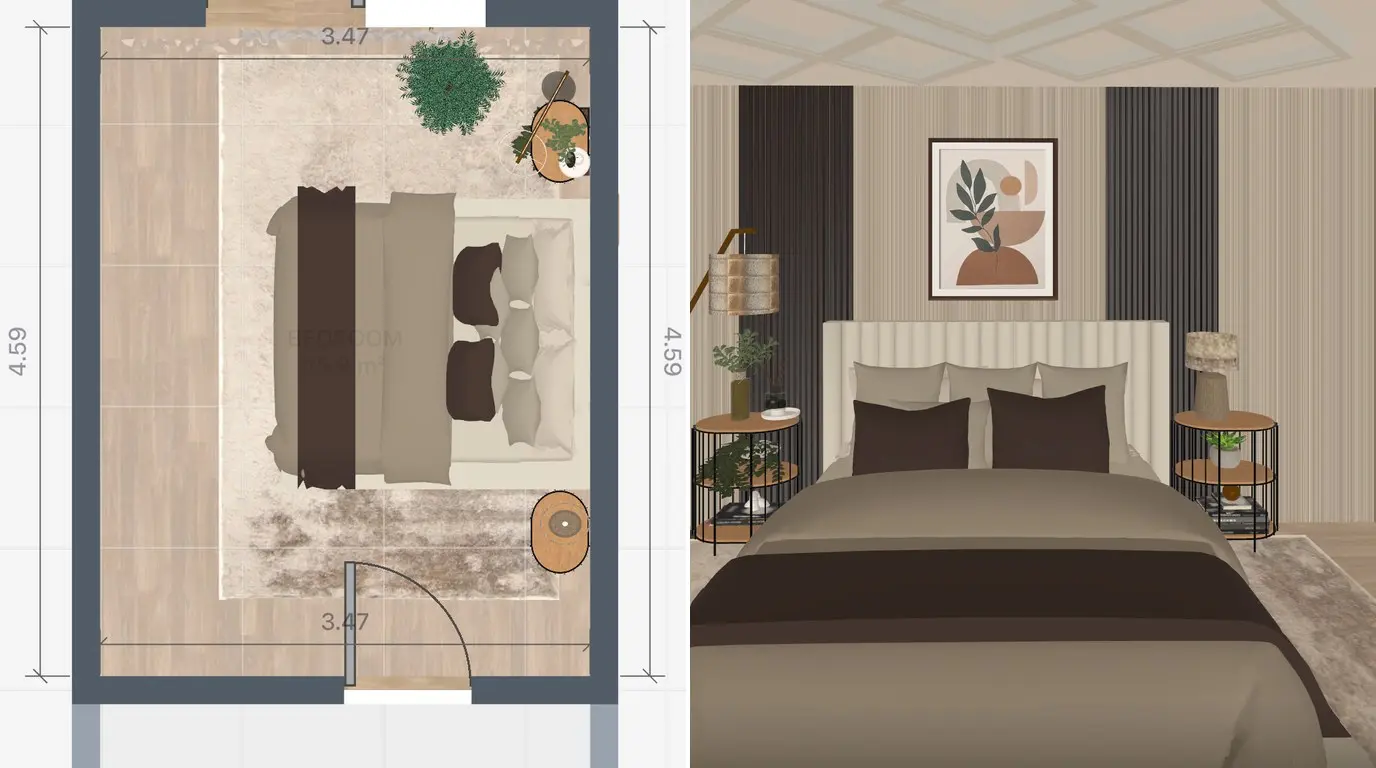
Space planning to scale
Draw walls, doors and windows in 2D and see them in 3D right away.
- Switch between 2D and 3D at any time
- Dimensioned plans and wall elevations
- DWG/DXF export for your CAD and BIM tools
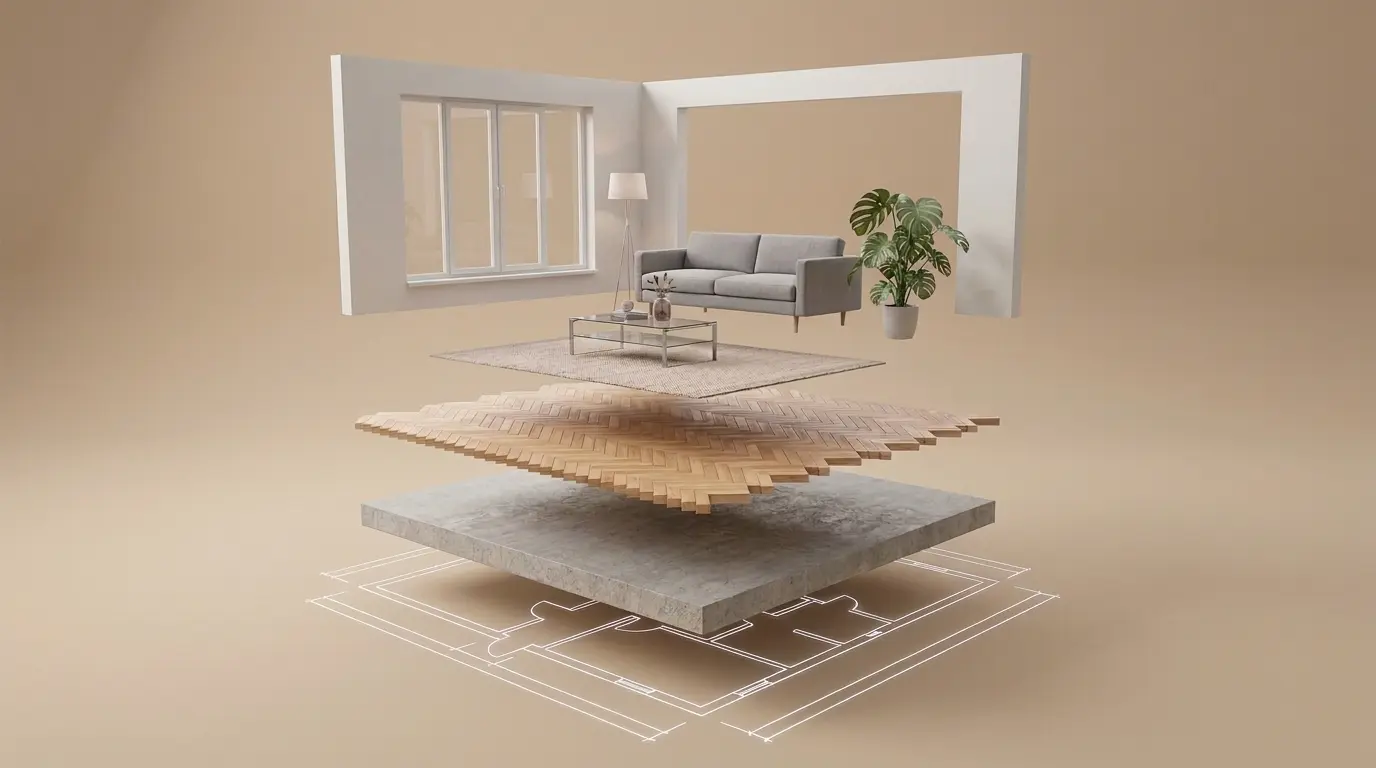
Specify real FF&E
Place furniture, fixtures and finishes from real brands, at their real sizes.
- 560,000+ real products
- Change materials and colors
- Try new styles with AI Redesign
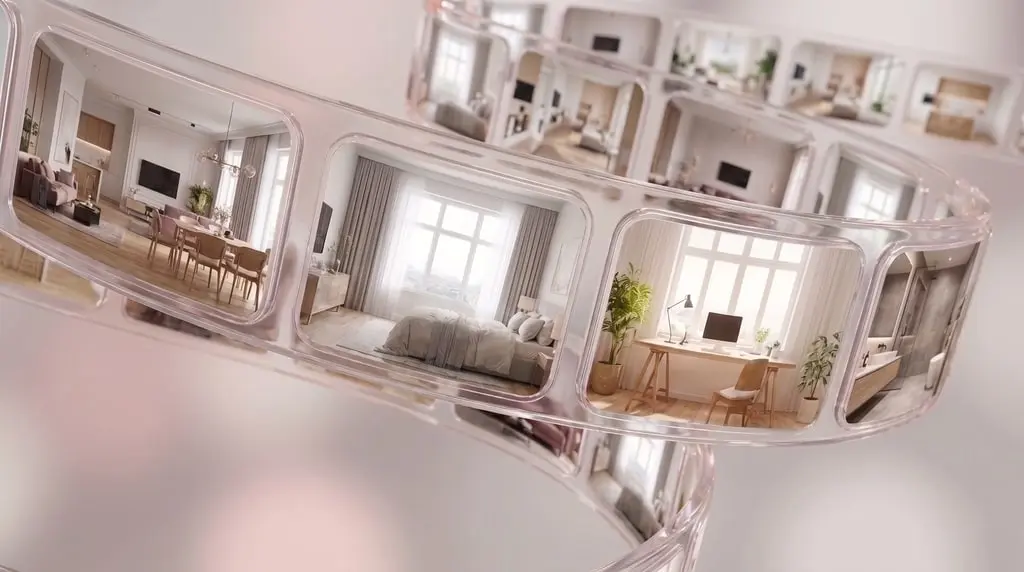
Present at crits
Export renders and drawings your instructors and portfolio reviewers can read.
- Realistic renders up to 4K
- 360° photos
- Plans and elevations with dimensions
Works alongside AutoCAD and Revit
Plan and present in Home Planner. Document in your CAD or BIM tool.
Home Planner
- Space planning in 2D and 3D
- FF&E with real products at real sizes
- Materials, lighting and 4K renders for crits
- Easy to learn, so class time goes to design
Your CAD or BIM tool
- Construction documents and details
- Coordination with engineers
- Permit and code drawings
Move plans between them with DWG/DXF export.
What's included
For your coursework and portfolio.
Included
- 2D and 3D floor plans, unlimited designs
- 560,000+ real brand furniture and decor items
- Realistic renders up to 4K, with advanced lighting
- 360° photos
- Dimensioned plans and wall elevations
- DWG/DXF and 3ds Max export
- AI photos and AI Redesign: up to 3 a day in total
- Offline access
Not included
- AI video
- Removing the Home Planner watermark
- Commercial use
How to get it
For educators
It's free for you too, and your class needs no setup.
How it works for a class
- Each student signs in with their own university email.
- No seats or class codes to manage.
- It stays free for each student until they graduate.
Learn Home Planner
Free tutorials for you or your students.
Questions and answers
Students and educators at universities, colleges and design schools anywhere in the world. Addresses like @risd.edu, @aberdeen.ac.uk or @tu-berlin.de work if the institution is on our list. No student ID needed. It's made for interior design and architecture courses.
Until August 31 of the year you graduate, for up to 5 years. Then your plan goes back to Free, and your account and projects stay. You can buy a paid plan at any time.
Yes. Faculty and instructors sign in the same way. When the app asks about your university, answer Yes, then enter this year as the start and up to 5 years ahead as the end.
No. It's for universities, colleges and design schools. K-12 schools aren't included, but Home Planner's Free plan is open to everyone.
Sign in with your university email instead: the free access is linked to it. If you use Sign in with Apple with Hide My Email, we can't see your university, so sign in with Email or Google using your university address. Projects saved in your other account stay there.
Email [email protected] from your university address and include your university's website. A person on our team checks it and replies. If it's approved, sign in to the app with that email to get it.
Your subscription stays active as before. The education plan starts when your subscription ends. It doesn't cancel your subscription for you: to stop paying, turn off auto-renewal in the store where you bought it.
No. It's for non-commercial, educational use: coursework, class projects and your portfolio. For commercial work, choose a paid plan.
Dimensioned 2D plans, wall elevations, renders up to 4K, 360° photos, and DWG/DXF and 3ds Max files. Exports carry the Home Planner watermark.