Home Office Planner: see if your desk fits before you buy it
Home Planner is a home office planner for a spare room, a bedroom corner or a closet nook: draw the room, place desks, chairs and shelves at their true sizes, and see your workspace in 3D before you buy.
4.6App Store · 300K+ ratings
On your phone too
Point the phone camera here to install, then scan your rooms
Downloads across all stores; countries where the App Store carries the app.
Plan your home office in four steps
1.
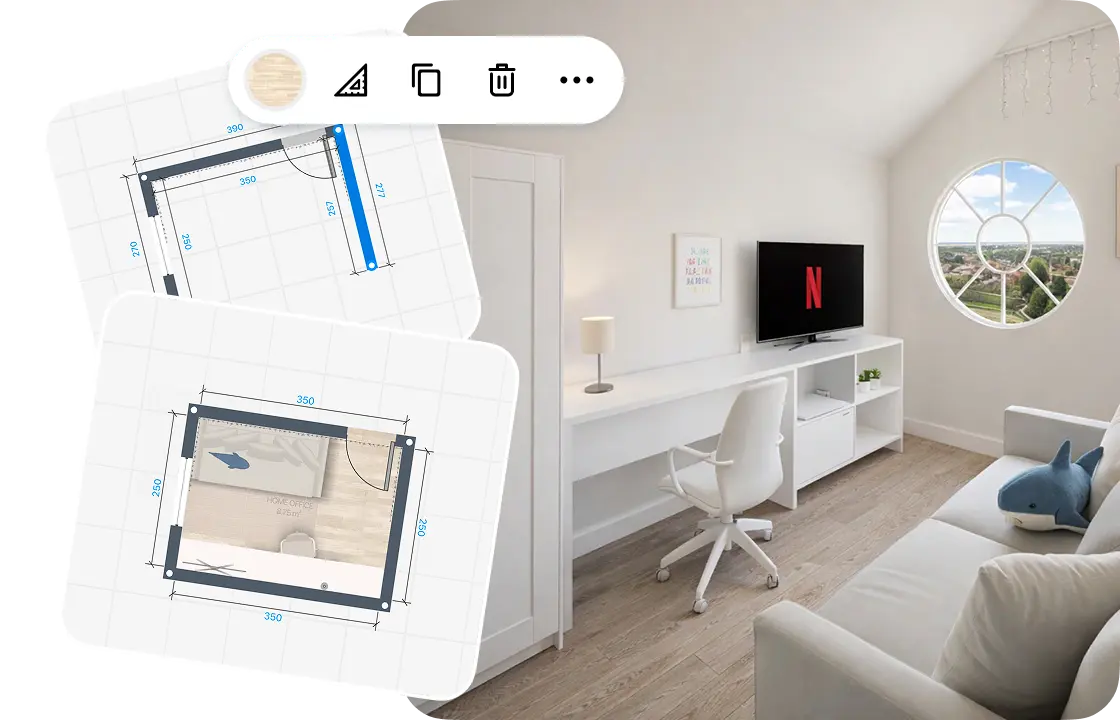
Draw or scan the room
Draw the walls on a grid, or scan the room to see it in 3D. Add doors, windows and the ceiling height.
2.
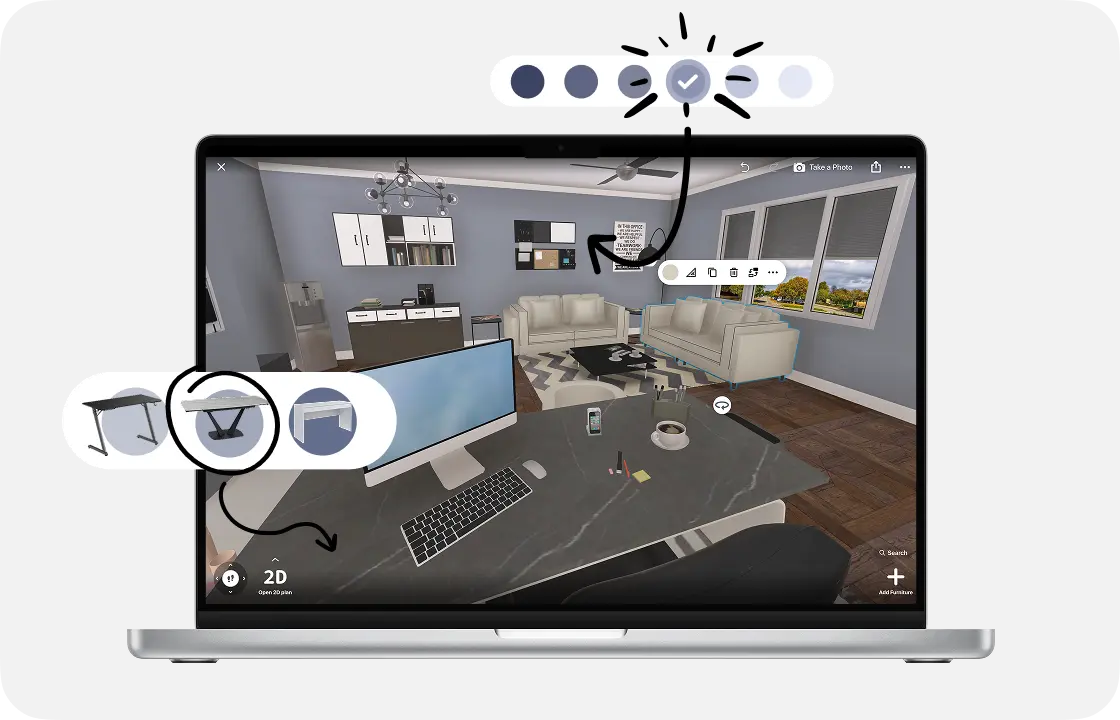
Add the desk and furniture
Place the desk and the chair, then shelves, storage and a lamp. Each piece keeps its real size.
3.
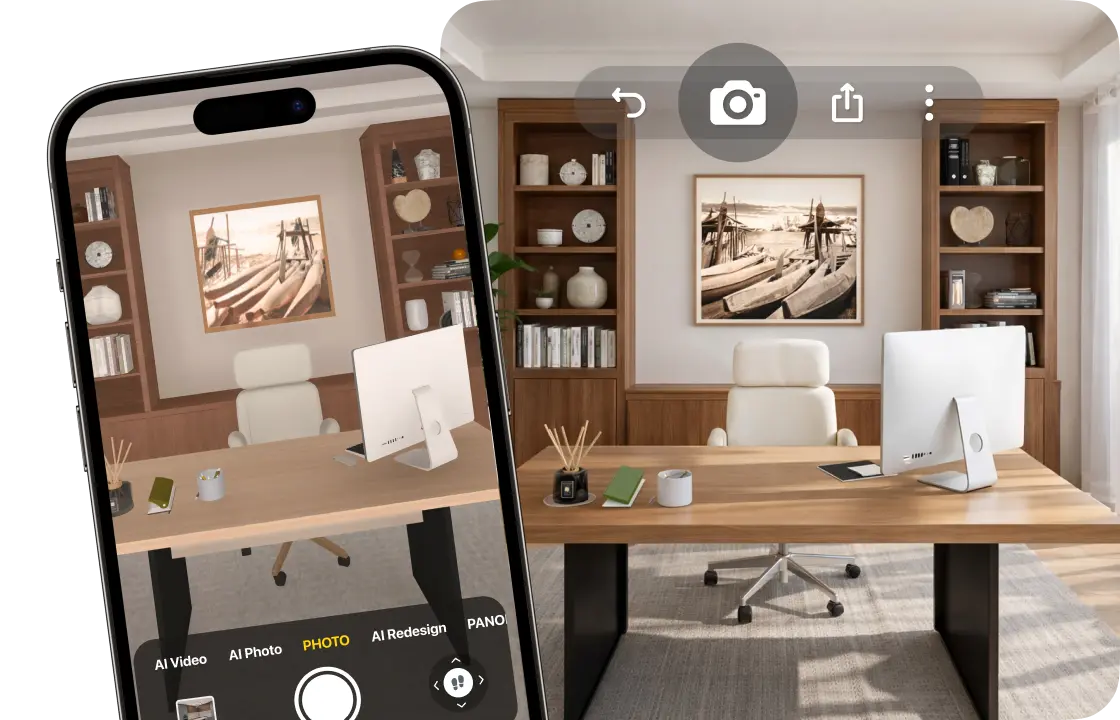
See it in 3D
Walk through the room and make realistic renders, so you see your workspace before you buy.
4.
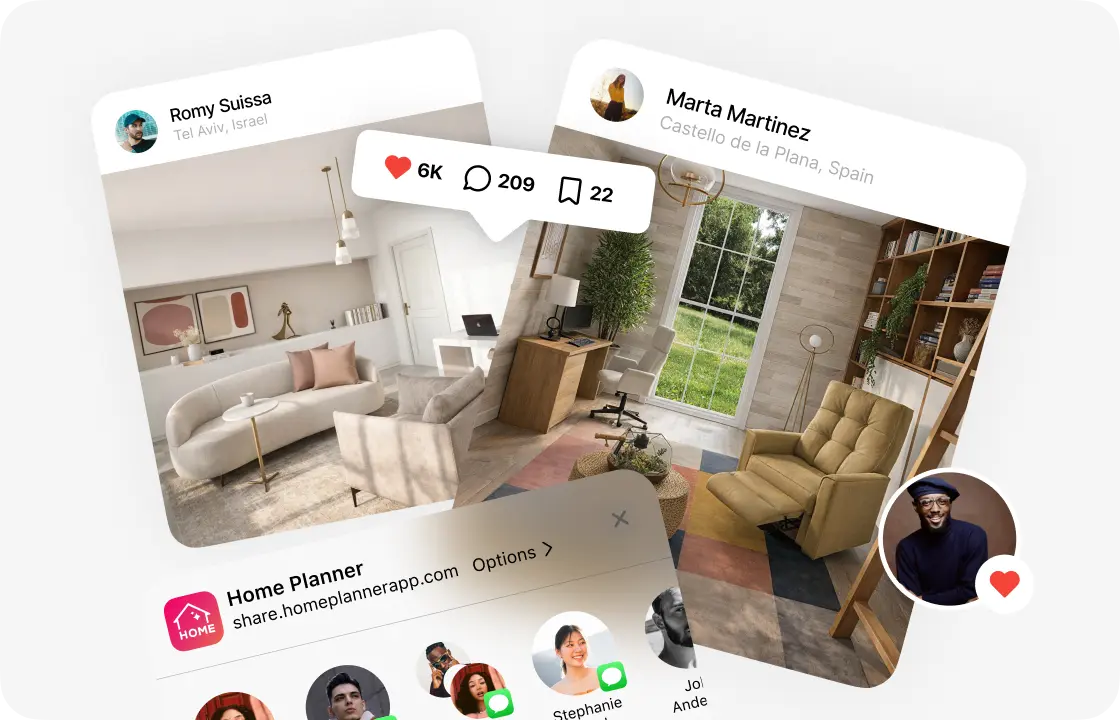
Share your plan
Send your family a link, or download a PDF with the plan and a shopping list (free with a watermark).
1.
Draw or scan the room
Draw the walls on a grid, or scan the room to see it in 3D. Add doors, windows and the ceiling height.
2.
Add the desk and furniture
Place the desk and the chair, then shelves, storage and a lamp. Each piece keeps its real size.
3.
See it in 3D
Walk through the room and make realistic renders, so you see your workspace before you buy.
4.
Share your plan
Send your family a link, or download a PDF with the plan and a shopping list (free with a watermark).
What decides if a home office works:The desk fits the roomRoom to roll your chair backWork and guests in one roomThe look behind your deskA budget you can plan
Start from the real room, even a small one
Draw the room and furnish it before you find out the corner desk is too deep for the nook.
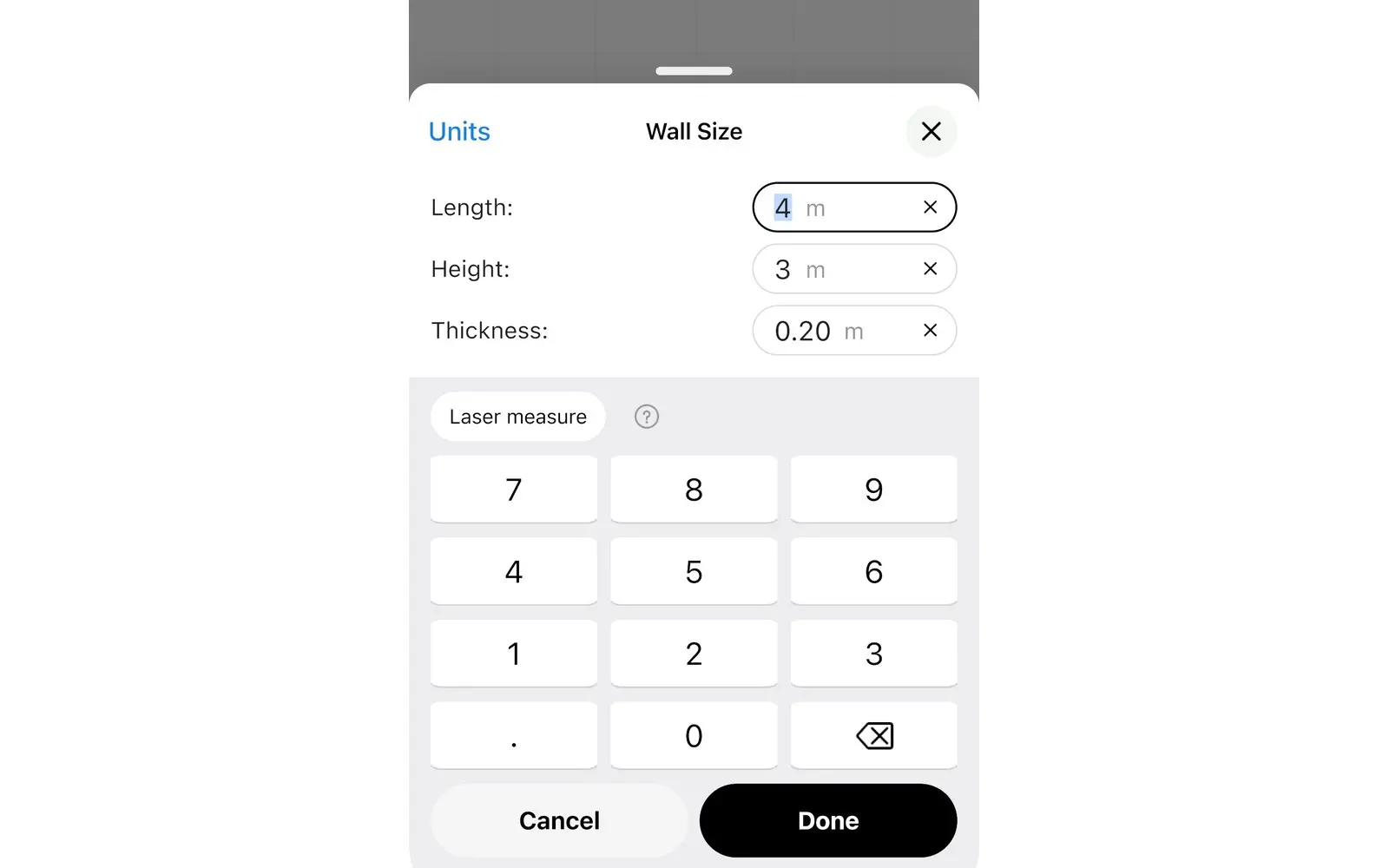
- Mark the door and windows first, then place the desk.
- No tape measure handy? Walk around the room with your iPhone, iPad or AR-ready Android phone to see it in 3D.
- Scan into a new design and view in 3D
- Furnish a scanned room: PRO
Home office layout planner: fit work into the room you have
Pick the setup closest to your space, then fit it to your walls.
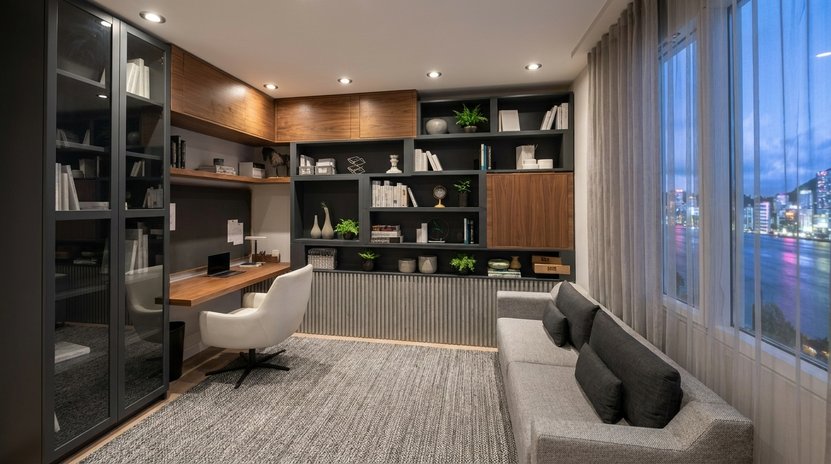
Spare-room office
A desk facing the window, a bookcase on the wall and an armchair for reading or calls.
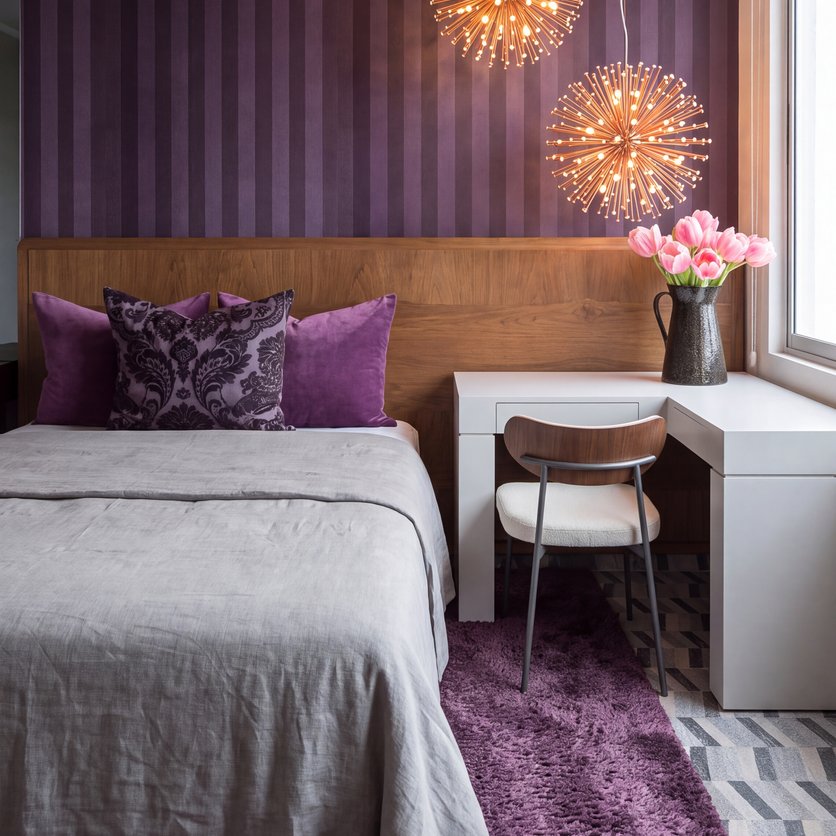
Bedroom corner
A compact desk and chair in a corner of the bedroom, with shelves above the desk.
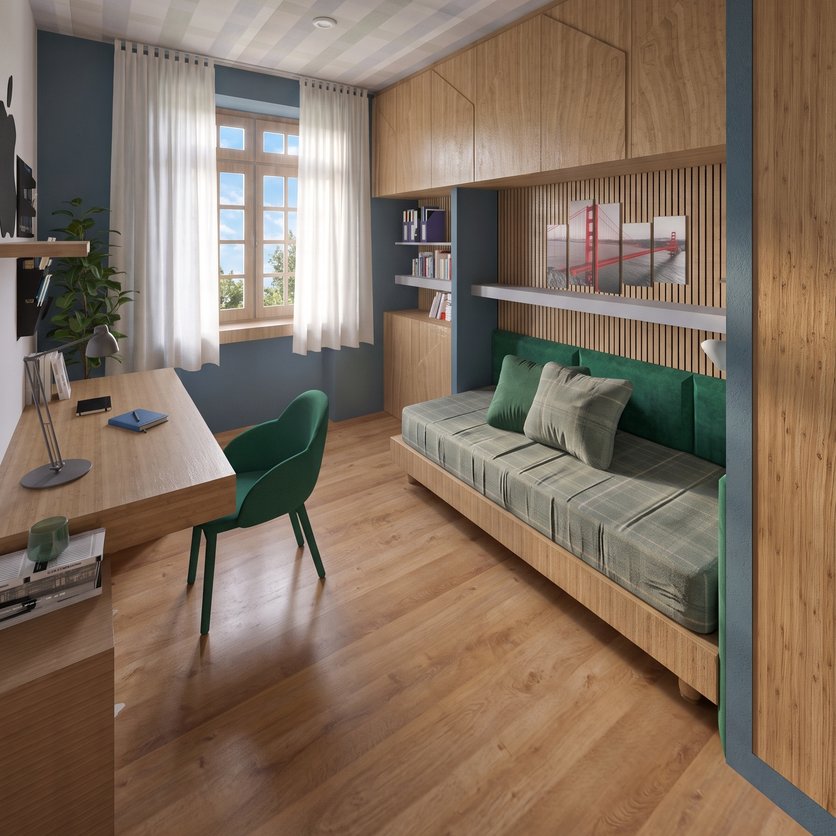
Guest room office
A desk on one wall and a sofa bed or a daybed on the other, so guests can still stay over.
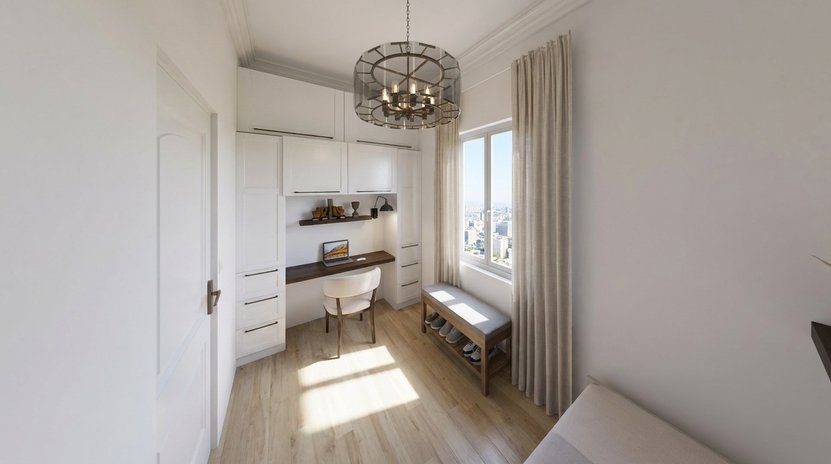
Closet office
A desk and shelves fitted into an open closet or a wall niche, with a lamp over the work surface.
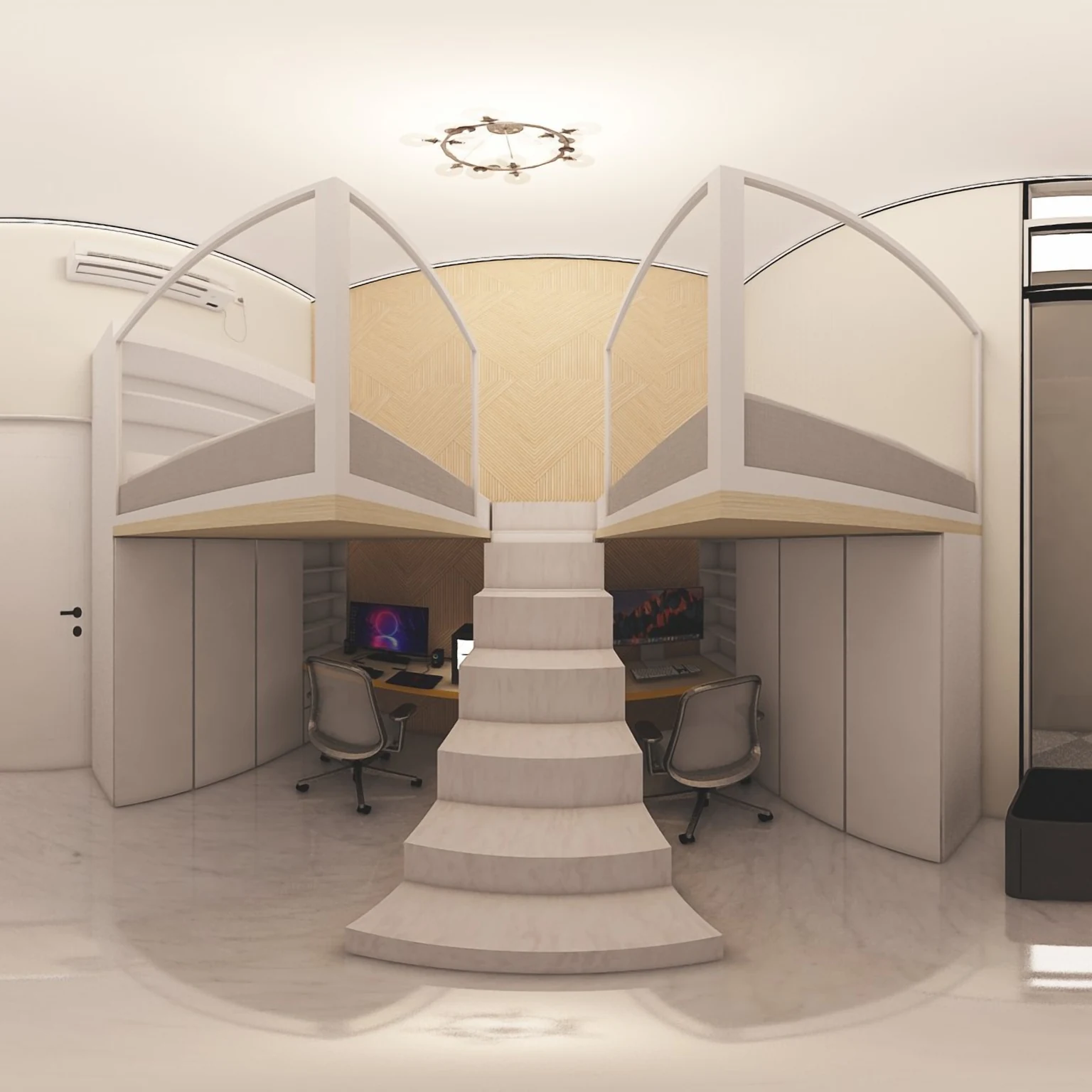
Office for two
Two desks side by side or facing each other, with shared storage between them.
Leave room to roll your chair back
A desk that fits the wall can still trap the chair against the bed or the door. Check the gaps on the plan, not on your first workday.
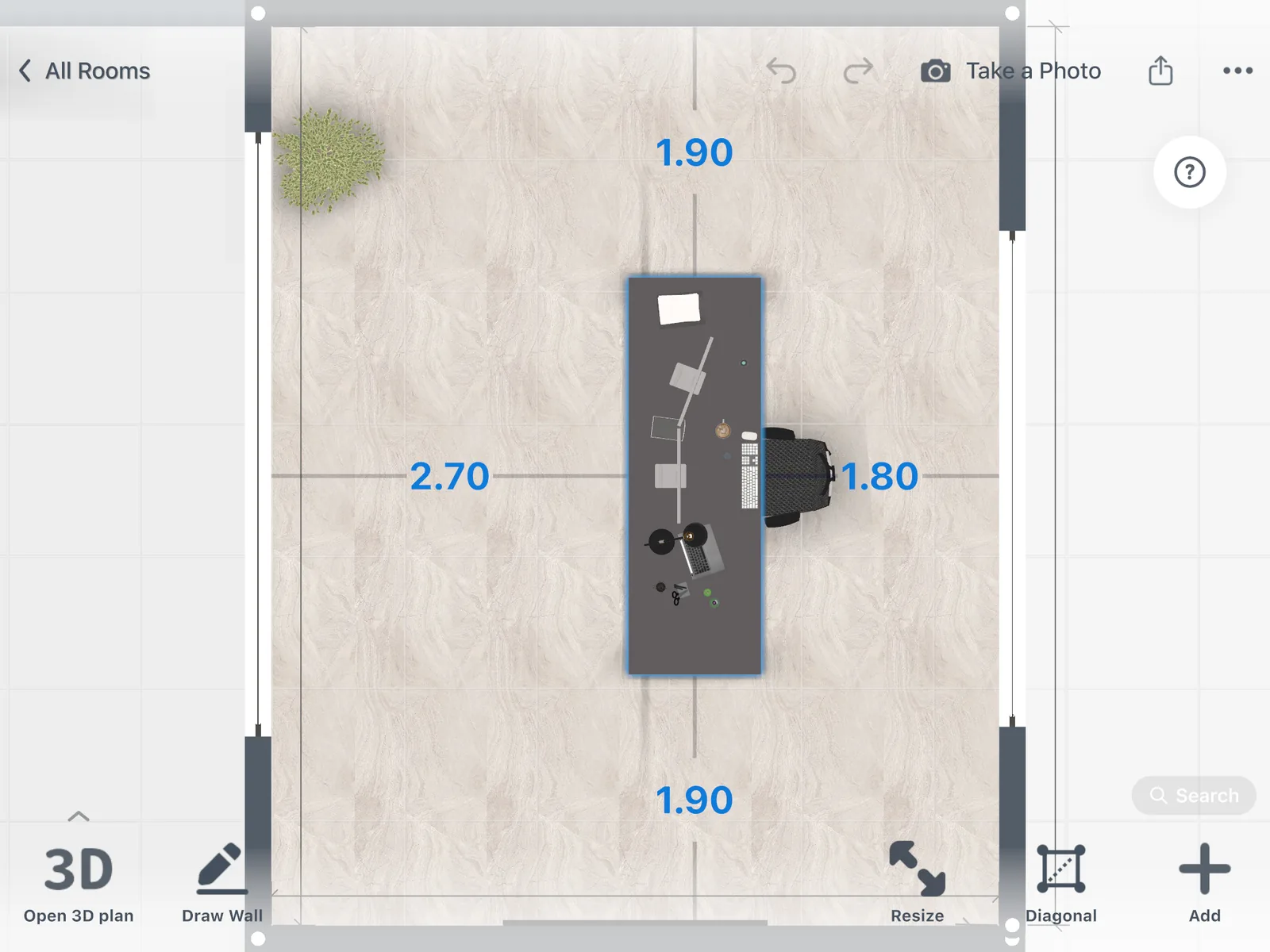
Select the desk, the chair or a bookcase to see how far it is from the walls and other furniture, in 2D and 3D.
Home office designs made in Home Planner
Ideas to start your own.
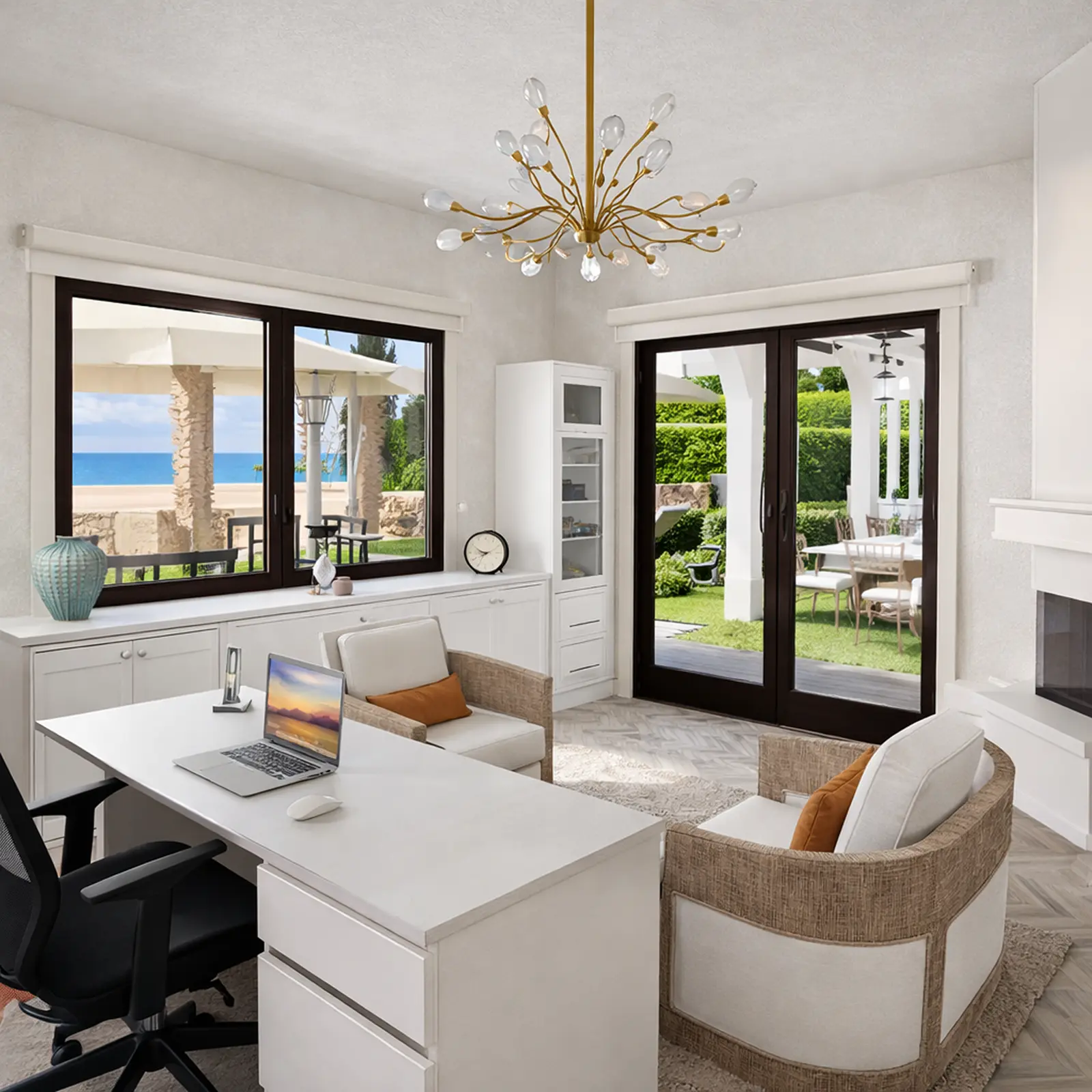
Created in Home Planner
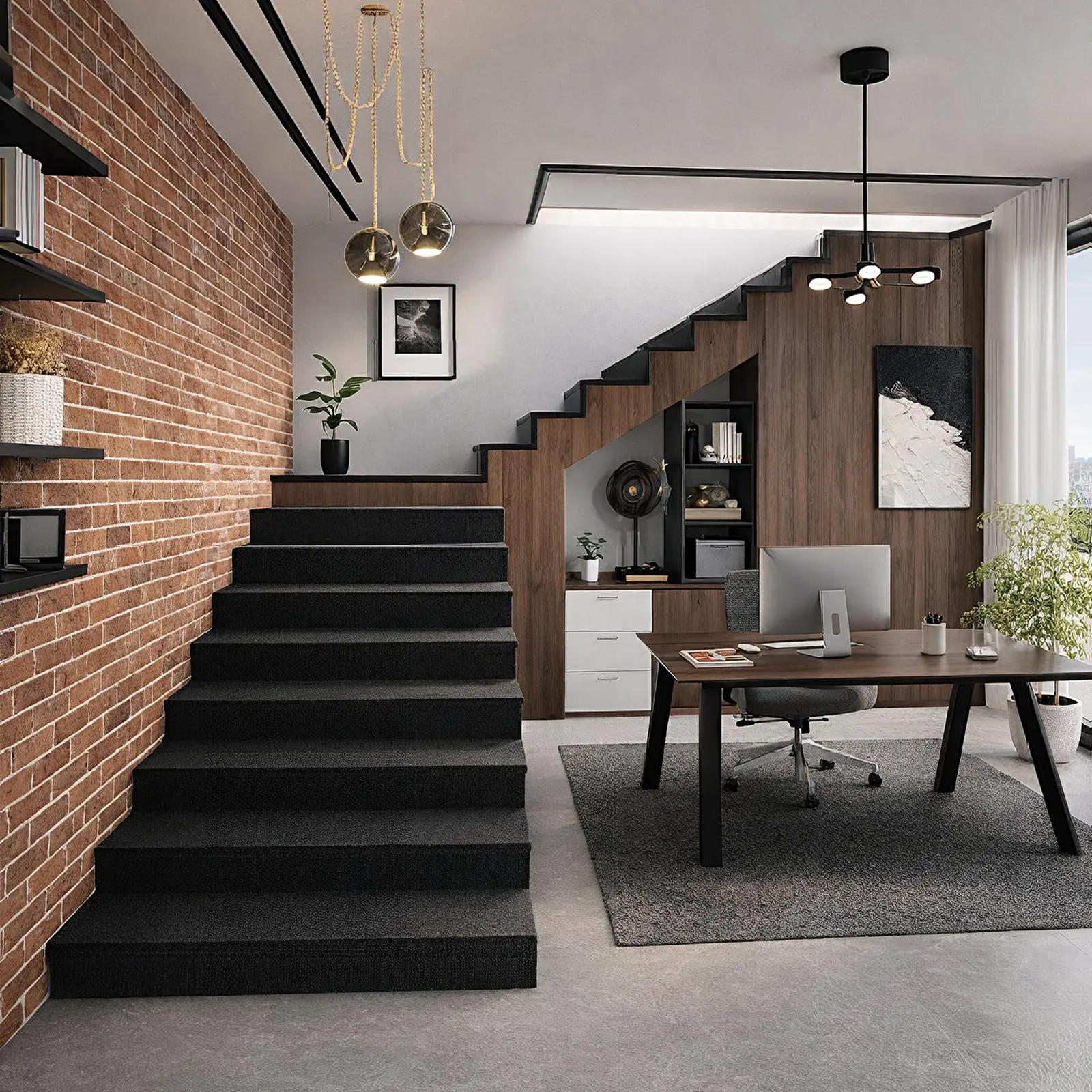
Created in Home Planner
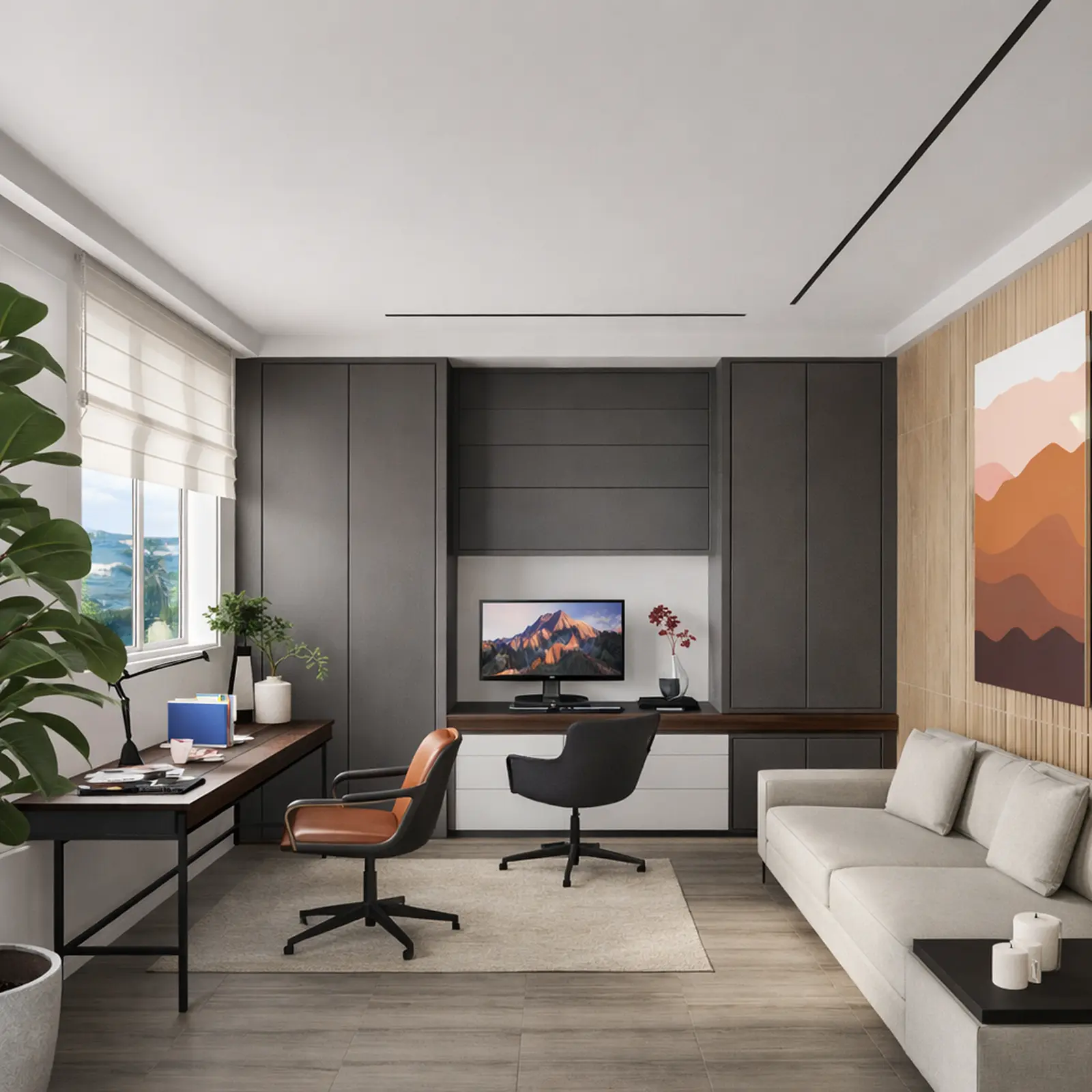
Created in Home Planner
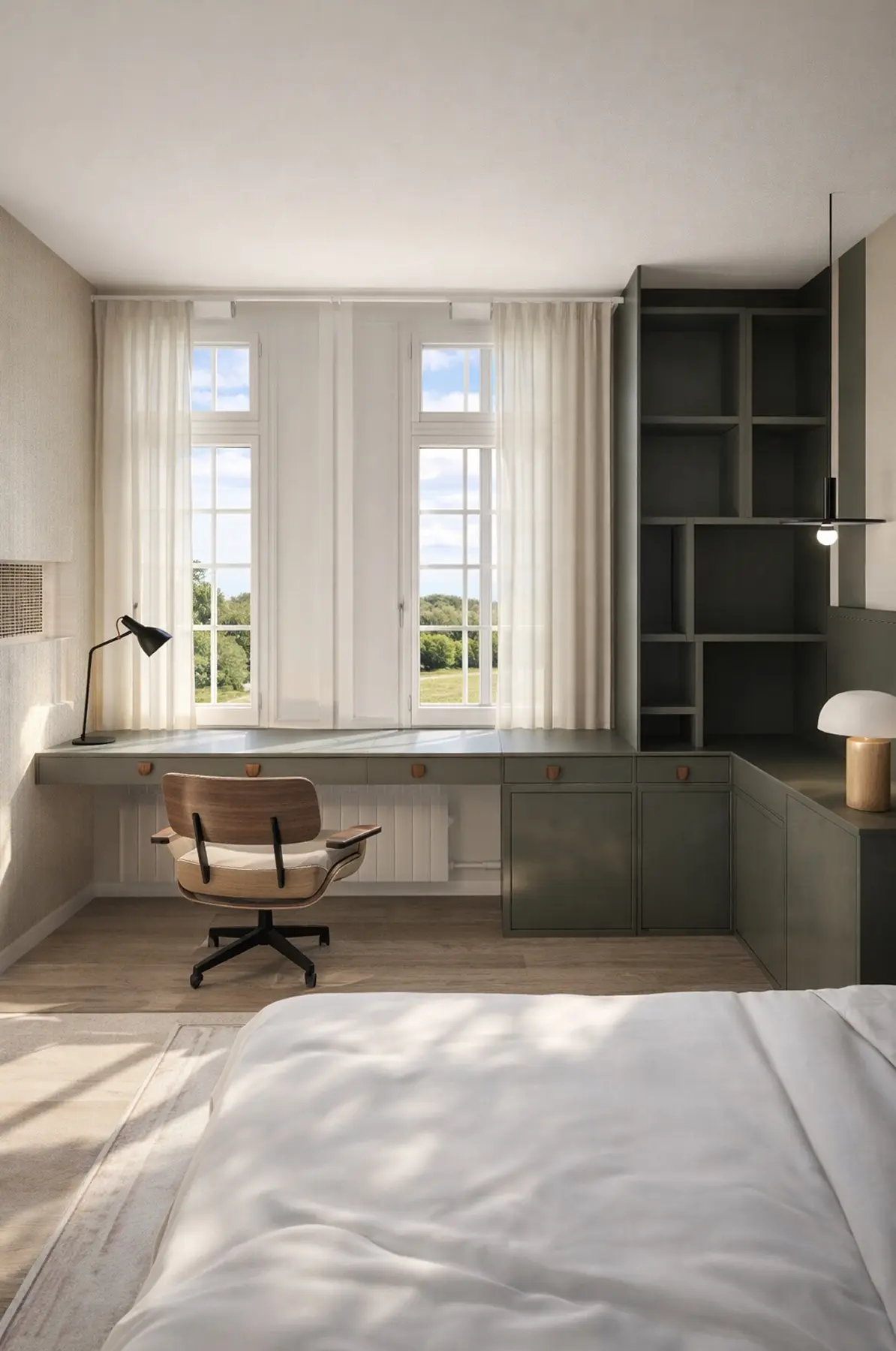
Created in Home Planner
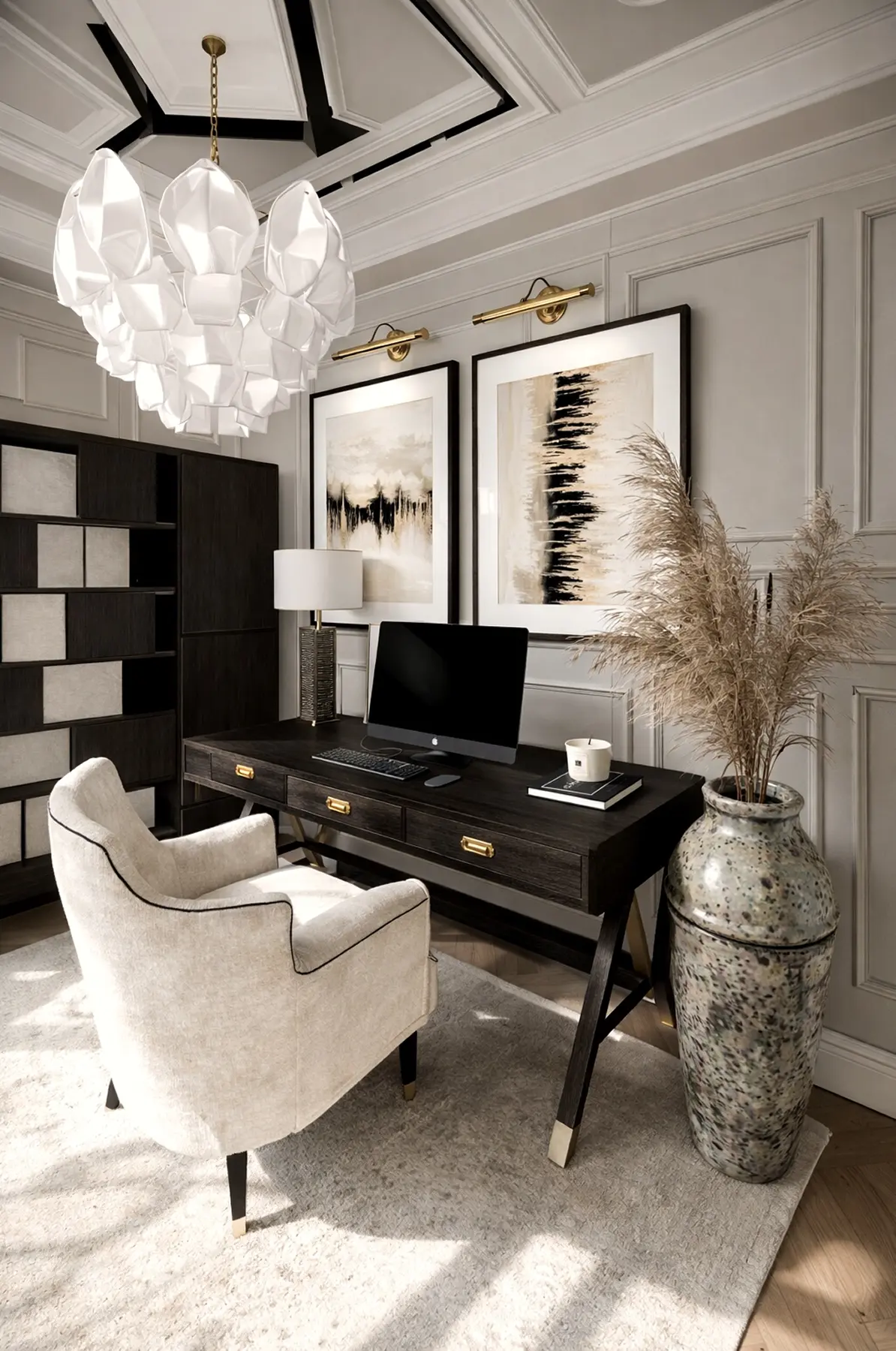
Created in Home Planner
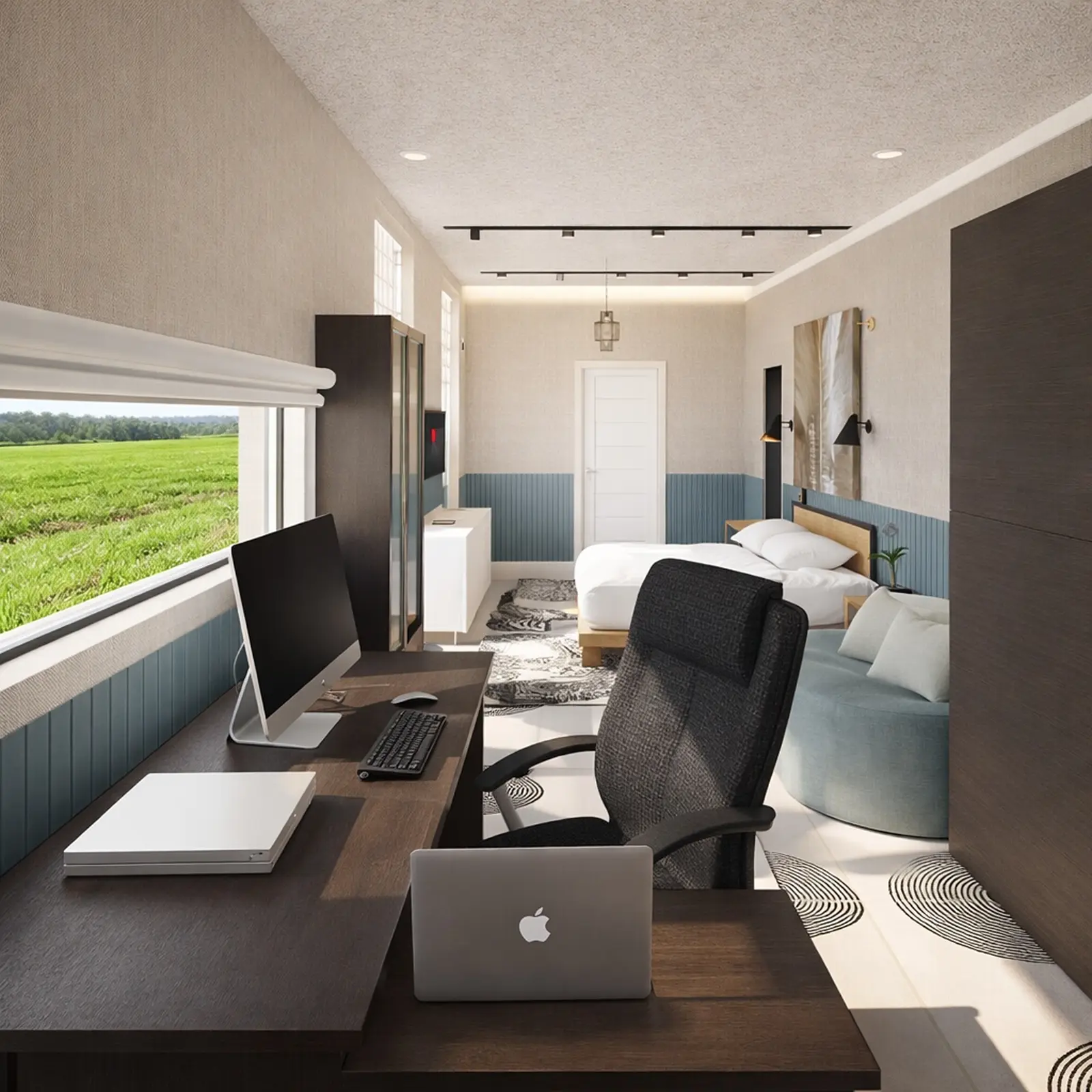
Created in Home Planner
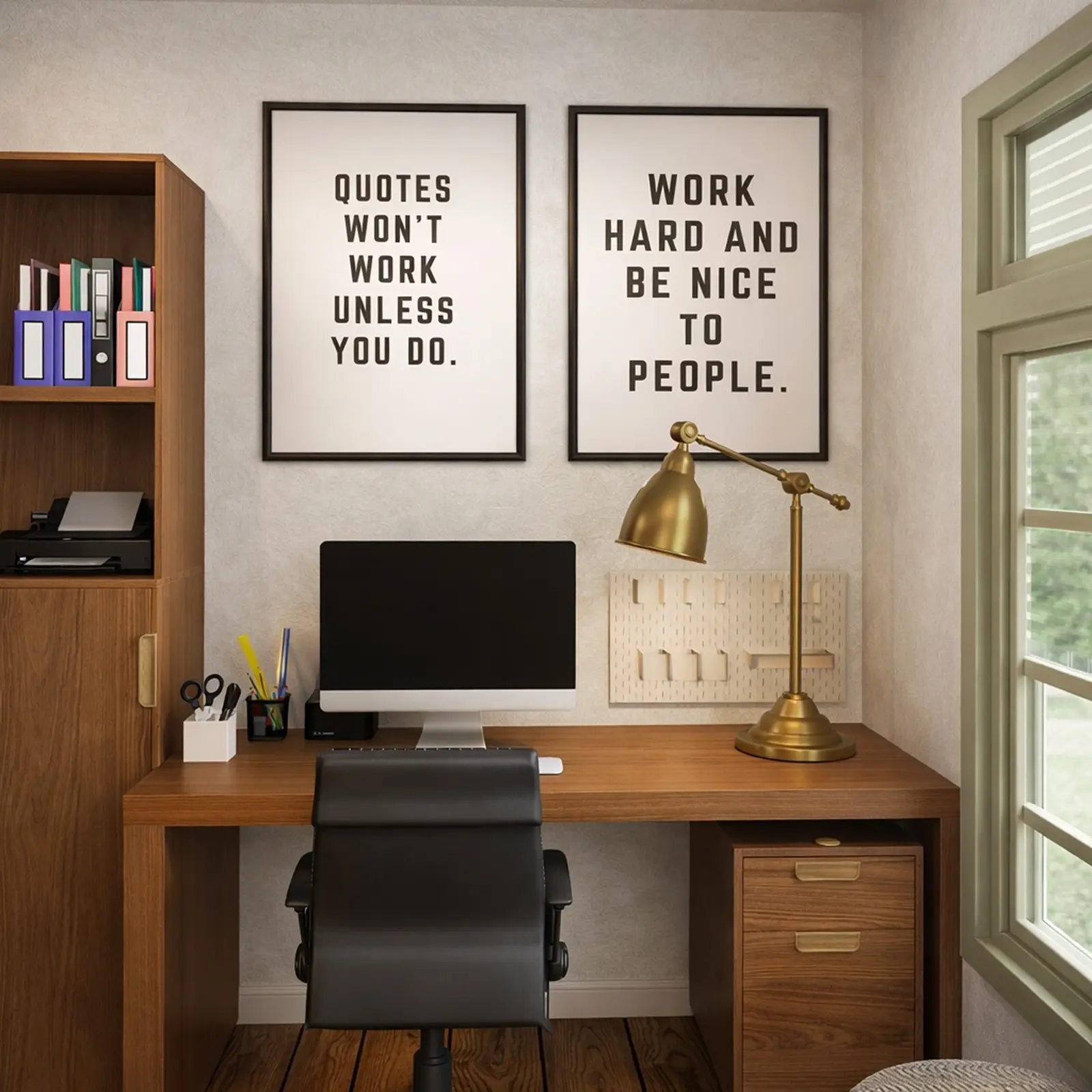
Created in Home Planner
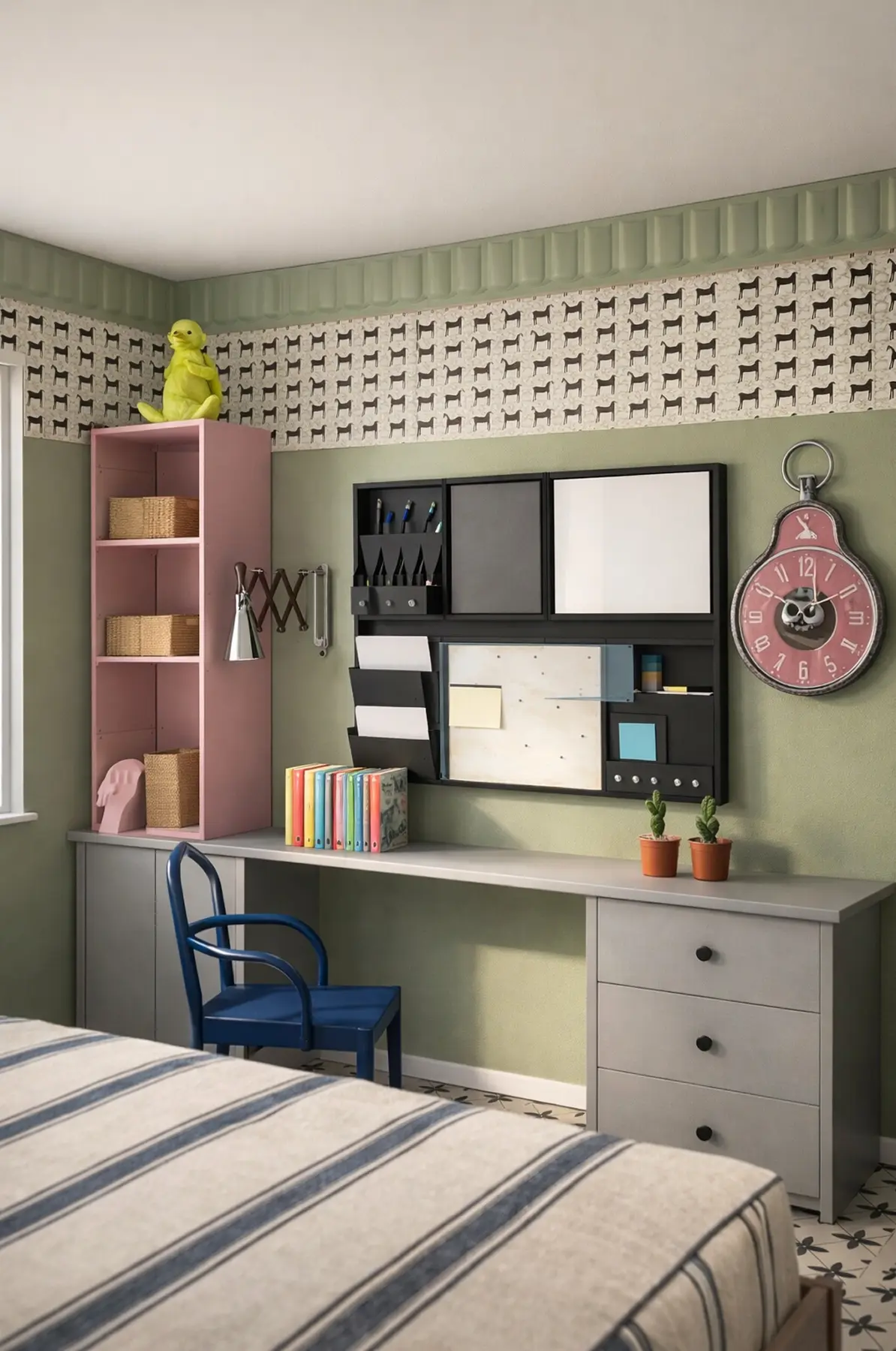
Created in Home Planner
Created in Home Planner
Created in Home Planner
Created in Home Planner
Created in Home Planner
Created in Home Planner
Created in Home Planner
Created in Home Planner
Created in Home Planner
Desks, chairs and shelves, true to size
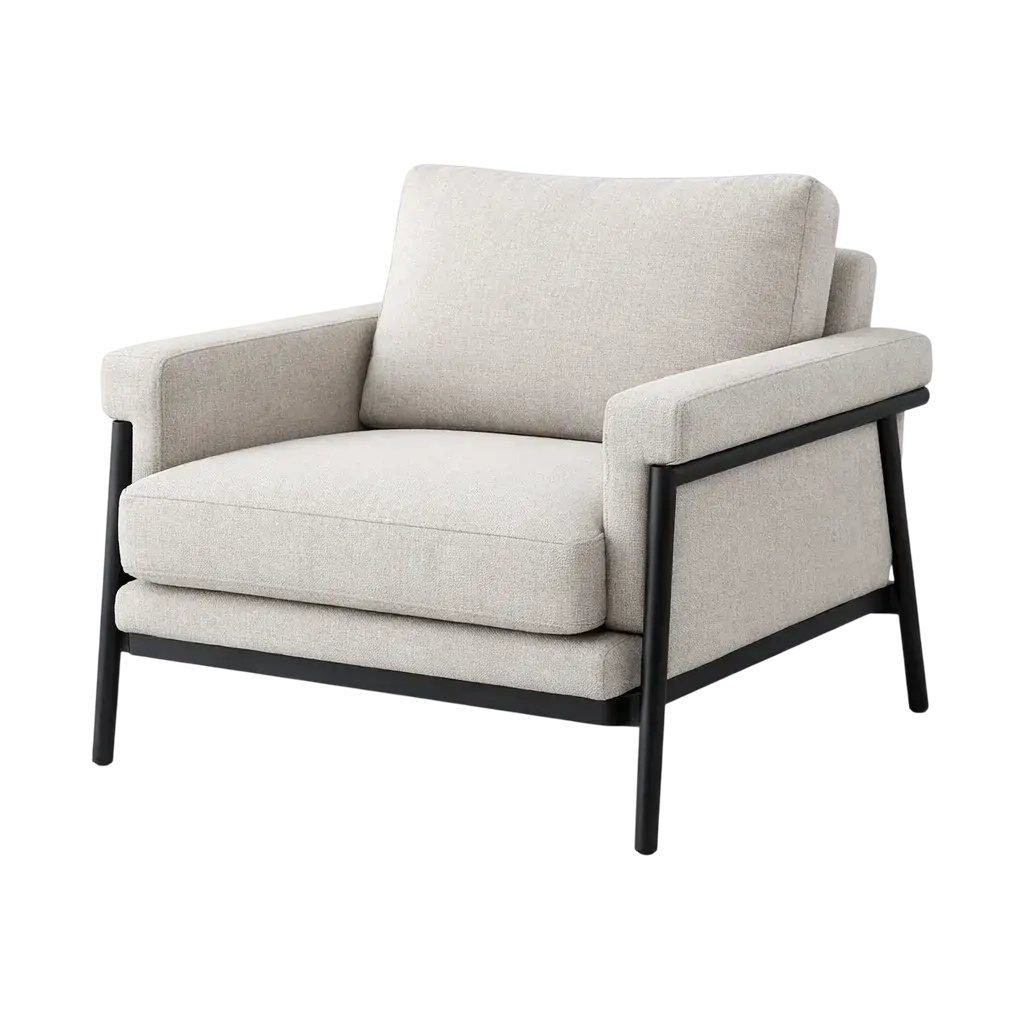
Fill the plan from a catalog of 560,000+ products, so what fits on the plan fits in the room.
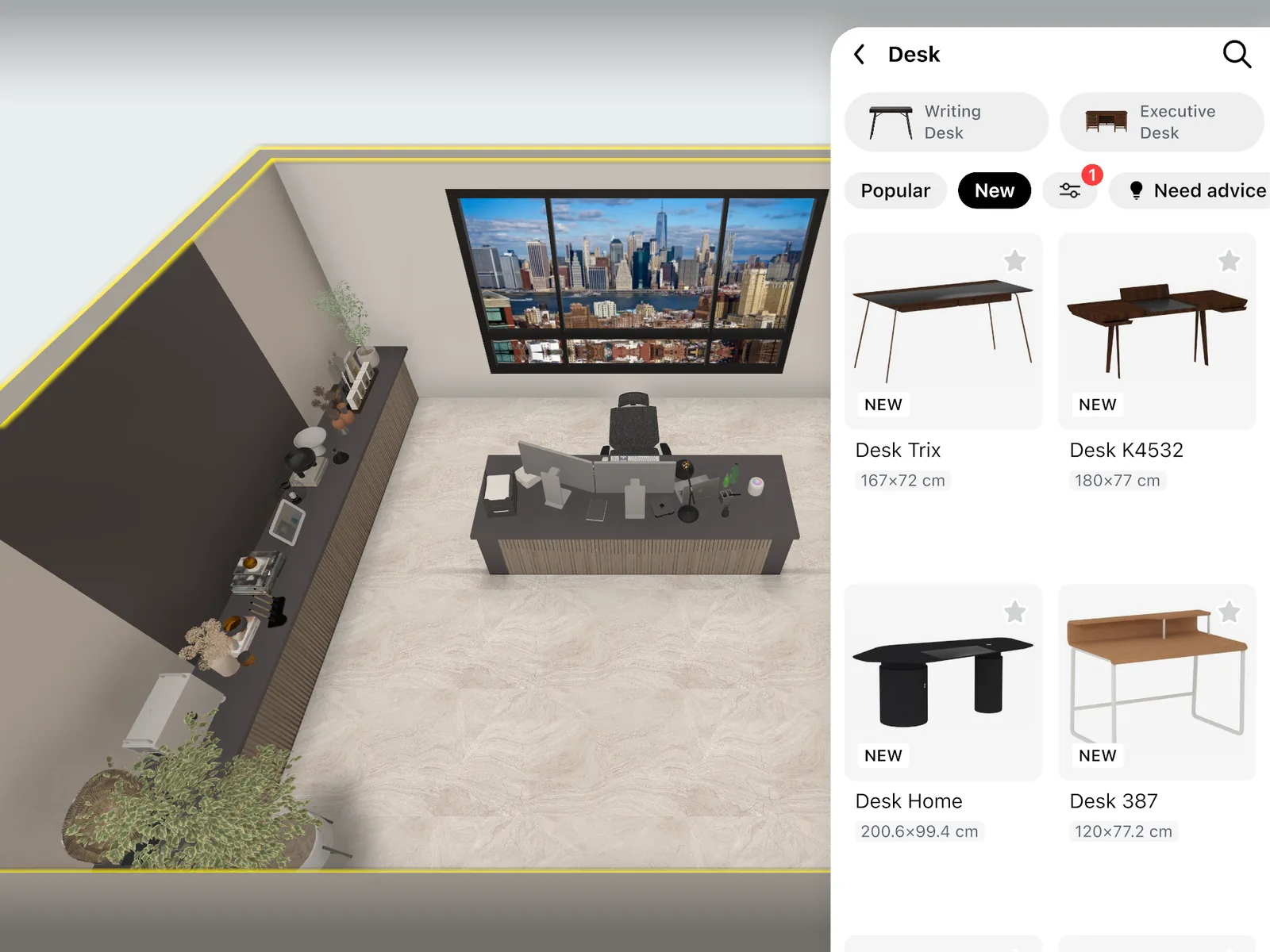
- Corner, standing, floating, writing and gaming desks, plus office and gaming chairs.
- Monitors, laptops and printers on the desk; memo boards and whiteboards on the wall.
- Bookcases, shelving, drawer units and office storage, plus desk and floor lamps.
- Part of every catalog category: free
- The full catalog: PRO
Guest room office: work and guests in one room
A home office often shares the room with a bed or a sofa. Plan for both in one design.
Desk and a sofa bed
Put the desk on one wall and a sofa bed or a daybed on the other, and check that both still fit.
Desk in the bedroom
Fit a compact or floating desk into a corner, or split the room with a room divider.
Two ways to try it
Save a copy of the design, try the desk on another wall, then compare both in 3D.
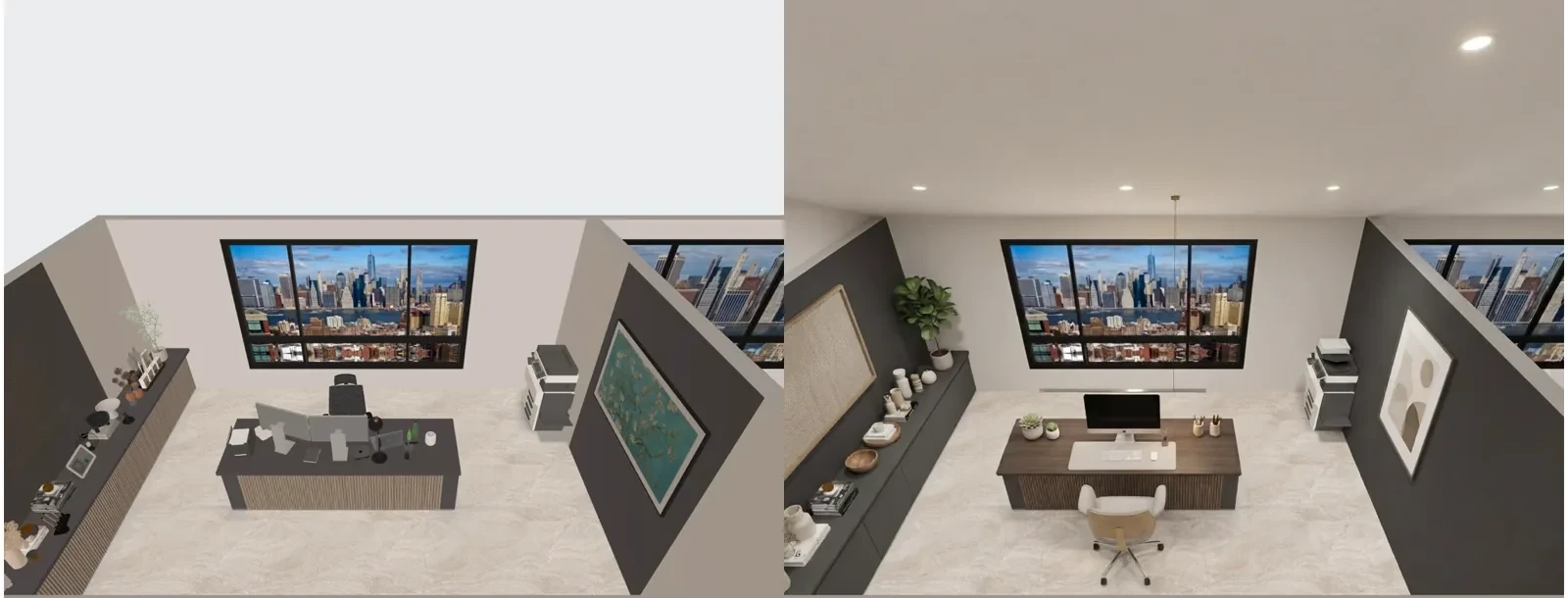
See your video-call background before you repaint
Try paint colors, wallpaper and shelves behind the desk in 3D. Or take a photo of the room and let AI Redesign show it in a new style.
- Up to 4 AI redesigns: free
- More colors and your own textures: PRO
Know what the setup costs before you order
Every item you place lands on a shopping list with its price, and the total keeps up with your plan.
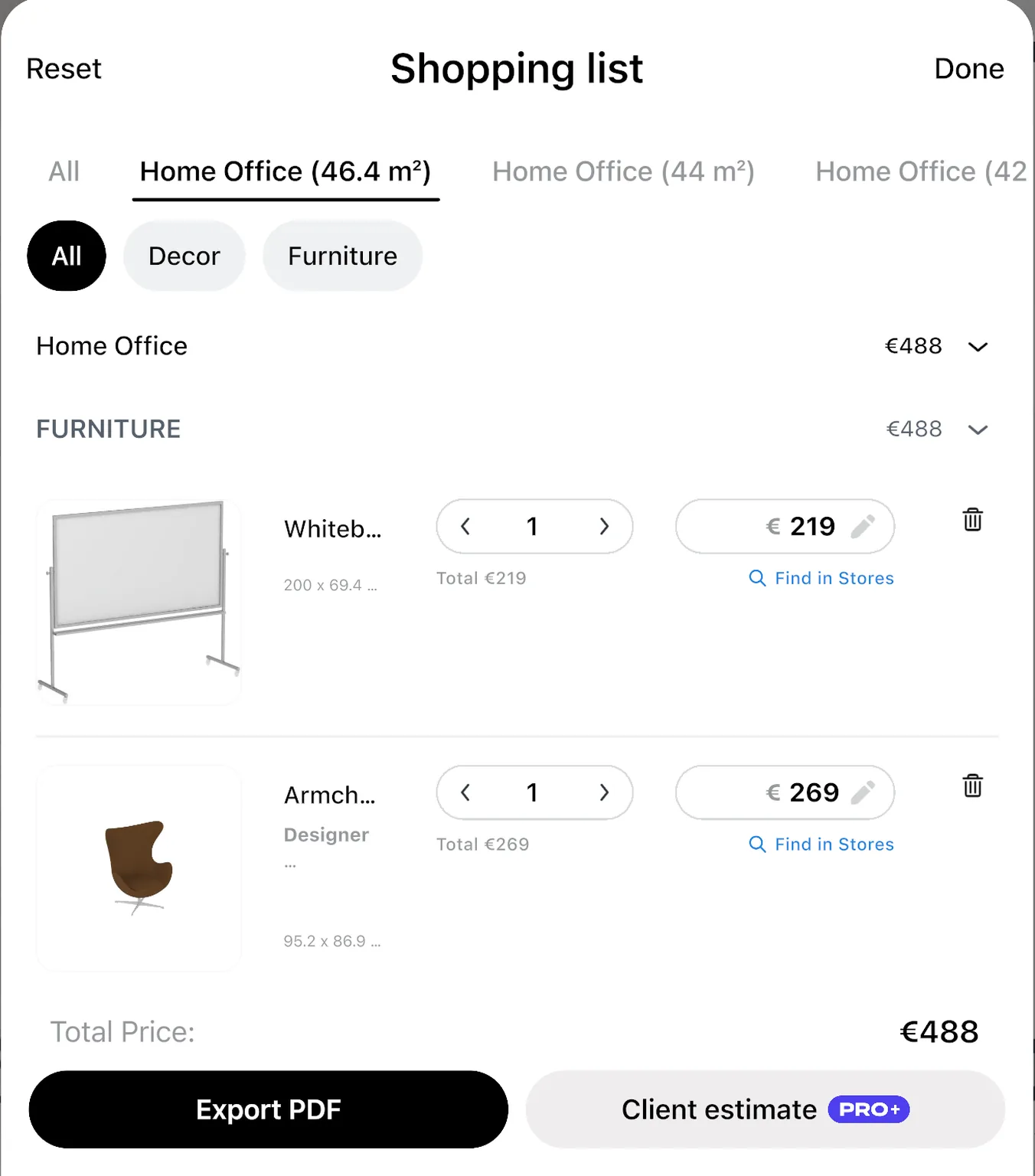
Swap the desk for a cheaper one and see the new total. Select an item in the list to find it in stores.
Treat the prices as a guide and confirm the final price with the store.
- Renovation cost estimate: PRO
Ask the family before the guest room becomes an office
Show them the plan first. Share a link that opens in any browser, or invite them to edit the design with you.
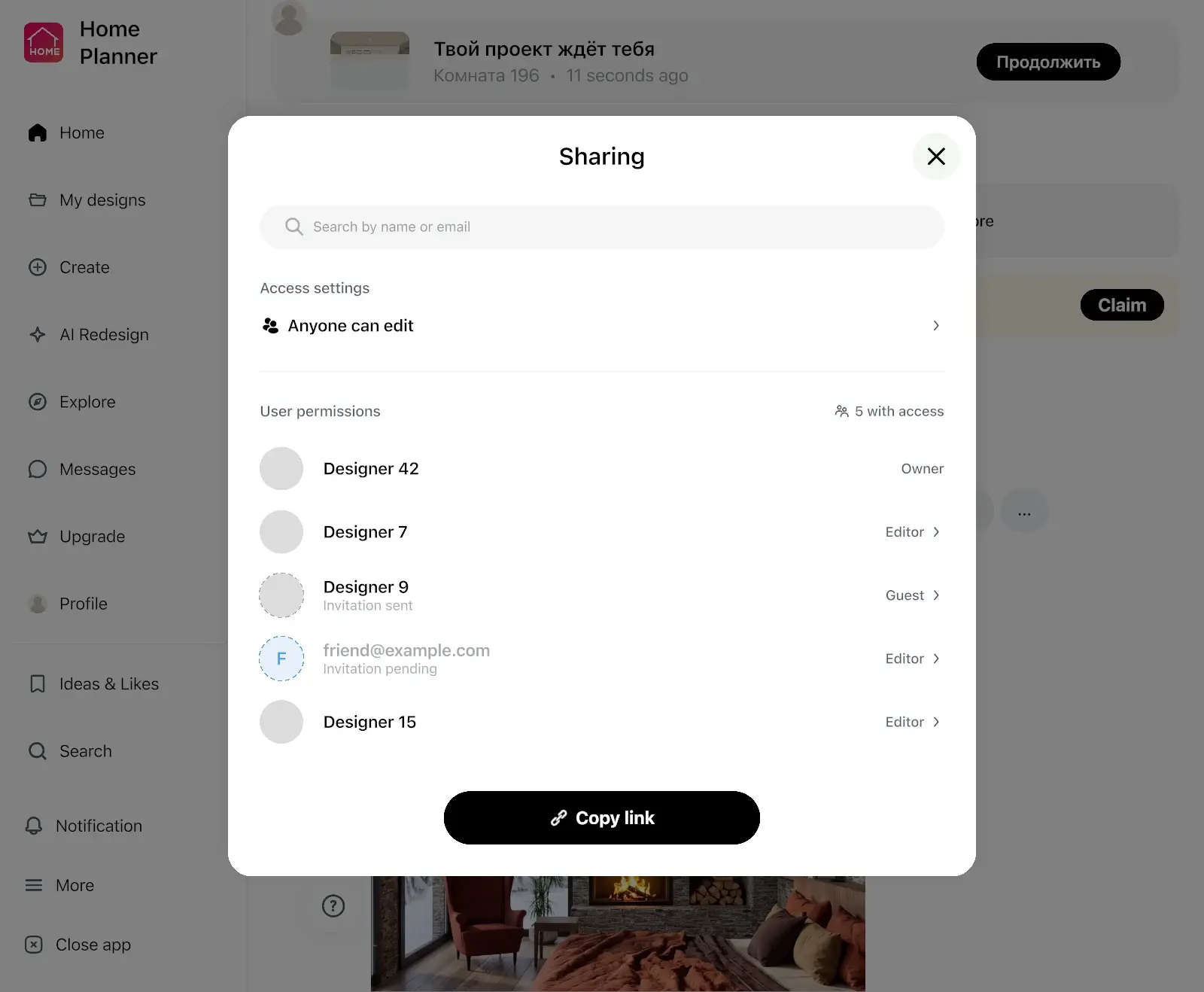
- A link shows your design in a browser, no app needed.
- To edit together, each person needs Home Planner and a sign-in.
- A PDF has the plan with its wall lengths and the shopping list.
- Link, PDF with a watermark and editing together: free
- PDF without a watermark: PRO+
Just need a desk in a corner? Start there
You don't need a full redesign to use a home office planner.
"I just need to know if the desk fits"
Draw the room once, place the desk and the chair, and check the gaps around them.
"I work at the kitchen table now"
Try a floating desk or a compact one in a spare corner and see the room in 3D.
"I'm not sure my measurements are right"
Measure with a tape or a laser distance meter, or scan the room.
"I was looking to change a bedroom to an office"
"I was looking to change a bedroom to an office. This app helped me to see how the different desks and seating options would really work. … I have ordered my furniture and excited to see how it looks once it is all put together!"
"I live in a small apartment, and every centimeter matters. With the Home Planner, I tested different furniture arrangements before moving anything in real life. I finally found the perfect layout. The space feels bigger and more functional now."
Reviews from the App Store, quoted as written.
Plan your workspace free. Get PRO when the desk has to fit to the inch.
Start free: draw the room, place a desk, a chair and shelves, and see it in 3D. PRO adds exact wall sizes, the full catalog and a renovation cost estimate.
Free
Nothing to pay to start
- Draw the plan on a grid and see it in 3D
- Set the ceiling height
- Part of every catalog category
- Scan a room into a new design and look around it in 3D
- Share a link or a PDF with a watermark, and edit together
- 5 of your own 3D models
- Up to 4 AI redesigns to try
- Up to 10 designs
PRO
For your own home or office
- Everything in Free
- Type exact room and wall sizes, measure with a laser meter, furnish scanned rooms
- The full catalog
- Renovation cost estimate
- More colors and your own textures
- 100 of your own 3D models
- Up to 20 designs and sync between your devices
PRO renews automatically each billing period unless you cancel. You can turn off auto-renew in your account settings, and PRO stays active until the end of the period you paid for.
Frequently Asked Questions
Yes. The free plan saves up to 10 designs, each one a whole home plan, with a selection from every catalog category and up to 4 AI redesigns to try. PRO adds exact wall sizes, the full catalog, higher AI limits and a renovation cost estimate. PRO+ adds 4K renders, 360° photos and offline mode. See plans and prices
Yes. Draw the room, then try a corner desk, a floating desk or a compact desk with shelves above it. Select the desk to see how far it is from the walls, the bed and the door.
Measure the wall you have, then filter the catalog by size and try two desks in two copies of the design. Walk through both in 3D and keep the one that leaves room to roll your chair back.
Yes. Place both on the plan and walk through the room in 3D to see that guests can still sleep there.
Yes. The ceiling height is free to set on every plan. With PRO, type the exact length of every wall in feet and inches or in meters and centimeters, or read wall lengths from a supported laser meter on iPhone, iPad, Android or Mac. On the free plan, you draw the walls on a grid. Follow your device maker's safety instructions, and never point a laser at anyone's eyes.
Yes, if you have a 3D model of it. Import it and place it on the plan: Free includes 5 of your own models, PRO 100. How to Add Custom Furniture 3D Models to a Floor Plan
Yes. Take or upload a photo, pick a style, and AI Redesign shows the room with new colors, furniture and decor, keeping the shape of the room. Try AI Redesign
Yes, on phones that support AR; iPhones with LiDAR make a detailed scan. On the free plan, scan the room into a new design and look around it in 3D. Furnishing a scanned room needs PRO. You can also draw the room on the grid and furnish it for free. Scanning isn't available on Mac or Windows.
Yes. Home Planner runs on iPhone, iPad, Android, Mac and Windows, and with PRO your designs sync between devices. Scanning works on phones and tablets, not on Mac or Windows. You can also restyle a photo with AI on our website once you sign in. Planning and furnishing happen in the app.
No. Planning your own home office counts as personal use, so Free and PRO cover it. PRO+ is for client and paid projects. See plans and prices
Desks for a team, meeting rooms and a reception have their own page with office layouts. Office layout planner
Yes. Cancel at any time, and PRO stays active until the end of the period you paid for; your designs stay in your account. Refunds for App Store, Google Play or Steam purchases follow that store's refund policy. Bought on our website? Contact support and we'll help with a refund.
You do. Your designs stay in your account, and you can share them by link or export them as a PDF at any time.
Do you design home offices for clients?
PRO+ adds commercial use, no watermark, 4K renders and a client PDF with an estimate and your logo.
- PRO+
Plan your home office before you buy the desk
Draw the room, fit a desk and chair, check the space around them, and see the setup in 3D before you order.
P.S. Still working from the couch? Draw one corner tonight, place a desk, and see if it fits before the weekend.
More guides:Home Office Setup Ideas: 8 Ways to Work Better at HomeBasement Office Ideas: Light, Wall Color, Desk and BookcaseHow to Visualize Furniture in Your Room Before You Buy
Home Planner is not affiliated with, endorsed or sponsored by Apple, Google, Microsoft or Valve; their names and marks belong to their owners. Android is a trademark of Google LLC. iPhone, iPad and Mac are trademarks of Apple Inc., registered in the U.S. and other countries. Steam and the Steam logo are trademarks and/or registered trademarks of Valve Corporation in the U.S. and/or other countries. Windows is a trademark of the Microsoft group of companies. Other trademarks are the property of their respective owners.