Garage Planner: fit the cars, storage and a workshop in 3D
Home Planner is a garage planner that shows whether your cars, storage and workshop fit before you buy or build anything. Draw your garage, place items true to size, and walk around it in 3D.
4.6App Store · 300K+ ratings
On your phone too
Point the phone camera here to install, then scan your rooms
Downloads across all stores; countries where the App Store carries the app.
Plan your garage in four steps
1.
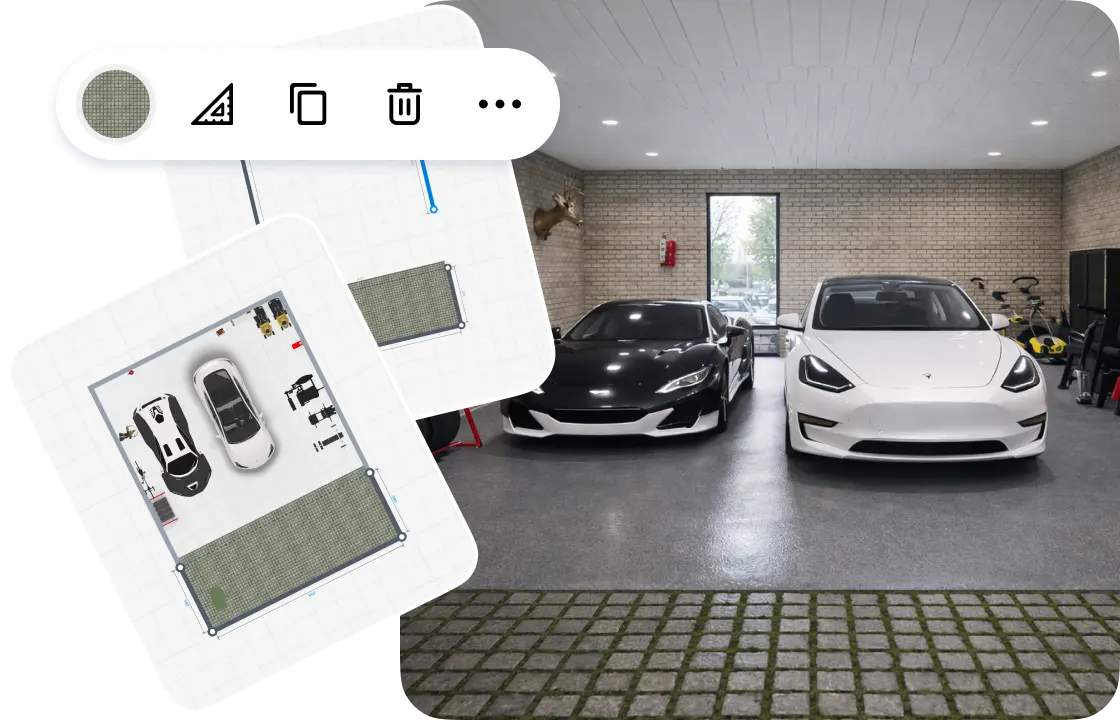
Draw or scan the garage
Draw the walls on a grid, or scan the garage to see it in 3D. Add the garage door and the windows.
2.
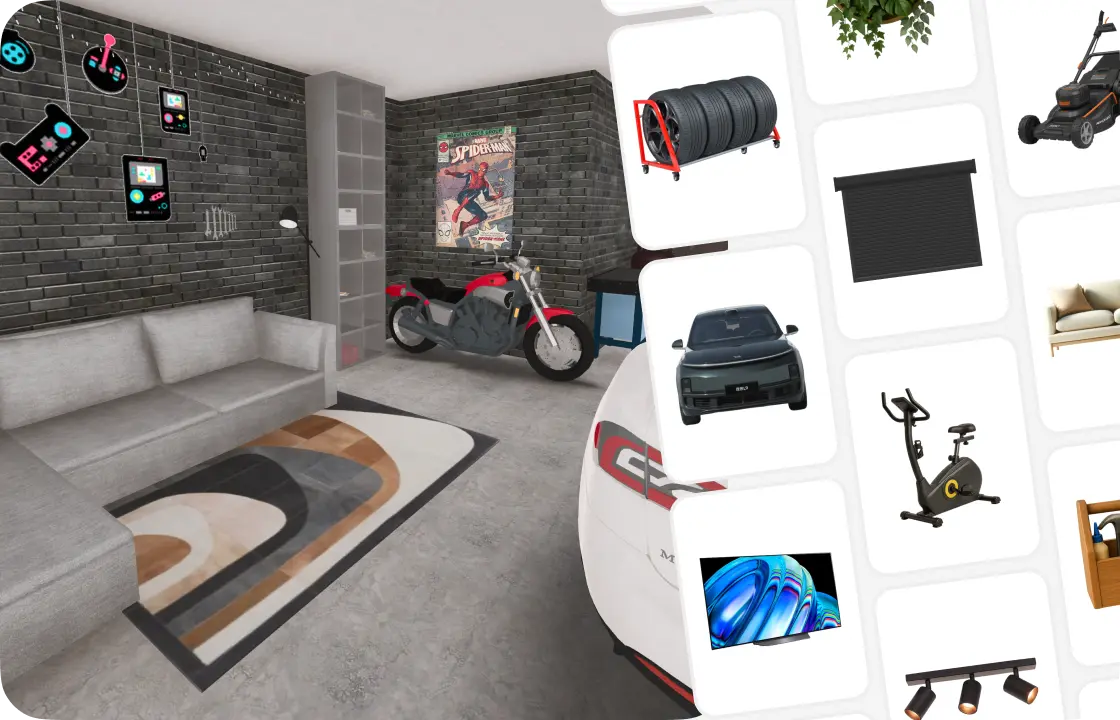
Park the cars and add storage
Place the cars, then cabinets, shelves, workshop equipment or a gym corner. Every item is true to size.
3.
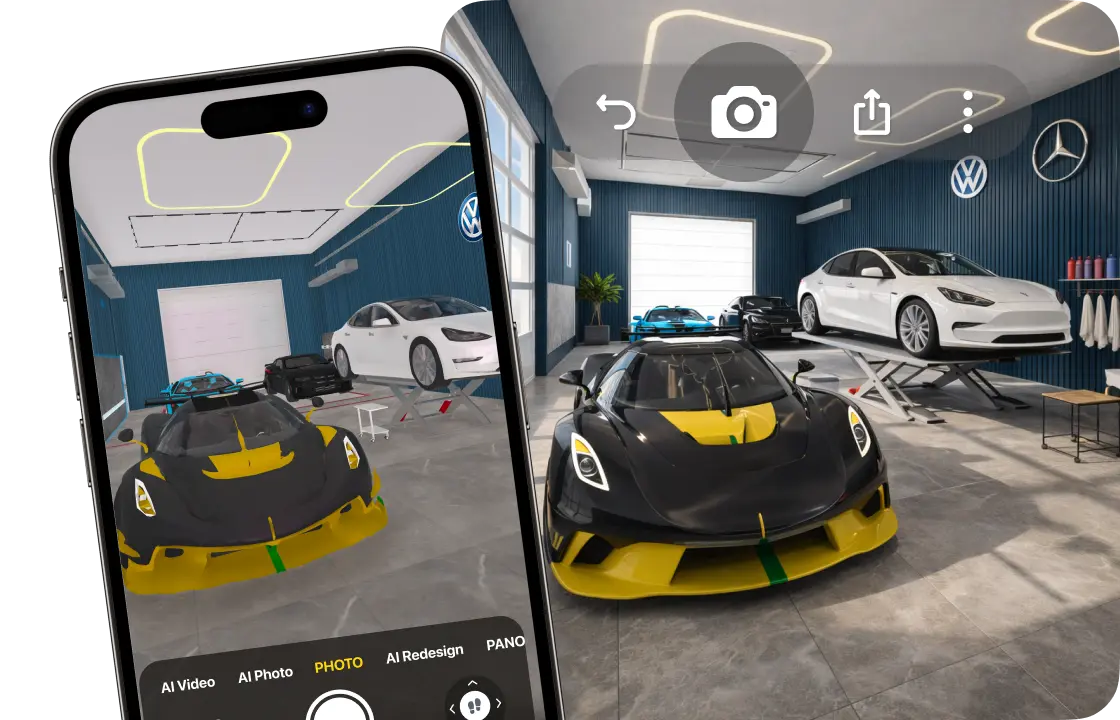
See it in 3D
Walk through the garage in 3D and make realistic renders from any angle, before any work starts.

4.
Share your garage
Send a link to your family or your builder, so everyone looks at the same plan.
1.
Draw or scan the garage
Draw the walls on a grid, or scan the garage to see it in 3D. Add the garage door and the windows.
2.
Park the cars and add storage
Place the cars, then cabinets, shelves, workshop equipment or a gym corner. Every item is true to size.
3.
See it in 3D
Walk through the garage in 3D and make realistic renders from any angle, before any work starts.
4.
Share your garage
Send a link to your family or your builder, so everyone looks at the same plan.
Start from the size of your garage
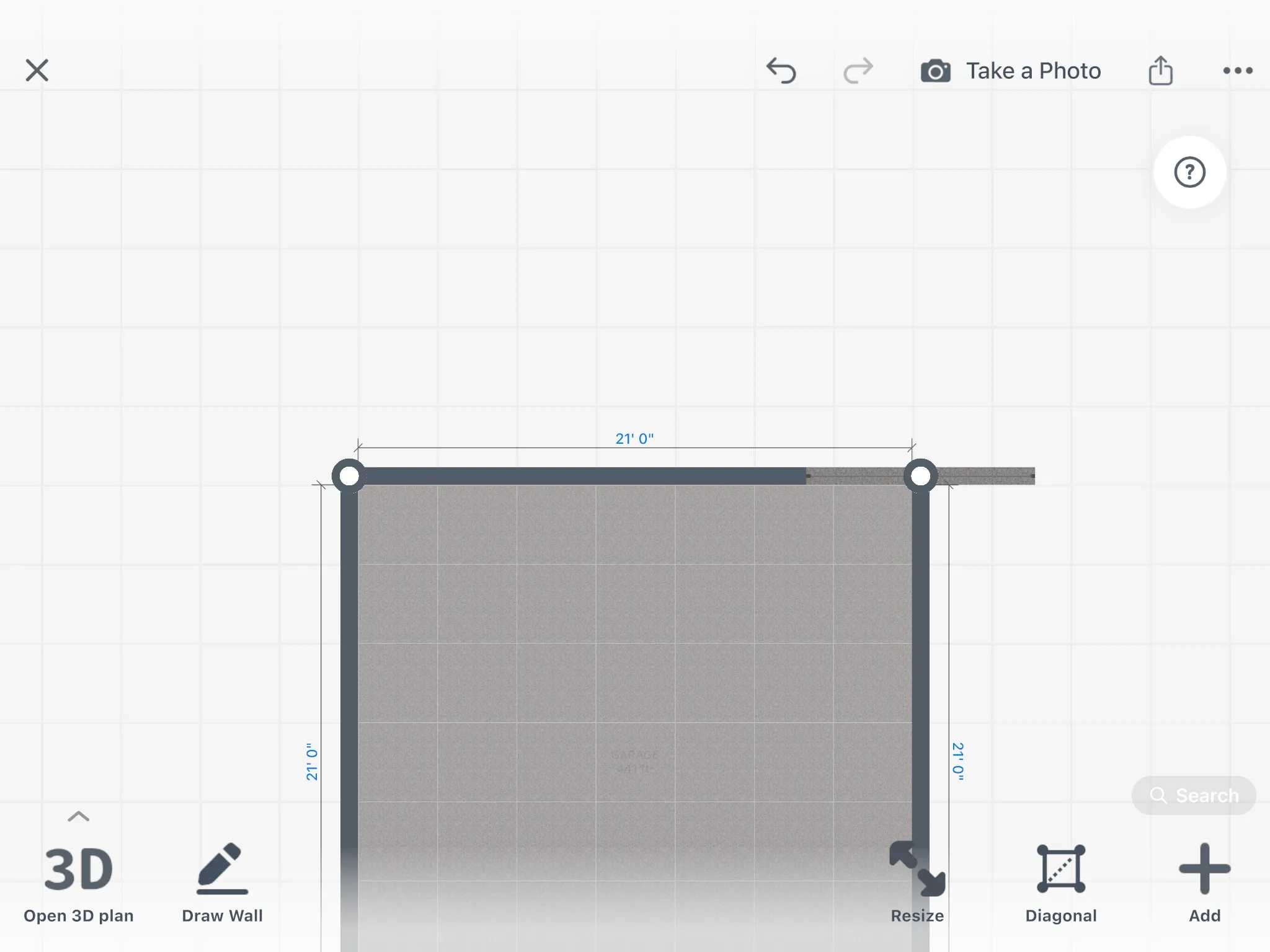
Draw the garage on the grid and set the ceiling height before you order a cabinet run that's too long for the back wall. Both are free on every plan. Or scan the garage with your phone and look around it in 3D.
- Walk around the garage with an iPhone, iPad or AR-ready Android phone.
- The walls, doors and windows appear in 3D.
- Scan into a new design and view it in 3D: free
- Furnish a scanned garage: PRO
Garage layout planner: one garage, many uses
Pick the layout closest to your garage, then try another one in a few minutes.
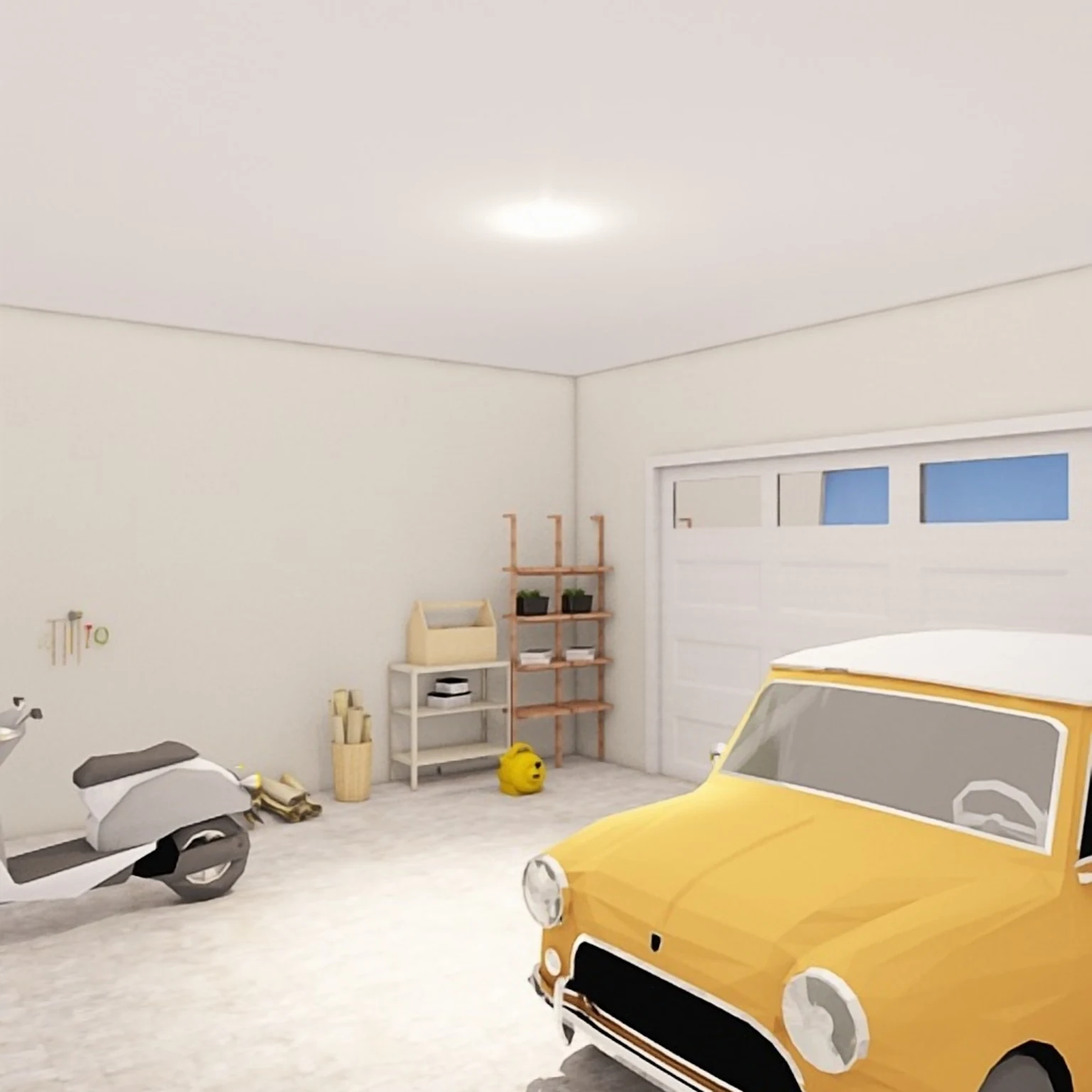
One-car garage with storage
The car on one side, tall cabinets and shelves along the other wall.
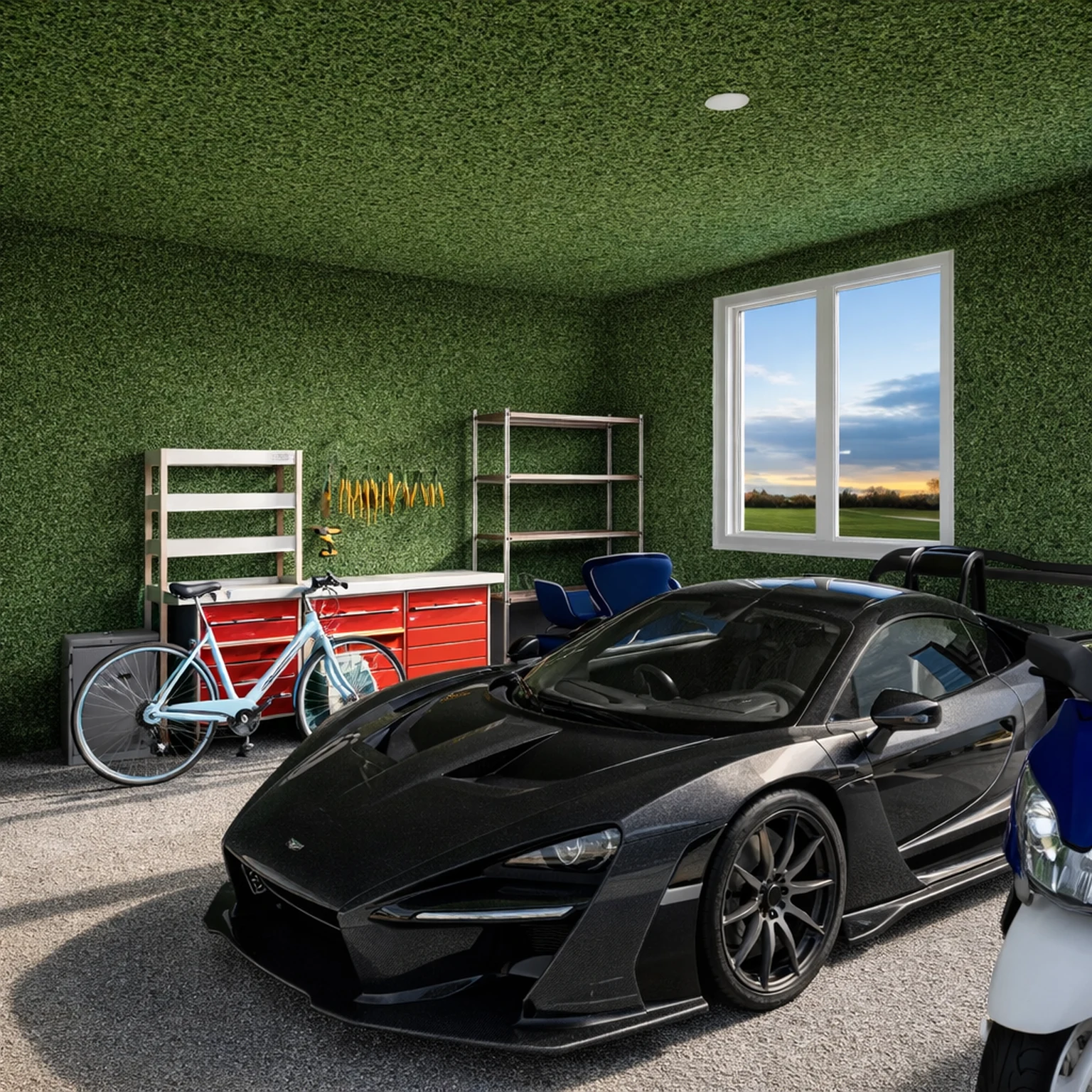
Two-car garage
Two cars side by side, storage across the back wall, and a clear path around each car.
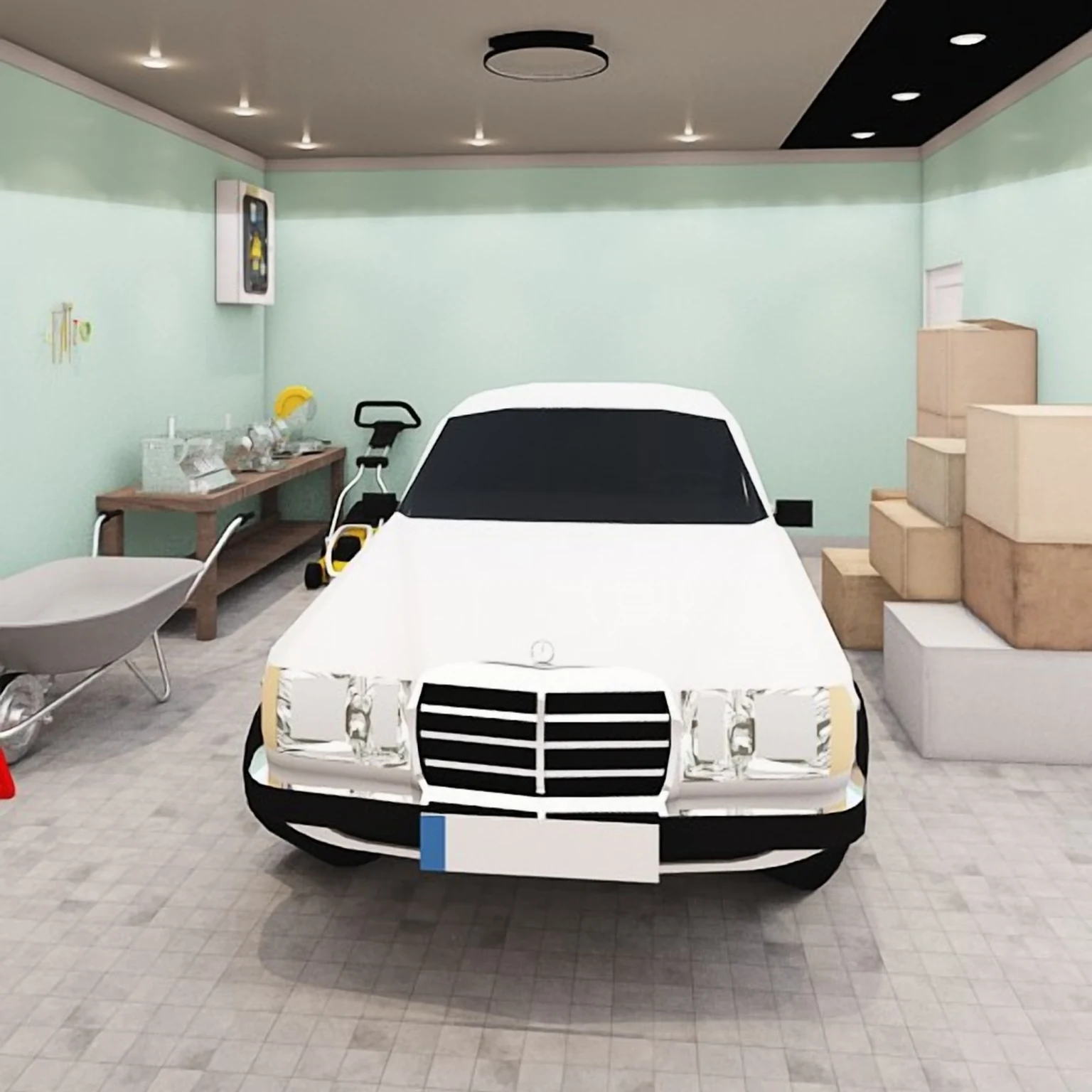
Garage workshop
One bay for the car, the other for workshop equipment and tools on the wall.
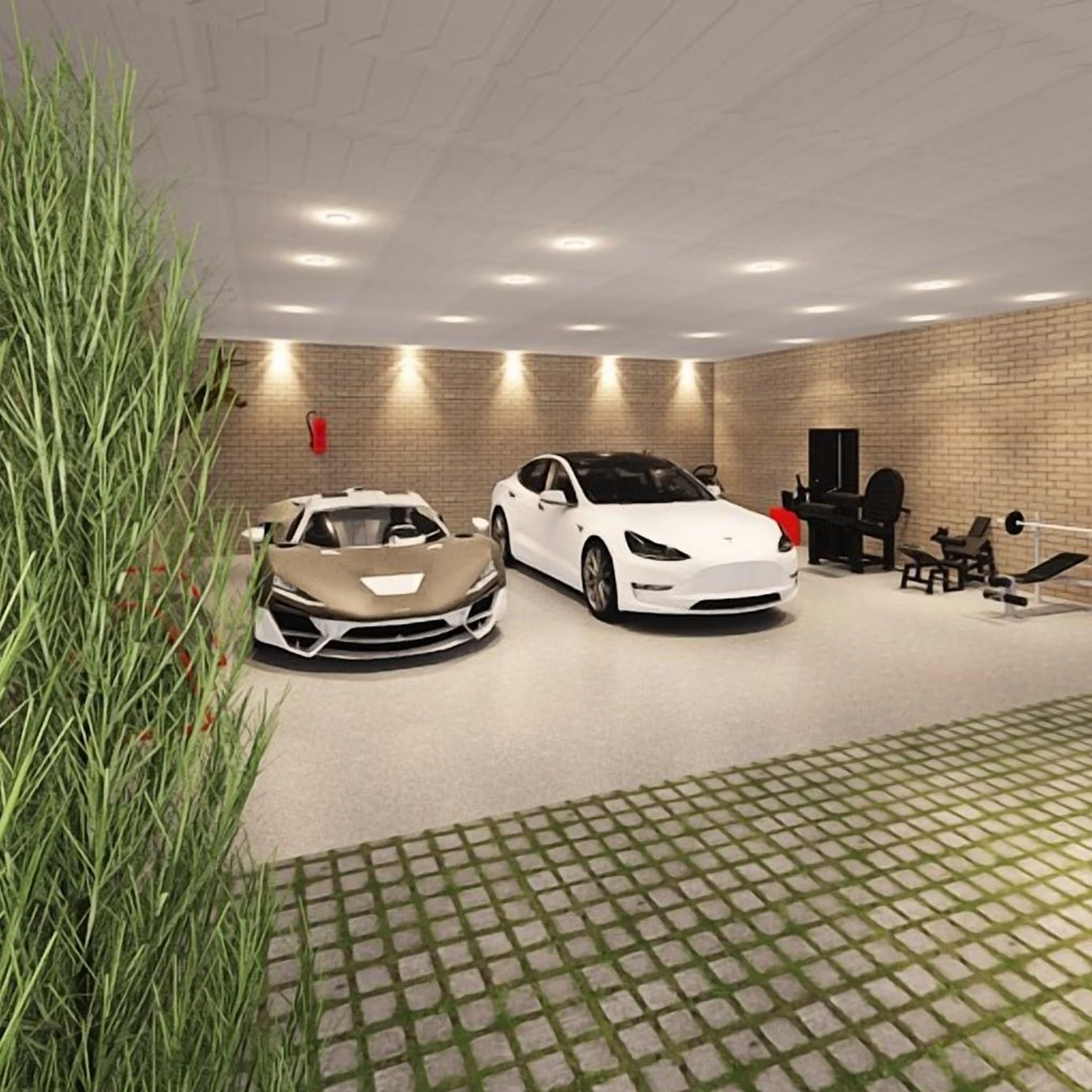
Garage gym
Exercise equipment in one bay, the car in the other.
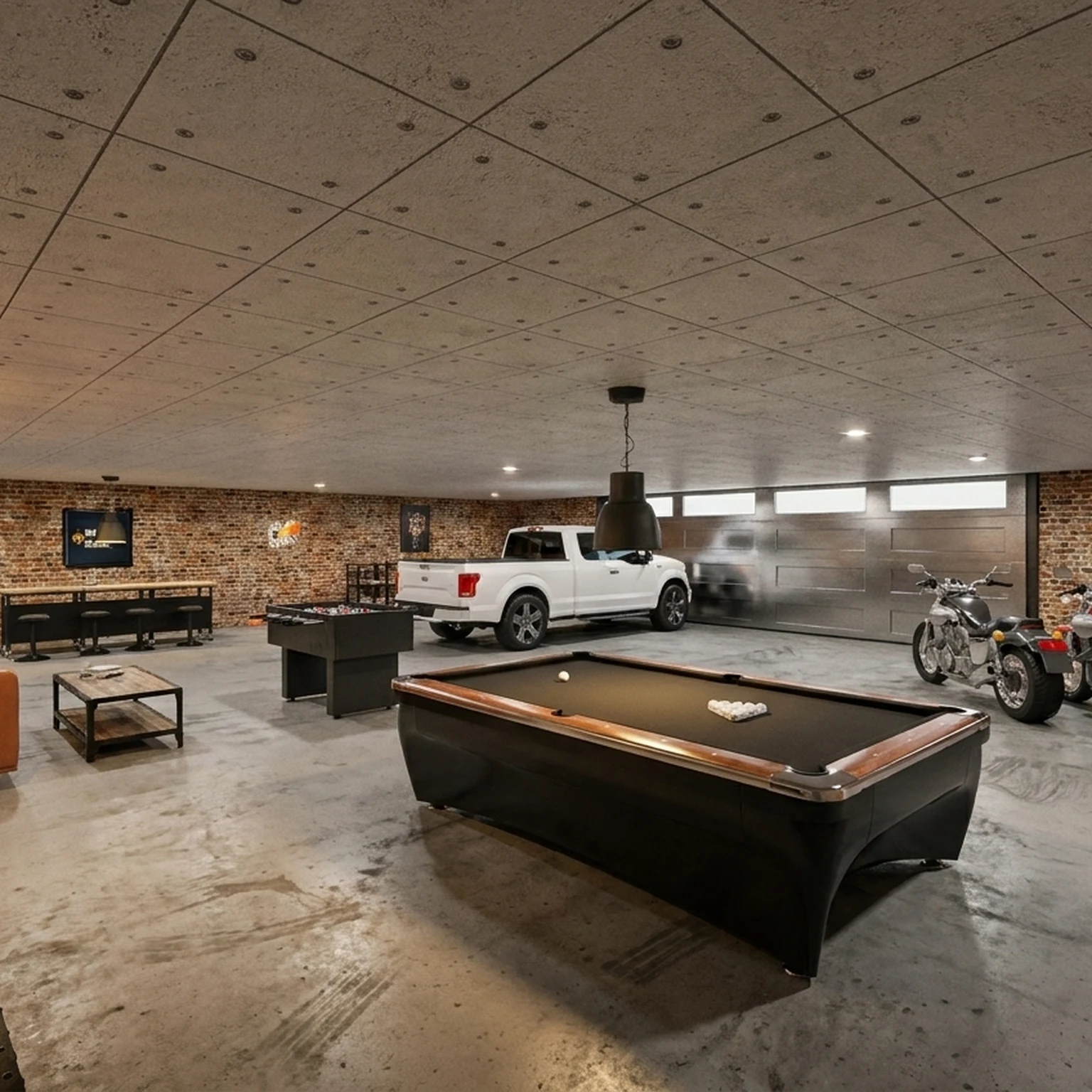
Garage lounge
A sofa, a TV and a game table, with the car or the motorbike on show.
Park the cars first, then plan around them
Place one, two or three cars from the catalog. Then select a car to see how far it is from the walls, the cabinets and the other car.
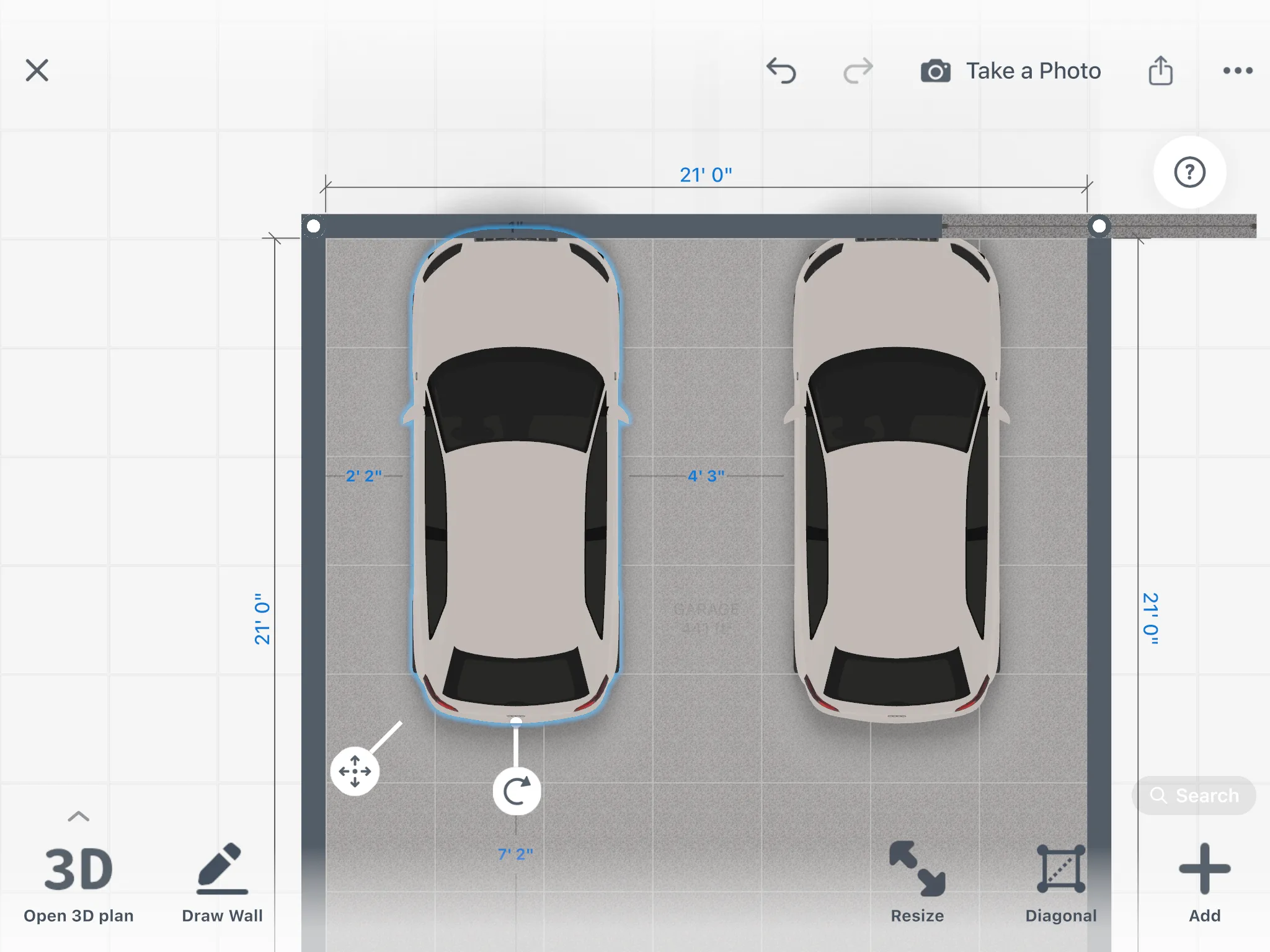
- The catalog has cars, motorbikes, garage doors and storage.
- The distances show on the 2D plan and in 3D.
Garage designs made in Home Planner
Ideas to start your own.
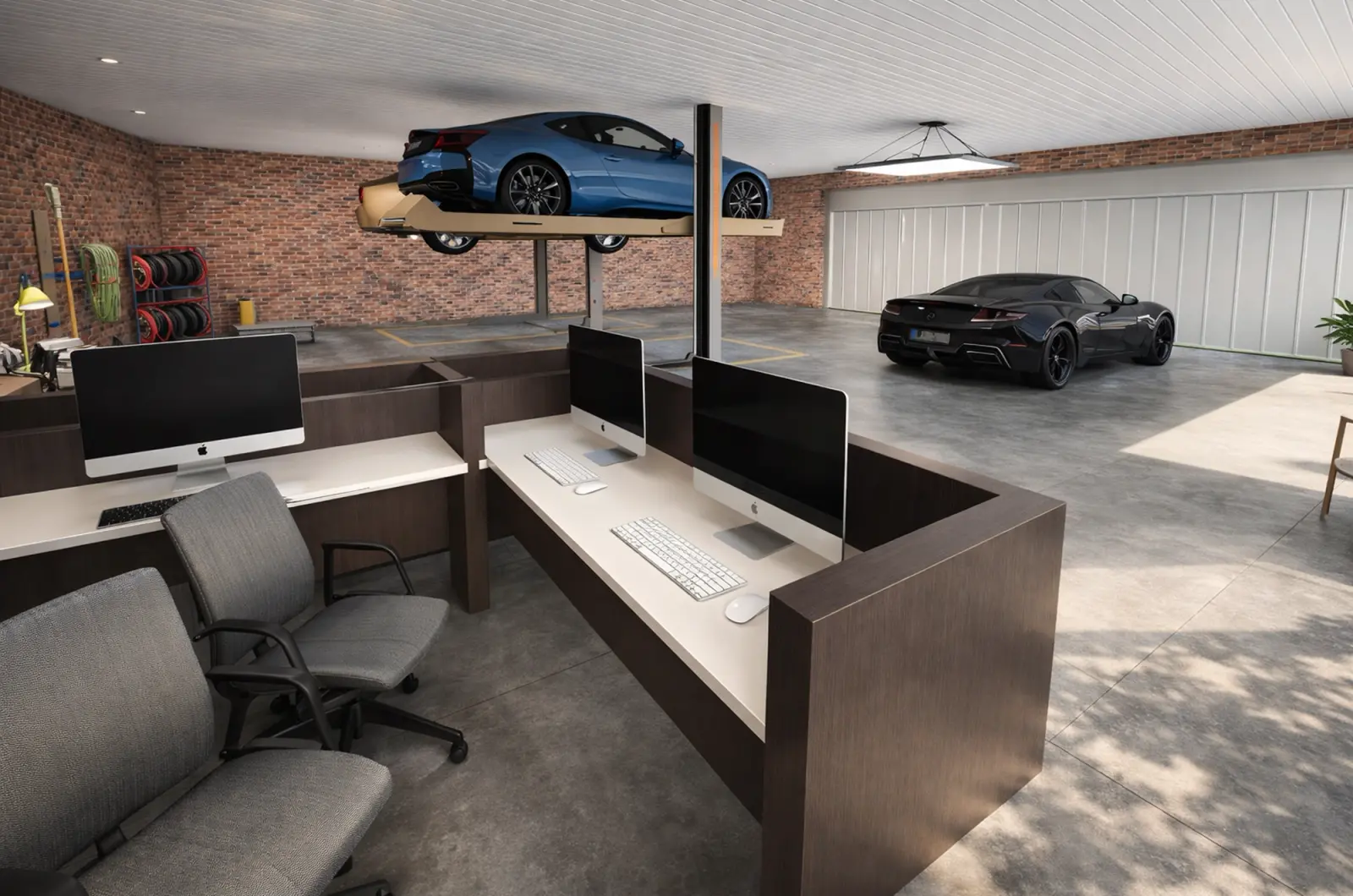
Created in Home Planner
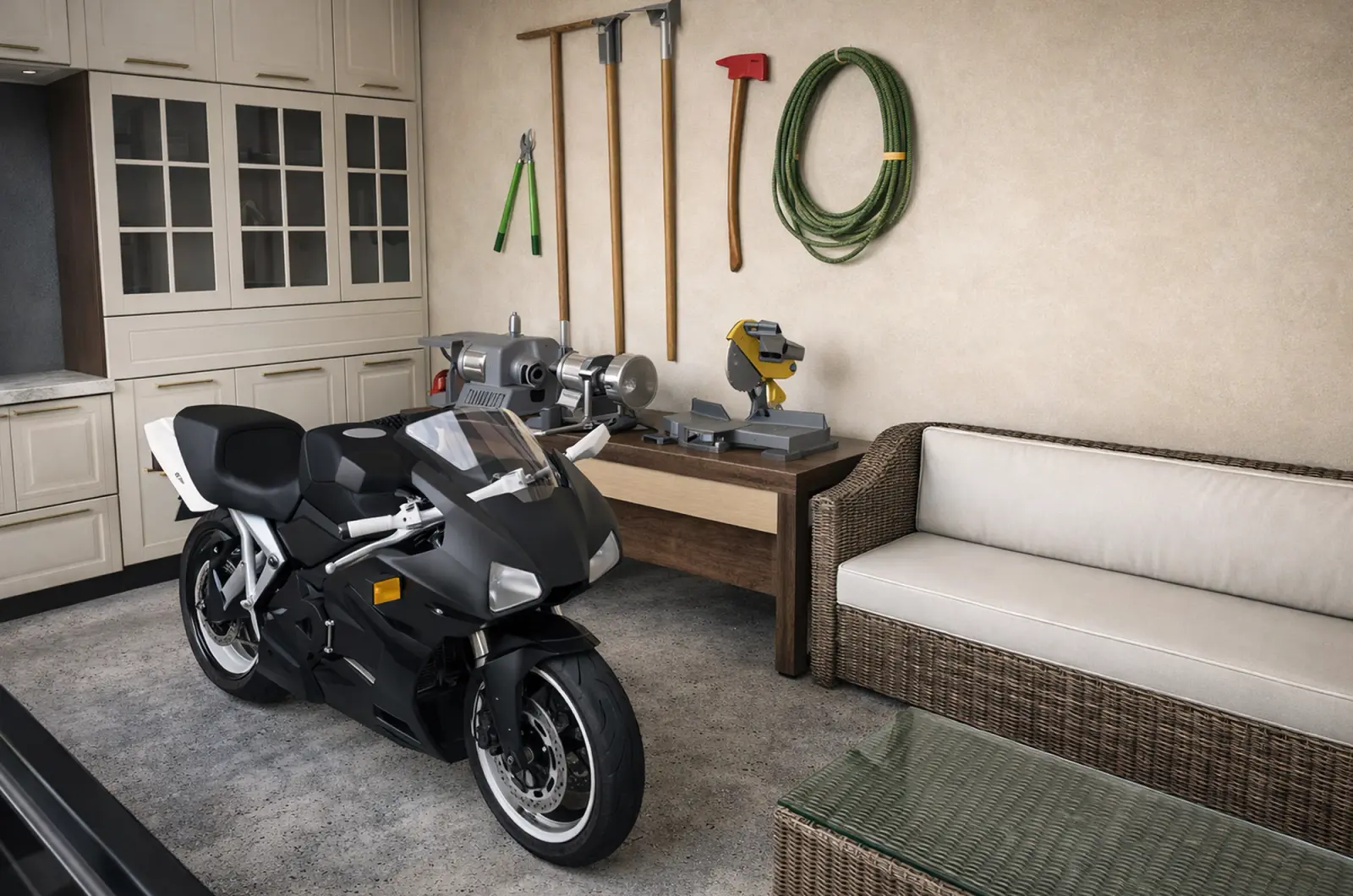
Created in Home Planner
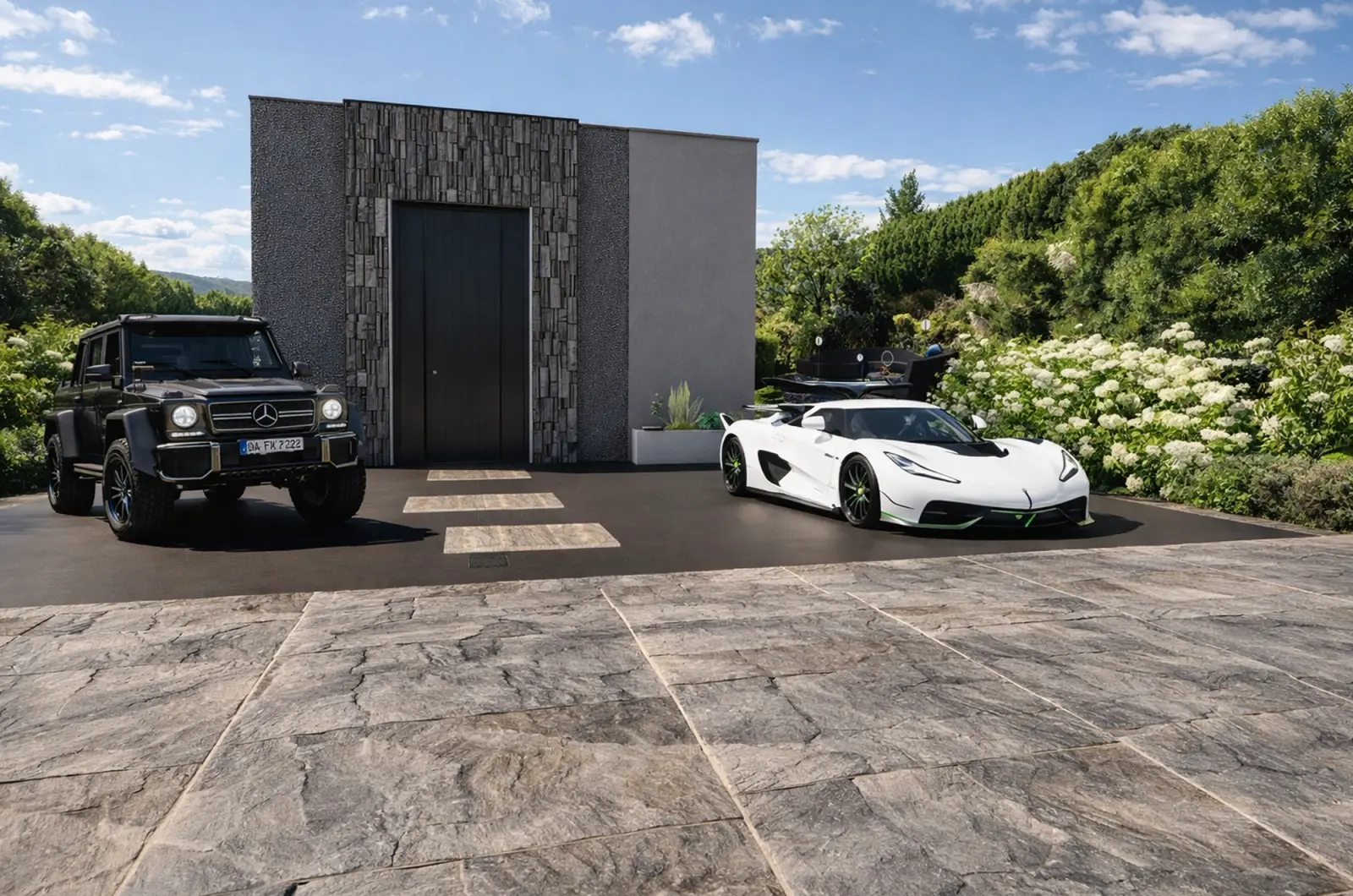
Created in Home Planner
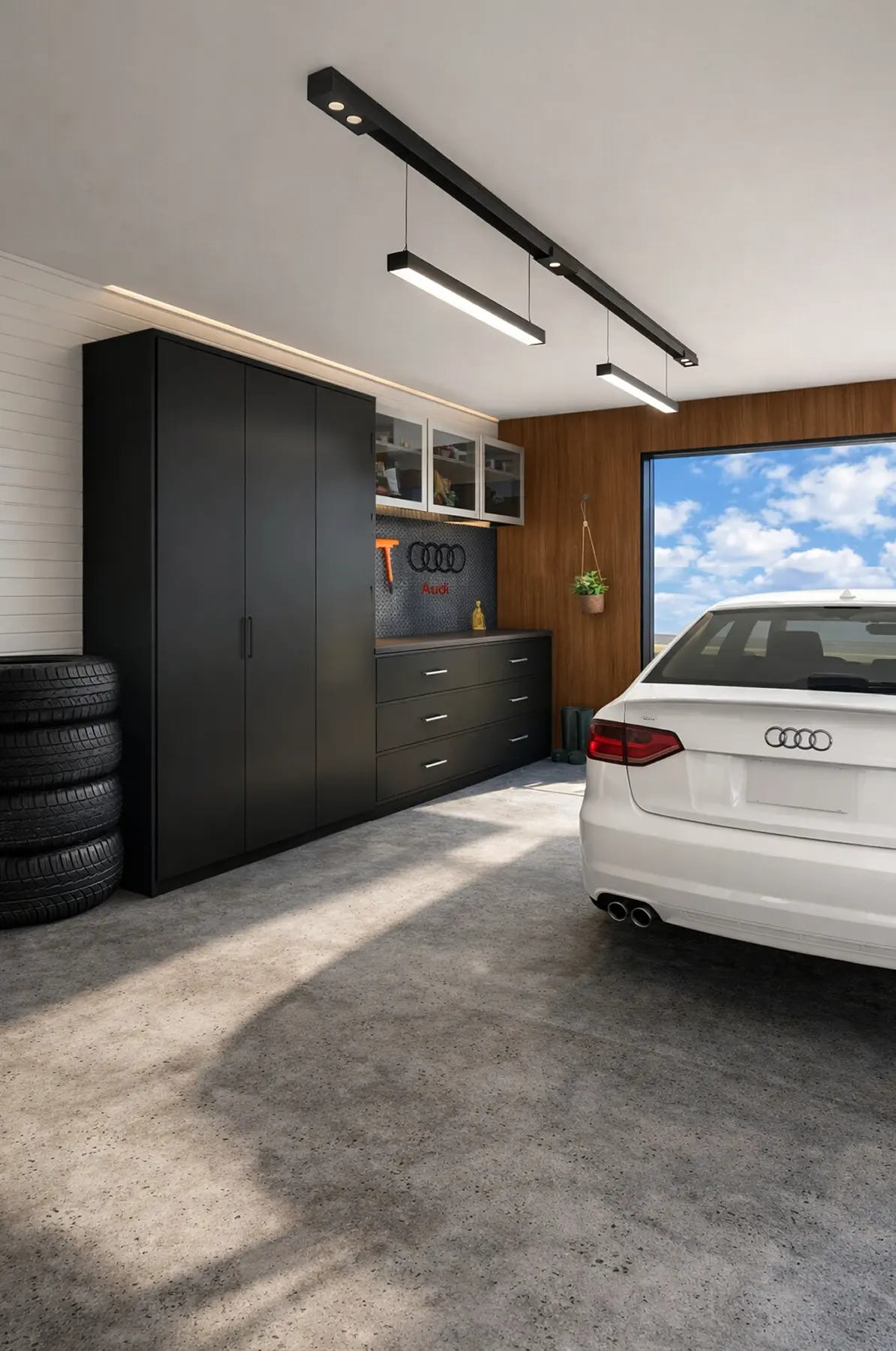
Created in Home Planner

Created in Home Planner
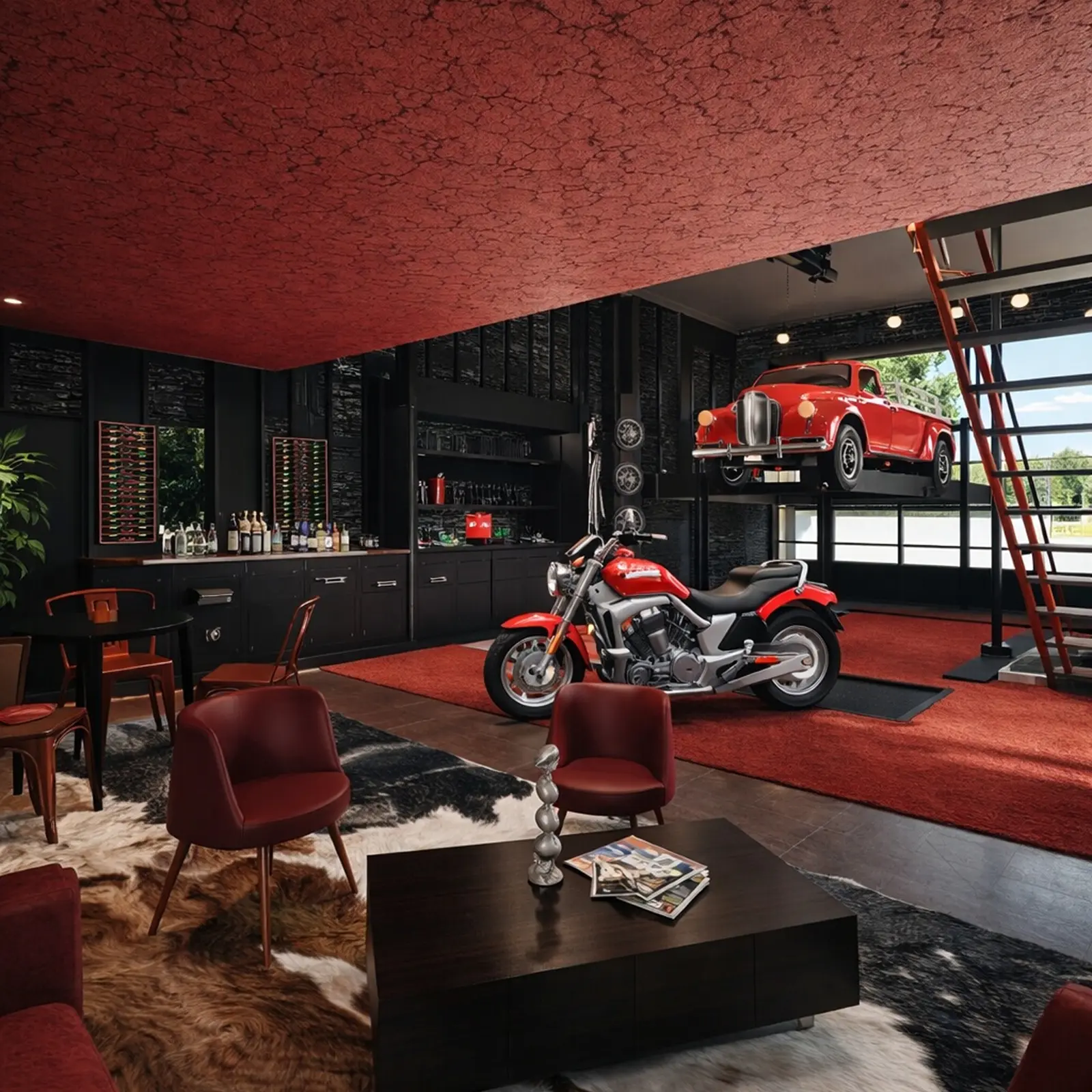
Created in Home Planner
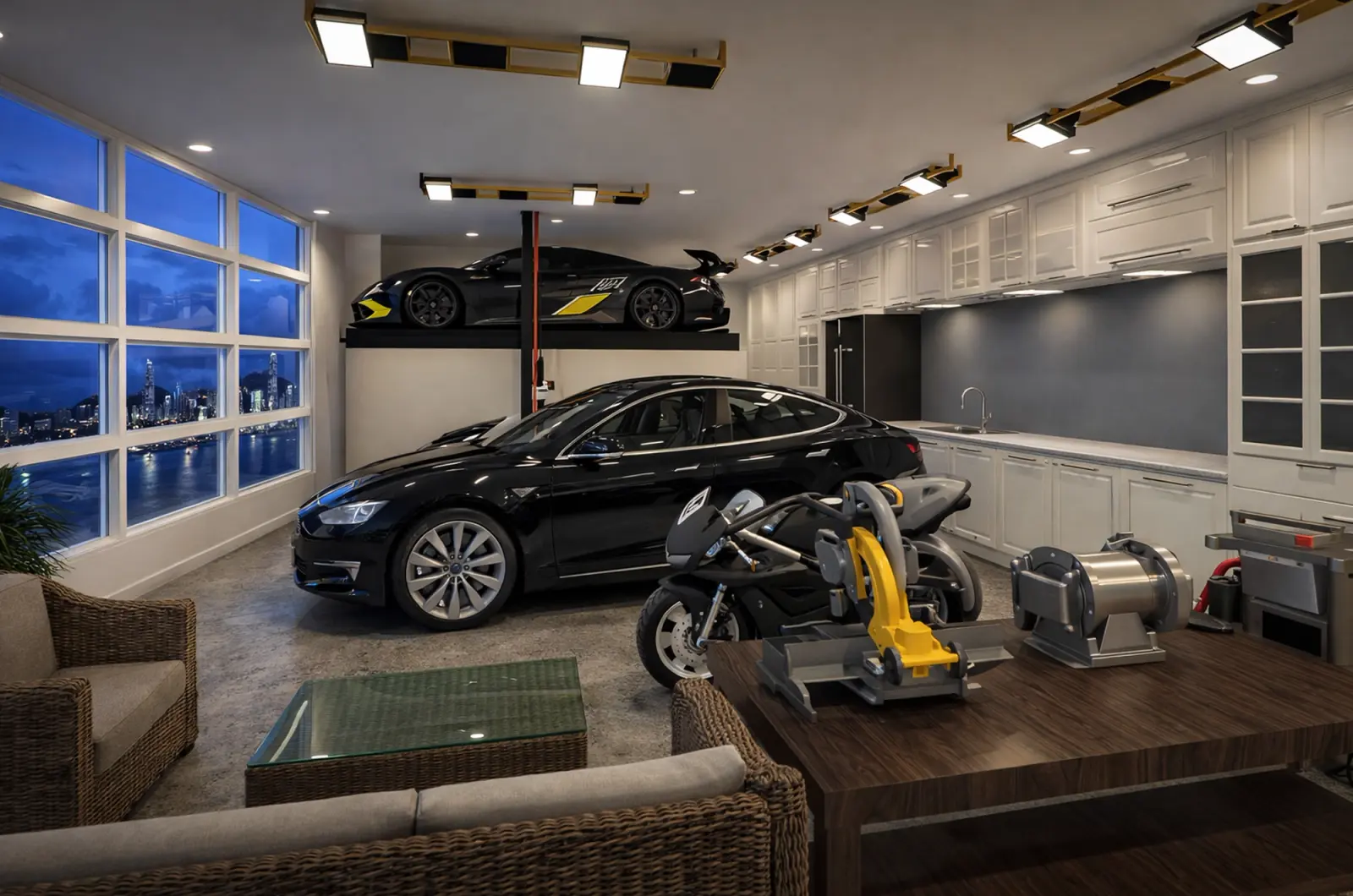
Created in Home Planner

Created in Home Planner
Created in Home Planner
Created in Home Planner
Created in Home Planner
Created in Home Planner
Created in Home Planner
Created in Home Planner
Created in Home Planner
Created in Home Planner
Clear the floor with storage that fits your walls
Plan your garage storage along the walls, and see how much floor is left for the car before you order a single cabinet.
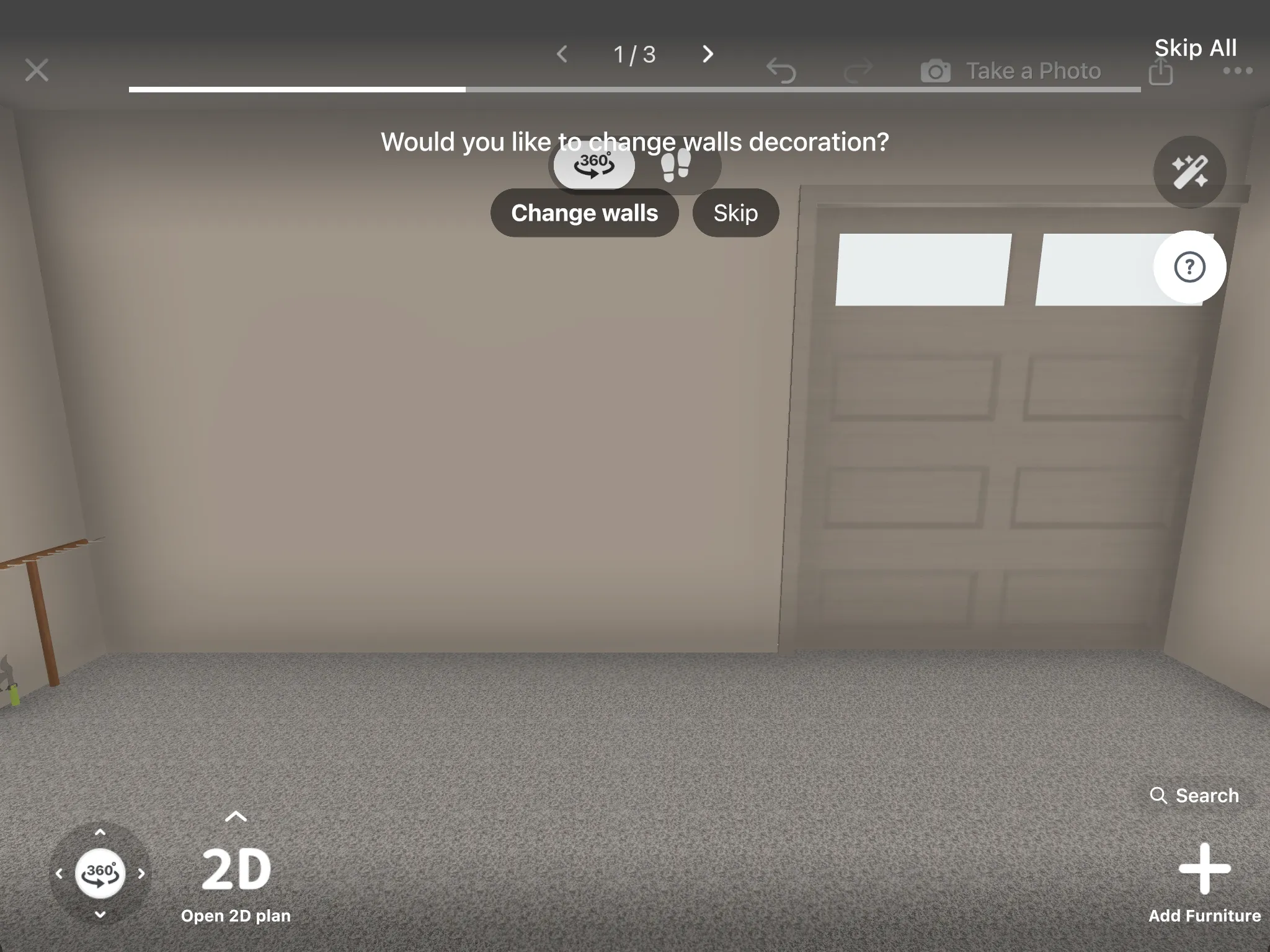
- Tall and wall cabinets, storage racks, wall shelves and lockers.
- Filter by brand, price, size, color and style.
- Part of every catalog category: free
- The full catalog: PRO
A garage workshop with room to work
Keep the workshop equipment within reach, with a clear path between your workspace and the car.
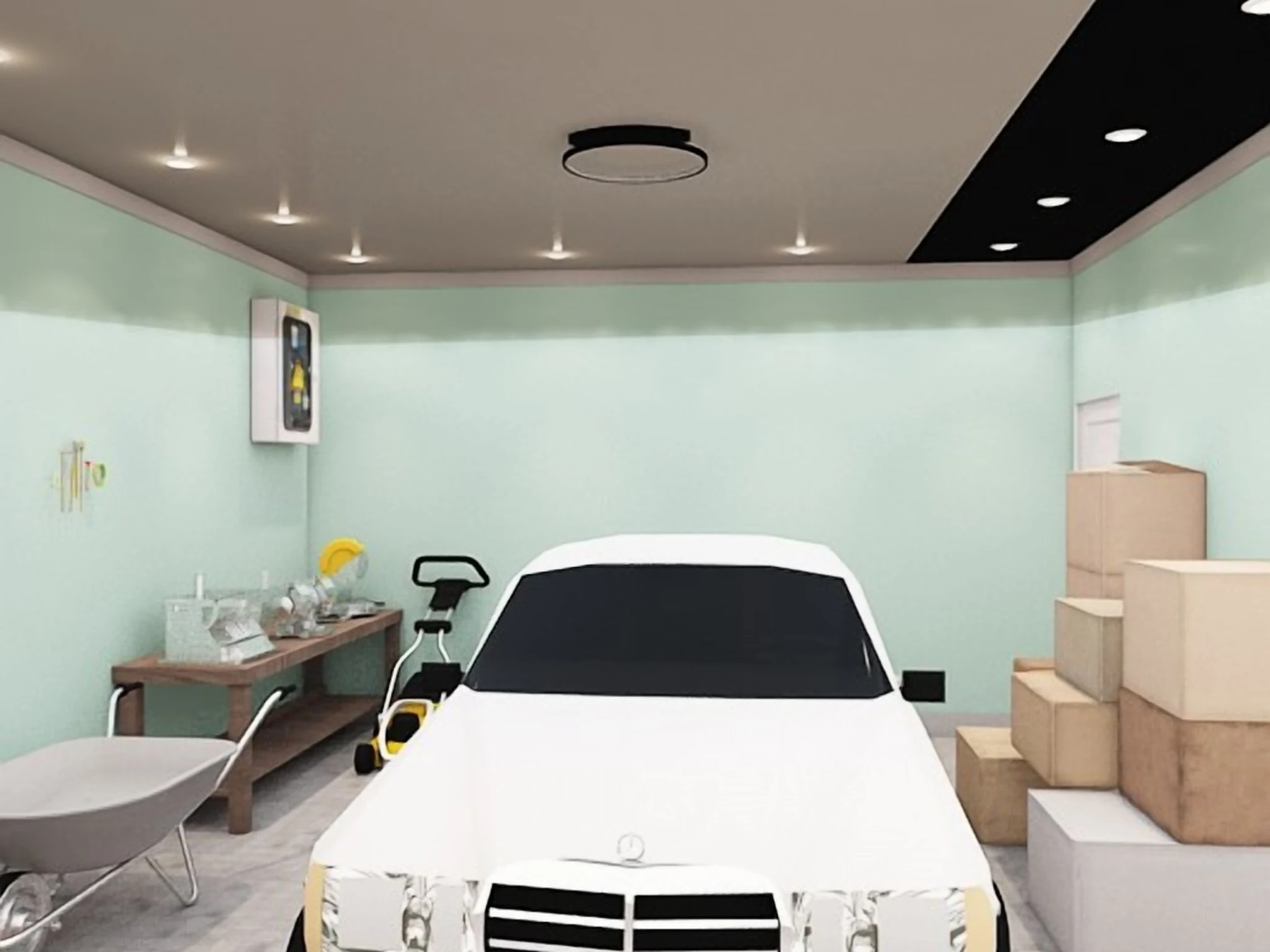
Select a piece of workshop equipment to see how far it is from the car and the walls, in 2D and in 3D.
See new floors, walls and lighting before you start
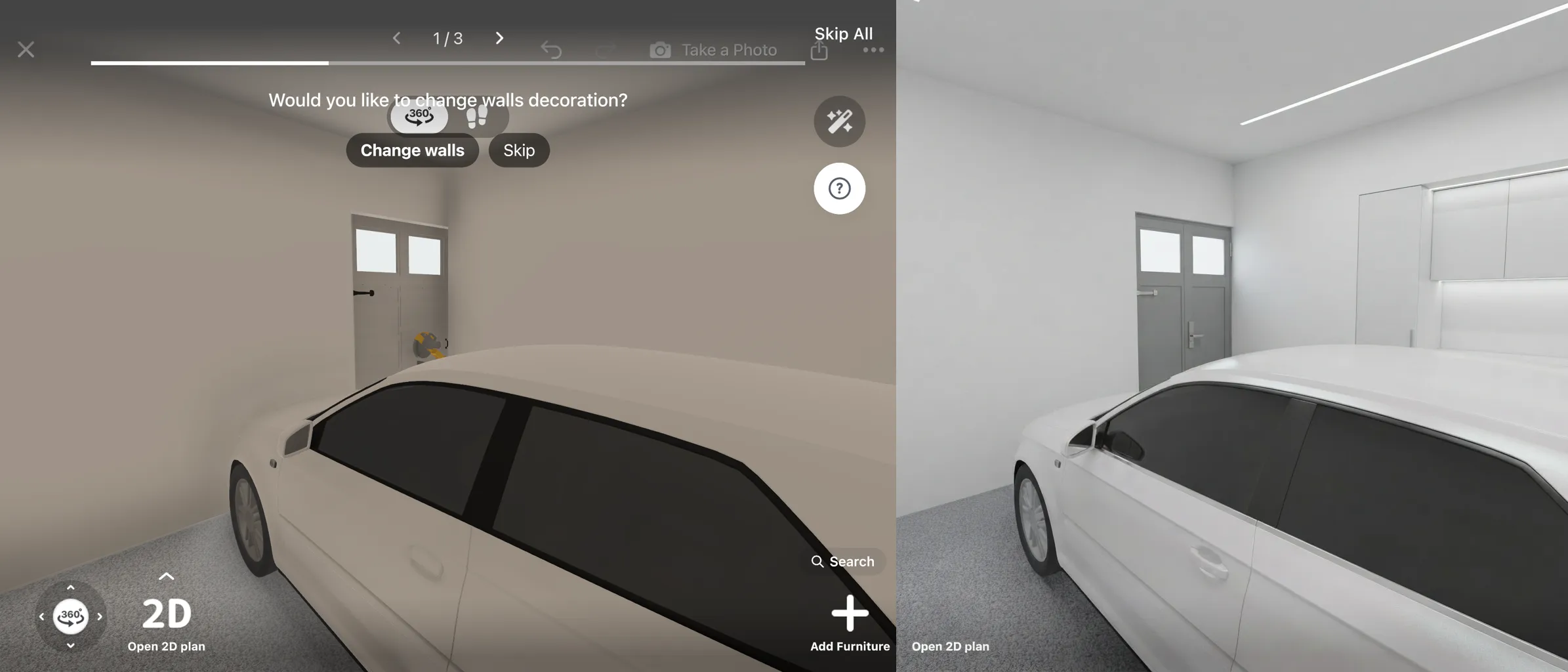
Try tile, stone or wood floors, paint colors and wall panels in 3D, and add ceiling lights over the workspace. Make photo-realistic renders from any angle, or take a photo of your garage and let AI Redesign show it in a new style.
- Try renders: free
- Up to 4 AI redesigns: free
- More colors and your own textures: PRO
- 4K renders and 360° photos: PRO+
Know what the garage costs before you buy
Every cabinet, shelf and lamp you place goes on a shopping list with its price, and the total follows your plan.
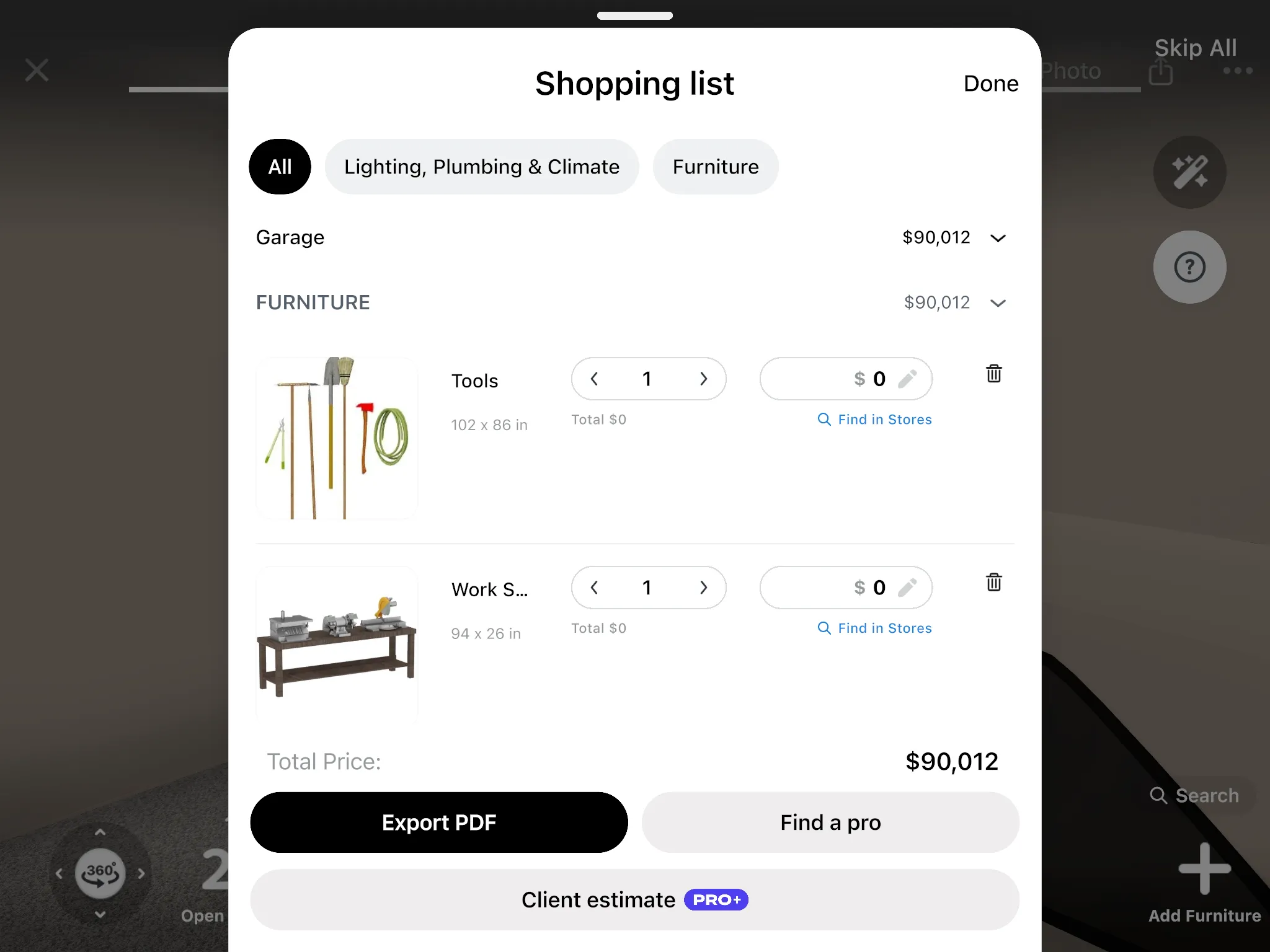
Swap an item and the total updates. Select an item in the list to find it in stores. With PRO, a renovation cost estimate adds the floor, walls and ceiling.
The numbers are a guide: confirm the final price with the store or your builder.
- Renovation cost estimate: PRO
Agree on the garage before the shelves go up
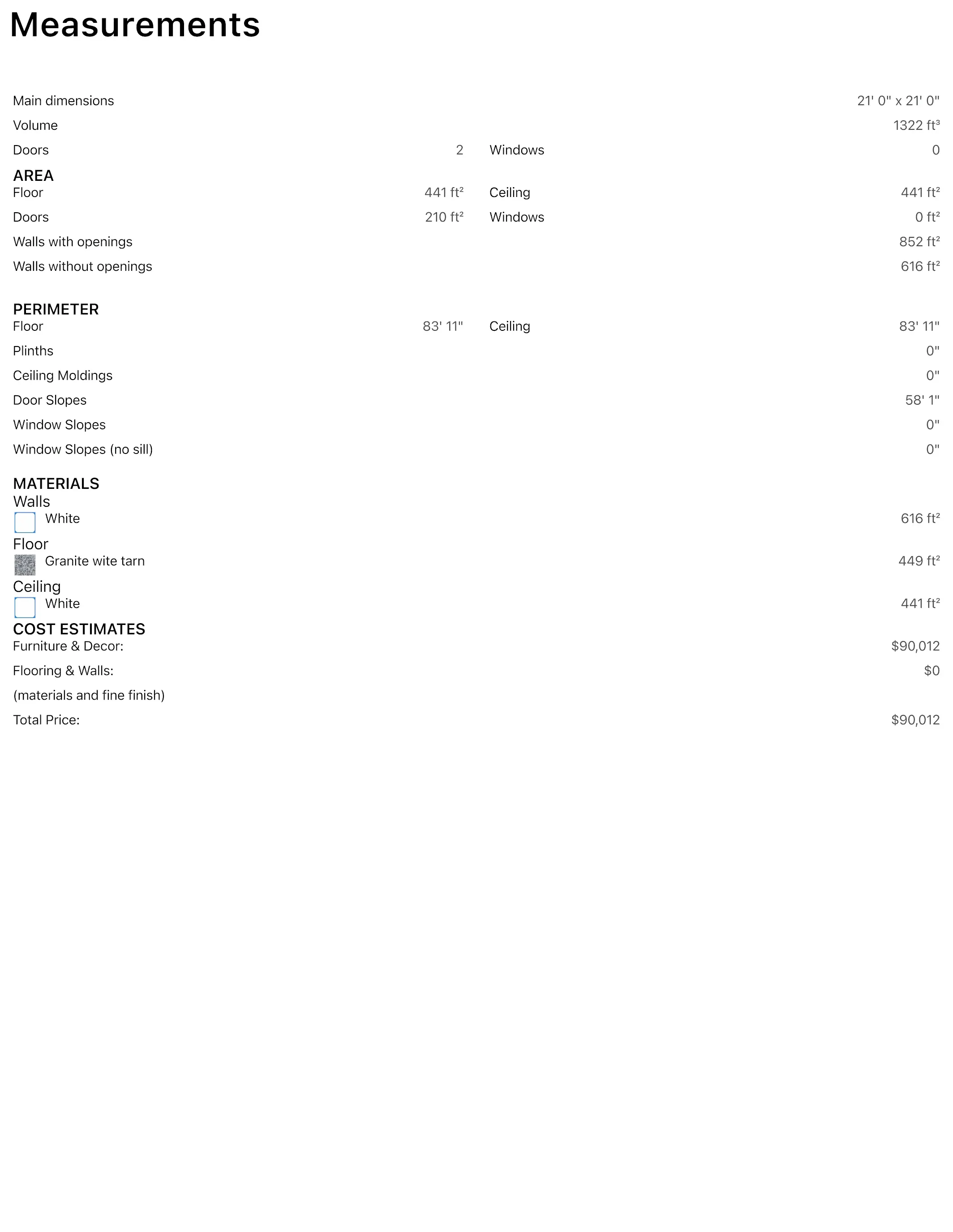
Share a link that opens in any browser, invite people to edit the design with you, or give your builder a PDF.
- A link opens your design in a browser, no app needed.
- To edit together, everyone needs Home Planner and a sign-in.
- The PDF has the plan with its wall lengths and the shopping list.
- Link, PDF with a watermark and editing together: free
- PDF without a watermark: PRO+
See a real example first:
Not a designer? Start with your one question
You don't need a full redesign to use a garage planner.
"Will the second car fit?"
Draw the garage once, place two cars, and select each one to see the gap to the walls.
"Where does the workshop go?"
Try it on the back wall, then on the side wall, and walk around both in 3D before you drill a single hole.
"Can one bay be a gym?"
Put the exercise equipment in one bay and the car in the other, and check the space between them.
"I scanned my living room in minutes"
"The room scanning feature blew my mind. I scanned my living room in minutes and instantly started redesigning it. No manual measurements, no stress. Everything was accurate and ready to use. It made the whole process feel effortless."
A review from Google Play, quoted as written.
Draw the garage free. Add PRO when every cabinet has to fit exactly.
On the free plan, draw the garage on the grid, park the cars, add storage and see it in 3D. PRO adds the full catalog, exact wall sizes and the cost of the whole garage.
Free
Nothing to pay to start
- Draw the plan on a grid and see it in 3D
- Part of every catalog category
- Scan a room into a new design and look around it in 3D
- Share a link or a PDF with a watermark, and edit together
- Up to 4 AI redesigns to try
- Up to 10 designs
PRO
For your own garage, when every item has to fit
- Everything in Free
- Type exact room and wall sizes, measure with a laser distance meter, furnish scanned rooms
- The full catalog of 560,000+ products
- Renovation cost estimate
- More colors and your own textures
- Sync between your devices
PRO renews automatically each billing period unless you cancel. You can turn off auto-renew in your account settings, and PRO stays active until the end of the period you paid for.
Frequently Asked Questions
Yes. The free plan saves up to 10 designs, and each design can hold a whole home. It includes a selection from every catalog category and up to 4 AI redesigns to try. PRO adds the full catalog, exact wall sizes, higher AI limits, a renovation cost estimate and sync between devices. PRO+ adds 4K renders, 360° photos and offline mode. See plans and prices
Yes. Home Planner runs on iPhone, iPad, Android, Mac and Windows, and with PRO your designs sync between devices. Scanning works on iPhone, iPad and AR-ready Android phones, not on Mac or Windows. You can also restyle a photo with AI on our website once you sign in. Planning and furnishing happen in the app. Try AI Redesign
Measure the walls and mark the garage door, the windows and the door to the house. Place both cars, then select each one to see how far it is from the walls and the other car. Put storage along the remaining walls and check the result in 3D.
Yes. The ceiling height is free to set on every plan. With PRO, type the exact length of every wall in feet and inches or in meters and centimeters, or read wall lengths from a supported laser meter on iPhone, iPad, Android or Mac. On the free plan, you draw the walls on a grid. Follow your device maker's safety instructions, and never point a laser at anyone's eyes.
Yes, on phones that support AR; iPhones with LiDAR make a more detailed scan. Scan the garage into a new design and look around it in 3D. Furnishing or editing a scanned garage needs PRO. On the free plan, draw the garage on the grid and furnish it. Scanning isn't available on Mac or Windows.
Yes. Put workshop equipment or exercise equipment in one part of the garage and keep the other part for the car. Select an item to check its distance to the car, then walk around in 3D. Home gym planner
Yes. Take or upload a photo, pick a style, and AI Redesign shows your garage with new colors, floors and storage. It's designed to keep the shape of the room. Try AI Redesign
Place the cabinets, shelves, lamps and other items on the plan. The shopping list shows each item with its price and the total, and it updates when you change an item. With PRO, a renovation cost estimate adds the floor, walls and ceiling. The numbers are a guide, so confirm the final price with the store or your builder. How to estimate renovation costs
Yes. Cancel at any time, and PRO stays active until the end of the period you paid for; your designs stay in your account. Refunds for App Store, Google Play or Steam purchases follow that store's refund policy. Bought on our website? Contact support and we'll help with a refund.
You do. Your designs stay in your account, and you can share them by link or export them as a PDF at any time.
Do you build garages or sell garage storage?
PRO is for your own garage. For client work, PRO+ adds commercial use, no watermark, 4K renders and a client PDF with an estimate and your logo.
- PRO+
Plan your garage before you buy
Draw the garage, park the cars, fit the storage and the workshop, and check the cost before you order anything.
P.S. About to order a cabinet run for the back wall? Put it on your plan first: draw the garage, park the car, and see what's left in a few minutes.
More guides:How to Measure a Room with Your Phone: AR and LiDARHow to Measure a Room for a Floor Plan, Step by StepDIY Electrical, Lighting & Smart Home Planning ChecklistBasement Design Ideas: Storage, Laundry, Gym and Lounge
Home Planner is not affiliated with, endorsed or sponsored by Apple, Google, Microsoft or Valve; their names and marks belong to their owners. Android is a trademark of Google LLC. iPhone, iPad and Mac are trademarks of Apple Inc., registered in the U.S. and other countries. Steam and the Steam logo are trademarks and/or registered trademarks of Valve Corporation in the U.S. and/or other countries. Windows is a trademark of the Microsoft group of companies. Other trademarks are the property of their respective owners.