Closet Planner
Closet Design Tool: design your closet in 3D
Draw your walk-in or reach-in closet to scale, then fit hanging space, shelves, drawers and shoe racks along the walls. The closet design tool shows it all in 3D, so you can check there's room to open every door and drawer before you buy a closet system — in an app for iPhone, iPad, Android, Mac and Windows that is free to start.
4.6App Store · 300K+ ratings
On your phone too
Point the phone camera here to install, then scan your rooms
Free to start. Exact wall sizes and the full catalog need PRO.
Downloads across all stores; countries where the App Store carries the app.
A closet planner for the closet you actually have
Walk-in or reach-in
Draw a walk-in closet, a reach-in behind sliding or bi-fold doors, or a dressing corner of the bedroom.
Closet organizers that fit
Wardrobe systems, open and corner shelves, drawers and storage racks, resized to fit your walls.
Room to walk and reach
Everything is to scale. Walk through the closet in 3D to check the aisle and the space to open drawers and the door. Exact wall measurements come with PRO.
A place for shoes and small things
Shoe racks, shoe towers, shoe organizers and shoe benches, plus boxes and baskets for accessories.
A dressing area
Add a dressing table, a mirror, an ottoman or a storage bench, and spot or track lights over the shelves.
Redesign from a photo
Take a photo of your closet and see it in a new style, with new colors, storage and decor. AI is set to keep the shape of the room.
How to design a closet in 4 steps
From an empty closet to a plan you can take to a store or an installer.
1.
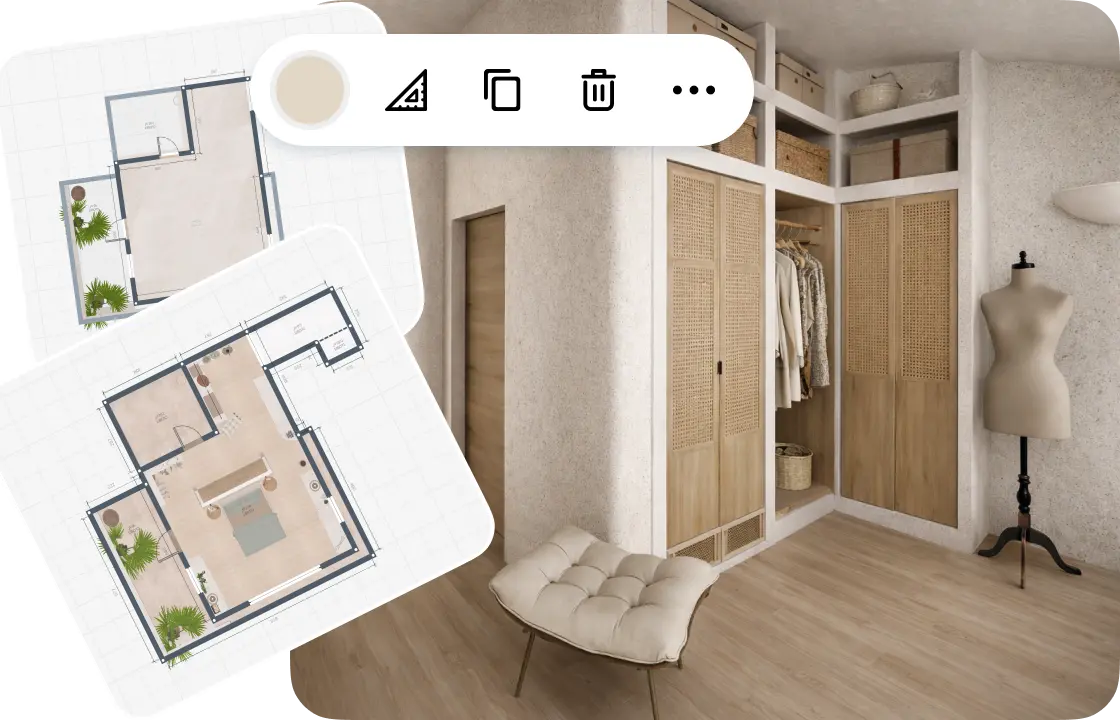
Measure or scan your closet
Draw the walls to scale or scan the closet with your phone. Add the door, any window and the ceiling height.
2.
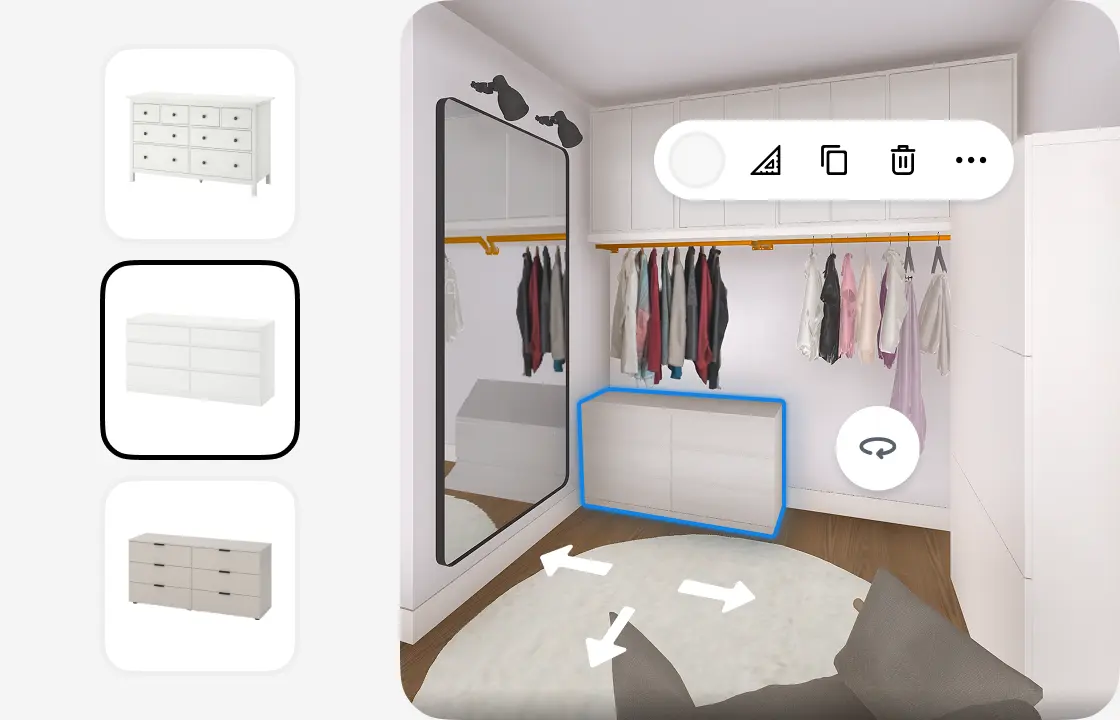
Plan the storage
Place hanging space, shelves, drawers and shoe racks. Resize each piece to fill the wall and align it on the grid.
3.
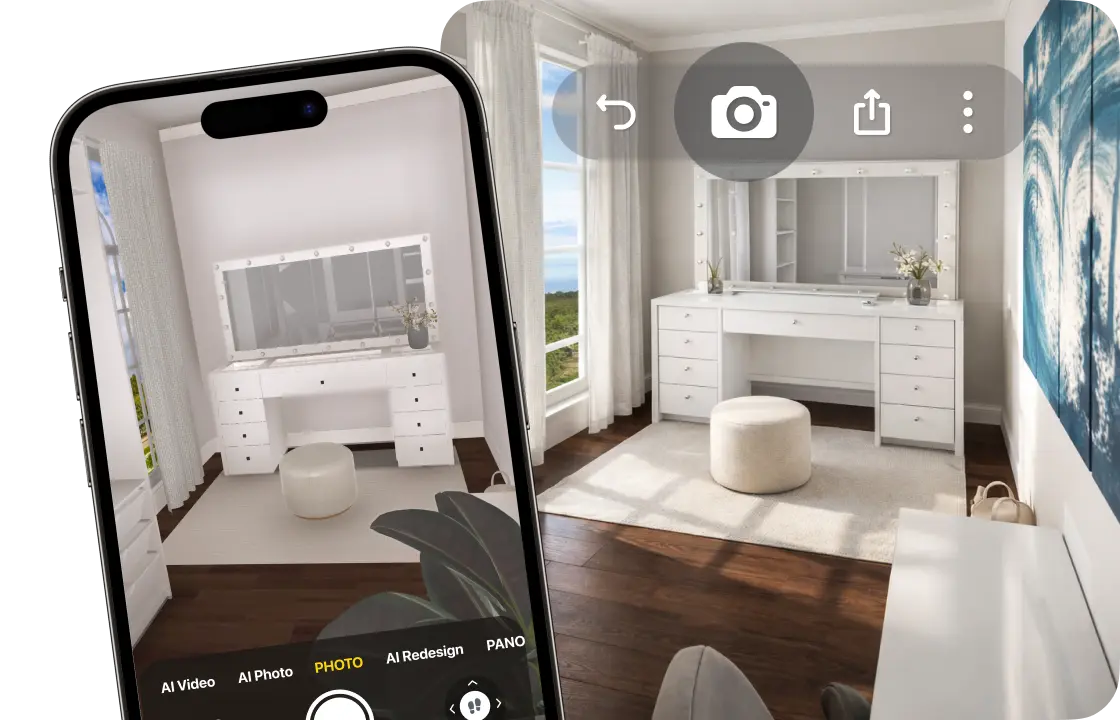
Walk through it in 3D
Check the aisle and the room to open doors and drawers, then create photo-realistic renders in Full HD (4K with PRO+).
4.
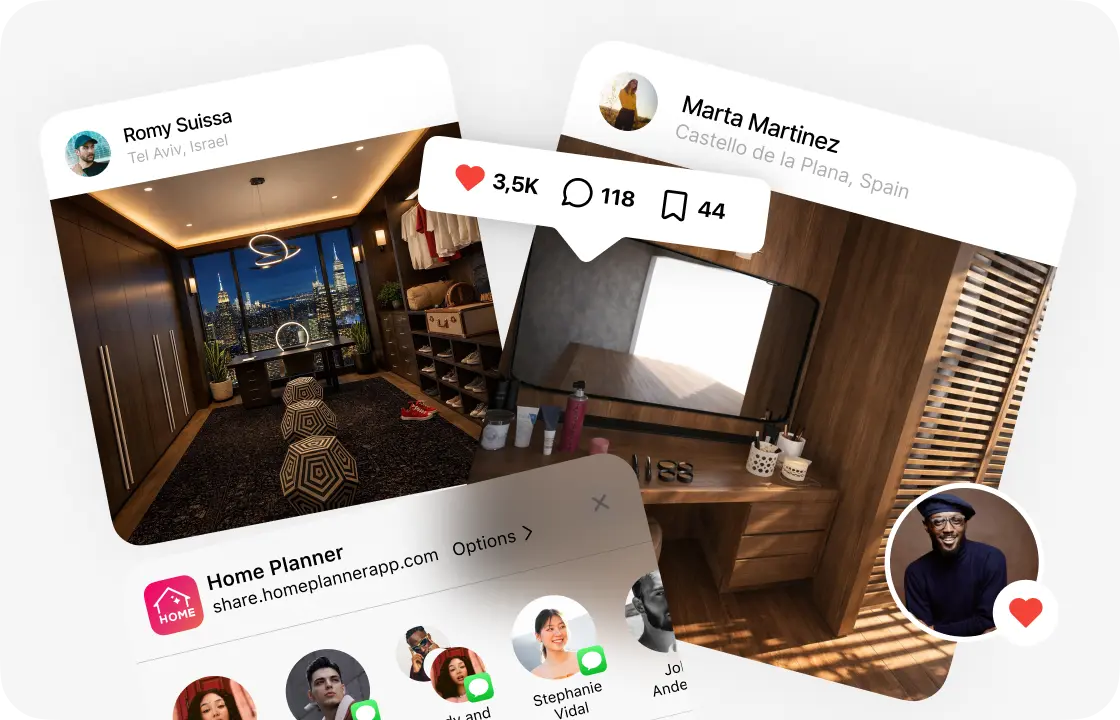
Take the plan with you
Share a link, or download a PDF with the plan, wall elevations and a shopping list for the store or installer.
1.
Measure or scan your closet
Draw the walls to scale or scan the closet with your phone. Add the door, any window and the ceiling height.
2.
Plan the storage
Place hanging space, shelves, drawers and shoe racks. Resize each piece to fill the wall and align it on the grid.
3.
Walk through it in 3D
Check the aisle and the room to open doors and drawers, then create photo-realistic renders in Full HD (4K with PRO+).
4.
Take the plan with you
Share a link, or download a PDF with the plan, wall elevations and a shopping list for the store or installer.
Walk-in closet design: 5 layouts to start from
Pick the shape closest to your space, then fit the storage to your walls.
Reach-in closet
One wall of storage behind sliding or bi-fold doors, with shelves above and drawers or shoes below.
Single-wall walk‑in
Storage along one long wall, with the aisle and a mirror on the other side.
L-shaped walk‑in
Storage on two walls that meet at a corner, leaving the rest of the floor open.
U-shaped walk‑in
Storage on three walls; in a bigger closet, a chest of drawers in the middle works as an island.
Dressing room
A walk-in with a dressing table, a full-length mirror and a place to sit.
Closet dimensions to check before you build
A few inches decide whether a closet works. Check these four numbers on your plan.
24 in (61 cm) deep for hanging clothes
Hangers need about 24 in of depth. Shelves and drawers can be shallower.
Select a unit to see its size, then resize it to your wall.
24–36 in (61–91 cm) of free aisle
In a walk-in, leave at least 24 in between storage on facing walls, and 36 in to move and dress comfortably.
Select a unit in 3D: the app shows its distance to the walls and furniture around it.
4 × 4 ft (1.2 × 1.2 m) for the smallest walk-in
In a smaller space, a reach-in closet with doors usually holds more.
The room area shows on the plan as you draw.
Rods at about 42 and 84 in (107 and 213 cm) for double hanging
Two rods double the space for shirts and jackets. Keep one section open for long coats and dresses.
Select a unit in 3D: the app shows its height above the floor.
Typical sizes as of October 2026: Hunker, “What Are Standard Closet Dimensions?” (hunker.com), and Dimensions.com walk-in closet pages (dimensions.com). Follow your closet system's instructions. Home Planner is not affiliated with, endorsed or sponsored by Hunker or Dimensions.com.
A closet design app you can take into the closet
Measure standing in the closet, then finish the details on a big screen: with PRO, your designs sync between devices.
On your phone
Scan the closet with the camera, or draw it to scale as you measure. On iPhones and iPads with LiDAR, the scan also finds the door and window.
Get the app →On your computer
Finish the design with a mouse on Mac or Windows.
With any closet brand
The plan isn't tied to one brand. Take it to a store, a closet company or a carpenter.
Closets designed in Home Planner
Ideas to start your own.
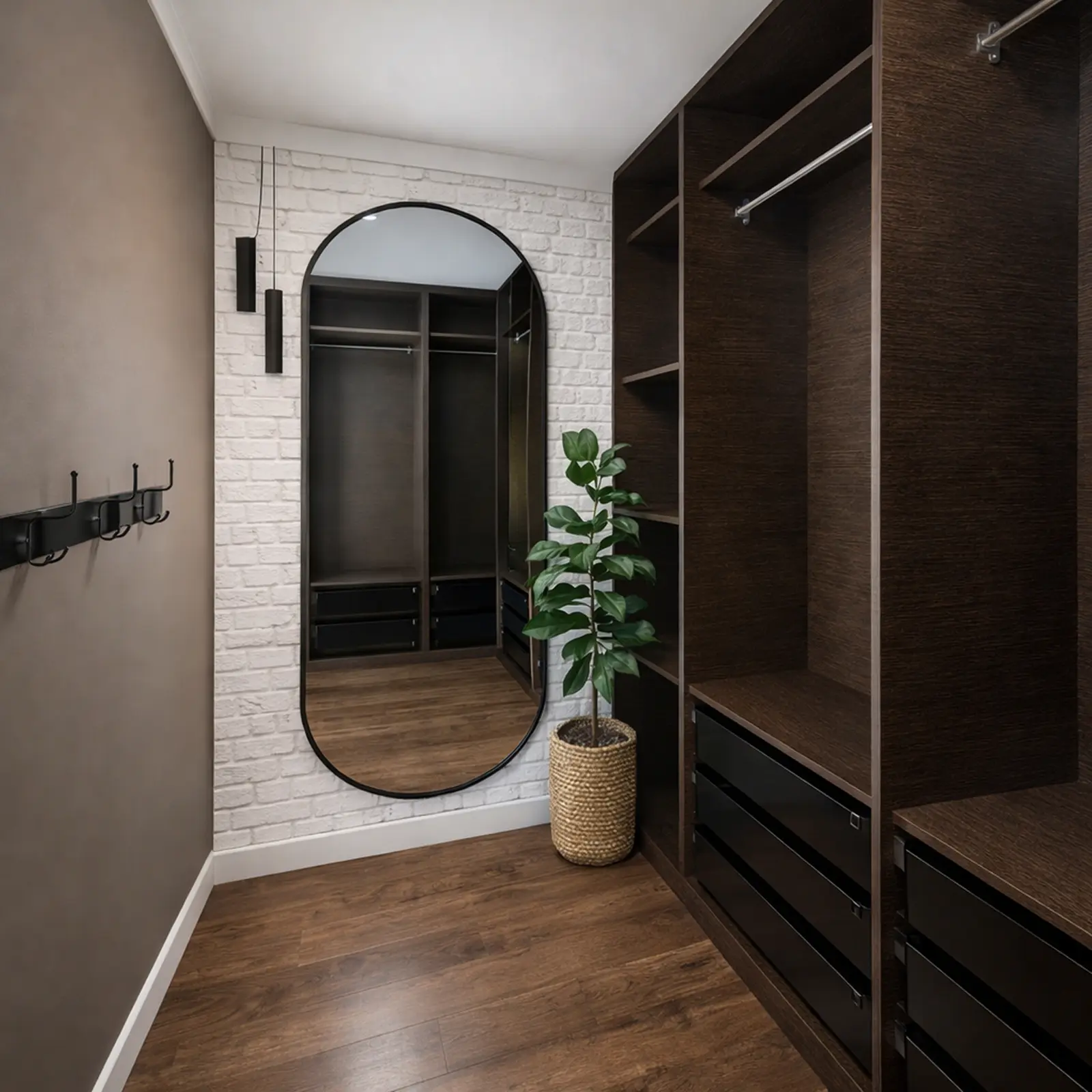
Created in Home Planner
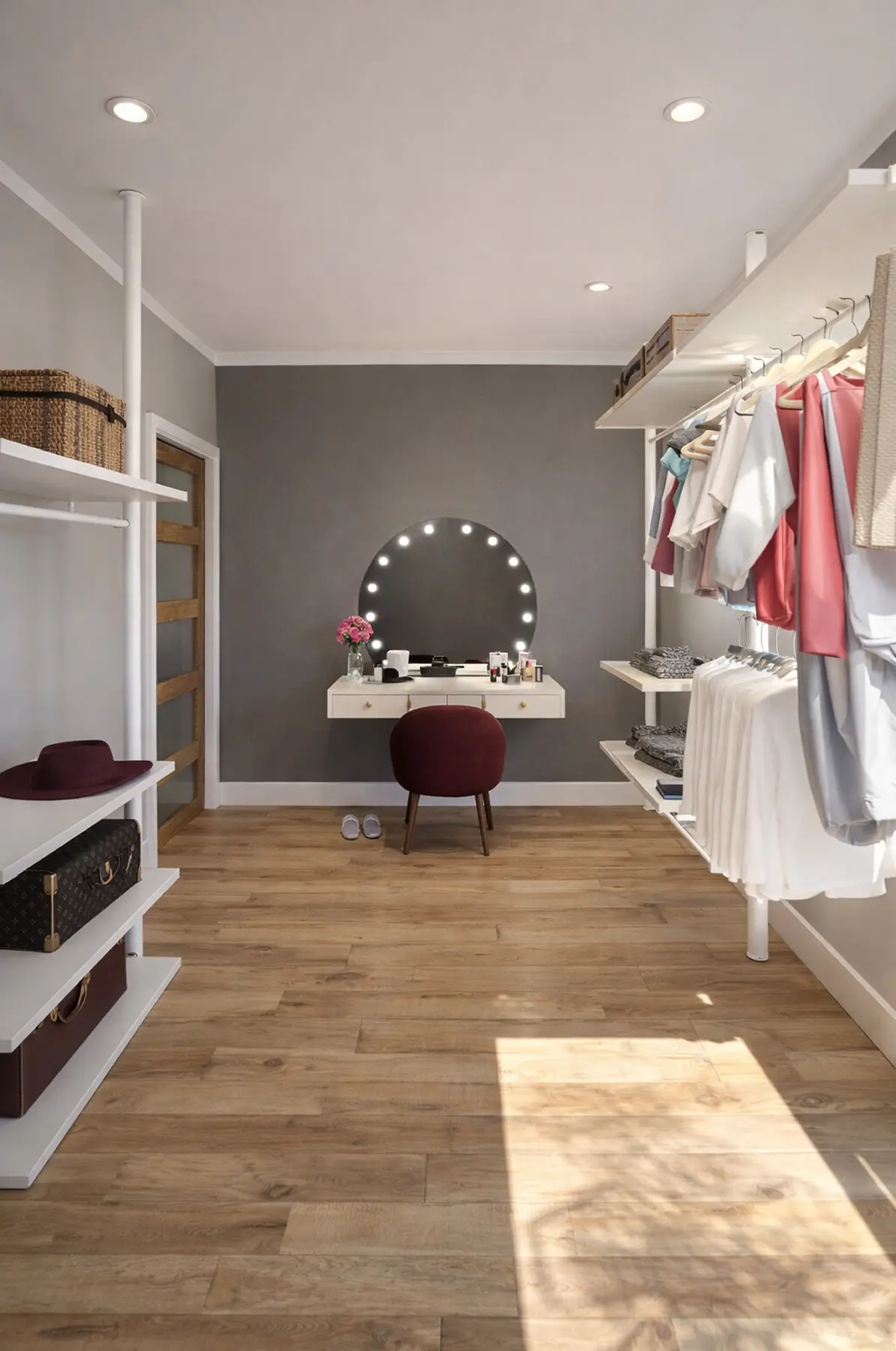
Created in Home Planner
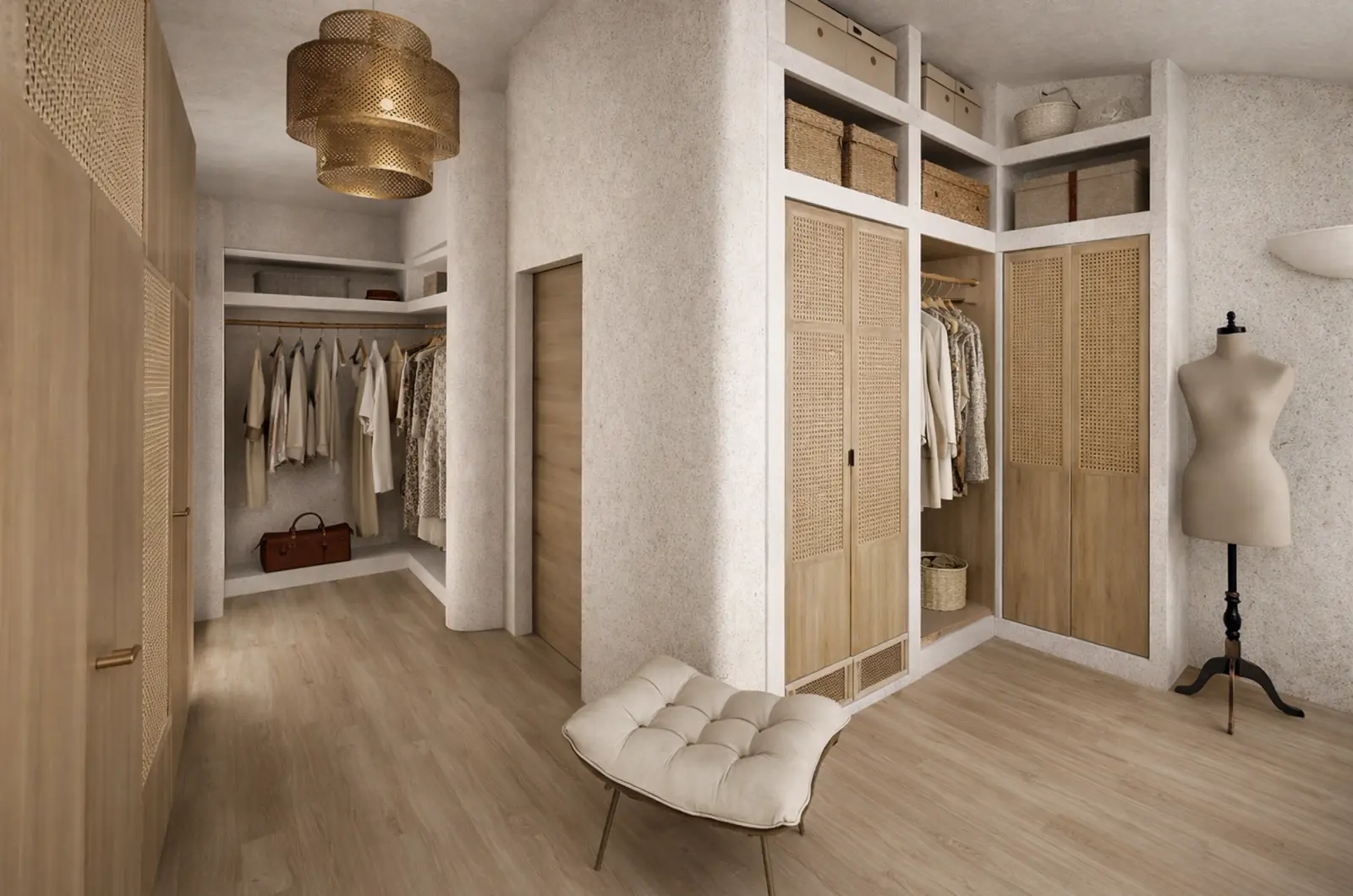
Created in Home Planner
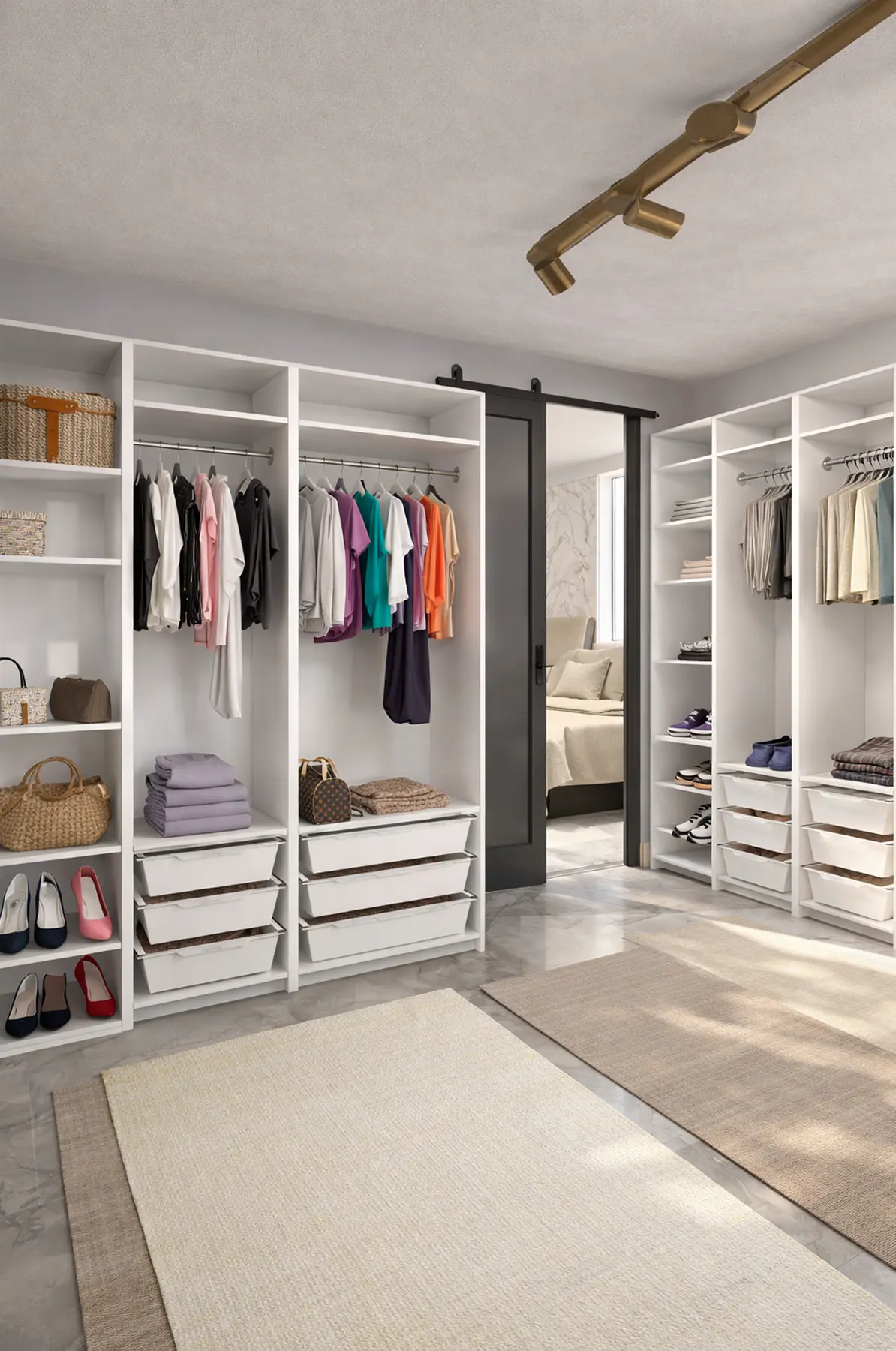
Created in Home Planner
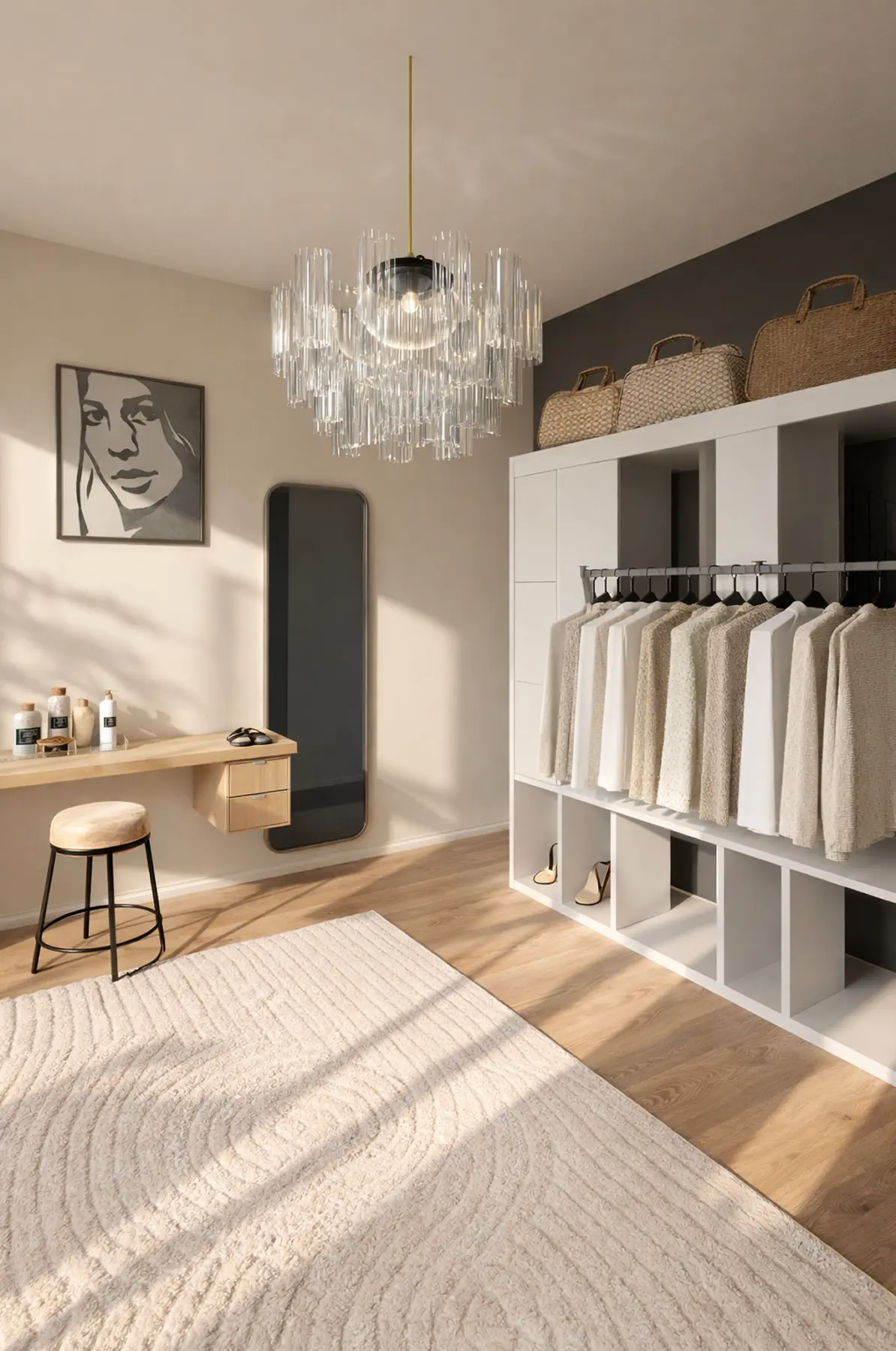
Created in Home Planner

Created in Home Planner
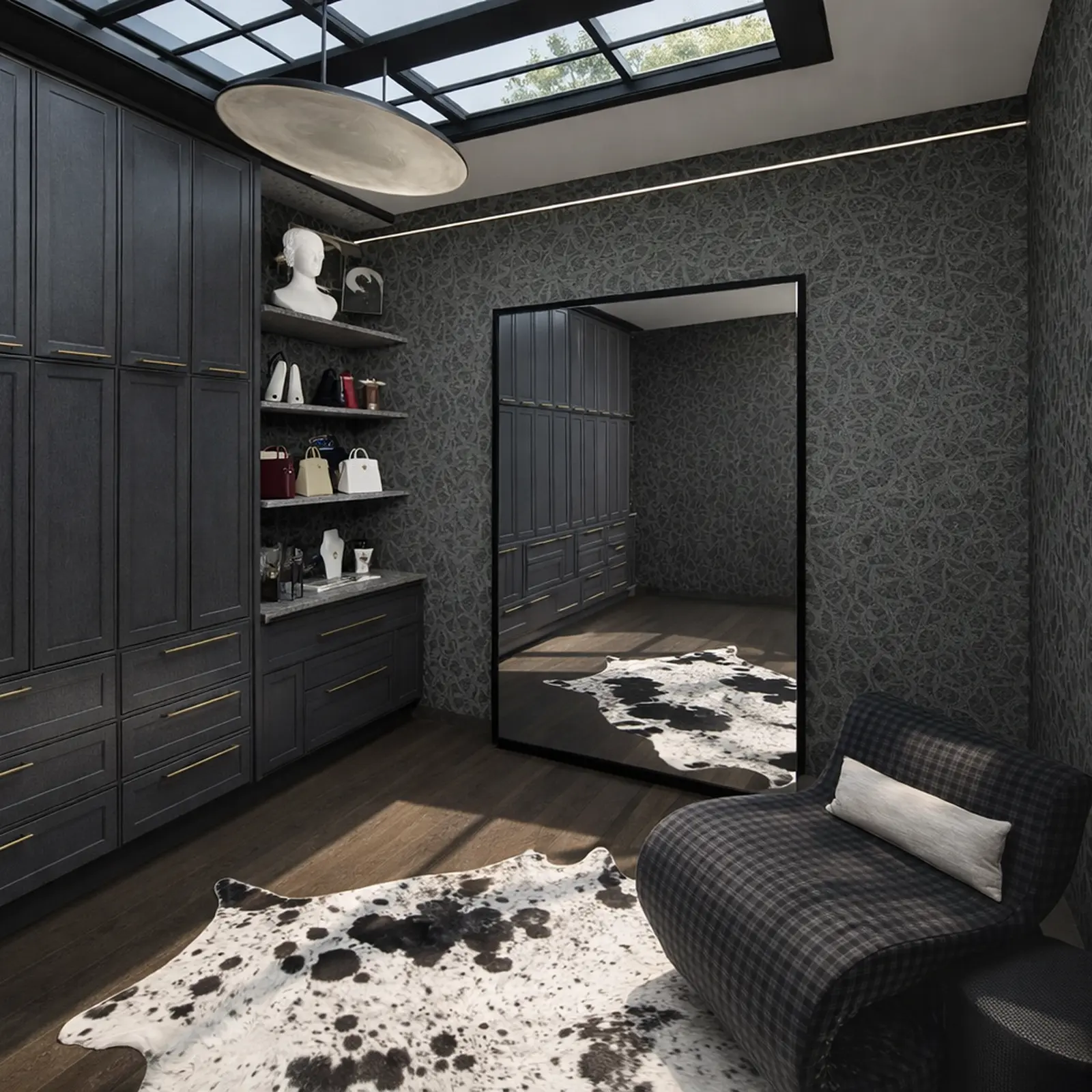
Created in Home Planner
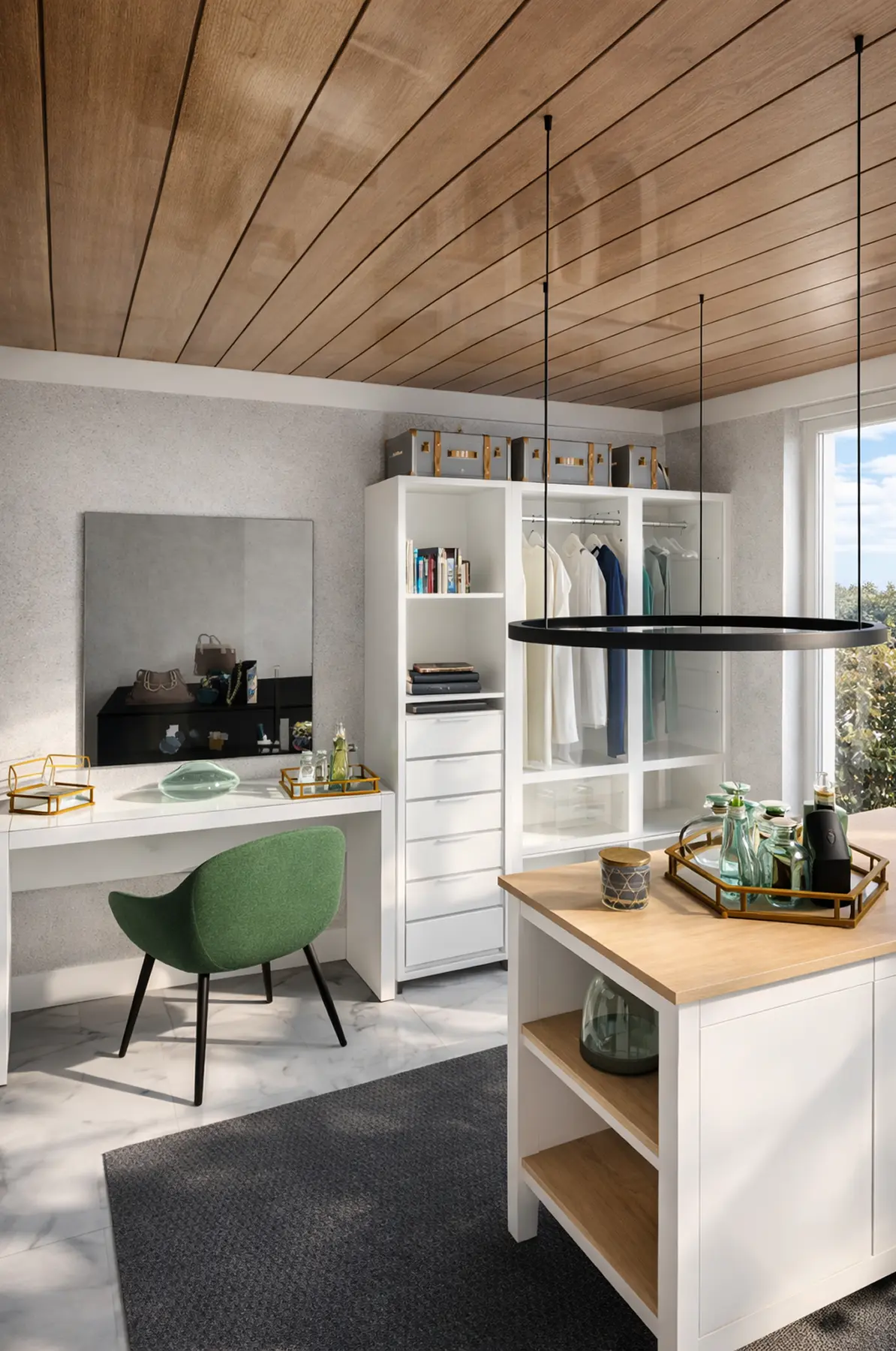
Created in Home Planner
Created in Home Planner
Created in Home Planner
Created in Home Planner
Created in Home Planner
Created in Home Planner
Created in Home Planner
Created in Home Planner
Created in Home Planner
Frequently Asked Questions
Yes. The free plan saves up to 10 designs, each one a whole home plan, with up to 30,000 catalog items and up to 4 AI redesigns to try. PRO adds exact wall sizes, the full catalog of 560,000+ items and a renovation cost estimate. PRO+ adds 4K renders, 360° photos, offline mode and photos and PDFs without the watermark. Compare plans
Measure the walls, the door and the ceiling height. Pick a layout with storage on one, two or three walls. Plan double hanging for shirts, a tall section for coats and dresses, then shelves, drawers and shoes. Walk through it in 3D to check the aisle.
About 4 × 4 ft (1.2 × 1.2 m) is the smallest that works. With storage on two facing walls, plan about 24 in of depth on each side plus an aisle of 24–36 in: roughly 6–7 ft (1.8–2.1 m) between the walls.
About 24 in (61 cm) for clothes on hangers, so they fit without touching the door. Shelves for folded clothes can be shallower. If the closet is less deep, hang clothes facing the door on a pull-out rail.
Yes. Home Planner runs on iPhone, iPad and Android, and on Mac and Windows. Measure or scan on your phone and finish on a computer; with PRO, your designs sync.
Yes. The plan isn't tied to one brand. Use the sizes, the wall elevations and the shopping list in the PDF to order a closet system or brief a carpenter. Home Planner doesn't sell closet systems or quote their installed price.
Yes, on phones that support AR; iPhones with LiDAR make a detailed scan. Scanning is free, editing the scanned room needs PRO. Scanning isn't available on Mac or Windows.
Yes. Take or upload a photo, pick a style, and AI shows your closet with new colors, storage and decor. AI is set to keep the shape of the room.
Use the closet planner for a closet as a space, a walk-in or a reach-in with its own walls and door. If you're choosing a freestanding or built-in wardrobe for a bedroom, start with the wardrobe planner. Wardrobe planner
Yes. Closet and furniture companies can add their own products to Home Planner and design with customers in their home. See Home Planner for business. Home Planner for business
Plan your closet today
Free to start. Plan the closet you have, then take the plan to any store or installer.

Try it on your own project
Free room planner and interior design app