Home Gym Planner: design your home gym in 3D
Draw your spare room, garage or basement to scale, then fit in exercise equipment, mirrors and storage with room to move. The home gym planner shows it all in 3D, so you know it works before you buy a single machine.
4.6App Store · 300K+ ratings
On your phone too
Point the phone camera here to install, then scan your rooms
Downloads across all stores; countries where the App Store carries the app.
Why Home Planner for home gym design
Room to move
Everything is to scale, so you see if there's space to train around every machine. Exact wall measurements come with PRO.
Gym equipment and sports gear
Add exercise equipment from the gym catalog and move it around until the layout feels right.
Zones that work
Keep cardio, strength and a stretching corner apart, with a clear path between them.
Mirrors, floors and walls
Hang wall mirrors, then try wood, carpet or tile floors, wall colors and slat panels.
Any room can be a gym
Plan it in a spare bedroom, the garage, the basement or a corner of the living room.
Redesign from a photo
Take a photo of your home gym and see it in a new style, with new colors, floors and decor. AI keeps the shape of the room.
How it works
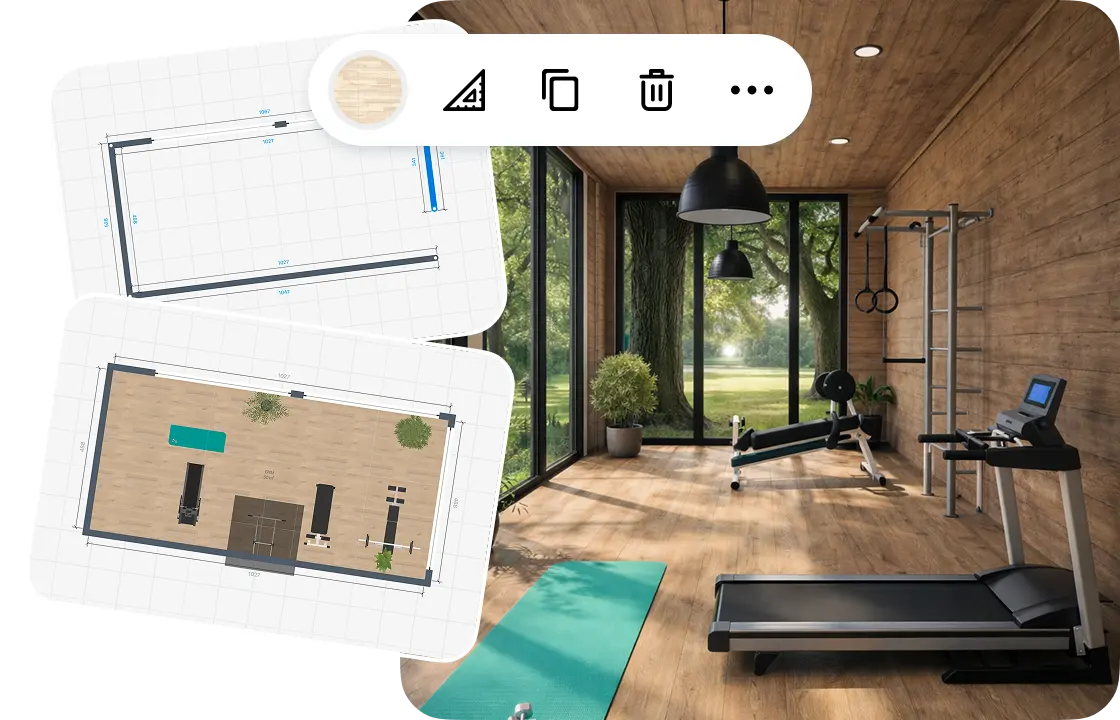
1.
Draw or scan the room
Draw the walls to scale or scan the room with your phone. Add the doors and windows.
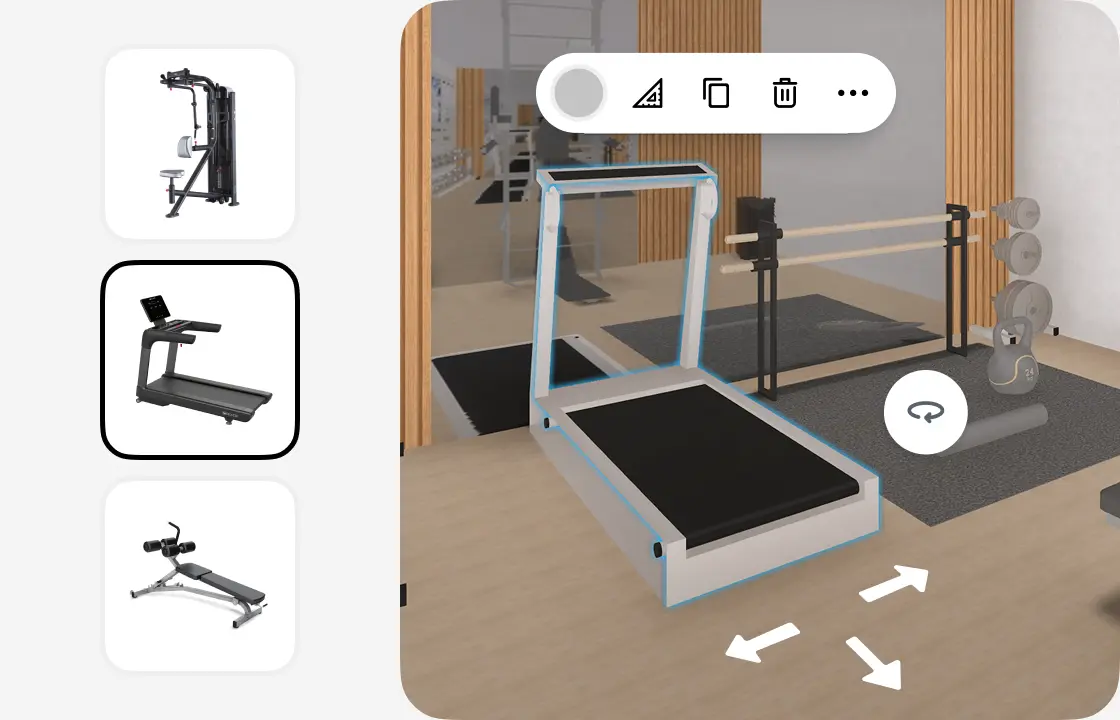
2.
Add equipment and storage
Pick exercise equipment from the catalog and place it on the plan. Move, rotate and align everything on the grid.
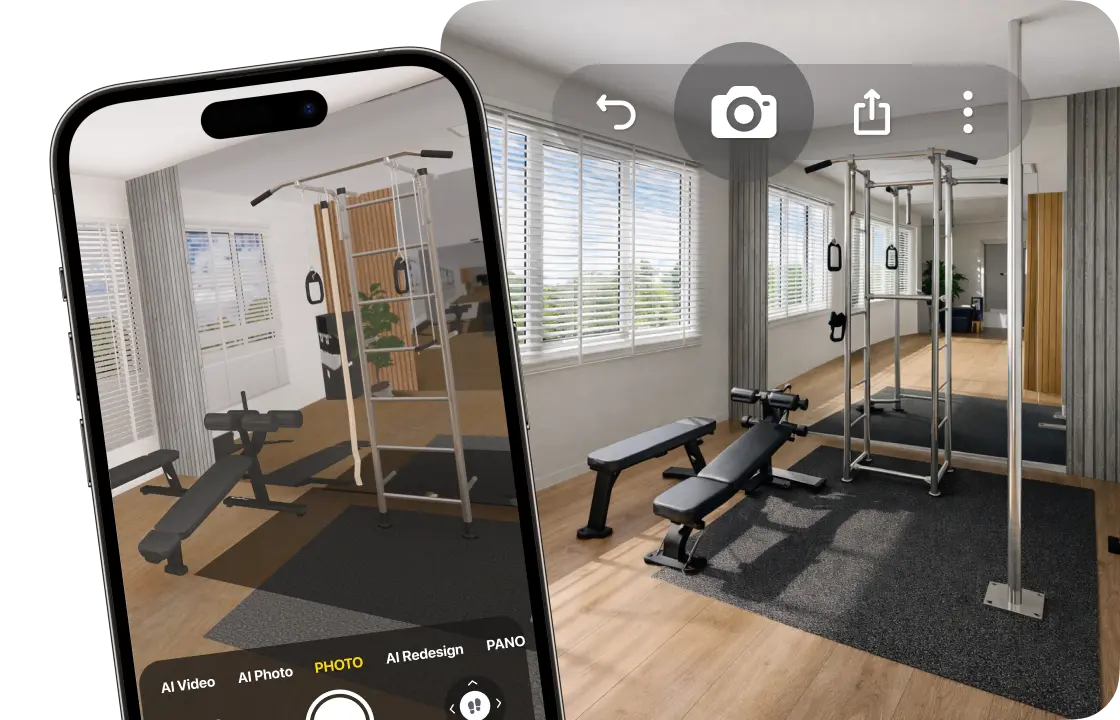
3.
See it in 3D
Walk through your home gym and create photo-realistic renders from any angle. 4K and 360° photos come with PRO+.
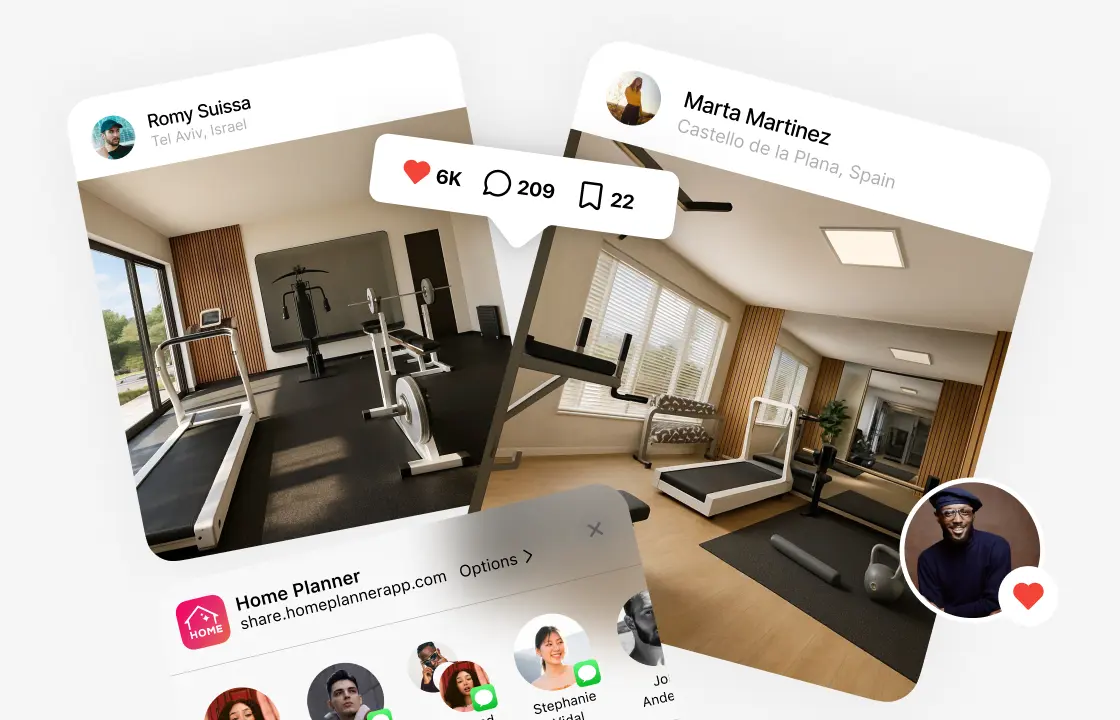
4.
Share your gym design
Send a link to your family, friends or contractor, so everyone sees the same plan before you buy equipment.
1.
Draw or scan the room
Draw the walls to scale or scan the room with your phone. Add the doors and windows.
2.
Add equipment and storage
Pick exercise equipment from the catalog and place it on the plan. Move, rotate and align everything on the grid.
3.
See it in 3D
Walk through your home gym and create photo-realistic renders from any angle. 4K and 360° photos come with PRO+.
4.
Share your gym design
Send a link to your family, friends or contractor, so everyone sees the same plan before you buy equipment.
Home gym layouts to try
Garage gym
Equipment on one side, storage on the wall, and room left for the car.
Basement gym
Cardio in one zone, strength in another, and open floor for stretching.
Spare-room gym
A few key pieces along the walls, a big mirror, and open floor in the middle.
Small-space corner
A mat, a mirror and compact equipment in a corner of the living room or bedroom.
Yoga and Pilates room
Mats, mirrors, plants and soft light, with little equipment.
Home gyms designed in Home Planner
Ideas to start your own.
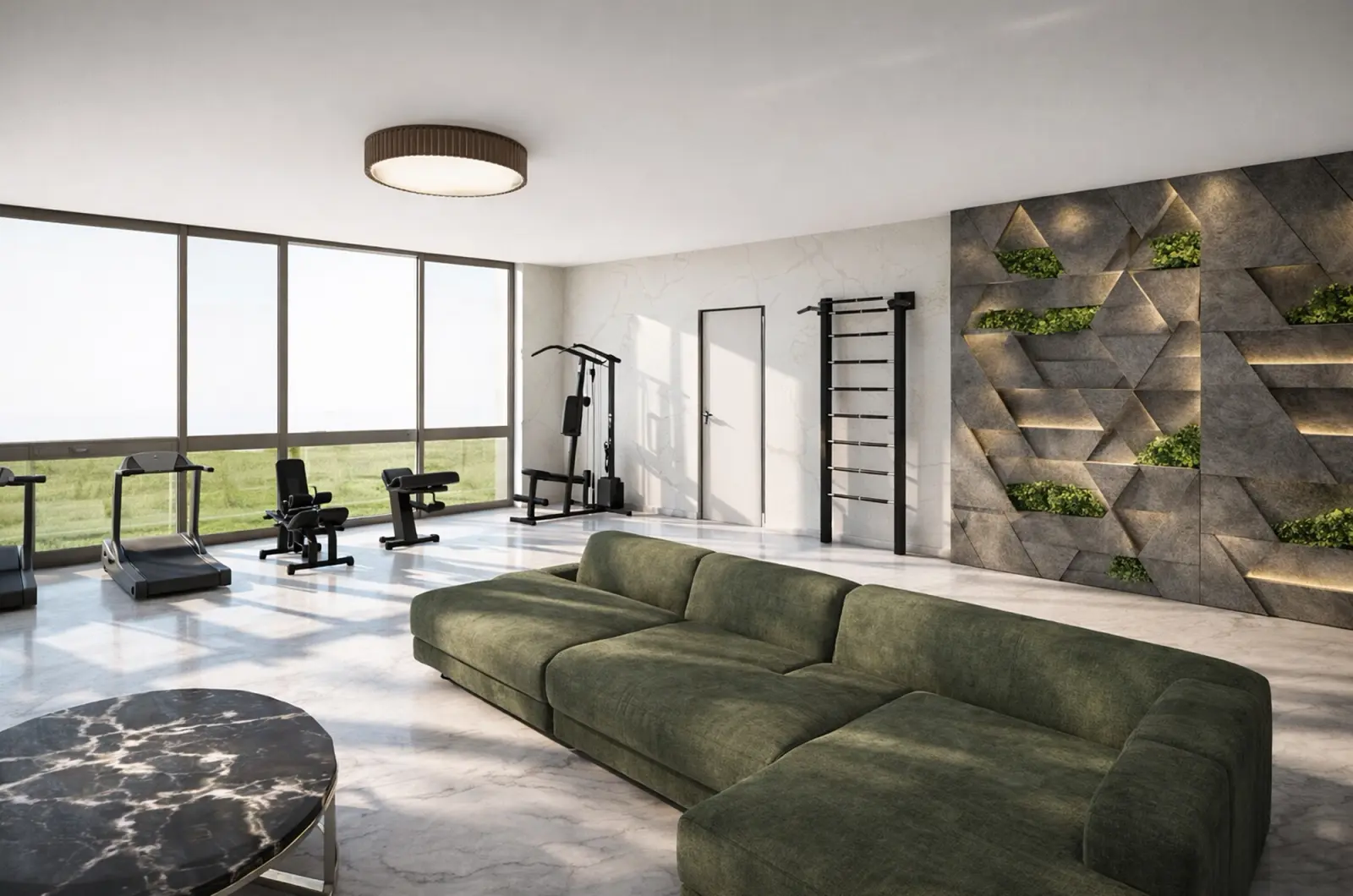
Created in Home Planner
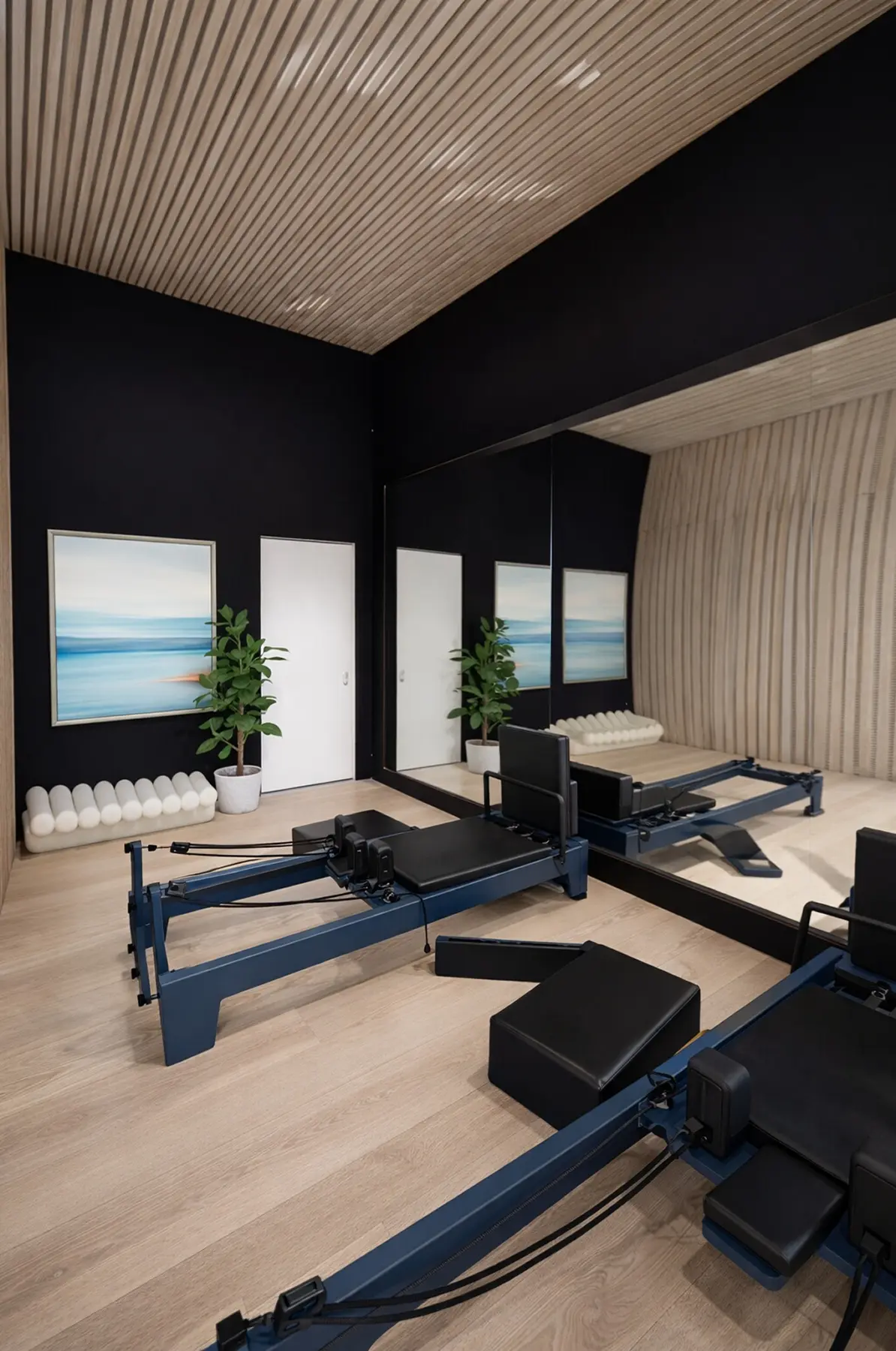
Created in Home Planner
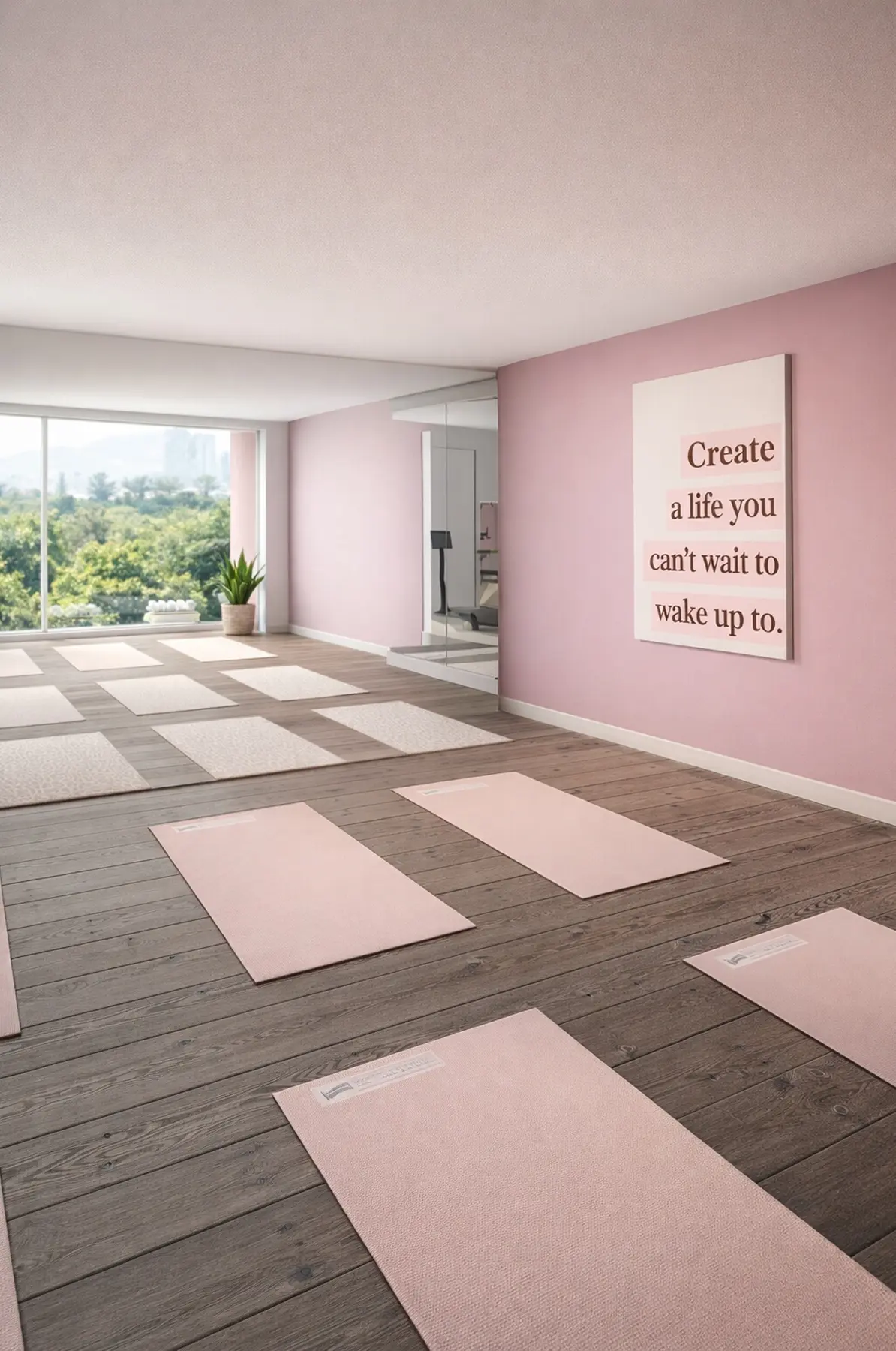
Created in Home Planner
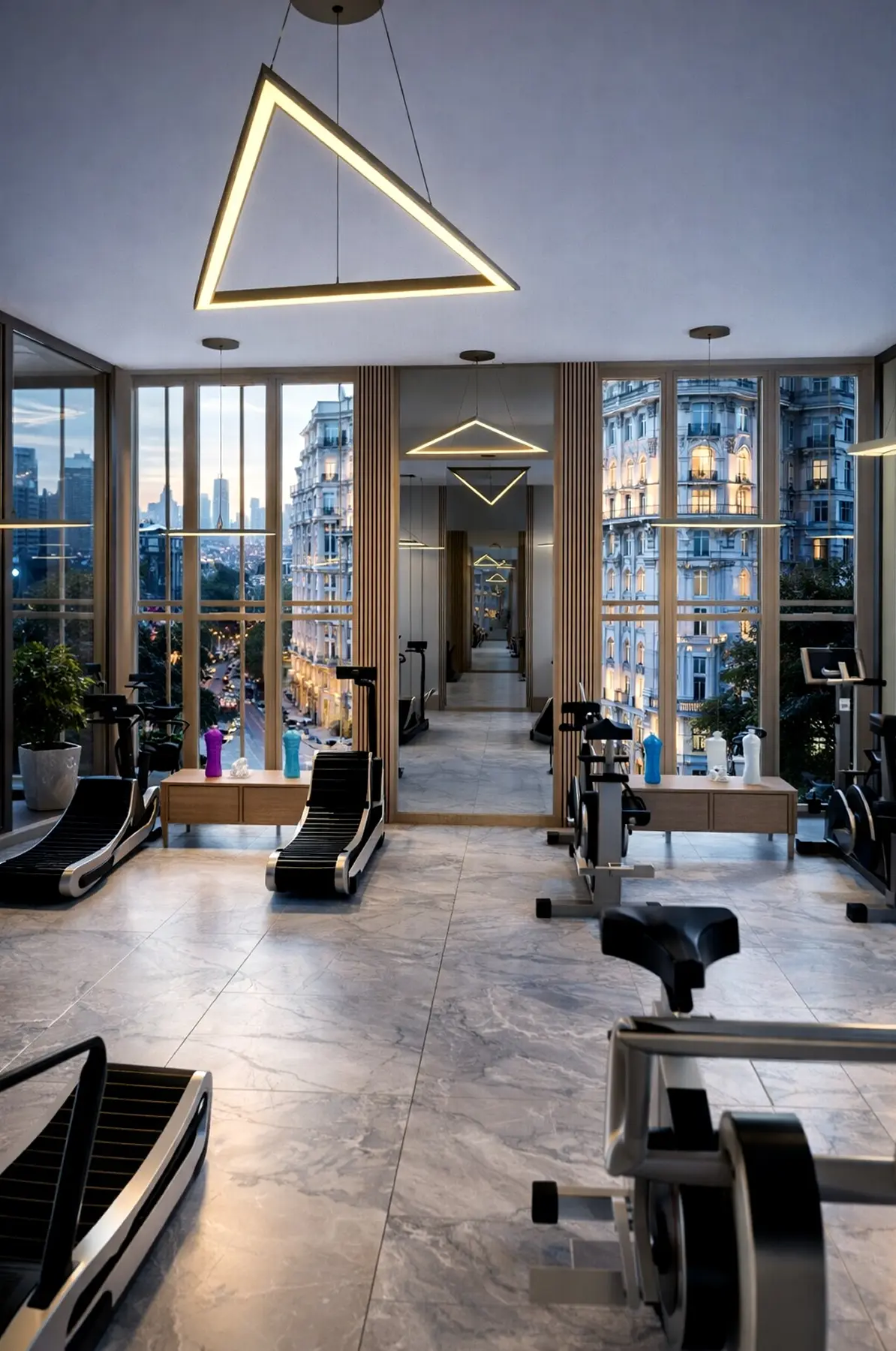
Created in Home Planner
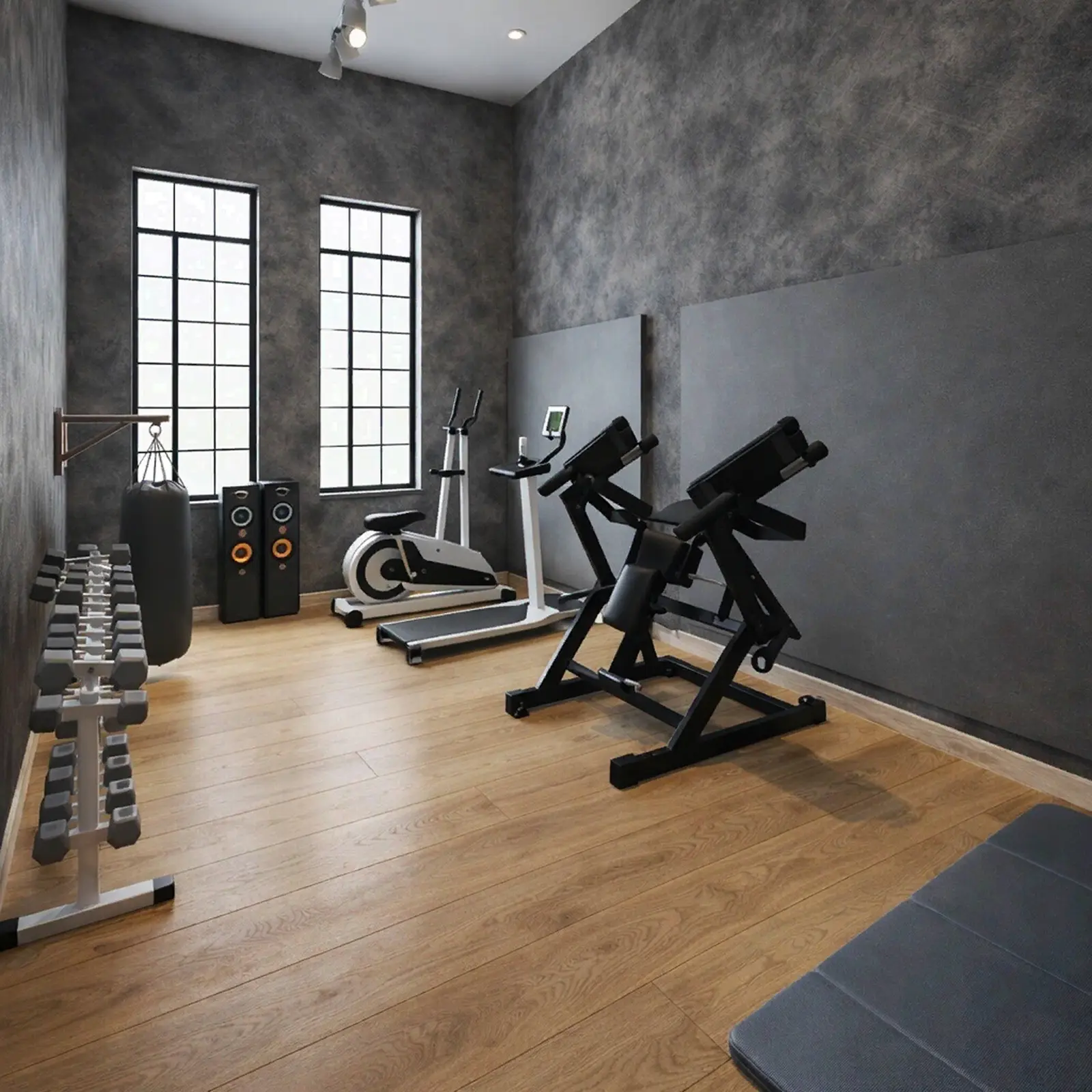
Created in Home Planner
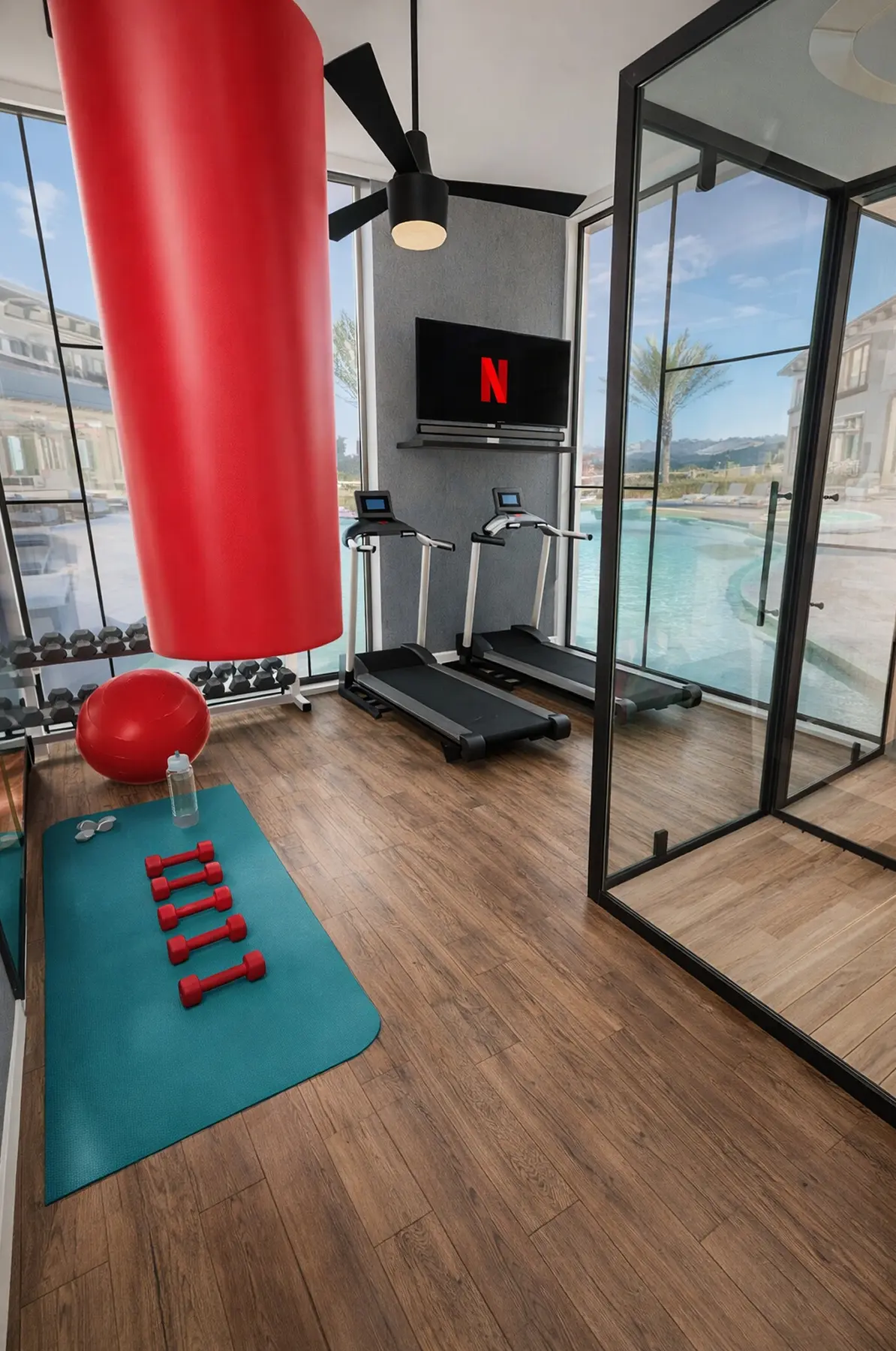
Created in Home Planner
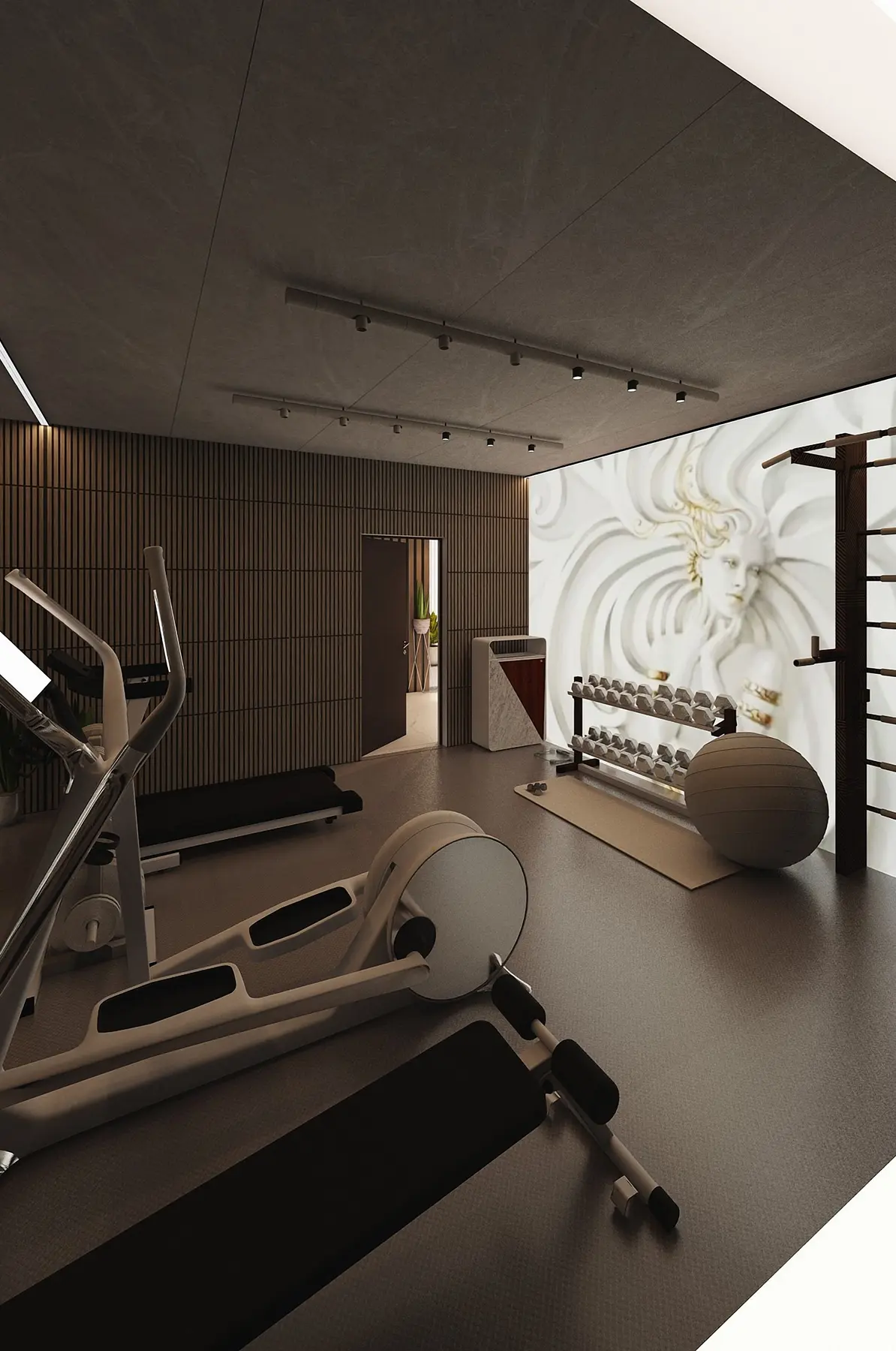
Created in Home Planner
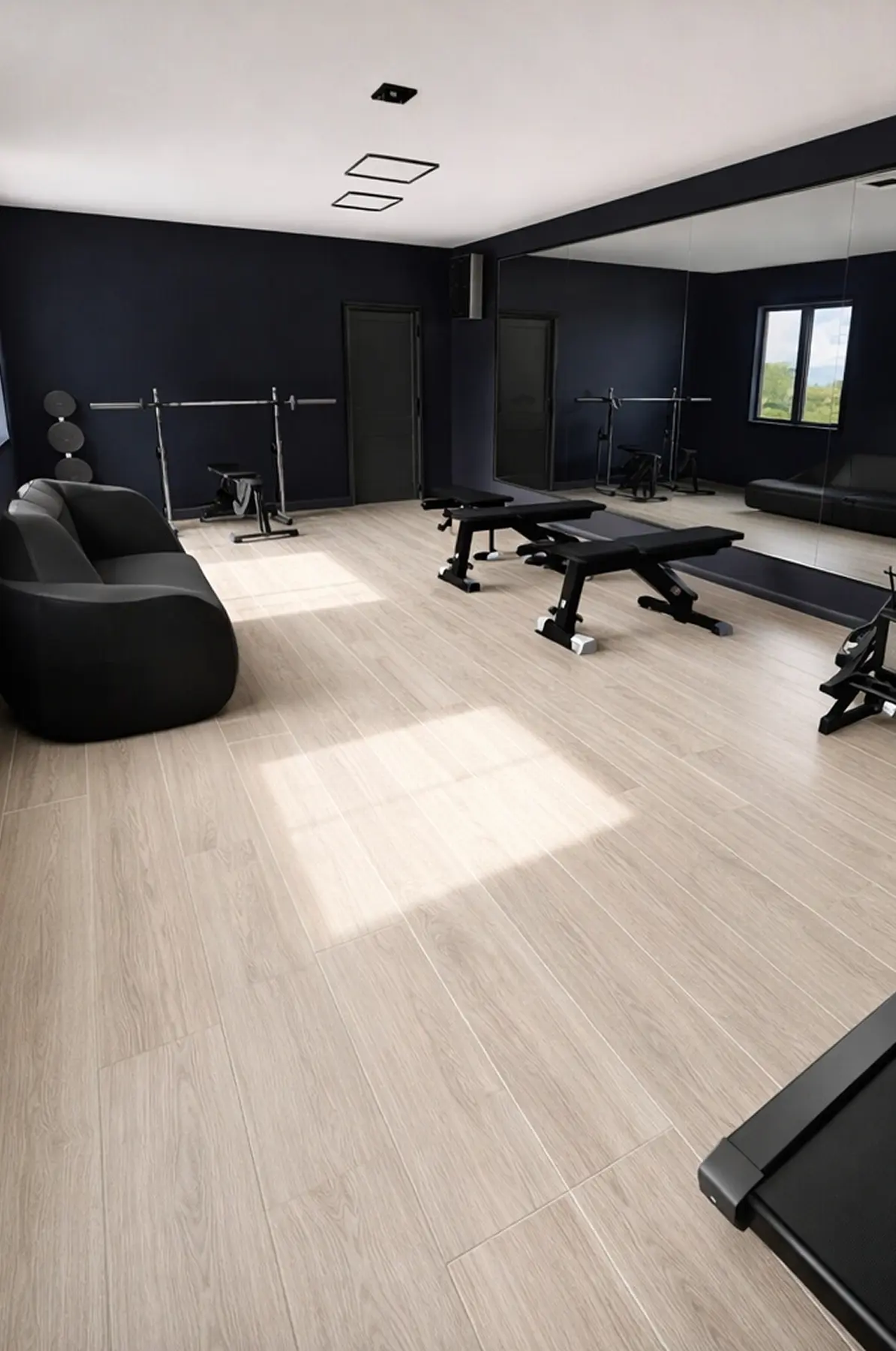
Created in Home Planner
Created in Home Planner
Created in Home Planner
Created in Home Planner
Created in Home Planner
Created in Home Planner
Created in Home Planner
Created in Home Planner
Created in Home Planner
Frequently Asked Questions
Yes. The free plan lets you save up to 10 designs, each one a whole home plan, and try photo renders and AI redesign. PRO adds exact wall measurements, the full catalog, unlimited renders and renovation cost estimates; PRO+ adds 4K, 360° photos and offline access. Compare plans
Draw the room to scale, split it into zones for cardio, strength and stretching, then place the equipment and leave room to move around each piece. Walk through it in 3D to check the space.
Yes. Draw the garage or basement, add the equipment, and keep space for the car or storage. Then see the whole room in 3D.
Yes, with PRO: type the exact length of every wall and the ceiling height. On the free plan you draw walls on a grid.
Yes. Take or upload a photo, pick a style, and AI shows the room with new colors, floors and decor, keeping the shape of the room.
Yes, on phones that support AR; iPhones with LiDAR make a detailed scan. Scanning is free, editing the scanned room needs PRO. Scanning isn't available on Mac or Windows.
Yes. Home Planner works on iPhone, iPad and Android, and on Mac and Windows computers. With PRO, your projects sync between devices.
Plan your home gym today
Free to start. Try equipment, mirrors and floors in your own room before you buy anything.