List an apartment this week
Sales agents and brokers
- Scan the rooms on one visit
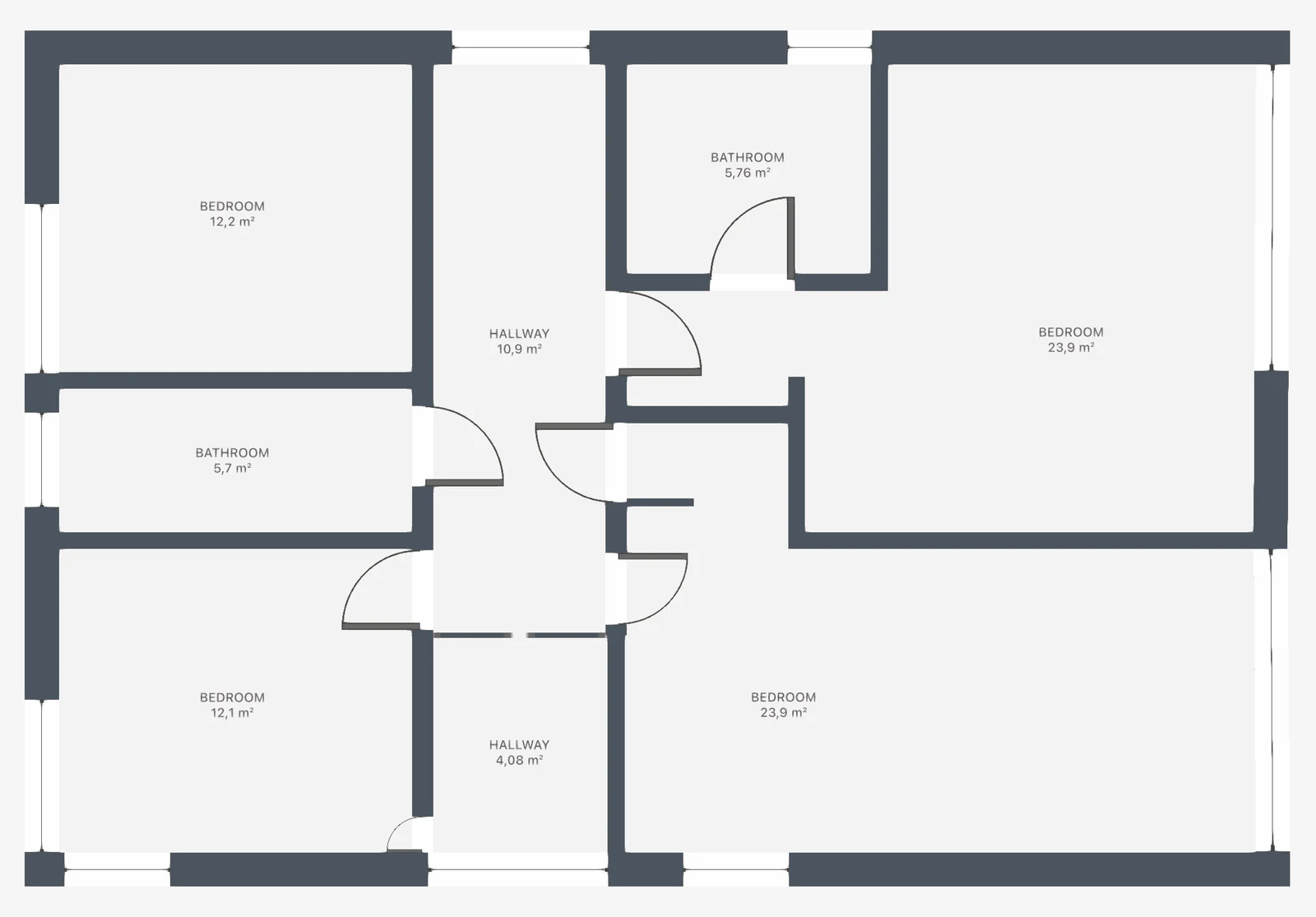
- Real estate floor plan with room areas
- 360° photos of the main rooms
- One link in the listing
Before: photos without a layout
After: buyers see the whole home first
For agents, brokers and property managers
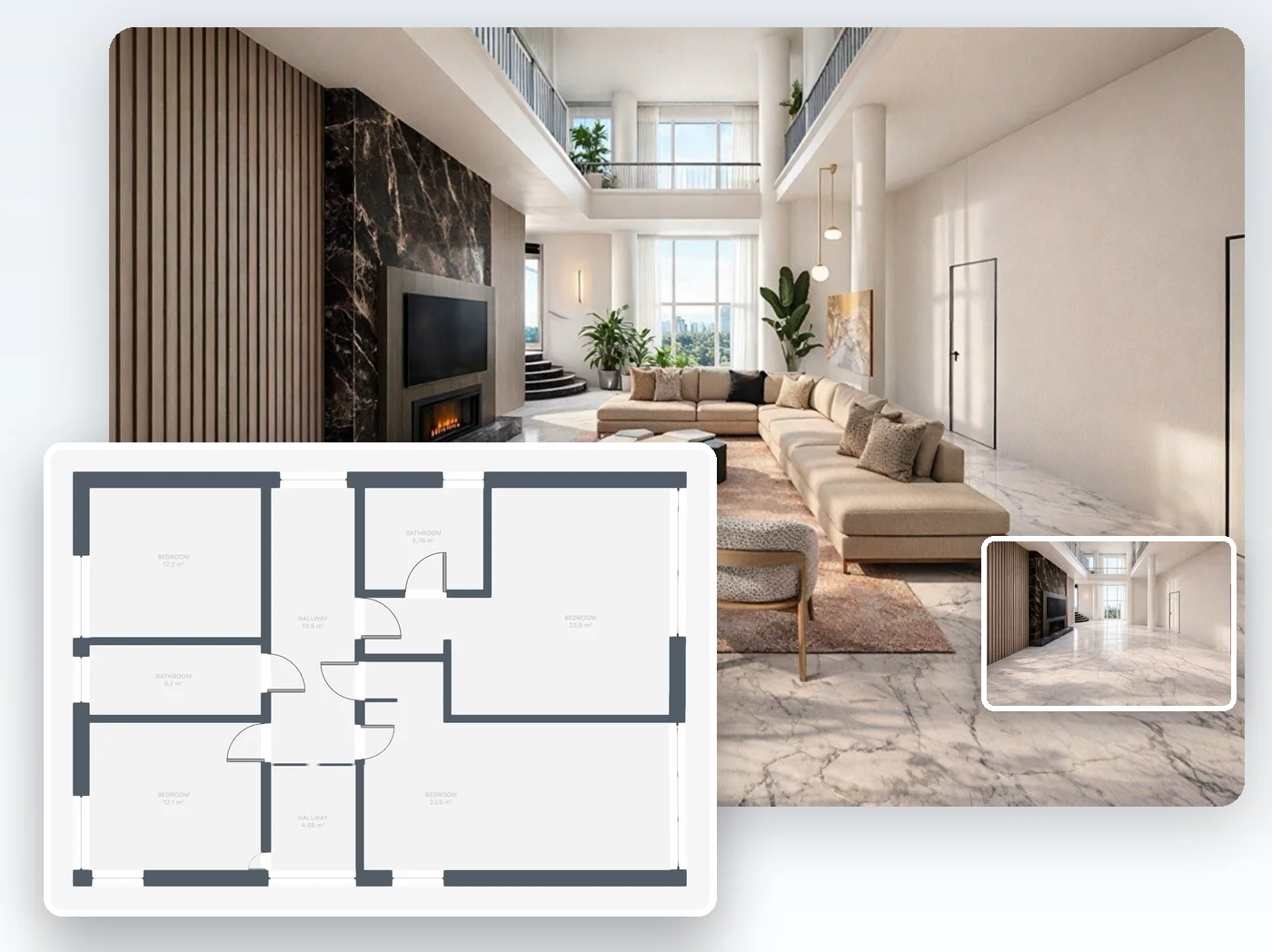
Give buyers what gets them to book a viewing: a real estate floor plan with room names and areas, photos of the empty rooms furnished by AI in any of 60+ interior styles, and 360° views of the home in 3D.
4.6App Store · 300K+ ratings
On your phone too
Point the phone camera here to install, then scan your rooms
Drawing the plan and sharing a link are free · for listings, PRO+ adds commercial use and removes the watermark
Three steps, from the first visit to a listing buyers understand.
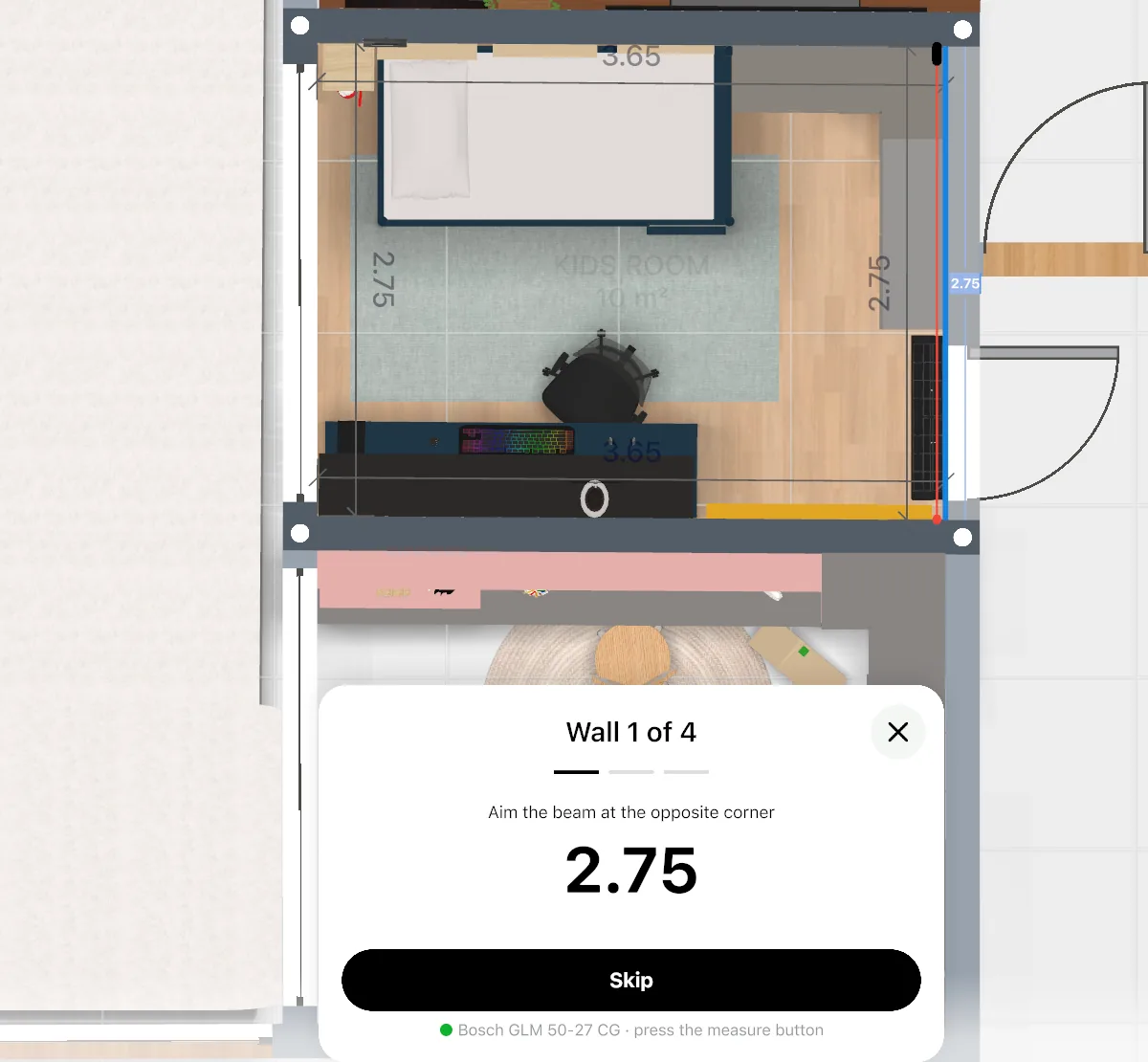
Scan the rooms with an iPhone Pro or iPad Pro, measure with a laser distance meter, or draw the plan by hand.
Export the floor plan with room areas, stage photos of the empty rooms with AI on our website and make 360° photos of the main rooms.
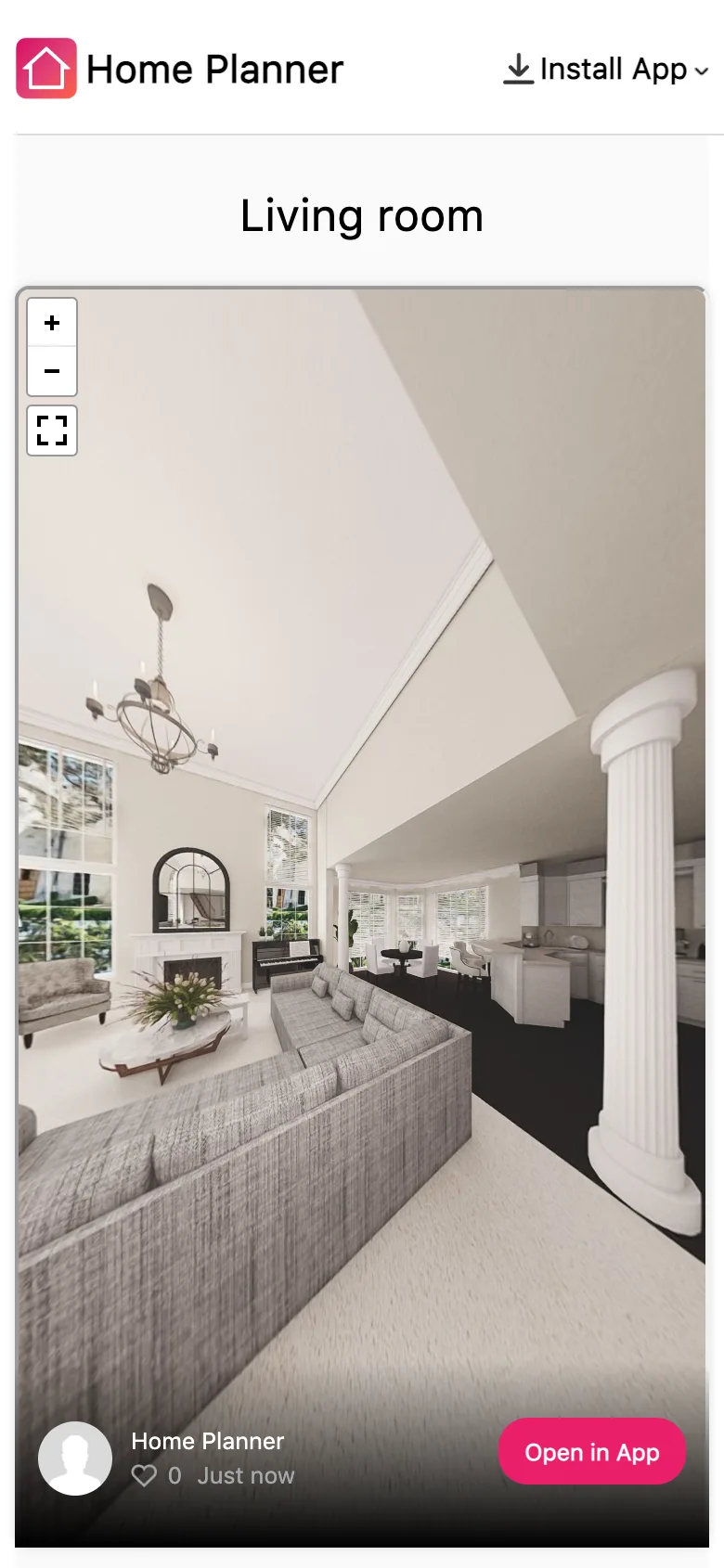
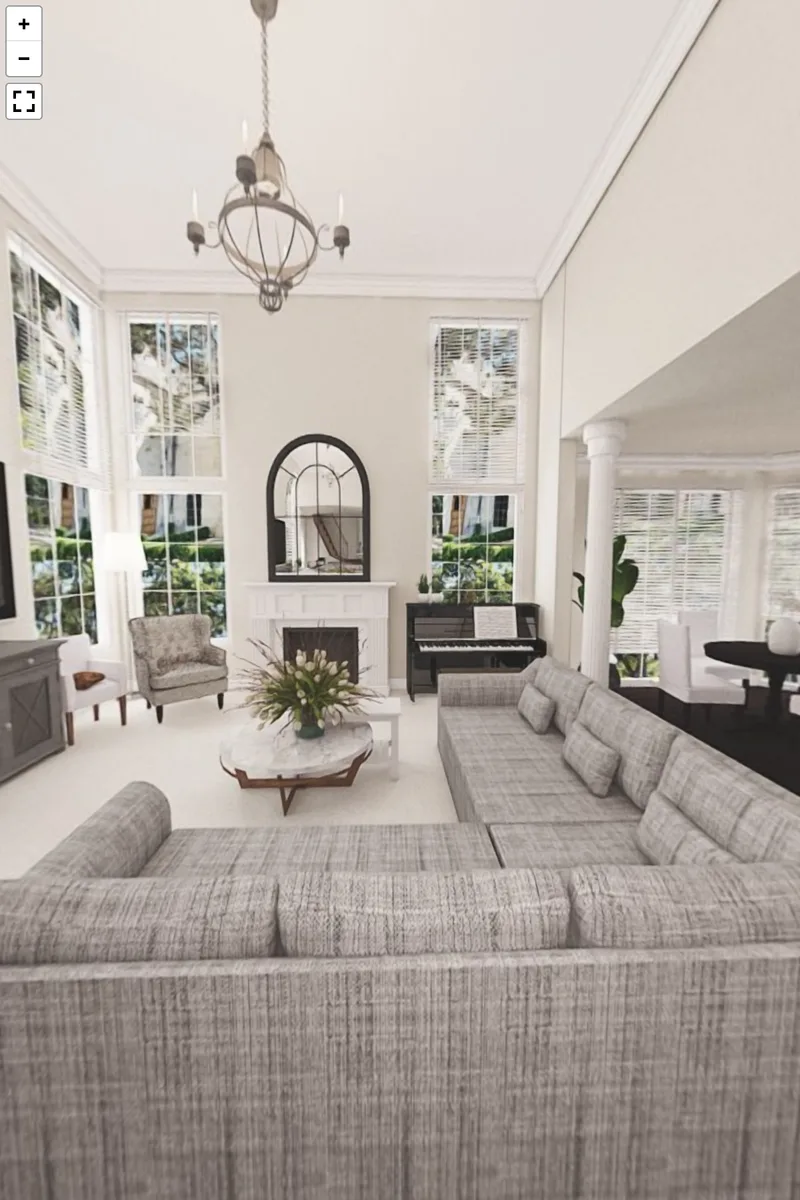
Buyers see your renders and look around each 360° photo in any browser — no app, no sign-up.
Yes. Measure with a laser meter or scan each room with a phone, and every figure goes straight into the plan. No tape, no notepad, and fewer second visits to check a wall.

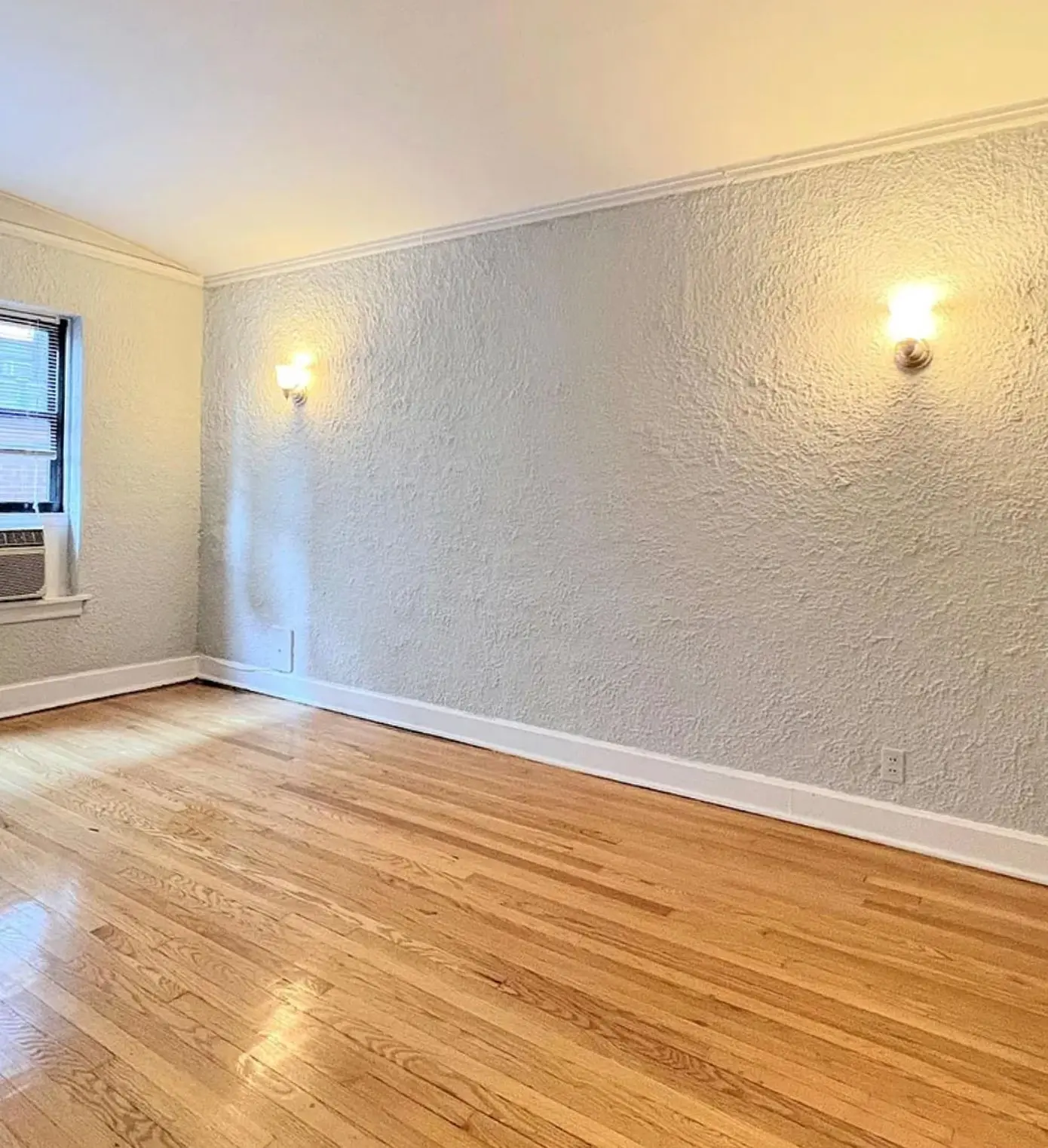
Because photos of single rooms do not show how the home fits together, and empty rooms look smaller than they are. Every listing a buyer skips is a viewing you never get.
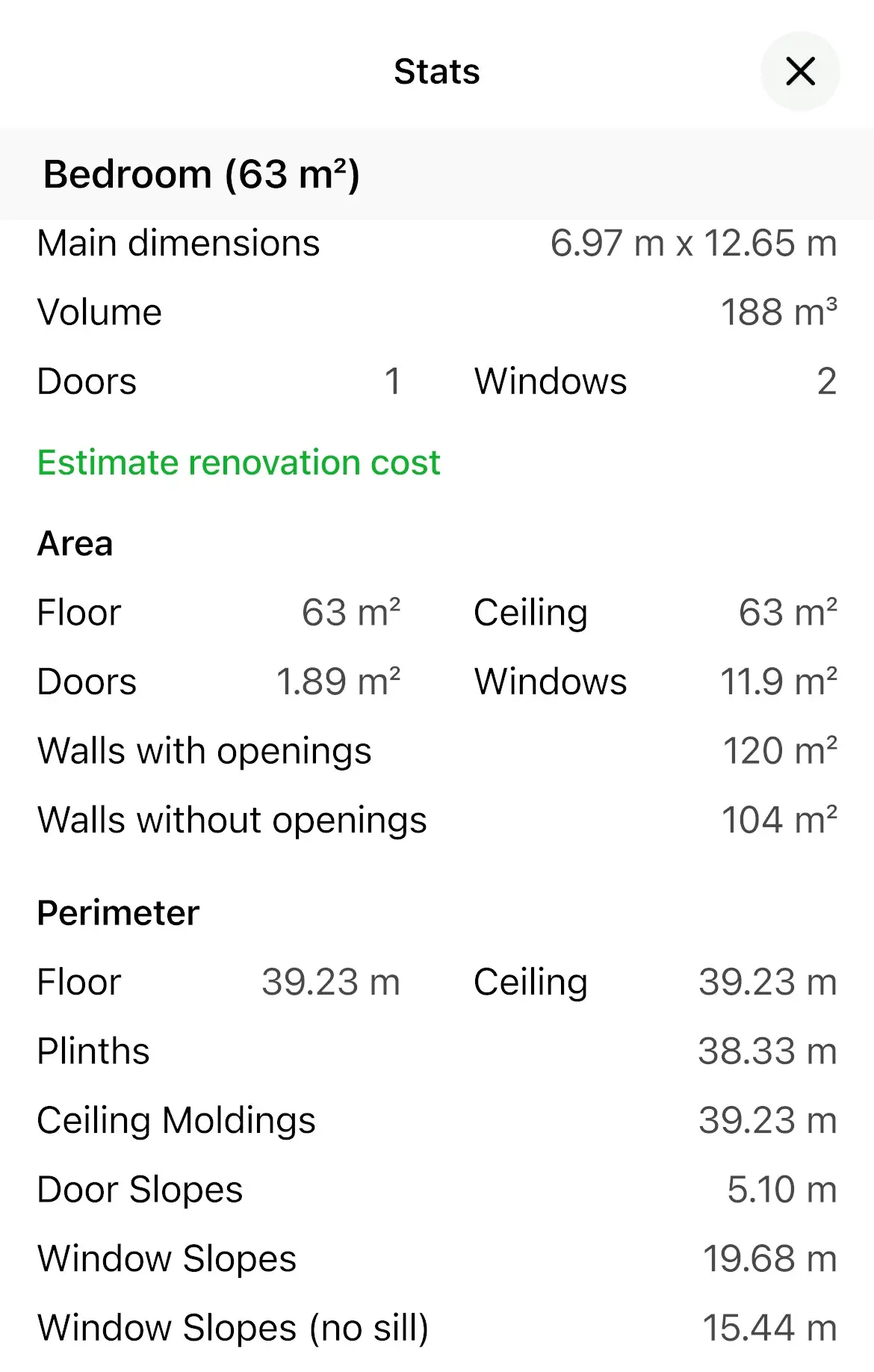
Home Planner turns one visit to the property into a floor plan with room areas, a 3D home and staged photos for the listing.
Buyers book a viewing when they understand the layout, trust the sizes and can picture living there. Home Planner covers each of these, from the first visit to the listing.
| What gets the viewing | What you do in Home Planner | Plan |
|---|---|---|
| Buyers see the layout at a glance | A real estate floor plan with room names and room areas |
|
| Sizes buyers can trust | Laser meter or LiDAR scan straight into the plan; AI turns an old plan into walls |
|
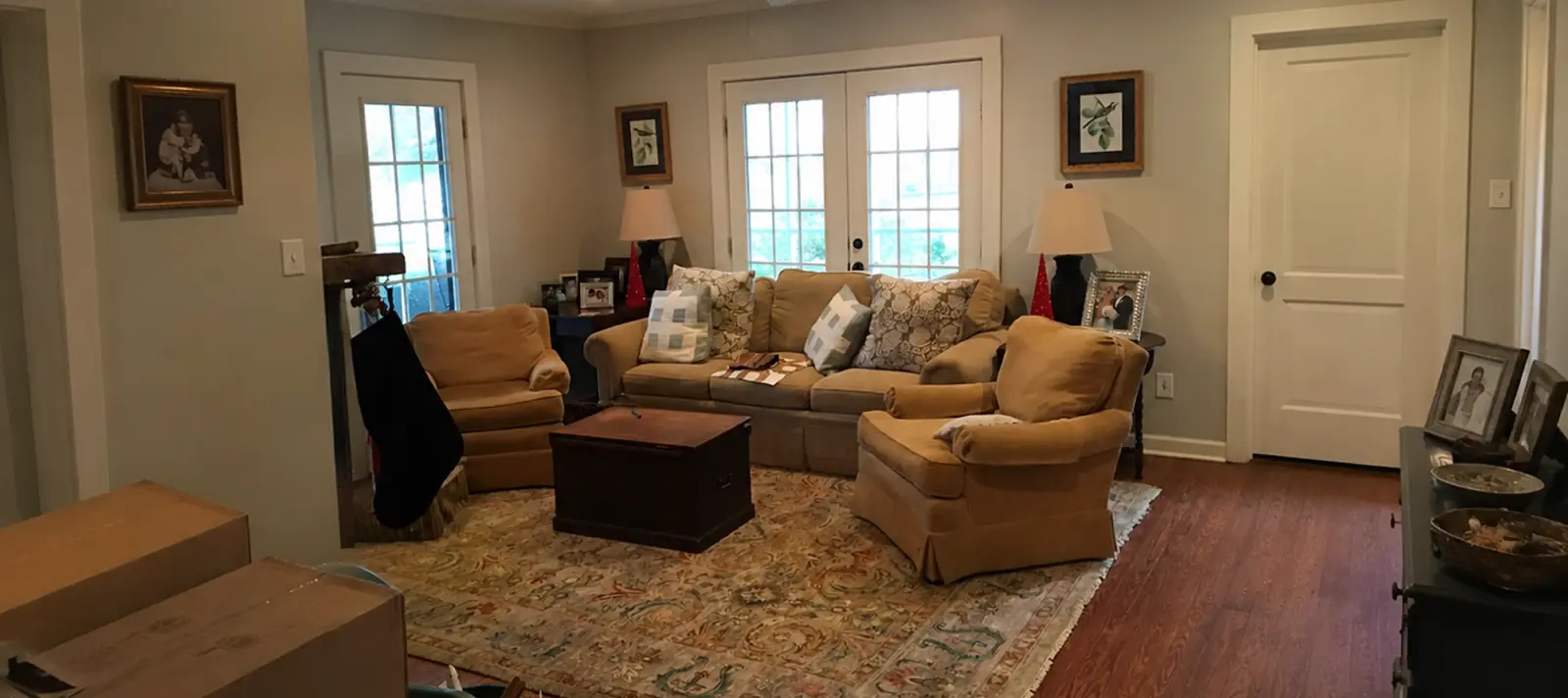
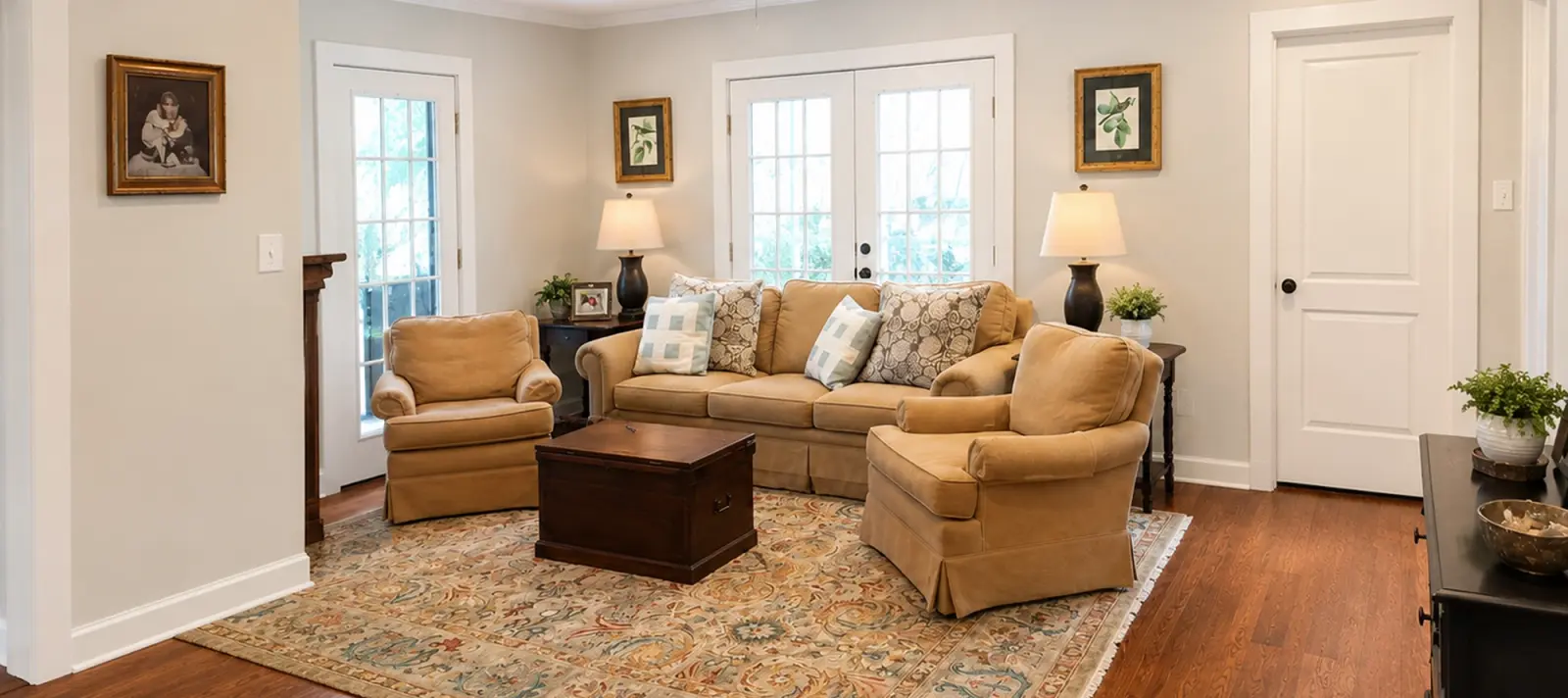
| Empty rooms that feel like a home | AI furnishes a photo of the empty room in the style you choose |
|
| A viewing from anywhere | 360° photos of each room and a link that opens in any browser |
|
| Buyers see what the home could become | A copy of the design with a new layout and finishes in 3D |
|
| You look like a serious agency | A commercial use license and no Home Planner watermark |
|
Each row links to its section below.
Yes. Draw or scan the property, then choose Real Estate Floor Plan (Hi-Res) when you export: the whole floor with room names, room areas, doors and windows. For listings, PRO+ removes the Home Planner watermark and adds the commercial use license.
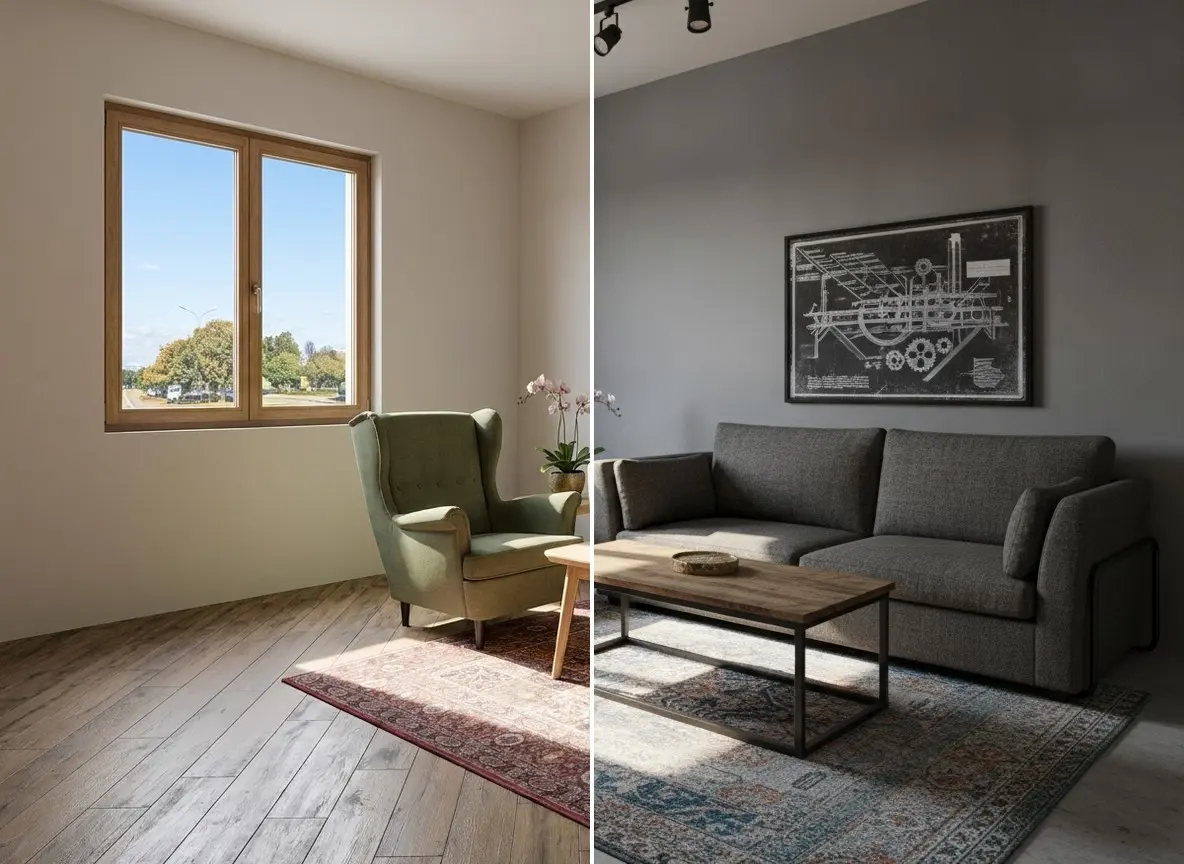
Yes. Upload a room photo to AI Home Staging on our website: it keeps the walls and the layout, clears the clutter and stages the room like a listing photo. An empty room? AI Interior furnishes it in any of 60+ interior styles. No prompt to write — pick the room type and the style.
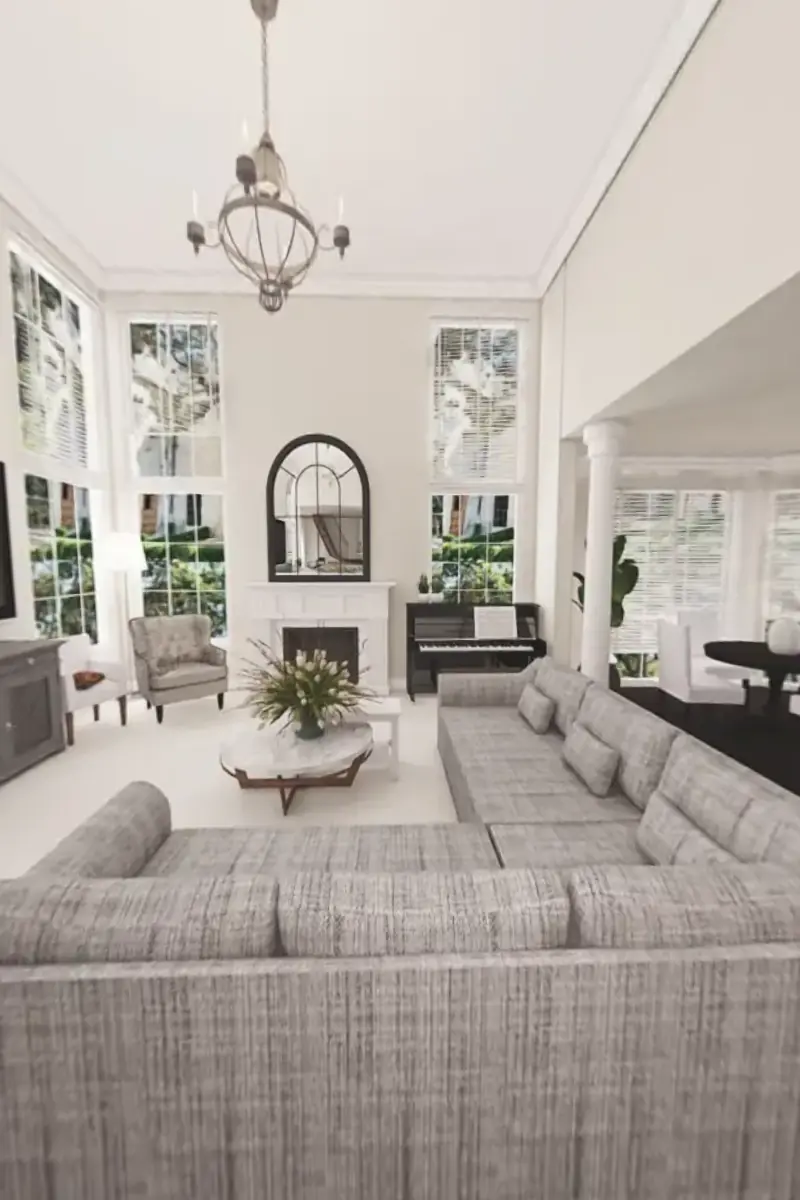
Yes. Furnish the plan in 3D, make 360° photos of the main rooms and send one link. Buyers open it on any phone or computer and look around each room. To walk through the whole home in 3D, they open it in the free Home Planner app.
Yes. Copy the design, move a wall, furnish the rooms and show the home after the renovation — while the plan as it is today stays untouched.
Sales agents and brokers
Before: photos without a layout
After: buyers see the whole home first
Agents with lived-in or vacant listings, home stagers
Before: cluttered or empty rooms
After: rooms buyers can picture living in
Agents with fixer-uppers
Before: buyers see only the work
After: buyers see the home it can be
Property managers and landlords
Before: a viewing for every inquiry
After: tenants arrive knowing the layout
Start free and draw your first listing plan. PRO+ adds the commercial use license your listings need, with 4K renders and 360° photos. Choose PRO++ when every project should go to your CRM.
$0 /month
$17.99 /month
Save 63%$219.99 billed annually, plus sales tax where applicable
$41.99 /month
Save 65%$499.99 billed annually, plus sales tax where applicable
Renews yearly · cancel anytime
Sign in to the app with this email — your plan is there.
On PRO already? Upgrade in the app — same account. Already on this plan? Open the app
Not in the EU, EEA, Switzerland or the US? Buy in the App Store or Google Play — same plans.
$17.99 a month, billed yearly ($219.99), or $49.99 month to month. It adds the commercial use license, 4K renders and 360° photos to the floor plan export, the laser meter and scan editing that PRO already has.
Yes, with PRO+ or PRO++: both include a commercial use license, and exports carry no Home Planner watermark. Free and PRO are for personal use.
As accurate as the measurements you enter: a laser meter gives the length of each wall, a LiDAR scan is a fast survey of the room. Check the key sizes before you publish, and say in the listing that the plan is for illustration.
Yes, if buyers know: mark each one as virtually staged, as many markets and listing sites require, and keep the photo of the empty room in the listing too.
iPhone, iPad, Android phones and tablets, Mac and Windows. Measure on site with a phone, finish the plan on a computer — on PRO and above, the project syncs between devices. The LiDAR scan needs an iPhone Pro or iPad Pro.
No. The floor plan is an image for the listing, and the shared link shows your renders and 360° photos in any browser. Buyers who want to walk through the home in 3D open it in the free Home Planner app.
You do. Your projects stay in your account, and you can export the plans and photos at any time.
Yes. Cancel any time; the plan stays active until the end of the paid period. Bought on our website — contact support and we'll help with a refund. Bought in the App Store or Google Play — the store handles refunds under its own policy.
No. Upgrade to PRO+ in the app with the same account. Already on PRO+? Open the app — you have everything here.
Measure the property once, give buyers a floor plan with room areas, and let them look around every room before the viewing. Start free and draw your first listing plan today.
Home Planner is not affiliated with, endorsed or sponsored by Apple, Google, Microsoft, HubSpot, Pipedrive, Salesforce, Zapier, Make, Bosch or Leica Geosystems; their names and marks belong to their owners. Android is a trademark of Google LLC. iPhone, iPad and Mac are trademarks of Apple Inc., registered in the U.S. and other countries. Other trademarks are the property of their respective owners.