Wardrobe Planner: design your wardrobe in 3D
Draw your bedroom to scale, then fit a built-in, sliding-door or freestanding wardrobe with hanging space, shelves and drawers. The wardrobe planner shows it in your room in 3D, so you know it fits before you buy or build.
4.6App Store · 300K+ ratings
On your phone too
Point the phone camera here to install, then scan your rooms
Free to start. Exact wall sizes and the full catalog need PRO.
Downloads across all stores; countries where the App Store carries the app.
A wardrobe design tool to check the fit before you buy
Fits the wall
Everything is to scale, so you see if the wardrobe fits between the door, the window and the ceiling. Exact wall measurements come with PRO.
Every kind of wardrobe
Pick built-in, sliding-door or freestanding wardrobes, wardrobe systems and cabinets from the catalog.
Resize to fit
Change the width, height and depth of a piece until it fills the space you have, not a standard size.
A place for everything
Combine open wardrobe units, clothes racks, shelves, a chest of drawers and shoe storage.
Colors and finishes
Try colors and materials on the wardrobe, then match the floor, walls and mirrors around it.
Redesign from a photo
Take a photo of your bedroom and see it in a new style, with new colors, floors and decor. AI is set to keep the shape of the room.
How to plan a wardrobe
1.
Draw or scan the room
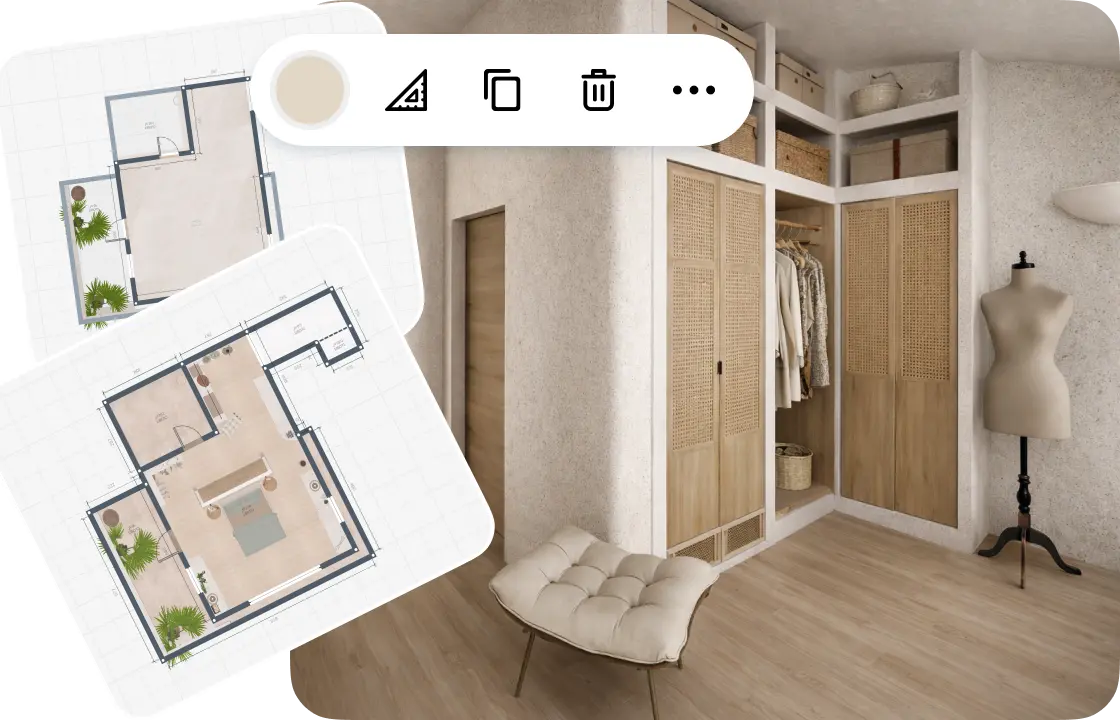
Draw the walls to scale or scan the room with your phone. Add the doors and windows, so you know where a wardrobe can go.
2.
Add wardrobes and storage
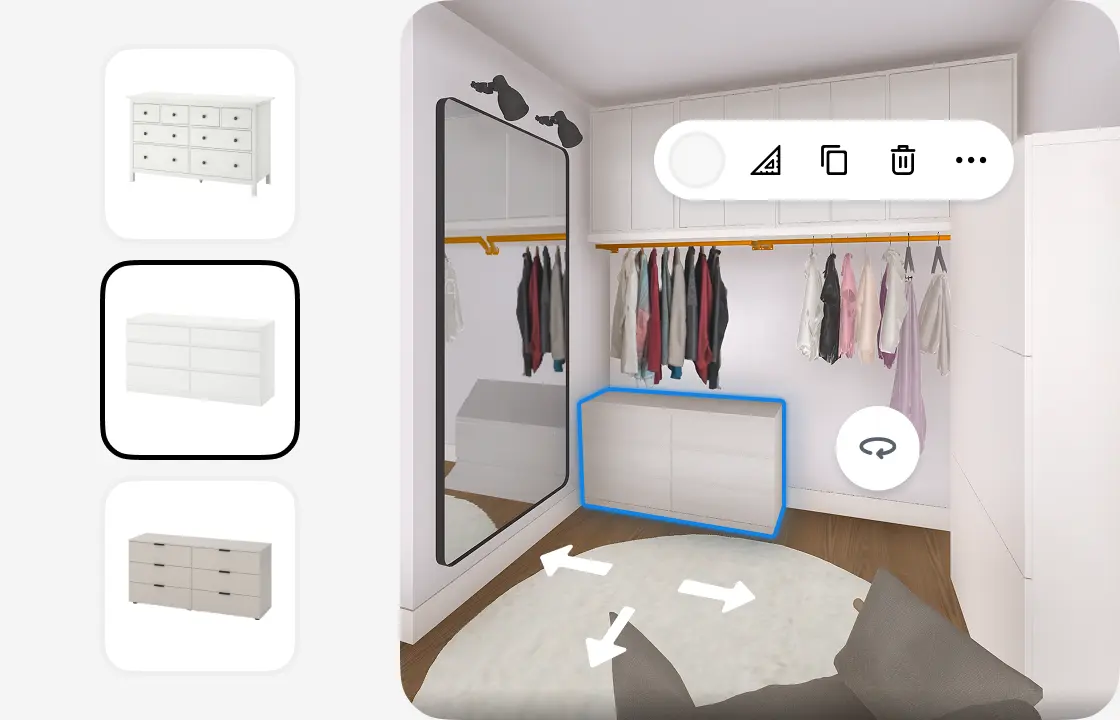
Pick wardrobes, drawers and shelves from the catalog and place them on the plan. Move, rotate and resize each piece to fit the wall.
3.
See it in 3D
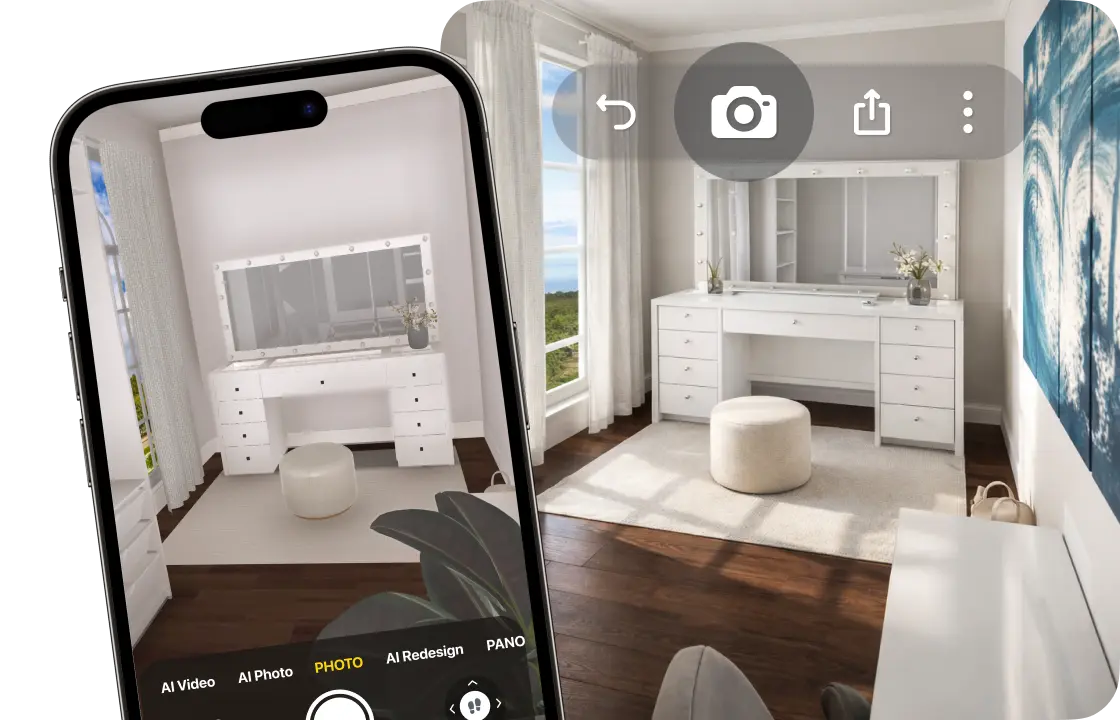
Walk through the room and create photo-realistic renders from any angle. 4K and 360° photos come with PRO+.
4.
Share your wardrobe design
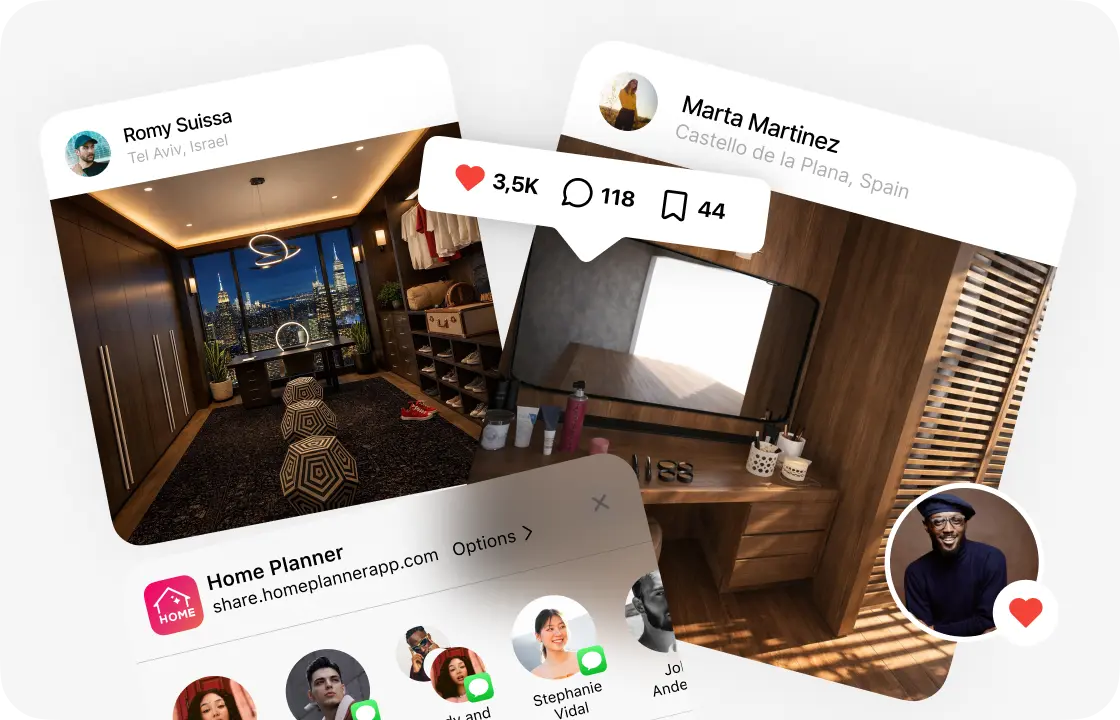
Send a link to your family, a carpenter or a wardrobe fitter, so everyone works from the same plan.
1.
Draw or scan the room
Draw the walls to scale or scan the room with your phone. Add the doors and windows, so you know where a wardrobe can go.
2.
Add wardrobes and storage
Pick wardrobes, drawers and shelves from the catalog and place them on the plan. Move, rotate and resize each piece to fit the wall.
3.
See it in 3D
Walk through the room and create photo-realistic renders from any angle. 4K and 360° photos come with PRO+.
4.
Share your wardrobe design
Send a link to your family, a carpenter or a wardrobe fitter, so everyone works from the same plan.
Wardrobe ideas you can start from
Start from the type that suits your room, then resize it to your wall.
Built-in wall wardrobe
Floor-to-ceiling wardrobes along one wall, with hanging space, shelves and drawers.
Sliding-door wardrobe
Doors that slide instead of swing, for a narrow bedroom or a spot next to the bed.
Freestanding wardrobe
A wardrobe you can take with you, with a chest of drawers and a mirror beside it.
Corner wardrobe
Turns an empty corner into storage, with shelves on the short side and hanging space on the long one.
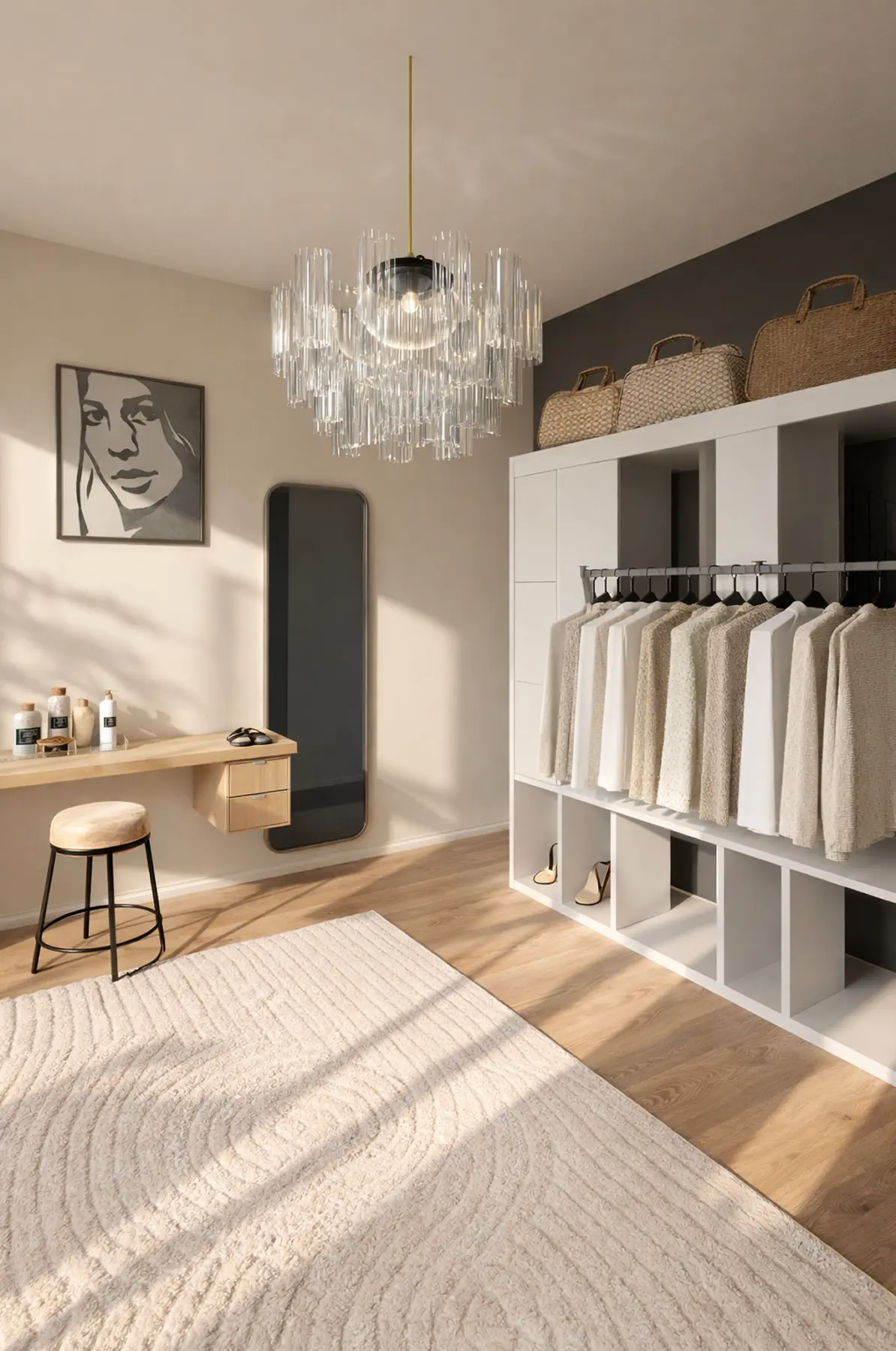
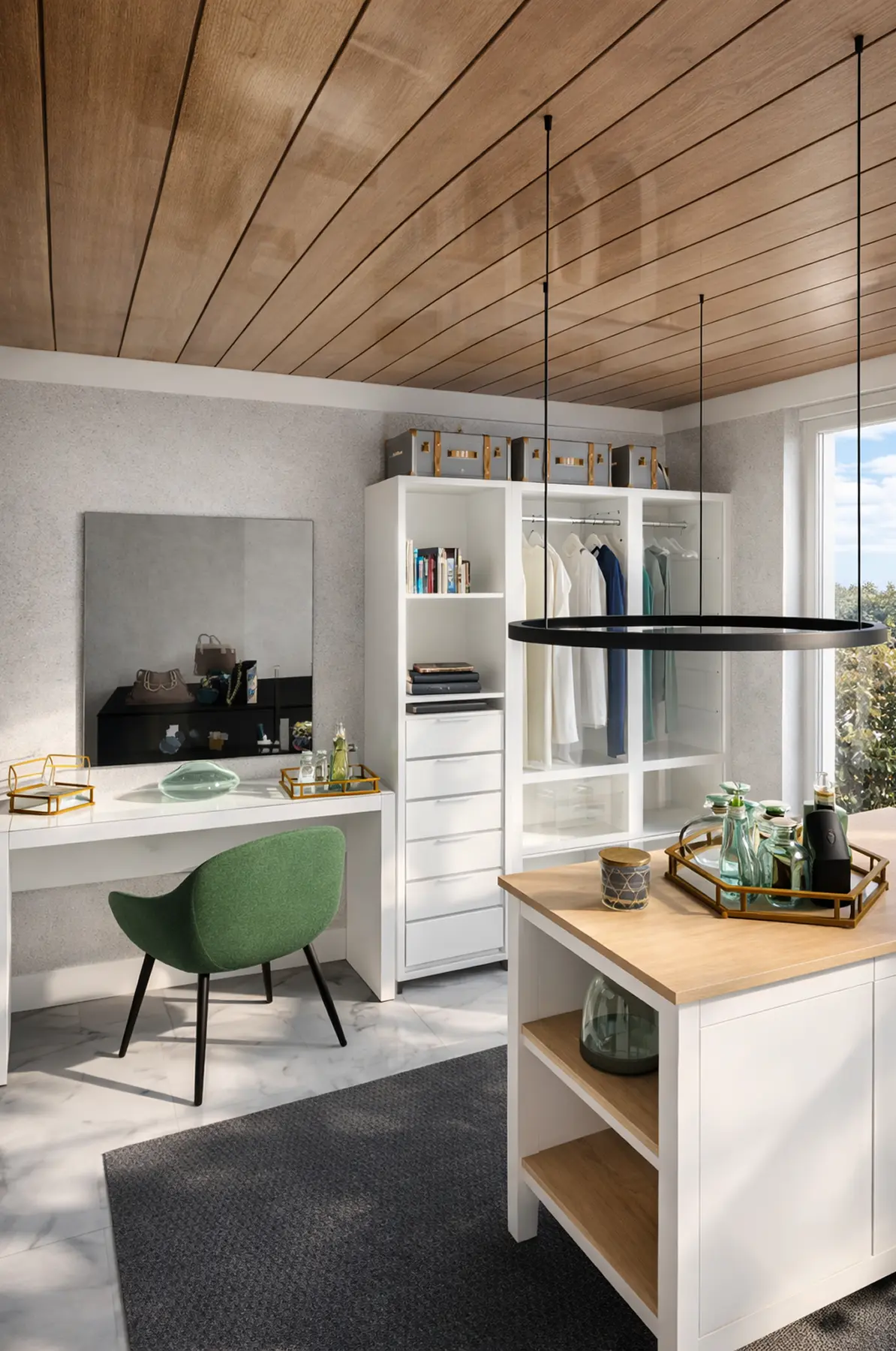
Wardrobe wall with a dressing table
Open wardrobe units along one wall, with a dressing table and a mirror at the end.
Fitted wardrobe planner: measure for a built-in
A fitted wardrobe runs from wall to wall and floor to ceiling, so three sizes decide your order.
Width between the walls
Measure at the top, middle and bottom: walls are rarely straight. Order for the smallest width.
With PRO, type the exact wall length or read it from a supported laser distance meter.
Height to the ceiling
Fitted wardrobes reach the ceiling. Measure at both ends, and close the last gap with a filler panel.
Set the ceiling height, then resize the wardrobe to fill it.
Room in front of the doors
Hinged doors need free floor about as wide as the door. Sliding doors need none, so they suit a narrow bedroom.
Select the wardrobe in 3D: the app shows its distance to the bed and the walls.
Wardrobes designed in Home Planner
Ideas to start your own.
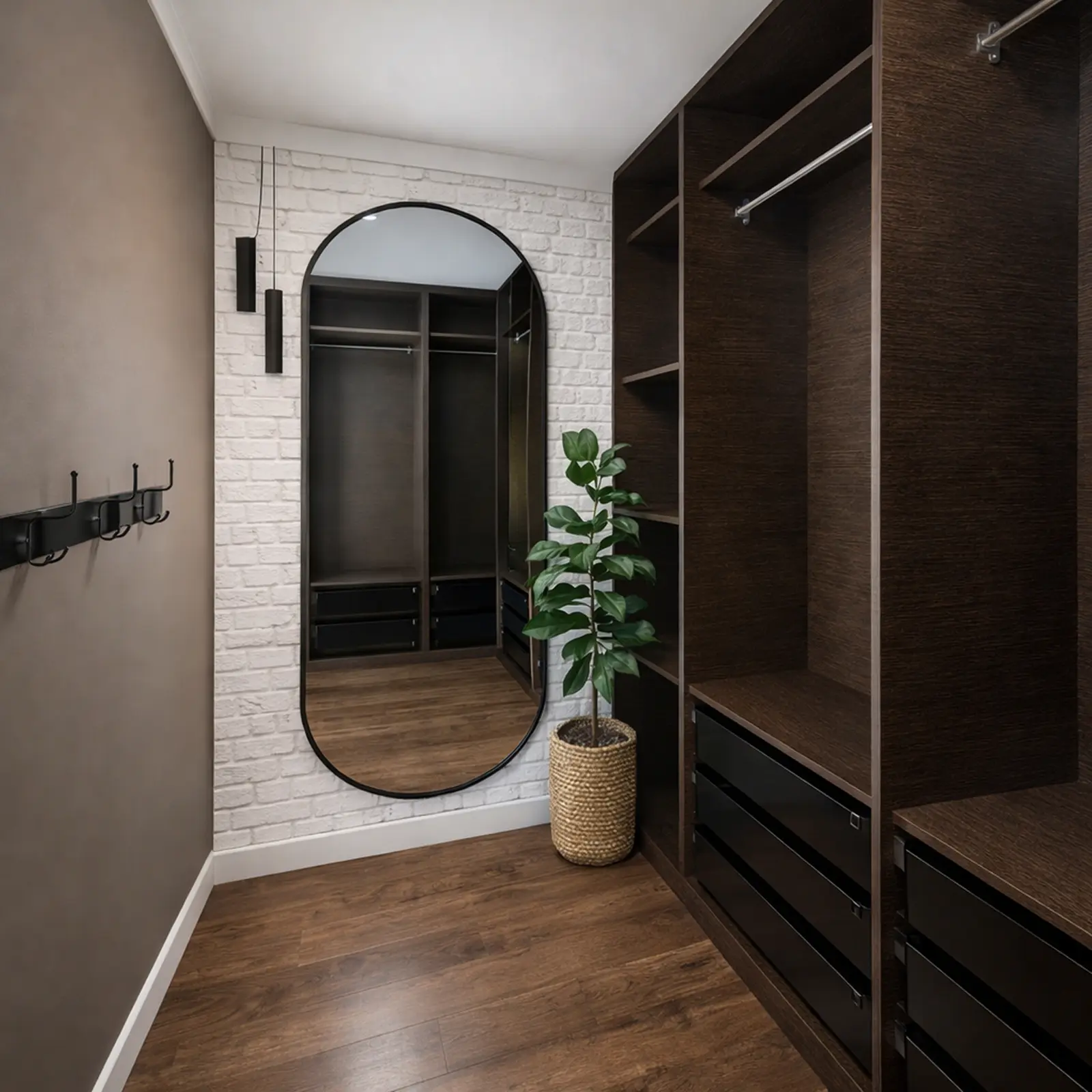
Created in Home Planner
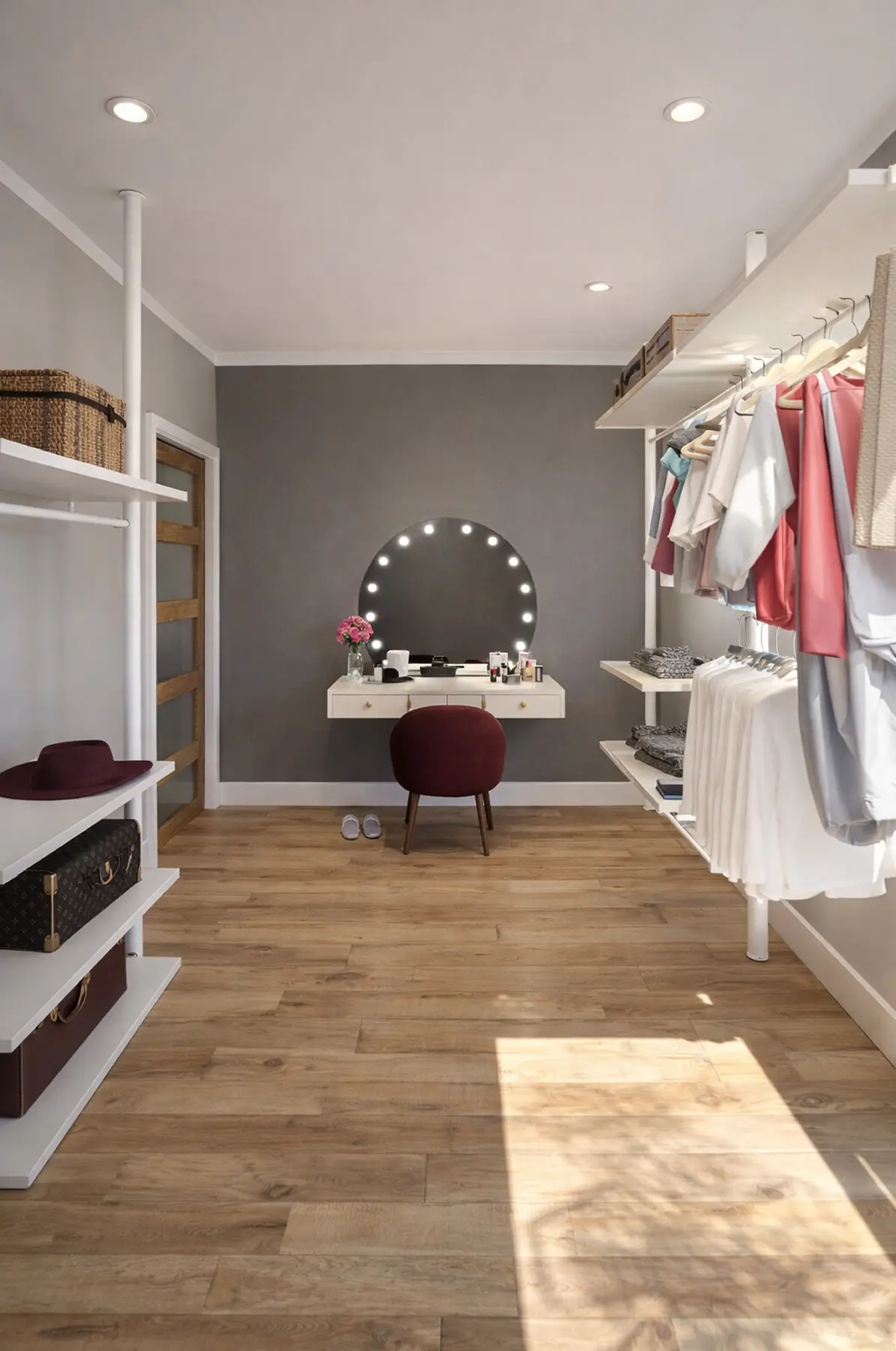
Created in Home Planner
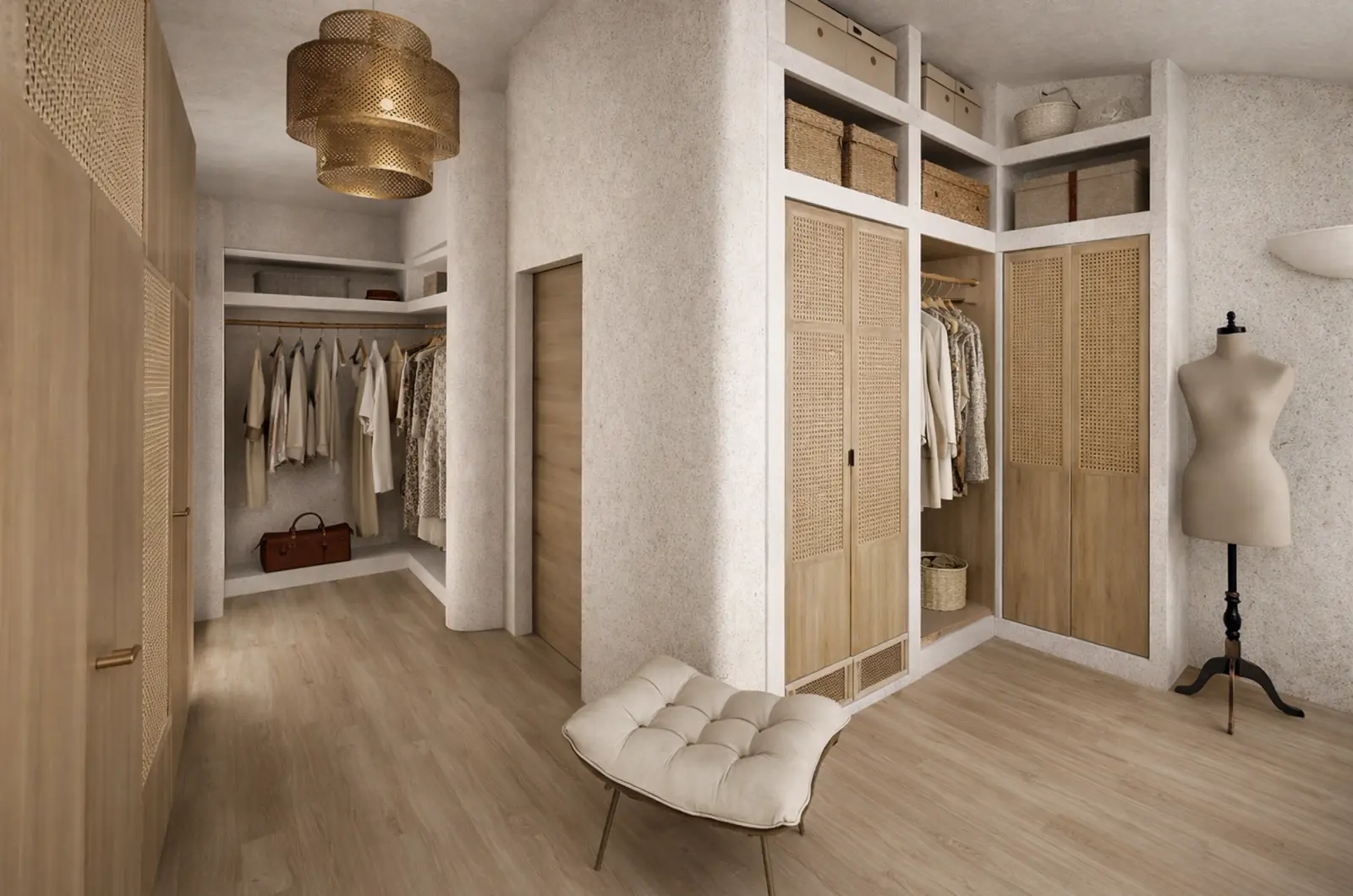
Created in Home Planner
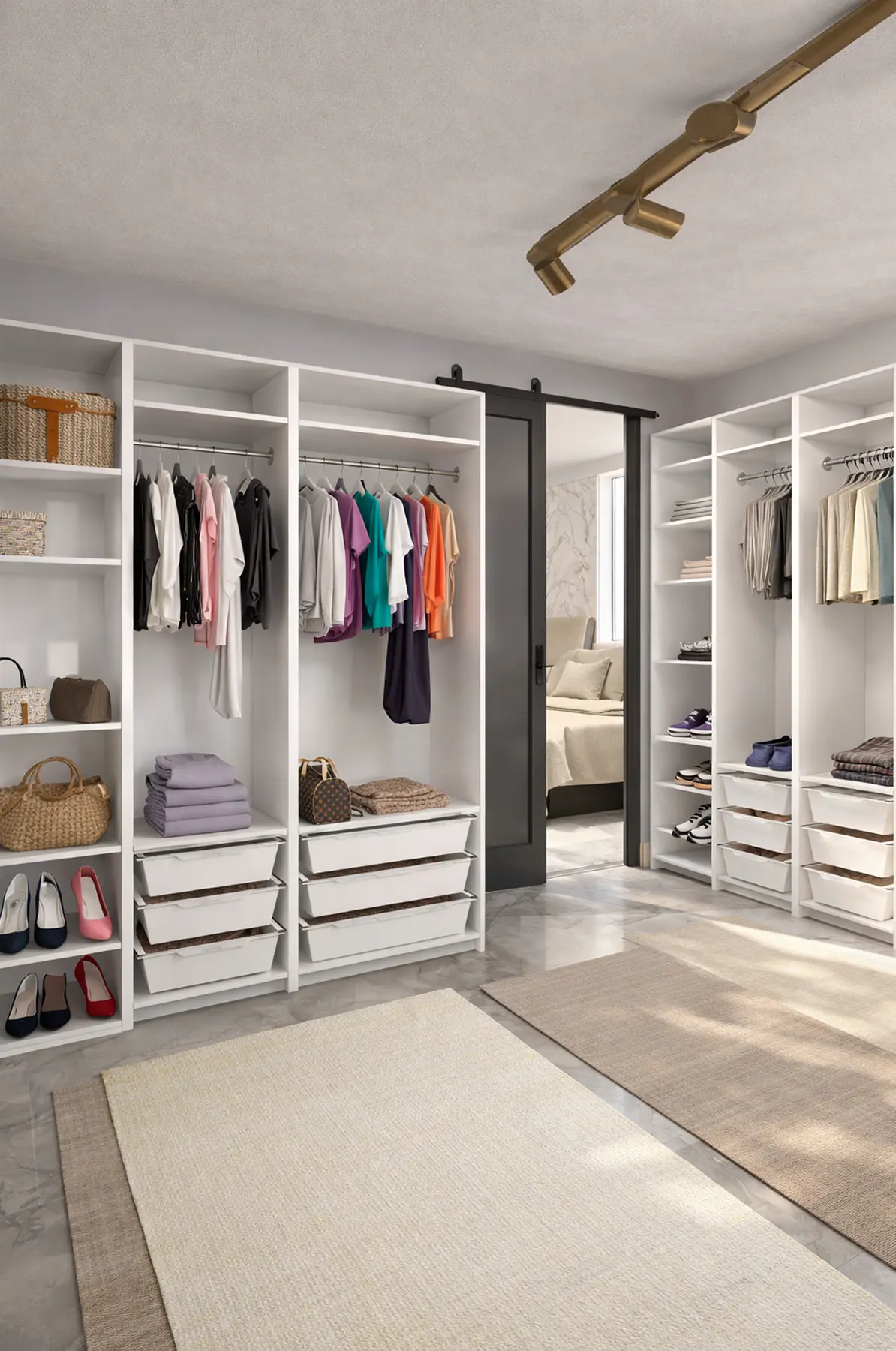
Created in Home Planner
Created in Home Planner

Created in Home Planner
Created in Home Planner
Created in Home Planner
Created in Home Planner
Created in Home Planner
Created in Home Planner
Created in Home Planner
Created in Home Planner
Created in Home Planner
Created in Home Planner
Created in Home Planner
Frequently Asked Questions
Yes. The free plan saves up to 10 designs, each one a whole home plan, with up to 30,000 catalog items and up to 4 AI redesigns to try. PRO adds exact wall sizes, the full catalog of 560,000+ items and a renovation cost estimate. PRO+ adds 4K renders, 360° photos, offline mode and photos and PDFs without the watermark. Compare plans
Draw the room to scale and add the doors and windows. Then place the wardrobe, and plan hanging space, shelves and drawers around the clothes you own. Walk through it in 3D to check there's room to stand in front of it.
Yes. Change the width, height and depth of a wardrobe to fit your wall. Setting the ceiling height is free; typing the exact length of every wall needs PRO. On the free plan you draw walls on a grid.
About 60 cm (24 in) for clothes on hangers. In a narrow bedroom, a sliding-door wardrobe saves the floor that a hinged door needs to swing open.
Not quite. This page is about wardrobe furniture: a built-in, sliding-door or freestanding wardrobe in a bedroom or hallway. If you're designing a walk-in or reach-in closet as its own room, the closet planner is made for that. Open the closet planner
Yes. Take or upload a photo of the room, pick a style, and AI shows it with new colors, floors and decor. AI is set to keep the shape of the room.
Yes, on phones that support AR; iPhones with LiDAR make a detailed scan. Scanning is free, editing the scanned room needs PRO. Scanning isn't available on Mac or Windows.
Yes. Home Planner works on iPhone, iPad and Android, and on Mac and Windows computers. With PRO, your designs sync between devices.
Plan your wardrobe today
Free to start. Make sure your wardrobe fits the wall and holds what you own before you buy or build.

Try it on your own project
Free room planner and interior design app