Office Layout Planner: see how your team fits before you sign the lease
Home Planner is an office layout planner for moves, new leases and refits: start from the real floor plan, place real office furniture at real sizes, and walk through the office in 3D before you order anything.
4.6App Store · 300K+ ratings
On your phone too
Point the phone camera here to install, then scan your rooms
Downloads across all stores; countries where the App Store carries the app.
Plan your office in four steps
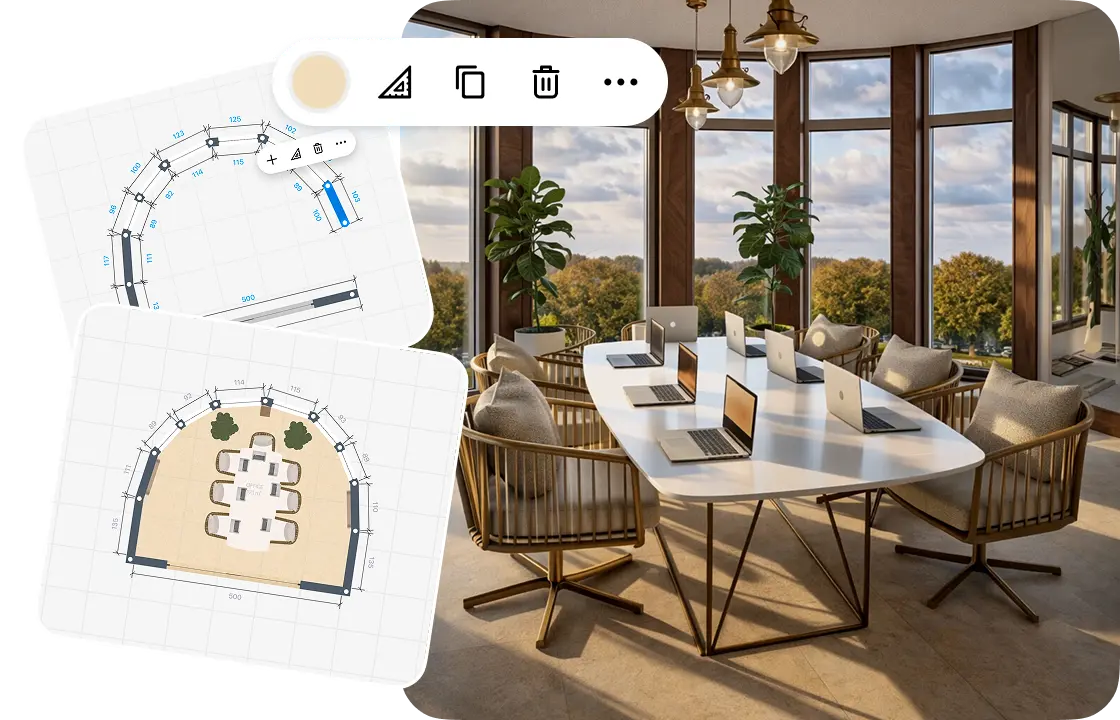
1.
Draw or scan your office
Draw the walls on the grid and furnish them, or start from the landlord's floor plan. Scan a room to see it in 3D.
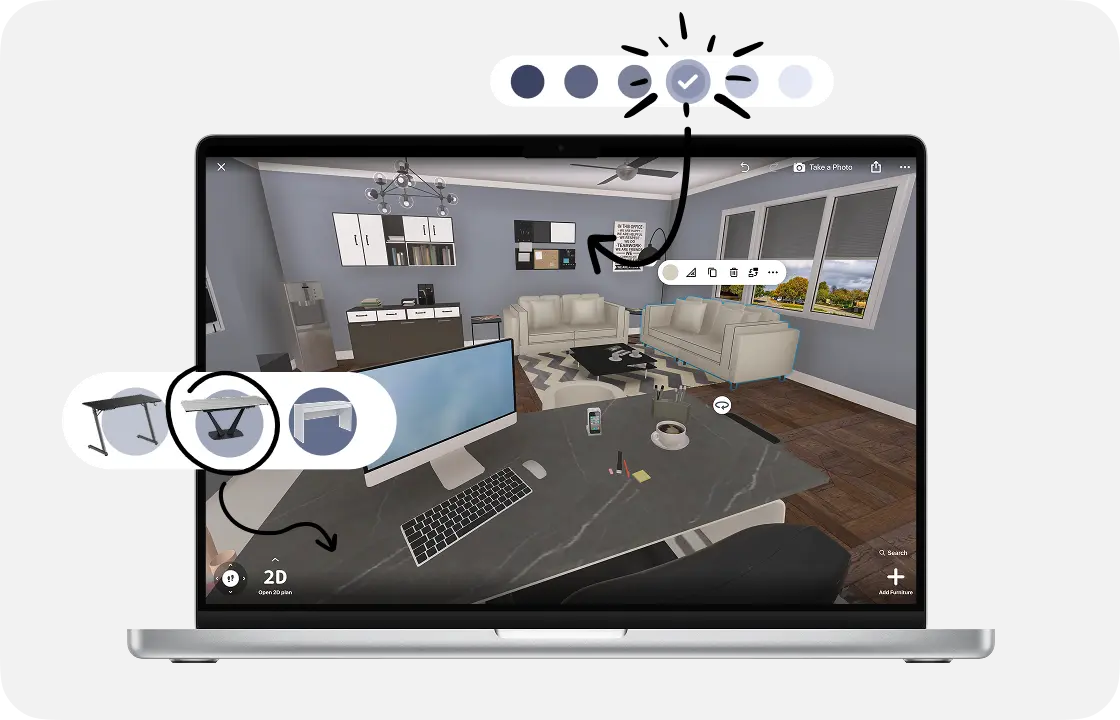
2.
Add desks and furniture
Place desks, office chairs, a conference table and storage, then add lamps and plants. Each piece keeps its real size.
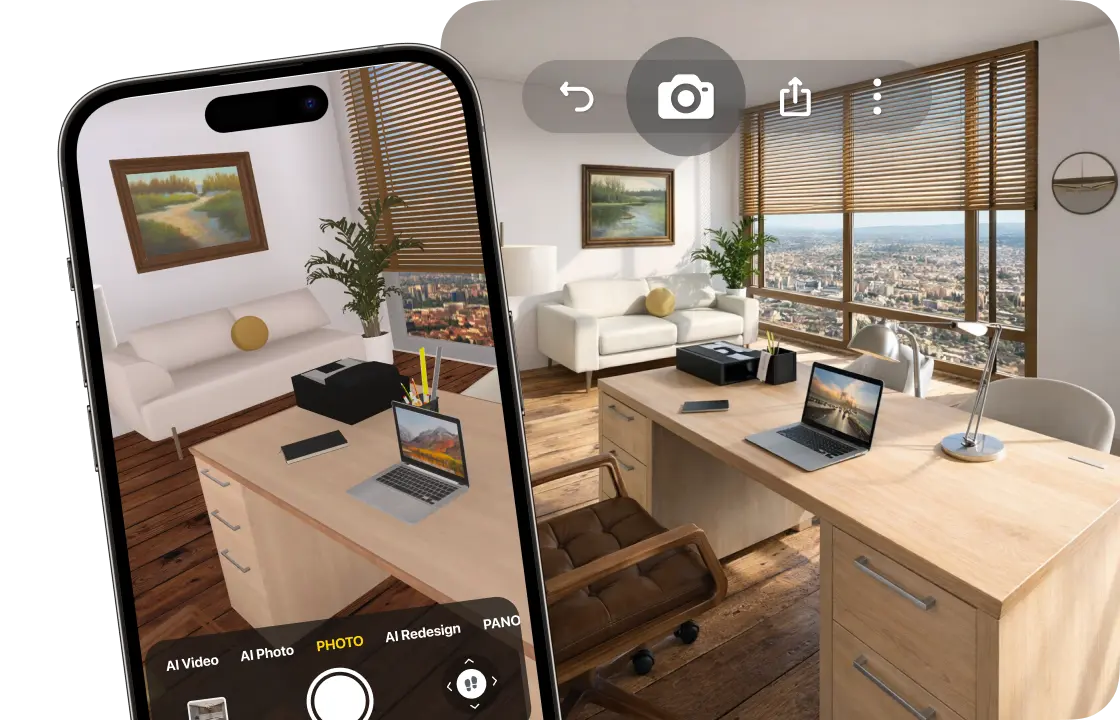
3.
See it in 3D
Walk through your office and make realistic renders, so the team sees the new space before the move.
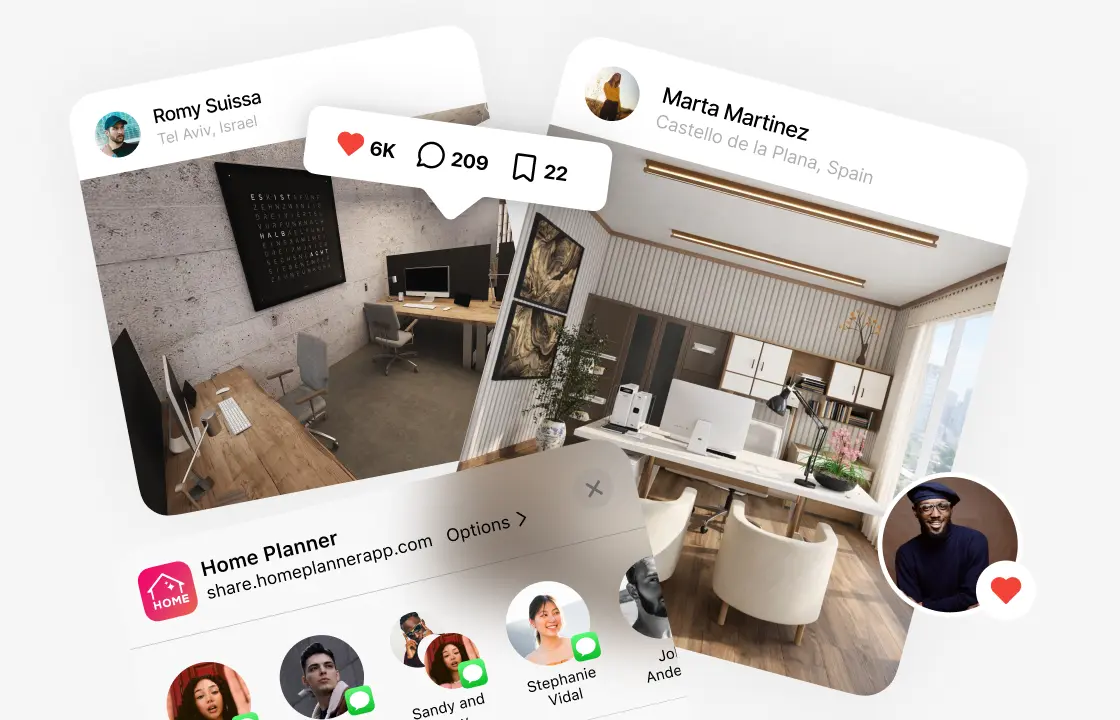
4.
Share your plan
Send a link to your team, landlord or contractor, or download a PDF with the plan and a shopping list.
1.
Draw or scan your office
Draw the walls on the grid and furnish them, or start from the landlord's floor plan. Scan a room to see it in 3D.
2.
Add desks and furniture
Place desks, office chairs, a conference table and storage, then add lamps and plants. Each piece keeps its real size.
3.
See it in 3D
Walk through your office and make realistic renders, so the team sees the new space before the move.
4.
Share your plan
Send a link to your team, landlord or contractor, or download a PDF with the plan and a shopping list.
Start from the floor plan you already have
Draw your office on the grid and furnish it for free. A plan drawn by eye fits one desk too many, so start from the real size when you have it.
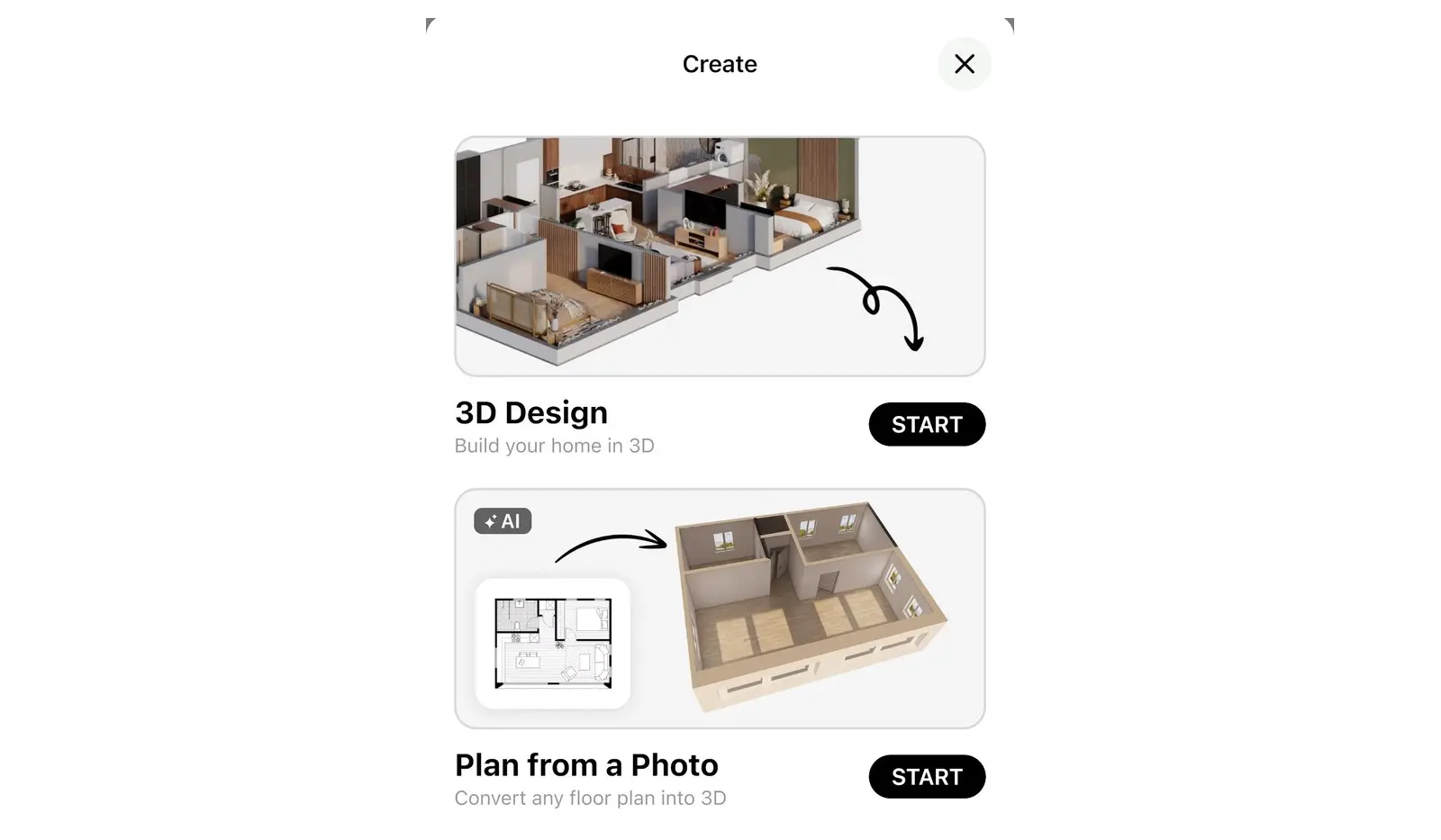
- Take a photo of the landlord's floor plan, or upload it as a PDF, and AI turns it into a 3D plan.
- No plan yet? Scan a room with your iPhone, iPad or AR-ready Android phone to see it in 3D.
- Scan and view in 3D
- Furnish a scanned room: PRO
- Floor plan from a photo: PRO
Try office layouts before you move a single desk
Open plan or private offices? Draw one layout, save a copy, and compare.
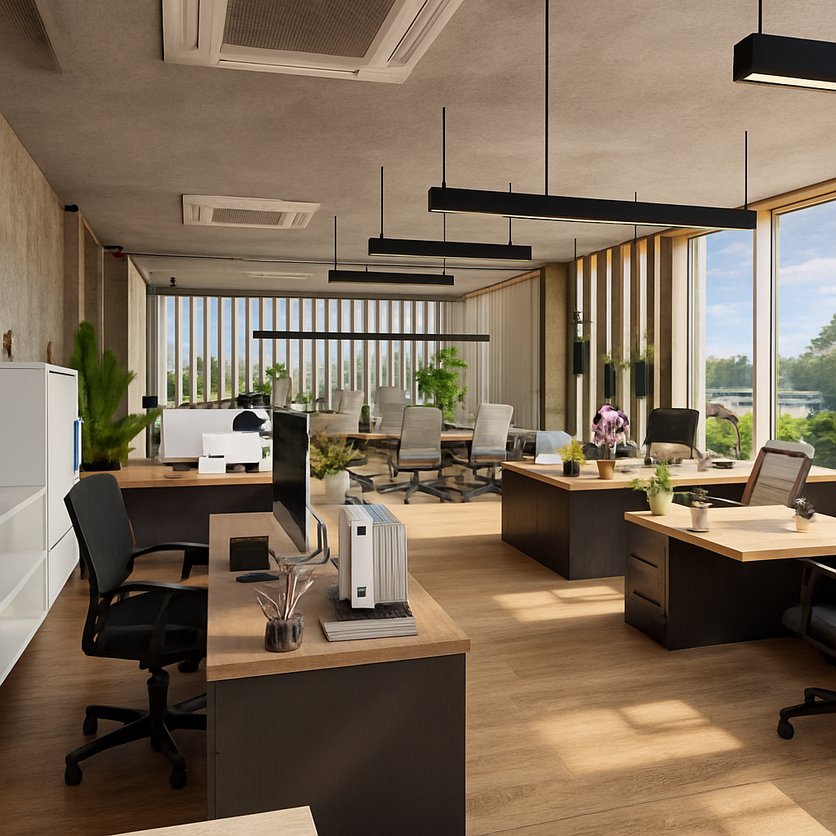
Open plan
Rows or clusters of desks in one shared space, zoned with furniture.
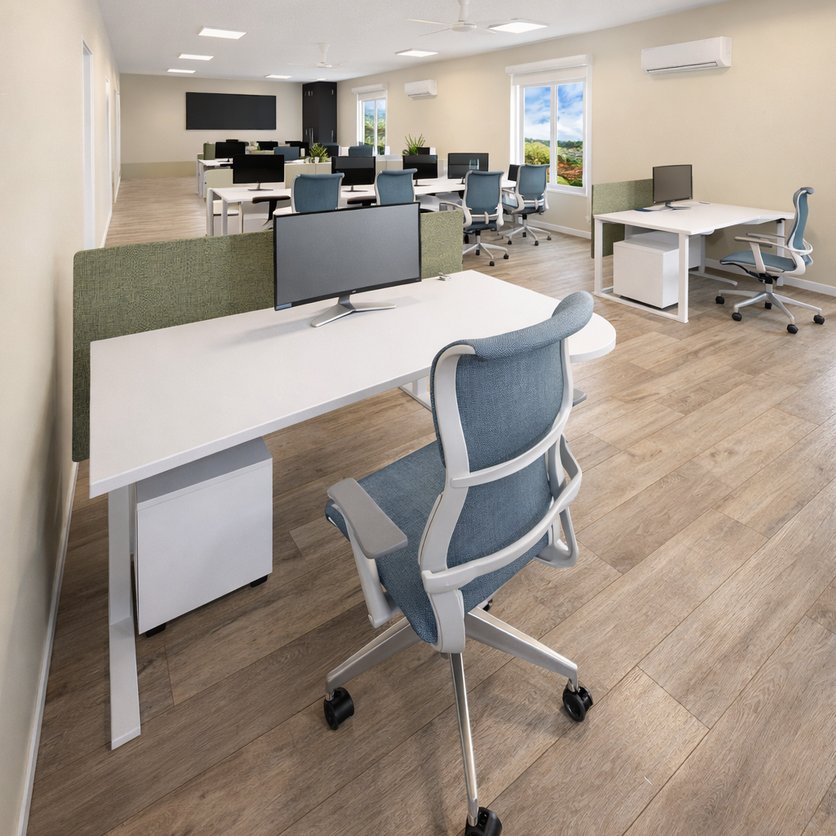
Cubicles
Rows of desks with privacy screens for focused work.

Private offices
Closed rooms for managers or quiet work next to the shared area.
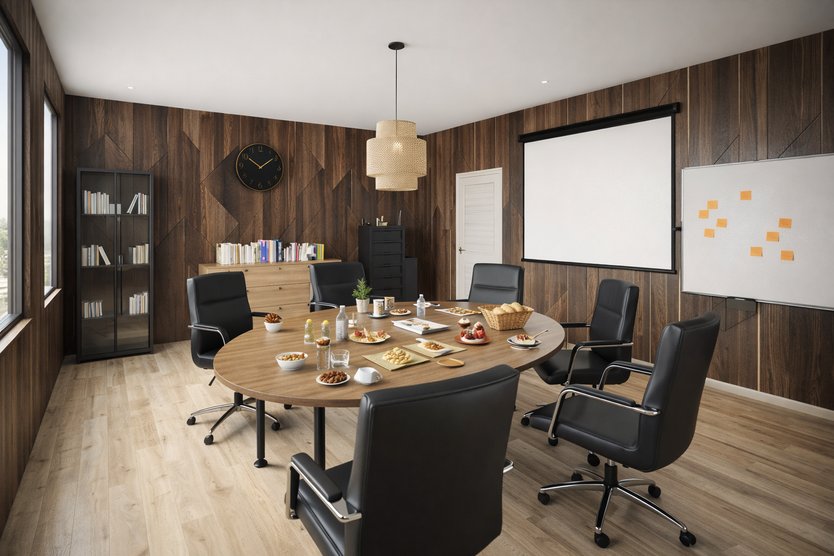
Meeting room
A conference table with chairs, a screen and a whiteboard.
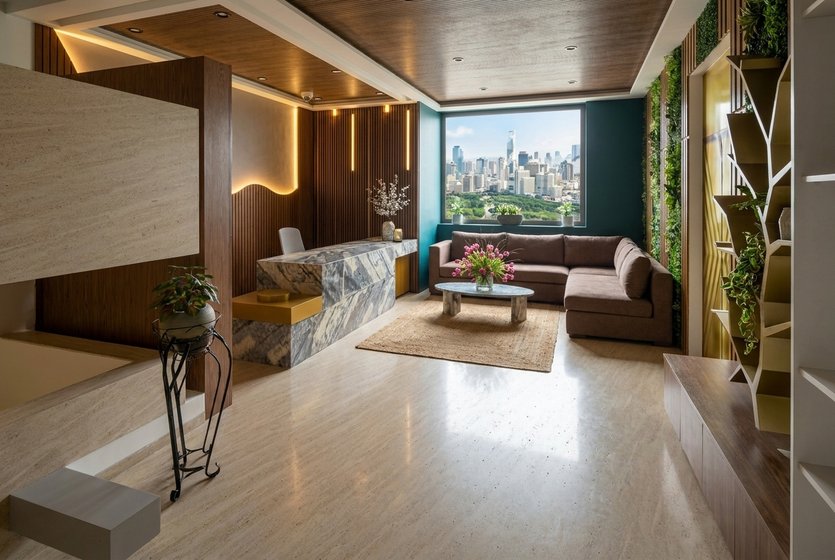
Reception
A front desk and waiting chairs by the entrance.
Desks, cubicles, room partitions, conference tables and reception desks are all in the catalog.
Offices designed in Home Planner
Ideas to start your own.
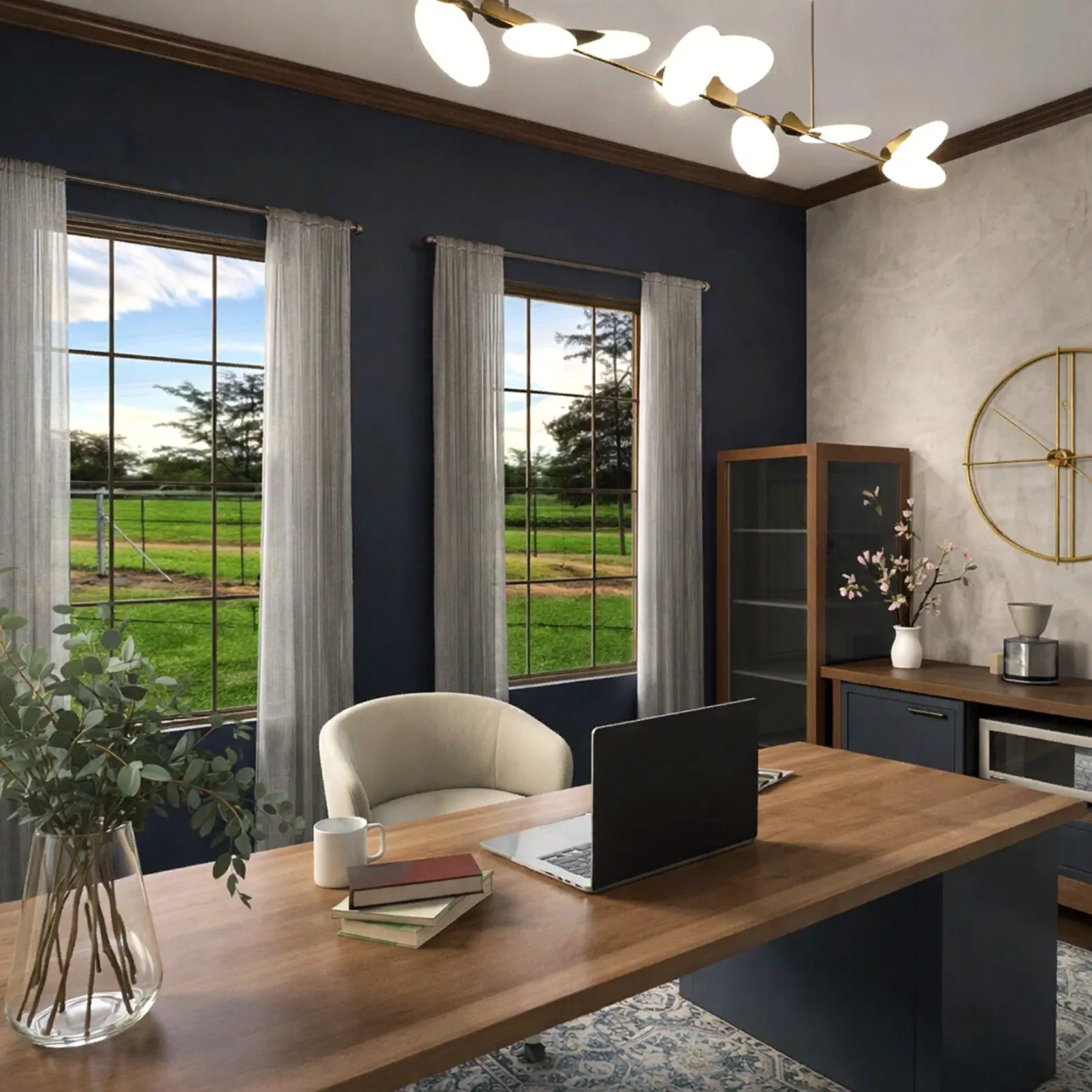
Created in Home Planner
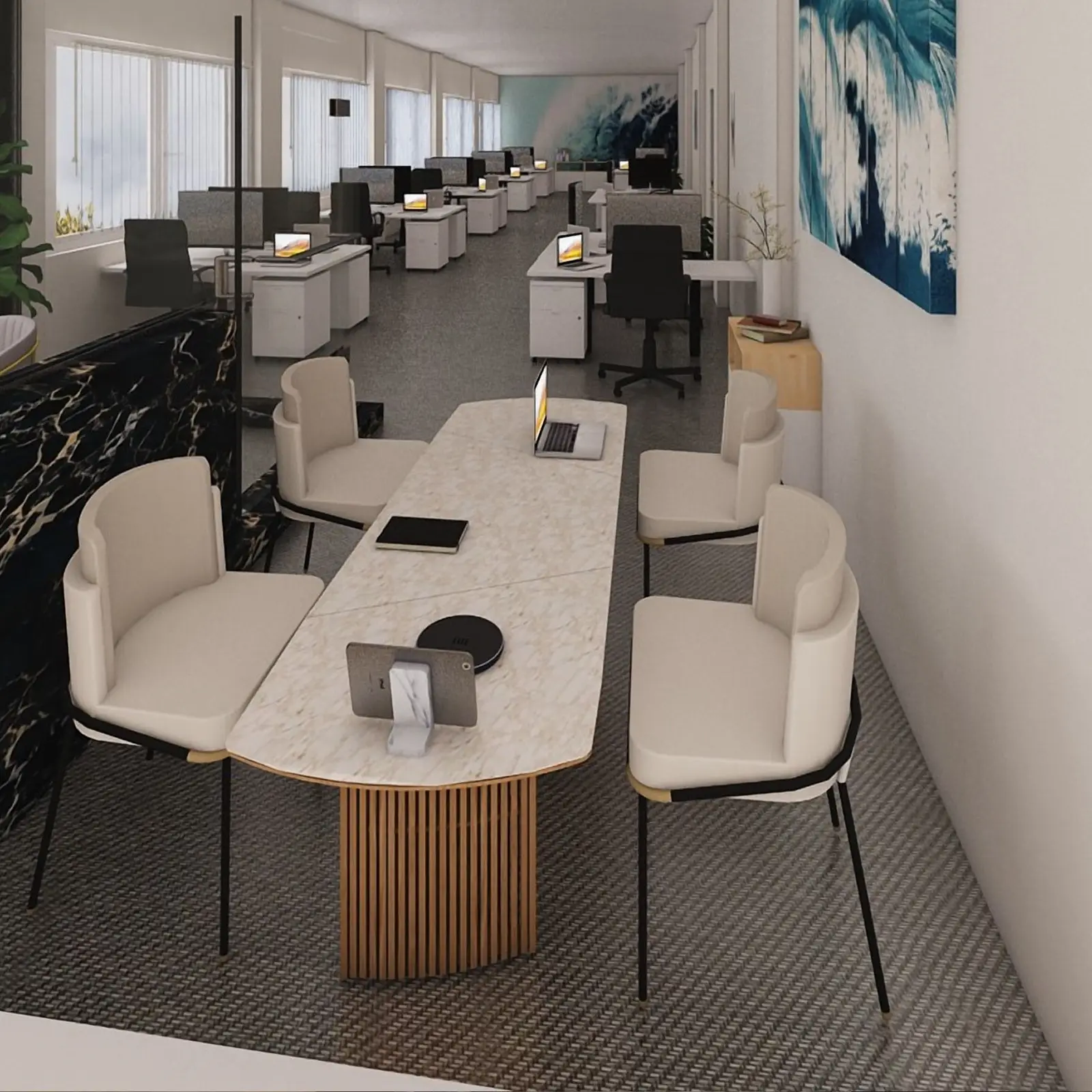
Created in Home Planner
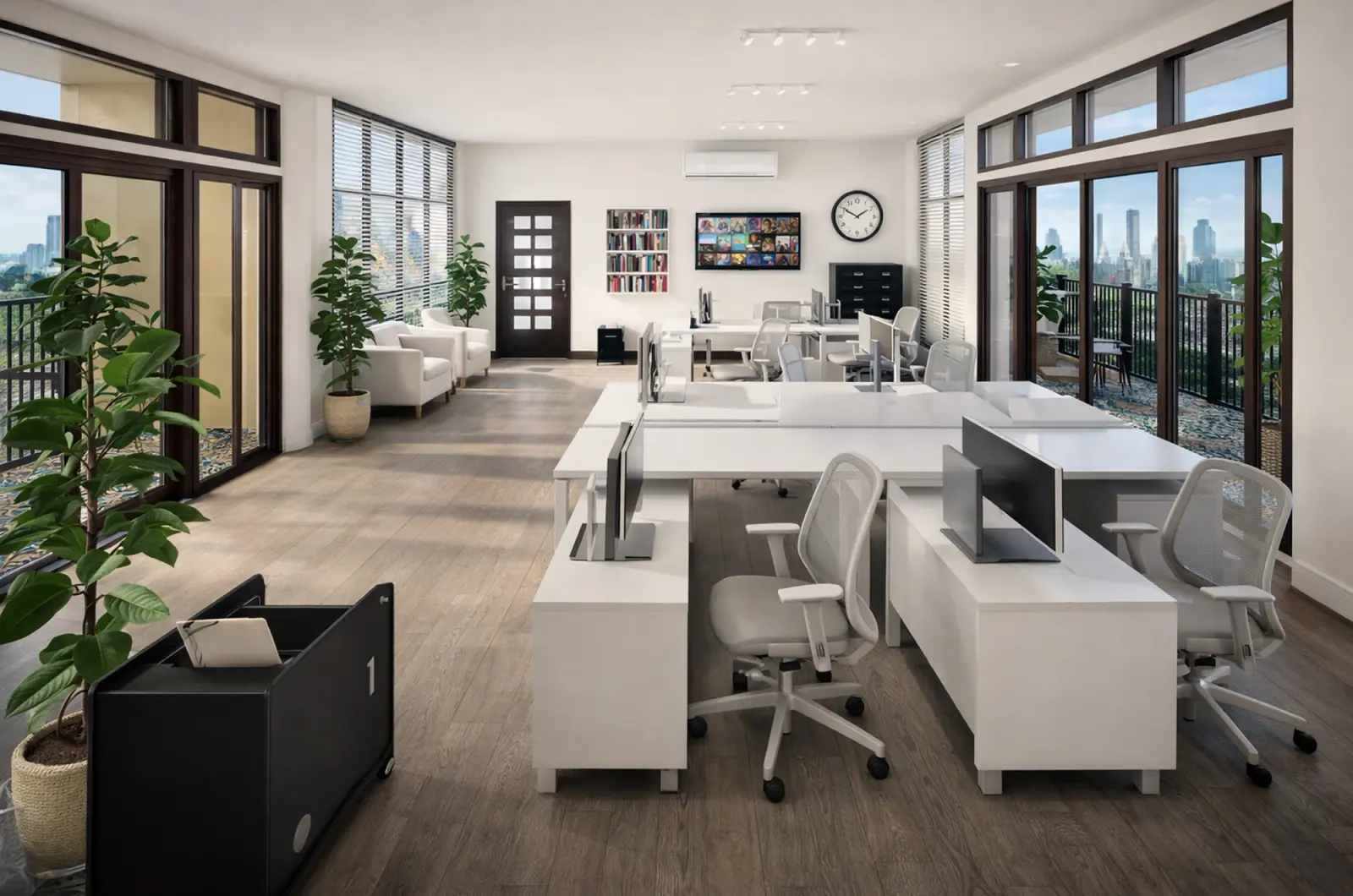
Created in Home Planner
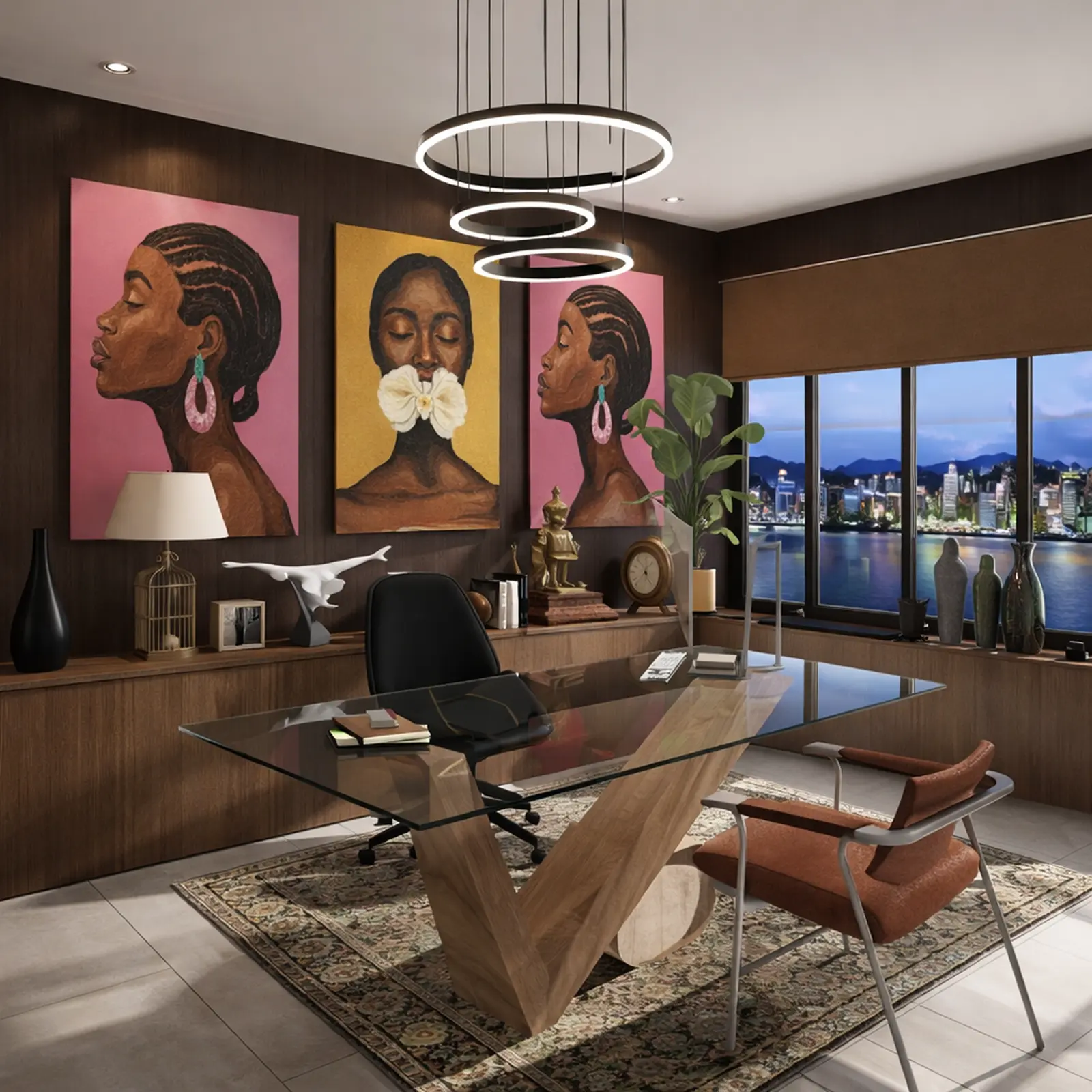
Created in Home Planner
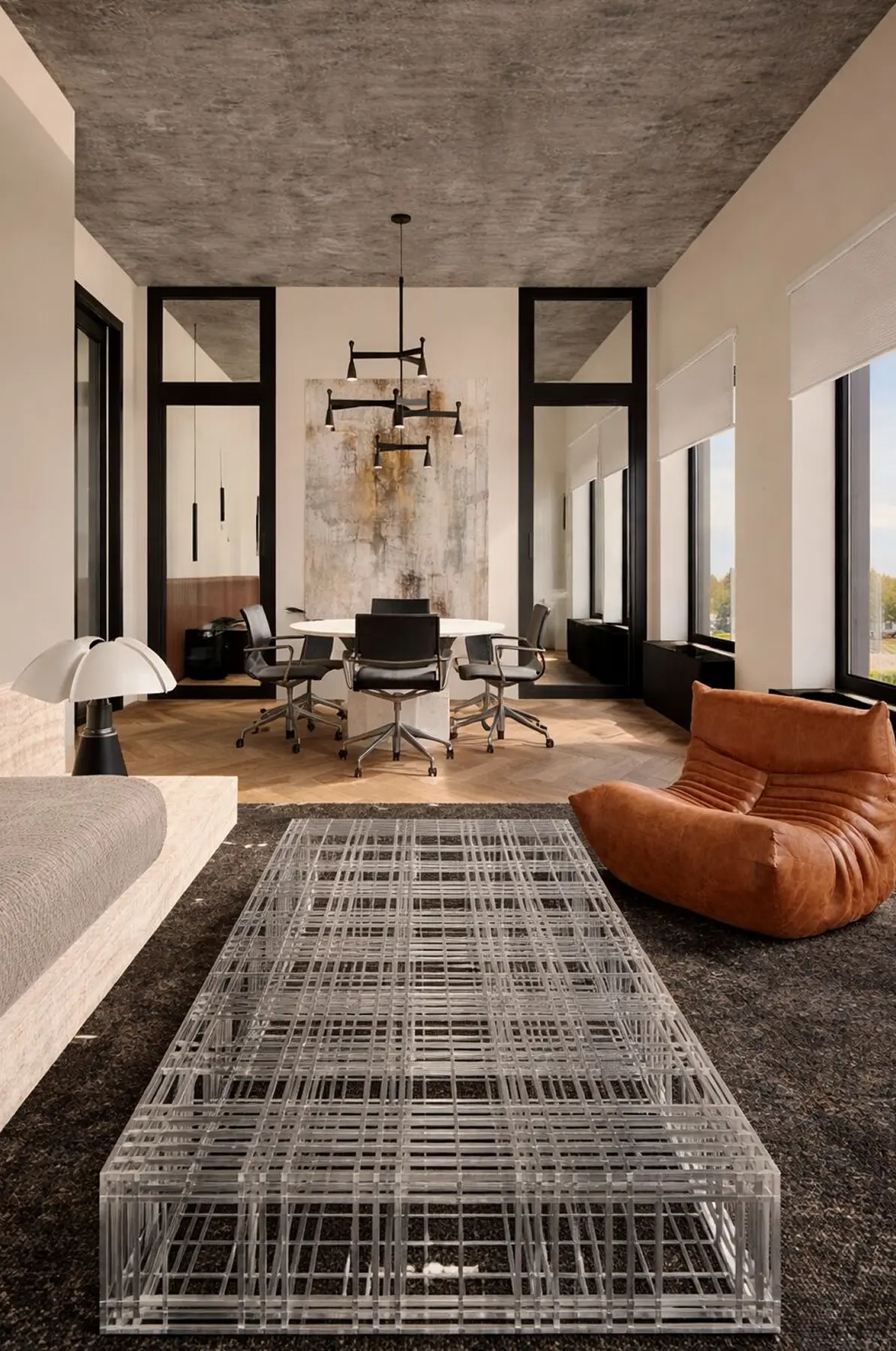
Created in Home Planner
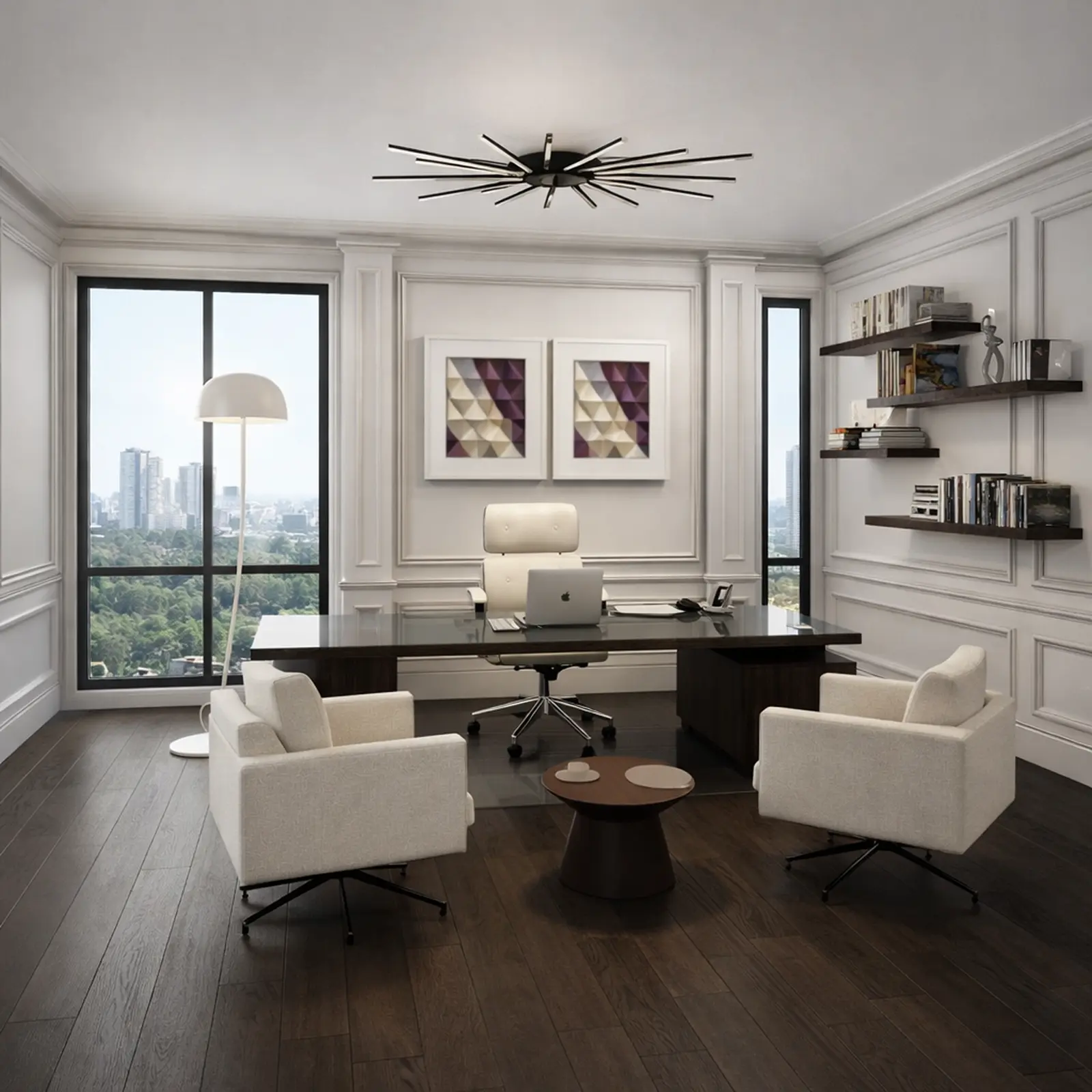
Created in Home Planner
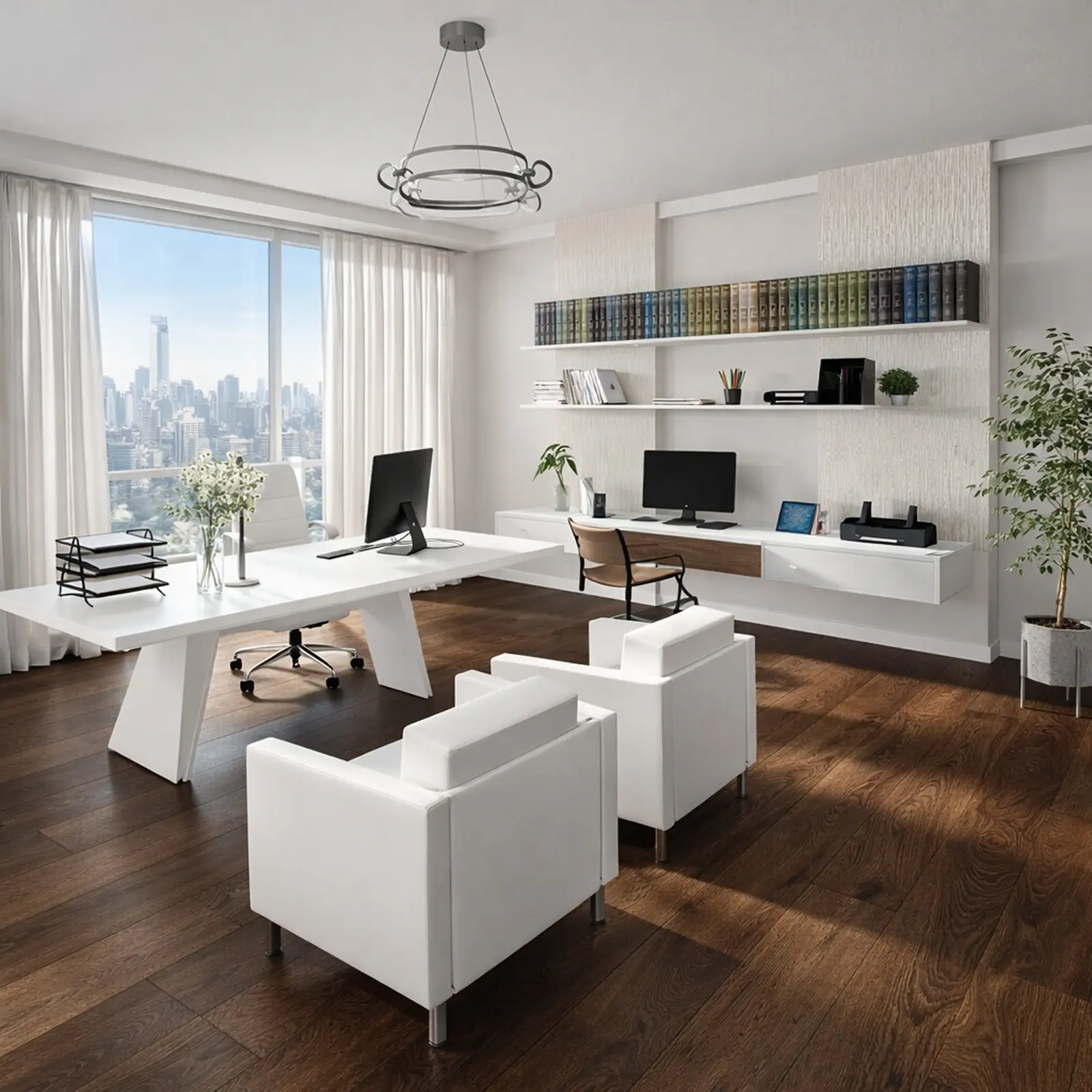
Created in Home Planner
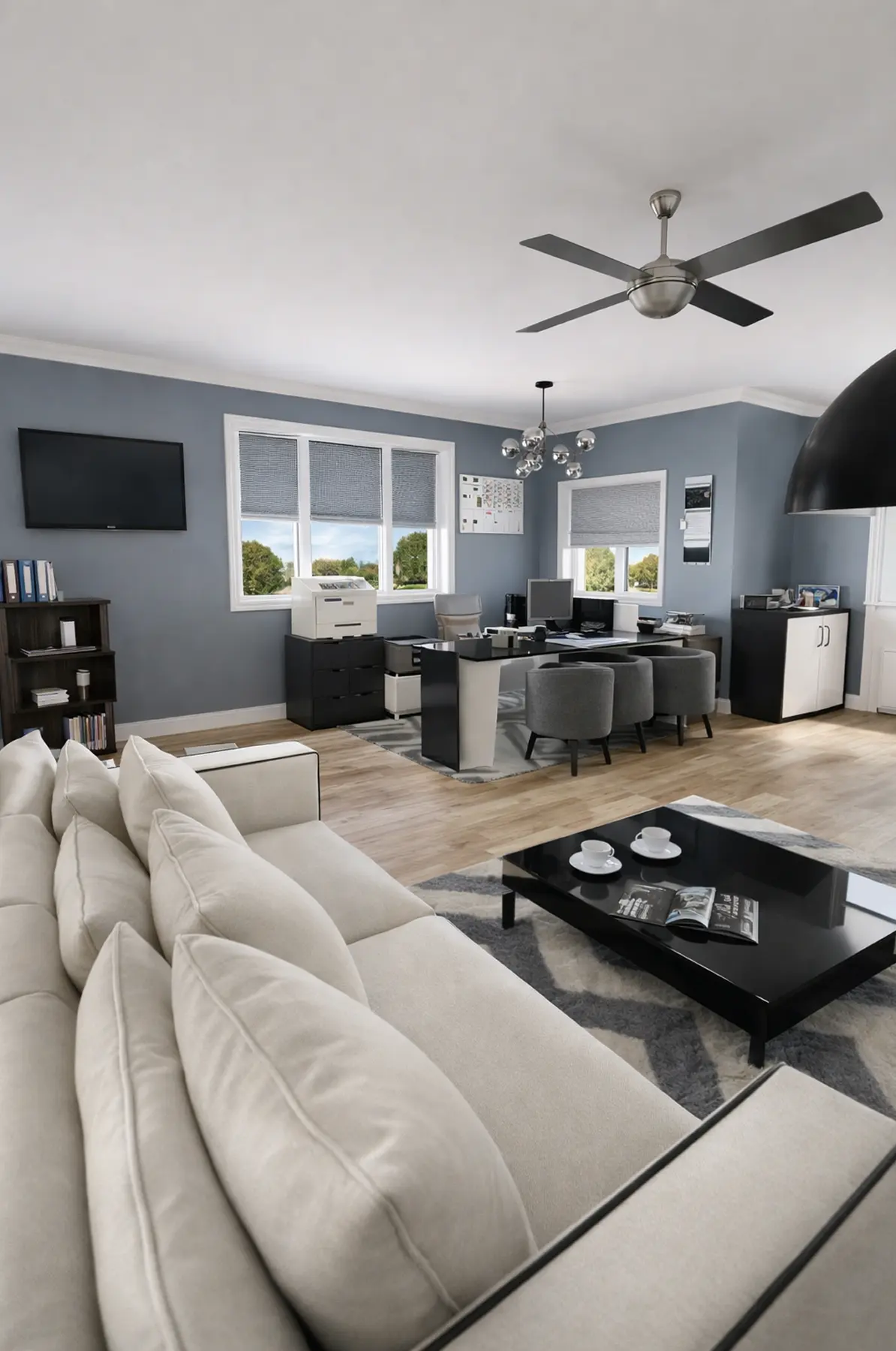
Created in Home Planner
Created in Home Planner
Created in Home Planner
Created in Home Planner
Created in Home Planner
Created in Home Planner
Created in Home Planner
Created in Home Planner
Created in Home Planner
Renders of designs made in Home Planner.
Real office furniture at real sizes
Fill the plan from a catalog of 560,000+ products. Each one keeps its real size, so the desk you plan is the desk that arrives.
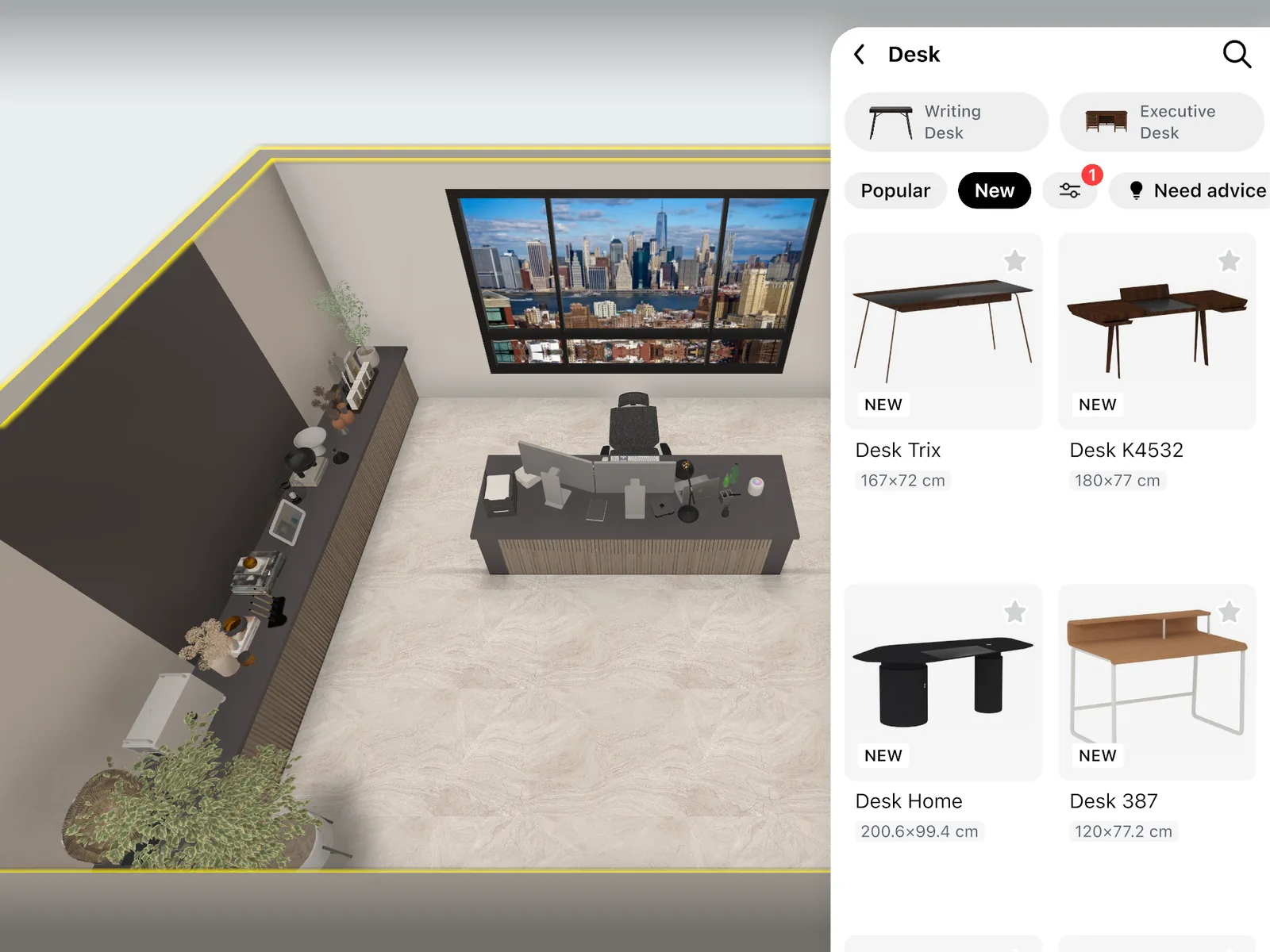
- Standing, corner and executive desks, office and conference chairs, conference tables and cubicles.
- Room partitions, office storage, lockers, whiteboards, monitors, printers and reception desks.
- Filter by brand, price, size, color and style.
- A free part of every catalog category: free
- The full catalog: PRO
Leave room to move around your desk
An office feels crowded when there is no room to push the chair back. Check the gaps on the plan, not on moving day.
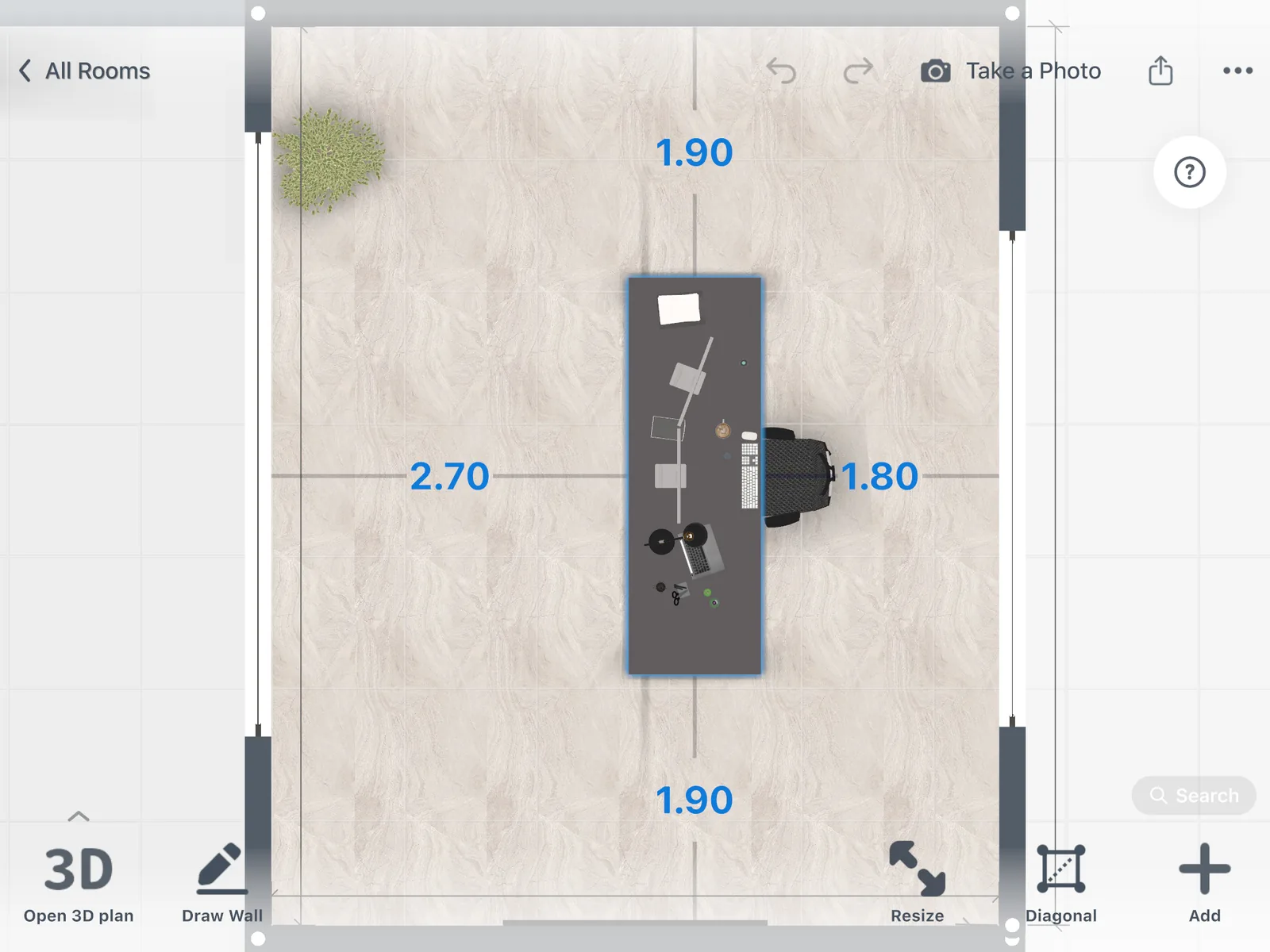
Select a desk, a chair or a cabinet to see its distance to the walls and the furniture around it, in 2D and in 3D.
Your whole office floor plan in one design
Draw the open space, meeting rooms, private offices and reception as rooms of one plan. Then furnish each one.
Every room in one plan
One design holds the whole office, room by room. Select a room to read its area.
More than one floor
Add floors to the same design, or copy a floor and change only what differs. Free.
Compare versions
Save a copy of the design to try a second layout without losing the first.
See your company's look before you repaint
Try paint colors, wallpaper and floors in 3D. Or take a photo of your current office and let AI Redesign show it in a new style.
- Up to 4 AI redesigns: free
- More colors and your own textures: PRO
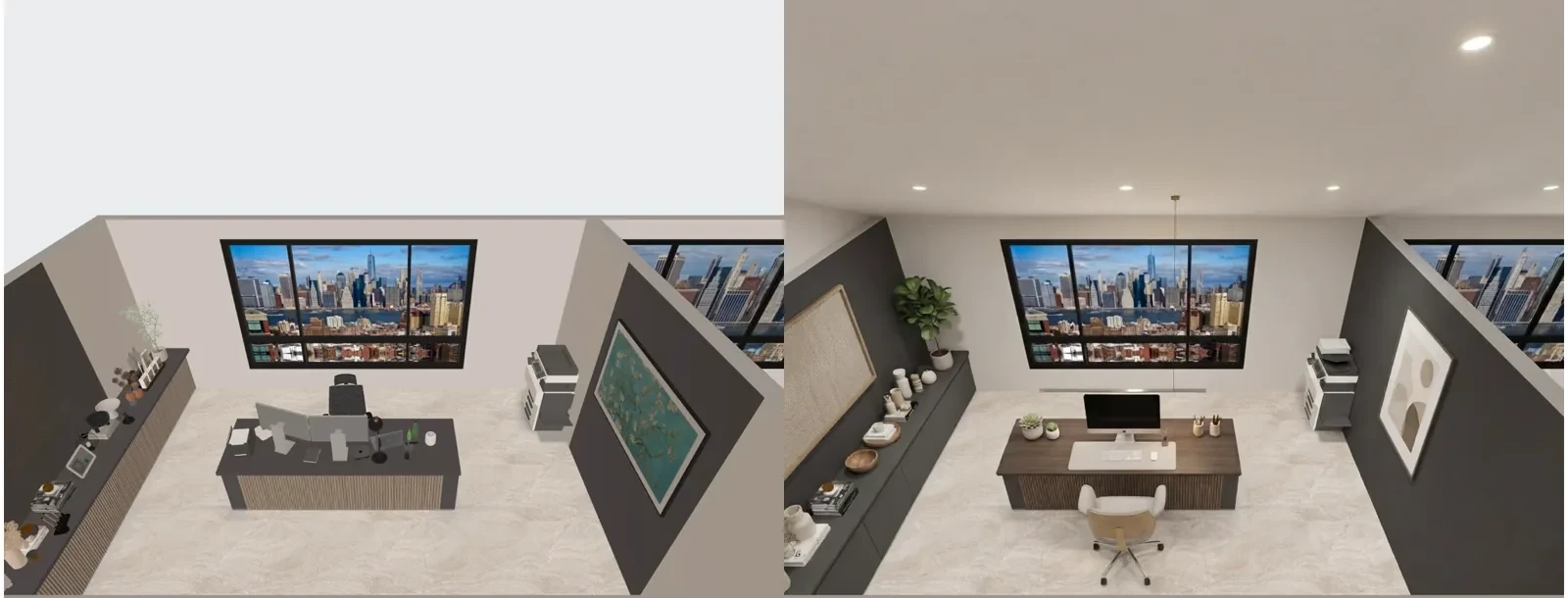
Show the team the new office before the move
Make photo-realistic pictures of the office from any angle. Use them to agree on the plan, or to welcome people to the new space.
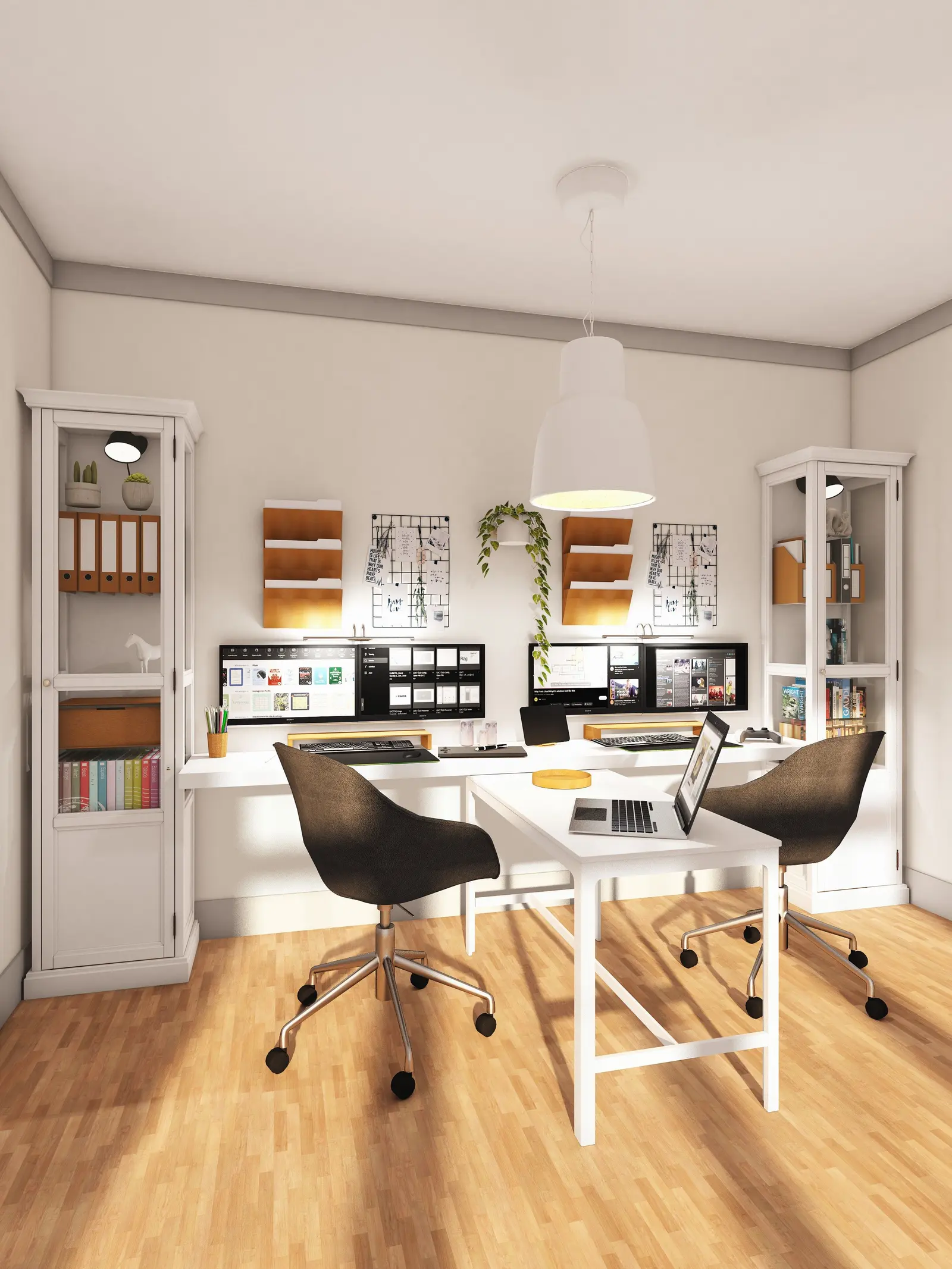
- Try renders: free
- 4K renders and 360° photos: PRO+
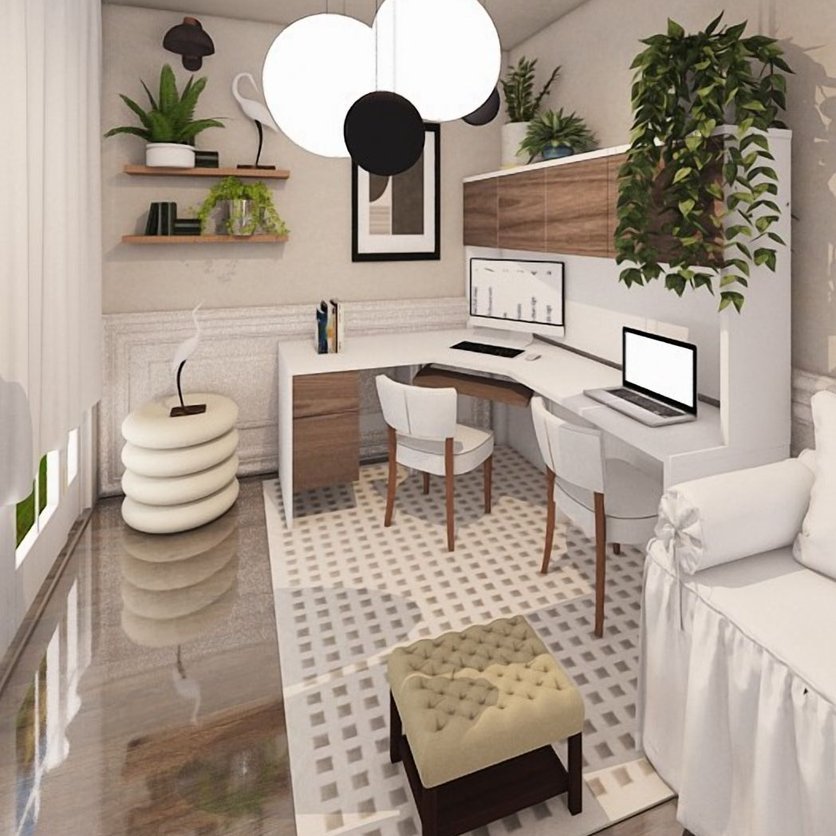
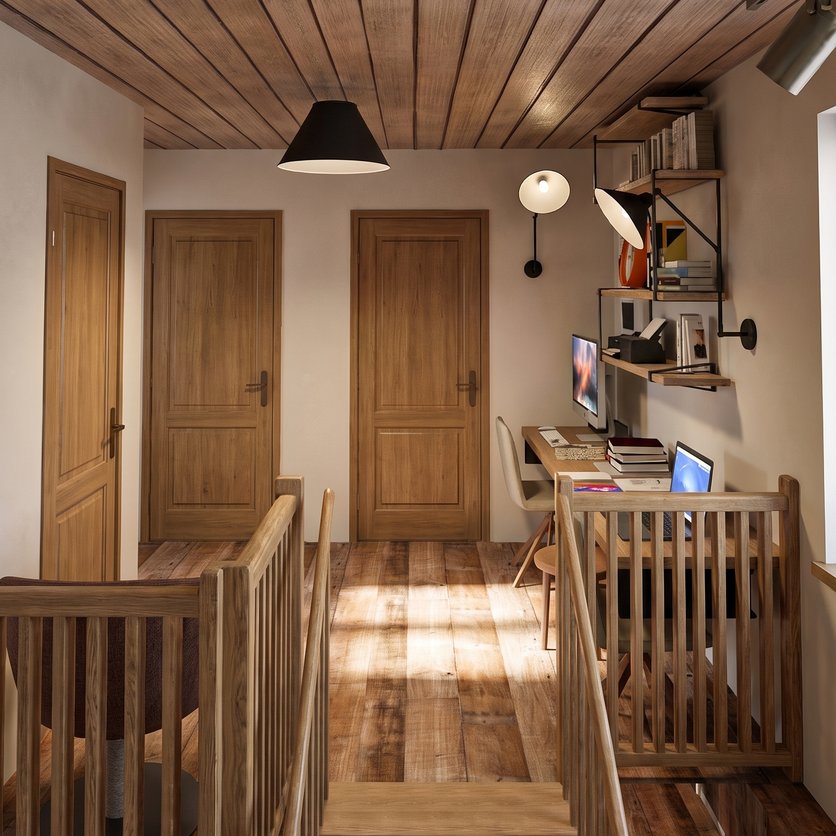
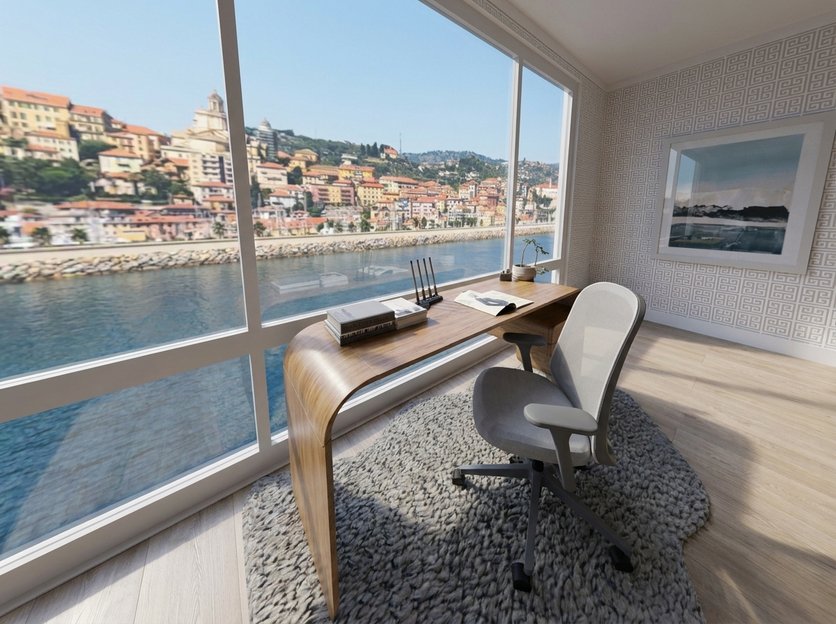
Working from home? The ideas below are home offices from our users.Plan one with the Home office planner →
Ideas for home office
See all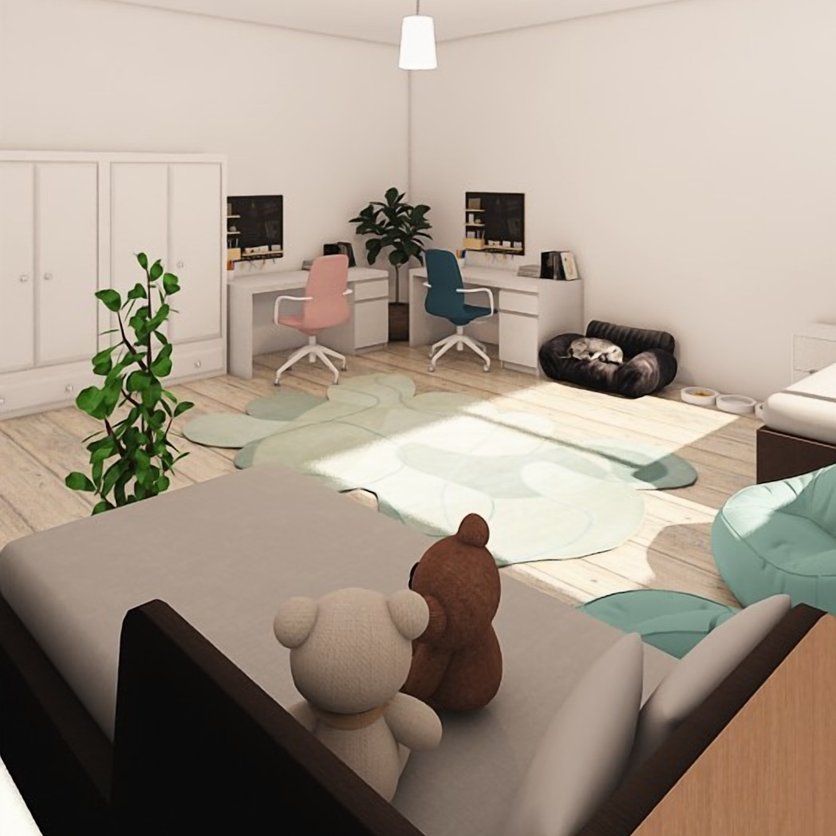
Know the furniture budget before you order
Every item you place goes into a shopping list with its price, room by room, and the total follows your plan.
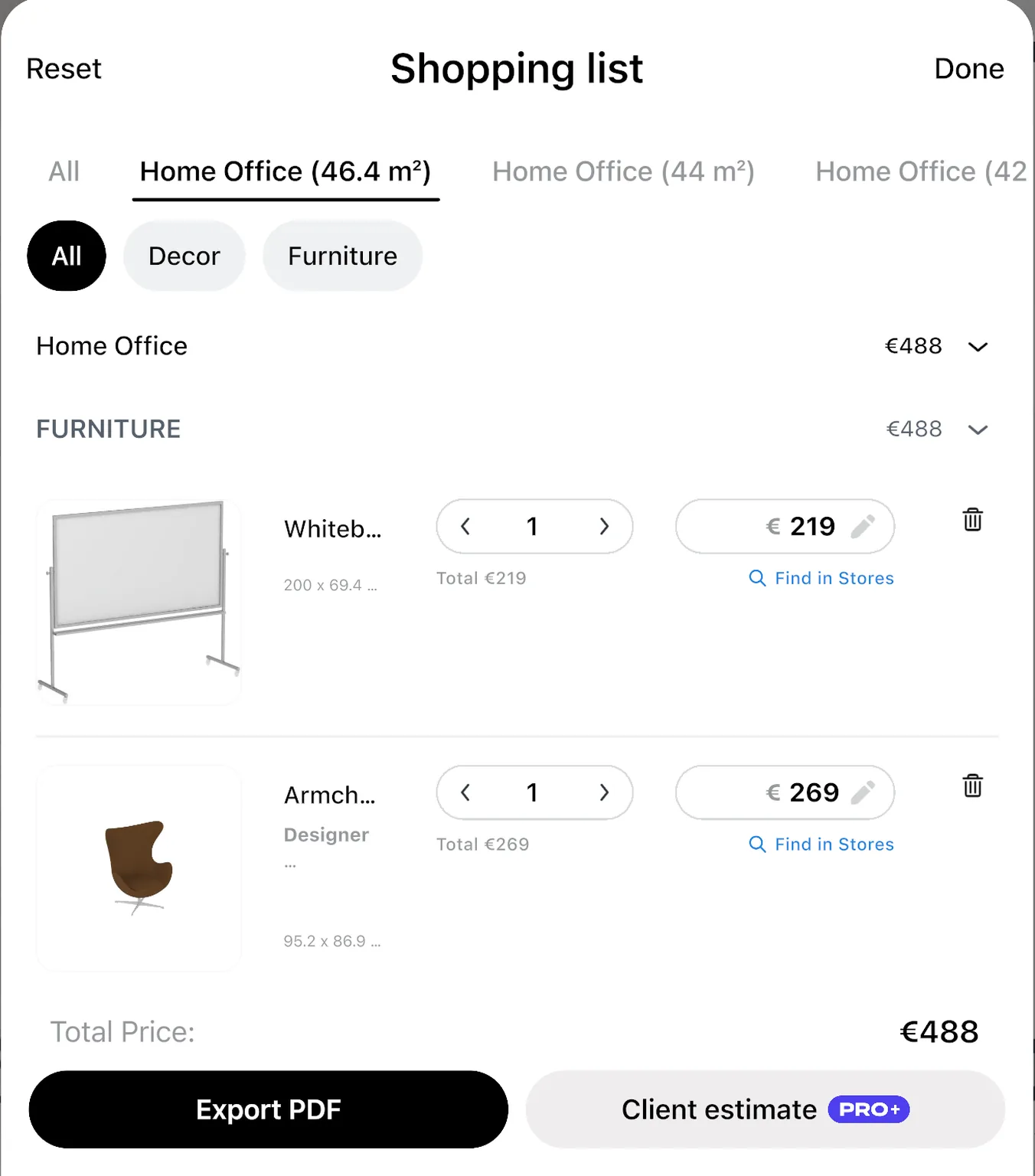
Change the quantity or the price of any item and the total updates. With PRO, a renovation cost estimate adds flooring and walls to the furniture cost of each room.
Treat the numbers as a guide: confirm the final price with the seller.
- Renovation cost estimate: PRO
One plan for the team, the landlord and the contractor
Agree on the layout before anyone moves a desk. Share a link that opens in any browser, or invite people to edit the design with you.
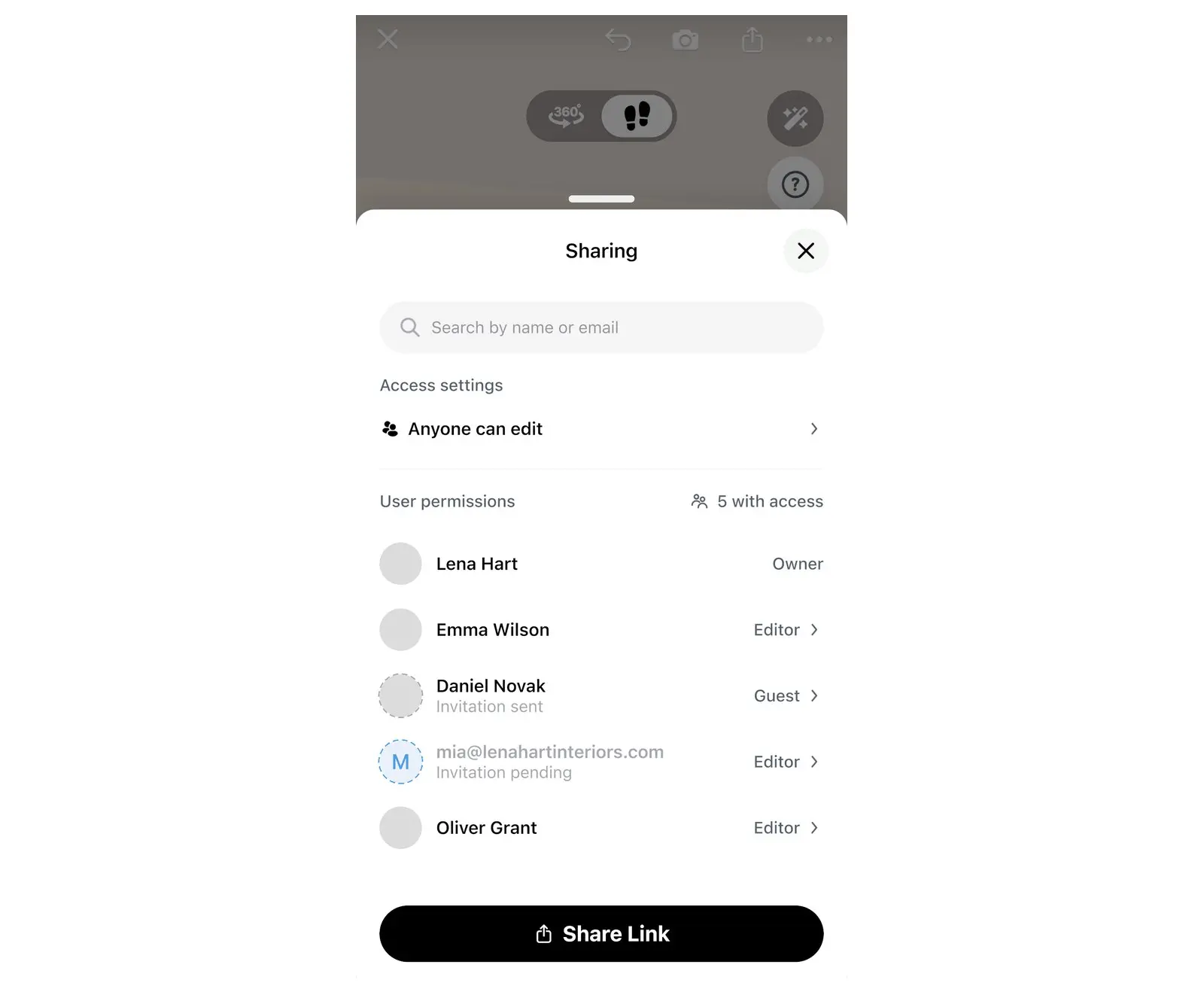
- A link shows your design in a browser, with no app.
- To edit together, each person needs Home Planner and a sign-in.
- A PDF has the plan with sizes and the shopping list.
- Link, PDF with a watermark and editing together: free
- PDF without a watermark: PRO+
No designer on the team? You can still plan the move
Three doubts office managers have, answered.
"I manage the office, I don't design"
You know who sits where. Put each team's desks on the plan and move them until it works.
"We will hire a fit-out company anyway"
Bring a plan to the first meeting. The contractor sees what you want, and you compare their proposal with your own layout.
"The move is in a few weeks"
Draw the rooms on the grid, or start from the landlord's floor plan, and you have the office in 3D the same day.
Home Planner: 30M+ downloads
"As an interior designer, I use this app daily with my clients. The 3D visualization helps them understand the concept immediately, and we make decisions much faster. It reduced revisions and improved communication. It's not just a tool — it's part of my workflow now."
Review as shown on our pricing page.
Plan the office for free. Upgrade for the landlord's plan and the full catalog.
Free: draw the office, place furniture and see it in 3D. PRO adds the landlord's plan in 3D, the full catalog and the cost estimate, for your own office or home.
Free
Nothing to pay to start
- Draw the plan and see it in 3D
- Scan a room and see it in 3D
- A free part of every catalog category
- Share a link, edit together
- Up to 10 designs
PRO
For your own office or home
- Everything in Free
- Exact sizes: floor plan from a photo, typed walls, laser meter
- The full catalog of 560,000+ products
- Renovation cost estimate
- Sync between your devices
Plans renew automatically each billing period unless you cancel. You can turn off auto-renew in your account settings, and the plan stays active until the end of the period you paid for.
Frequently Asked Questions
Yes. The free plan saves up to 10 designs, each one a whole plan, with a free part of every catalog category and up to 4 AI redesigns to try. Paid plans add floor plan recognition, the full catalog of 560,000+ products and a renovation cost estimate; PRO+ adds 4K renders, 360° photos and offline mode. See plans and prices
Yes, with PRO. Take a photo of the plan or upload it, and AI turns it into a plan you can furnish in 3D. Check the scale and the walls after the import. How to convert a 2D floor plan to 3D
Yes. Home Planner runs on iPhone, iPad, Android, Mac and Windows. Room scanning works on phones and tablets, not on Mac or Windows. With PRO, your designs sync between devices. You can also restyle a photo with AI on our website after you sign in; the full planner is the app. Try AI Redesign
Yes. Import a 3D model of a desk or a chair you already own and place it on the plan. Free includes 5 of your own models, PRO 100, PRO+ 500. How to add custom furniture
Yes. Set the ceiling height on any plan. With PRO, type the exact length of every wall or read wall lengths from a supported laser distance meter on iPhone, iPad, Android or Mac. On the free plan you draw the room on the grid and furnish it; a scanned room opens in 3D, and furnishing it needs PRO. Follow your device maker's safety instructions, and never point a laser at anyone's eyes.
Yes. A shared link opens the design in any browser. To edit together, each person needs Home Planner and a sign-in.
Yes. Take or upload a photo, pick a style, and AI Redesign shows your office with new furniture, colors and finishes. It is set to keep the shape of the room. Try AI Redesign
Planning your own company's office counts as personal use, so Free and PRO cover it. PRO+ is for client and paid projects. See plans and prices
Yes, with PRO+. It adds commercial use, your logo, no watermark and a client PDF with an estimate. Home Planner for designers
Yes. Cancel at any time and keep your plan until the end of the period you paid for; your designs stay in your account. Refunds go through the store where you paid, such as the App Store, Google Play or Steam; bought on our website, contact support.
A desk in a spare room or a corner of the bedroom has its own page. Home office planner
Do you plan offices for clients?
For client work, PRO+ adds commercial use, no watermark, 4K renders, a client PDF with an estimate and your logo, and DWG/DXF drawings for CAD.
- PRO+
Plan your office before the move
Start from the real floor plan, place real furniture, check the space and the budget, and agree on the layout with your team.

Try it on your own project
Free room planner and interior design app
P.S. Moving in a few weeks? Draw one room tonight, place the desks, and send the link to your team tomorrow.
More guides:How to Make a Floor Plan PDF with Measurements & ElevationsCollaborative Floor Plan: How to Share and Edit It Together
Home Planner is not affiliated with, endorsed or sponsored by Apple, Google, Microsoft or Valve; their names and marks belong to their owners. Android is a trademark of Google LLC. iPhone, iPad and Mac are trademarks of Apple Inc., registered in the U.S. and other countries. Steam and the Steam logo are trademarks and/or registered trademarks of Valve Corporation in the U.S. and/or other countries. Windows is a trademark of the Microsoft group of companies. Other trademarks are the property of their respective owners.