Furniture Store Room Planner: Home Planner for B2B

How a company sets up Home Planner B2B: video tutorials for the admin panel, team, catalog, templates feed and shopping cart, plus answers to common questions.
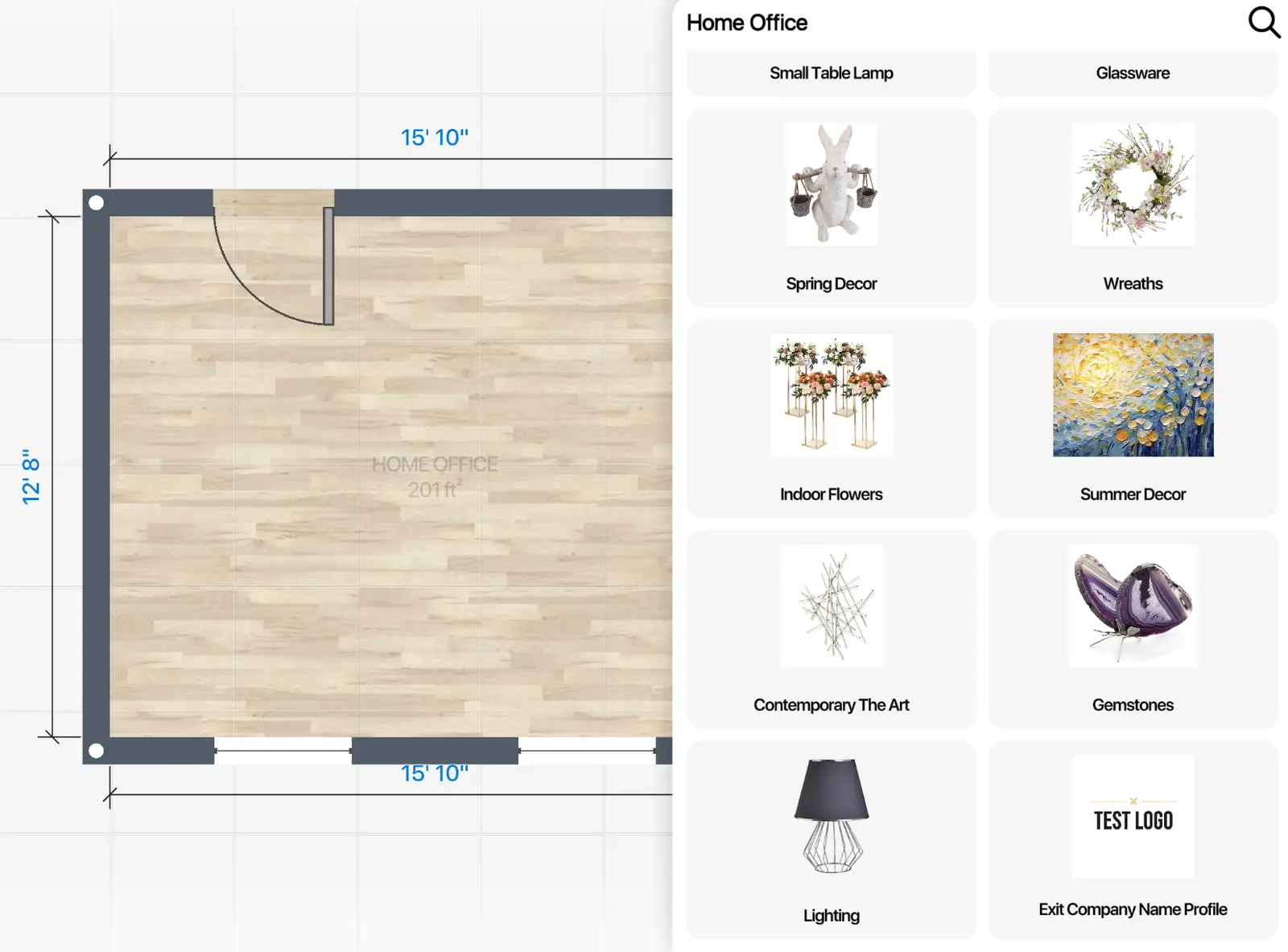
Many customers choose a sofa at home, in front of their own wall, not in your showroom. Home Planner for B2B gives them a furniture store room planner with your products in it. The short overview shows how it helps you sell interior products.
What does furniture visualization software do for a store?
It lets your customers furnish their own room with your products before they buy. In Home Planner, the shopping list can then go to your website.
How do you set up the furniture visualization tool?
In the admin panel. The tutorials below cover the team, the catalog, the templates feed and the shopping cart.
Example: your catalog plus one standard category
You can combine your catalog with parts of ours. Here the company keeps Table lamps from our Lighting category; the rest is the company's own.
Plan your sections with the catalog structure sheet first.
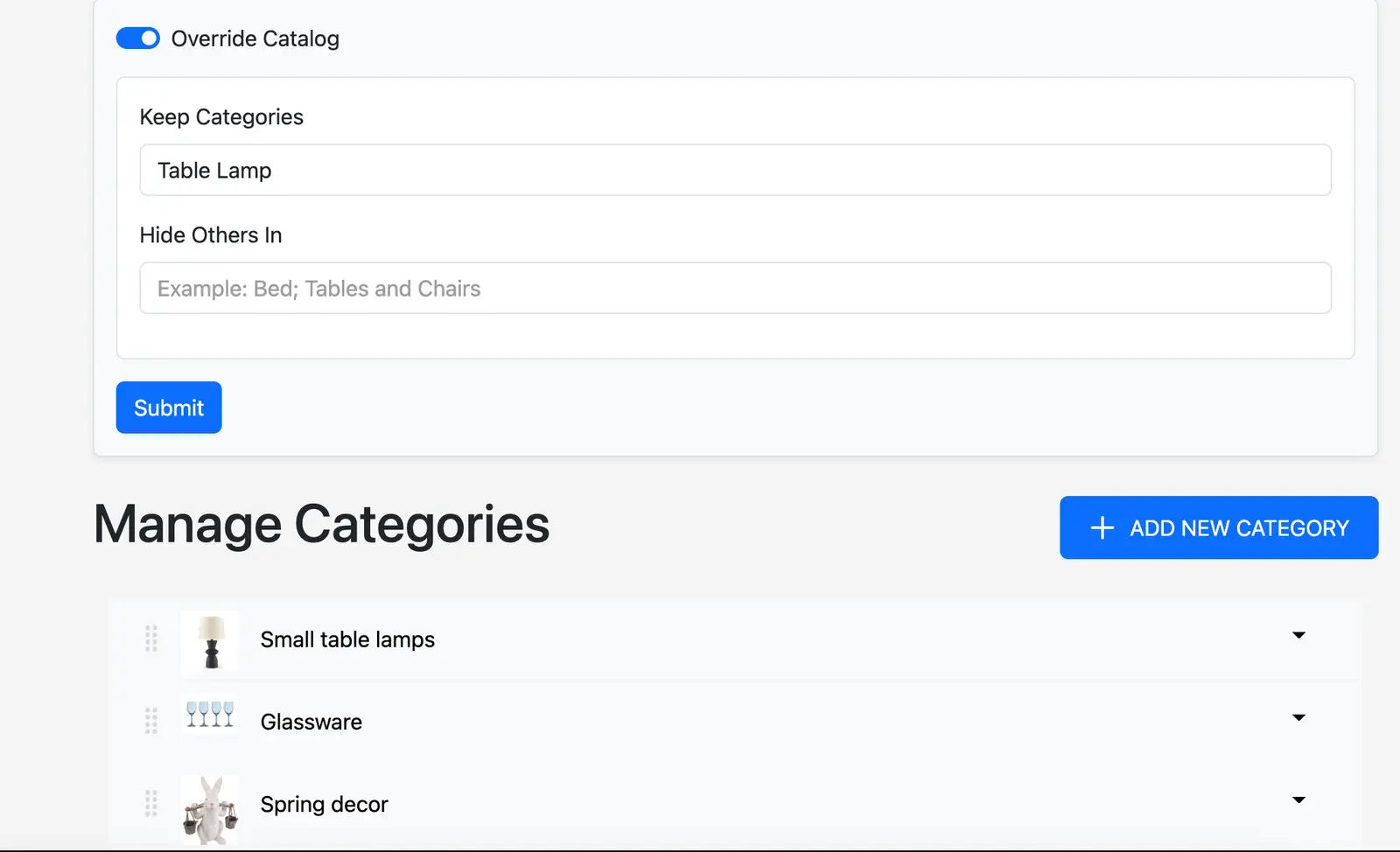
Keep Categories and Hide Others In decide what your customers see.
Do you need your own furniture catalog app?
No. Customers use the Home Planner app with your logo and catalog inside. The app icon stays the same.
Templates, catalog and orders: common questions
Can we show only our templates? Yes, in the Explore feed and in the room templates.
Can we start from a standard template? Yes. Open it, add your products, take a photo and publish. It becomes your company template.
Can we change the catalog structure? Yes, in the Manage Categories tab.
Can we add custom filters to the standard catalog structure? No. Create your own structure with custom filters and hide the general one.
Can we hide other companies' products, for example IKEA? Yes: list those categories in the Hide Others In field of Manage Categories.
How do we make a commercial offer? Open the Shopping List. Export a PDF of the products used, or send the list to your website if the Shopping Cart API is on.
Can the order continue in the cart on our website? Yes. Add a link that moves the cart to your website to finish the order.
Try it on your own plan in Home Planner first: furnish one room as a customer would.
Still have questions?
Trademark notice. IKEA is a trademark of Inter IKEA Systems B.V. and is named here only to identify its products. Home Planner is not affiliated with, endorsed or sponsored by Inter IKEA Systems B.V. Other trademarks are the property of their respective owners.
Try it on your own project
Free room planner and interior design app