Is Smart Lighting Worth It? The Benefits and How to Start

What smart lights do for energy, mood, security and sleep, how they work, and how to start small with one room before you buy more.
It is late, the hallway is dark, and the switch is at the far end. With smart lights, the hallway lights up as you walk in. In the morning, the bedroom lights get brighter slowly, like a sunrise.
Systems like Philips Hue, LIFX and Xiaomi make this simple to set up. So is smart lighting worth it for your home? Below is what it does well, what it asks of you, and how to start with one room.
What are the benefits of smart lighting?
Smart lighting saves energy, sets the mood with a tap or a voice command, and works with the rest of your smart home. It can also make an empty house look occupied and support better sleep.
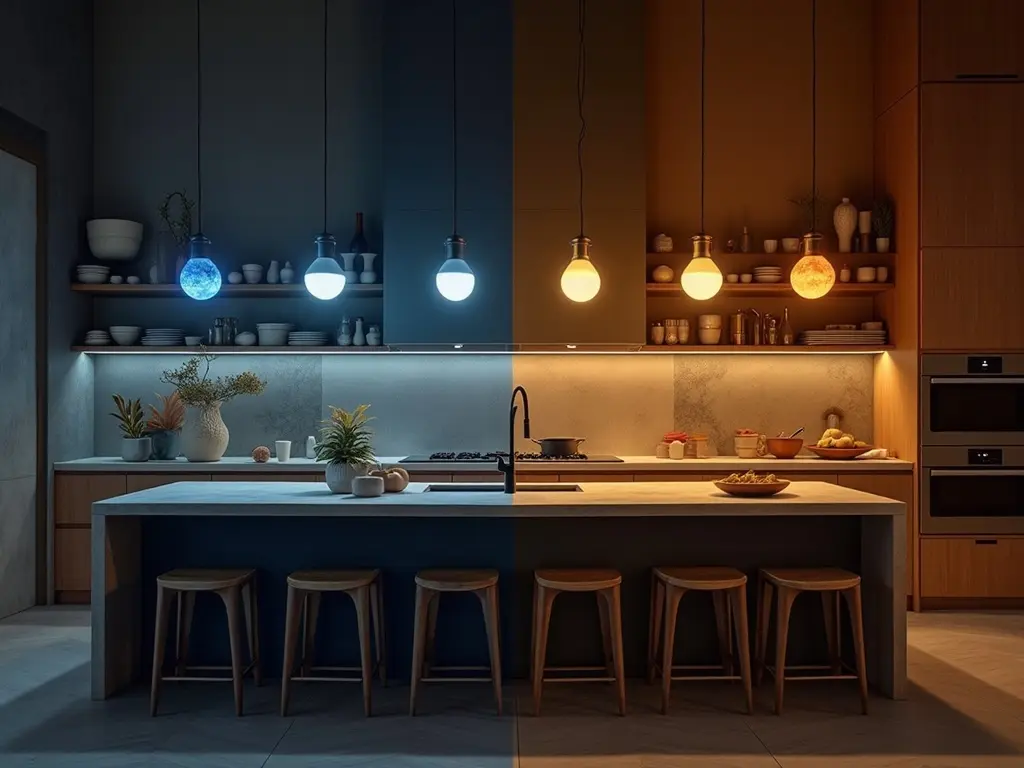
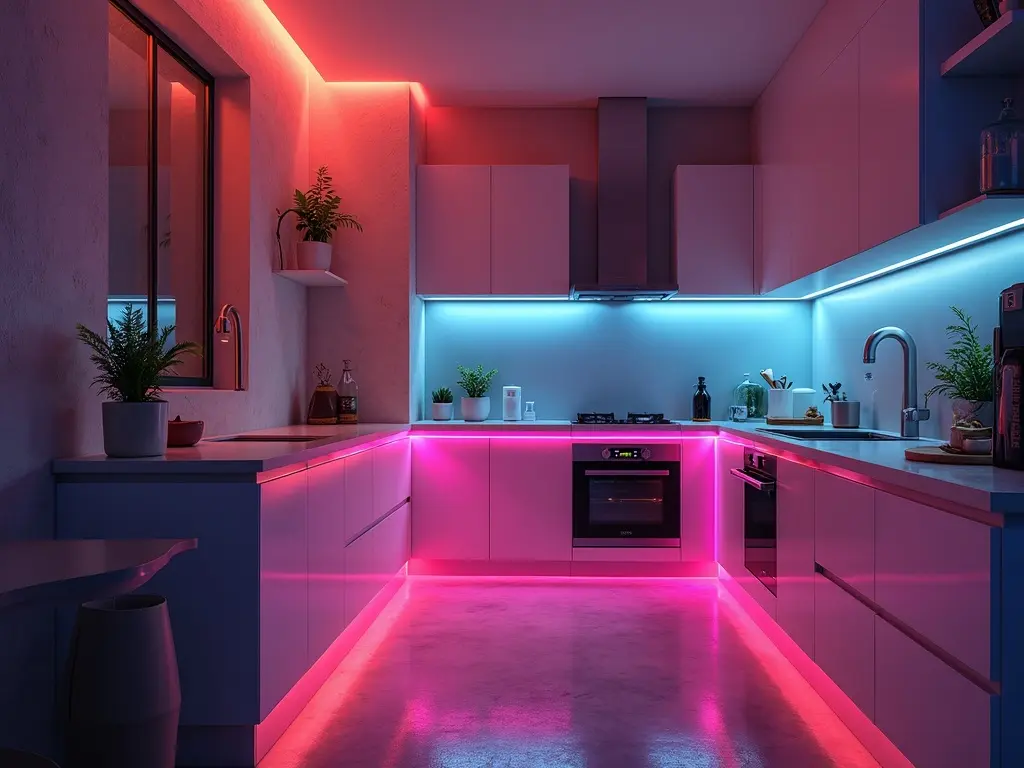
As homes get smarter, lighting is often one of the first upgrades. The reason is that it does more than switch on and off: the light adapts to you. In a kitchen, the lights can turn cool blue while you prepare a meal, then warm amber for the family dinner.
Here are nine benefits, and what each one asks of you.
1. Lower energy bills
LED smart bulbs use much less energy than traditional bulbs. Motion sensors light only the rooms that people are in, and schedules dim the lights during peak hours. In a busy household, lights linked to a smart thermostat follow your daily routine, which can lower your bills.
Tip: Energy-tracking apps from brands like TP-Link show your savings in real time.
2. Bulbs that last longer
Smart LED bulbs last up to 25,000 hours, so you replace them less often and throw away less. Together with the lower energy use, this makes a greener home.
Tip: Look for bulbs in recyclable packaging.
3. A mood for every moment
Colour bulbs can copy natural daylight for work or fill the room with changing colours for a party. Choose a warm glow for dinner or a cool tone for work. You change it in the app, or by voice with Alexa or Google Assistant: say «Hey Google, movie mode», and the lights dim for a film.
- Why it works: the right light makes a home office easier to work in and a lounge easier to relax in.
- The trade-off: a scene is only useful if you set it up once in the app. Start with two or three you will really use.
4. Control from your phone, from anywhere
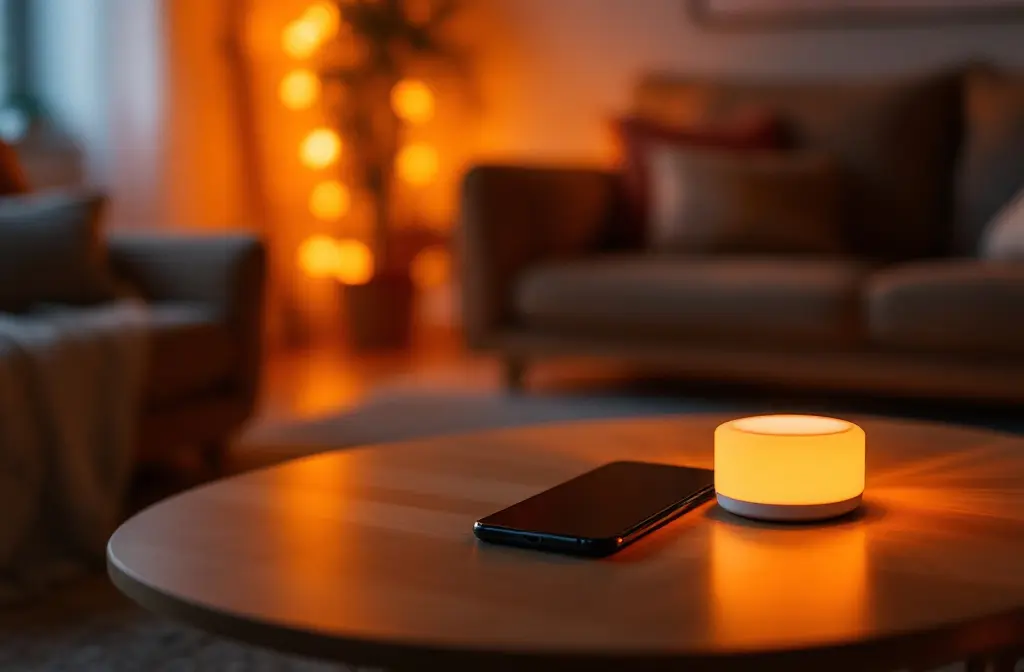
Forgot to turn off the lights before you left? Open the app on your smartphone and switch them off from wherever you are.
5. Lights that follow your music or a film
Some smart lights, like LIFX, sync with your music or TV. The lights pulse to your playlist or match the mood of the film on the screen.
6. One system for the whole home
Smart lights connect with Google Home or Amazon Echo for voice control and automation. You can link them to a doorbell to light the entryway when someone rings, or to a weather app to brighten the room on a grey day. Linked to a security system, the lights can flash red during an alert, with no extra device.
Tip: A hub like Samsung SmartThings controls all your devices from one place. IFTTT recipes sync the lights with your other smart devices.
7. A house that looks occupied
You no longer need to leave the lights on while you are away. A random schedule turns the lights on and off, so the house looks occupied and deters burglars. Outdoor smart bulbs and floodlights can turn on when they detect motion and light your driveway. Linked to cameras, they also send you a notification.
8. Light that supports sleep
Circadian rhythm bulbs copy the colour of sunlight through the day, which can help your sleep cycle. Blue-light filters reduce eye strain when you read your phone late at night. For older family members, a soft light path at night helps prevent falls.
9. Your old lamps can join in
You do not need to replace every lamp. Plug a lamp that is not smart into a smart plug, and you can schedule it and switch it from the app like the others.
How does smart lighting work?
Most smart lighting for home works the same way: a bulb or a switch connects to your Wi-Fi or a hub, and you control it from an app or by voice.
Installation is a do-it-yourself job. Screw in the smart bulb, connect it to Wi-Fi and finish the setup in the app. It takes minutes, and you need no rewiring.
Are smart light bulbs worth it if you start small?
Yes: start with one room and expand. Entry-level smart bulbs are inexpensive, and brands like Wyze offer budget options that still have the main features.
The bedroom is a good first room: the sunrise wake-up and the night light are the benefits you notice every day. Use the first room to test a brand, for example Philips Hue, before you buy for the whole home.
Common mistake: buying bulbs for every room on the first day. Test one room first, and you learn which features you actually use.
What comes next in smart lighting?
The next step is AI-driven lighting that predicts what you need: it dims the lights when you fall asleep and brightens them when you start a workout. Part of this is still a promise, so buy for what the lights do today.
Plan the light before you buy the bulbs
Smart bulbs change how you control the light. Where the lamps stand, and whether the light reaches every corner, is a planning question. Our guide on how to plan lighting and outlets explains where fixtures and sockets go.
To see it in your own room, open Home Planner. Measure your space, draw the 2D and 3D floor plan, then furnish it with products from real brands, lamps from the Lighting section included. Make visualisations of the finished room, or start from a predesigned layout for a bedroom, bathroom or living room.
Trademark notice. Philips Hue, LIFX, Xiaomi, TP-Link, Amazon Alexa, Amazon Echo, Google Assistant, Google Home, Samsung SmartThings, IFTTT and Wyze are trademarks of their respective owners and are named here only to identify their products. Home Planner is not affiliated with, endorsed or sponsored by these companies. Other trademarks are the property of their respective owners.
Try it on your own project
Free room planner and interior design app