Attic Planner: design your attic in 3D
Draw your attic to scale, add the sloped ceilings and fit beds, desks and storage under the eaves. The attic planner shows it all in 3D, so you know what fits before the renovation starts.
4.6App Store · 300K+ ratings
On your phone too
Point the phone camera here to install, then scan your rooms
Downloads across all stores; countries where the App Store carries the app.
Why Home Planner for attic design
Sloped ceilings on any wall
Add a sloped ceiling along any wall, then drag it to the height and depth of your roof.
See the headroom
Everything is to scale, so you see where you can stand and where only a bed or storage fits. Exact wall measurements come with PRO.
Light from above
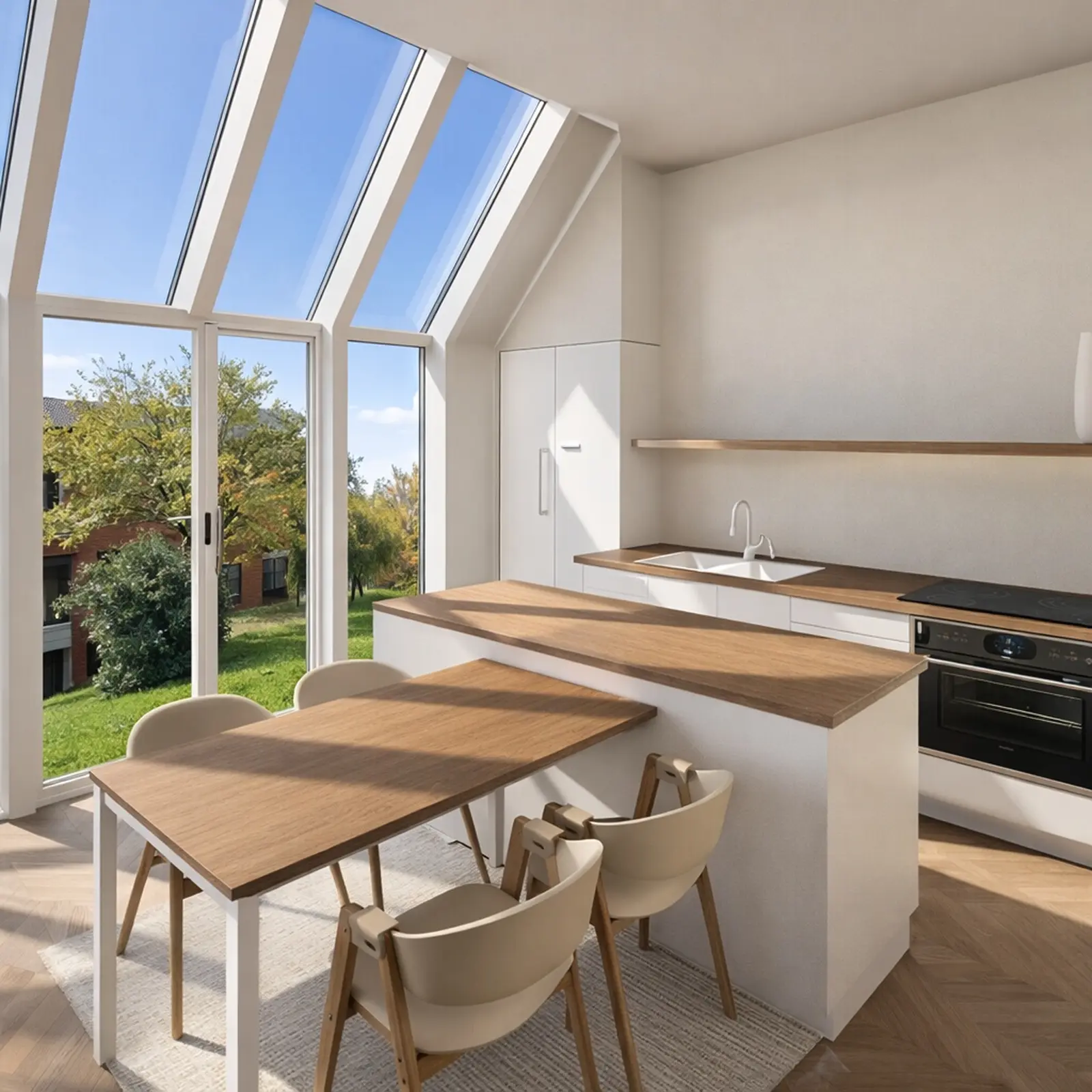
Add windows and skylights, then walk through the room in 3D to see how it feels.
Storage under the eaves
Fit low shelves, drawers and cabinets into the space under the slope, where nothing else goes.
Any room you need
Turn the attic into a bedroom, home office, playroom or guest room, and add attic stairs from the catalog.
Redesign from a photo
Take a photo of your attic and see it in a new style, with new colors, floors and decor. AI keeps the shape of the room.
How it works
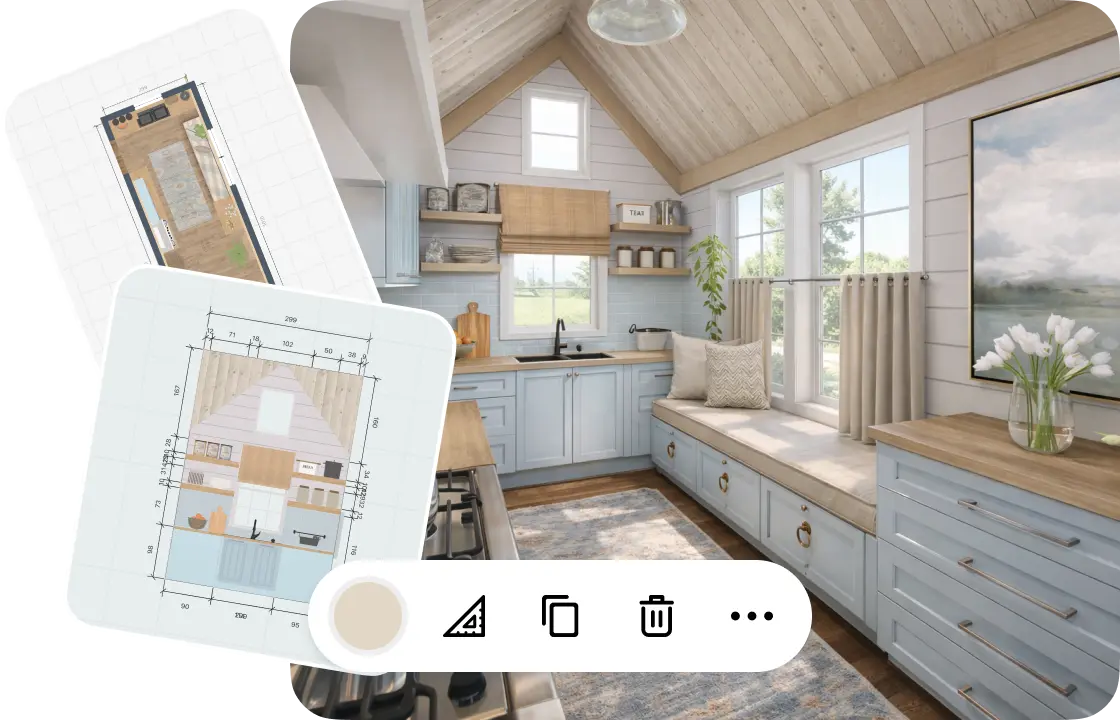
1.
Draw your attic
Draw the walls to scale or scan the room with your phone. Then turn any wall into a sloped ceiling and drag it to match your roof.
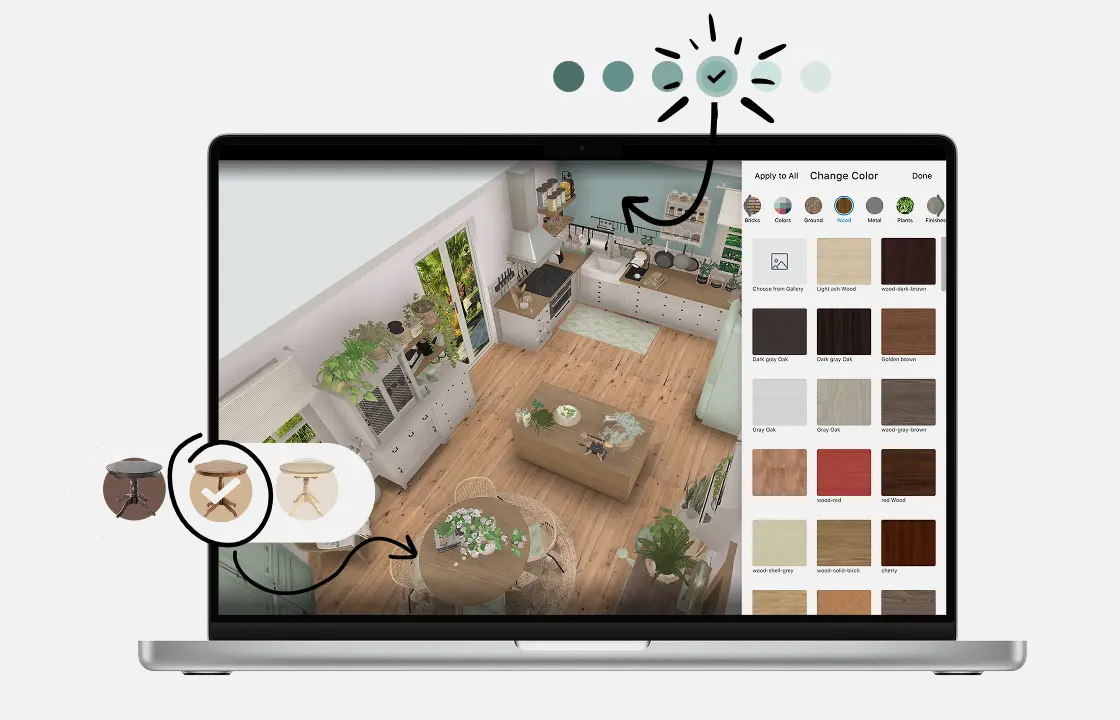
2.
Add furniture and storage
Place beds, desks and shelves from the catalog and fit low storage under the slope. Try new colors, wood and floors on every surface.
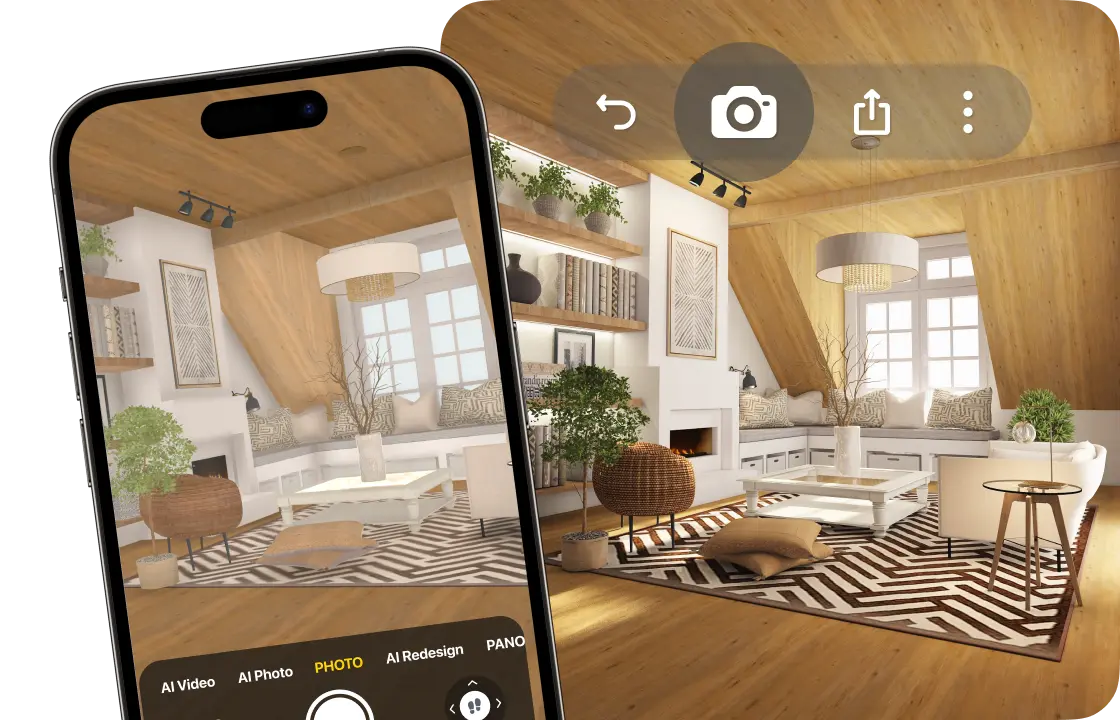
3.
See it in 3D
Walk through your attic under its real slopes and create photo-realistic renders from any angle. 4K and 360° photos come with PRO+.

4.
Share your attic design
Send a link to your family, friends or contractor, so everyone sees the same plan before the work starts.
1.
Draw your attic
Draw the walls to scale or scan the room with your phone. Then turn any wall into a sloped ceiling and drag it to match your roof.
2.
Add furniture and storage
Place beds, desks and shelves from the catalog and fit low storage under the slope. Try new colors, wood and floors on every surface.
3.
See it in 3D
Walk through your attic under its real slopes and create photo-realistic renders from any angle. 4K and 360° photos come with PRO+.
4.
Share your attic design
Send a link to your family, friends or contractor, so everyone sees the same plan before the work starts.
Attic room ideas to try
Attic bedroom
The bed under the slope, a wardrobe where the ceiling is highest, and a window next to the bed.
Attic office
A desk by the window, shelves along the low wall, and a clear path to the stairs.
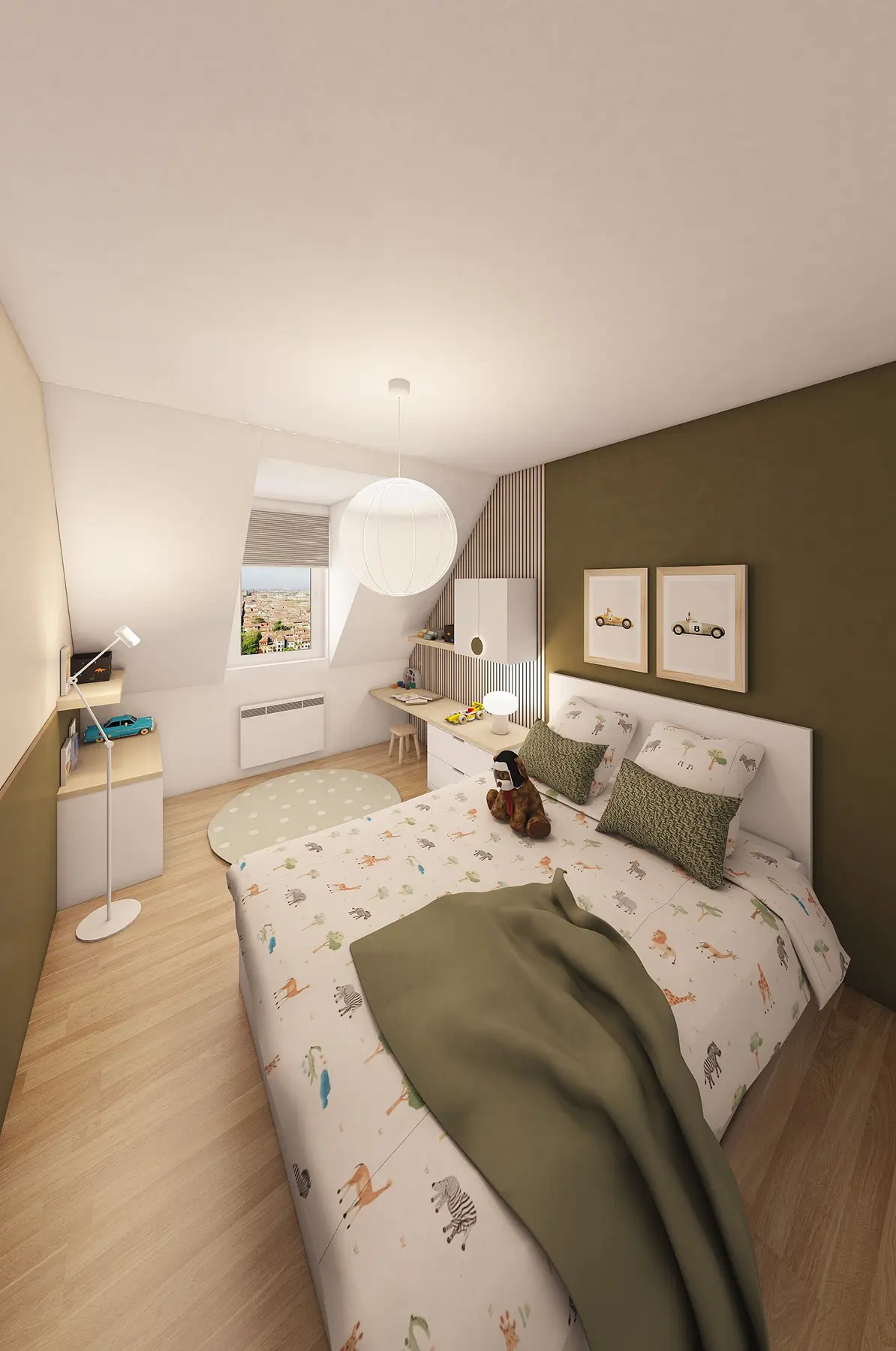
Kids' room or playroom
Beds or a loft bed, toy storage under the eaves, and open floor in the middle.
Attic living room
A sofa against the low wall, a rug in the center, and a reading nook by the window.
Guest suite
A bed, nightstands and a dresser, so guests get a quiet floor of their own.
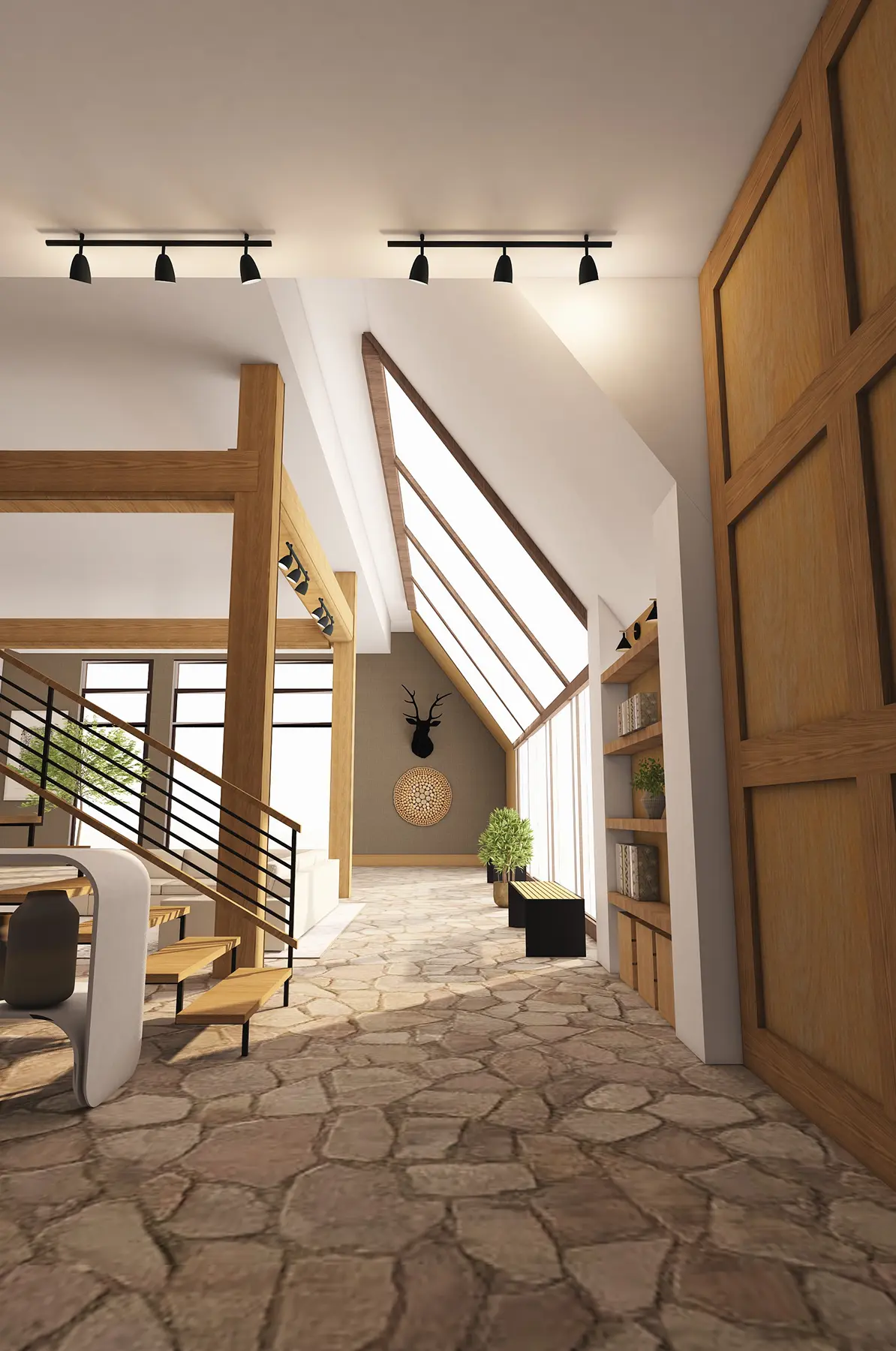
Attics designed in Home Planner
Ideas to start your own.

Created in Home Planner
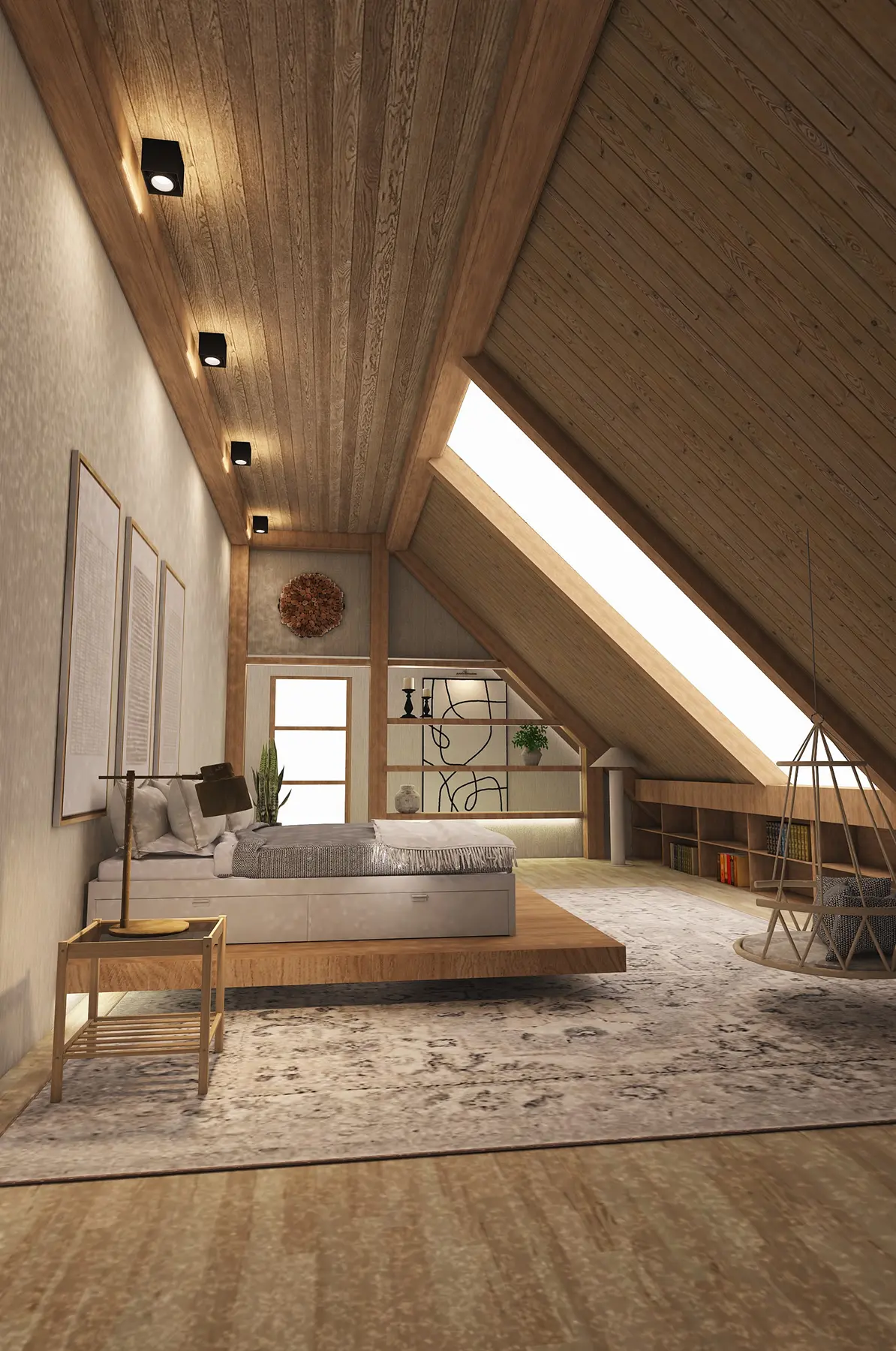
Created in Home Planner

Created in Home Planner

Created in Home Planner
Created in Home Planner
Created in Home Planner
Created in Home Planner

Created in Home Planner
Created in Home Planner
Created in Home Planner
Created in Home Planner
Created in Home Planner
Created in Home Planner
Created in Home Planner
Created in Home Planner
Created in Home Planner
Frequently Asked Questions
Yes. The free plan lets you save up to 10 designs, each one a whole home plan, and try photo renders and AI redesign. PRO adds exact wall measurements, the full catalog, unlimited renders and renovation cost estimates; PRO+ adds 4K, 360° photos and offline access. Compare plans
Yes. Select a wall and add a sloped ceiling along it, then drag it to the height and depth of your roof. Do the same on every sloped wall and check the result in 3D.
Draw the floor to scale and add the slopes. Put tall furniture where the ceiling is highest, and beds, desks and storage under the slope. Then walk through it in 3D to check the headroom.
Yes. Draw the attic as it is today, then try it as a bedroom, home office or playroom before you talk to a contractor. Structure, insulation and building codes still need a professional.
Yes, with PRO: type the exact length of every wall and the ceiling height. On the free plan you draw walls on a grid.
Yes, on phones that support AR; iPhones with LiDAR make a detailed scan. Scanning is free, editing the scanned room needs PRO. Scanning isn't available on Mac or Windows.
Yes. Home Planner works on iPhone, iPad and Android, and on Mac and Windows computers. With PRO, your projects sync between devices.
Plan your attic today
Free to start. Try the layout, the furniture and the finishes under your own roof before the work begins.