Hallway Planner: design your hallway in 3D
Draw your hallway or entryway to scale, then fit in shoe storage, coat hooks, a bench and a mirror without blocking the way. The hallway planner shows it all in 3D, so you know it works before you buy.
4.6App Store · 300K+ ratings
On your phone too
Point the phone camera here to install, then scan your rooms
Downloads across all stores; countries where the App Store carries the app.
Why Home Planner for hallway design
Everything to scale
See if a cabinet, bench or wardrobe fits and every door still opens. Exact wall measurements come with PRO.
Hallway storage
Add hallway units, shoe racks and cabinets, coat stands, hooks and umbrella stands from the catalog.
A clear way through
Keep an open path from the front door past the closets and stairs, so no one bumps into furniture.
Mirrors and light
Hang round, arched or full-length mirrors, then add sconces, pendant lamps or a chandelier to brighten a dark hall.
Floors, walls and stairs
Try tile, marble or wood floors, a runner rug, wall panels, moldings and wallpaper, and add a staircase if your hall has one.
Redesign from a photo
Take a photo of your hallway and see it in a new style, with new colors, floors and decor. AI keeps the shape of the room.
How it works
1.
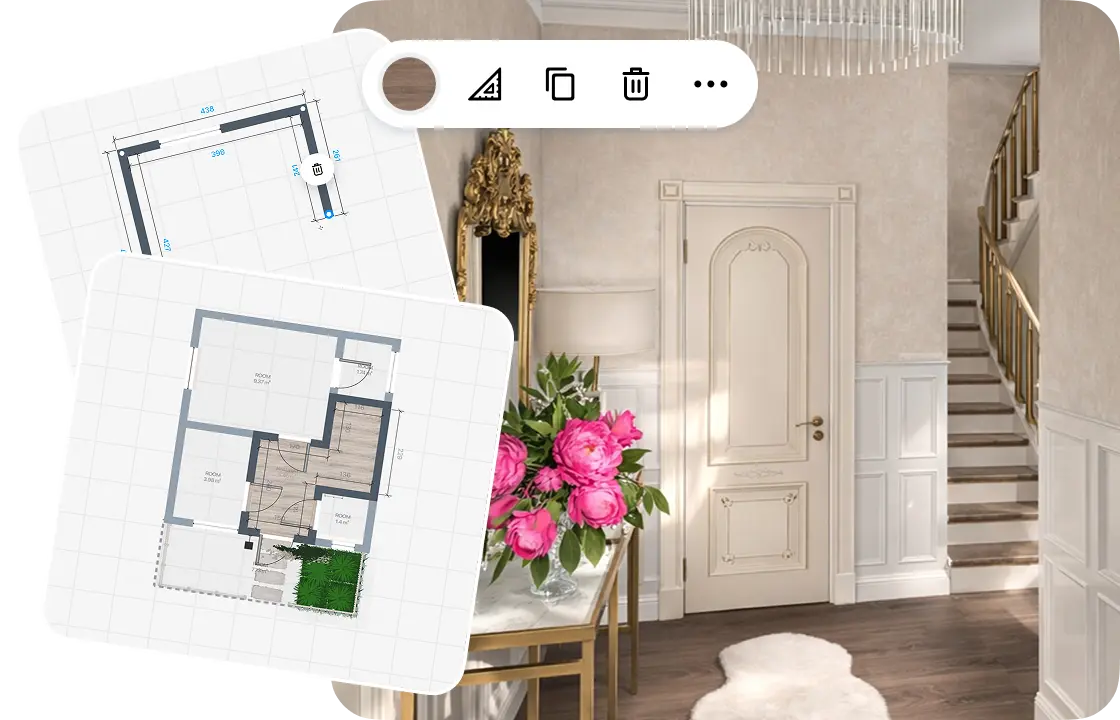
Draw or scan your hallway
Draw the walls to scale or scan the room with your phone. Add the front door, inner doors and windows.
2.
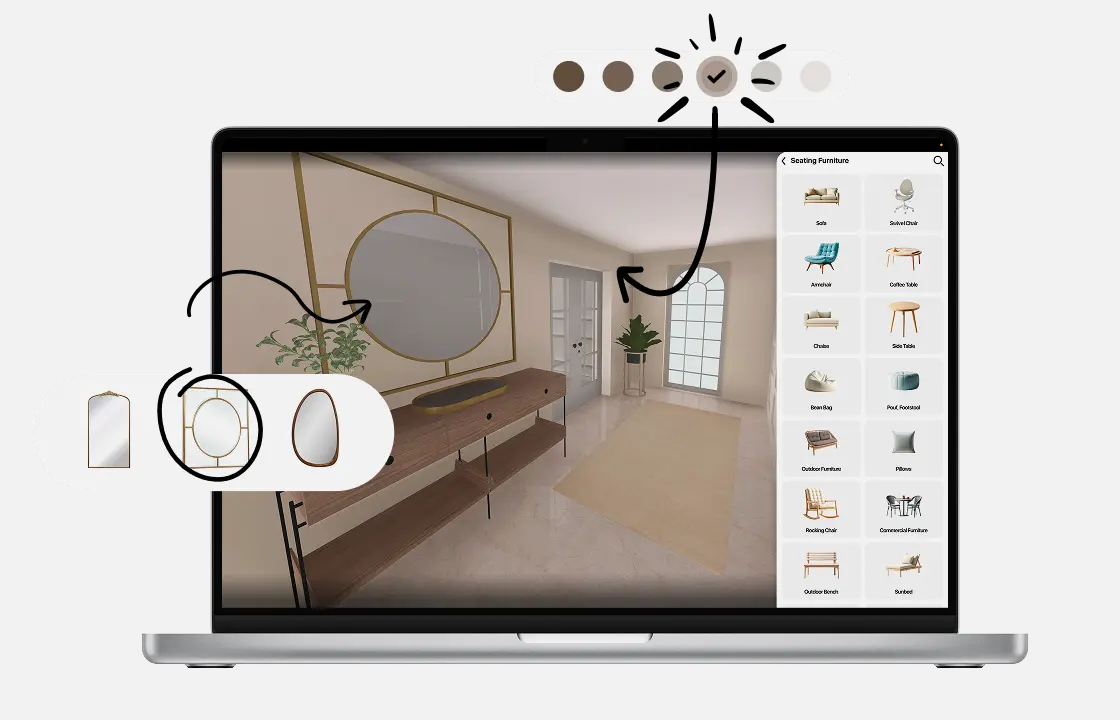
Add storage and decor
Pick hallway units, shoe storage, mirrors and lamps from the catalog. Try colors and finishes until it fits your style.
3.
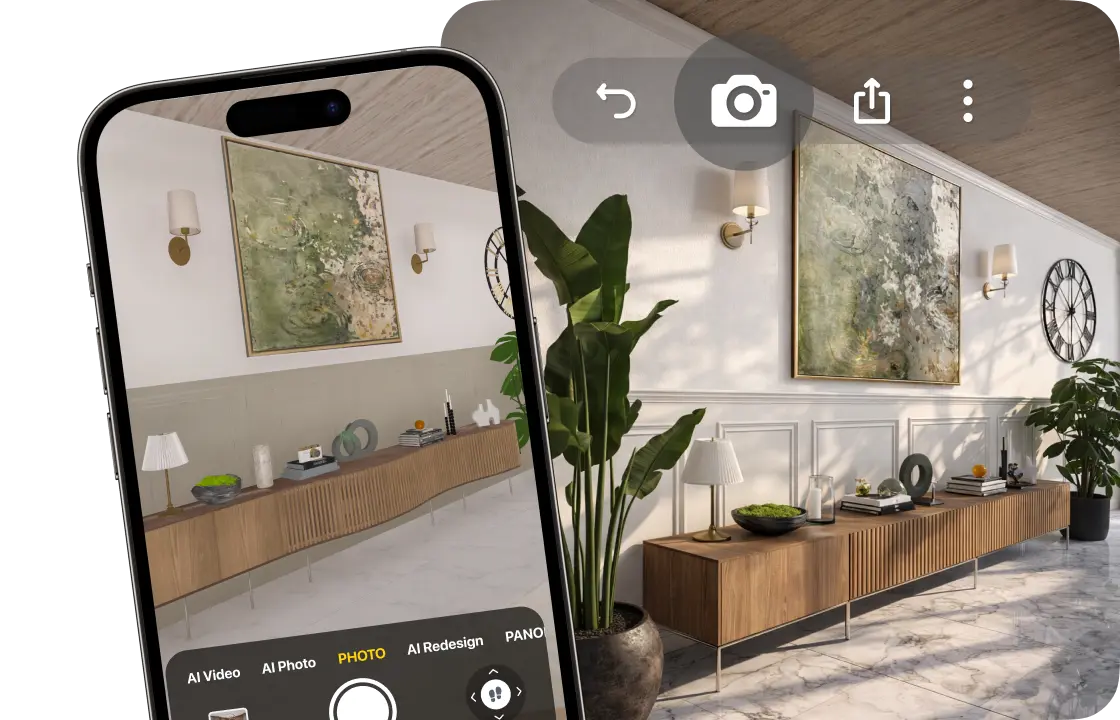
See it in 3D
Walk through your hallway and create photo-realistic renders from any angle. 4K and 360° photos come with PRO+.
4.
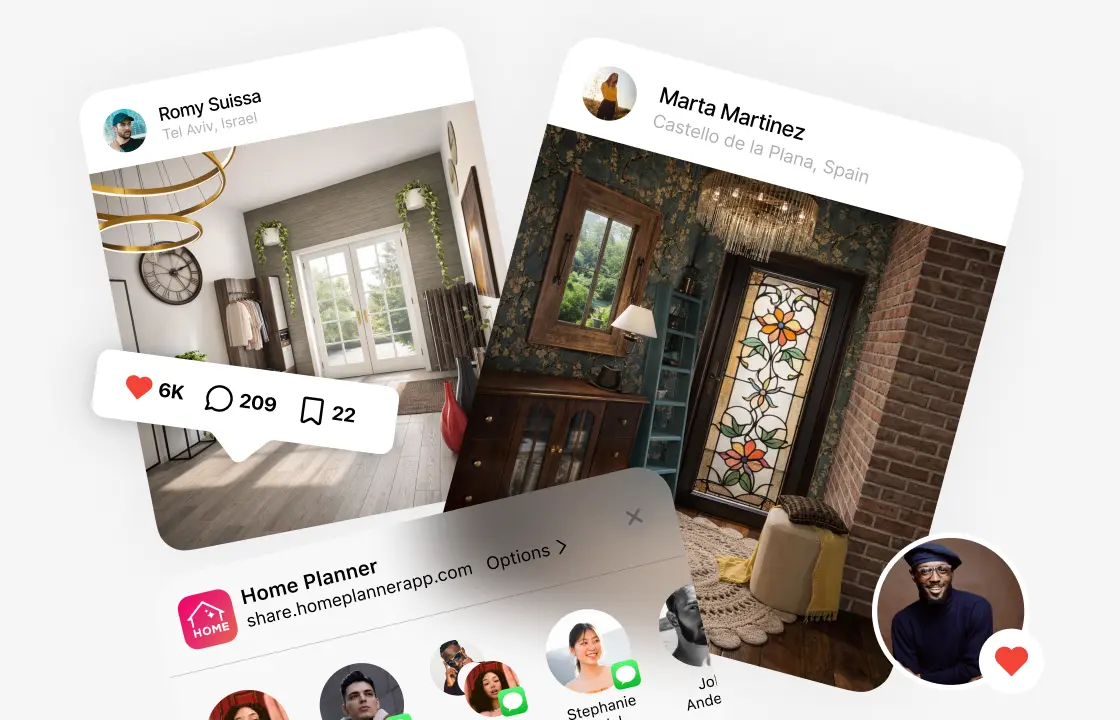
Share your hallway design
Send a link to your family, friends or contractor, so everyone sees the same plan before you buy or renovate.
1.
Draw or scan your hallway
Draw the walls to scale or scan the room with your phone. Add the front door, inner doors and windows.
2.
Add storage and decor
Pick hallway units, shoe storage, mirrors and lamps from the catalog. Try colors and finishes until it fits your style.
3.
See it in 3D
Walk through your hallway and create photo-realistic renders from any angle. 4K and 360° photos come with PRO+.
4.
Share your hallway design
Send a link to your family, friends or contractor, so everyone sees the same plan before you buy or renovate.
Hallway and entryway layouts to try
Narrow hallway
Wall hooks, a slim shoe cabinet and a mirror, with a clear path to the door.
Entryway with a bench
A storage bench, hooks above it and a console table for keys and mail.
Mudroom
Shoe racks, a bench, coat hooks and a door mat by the back or side door.
Hall with stairs
Straight, U-shaped or curved stairs, with storage and a runner around them.
Long corridor
A runner rug, wall sconces, art and a console table along one wall.
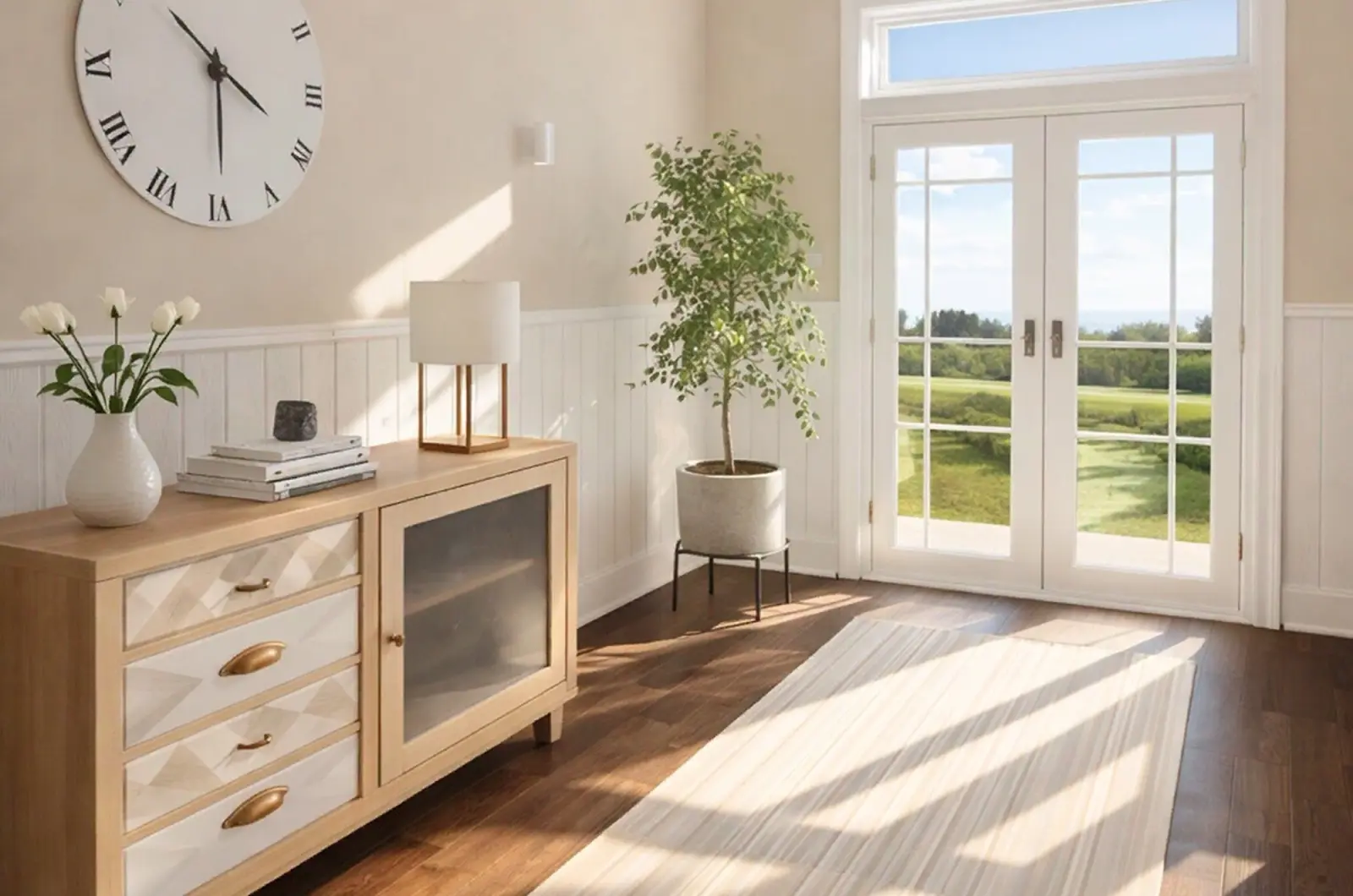
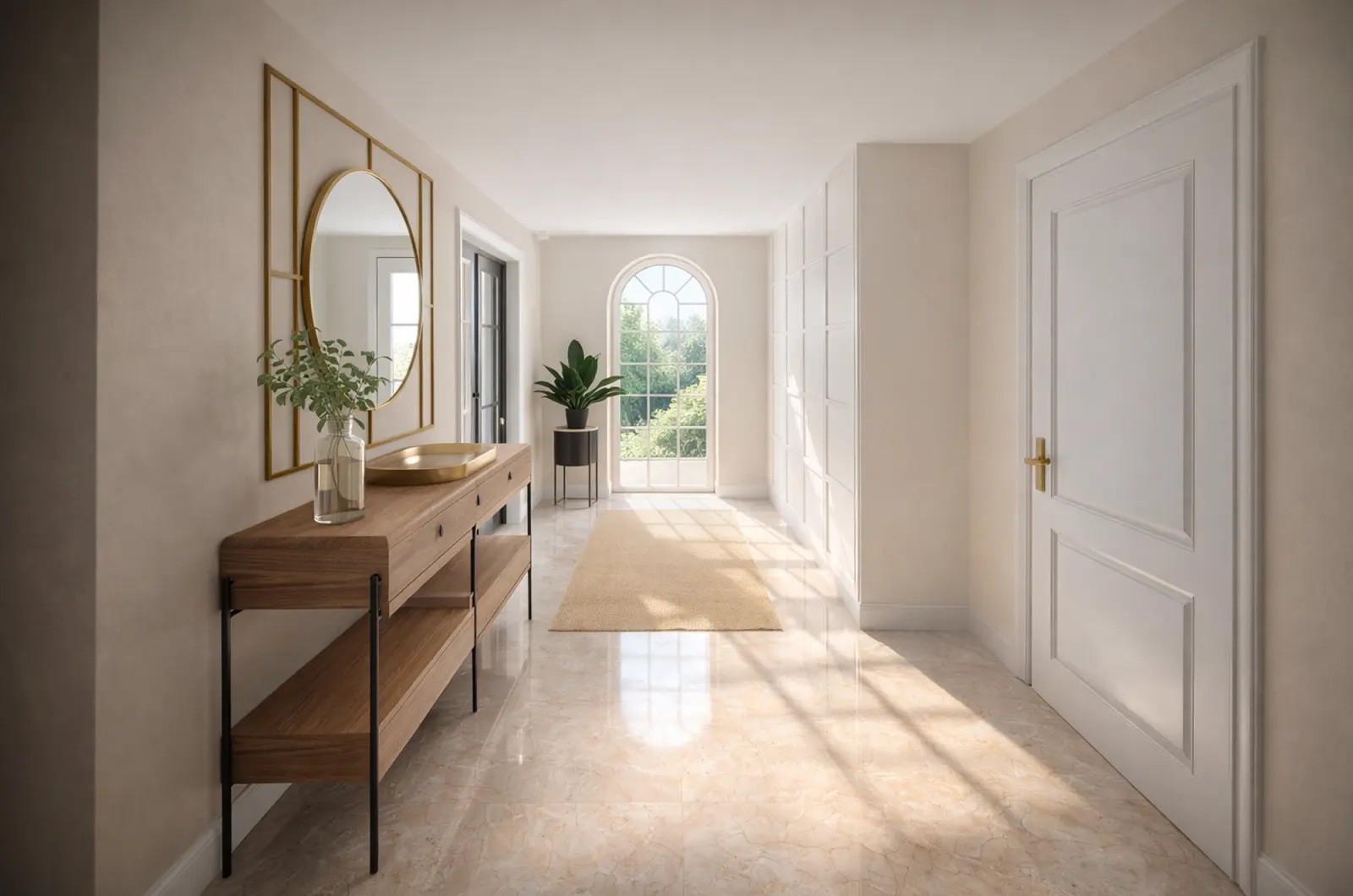
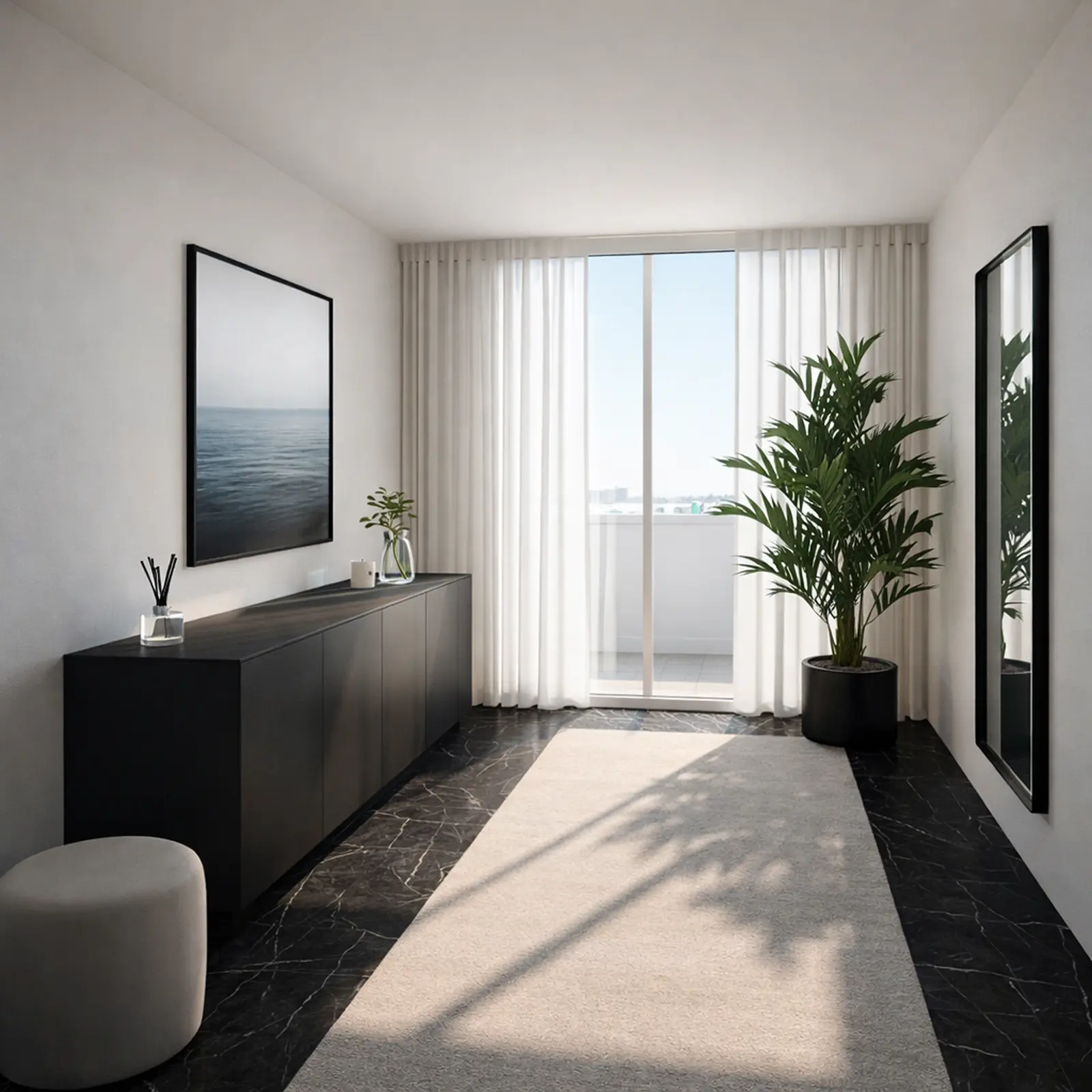
Hallways designed in Home Planner
Entryway ideas to start your own.

Created in Home Planner
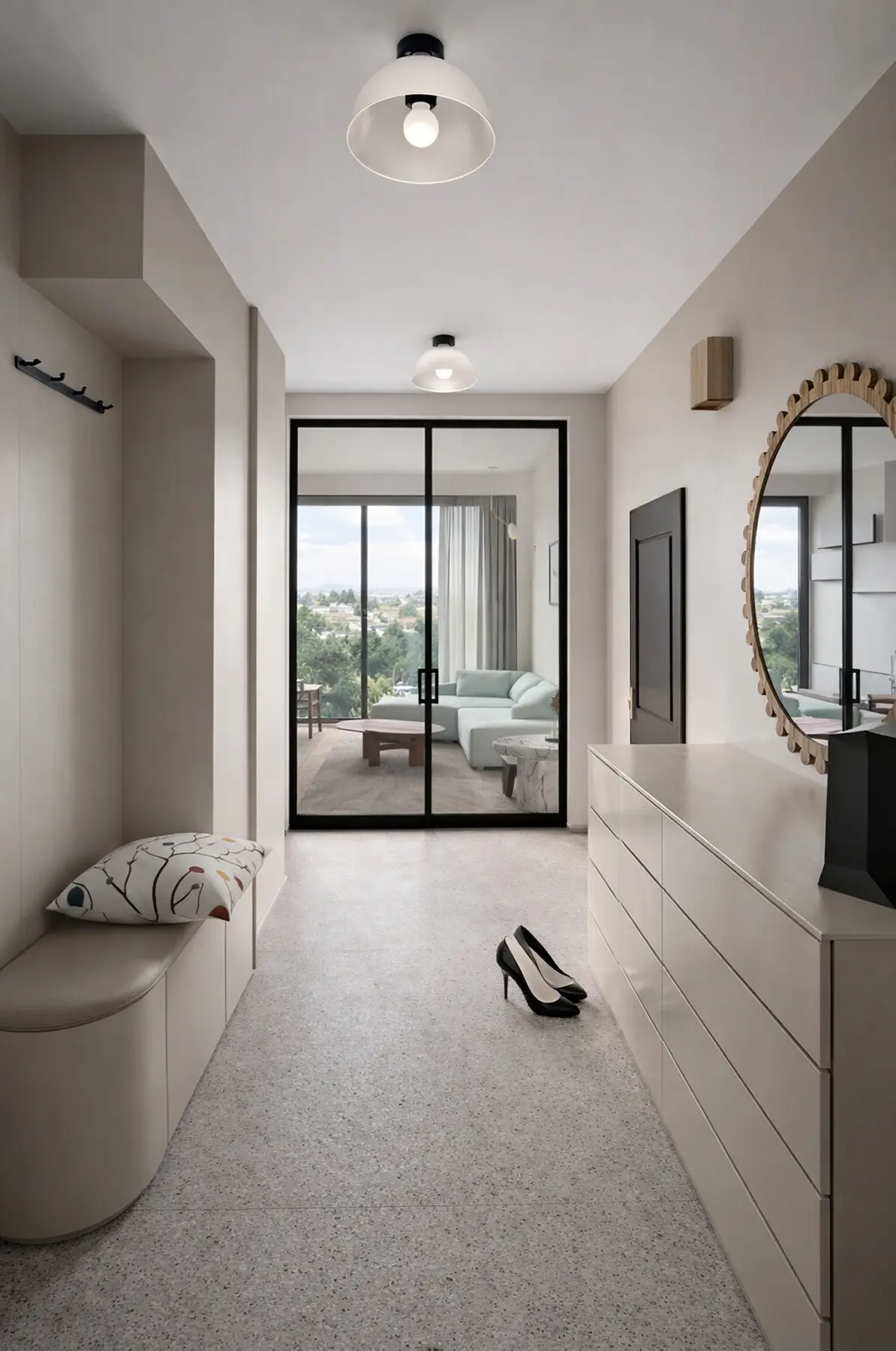
Created in Home Planner
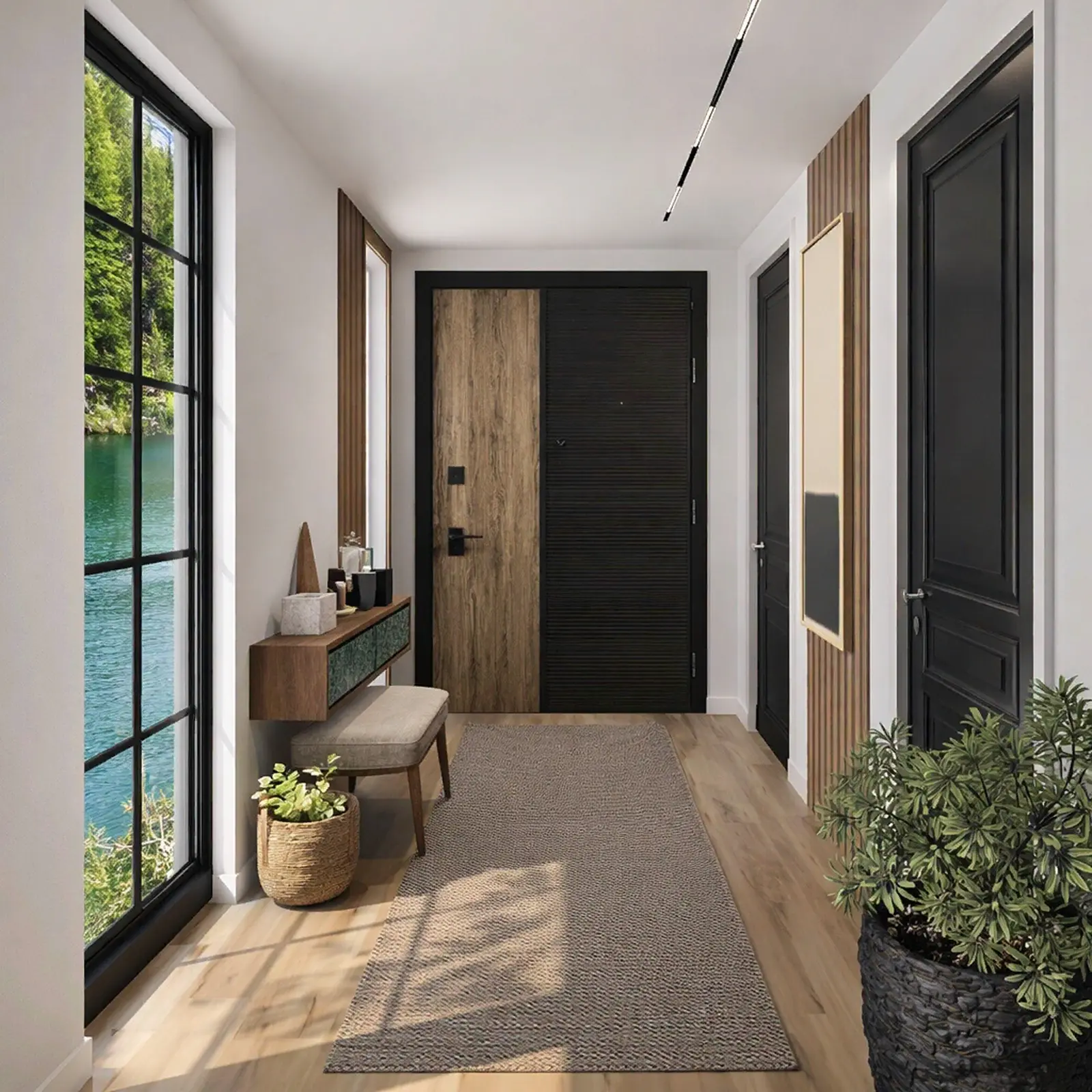
Created in Home Planner
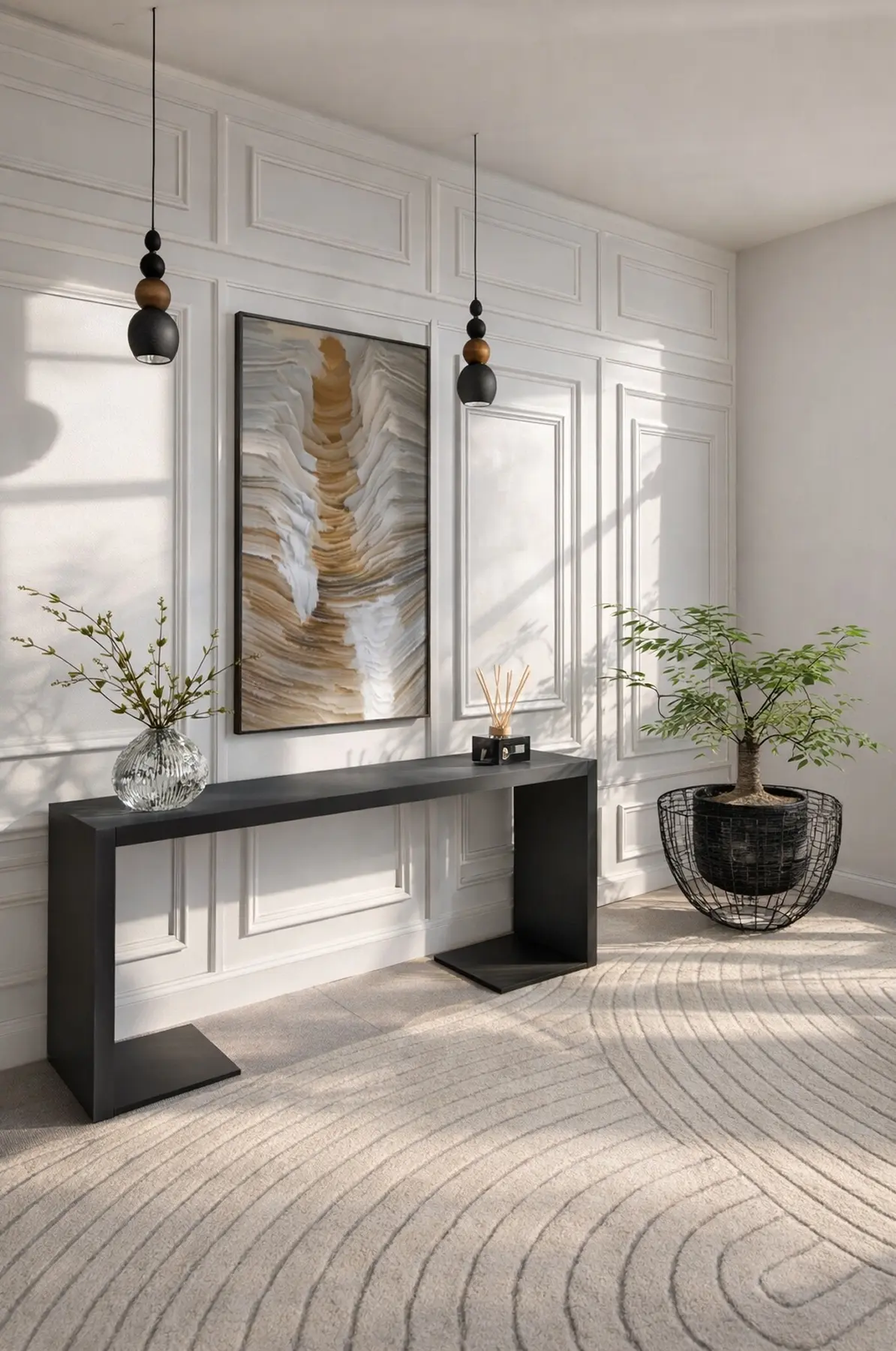
Created in Home Planner
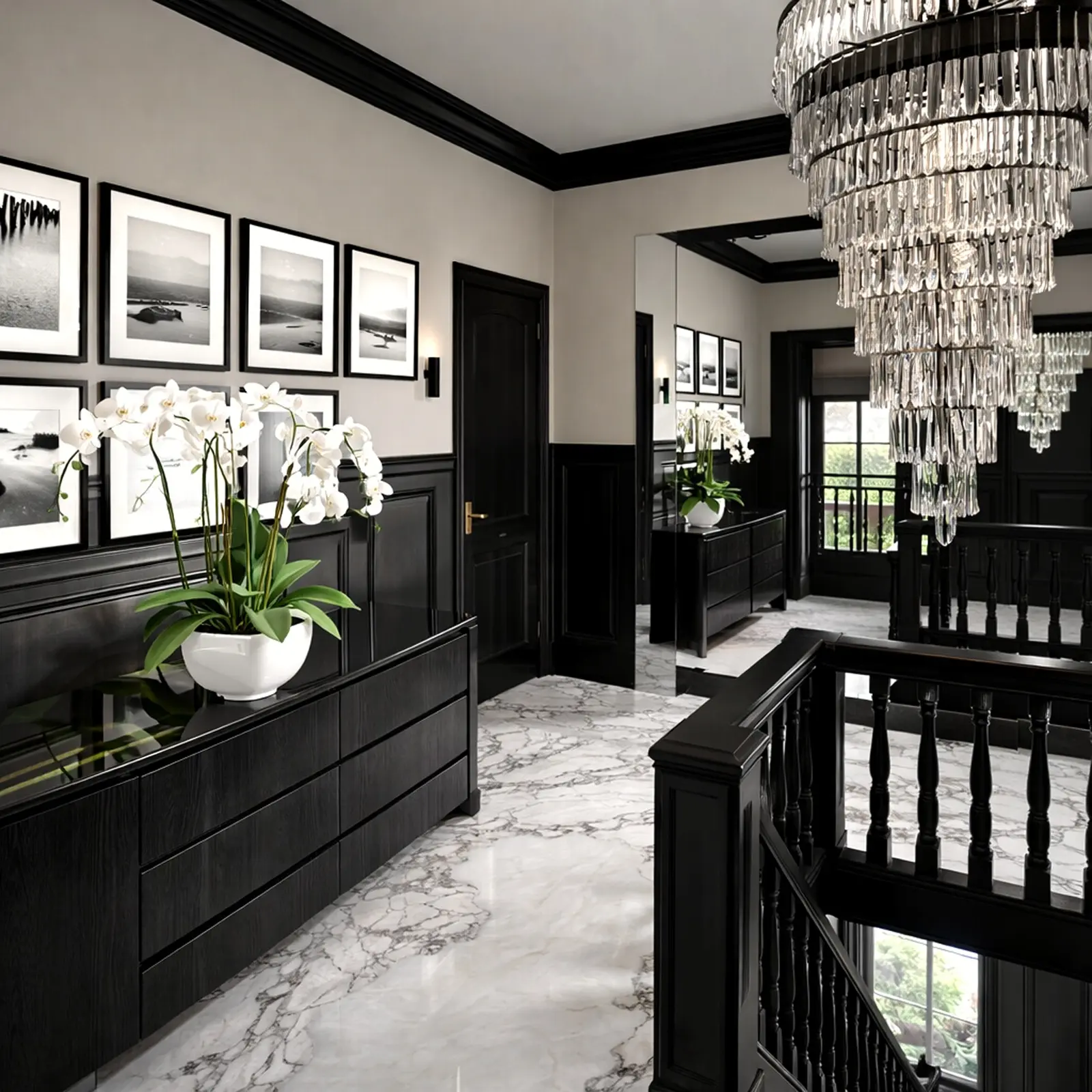
Created in Home Planner
Created in Home Planner
Created in Home Planner
Created in Home Planner
Created in Home Planner
Created in Home Planner
Created in Home Planner
Created in Home Planner
Created in Home Planner
Created in Home Planner
Created in Home Planner
Created in Home Planner
Frequently Asked Questions
Yes. The free plan lets you save up to 10 designs, each one a whole home plan, and try photo renders and AI redesign. PRO adds exact wall measurements, the full catalog, unlimited renders and renovation cost estimates; PRO+ adds 4K, 360° photos and offline access. Compare plans
Draw the hallway to scale and keep a clear path from the front door. Use slim pieces like wall hooks, a shallow shoe cabinet and a mirror that makes the space feel bigger, then walk through it in 3D.
Yes. Draw the space, add a bench, shoe storage, coat hooks and a door mat, and see how it all works in 3D.
Yes, with PRO: type the exact length of every wall and the ceiling height. On the free plan you draw walls on a grid.
Yes. Take or upload a photo, pick a style, and AI shows the hallway with new colors, floors and decor, keeping the shape of the room.
Yes, on phones that support AR; iPhones with LiDAR make a detailed scan. Scanning is free, editing the scanned room needs PRO. Scanning isn't available on Mac or Windows.
Yes. Home Planner works on iPhone, iPad and Android, and on Mac and Windows computers. With PRO, your projects sync between devices.
Plan your hallway today
Free to start. Try storage, mirrors and floors in your own hallway before you buy anything.