
Landscape Design Software: design your yard in 3D
Use this landscape design software to plan your yard to scale: lay the lawn, paths and stone, plant trees and flowers by garden style, and add fences and outdoor lights. Walk through your landscape in 3D before you dig or buy a single plant.
4.6App Store · 300K+ ratings
On your phone too
Point the phone camera here to install, then scan your rooms
Downloads across all stores; countries where the App Store carries the app.
Why Home Planner for landscape design
Lawn, stone and water
Cover the ground with lawn, soil, stone, tiles or water, and see every area to scale from above and in 3D.
A planting plan by style
Pick one of 12 garden styles, like English cottage, xeriscape or Asian Zen, and plant the trees, bushes and flowers that go with it.
Paths and water features
Lay paths and a driveway, add stepping stones, a small bridge and a fountain, then finish with sculptures and garden decor.
Fences, gates and structures
Mark the property line with fences and a gate, then add a gazebo, a canopy, a porch or a sunhouse.
Outdoor lighting
Light the driveway, paths and beds with roadway lights, ground lights and lanterns.
AI landscaping from a photo
Photograph your yard or the front of your house and try 15 landscape styles or 15 facade styles. AI keeps the shape of the space.
How to plan your landscaping in 3D
1.
Draw your yard
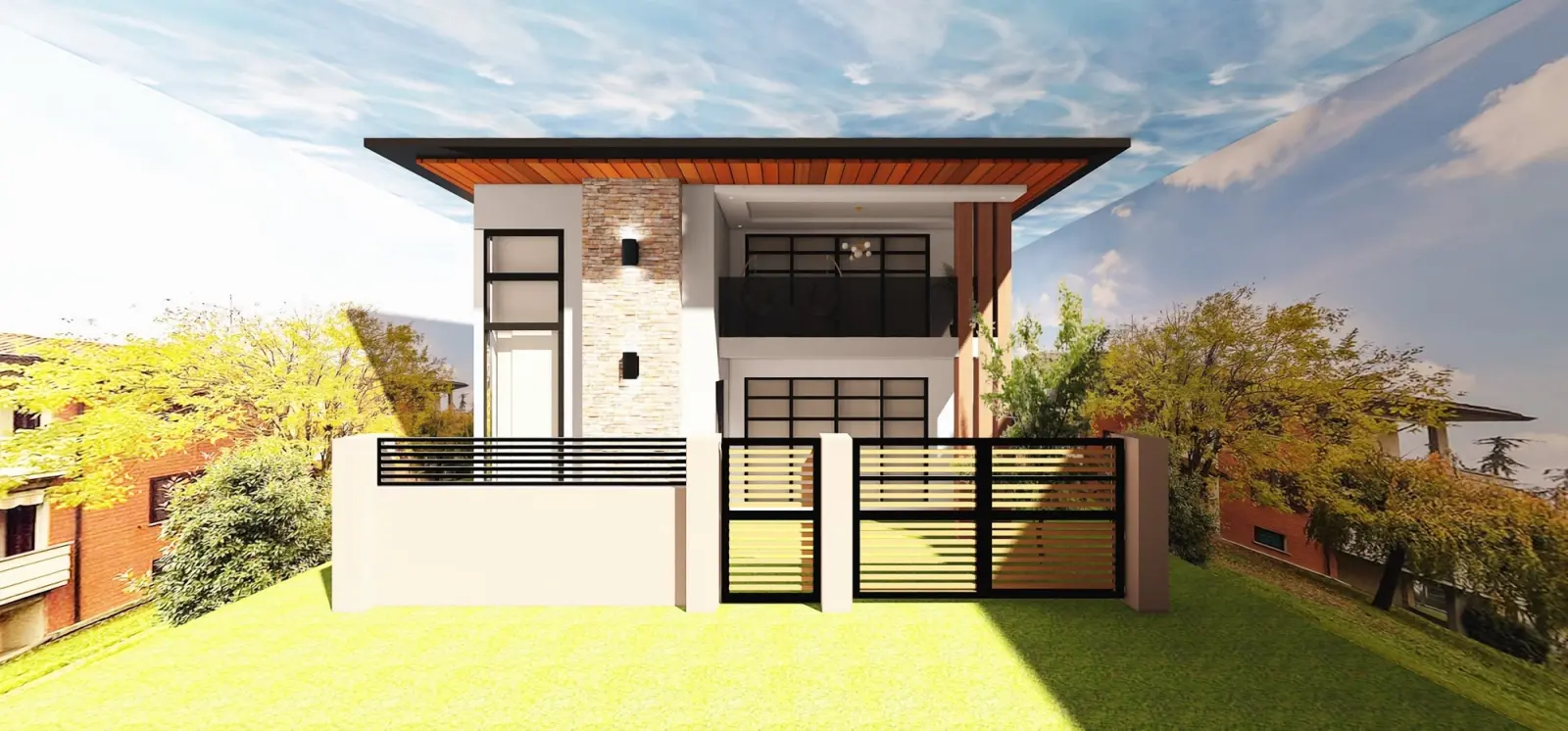
Set the size and shape of your lot, add the house with its doors and windows, and mark where the fence and the gate go.
2.
Lay the ground and paths
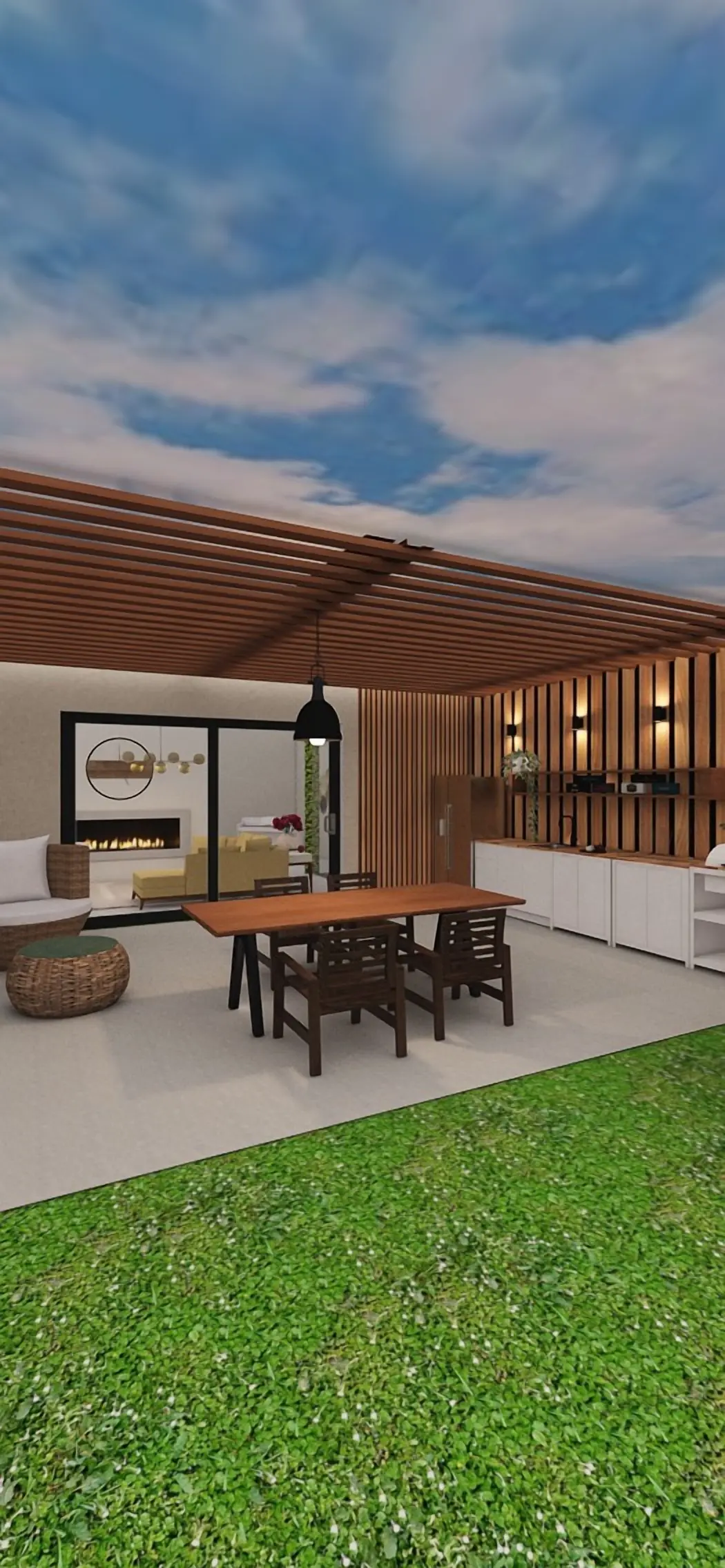
Mark out the lawn, stone and water areas, then run paths and paving from the gate to the door and the terrace.
3.
Plant it and light it
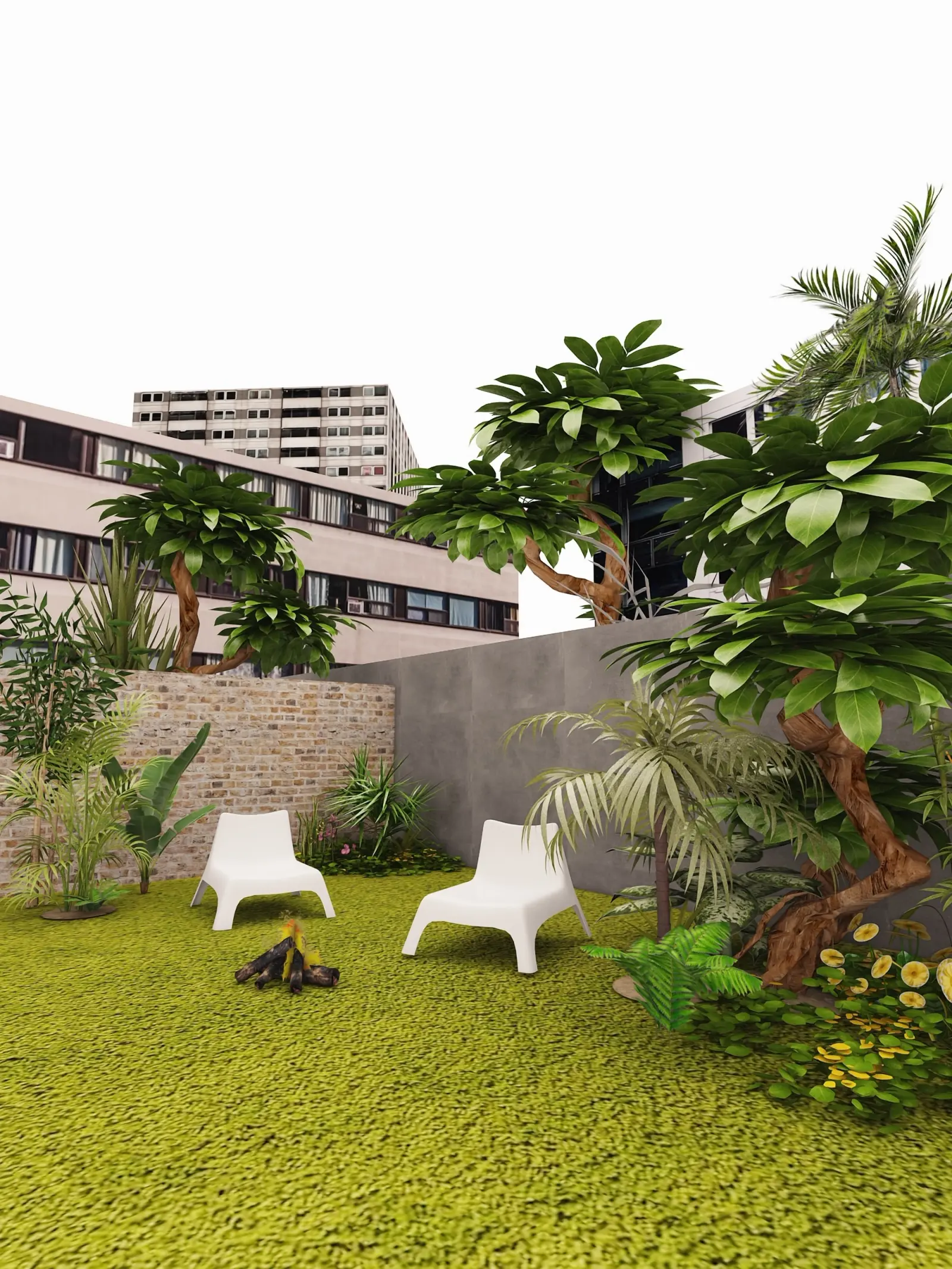
Plant trees, bushes and flowers, add outdoor lights, then walk through your landscape in 3D and create photo-realistic renders. 4K and 360° photos come with PRO+.

4.
Share it with your landscaper
Send a link to your family or landscaper, so everyone works from the same plan.
1.
Draw your yard
Set the size and shape of your lot, add the house with its doors and windows, and mark where the fence and the gate go.
2.
Lay the ground and paths
Mark out the lawn, stone and water areas, then run paths and paving from the gate to the door and the terrace.
3.
Plant it and light it
Plant trees, bushes and flowers, add outdoor lights, then walk through your landscape in 3D and create photo-realistic renders. 4K and 360° photos come with PRO+.
4.
Share it with your landscaper
Send a link to your family or landscaper, so everyone works from the same plan.
Landscaping ideas to try
Front yard curb appeal
A path to the door, a low fence with a gate, flower beds and lights along the driveway.
Cottage garden
Flowers and bushes from the English Cottage set, a winding stone path and a bench.
Low-water yard
Stone areas and drought-tolerant plants from the Xeriscape and Desert garden sets.
Zen garden
Stones, a small bridge over water and calm planting from the Asian Zen set.
Kitchen garden
Neat beds from the Potager set with a path between them and a garden bench.
Landscapes designed in Home Planner
Yard and garden design ideas to start your own.
Created in Home Planner
Created in Home Planner
Created in Home Planner
Created in Home Planner
Created in Home Planner
Created in Home Planner
Frequently Asked Questions
Yes. The free plan lets you save up to 10 designs, each one a whole home plan, and try photo renders and AI redesign. PRO adds exact measurements, the full catalog, unlimited renders and renovation cost estimates; PRO+ adds 4K, 360° photos and offline access. Compare plans
Yes. Take a photo of your yard, pick one of 15 landscape styles, from English and Mediterranean to desert and Zen, and AI shows new plants, paths and paving while keeping the shape of the space. The House Front mode restyles the facade in the same way.
Yes. Cover areas of the ground with lawn, soil, stone, tiles or water, then add paths, a driveway, stepping stones and a bridge. Trees, bushes and flowers go on top.
No. The ground in Home Planner is flat, so it is made for planting, paving and furniture plans. For slopes, retaining walls and drainage, work with a landscape professional and show them your plan.
Yes. Send a link to your project, and your landscaper or contractor sees the same plan in 3D. With PRO you can enter exact measurements, so the plan matches your lot.
Yes. The same project holds a pool with sunbeds, swings and a playground, a dining set and a grill. More backyard ideas: Outdoor space planner
Yes. Pave the patio next to the house, then add outdoor furniture, a grill and shade over the table. Patio layouts and ideas: Patio planner
Plan your landscape today
Free to start. Try lawns, paths, plants and lights in your own yard before you hire a crew or buy a single plant.