How to Use AI for Interior Design and Get Results You Can Use

Start from a clear photo or a scan of your room, write prompts that name materials and light, and change one thing at a time. AI Redesign in Home Planner is free to try.
You upload a photo of your living room, press one button and get a picture that looks nice but not like your room. Many people stop there and decide AI is a toy.
AI is now a normal tool in interior design. The result depends on what you give it. Here is how to use AI for interior design in Home Planner AI Redesign so that the result fits your room: a clear view of the space, a precise prompt, and one change at a time.
How to use AI to design a room: start with a clear view of it
The AI works best when it can see where the floor, walls and ceiling meet. You have two ways to show it:
- A photo of the room. Stand in a corner and take the widest view you can, with the floor, the ceiling and the wall joins in the frame.
- A 3D model from a scan (recommended). Scan the room with the AR LiDAR scanner in Room Scan, and the AI does not have to guess the dimensions. AI can recognise your furniture and materials in the scan and place them in the 3D model (editing it needs PRO). Then swap any item for one of 560,000+ real products from the catalog.
What makes good AI interior design prompts?
Prompts that name materials and light, not only a colour. The Style tool gives you ready styles, such as Scandinavian, Industrial and Japandi. For more control, select Add prompt and write in the Describe the changes field.
- Do not type: "green room"
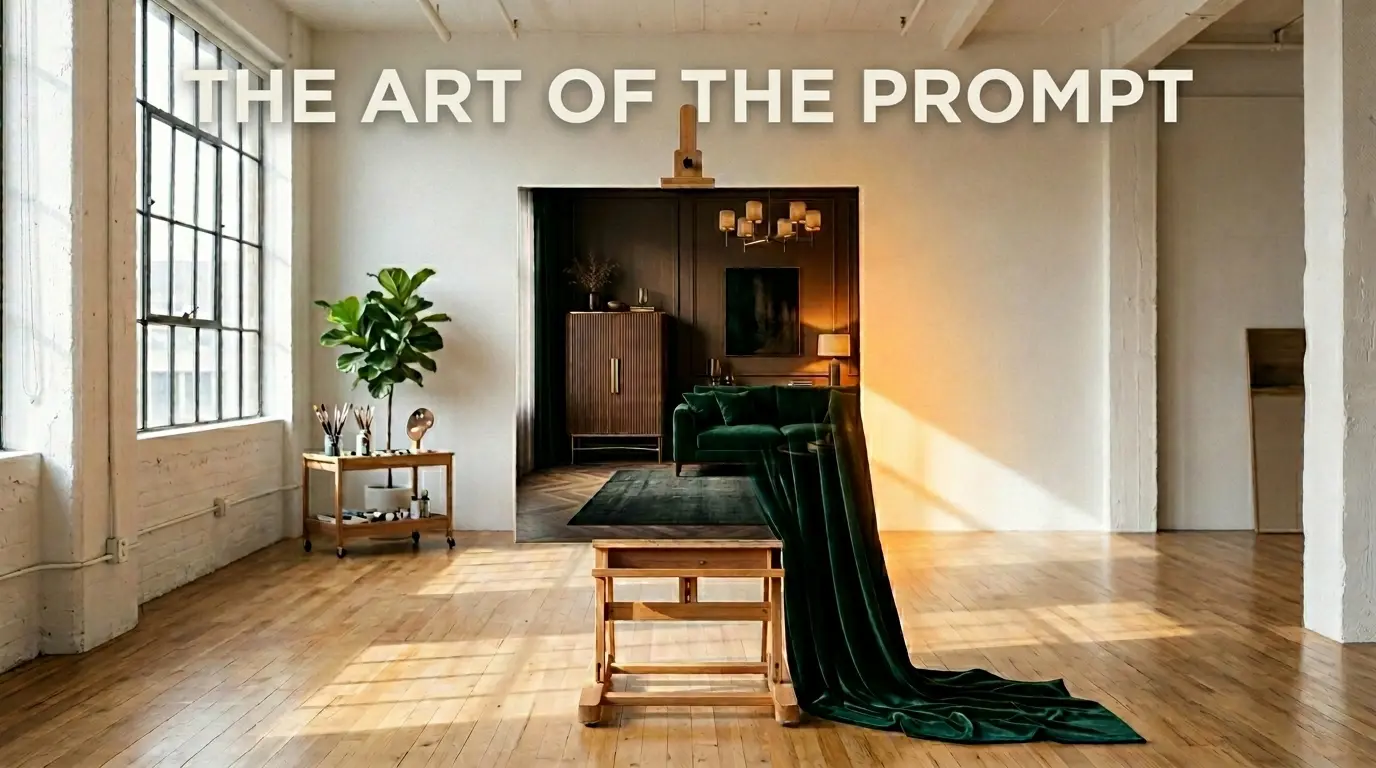
- Type: "Moody Elegance, dark emerald velvet textures, fluted walnut cabinetry, indirect warm amber lighting, high contrast."
The more exact you are about materials (velvet, brass, oak) and lighting (indirect, sunset, atmospheric), the more photo-realistic and expensive the design looks.
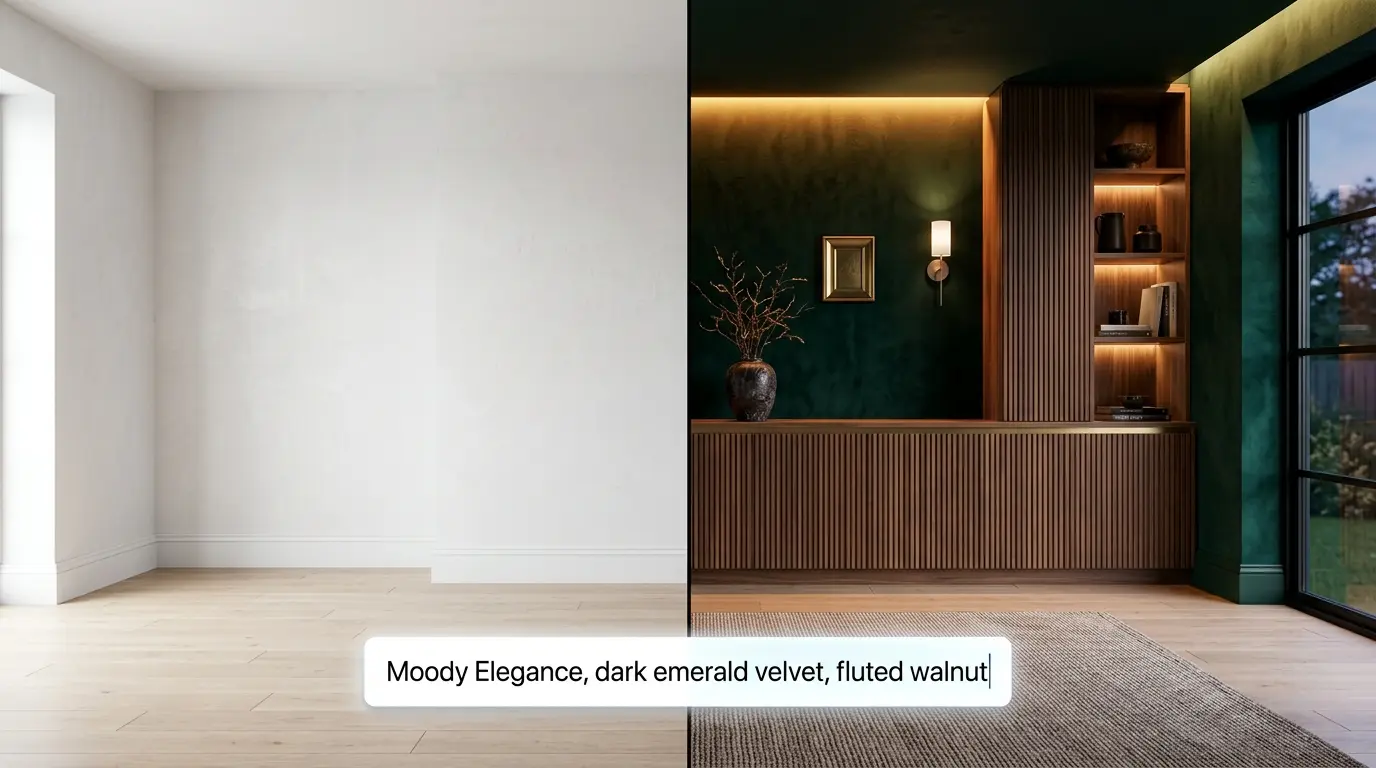
Every material in the prompt shows up: green velvet walls, fluted walnut and warm light under the shelves.
Change one thing at a time
Designers rarely stop at the first image. They iterate.
Say the AI gives you a layout you like, but the rug is the wrong colour. Update the prompt for the rug only. To keep everything else as it is, choose Select Area, paint over the rug and generate again: only that area changes. With this method, the Home Planner team kept one floor plan fixed and tested 15 colour combinations in under 5 minutes.
How much can AI interior design help?
With the heavy lifting, a lot: lighting, material combinations and layouts. With the final choice, it cannot help.
AI generates; you choose. It can suggest a "Tactile Comfort" layout. Only you know if that armchair fits the way you live, or if that shade of blue matches your favourite painting.
Your taste is easier to judge on your own room than on someone else's photo. Try AI Redesign in Home Planner on a photo of your room.

Try it on your own project
Free room planner and interior design app